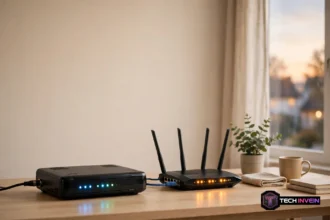

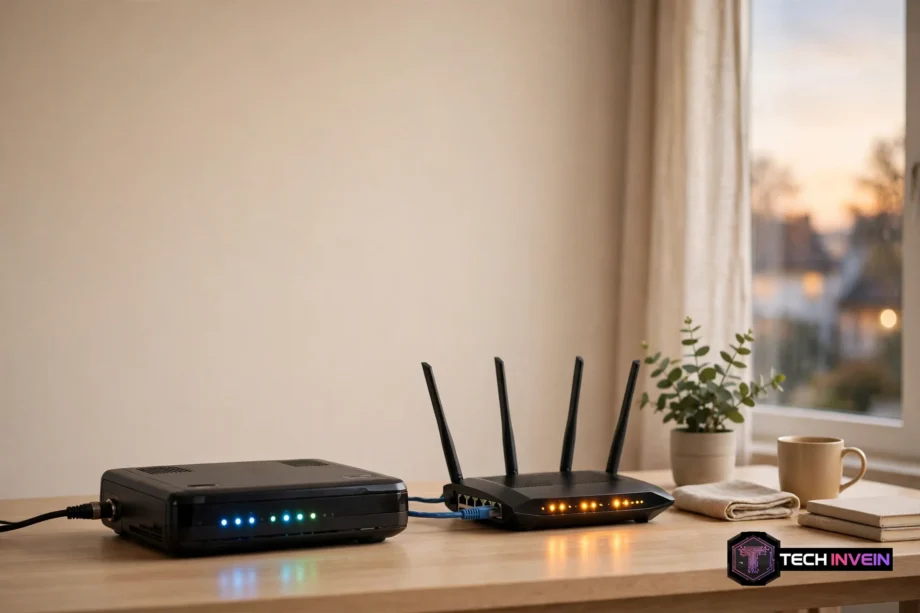
A modem vs router mix-up causes most home WiFi confusion. The short answer is simple. A modem brings the internet into your home. A router shares that connection with your phones, laptops, and TVs. So you need both jobs done, but they don’t have to live in two boxes.
- What a Modem Does
- What a Router Does
- Modem vs Router: Side by Side
- Do You Need Both a Modem and a Router?
- Modem vs Router Combo or Separate Devices?
- Which Modem Do You Need? DOCSIS 3.1 Cable Modem Basics
- Best WiFi 7 Router: When the Router Matters Most
- Mesh WiFi System vs Extender vs Booster
- How to Tell Which Box You Have
- Common Problems and Quick Fixes
- FAQs
- Is a modem and a router the same thing?
- Do I need a modem if I have a router?
- Can I use my own modem and router instead of renting?
- Is a modem router combo better than separate devices?
- Does a better router increase internet speed?
- How do I know if my modem or router is bad?
- Do I need a DOCSIS 3.1 modem?
- Conclusion
In fact, most homes already have both, often in one box called a gateway or combo unit. That shared case is why the two get confused so often. Still, they do different work. When your WiFi feels slow, knowing which half is at fault saves you from buying the wrong fix.
What a Modem Does
A modem is the translator at the edge of your home. Your provider sends internet over a cable, a phone line, or fiber in a form your devices cannot read. The modem converts that signal into a normal Ethernet connection, and converts your outgoing traffic back the other way. The name comes from this job: modulator-demodulator. It also gets your home its one public IP address, which is how the internet finds you.
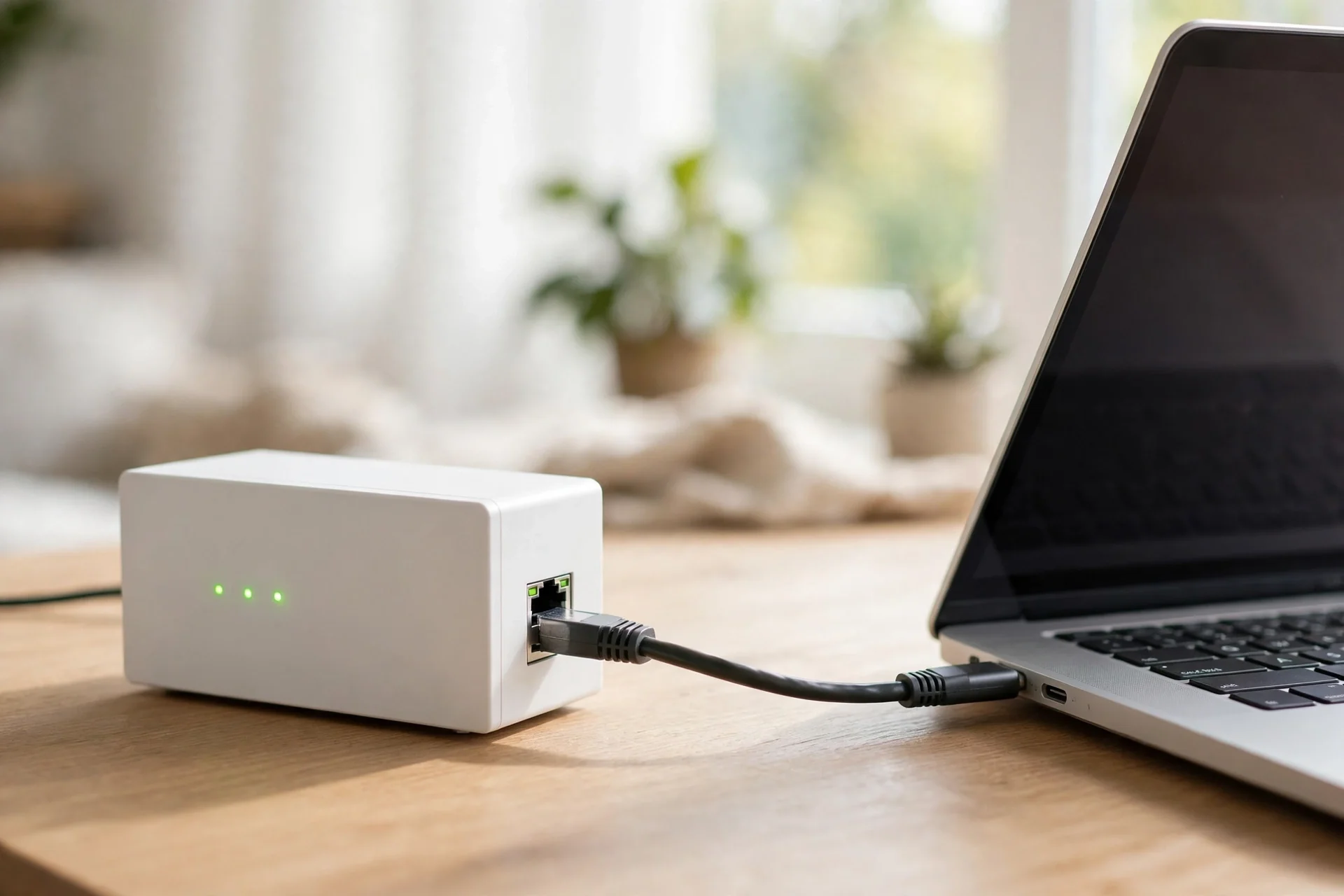
A standalone modem has no WiFi. It can’t create a wireless network, and it usually has only one Ethernet port. So that port feeds one device, which is normally your router. For example, plug a laptop straight into the modem and you get internet on that laptop only. Even then, nothing else in the house connects.
The modem also sets a speed ceiling for your whole home. If your plan promises 1 gigabit per second but your modem tops out lower, every device stays below what you pay for. Even then, no router can fix that.
What a Router Does
A router takes the single connection from the modem and shares it with every device in your home. In short, it builds your home network. Therefore, the WiFi name and password you join come from the router, not the modem. So do the Ethernet ports on the back that wire up a TV or game console.
The router also guards the door. Its firewall blocks unsolicited traffic from the internet, and WiFi encryption keeps neighbors off your network. Look for WPA2 or WPA3 in your router settings. A router still on old WEP security is a real risk and worth replacing.
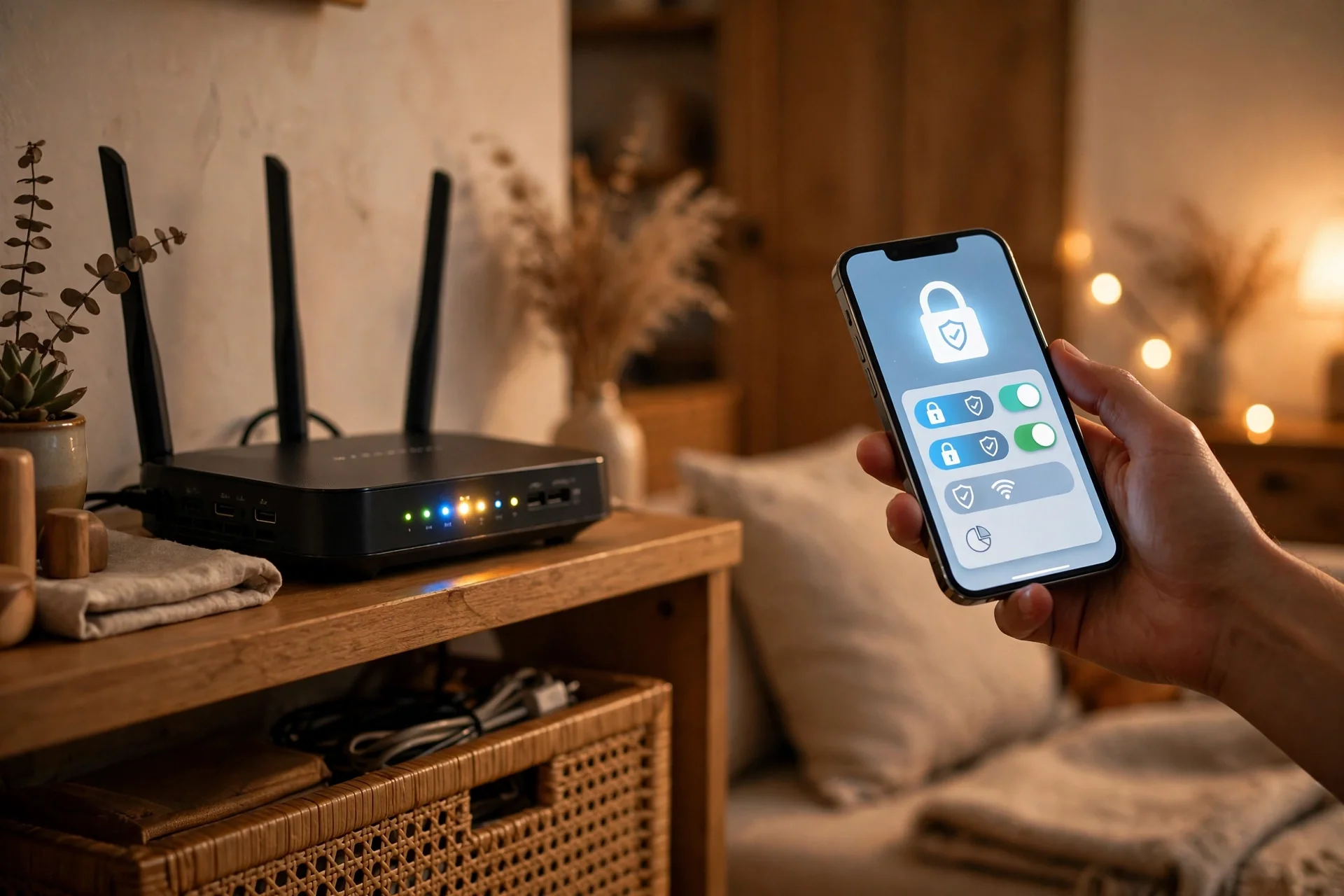
How fast WiFi feels on your phone, and how far it reaches, is mostly the router’s doing. A weak router, for instance, gives you dead zones in the far bedroom even when the internet coming into the house is fine. If you already have a setup guide in mind, our walkthrough on how to configure a router covers the settings that matter most.
Modem vs Router: Side by Side
In short, the table below sums up the split in one glance.
Table: Modem vs router at a glance
| Feature | Modem | Router |
|---|---|---|
| Main job | Brings internet into your home from your provider | Shares that connection with all your devices |
| Plugs into | Coax cable, phone line, or fiber terminal | The modem’s Ethernet port |
| WiFi | None on a modem-only box | Yes, plus Ethernet ports for wired devices |
| IP address | Gets your home’s one public IP address | Hands out private addresses to each device |
| Security | Basic | Firewall, NAT, and WiFi encryption |
| Tied to your provider? | Yes, must match your connection type | No, any router works with any modem |
Do You Need Both a Modem and a Router?
Yes. Every home connection needs something doing the modem’s job and something doing the router’s job. Therefore, for cable and DSL, that means a modem plus a router, or one gateway that does both.
Most providers, in fact, hand you a gateway by default. It’s one box with the modem and router inside, often rented for a monthly fee. Providers typically charge around $10 to $15 a month for rented gear, which adds up to $120 to $180 a year.
Before you buy anything, check what you already have. If one box broadcasts WiFi and has a coax cable screwed into the back, then you have a gateway. If you have two boxes, the one with the coax cable is the modem and the one broadcasting WiFi is the router.
Therefore, your connection type decides what to buy. Cable internet, for example, needs a DOCSIS modem. DSL needs a DSL modem. Fiber uses a small provider-installed box called an ONT instead of a modem, and the router is the only piece you choose. If your home already has an ONT on the wall, don’t buy a modem at all.
Next, planning the layout helps too. A modem has to sit where the cable or fiber enters the house, but a router works best near the center of your home. If you want the full picture before you buy, read our guide to home network installation first. It covers placement, wiring, and the order to set things up.
Modem vs Router Combo or Separate Devices?
A modem router combo, also called a gateway, puts both jobs in one box. It also saves space, needs one power outlet, and gives you one admin page to learn. For a small apartment, a renter, or anyone who never wants to touch settings, a combo is often the sensible pick.
Separate devices, in contrast, win on flexibility and performance. You can upgrade the router without touching the modem, and pair a basic modem with a strong mesh system for a big house. A dedicated router usually gives you stronger WiFi, more Ethernet ports, and better controls than the router half of a combo unit.
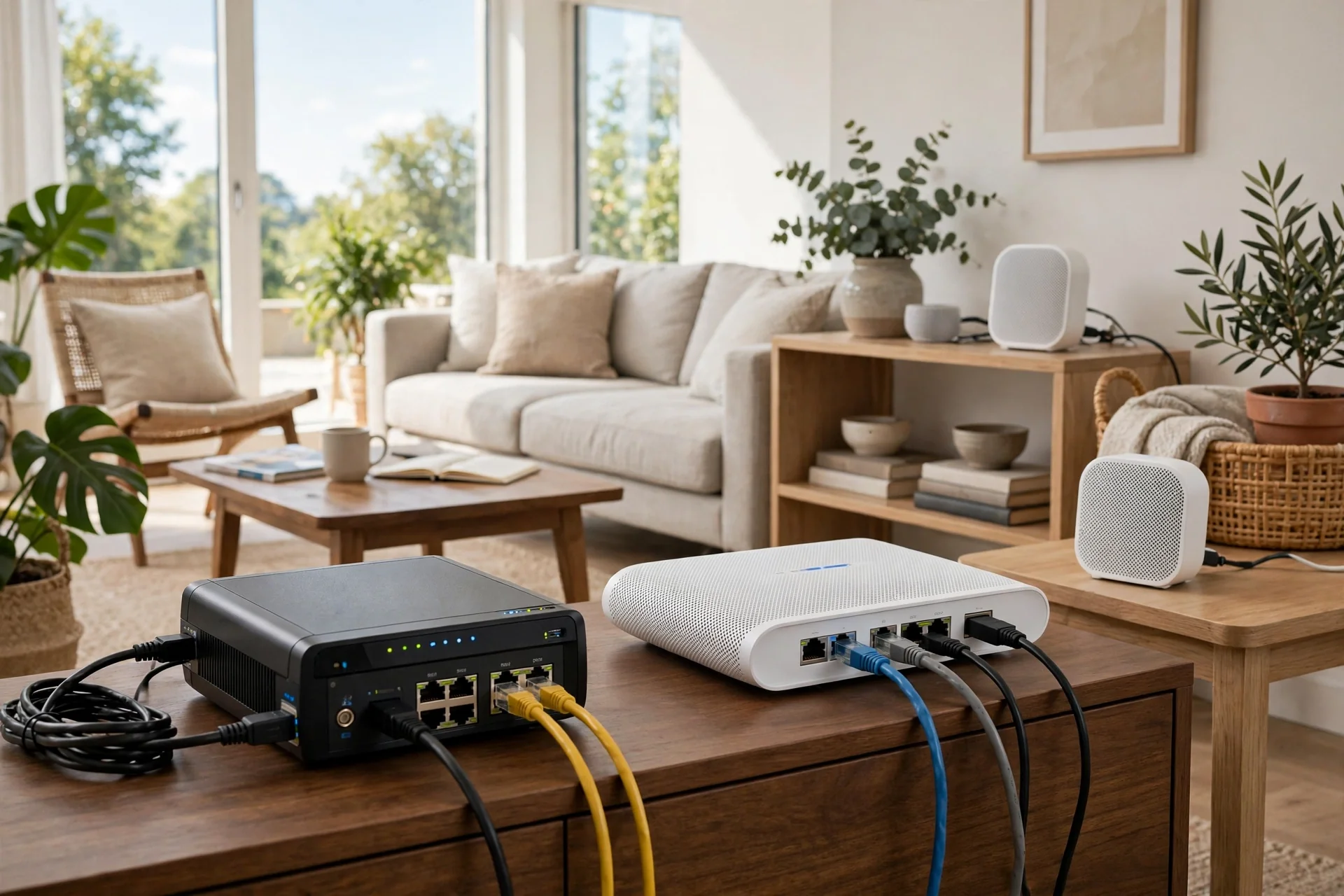
The trade-off cuts both ways. With a combo, if the WiFi grows weak but the modem is fine, then you’re stuck. You either replace the whole unit or add your own router behind it, which can cause double NAT headaches. With separate boxes, you swap only the part that is out of date. Still, WiFi standards move fast. Modem standards, in contrast, move slowly.
So which should you pick? A combo suits a small home with few devices and simple needs. Separate boxes suit a larger home, a house full of smart devices, or anyone who likes to upgrade one piece at a time. If your house is under 1,200 square feet with the gateway near the center, a combo can be fine. Over 2,000 square feet or across two floors, plan for a separate router or a mesh system instead.
Which Modem Do You Need? DOCSIS 3.1 Cable Modem Basics
If you have cable internet, your modem follows a standard called DOCSIS. Therefore, the version decides how fast it can go. A DOCSIS 3.0 modem with 16 downstream channels handles plans up to roughly 600 Mbps. A DOCSIS 3.1 cable modem handles multi-gigabit speeds and copes better when the network gets busy in the evening. The manufacturer guide from Hitron on modem vs router differences explains the signal translation in plain terms.
In short, the rule is simple. If your plan is over 300 Mbps, get a DOCSIS 3.1 modem. If you pay for gigabit service, DOCSIS 3.1 is not optional. Gigabit plans use signal channels that only DOCSIS 3.1 hardware can process.
How long does a modem last? Most last around five years, though many keep working longer. The real limit is usually your plan speed. When you upgrade to a faster plan and your speeds do not move, the modem is the first suspect. Watch for random drops and restarts, lights that never settle, and weekly reboots to stay online.
Best WiFi 7 Router: When the Router Matters Most
The best WiFi 7 router is not about the label on the box. It’s about whether your home can use what WiFi 7 adds. WiFi 7 brings wider channels, lower latency, and better handling of many devices at once.
Still, don’t rush to WiFi 7 if your internet plan is slow. A WiFi 7 router cannot make a 200 Mbps plan faster than 200 Mbps. It shines when your plan is fast or your home is crowded with devices. Check that your devices have WiFi 7 radios first. Most phones and laptops sold before 2024 do not.
A good WiFi 6 or 6E router still serves most homes well, and it usually costs far less. Buy WiFi 7 when you are replacing a router anyway and your home has enough devices to justify it. Skip it when your current router works fine and your plan is under 500 Mbps.
Mesh WiFi System vs Extender vs Booster
A mesh WiFi system uses two or three units that talk to each other and act as one network. Your phone moves between them without dropping, and you keep one WiFi name throughout the house. Mesh is the best fix for large homes, thick walls, and multi-floor layouts.
A WiFi extender, also sold as a booster or repeater, grabs your router’s signal and rebroadcasts it. It’s cheap and easy, and it works for one dead spot like a back bedroom. The catch is speed. Many extenders cut throughput in half because they use the same radio to listen and talk at once.
In short, for a single dead zone on a tight budget, an extender is fine. For a whole house with weak corners, a mesh system is the better buy. The words booster and extender are mostly marketing labels for the same kind of device, so compare the specs, not the name. Look for dual-band or tri-band, and check whether it has an Ethernet port for a wired backhaul.
Before you spend anything, try moving the router first. A router tucked behind the TV in a corner cabinet loses signal to walls and metal. Raise it, move it toward the center, and keep it out in the open. Our guide on how WiFi is installed at home explains where the entry point usually sits and why placement matters so much.
How to Tell Which Box You Have
Here is a quick test you can run in two minutes with no tools. I ran this same check on my own setup when a provider swap left me with two mystery boxes and no labels I trusted.
Start by looking at the cables. A box with a coax cable screwed into the back, or a thin fiber line, is the modem side. A box with only Ethernet cables is a router. Next, look for a WiFi name and password on a sticker. If the sticker lists a network name, the box has a router inside.
Then try the one-cable test. Unplug the Ethernet cable between your two boxes, or unplug the router if you have one. Plug a laptop straight into the modem with an Ethernet cable. If the laptop gets online but nothing else does, and there’s no WiFi at all, you have confirmed the split.
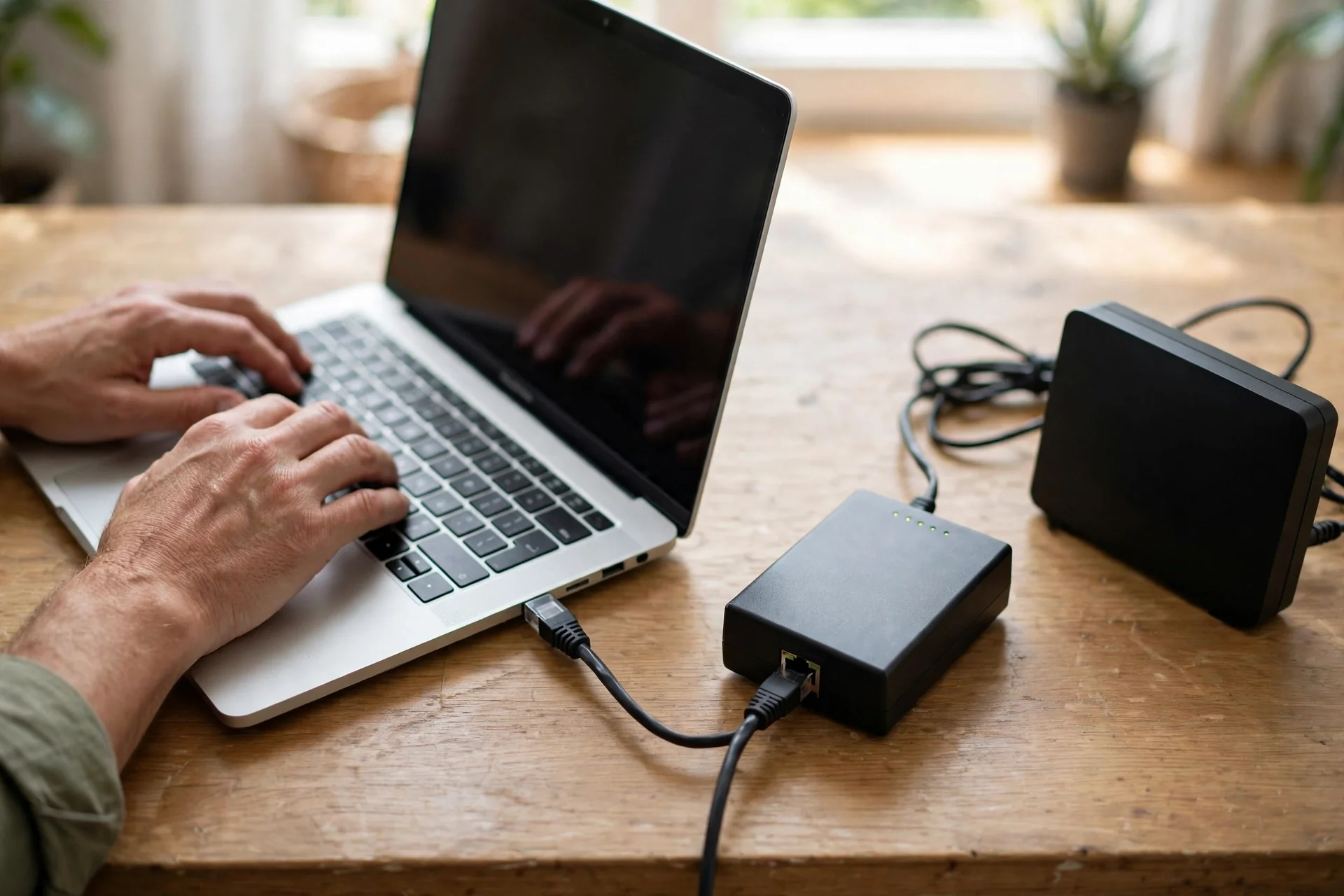
Count the ports too. A modem usually has one Ethernet port. A router has one WAN port for the modem plus several LAN ports for wired devices. If your box has four or five Ethernet ports and a WiFi sticker, it is a router or a gateway.
Common Problems and Quick Fixes
Slow WiFi in one room usually points at the router, not the modem, so start there. Move the router, check for thick walls between it and the room, and test with an Ethernet cable to see if wired speed is fine.
Slow internet on every device at once points at the modem or the plan. Run a speed test on a wired connection first. If wired speed is far below your plan, reboot the modem and test again. If it stays low for days, call your provider.
Random drops have a different pattern. If the WiFi name vanishes and returns, the router is restarting or overheating. Give it airflow and check for a firmware update. If the internet drops but WiFi stays up, the modem is losing its connection to the provider.
Double NAT is a classic combo-unit trap. It happens when you plug your own router into a gateway that still routes. Games, video calls, and smart home hubs can act up. The fix is bridge mode, which turns off the gateway’s router half. Our guide on how to access your router shows where these settings live.
FAQs
Is a modem and a router the same thing?
No. A modem connects your home to your provider and brings the internet in. A router shares that one connection with all your devices over WiFi and Ethernet. They do different jobs, even when both live inside one box called a gateway or combo unit.
Do I need a modem if I have a router?
Yes, in most homes. A router can’t get online on its own. It needs a modem, or a fiber ONT, feeding it an internet connection. With cable or DSL that means a modem. With fiber it means an ONT. Either way the router still needs that device in front of it.
Can I use my own modem and router instead of renting?
Yes, on most cable plans. Buy a modem from your provider’s approved list and any router you like. Providers typically charge $10 to $15 a month for rented gear, so owning your equipment often pays for itself within two years. Check the approved list before you buy.
Is a modem router combo better than separate devices?
A combo is better for small homes and simple needs because it is one box to set up and one thing to troubleshoot. Separate devices are better for large homes, gamers, and anyone who wants to upgrade the router without replacing the modem.
Does a better router increase internet speed?
A better router can improve WiFi speed and range inside your home, but it cannot raise your plan speed. If your plan is 200 Mbps, no router makes it 500 Mbps. A new router helps when WiFi is the bottleneck, not when the plan itself is slow.
How do I know if my modem or router is bad?
A bad modem shows up as slow speeds on every device, even wired, plus random restarts and a need for constant reboots. A bad router shows up as weak WiFi in some rooms while wired speed stays fine. Test wired first. That one test splits the two faults cleanly.
Do I need a DOCSIS 3.1 modem?
You need one if your cable plan runs above 300 Mbps, and it is required for gigabit plans. DOCSIS 3.0 tops out near 600 Mbps and cannot process the channels gigabit plans use. For slower plans, DOCSIS 3.0 still works, but DOCSIS 3.1 is the safer long-term buy.
Conclusion
Modem vs router comes down to two jobs. The modem brings the internet in. The router shares it around your home. You need both, whether they sit in one gateway box or two separate ones. Therefore, check your connection type, match the modem to your plan speed, and spend on the router when coverage is the real problem.