
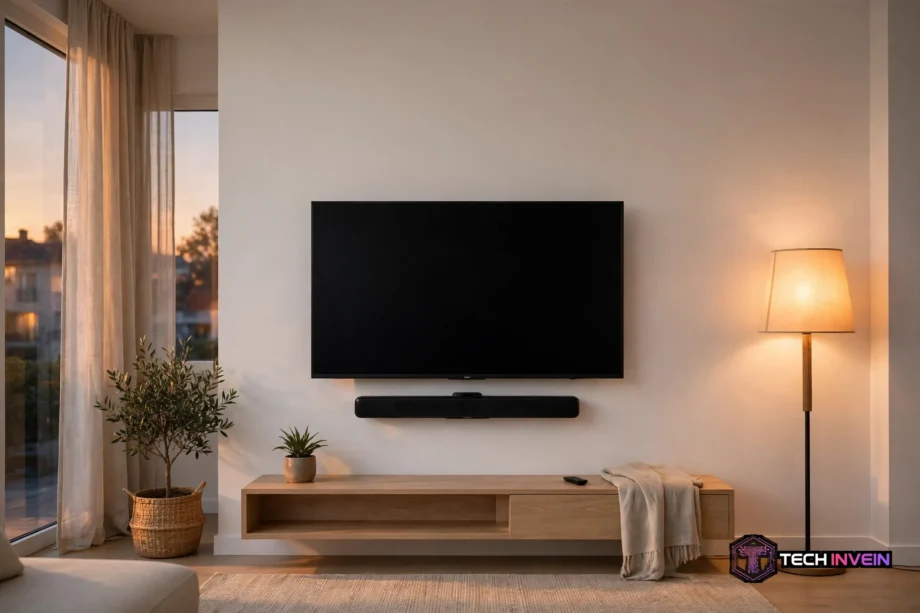
A bluetooth sound bar is a long, slim speaker that sits under your TV and plays sound through Bluetooth or a cable. It gives you clearer voices, fuller music, and stronger bass than most built-in TV speakers. So if your TV sounds thin or muffled, this is the simplest fix you can buy.
- What a Bluetooth Sound Bar Actually Is
- How Channels Work: 2.0, 3.1, and 5.1
- What Is a Dolby Atmos Compatible Soundbar?
- Wireless Soundbar Subwoofer: Worth the Extra Box?
- Best Soundbar for Dialogue: What to Look For
- Soundbar or Speakers: Which Fits Your Room?
- Are Soundbars Worth It?
- How to Choose the Right Bluetooth Sound Bar
- Setup in 15 Minutes: From Box to First Film
- The 10-Minute Living-Room Test I Use Before I Keep a Soundbar
- FAQs
- Can a soundbar connect to any TV over Bluetooth?
- Is a 2.0 channel soundbar good enough for a small room?
- Do I need a Dolby Atmos compatible soundbar for films?
- Why does my soundbar sound out of sync with the TV?
- Can I use a soundbar with a projector or a monitor?
- How long should a soundbar last?
- Conclusion: Pick the Bar That Fits Your Room
What a Bluetooth Sound Bar Actually Is
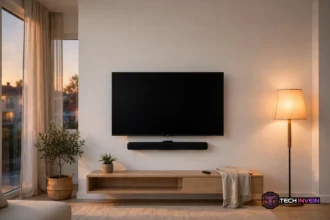
A soundbar packs several small speakers into one slim box. It sits below your TV or mounts on the wall under it. Then it sends sound forward into the room, so voices reach your seat instead of bouncing off the wall behind the set.
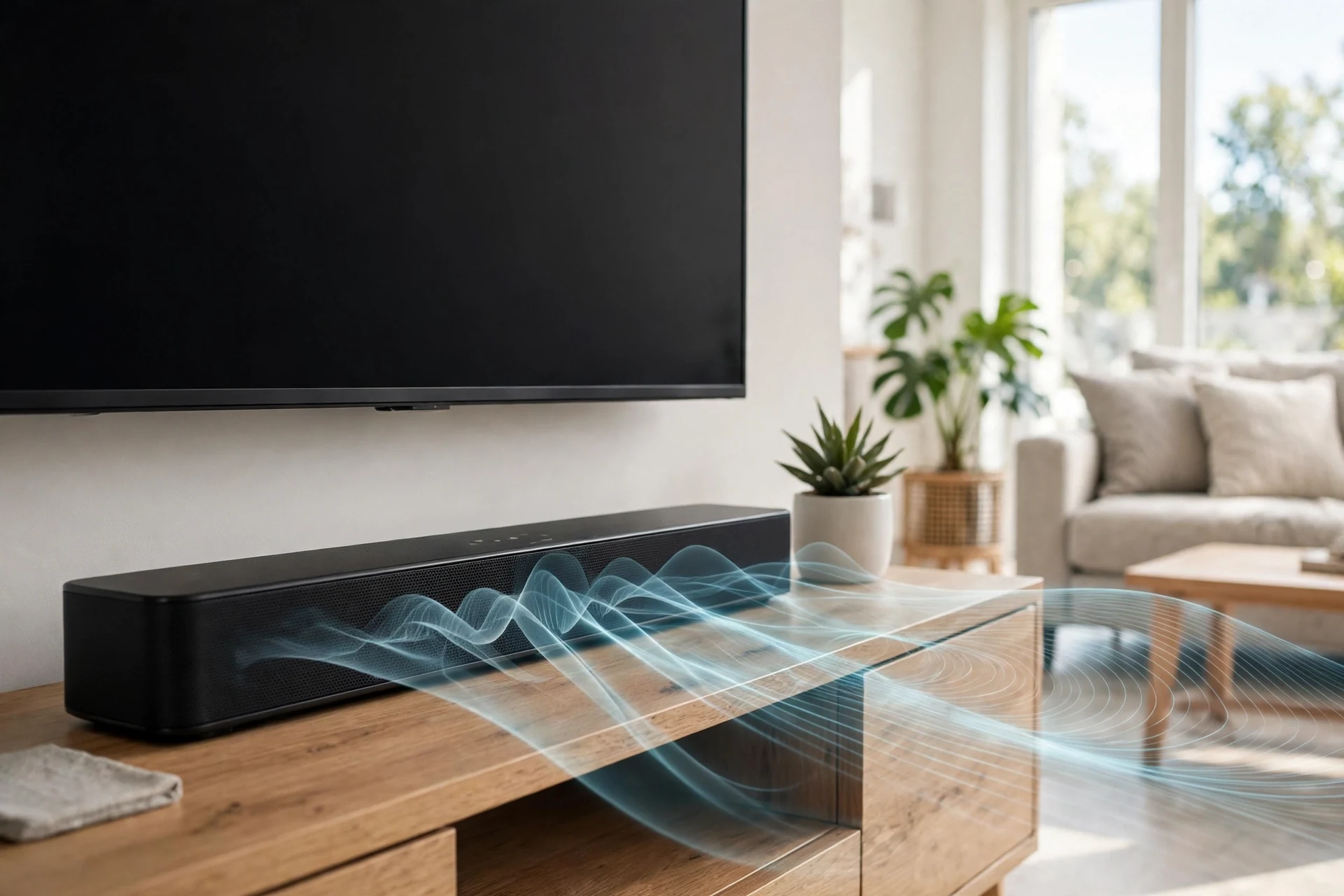
Bluetooth is only one way to feed sound into the bar. You can pair a phone, a tablet, or a laptop and stream music with no cable at all.
For TV sound, though, a cable still wins in most homes. HDMI ARC carries TV audio to the bar and lets your TV remote control the volume. Use Bluetooth for music, and use HDMI ARC or optical for the TV itself.
If you want to see how TV audio connects in practice, read our guide on how to connect speakers to a TV. It walks through the ports you will find on the back of most sets.
How Channels Work: 2.0, 3.1, and 5.1
Channel numbers look confusing at first, but the code is simple. The first number counts the main speaker channels. The second number tells you if a subwoofer is part of the set. So a 2.0 bar has two channels and no subwoofer, while a 2.1 bar adds one subwoofer for bass.
A 2.0 channel soundbar gives you left and right stereo sound. It suits a bedroom, a small flat, or a desk setup where space is tight. It also costs less than most larger bars, so it is a good first step up from TV speakers.
A 3.1 bar adds a centre channel. That centre speaker carries most of the dialogue in films and shows. Because of that, voices sound clearer and stay fixed to the screen, even in a busy action scene.
A 5.1 channel soundbar adds two surround channels as well. Some models use small rear speakers that sit behind your sofa. Others use side-firing drivers and sound processing to fake the same effect from the front bar alone.
Real rear speakers give a stronger surround effect than processing alone. If films matter most to you, pick a 5.1 set with physical rear speakers. If your room is small or open plan, a soundbar that simulates surround may be enough.
Our guide to 5.1 speaker placement shows where each speaker should sit, and the same logic applies when you place a 5.1 soundbar set in your living room.
Table: Soundbar channel layouts at a glance
| Layout | What you get | Best for |
|---|---|---|
| 2.0 channel soundbar | Left and right stereo, no subwoofer | Small rooms and bedrooms |
| 2.1 | Stereo plus a subwoofer | Music and everyday TV |
| 3.1 | Stereo plus centre channel and subwoofer | Clear dialogue in films |
| 5.1 channel soundbar | Front, centre, and rear channels plus subwoofer | Films and games |
| 5.1.2 Dolby Atmos | 5.1 plus two height channels | Cinema sound at home |
What Is a Dolby Atmos Compatible Soundbar?
A Dolby Atmos compatible soundbar can play Atmos audio, which adds height to the sound. Rain can fall from above, a plane can pass over your head, and voices stay clear in the middle of the mix. So the effect feels closer to a cinema than plain stereo ever can.
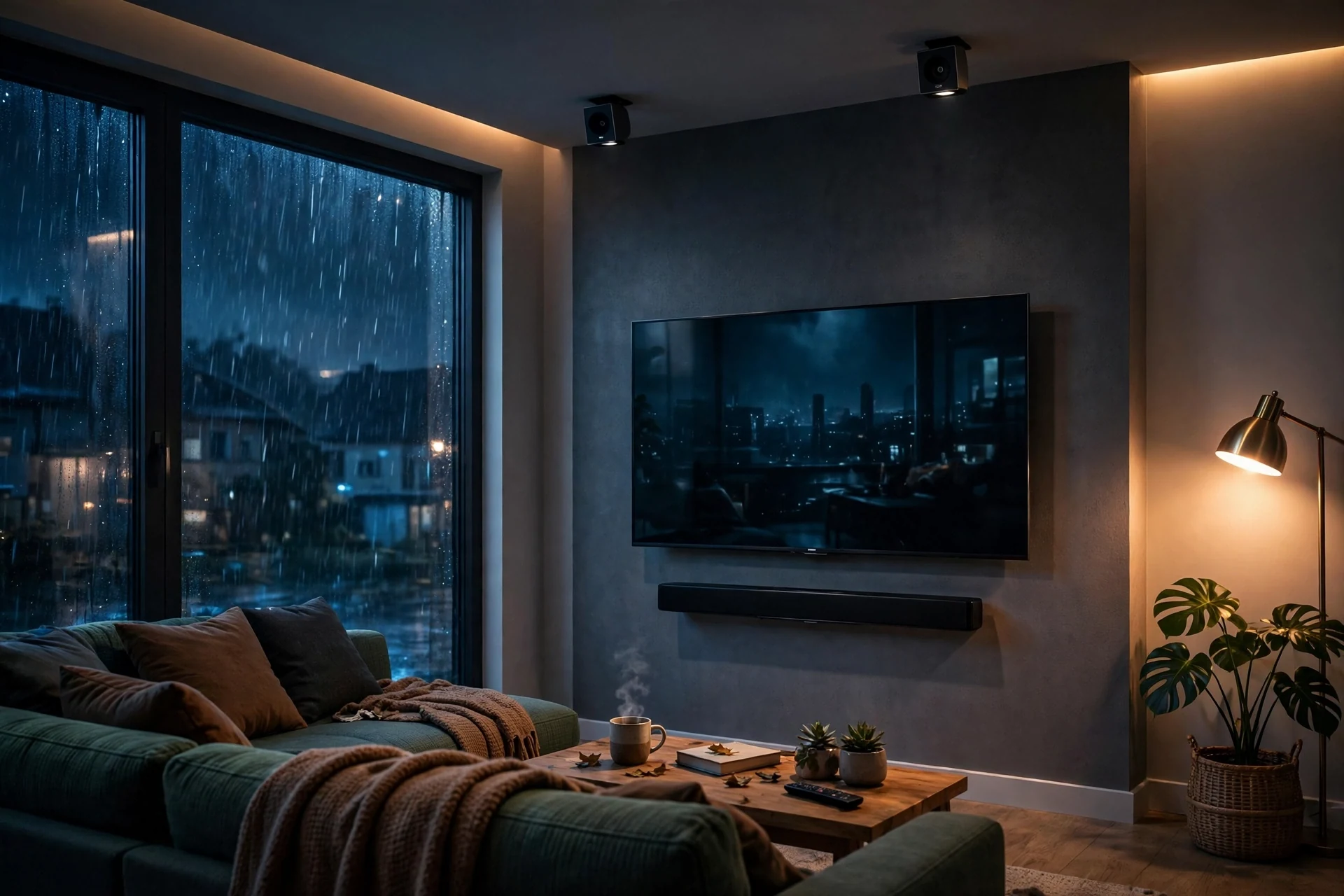
Atmos works in two ways. True Atmos bars use up-firing drivers that bounce sound off your ceiling. Then the sound comes back down, and your brain reads it as height. Virtual Atmos bars use processing only, with no up-firing drivers at all.
Your ceiling matters here. A flat ceiling at a normal height reflects sound well. A very high ceiling, a sloped ceiling, or exposed beams can weaken the effect, so check your room before you pay extra for height channels.
To see how Dolby describes the format itself, visit the official Dolby Atmos page from Dolby. It explains how object-based sound places effects in three dimensions.
Wireless Soundbar Subwoofer: Worth the Extra Box?
A wireless soundbar subwoofer handles low sounds that a slim bar cannot make on its own. Explosions gain weight, music gains depth, and action scenes feel bigger. Without one, bass stays thin, even on a good bar.
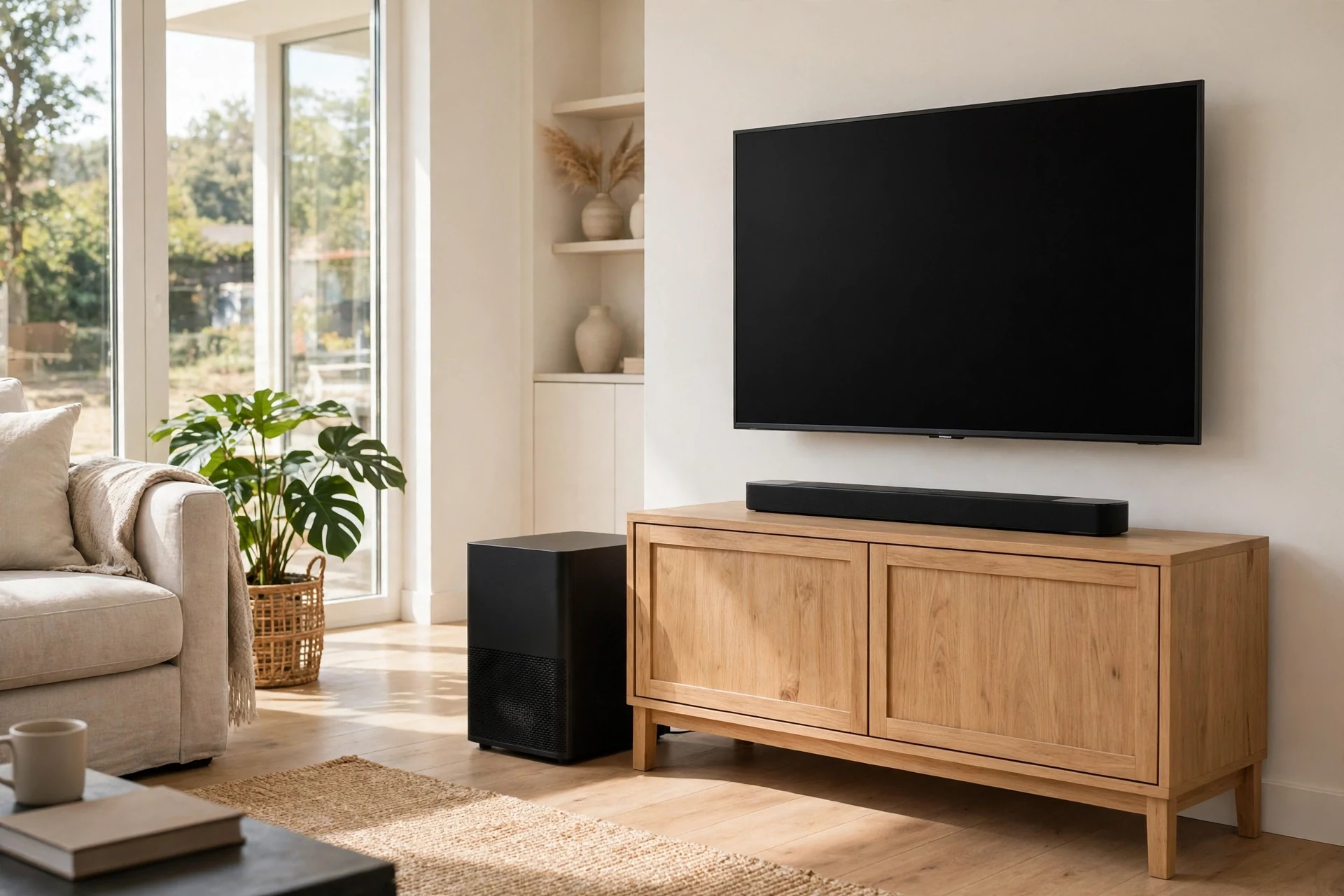
Wireless here means no audio cable between the bar and the subwoofer. The sub still needs a power socket, so plan for that. Then you can place it where bass sounds best, instead of where a cable reaches.
Try the sub in a corner first. Corners boost bass, so you may need less volume there. Then move it along the front wall if the bass sounds boomy or muddy. Small moves can change the sound a lot, so take your time.
A built-in subwoofer suits a desk or a small bedroom, where a separate box would crowd the room. But a separate wireless subwoofer gives deeper bass in a living room, and it is the better pick for films.
If you want placement tips that work for any subwoofer, see our guide to subwoofer placement. It covers corners, walls, and the spots that cause muddy bass.
Best Soundbar for Dialogue: What to Look For
If you keep turning the volume up for voices and down for loud scenes, you need a soundbar that puts dialogue first. The fix is not more volume. It is a centre channel, a dialogue mode, or both.
A centre channel carries most speech in films and TV. So a 3.1 bar often beats a louder 2.1 bar for dialogue, even at the same price. That is why film fans pick 3.1 first.
Many bars also add a dialogue or clear-voice mode. This mode lifts the mid-range where voices sit, and it can tame sudden loud effects. Then you can watch at a lower volume and still follow every line.
Test dialogue with a real show, not a music track. Pick a drama with quiet speech and a few loud scenes. If you can hear whispers without reaching for the remote, the bar is doing its job.
Soundbar or Speakers: Which Fits Your Room?
A soundbar wins on ease. You plug in one box, pair it once, and you are done. A speaker set wins on sound quality and on the freedom to upgrade one part at a time. So the right pick depends on your room and your patience, not on a single winner.
Speakers need space, stands, and cables. They also need a receiver or an amp in most cases. That setup can take hours, and it can cost more than a soundbar at the same quality level. Still, the result can fill a large room in a way no single bar can match.
A soundbar suits a small or medium room, a rented flat, or a home where wires must stay out of sight. It also suits a family that wants one remote and no fuss. Because of that, it is the right pick for most TV owners.
Speakers suit a dedicated film room, a large living room, or a listener who loves music as much as films. They also suit anyone who plans to upgrade step by step, since you can swap one speaker at a time.
Are Soundbars Worth It?
Yes, for most people they are. A soundbar is one of the cheapest ways to fix bad TV sound, and the jump from built-in speakers is easy to hear. You spend little time on setup, and you get clearer voices on the first night.
Value also depends on how you watch TV. If you mostly watch news and short shows, a basic 2.0 or 2.1 bar is enough. If films are a weekly event, a 3.1 or 5.1 set with a subwoofer gives you far more for your money.
If you are building a full film room, a soundbar can still play a part. Our DIY home theater guide shows how sound, seating, and light work together, and a soundbar can anchor the audio side of that plan.
One honest test helps here. Watch the same ten minutes of a film on TV speakers, then on a soundbar in a shop. If you cannot hear a clear gain in dialogue and bass, save your money. If you can, you have your answer.
How to Choose the Right Bluetooth Sound Bar
Start with the TV, not the soundbar. Measure the width of your TV stand and the space under the screen. Then pick a bar that fits that width, so it looks neat and the sound spreads evenly across the room.
Next, check the ports on your TV. HDMI ARC or eARC is the best link for TV sound, because it carries audio both ways and lets one remote control the volume. Optical is a good fallback if your TV has no ARC port at all.
Bluetooth version matters for music streaming. Bluetooth 5.0 or newer gives a steadier link and a longer range than older versions. Check the spec sheet, and pair the bar with a phone that supports the same version if you can.
Think about where the bar will sit. A bar on a low stand can block the TV remote sensor, so leave a small gap or pick a lower bar. A wall-mounted bar avoids that problem, yet it needs a solid fix and a power socket close by.
For help matching a bar to your screen, read our guide on how smart TVs work. It explains the ports and audio settings that shape how any soundbar will perform.
Setup in 15 Minutes: From Box to First Film
Unbox the bar and the subwoofer, then place the bar centred under the TV. Keep it level, and leave a small gap above it so sound can spread. Then plug in the power cables for both units.
Connect the bar to the TV with an HDMI cable in the ARC port. If your TV has no ARC port, use the optical cable that often comes in the box. Then switch the TV audio output to the external speaker or ARC setting.
Pair the subwoofer next. Most sets pair on their own when you switch them on. If not, press the pairing button on the sub, then press the matching button on the bar, and wait for the light to turn solid.
For the full picture of Bluetooth itself, the official Bluetooth technology guide explains how the wireless link works and why newer versions stay more stable.
Run a quick sound check before you settle in. Play a drama scene for dialogue, a music track for tone, and an action clip for bass. Then adjust the sound mode, the bass level, and the dialogue mode until each one sounds right.
The 10-Minute Living-Room Test I Use Before I Keep a Soundbar
Shops can mislead you, because their rooms are loud and their demo tracks are picked to impress. So I run a short test at home before I decide to keep any soundbar. It takes ten minutes, and it uses shows you already watch.
First, I pick three clips. One is a quiet drama scene with soft speech. One is a music performance I know by heart. One is an action scene with deep bass and sudden loud effects. Then I play each clip at the volume I use on a normal night.
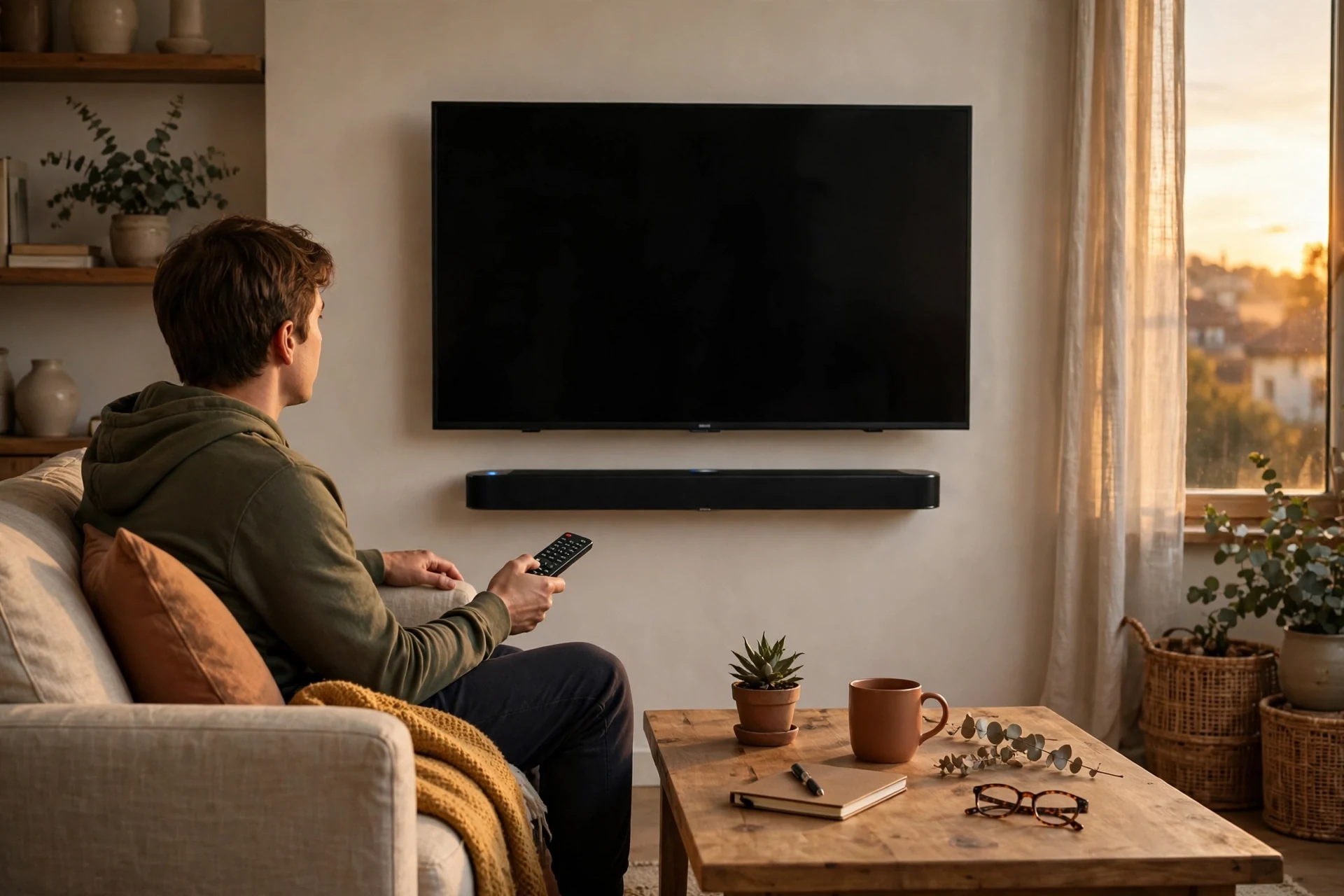
I sit in my usual seat, not next to the bar. I note if I can follow the quiet lines without leaning forward. I also note if the music sounds thin, or if the bass drowns the voices in the action clip. Then I switch the dialogue mode on and off, and I note which setting helps most.
Finally, I test Bluetooth from my phone. I walk to the kitchen with a song playing, and I count how many steps I take before the sound breaks up. In my flat, a good bar holds the link through one wall, while a weak one drops in the doorway. That simple walk tells me more than any spec sheet about daily use.
FAQs
Can a soundbar connect to any TV over Bluetooth?
Most modern TVs can connect to a soundbar over Bluetooth, yet a cable link works better for TV sound. HDMI ARC gives you better audio quality, less delay, and one-remote volume control. So check your TV for an HDMI ARC or optical port first, and use Bluetooth mainly for music from your phone or tablet.
Is a 2.0 channel soundbar good enough for a small room?
Yes, a 2.0 channel soundbar is often enough for a bedroom or a small living room. It gives you clear stereo sound and a big lift over built-in TV speakers. But it has no subwoofer, so bass stays light. If you watch many action films, a 2.1 bar with a subwoofer will feel fuller.
Do I need a Dolby Atmos compatible soundbar for films?
No, you don’t need one, but it can add real height to film sound when the content supports it. A good 3.1 or 5.1 bar without Atmos still sounds great for most viewing. Pick Atmos only if you watch many Atmos films and your ceiling suits up-firing drivers.
Why does my soundbar sound out of sync with the TV?
Delay often comes from a Bluetooth link or a wrong TV audio setting. Switch the TV link to HDMI ARC or optical, then check the TV sound menu for a lip-sync or audio-delay option. If the bar has its own delay setting, adjust it in small steps until lips and voices match.
Can I use a soundbar with a projector or a monitor?
Yes, you can use a soundbar with both, as long as you have the right link. A projector with an HDMI ARC port works like a TV. A monitor may need an optical, AUX, or Bluetooth link instead. So check the ports on your screen first, then pick a bar with a matching input.
How long should a soundbar last?
A soundbar should last five to ten years with normal use, and many last longer. The speakers rarely fail first. Instead, old Bluetooth versions or missing ports can make a bar feel dated. So pick a bar with HDMI eARC and recent Bluetooth, and it will stay useful for longer.
Conclusion: Pick the Bar That Fits Your Room
A bluetooth sound bar is the fastest way to fix thin TV sound. Pick the layout for your room, add a subwoofer if films matter, and use HDMI ARC for the TV. Then run the ten-minute test above. If voices stay clear, you have found your bar.