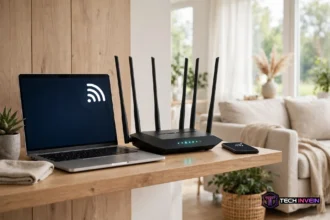


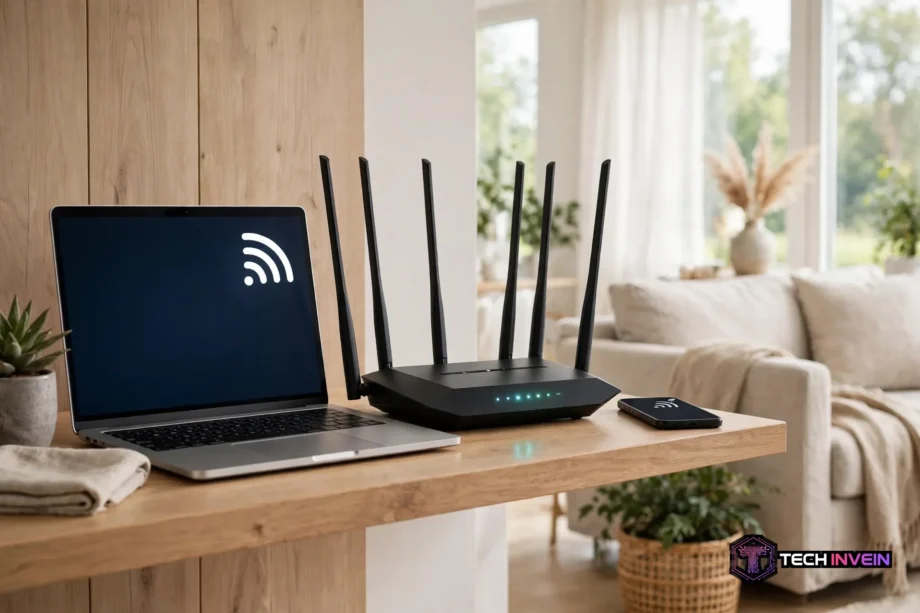
The best wifi 7 router for most homes in 2026 is the TP-Link Archer BE550. It brings real Wi-Fi 7 speed, a 6 GHz band, and four 2.5 Gbps ports for around $200. Still, the right pick depends on your home. A flat needs something different from a three-floor house, and this guide matches seven routers to real home sizes.
- What Wi-Fi 7 actually changes in your home
- How we picked these seven routers
- Best Wi-Fi 7 routers at a glance
- The best wifi 7 router for every home size
- 1. TP-Link Archer BE550: best overall value
- 2. ASUS RT-BE96U: best overall performance
- 3. Netgear Nighthawk RS700S: best for big single-router coverage
- 4. TP-Link Archer BE800: best value flagship
- 5. ASUS RT-BE92U: best mid-range pick
- 6. Netgear Orbi 970: best mesh system for large homes
- 7. eero Pro 7: easiest mesh setup
- Mesh or standalone: which one fits your home?
- Set it up right: the 5-minute Wi-Fi 7 checklist
- FAQs
- Is a Wi-Fi 7 router worth it in 2026?
- Do I need Wi-Fi 7 devices to benefit?
- What is MLO on a Wi-Fi 7 router?
- Is Wi-Fi 7 better than Wi-Fi 6E?
- Can a Wi-Fi 7 router work with my current modem?
- How much should I spend on a Wi-Fi 7 router?
- Conclusion
What Wi-Fi 7 actually changes in your home
Wi-Fi 7 is the consumer name for the 802.11be standard, and it brings three upgrades that matter. The first is Multi-Link Operation, or MLO. The second is wider 320 MHz channels. The third is a faster way of packing data called 4K-QAM. Together they lift real-world speeds and cut the small delays that make video calls stutter.
Meanwhile, MLO changes the feel of your network most. In contrast, older Wi-Fi connects a device on one band. Instead, MLO lets a Wi-Fi 7 phone or laptop use two bands at once, usually 5 GHz and 6 GHz. If one band gets crowded, the other still keeps the data flowing. So games feel steadier and video calls drop less. However, both the router and the device need Wi-Fi 7 chips.
Still, your internet plan sets the ceiling. For example, a Wi-Fi 7 router can’t make a 200 Mbps plan faster than 200 Mbps. What it can do is stop your own network from becoming the bottleneck, so every device gets the speed you already pay for. If you are unsure what box your provider gave you, read our guide on whether you need a separate modem and router.
Should you upgrade now, or wait? If your router is five years old and your home is full of phones, laptops, cameras, and smart speakers, then the jump is worth it. Instead, if you just bought a good Wi-Fi 6 router and your plan is under 500 Mbps, wait a year. Meanwhile, prices fall fast, and the routers in this guide cover every budget.
How we picked these seven routers
We started from published specs, independent roundups, and owner feedback, then kept only routers with a real 6 GHz radio. First, every pick below supports MLO and 320 MHz channels. We also checked wired ports, because one fast port and the rest slow will choke a wired TV or console. Also, independent testing from SpeedTestHQ’s 2026 Wi-Fi 7 roundup lines up with our top three picks.
Specifically, prices below are “around” figures from US listings in November 2026. Check the current price before you order, since sales often cut $50 to $100 off the flagships.
Best Wi-Fi 7 routers at a glance
Table: Seven routers compared side by side.
| Router | Class | Bands | Wired port | Coverage | Price |
|---|---|---|---|---|---|
| TP-Link Archer BE550 | BE9300 | Tri-band | 2.5 Gbps | 2,000 sq ft | Around $200 |
| ASUS RT-BE96U | BE19000 | Tri-band | 10 Gbps | 3,000 sq ft | Around $630 |
| Netgear Nighthawk RS700S | BE19000 | Tri-band | 10 Gbps | 3,500 sq ft | Around $540 |
| TP-Link Archer BE800 | BE19000 | Tri-band | 10 Gbps | 3,000 sq ft | Around $350 |
| ASUS RT-BE92U | BE9700 | Tri-band | 10 Gbps | 2,500 sq ft | Around $280 |
| Netgear Orbi 970 | BE27000 | Quad-band mesh | 10 Gbps | 10,000 sq ft | Around $2,000 |
| eero Pro 7 | BE10000 | Tri-band mesh | 5 Gbps | 2,000 sq ft per unit | Around $300 |
The best wifi 7 router for every home size
Next, here are the seven picks, from the best value for a flat to the mesh system for a large house. Read the “best for” line first and skip the rest if it doesn’t match your home.
1. TP-Link Archer BE550: best overall value
The BE550 is the router we’d buy for most homes. It’s a tri-band BE9300 router with 320 MHz channels, 4K-QAM, and MLO. It covers up to 2,000 sq ft, enough for a flat or a small house with no dead zones. It launched at $299.99 and now sells for around $200, the cheapest real Wi-Fi 7 upgrade from a major brand.
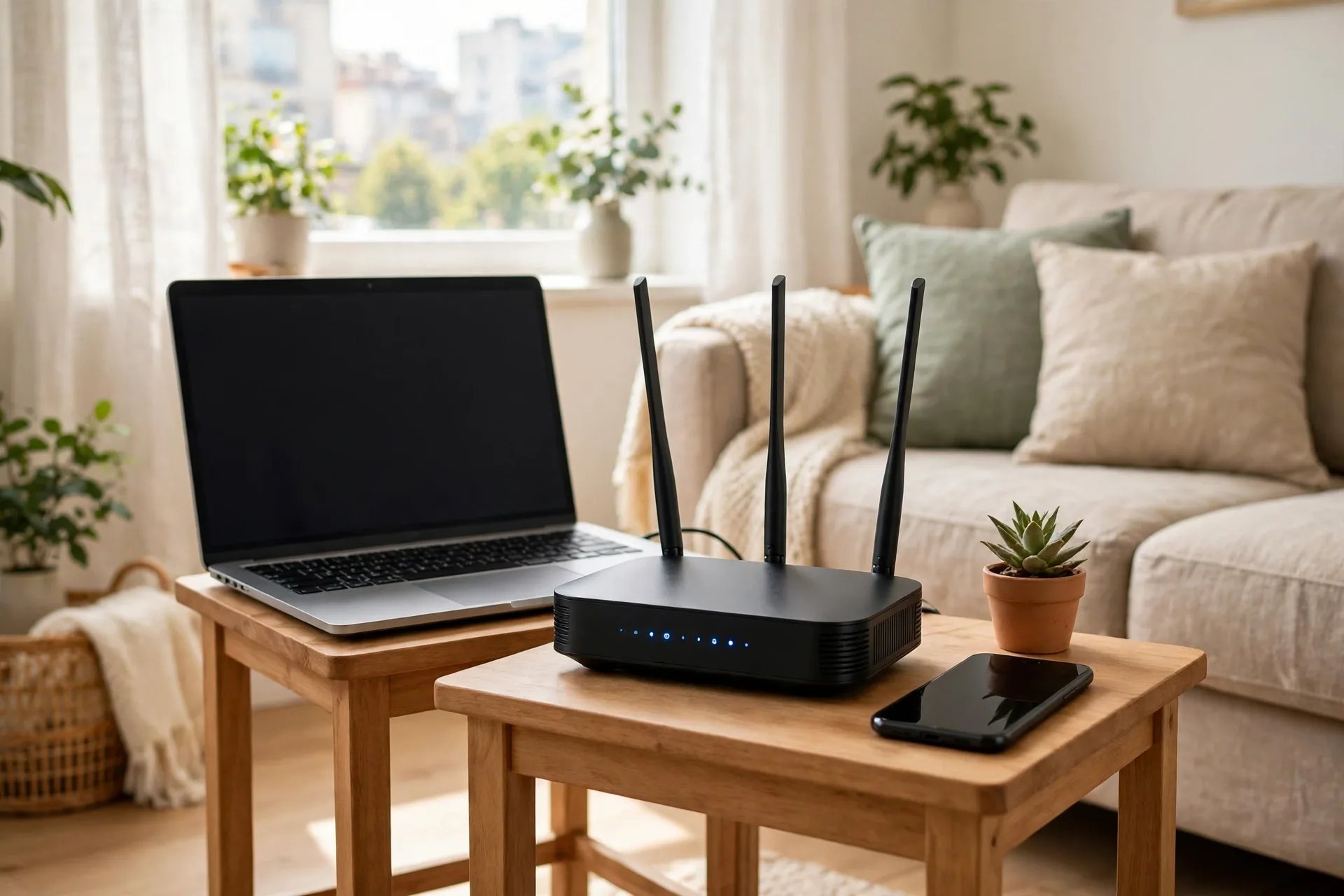
Specifically, the wired ports are the real surprise at this price. You get one 2.5 Gbps WAN port and four 2.5 Gbps LAN ports. A wired PC, console, and TV can all run at multi-gig speeds at once. The Tether app keeps setup simple, and EasyMesh support means you can add a second unit later if you move to a bigger place. The only gap is the lack of a 10 Gbps port, which matters only above 2.5 Gbps.
2. ASUS RT-BE96U: best overall performance
The RT-BE96U is the pick for buyers who want the strongest single router and can stretch the budget. It’s a tri-band BE19000 router with 4×4 streams on all three bands, dual 10 Gbps ports, and eight external antennas. It handles more devices at once and holds its speed further from the router. It usually sells for around $630.
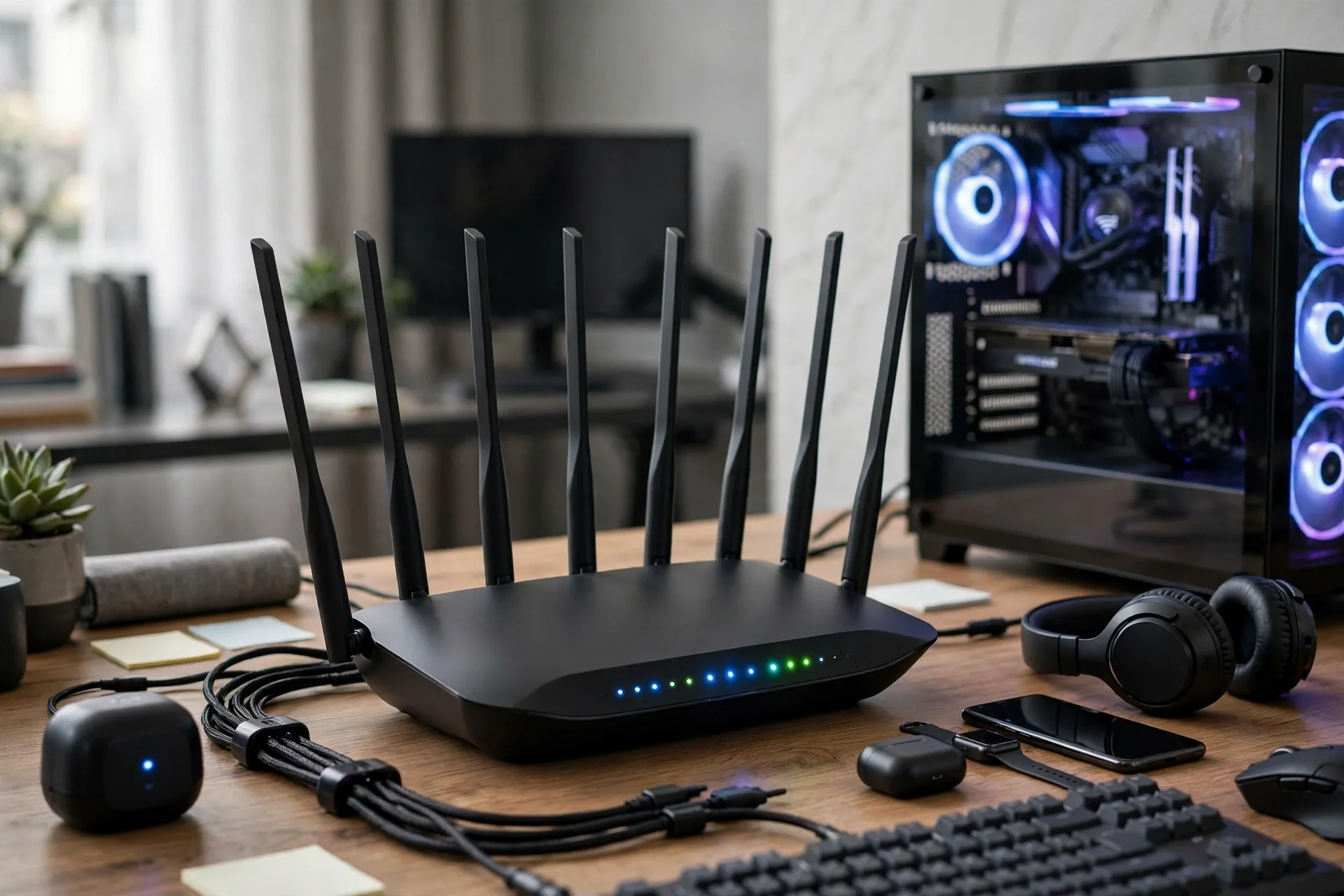
Moreover, ASUS gives you free AiProtection security with no subscription, and AiMesh lets you add another ASUS router later. Specifically, the dual 10 Gbps ports matter if you have a 2-gig or faster fiber plan. If your plan is 1 gig or less, save the money and take the BE550 instead.
3. Netgear Nighthawk RS700S: best for big single-router coverage
The RS700S is Netgear’s flagship Wi-Fi 7 router, and it is built for one job: covering a big house with fast, stable Wi-Fi from a single box. It’s a tri-band BE19000 router rated up to 19 Gbps, with a 10 Gig internet port and five wired LAN ports. It covers up to 3,500 sq ft for more than 200 devices. It usually sells for around $540.
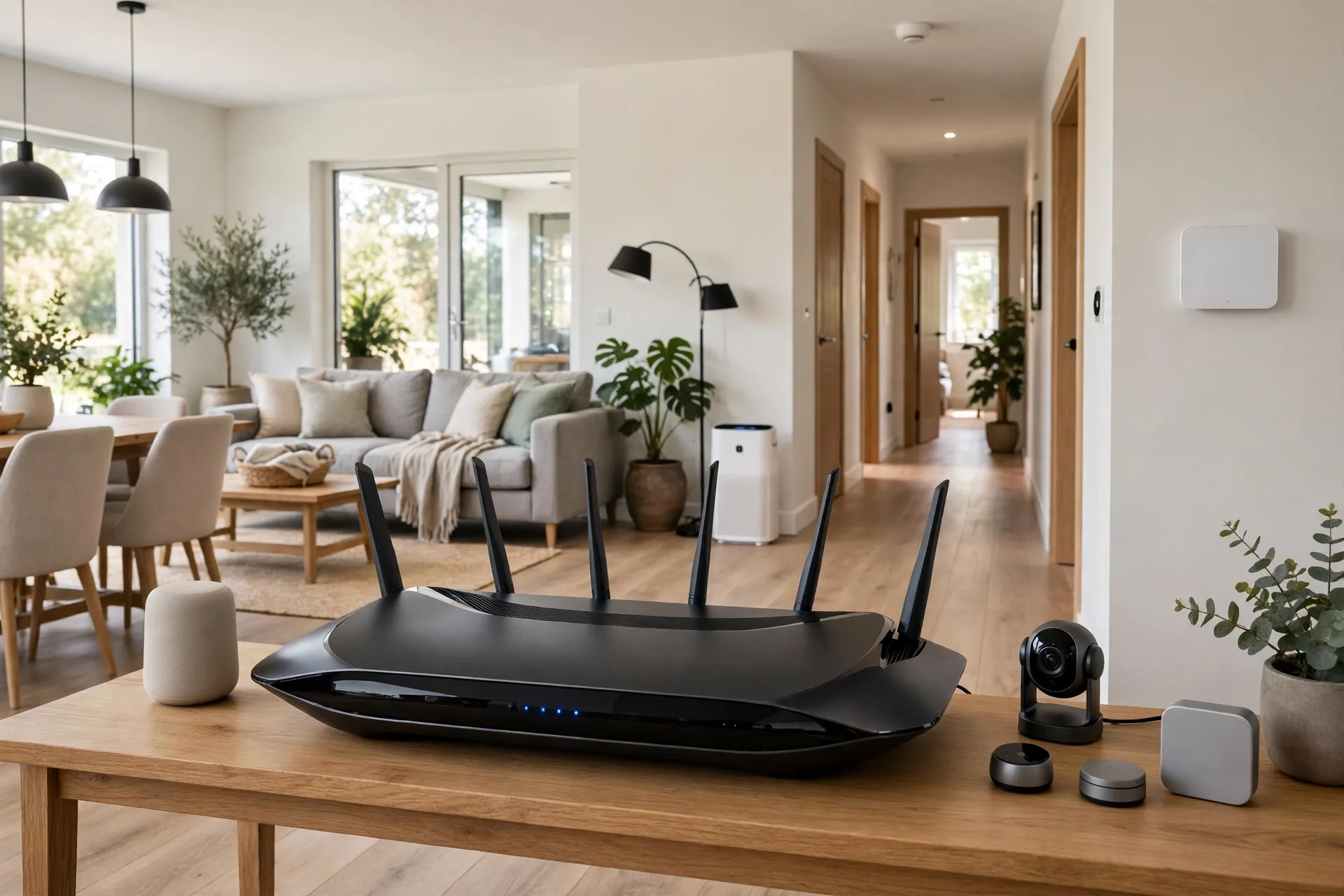
Meanwhile, setup runs through the Nighthawk app, which most owners find quick and clear. Also, the quad-core 2.6 GHz processor keeps things smooth when dozens of smart-home gadgets stay connected. However, Netgear’s Armor security costs extra after its trial. So buy this one when you want the widest coverage without mesh nodes all over the house.
4. TP-Link Archer BE800: best value flagship
The BE800 gives you flagship-class BE19000 speed for around $350, well below the ASUS and Netgear flagships. It’s a tri-band router with a 10 Gbps port, 320 MHz channels, and MLO, so it handles a 2-gig fiber plan with ease. Coverage also runs up to about 3,000 sq ft, which suits most family homes.
Where it wins is the balance. So you get the headline speed and the fast port at a mid-range price. However, the trade-off is a simpler app and fewer extra features than ASUS offers. Finally, if you want the fastest router you can buy without paying flagship money, this is the sweet spot.
5. ASUS RT-BE92U: best mid-range pick
Next, the RT-BE92U sits between the budget and flagship tiers at around $280. Specifically, it’s a tri-band router rated up to 9.7 Gbps, with a 6 GHz band, MLO, and a flexible 10 Gbps port. That single fast port is the key detail: it lets a 2-gig fiber plan reach the router at full speed, even though the rest of the ports run slower.
This is the router for a home that wants real Wi-Fi 7 without paying flagship prices. You get the 6 GHz band, which the cheaper dual-band routers skip, plus AiMesh for later expansion. The only compromise is that one 10 Gbps socket, so you can’t wire two multi-gig devices at full speed at once. For most homes, one is enough.
6. Netgear Orbi 970: best mesh system for large homes
The Orbi 970 is the pick when one router can’t cover your home, no matter how strong it is. It’s a BE27000 quad-band mesh system rated to cover up to 10,000 sq ft, and it carries a 10 Gbps port for a fast fiber plan. A three-pack usually sells for around $2,000, but it replaces the dead zones a single router leaves behind.
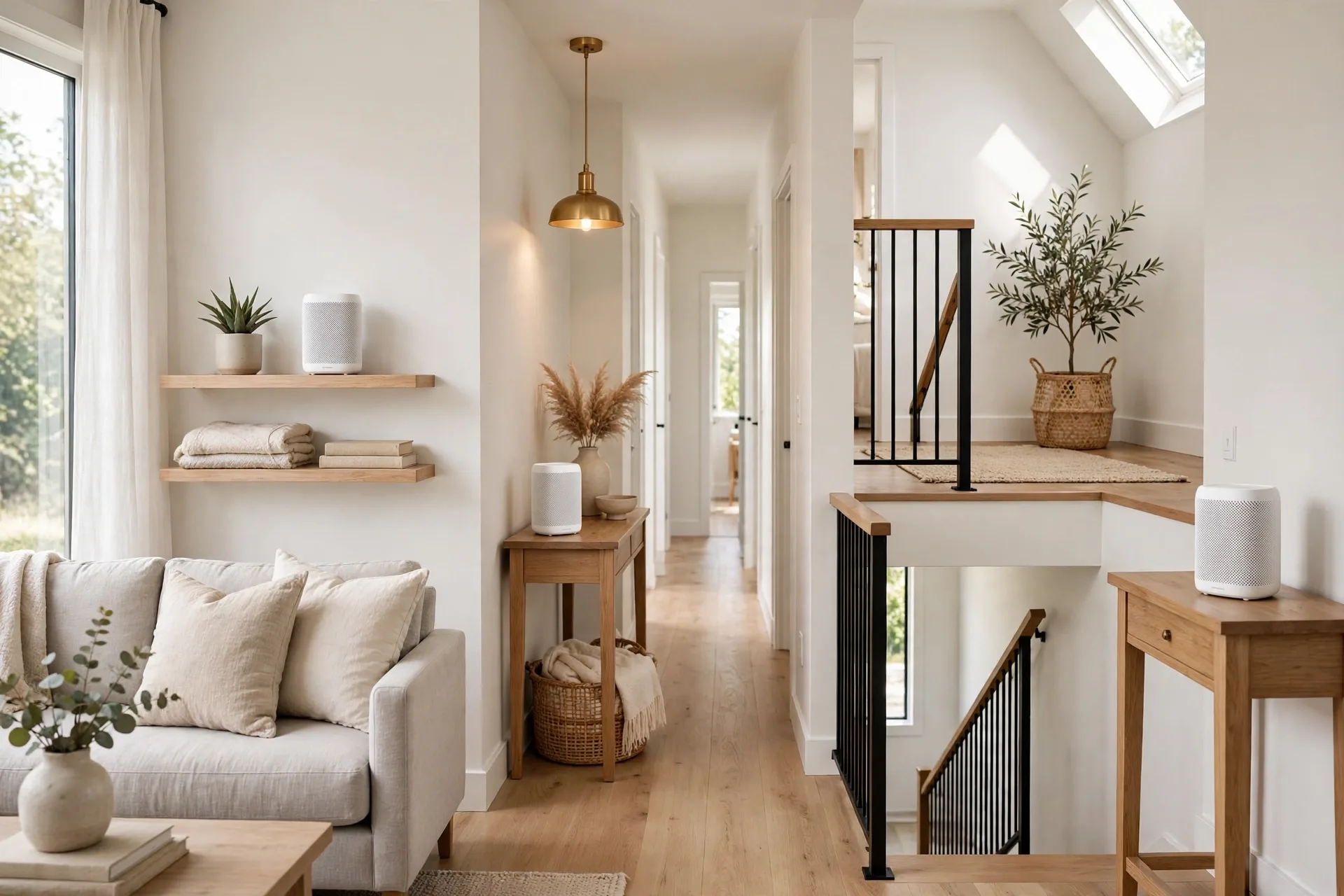
Mesh works best when the satellite nodes connect back to the main unit over a wired link. If you can run a cable between the rooms, do it. A wired backhaul keeps full speed at every node. A good ethernet cable for the backhaul costs little and beats any setting in the app. Wireless backhaul works too, but it shares airtime with your devices and slows down at range.
Buy the Orbi 970 for a large house, thick walls, or three floors. For a flat or a small house, it’s overkill, and the BE550 does the same job for a tenth of the price.
7. eero Pro 7: easiest mesh setup
The eero Pro 7 is the mesh pick for people who want Wi-Fi 7 without touching settings. It’s a tri-band mesh system with two 5 Gbps ports and wireless speeds up to 3.9 Gbps. A single unit usually sells for around $300. Setup runs from the app in about ten minutes, and the system updates itself.

Each unit covers 2,000 sq ft, so a two-pack suits a medium house and a three-pack suits a large one. The trade-off is control: fewer advanced settings than ASUS or TP-Link offer, and some features sit behind a subscription. If you want a network that just works, this is the one to buy.
Mesh or standalone: which one fits your home?
Table: Match your home size to router type.
| Home | Internet plan | Best fit | Pick |
|---|---|---|---|
| Flat or small house, 2,000 sq ft | Up to 1 Gbps | Standalone router | Archer BE550 |
| Family home, 3,000 sq ft | 1 to 2 Gbps | Standalone flagship | RT-BE96U or BE800 |
| Large home, 3,500 sq ft | 1 to 2 Gbps | Standalone flagship | Nighthawk RS700S |
| Three floors or thick walls | Any speed | Mesh system | Orbi 970 or eero Pro 7 |
| Very large home, over 5,000 sq ft | 2 Gbps or faster | Mesh system | Orbi 970 |
One strong router beats a cheap mesh system in a small home. Mesh nodes add hops, and each hop can add delay. In a flat, a single BE550 in the middle of the home beats two weak nodes. Mesh only wins when walls or distance stop one router from reaching every room.
Where you put the router matters as much as which one you buy. Place it high, out in the open, and near the center of your home, not behind the TV or inside a cabinet. The 6 GHz band loses signal fast through walls, so a router hidden in a corner wastes its best feature. Our home network installation guide walks through placement room by room.
Count your devices before you choose. A home with 20 gadgets is easy for any router here. A home with 60 or more needs a flagship processor and plenty of RAM. The RS700S and RT-BE96U handle that load, while a budget router may drop smart-home devices at busy hours.
Set it up right: the 5-minute Wi-Fi 7 checklist
Most Wi-Fi 7 routers work fine out of the box, but the headline features stay off until you set them right. Run through this list once to get the speed you paid for.
- Turn on WPA3 security with Protected Management Frames set to Required. MLO will not start on WPA2 or on a mixed WPA2/WPA3 network.
- Enable MLO in the wireless settings, and bond the 5 GHz and 6 GHz bands. Leave the 2.4 GHz band out of the MLO network so slow gadgets don’t drag it down.
- Set the 6 GHz channel width to 320 MHz and the channel to Auto, so the router picks the cleanest block.
- Place the router high and central, then run a speed test in the farthest room. If the far room is slow, move the router before you buy anything else.
- Update the firmware on day one, then check for updates every few months.
MLO needs WPA3 with Protected Management Frames set to Required. Without that, the router quietly falls back to single-link Wi-Fi 6E behavior. The Wi-Fi Speed setup guide explains this step in detail. It’s the single most common reason a new Wi-Fi 7 router feels no faster than the old one.
Check your devices too. A laptop needs a Wi-Fi 7 adapter, such as the Intel BE200, to use MLO. Older laptops still connect and work fine, just at Wi-Fi 6 speeds, so check the adapter before you blame the router.
If your router’s admin page looks confusing, our router configuration guide walks through the settings screen by screen.
FAQs
Is a Wi-Fi 7 router worth it in 2026?
Yes, if your router is old or your home is full of devices. Wi-Fi 7 adds MLO, 320 MHz channels, and the 6 GHz band, which cut delays and lift speeds. Good routers now start around $200. If your current router is less than two years old and your plan is under 500 Mbps, you can wait.
Do I need Wi-Fi 7 devices to benefit?
You need Wi-Fi 7 devices to use MLO and the fastest speeds, but older devices still gain something. A Wi-Fi 7 router handles congestion better, so older phones and TVs get steadier speeds. The big jump comes when your phone, laptop, or console has a Wi-Fi 7 chip.
What is MLO on a Wi-Fi 7 router?
MLO stands for Multi-Link Operation. It lets a Wi-Fi 7 device connect on two bands at the same time, usually 5 GHz and 6 GHz, instead of one. The router splits data across both links, which lifts speed and smooths out drops. It needs WPA3 security with Protected Management Frames set to Required.
Is Wi-Fi 7 better than Wi-Fi 6E?
Yes, but the gap is smaller than the marketing suggests. Wi-Fi 6E already gave you the 6 GHz band. Wi-Fi 7 adds MLO, wider 320 MHz channels, and 4K-QAM on top. In the same room with a Wi-Fi 7 device, you can see double the speed. Through two walls, the difference shrinks, because 6 GHz loses signal fast.
Can a Wi-Fi 7 router work with my current modem?
Yes, in most cases. A Wi-Fi 7 router plugs into your modem with an ethernet cable. The modem only needs to support your plan’s speed. If your plan is 1 Gbps or faster, check that your modem can pass that speed, or the router will never see it.
How much should I spend on a Wi-Fi 7 router?
Spend around $200 for a flat or small house, around $350 to $630 for a family home or a 2-gig plan, and $700 or more only for a large home on mesh. The Archer BE550 covers most homes at the low end. Pay more only when your home size or internet speed truly needs it.
Conclusion
Start with your internet plan and your home size, then pick from the table above. For most homes, the best wifi 7 router is the Archer BE550 at around $200. If you have a big house or a 2-gig plan, step up to the RT-BE96U, the BE800, or the RS700S. Order the router, run the five-minute checklist, and test the farthest room the same day.