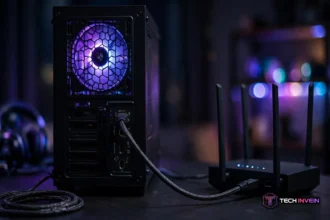


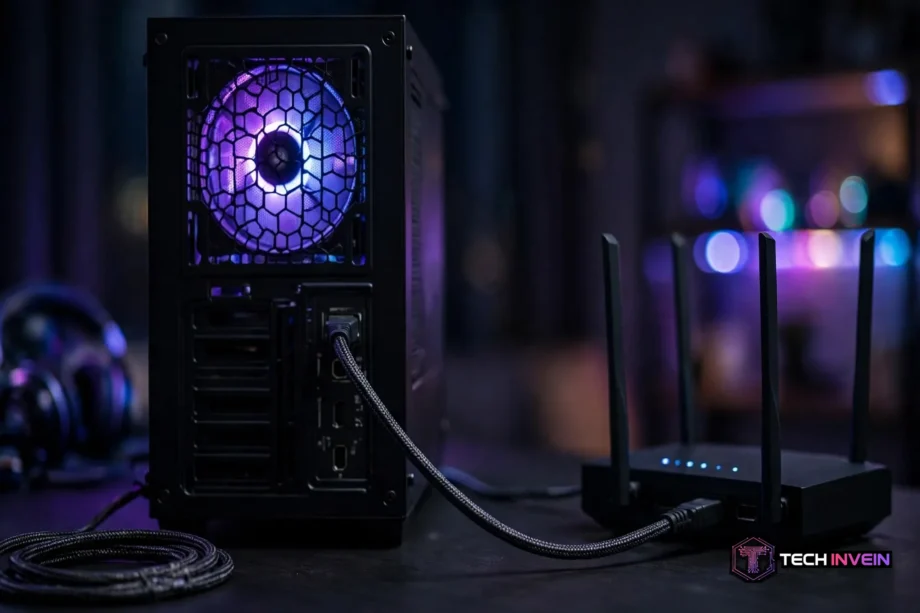
The best ethernet cable for gaming is a Cat6a cable in the right length for your room. It holds 10 Gbps across a full 100 metres, shrugs off interference, and costs little more than a basic Cat6. You don’t need Cat8 to lower your ping.
- Best Ethernet Cable for Gaming: Quick Picks
- Why Wired Beats Wi-Fi for Gaming
- Cat6 vs Cat6a vs Cat8: What the Numbers Mean
- Does a Better Cable Lower Your Ping?
- The 6 Best Ethernet Cables for Gaming
- 1. Cable Matters Cat6a: Best Overall
- 2. Monoprice Cat6: Best Budget Pick
- 3. Amazon Basics Cat6: Best for Consoles
- 4. Mediabridge Cat6a: Best for Long Runs
- 5. UGREEN Cat8: Best Cat8 Cable
- 6. Jadaol Cat8 Flat: Best Flat Cable
- Shielded vs Unshielded: When It Matters
- How Long Should Your Gaming Ethernet Cable Be?
- Which cable wins for your setup
- Setting Up Your Cable: A 10-Minute Job
- Mistakes Gamers Make With Ethernet Cables
- FAQs
- Is Cat8 better than Cat6a for gaming?
- What is the best ethernet cable for gaming on PS5?
- Does a longer ethernet cable increase lag?
- Do I need a shielded ethernet cable for gaming?
- Is Cat6 enough for gigabit gaming?
- Can I use a flat ethernet cable for gaming?
- Conclusion
A cable can’t fix a slow plan or a weak router, however, the right one removes Wi-Fi lag spikes for good.
Best Ethernet Cable for Gaming: Quick Picks
Short on time? Start here. These picks cover the setups most gamers actually have, from a console next to the router to a PC two rooms away.
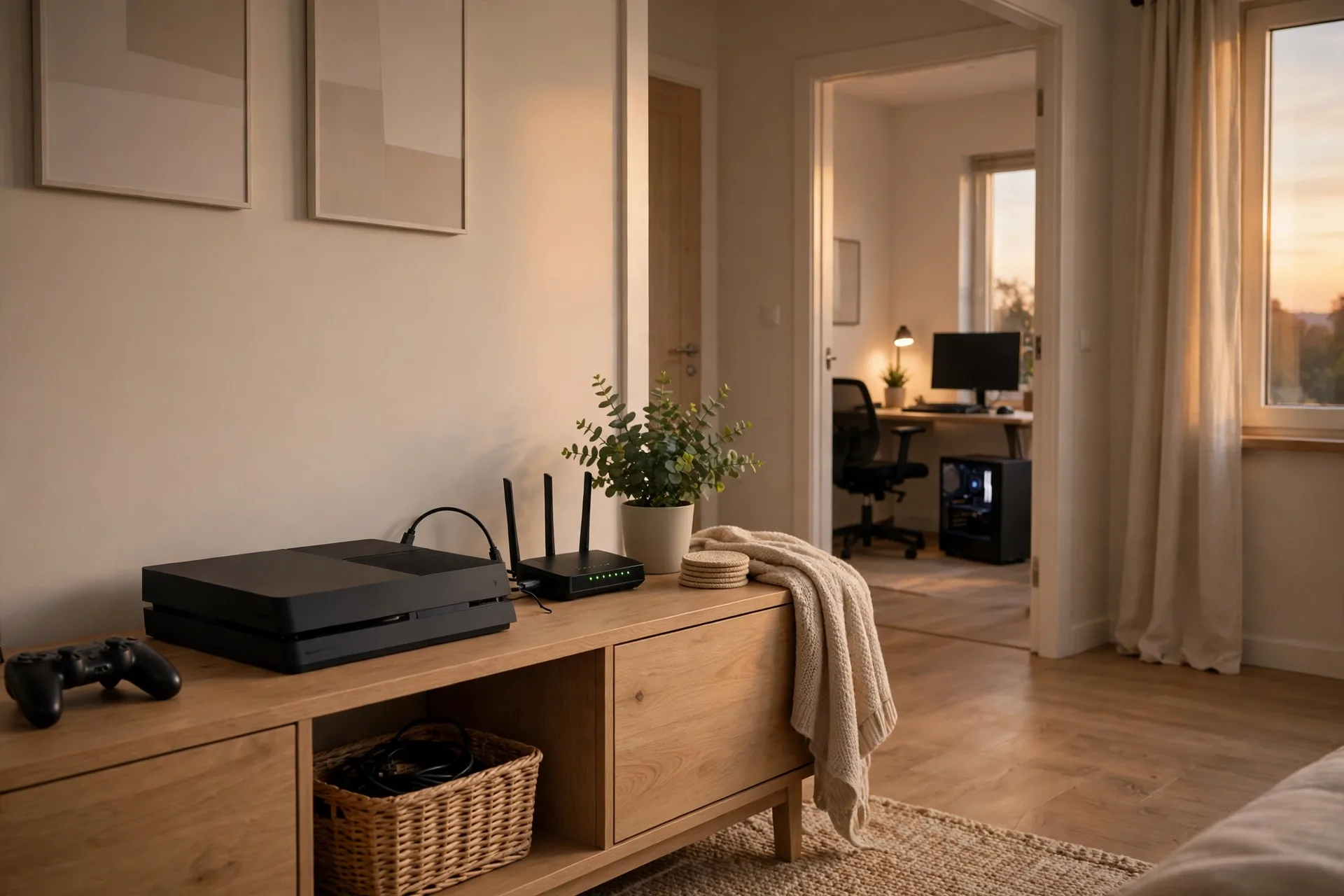
Table: quick picks.
| Pick | Cable | Best for | Why it wins |
|---|---|---|---|
| Best overall | Cable Matters Cat6a | Most gamers | 10 Gbps to 100 m, shielded, fair price |
| Best budget | Monoprice Cat6 | Short runs, gigabit internet | Cheap, reliable, easy to route |
| Best for consoles | Amazon Basics Cat6 | PS5 and Xbox next to the router | Simple, widely available, snagless boots |
| Best long run | Mediabridge Cat6a | Runs over 15 m through walls | Full 10 Gbps speed at long distance |
| Best Cat8 | UGREEN Cat8 | Short runs, heavy local transfers | 40 Gbps rated, braided, tough build |
| Best flat cable | Jadaol Cat8 flat | Under carpets and doors | Flat shape, shielded, easy to hide |
Why Wired Beats Wi-Fi for Gaming
Meanwhile, packet loss matters. Wi-Fi drops packets because a microwave runs or a neighbour’s router crowds your channel. However, Ethernet doesn’t care. So the first upgrade isn’t a fancier cable. It’s any cable at all. Going from Wi-Fi to a cheap Cat6 cable is the big jump. Going from Cat6 to Cat8 is a step most gamers will never feel.
Cat6 vs Cat6a vs Cat8: What the Numbers Mean
Table: category speeds. Cable categories look confusing. However, the table below cuts through the marketing. First, numbers matter: top speed, bandwidth in MHz, and the distance that speed holds for.
| Category | Top speed | Bandwidth | Full-speed distance | Gaming verdict |
|---|---|---|---|---|
| Cat6 | 1 to 10 Gbps | 250 MHz | 55 m at 10 Gbps | Sweet spot for gigabit internet |
| Cat6a | 10 Gbps | 500 MHz | 100 m | Best all-round pick |
| Cat7 | 10 Gbps | 600 MHz | 100 m | Skip it, not a TIA standard |
| Cat8 | 25 to 40 Gbps | 2000 MHz | 30 m | Overkill for gaming |
Cat6 handles 1 Gbps over 100 metres and 10 Gbps up to 55 metres. That covers nearly every home, since most plans top out at 1 Gbps. It’s also the thinnest cable to route behind a desk.
Cat6a doubles the bandwidth to 500 MHz and still holds 10 Gbps across the 100 metres. It’s thicker and usually shielded, which helps in noisy runs. For cable through walls, Cat6a is the sensible buy.
Cat7 sounds better than Cat6a, but isn’t recognised by the TIA, the body that sets North American cabling standards, as this Cat6a vs Cat7 vs Cat8 guide explains. It often needs non-standard connectors to hit its rated spec. Skip it. There’s no gaming benefit, only confusion at the checkout.
Cat8 is the fastest copper standard, rated at 25 to 40 Gbps and 2000 MHz, yet only to 30 metres. Past that it falls back to 10 Gbps and behaves like Cat6a. Instead, it was built for runs between servers in data centres, not for a living room.
Does a Better Cable Lower Your Ping?
No. However, this is the answer, and it’s the one most cable listings won’t give you. Independent tests that ran Cat5e, Cat6, and Cat8 on the same network recorded the same 34 ms ping to the game server on all three cables. Still, the category did not move the number at all.
Why? Your ping is set by your internet plan, your ISP’s routing, and the distance to the game server. The cable is a few metres of copper in your home. It adds about half a microsecond per 100 metres, far too small to see in any game.
What a cable does give you, however, is headroom and stability. Cat6a keeps 10 Gbps alive over a long run, so a big download finishes faster. Shielding helps beside power lines. Still, none of that shows up as a lower ping number. So if a listing says “gaming Cat8, ultra-low latency,” read it as marketing.
The 6 Best Ethernet Cables for Gaming
For example, every cable below is a product with a category you can check on the maker’s page. I picked them by use case, not by hype, and I have not invented a price for any of them. Check the current price before you buy, since prices move with length and sales.
1. Cable Matters Cat6a: Best Overall
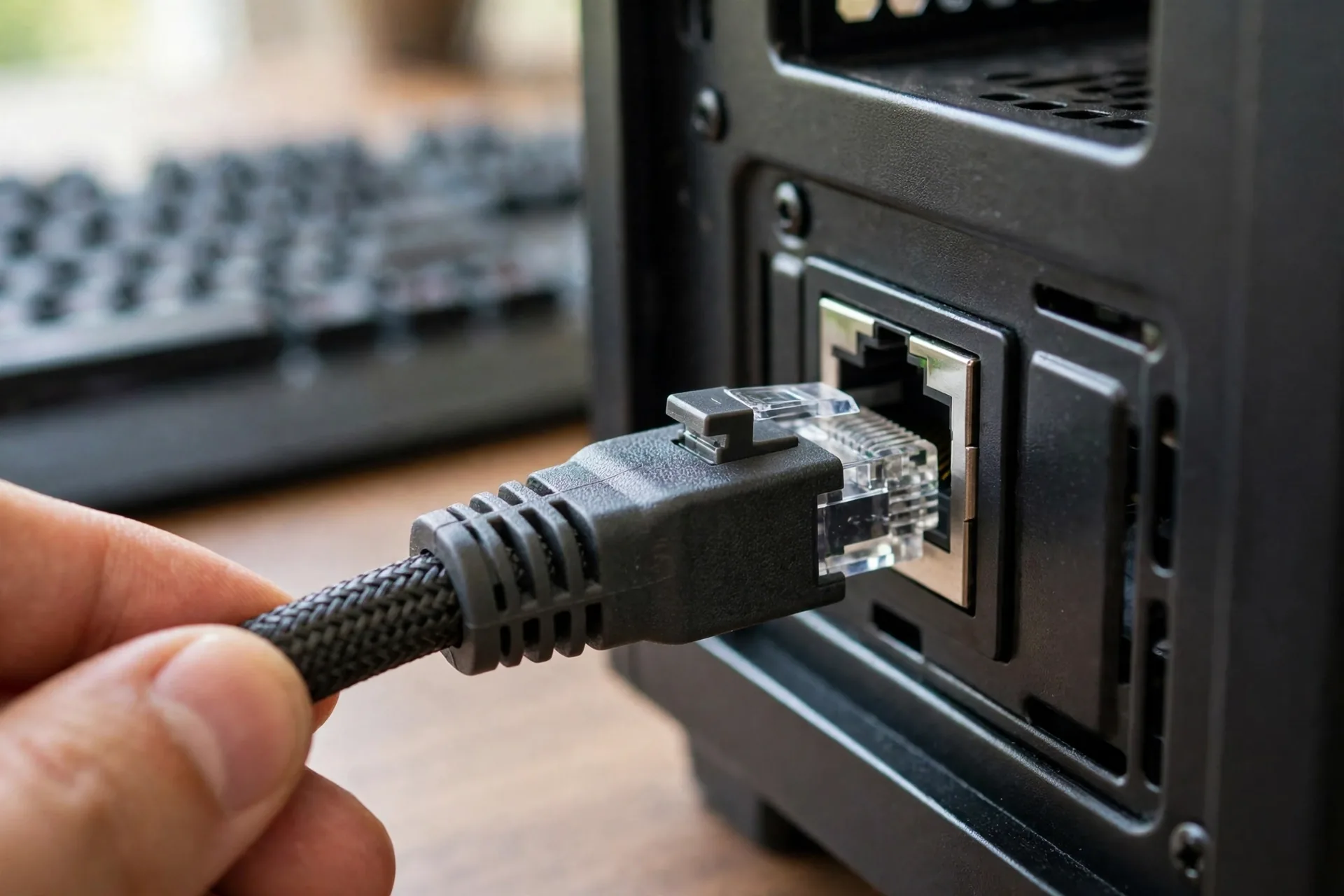
Cable Matters Cat6a is the cable I would buy first for most gaming setups. It’s rated for 10 Gbps at 500 MHz, shielded, and available in lengths from short desk runs to 100 ft. The snagless boots protect the clip when you plug and unplug it, which sounds small until a broken clip leaves a cable that falls out mid-match.
2. Monoprice Cat6: Best Budget Pick
Monoprice Cat6 is the budget pick that doesn’t feel like a compromise. It handles gigabit internet with ease and 10 Gbps up to 55 metres, so it covers any room-to-router run. It’s thin, flexible, and easy to tuck behind furniture.
3. Amazon Basics Cat6: Best for Consoles
Amazon Basics Cat6 is the easy console pick. A PS5 or Xbox usually sits near the router, so the run is short and the plan is the limit, not the cable. This cable does that job with no fuss, and its snagless design survives being moved when you dust behind the TV.
4. Mediabridge Cat6a: Best for Long Runs
Meanwhile, Mediabridge Cat6a is the pick for runs, the kind that cross a house from a router in one room to a gaming PC in another. Cat6 drops to 1 Gbps past 55 metres at 10 Gbps; however, Cat6a holds the full 10 Gbps to 100 metres. That matters because the run is permanent and you can’t swap it later.
5. UGREEN Cat8: Best Cat8 Cable
UGREEN Cat8 is the best Cat8 option if you specifically want one, and it’s honest about what it’s. It’s rated at 40 Gbps and 2000 MHz, braided, and built to take abuse. It suits a short run where you move big files between fast devices on your own network, such as a PC to a NAS with a 10 Gbps port.
6. Jadaol Cat8 Flat: Best Flat Cable
Jadaol Cat8 flat is the pick when a round cable won’t fit. Its flat shape slides under a carpet, under a door, or along a floor edge where a round cable would bulge or trip someone. It’s shielded, so it still resists interference better than a cheap unshielded flat cable.
Shielded vs Unshielded: When It Matters
For most gamers, UTP Cat6 is fine. A short run has little noise to block, and unshielded cable is thinner, cheaper, and easier to bend.
Shielding earns its keep in three cases. First, beside power cables for a long stretch. Second, near a microwave, fluorescent lights, or humming gear. Third, a long in-wall run you can’t replace. As a result, a shielded Cat6a cable is worth the extra thickness.
One test found shielded cable improved ping consistency by 0.3 ms next to a microwave and a router. You’ll never feel 0.3 ms. Treat shielding as insurance for noisy runs, not as a latency upgrade.
How Long Should Your Gaming Ethernet Cable Be?
Walk the route with a piece of string. Go around the skirting board, over the door frame, and down to the desk. Then add 1 to 2 metres of slack so you can move the console for cleaning without unplugging it. That slack stops the cable pulling tight every time you dust.
Here is a simple length guide for common setups.
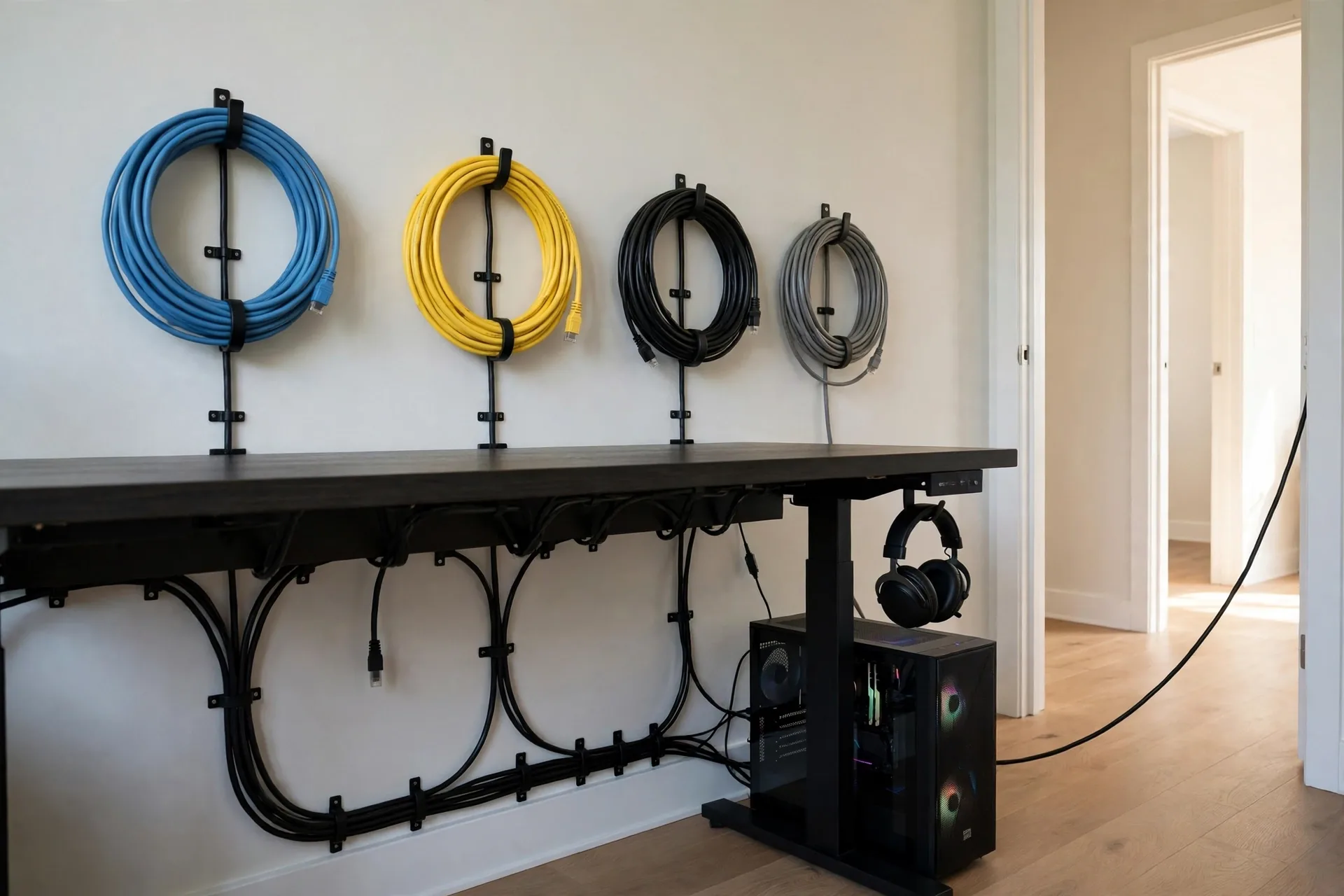
Table: length guide.
| Setup | Route | Buy this length | Category |
|---|---|---|---|
| Console next to router | Across one shelf | 1 to 2 m (3–6 ft) | Cat6 |
| PC at a desk in the same room | Along the skirting board | 3 to 5 m (10–16 ft) | Cat6 or Cat6a |
| PC in the next room | Through a wall or doorway | 10 to 15 m (33–50 ft) | Cat6a |
| Gaming room far from router | Across the house | 20 to 30 m (65–100 ft) | Cat6a |
| Garden office or loft | Long permanent run | 30 to 50 m (100–165 ft) | Cat6a shielded |
However, a longer cable won’t slow your game. The spec allows 100 metres for Cat6 and Cat6a at their rated speeds. Your plan and your ISP matter far more than the metres in your home. Avoid the longest cable just because it’s cheap. A 30-metre coil behind a desk is a trip hazard and a dust trap.
Which cable wins for your setup
Use this short decision framework. It takes two minutes and it stops you buying the wrong cable.
First, check your internet speed. Run a speed test on a wired device, or look at your plan. If your plan is 1 Gbps or slower, Cat6 is enough. If it’s 2.5 Gbps or faster, buy Cat6a. With a 10 Gbps plan and a 10 Gbps router port, Cat6a is still the right pick for the full 100 metres.
Second, measure the run. Short desk run? Cat6. Long run through walls? Cat6a. Over 30 metres? Cat6a, since Cat8 loses its speed edge past that distance.
Third, look at the route. Does it run beside power cables or through a noisy area? Pick shielded Cat6a. Does it cross a doorway or go under a carpet? Pick a flat cable, or route a round cable with clips.
Fourth, check your ports. A cable can’t beat your slowest port. If your router has gigabit ports, a Cat8 cable will still run at 1 Gbps. If your PC and router both have a 2.5 Gbps port, Cat6a lets you use it. If you are not sure what ports you have, our guide to configuring a router walks through the settings page where you can check the link speed.
That’s the whole framework. Speed, length, route, ports. Answer those four and the category picks itself.
Setting Up Your Cable: A 10-Minute Job
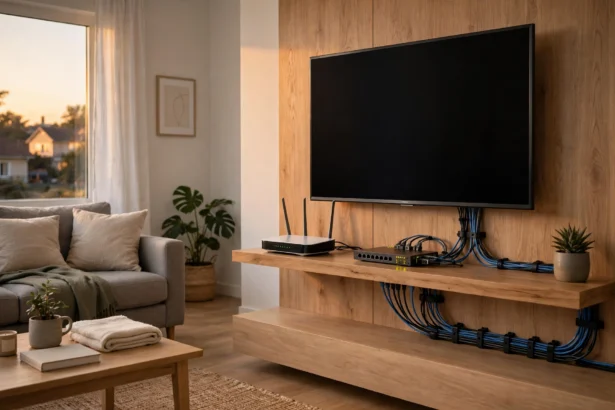
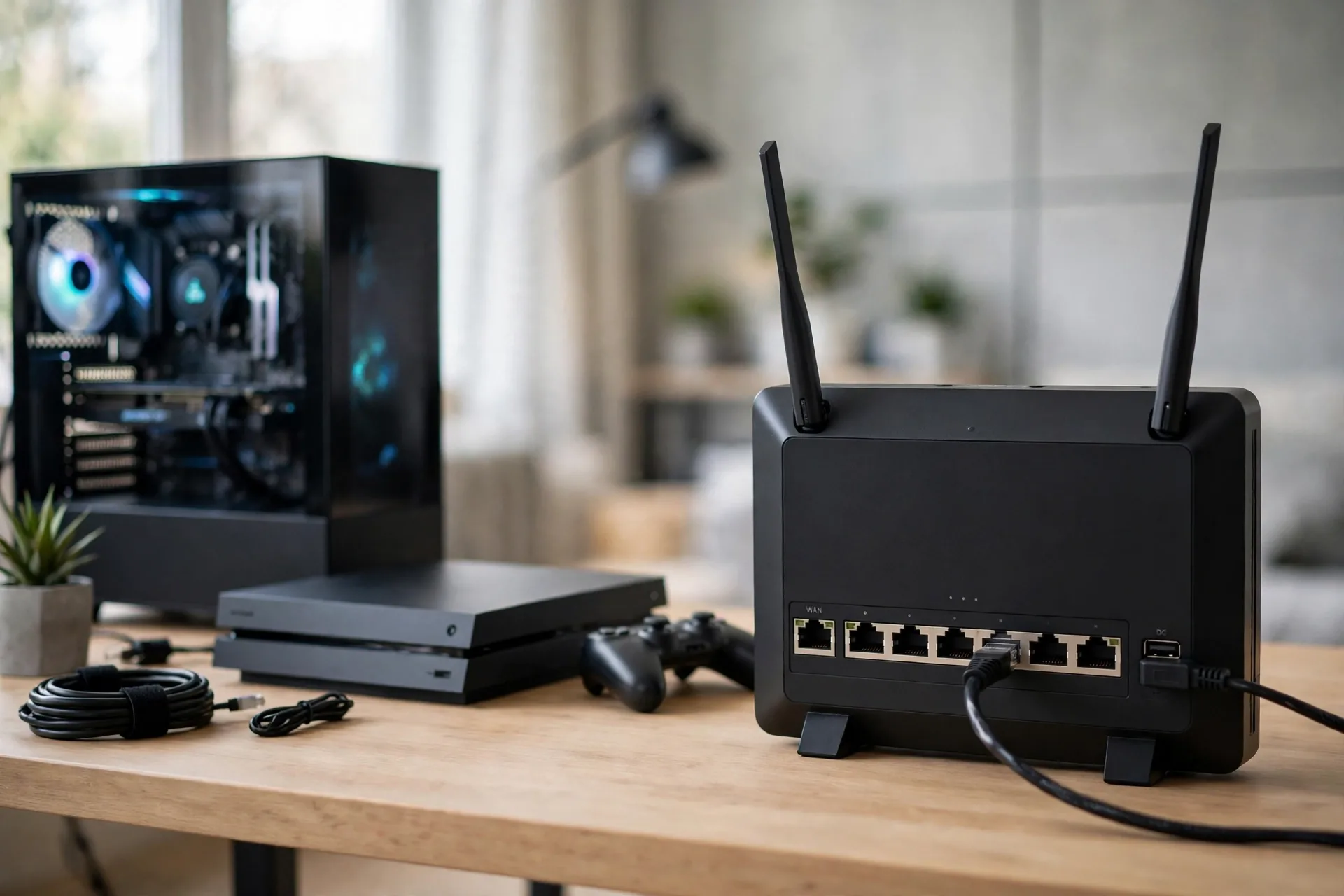
Setting up a wired connection takes about ten minutes, mostly routing the cable neatly. Plug one end into a LAN port on your router, not the WAN port that feeds it from the modem. Plug the other end into your PC or console.
Test it before you play. Run a speed test, then play one match and watch for lag spikes. If the spikes are gone, the cable did its job. If not, the problem is upstream. Our guide to smart home wiring design ideas covers neat routes for cables through a house.
Mistakes Gamers Make With Ethernet Cables
The first mistake is buying Cat8 for lower ping. It won’t help, and the money is better spent on a better router position or a mesh node. The second mistake is buying the cheapest cable with no brand or rating printed on the jacket. A cable that claims Cat8 but has thin wires and no shielding is just a Cat5e cable with a fancy label.
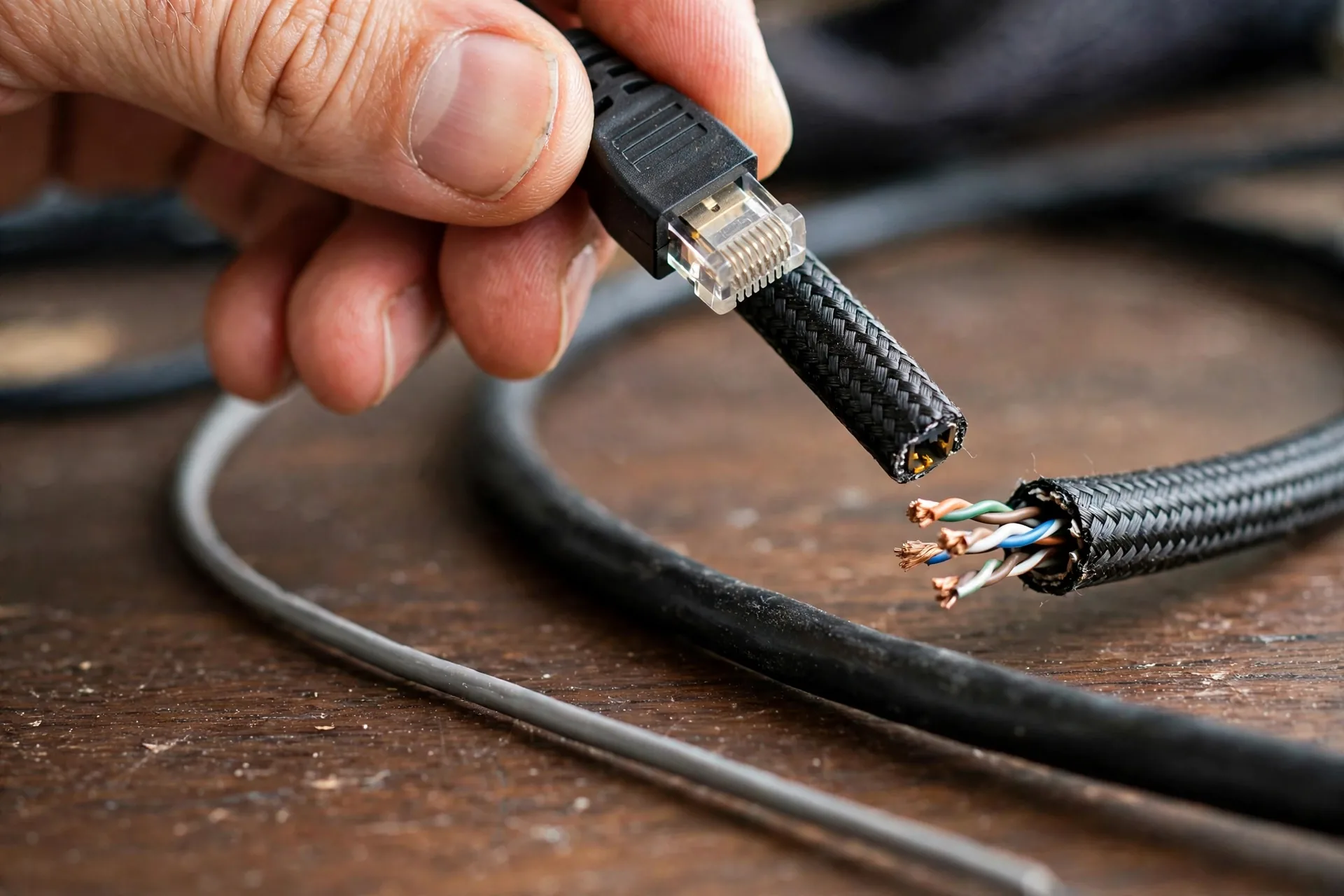
Look for real signs of quality instead of big numbers on the box. The jacket should print the category, such as Cat6a. The connectors should be RJ45 with a clip that clicks firmly. If a listing hides the wire gauge or the category, skip it.
Watch out for CCA cable: copper-clad aluminum, an aluminum core with a thin copper coating. It has higher resistance than pure copper, runs hotter, and snaps more easily, so avoid it for long runs and PoE. Spot it by a cheap price, “CCA” on the jacket or listing, thin 28 AWG conductors, or a cable that feels light.
One more check matters. If you add a switch so one cable feeds a PC and a console, use a gigabit or multi-gig switch that matches your plan, not a dusty 100 Mbps switch from a drawer. Our guide to the unmanaged switch explains which type fits a gaming desk without extra setup.
FAQs
Is Cat8 better than Cat6a for gaming?
No, not for gaming. Cat8 is rated at 25 to 40 Gbps, but no home internet plan or game uses that speed, and the cable only holds it to 30 metres. Cat6a already gives you 10 Gbps to 100 metres with shielding. Your ping will be the same on both, so Cat6a is the better buy for nearly every gamer.
What is the best ethernet cable for gaming on PS5?
A Cat6 or Cat6a cable in the length you measured is the best pick for a PS5. The PS5 has a gigabit port, so Cat6 covers it fully, and Cat6a adds headroom for the future. Plug it into a LAN port on your router, pick the wired option in the PS5 network settings, and you are done.
Does a longer ethernet cable increase lag?
Not in any way you can feel. A 100-metre cable adds about half a microsecond of delay versus a 1-metre cable, which is far below what any game can show. Length only matters when you pass the rated limit for the category, such as 55 metres at 10 Gbps on Cat6. Stay inside the limit and play on.
Do I need a shielded ethernet cable for gaming?
Most gamers don’t. A short unshielded Cat6 cable across a room works fine, since there’s little noise to block. Buy shielded Cat6a when the cable runs beside power cables for a long stretch, passes near a microwave or heavy gear, or goes through walls as a permanent run you can’t swap later.
Is Cat6 enough for gigabit gaming?
Yes, Cat6 is enough for gigabit gaming. It carries 1 Gbps over the full 100 metres, which matches most home internet plans. It also handles 10 Gbps up to 55 metres. Move to Cat6a only when your plan or your local network runs faster than gigabit, or when your run is long and permanent.
Can I use a flat ethernet cable for gaming?
Yes, a flat cable works for gaming on a short run under a carpet or along a floor edge. It carries the same signal as a round cable of the same category. Avoid sharp bends and heavy furniture on top of it, and use round Cat6a for in-wall runs.
Conclusion
The best ethernet cable for gaming is the one that fits your speed, your length, and your route. For most gamers that’s a Cat6a cable, with Cat6 as the smart budget pick for short gigabit runs. Cat8 is real tech built for data centres, not a shortcut to lower ping.
Measure your route, buy the length that fits, and plug in. Then run a wired speed test and play one match. If you want a broader take on home networking cables, our best ethernet cable guide covers the wider home-network picks beyond gaming.