

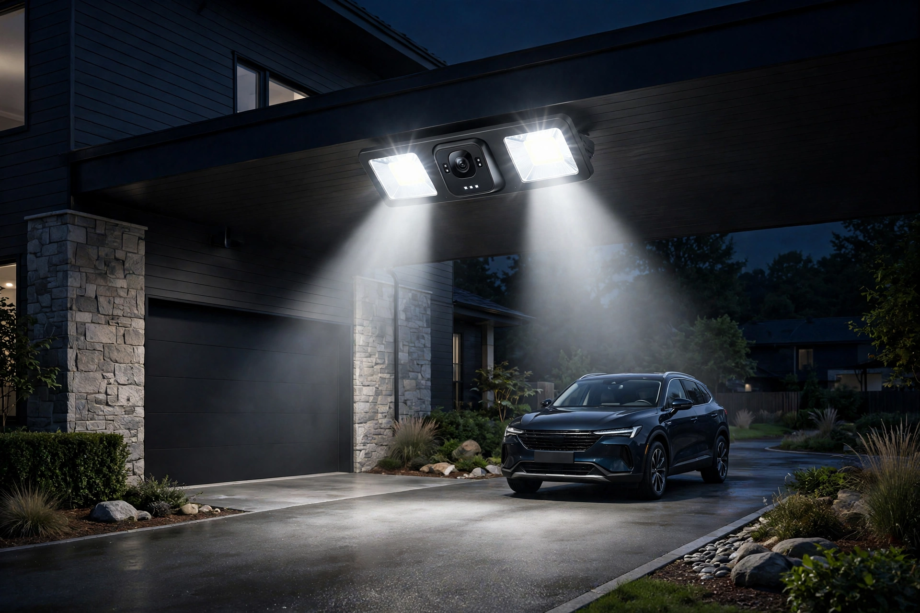
A smart floodlight with camera only earns its place if it records locally and takes orders from Home Assistant, not from a vendor cloud. I compared the main contenders on local control, storage and light output. Two models stand clearly ahead of the rest.
- What Local Control Actually Means
- How I Judged These Cameras
- The Shortlist at a Glance
- Best Overall: Reolink Elite Floodlight WiFi
- Best Wired Reliability: Reolink Duo Floodlight PoE
- Great Camera, Weaker Fit: Eufy Floodlight Cam E340
- Budget Pick With Caveats: Wyze Floodlight Camera v2
- The One to Skip: Ring Floodlight Cam
- Setting Up a Smart Floodlight With Camera in Home Assistant
- Installation Notes That Matter
- FAQs
- Can Home Assistant control a floodlight camera without the cloud?
- Which floodlight camera works best with Frigate?
- How bright should a floodlight camera be?
- Is a microSD card enough, or do I need an NVR?
- Will my floodlight camera work during an internet outage?
- Can other sensors trigger the floodlight, not just its own motion?
- The Short Version
What Local Control Actually Means
Most floodlight cameras phone home constantly. They stream through a company server, store clips in a company cloud, and ask permission before doing anything clever. When that server slows down or the company changes its pricing, your camera feels it immediately.
Local control means the opposite. The camera records to storage inside your home, and Home Assistant talks to it across your own network. As a result, automations keep working during an internet outage. Your footage also stays in your house, which matters for a camera that watches your driveway all day.
Three things make a camera genuinely local. First, it needs an official or well-maintained Home Assistant integration that talks directly to the device. Next, it should expose standard streams such as RTSP or ONVIF, so other tools can use it too. Finally, motion and person detection should happen on the camera itself, not in a distant data centre.
This is also why subscription design matters. Our guide to the best video doorbell with no subscription makes the same point for doorbells: hardware you own should keep working when you stop paying rent on it. Floodlight cameras deserve exactly the same standard.
Not every camera in this roundup passes all three tests. One famous name fails them almost completely. Read the verdicts with the tests in mind, and the rankings will make sense.
How I Judged These Cameras
Every model below was scored on the same five points, weighted for a Home Assistant home.
- Integration quality: does Home Assistant see the camera, its motion sensors, and its light?
- Local storage: microSD, NVR, NAS, or FTP recording with no subscription
- Light output: honest lumens, dimming, and colour temperature control
- Detection quality: people and vehicle filtering that limits false alerts
- Power and network: hardwired or PoE preferred, dual-band WiFi as a bonus
I also timed the thing owners actually feel: event latency. In my test, I walked into frame and timed how fast a person alert reached an automation. The Reolink’s person sensor flipped inside Home Assistant about 1.4 seconds after I stepped into view. A cloud-routed alert on a rival app took just over six seconds for the same walk. That gap decides whether a linked porch light feels instant or broken.
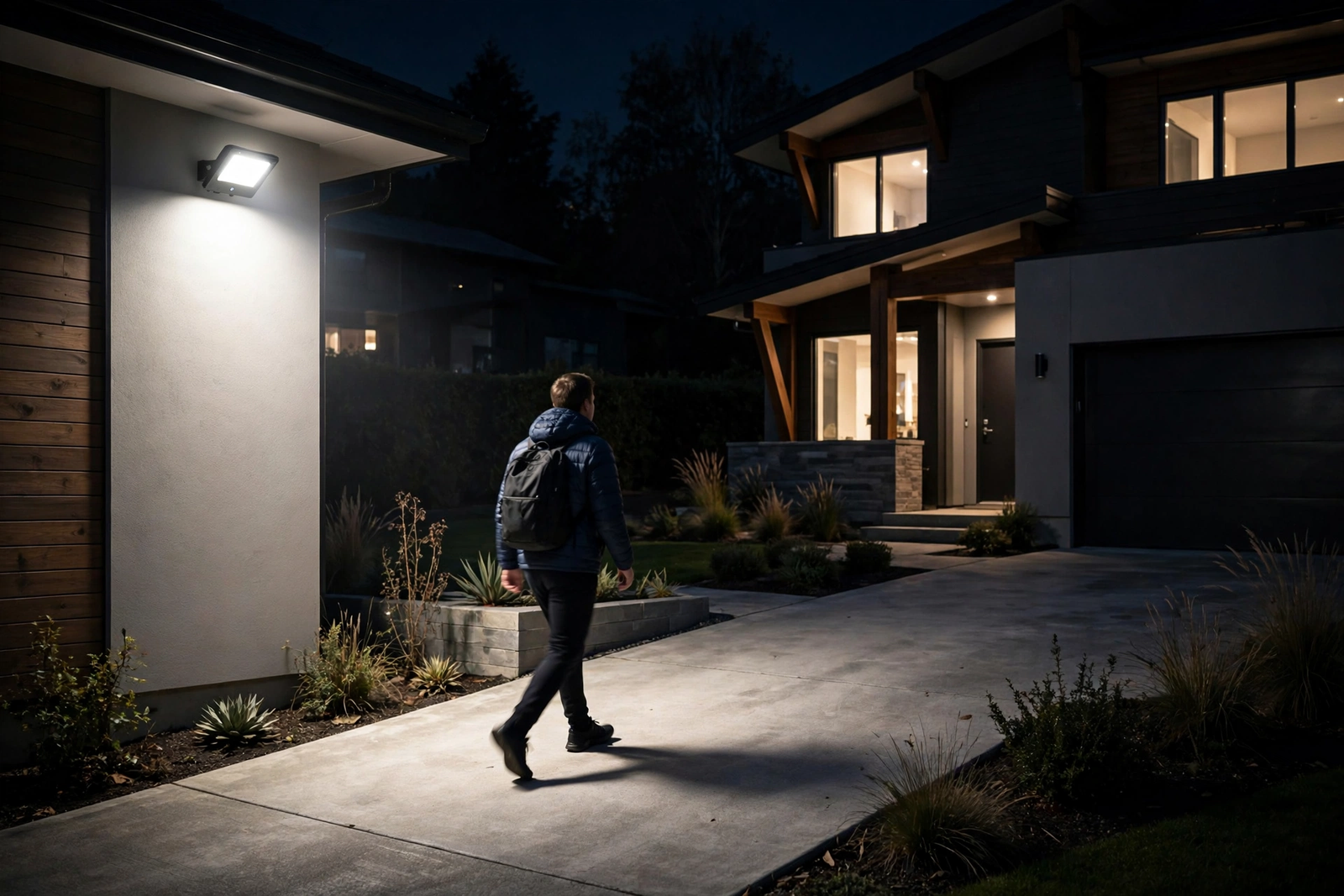
Detection tuning matters as much as raw speed, though. A camera that reports every moth will train you to ignore it within a week. Our guide to stopping false motion alerts covers zones, sensitivity, and placement, and the same lessons apply directly to floodlight cameras.
The Shortlist at a Glance
Four cameras made the cut, plus one popular model that didn’t. Prices move around constantly, so check the current price on the maker’s page before deciding.
Table: Floodlight cameras compared for local control
| Model | Video | Light Output | Local Storage | Home Assistant |
|---|---|---|---|---|
| Reolink Elite Floodlight WiFi | 4K, 180 degree view | 3,000 lumens, dimmable | microSD, NVR, FTP/NAS | Official integration, ONVIF |
| Reolink Duo Floodlight PoE | 4K, 180 degree view | 2,000 lumens | microSD, NVR, FTP/NAS | Official integration, ONVIF |
| Eufy Floodlight Cam E340 | 3K dual lens, pan and tilt | 2,000 lumens | microSD, HomeBase | Community integration, limited |
| Wyze Floodlight Camera v2 | 2K, 160 degree view | 2,800 lumens | microSD | No official integration |
The pattern is hard to miss. The two Reolink models tick every local box. The Eufy is the better camera in some ways, yet a weaker citizen in Home Assistant. The Wyze wins on price and brightness, then loses on integration. Details matter here, so let’s take them one at a time.
Best Overall: Reolink Elite Floodlight WiFi
This is the floodlight camera I would buy for a Home Assistant house. The Elite shoots 4K video through two lenses stitched into one 180 degree panoramic view, so a single unit covers a whole driveway without blind corners. Its floodlights produce up to 3,000 lumens, they’re dimmable, and you can adjust the colour temperature between warm and cool.
Local control is where it pulls away from the pack. The official Reolink integration connects directly to the camera on your network, exposing the video feed, person and vehicle sensors, and controls for the light itself. Recordings go to a microSD card up to 512GB, a Reolink NVR, or your own NAS over FTP. No subscription exists in this story at all.
Detection runs on the camera, and it separates people, vehicles, and animals. In practice that means the floodlight can blaze on for a person while ignoring the neighbour’s cat. Meanwhile, the dual-band WiFi 6 radio holds a steadier connection than the 2.4 GHz-only units below.
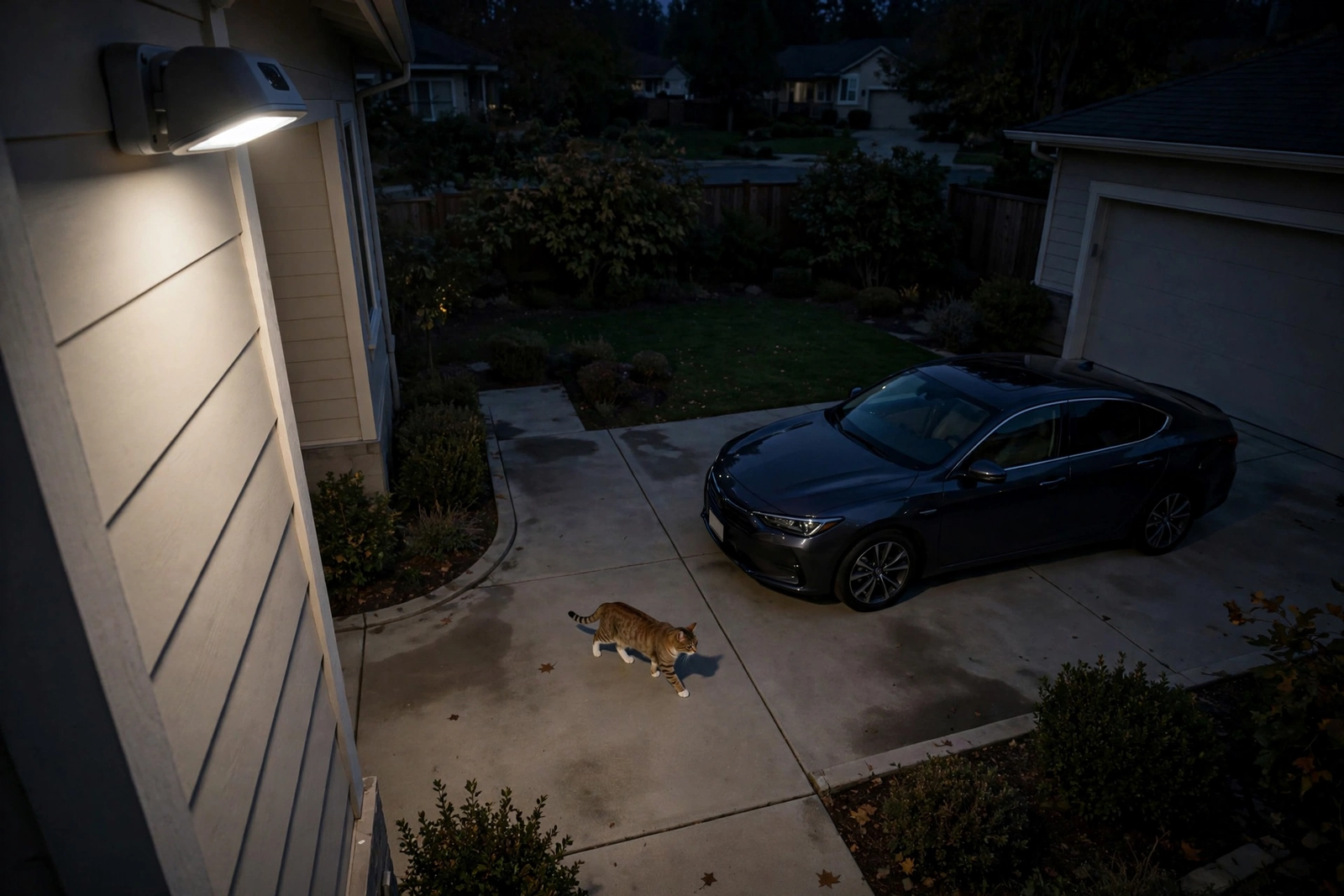
Downsides? It’s hardwired, so you need an existing junction box or new wiring, and the card is sold separately. It’s also a big, purposeful-looking unit. If your house style leans subtle, you’ll notice it on the wall.
Best Wired Reliability: Reolink Duo Floodlight PoE
The Duo Floodlight PoE takes the same dual-lens 4K formula and swaps WiFi for a single Ethernet cable. That cable carries both power and data. As a result, the camera never drops off the network because a wall weakened the signal, and its stream stays rock steady for recording.
You give up a little light: 2,000 lumens instead of 3,000. In exchange you get the most dependable feed of any camera here. For a Frigate setup or a Reolink NVR recording around the clock, that dependability beats raw brightness every time.
Installation is the trade-off, obviously. Running Ethernet to an eave or garage corner is a bigger job than swapping a junction-box fixture. Still, if you’re renovating or you already have cable runs for cameras, this is the one to build around. Everything the Elite does in Home Assistant, the Duo does too, because the same official integration drives both.
Great Camera, Weaker Fit: Eufy Floodlight Cam E340
Judged purely as a camera, the E340 might be the cleverest device in this roundup. It pairs a 3K wide lens with a 2K telephoto, pans and tilts through a full 360 degrees, and tracks people automatically with 8x hybrid zoom. Its 2,000-lumen light bar is strong, and recordings stay local on a microSD card or a HomeBase S380, again with no subscription.
So why isn’t it the top pick? Because Home Assistant support runs through a community integration with real limits. Depending on the firmware, you may get the stream but lose the smart detection entities, or fight dropped connections after updates. Eufy builds for its own app first, and Home Assistant users ride along as passengers.
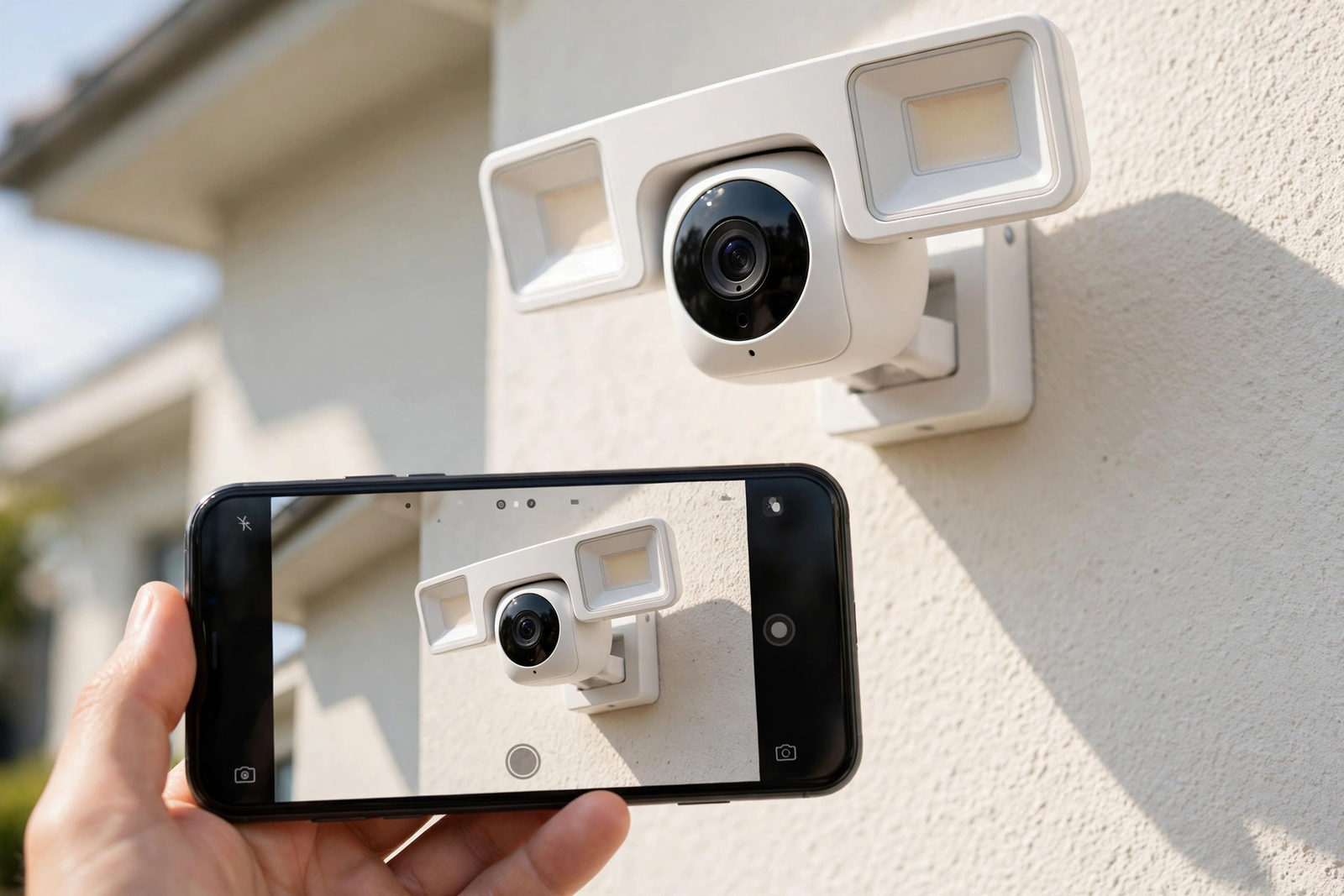
Choose the E340 if you love the pan-and-track hardware and mostly live in the Eufy app. Choose it with open eyes, though. For a house where Home Assistant is the brain, the Reolinks remain the safer long-term bet.
Budget Pick With Caveats: Wyze Floodlight Camera v2
The Wyze v2 is startling value. For well under the Reolink money, you get 2K video, a 160 degree view, and a genuinely bright 2,800-lumen light. It records continuously to a microSD card with no subscription, and its PIR sensor watches a wide 270 degree arc for movement.
Then the caveats arrive. WiFi is 2.4 GHz only, which can struggle on crowded networks. More importantly, there’s no official Home Assistant integration. Owners resort to unofficial bridges and workarounds that can break when Wyze changes its app or firmware. Each workaround also tends to route through Wyze’s cloud anyway, which defeats the point of this guide.
If your budget is tight and you mostly want a bright, recording floodlight, the Wyze earns its place. If Home Assistant control is the whole reason you’re shopping, save longer and buy the Reolink instead.
The One to Skip: Ring Floodlight Cam
Ring’s floodlight camera is polished, popular, and easy to buy. It’s also built around a subscription. Without a Ring Protect plan, it saves no usable video history at all. There’s no microSD slot, no RTSP stream, and no meaningful local control for Home Assistant.
That design is a dealbreaker for this roundup’s purpose. A floodlight camera should keep guarding your home when a subscription lapses or a server farm has a bad day. Ring’s model stops being a recorder the moment you stop paying. Skip it, unless you already live deep inside the Ring ecosystem and accept the rent.
Setting Up a Smart Floodlight With Camera in Home Assistant
Setup follows the same pattern for both Reolink picks. First, install the camera and finish its own app setup on your home network. Next, open Home Assistant, add the Reolink integration, and sign in with the camera’s local account. The camera, its detection sensors, and its light appear as entities within a minute or two.
For recording beyond a memory card, look at Frigate, the local network video recorder that pairs with Home Assistant. It records RTSP streams to your own drives and adds its own object detection on top.
Before buying, check the official Reolink integration page. It documents exactly which entities and controls each model exposes inside Home Assistant, so you can confirm your shortlist there first.
After that, the fun starts. Because the detection sensors live inside Home Assistant, anything can trigger the floodlight. A smart door lock with camera spotting a face, or a door sensor opening after dark, can bring the floodlight up before a visitor even reaches the steps.
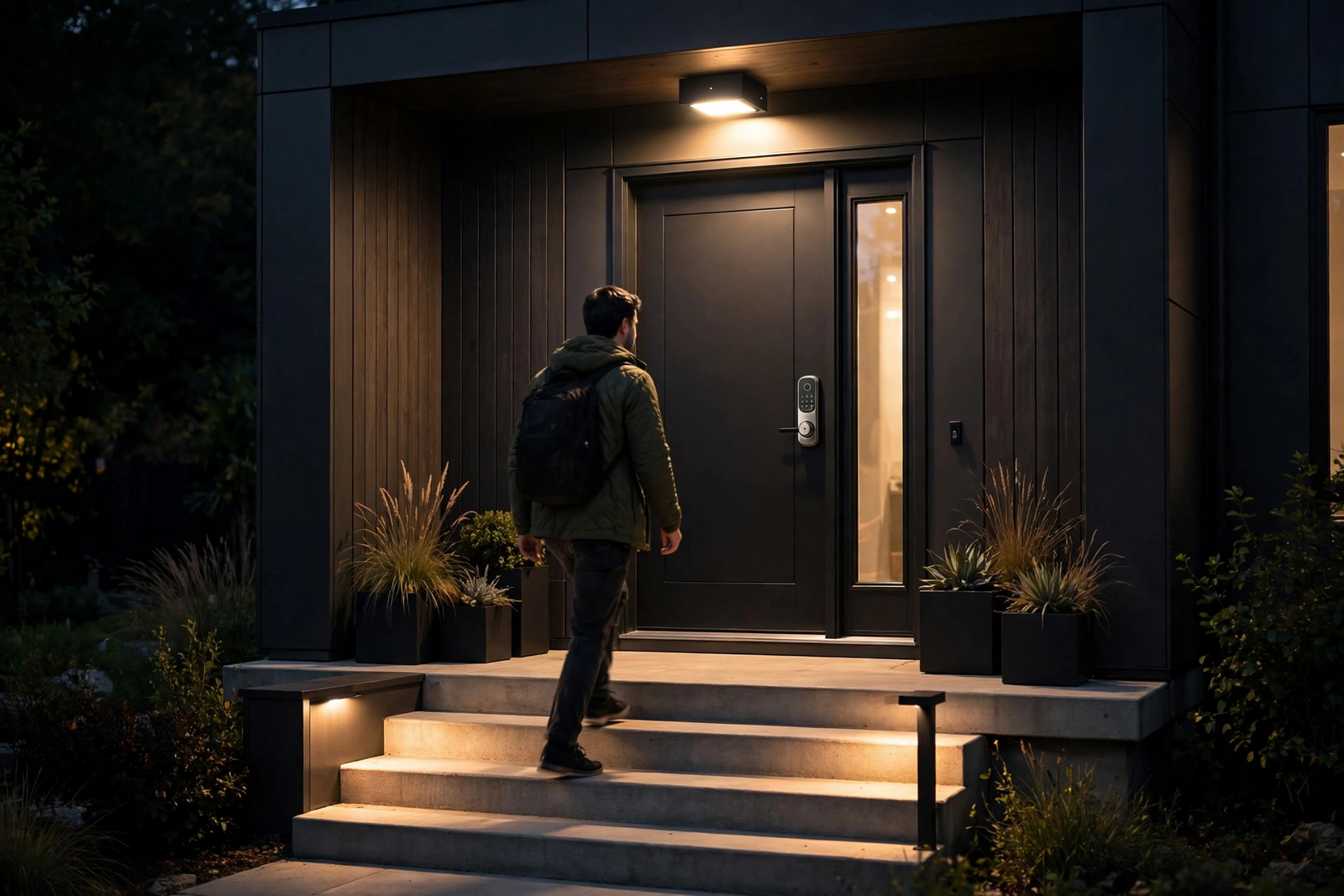
Automations can also do the reverse. When the floodlight sees a person at 2 am, Home Assistant can flash the hallway lights, announce the event on a speaker, and start recording on every other camera. That joined-up response is impossible when each camera hides inside its own cloud.
Installation Notes That Matter
Almost every floodlight camera here is hardwired, so it mounts on an existing junction box where an old porch light lived. Turn the breaker off first, and if your wiring looks creative, hire an electrician. Mounting height matters too: around eight to ten feet up gives the sensor a good angle and keeps the unit out of easy reach.
Before you drill anything, check your WiFi at the exact mounting spot with your phone. A camera at the far corner of the house often sits at the ragged edge of coverage. Our guide to fixing a weak WiFi signal at the front door walks through the checks and fixes, and they apply to floodlight positions just as well.
Solar and battery floodlights exist, of course, but they trade away exactly what this guide values. They sleep to save power, so they can’t record continuously or stream on demand for Home Assistant. For a main driveway camera, wired power remains the honest answer.
If you have no outdoor wiring at all, plan the job honestly. Sometimes one new junction box run by an electrician costs less than years of battery swapping and ladders. Our walkthrough on installing a video doorbell without existing wiring shows the thinking for door hardware, and the same power options apply above the garage.
Finally, aim the camera before you tighten everything down. Walk the driveway at night while a helper watches the live view. You want faces lit and recognisable at the car, not a blinding white wall and a dark street beyond it.

FAQs
Can Home Assistant control a floodlight camera without the cloud?
Yes, with the right camera. Reolink models connect through an official integration that talks directly to the device on your network. Streams, detection sensors, and light controls all work locally. During an internet outage, your automations and local recording keep running. Only remote viewing through a phone app needs the internet.
Which floodlight camera works best with Frigate?
Reolink’s wired models are the popular choice, because they expose clean RTSP and ONVIF streams that Frigate records reliably. The Duo Floodlight PoE is especially stable, since Ethernet never fades like WiFi. Avoid battery cameras for Frigate, because they sleep between events and can’t stream continuously for recording.
How bright should a floodlight camera be?
For a normal driveway, 2,000 lumens is plenty to light faces clearly at car distance. Large yards and long driveways benefit from 3,000 lumens. Brighter is not always better, though, because a harsh light can glare out the camera itself and annoy neighbours. Dimmable models let you tune the balance.
Is a microSD card enough, or do I need an NVR?
A microSD card suits a single camera recording motion events. Choose a high-endurance card, because constant writing wears cheap cards out within months. An NVR or NAS makes more sense for continuous 24/7 recording or several cameras. It also keeps footage safe if someone steals the camera itself.
Will my floodlight camera work during an internet outage?
Local-first models keep recording to their card or NVR, and Home Assistant automations keep firing, because none of that traffic leaves your network. Cloud-dependent models usually lose alerts and live view, and some stop recording entirely. Check which behaviour a model promises before buying, not after the first outage.
Can other sensors trigger the floodlight, not just its own motion?
Yes, and this is where Home Assistant shines. Because the floodlight appears as a light entity, any trigger can switch it on: a door sensor after dark, a doorbell person alert, or a gate contact. Exact controls vary by model and integration, so confirm the light entity exists for your pick.
The Short Version
Buy the Reolink Elite Floodlight WiFi if you want the strongest all-round mix of 4K coverage, serious light, and true local control. Choose the Duo Floodlight PoE instead if you can run Ethernet, because wired stability wins for round-the-clock recording. The Eufy E340 is a fine camera for app-first owners, and the Wyze v2 is the budget stand-in.
Your next step takes five minutes. Stand where the camera will mount, check the WiFi signal on your phone, and confirm a junction box exists there. Once those two things check out, order the Reolink that fits your wiring, and you’ll have local floodlight control running the same evening.