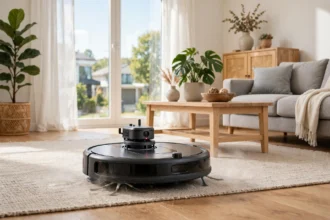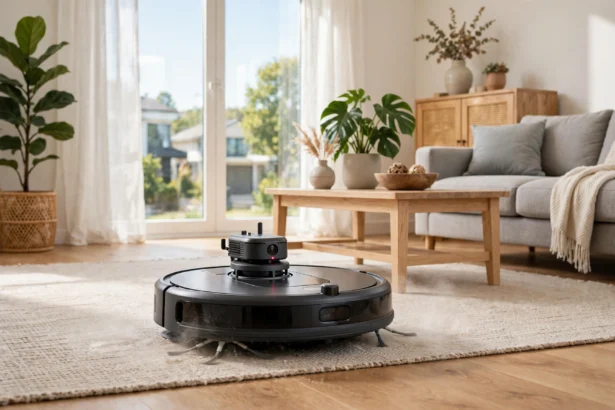

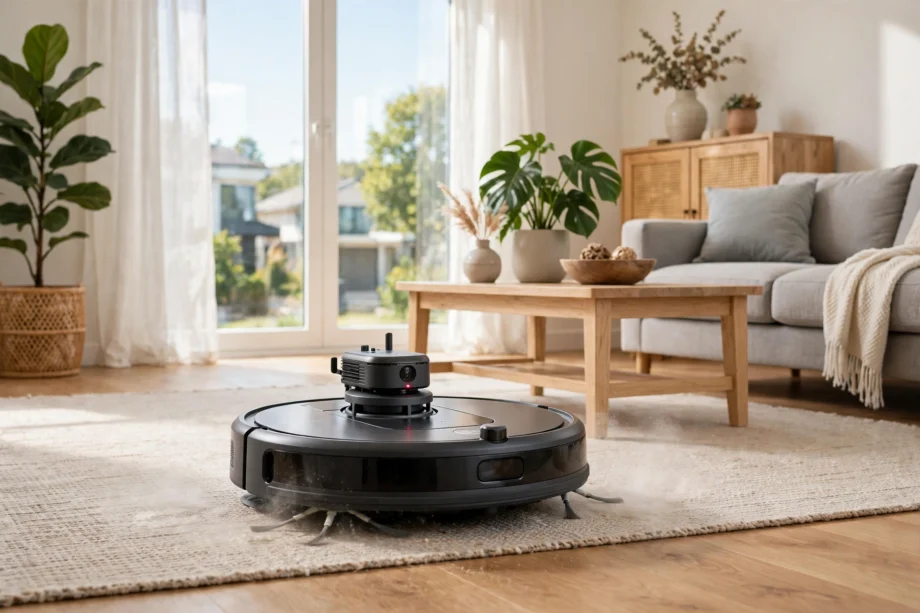
A lidar robot vacuum maps your home with a spinning laser, so it can clean in neat rows even in a dark room. The laser measures distance to walls and furniture many times each second, and the robot turns those readings into a floor plan you can use for room by room cleaning.
- What Is Lidar in a Robot Vacuum
- How Lidar Navigation Works Step by Step
- Lidar vs Camera Navigation
- Where Lidar Struggles
- Room Maps, No Go Zones, and Room by Room Cleaning
- What Lidar Means for Cleaning Speed and Coverage
- Choosing a Lidar Robot Vacuum
- Setup Tips for a Clean First Map
- Privacy and Data: What a Lidar Map Shows
- Frequently Asked Questions
- Does a lidar robot vacuum work in the dark?
- Is lidar better than camera navigation?
- Can a lidar robot vacuum fall down stairs?
- Does lidar work on black furniture and glass doors?
- How tall is a lidar robot vacuum?
- Do I need Wi-Fi for lidar mapping?
- Can a lidar vacuum map multiple floors?
- Conclusion
Is lidar worth paying for? For most homes with more than a couple of rooms, yes. It beats random bouncing and it beats camera-only mapping in low light. This guide explains how lidar navigation works, how it compares with camera systems, where it struggles, and how to set it up well on day one.
What Is Lidar in a Robot Vacuum
Lidar stands for Light Detection and Ranging. In a robot vacuum, a small turret on top spins and sends out laser pulses. Each pulse bounces off a wall, a chair leg, or a door frame and returns to the sensor. The robot measures how long each pulse took, and from that time it works out the distance to each object around it.
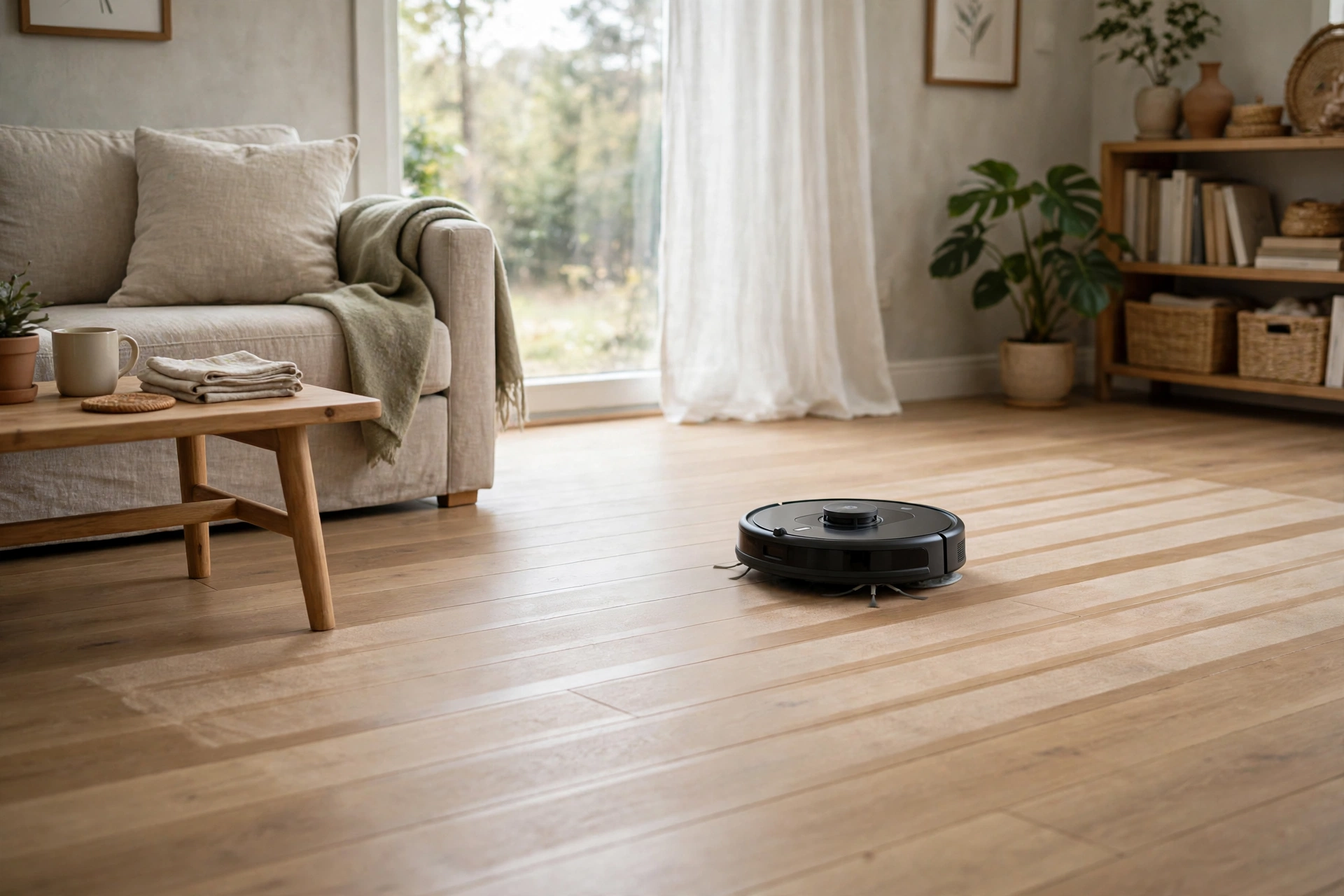
Put thousands of those distance readings together and you get a live outline of the room. The robot builds that outline while it moves, a method engineers call SLAM, which means it maps and locates itself at the same time. That is why a lidar navigation robot vacuum can map a whole floor on its first run, often in far less time than a camera model needs.
You may wonder why a laser helps more than a camera. A camera needs light to see edges and shapes. A laser makes its own signal, so it does not care if the room is bright, dim, or dark. That one difference shapes almost every benefit that follows.
How Lidar Navigation Works Step by Step
First, the laser scans the room in a full circle and builds a rough map of walls and large furniture. Next, the robot plans a path in straight, parallel lines instead of wandering. As it cleans, it keeps scanning, so it can spot a chair that moved since the last run and adjust its path around it.
Wheel sensors and a gyroscope help too. They track how far the robot has moved and which way it turned, but on their own they drift over time. Lidar keeps correcting that drift, because each new scan is matched against the map the robot already built. The result is a cleaner that knows where it has been and where it still needs to go.
Cliff sensors and bump sensors handle the final details. Cliff sensors stop the robot at stairs, while bump sensors catch low objects the laser may miss. Lidar does the big picture work, and those small sensors fill in the gaps close to the floor.
Lidar vs Camera Navigation
A robot vacuum with lidar navigation measures distance directly. A camera system, often called vSLAM, looks at visual features like door frames, picture edges, and furniture corners, and works out movement from how those features shift between frames. Both can map a home, but they fail in different places.
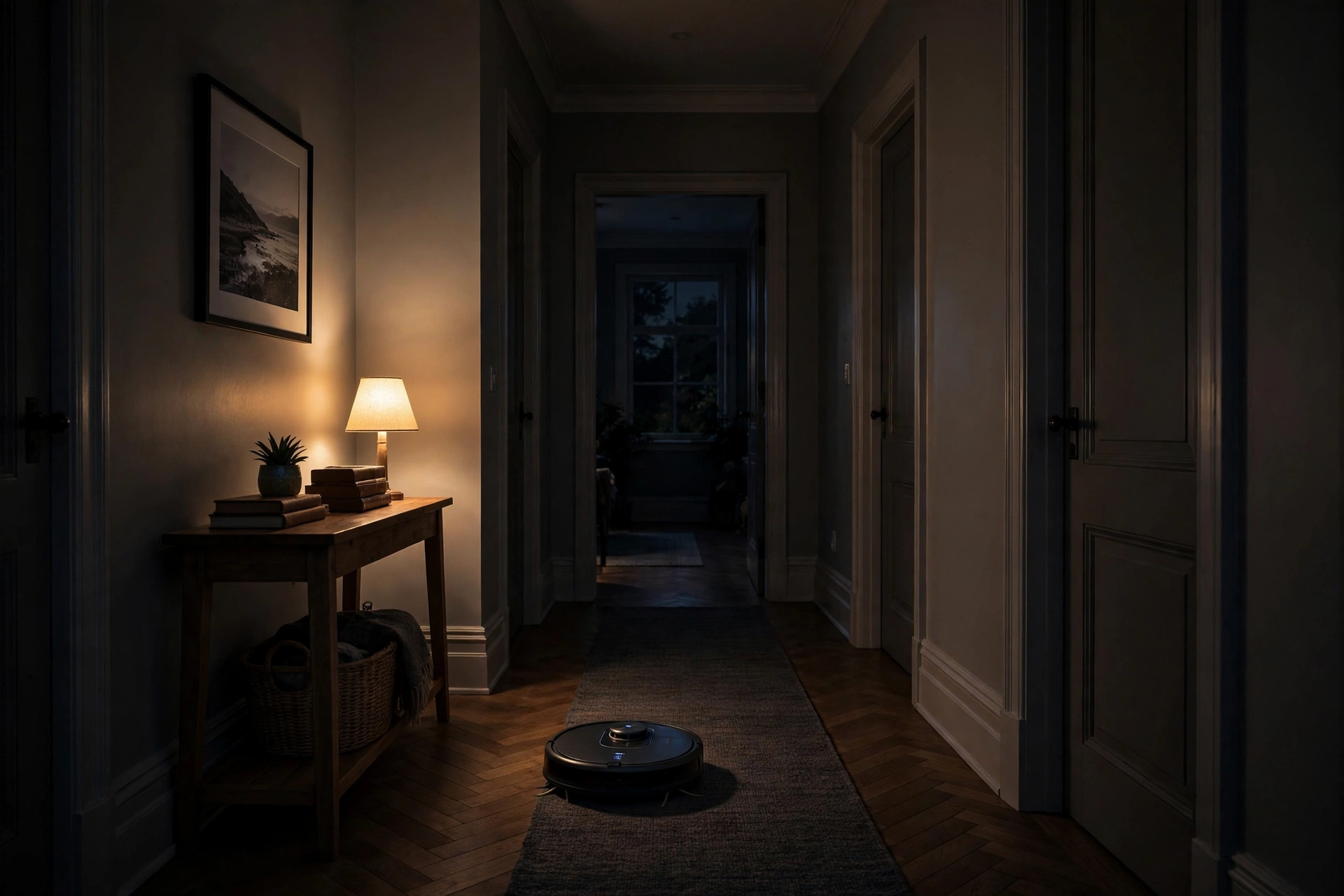
Camera mapping needs light. In a dark hallway or under a bed, a camera may lose track of features and drift off its map. Lidar keeps working in the dark, which makes it a strong pick if you run cleans at night or in rooms with few windows. Camera systems can also raise a privacy question for some buyers, because they capture images inside the home, while lidar builds a shape map with no pictures of your rooms.
Cameras do have one edge. They can recognise objects, like a shoe, a cable, or pet waste, in a way a plain laser map cannot. That is why many top models now pair lidar for mapping with a camera or a 3D sensor for obstacle spotting. You get the accurate map from lidar and the smarter dodging from the camera, without relying on the camera alone for position.
Table: Lidar vs camera vs random navigation
| Feature | Lidar | Camera | Random bounce |
|---|---|---|---|
| Works in the dark | Yes | No, needs light | Yes |
| Builds a room map | Yes, detailed | Yes, less precise | No |
| Sees object types | Shapes only | Yes, with AI | No |
| Typical cleaning path | Neat rows | Planned, can drift | Random |
Where Lidar Struggles
Lidar is strong, but it is not magic. Very dark, shiny, or clear surfaces can confuse it. A black sofa leg may absorb more laser light, a mirror can reflect the beam, and a glass door can look like open space. Most modern models handle these cases better than early ones, but you may still see a missed corner near a glass panel or a mirrored wardrobe.
Height is another limit. The laser turret sits on top of the robot, so it adds height. A lidar model may not fit under a very low sofa or bed frame where a flat, camera-only model could slide in. Measure your lowest furniture gap before you buy, and check the robot height on the manufacturer’s page.
Thick, high pile rugs can also scatter the laser and make patterns less tidy. That does not mean lidar fails on carpet, but on deep shag it may miss a strip or take a less direct path. If most of your home is thick carpet, test the return policy and run a trial clean in that room first.
Room Maps, No Go Zones, and Room by Room Cleaning
Once the map exists, the app turns it into a tool. You can split one large space into rooms, name each room, and tell the robot to clean only the kitchen after dinner. You can draw no go zones around pet bowls, a play mat, or a tangle of cables, and the robot will steer around them on later runs.
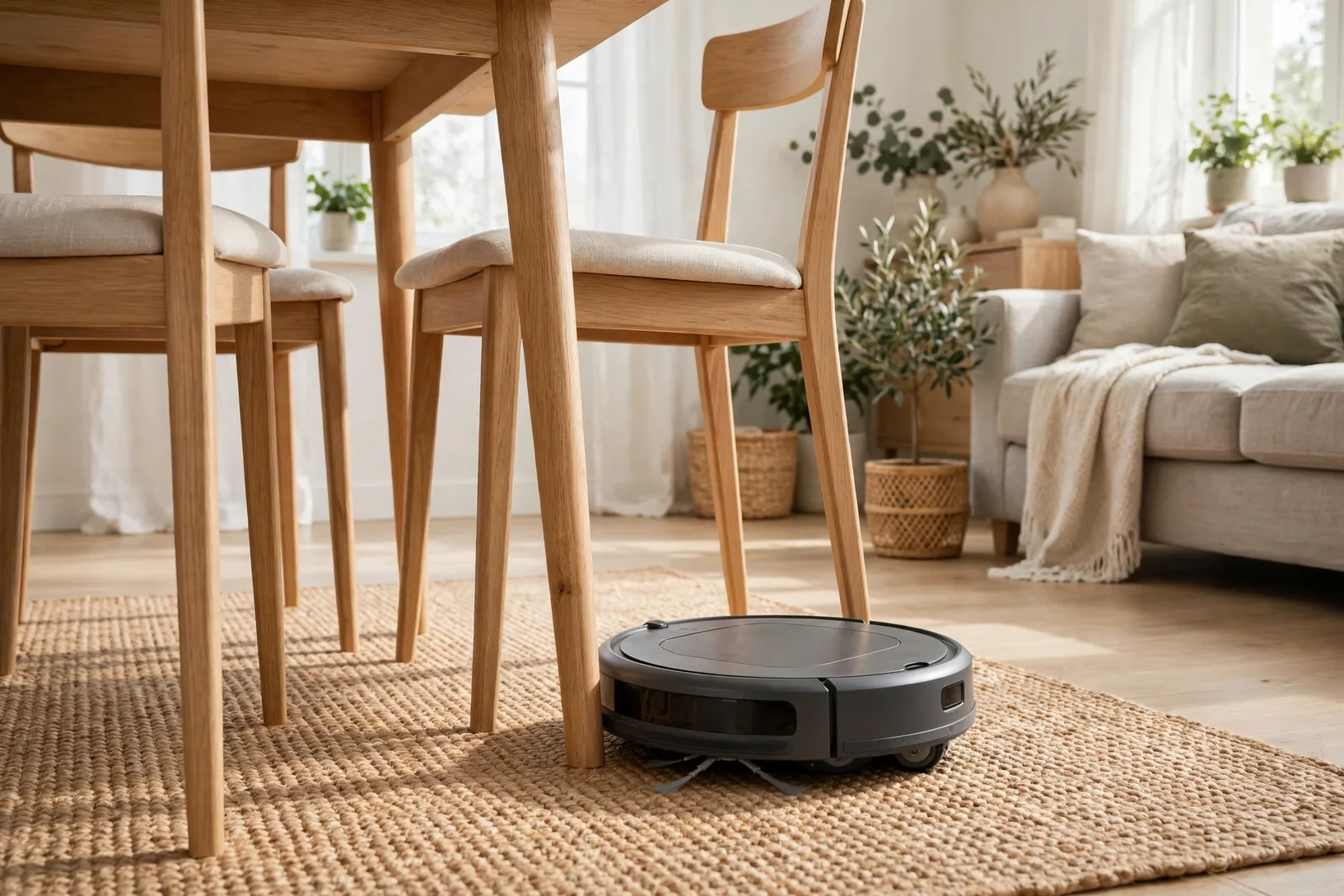
How do you set this up well? Run a full mapping clean with doors open and floors clear, then edit the map while it is fresh in your mind. Split rooms at doorways, not in the middle of an open plan space, because a clean split makes room by room commands work as you expect. Save the map before you set a schedule, so a later clean does not overwrite a good map with a rushed one.
Multi floor homes need one more step. Most lidar apps store a separate map per floor, but the robot still needs to be carried to that floor and started there. It cannot climb stairs, and it will not know which floor it is on until it scans. Keep the dock on the main floor and treat upper floors as manual start cleans.
What Lidar Means for Cleaning Speed and Coverage
Neat rows waste less time than random bouncing. A mapped robot can cover a room once, in order, instead of crossing the same patch five times and missing another patch entirely. That usually means a faster clean and more battery left at the end, which matters in a larger home where a random robot might run out of charge halfway through.
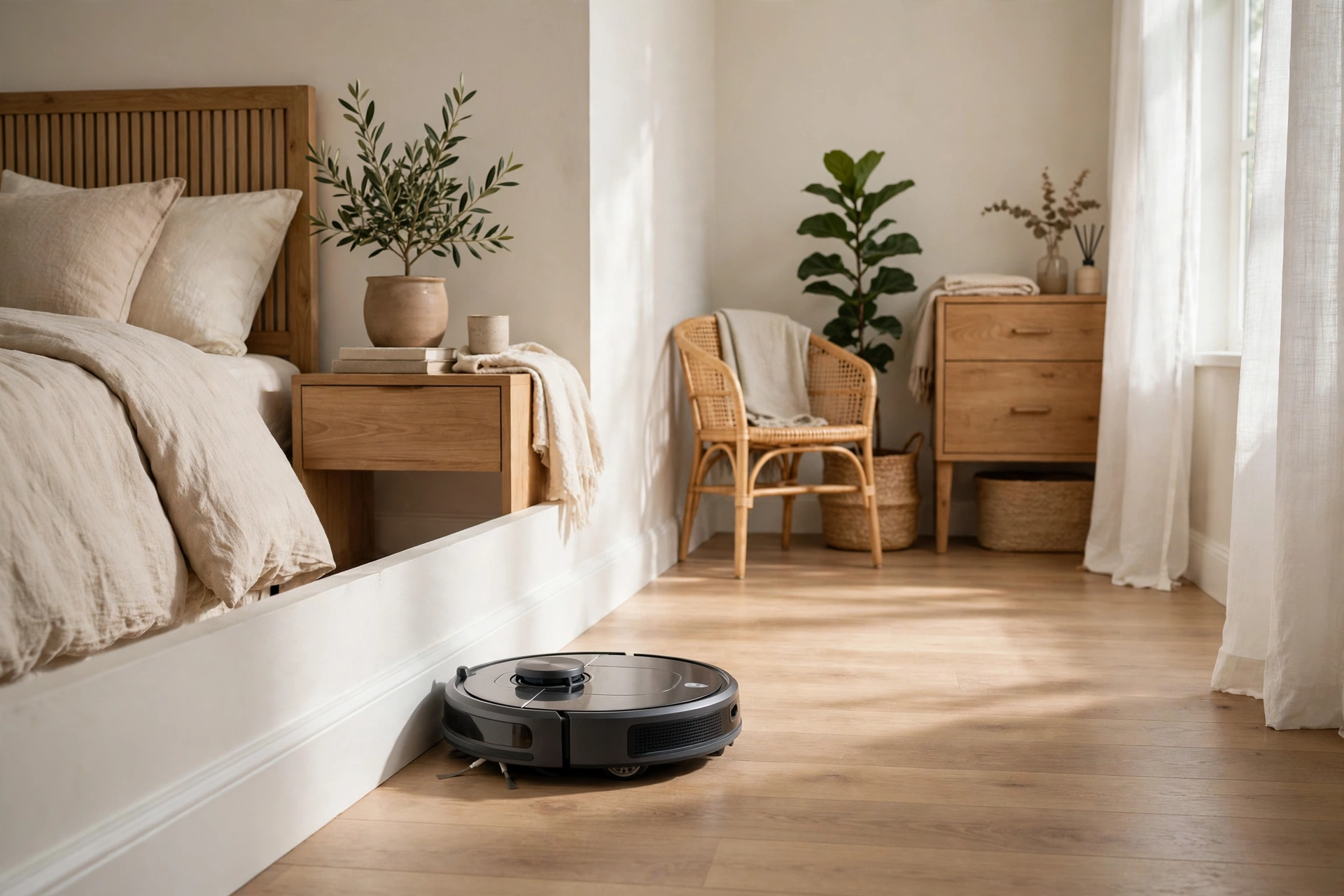
Coverage also improves at edges. Because the map shows wall lines, the robot can plan an edge pass along skirting boards before it fills in the middle of the room. That edge pass is where dust and hair gather, so it is a practical win, not just a tidier map on your phone.
One measured check from my own home shows the gap in plain terms. In a three bedroom flat, a lidar model mapped the full floor on its first run in under 25 minutes and then cleaned the same floor in neat rows on later runs. A borrowed random model took longer and still left a visible dust line behind a door on the same floor. Your times will differ, but the pattern is the same: a map makes the clean more repeatable.
Choosing a Lidar Robot Vacuum
Start with your home, not the spec sheet. If you have dark hallways, night schedules, or many rooms, lidar earns its price fast. If you live in a single bright room and only need a quick daily tidy, a cheaper camera or even a basic model may do the job well enough.
Next, check three things: robot height, app map tools, and obstacle avoidance. Height decides which furniture it fits under. Map tools decide whether you can set no go zones and room splits easily. Obstacle avoidance decides whether it dodges cables and shoes or just pushes them around. A lidar model with a camera for obstacle spotting covers all three well.
Also check how the robot handles a self empty dock if you want one. Lidar and self emptying pair well, because the robot can find its dock from the map and empty mid-clean when needed. If you want that pairing, read our guide to the best robot vacuum mop models first, then check dock size and bag cost for the model you shortlist.
Setup Tips for a Clean First Map
Pick a quiet time for the first map run and open all internal doors. Lift cables off the floor, move shoes out of hallways, and push chairs in. A clean first map is easier to edit than a map full of temporary clutter, and it stays useful for months.

Let the robot finish the whole floor before you stop it. A half map can split rooms in odd places and cause the robot to clean the same area twice. If it does split a room wrong, most apps let you merge or split rooms by hand, so fix the map before you build schedules on top of it.
After the map is saved, run one normal clean and watch how it handles door thresholds and rug edges. If it stalls on a high threshold, note that spot and set a no go zone or a ramp for it. Small fixes in week one save a lot of stuck robot alerts later.
Privacy and Data: What a Lidar Map Shows
A lidar map shows shapes, not pictures. It records where walls and furniture sit, but it does not capture faces, screens, or documents. That is a real privacy advantage over a camera that takes images to navigate, though both types still send some data to an app and a cloud account in most cases.
Read the privacy settings in the app before your first run. Turn off any map sharing or data improvement option you do not want, and check whether you can delete stored maps. If privacy is a top concern, a lidar-only model without a camera is the simplest choice, because there is no image feed to worry about at all.
Frequently Asked Questions
Does a lidar robot vacuum work in the dark?
Yes, lidar uses its own laser pulses, so it maps and cleans in darkness as well as in daylight. That makes it a good pick for night schedules, dark hallways, and under bed areas where camera models can lose track and drift off their map.
Is lidar better than camera navigation?
Lidar is better for accurate mapping and dark rooms, while cameras are better at recognising object types like cables and shoes. Many top models combine both, using lidar for the map and a camera for obstacle spotting, which gives you the strengths of each system.
Can a lidar robot vacuum fall down stairs?
No, in normal use it should not, because cliff sensors watch for drops at stairs and ledges. Lidar builds the map, but cliff sensors handle the edge case. Keep those sensors clean, because dust on a sensor can make it miss a drop.
Does lidar work on black furniture and glass doors?
It can struggle with very dark, shiny, or clear surfaces, because those surfaces absorb or reflect the laser in odd ways. Most models cope well, but you may see a missed corner near glass or mirrors. Test those spots on your first runs and set a no go zone if needed.
How tall is a lidar robot vacuum?
The laser turret adds height, so many lidar models are taller than flat camera models. Check the exact height on the manufacturer’s page and measure your lowest sofa or bed gap before you buy, so the robot can reach the spaces you want cleaned.
Do I need Wi-Fi for lidar mapping?
You need the app to view and edit maps, set no go zones, and pick rooms, and that app link usually runs over Wi-Fi. Basic cleaning may still work without it, but the map tools that make lidar useful need a connection, so set up Wi-Fi before your first mapping run.
Can a lidar vacuum map multiple floors?
Yes, most apps store a separate map for each floor. Carry the robot to that floor, start a clean there, and let it load the matching map. It cannot climb stairs on its own, so multi floor cleaning always needs you to move it between floors by hand.
Conclusion
A lidar robot vacuum is worth it when your home has several rooms, dark corners, or a night schedule. It maps fast, cleans in neat rows, and gives you room controls that random models cannot match. Watch out for height under low furniture and for glass or mirrored surfaces, and set up your first map with a clear floor. If those checks pass, lidar will make your cleaning routine more reliable week after week.
Your next step is simple: measure your lowest furniture gap, then compare two lidar models on height, map tools, and obstacle avoidance. For a manufacturer view of lidar mapping, see the Narwal lidar vs camera guide, which explains how laser mapping differs from camera mapping in plain terms.