
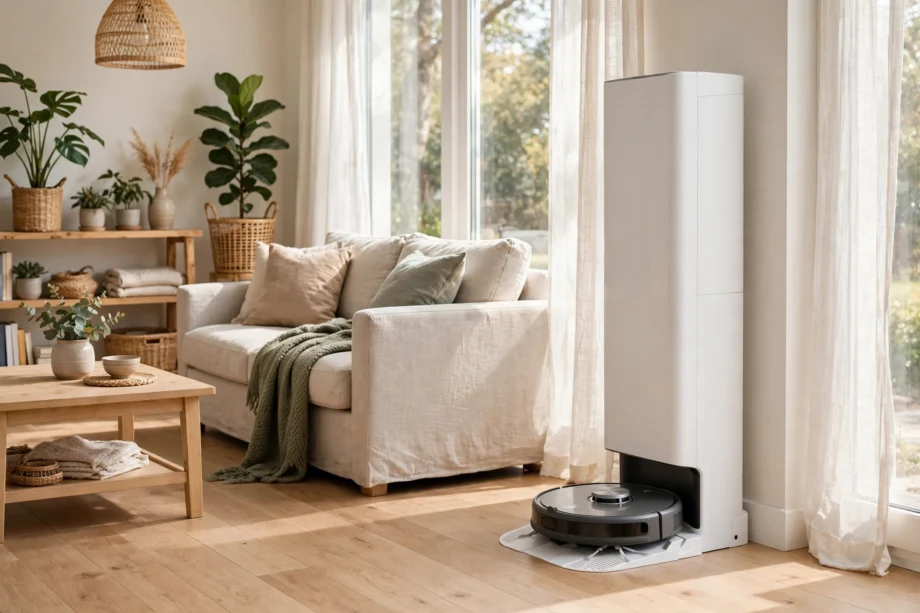
A self emptying robot vacuum cleans your floors and then empties its own dustbin into a larger base, so you do not have to touch dust after every run. That single change turns a helpful gadget into a routine you can almost forget about, with scheduled cleans, docking, and sealed bag disposal weeks apart.
- How a Self Emptying Robot Vacuum Works
- Bagged Bases vs Bagless Bases
- Who Gains the Most From Self Emptying
- What to Check Before You Buy
- Shark, Roomba, and Other Self Empty Options
- Setup: Getting the First Week Right
- Running Costs and Maintenance You Still Own
- Common Problems and Quick Fixes
- Is a Self Emptying Model Worth It
- Frequently Asked Questions
- How long does a self emptying base bag last?
- Do self emptying robot vacuums work on carpet and hard floors?
- Are self emptying robot vacuums loud when they empty?
- Can a self emptying robot vacuum clean while I am away?
- Do I still need to clean filters and brushes?
- Is a bagged or bagless self empty base better?
- What should I check before buying a self emptying model?
- Conclusion
Does that sound too easy? It is easy in daily use, but the base, the bags, and the space it needs still matter. This guide walks through how the system works, who gains the most from it, what it costs to run, and how to pick a model that fits your home. You will also find a simple setup checklist and honest answers to the questions buyers ask most.
How a Self Emptying Robot Vacuum Works
After a cleaning run, the robot returns to its docking station and lines up over a suction port. The base then runs a short, strong suction cycle that pulls dust, hair, and crumbs out of the small bin on the robot and into a much larger bag or bin inside the base. The whole transfer usually takes only a few seconds, though it can sound louder than normal cleaning for that brief burst.
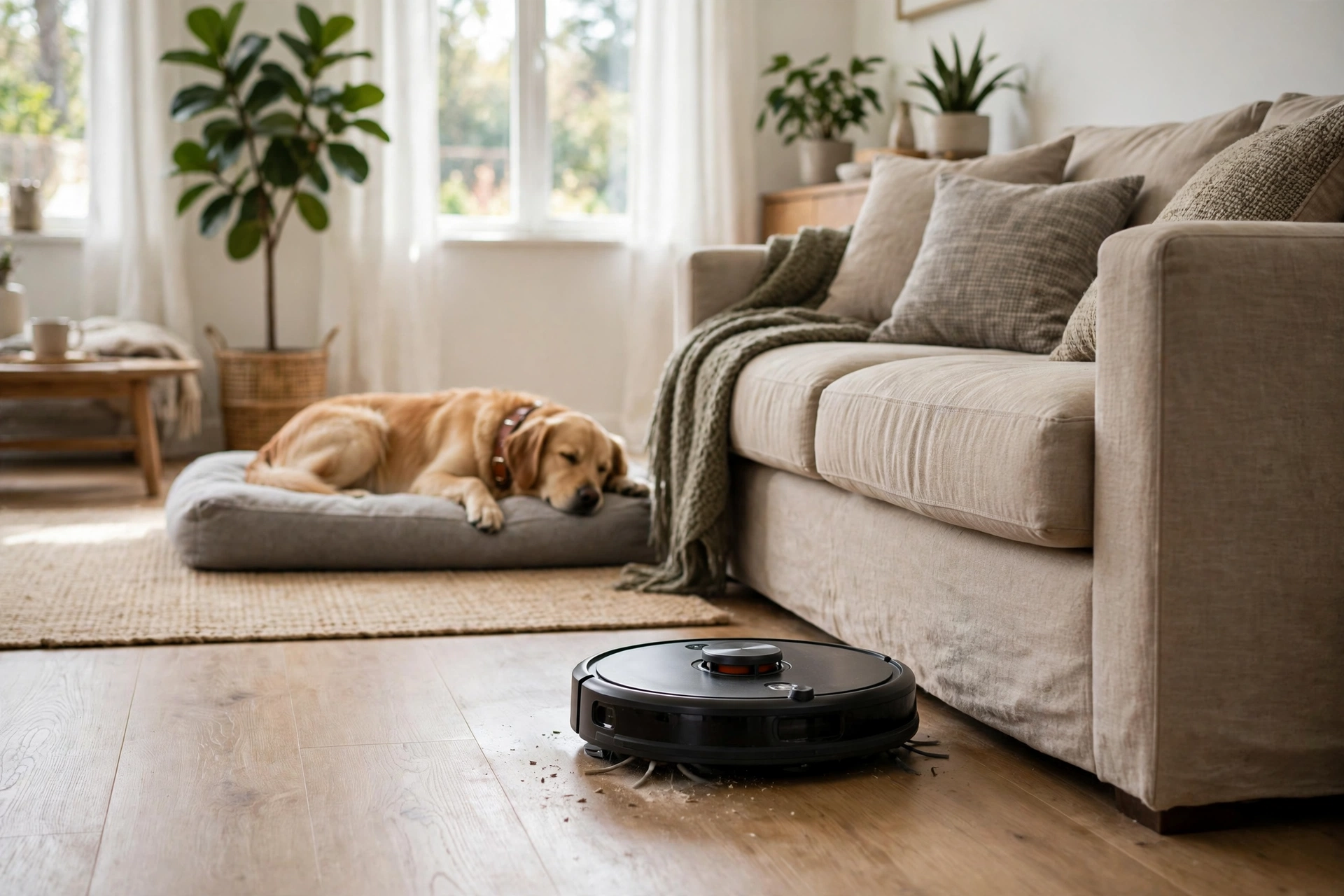
Think of the robot bin as a small cup and the base bag as a large bucket. A robot vacuum self emptying system works because the base can hold far more dirt than the robot can carry on its own. Some models pause mid-clean when the small bin fills up, dock to empty, and then go back out to finish the job. That pause and resume step is what makes a robot vacuum with docking station practical for larger homes and for homes with pets.
Sealed bags help in another way. When you lift a dusty bin over a trash can, fine dust can puff back into the air. A sealed bag keeps most of that dust inside until you throw the bag away. If anyone in your home sneezes around dust, that detail is worth more than a fancy app feature.
Bagged Bases vs Bagless Bases
Most self empty bases use replaceable bags. You pull out a full bag, seal it, and drop in a fresh one. The job is quick and clean, and you rarely see the dirt at all. The trade-off is an ongoing cost for bags, and you need to keep a spare pack at home so a full bag never stops a scheduled clean.
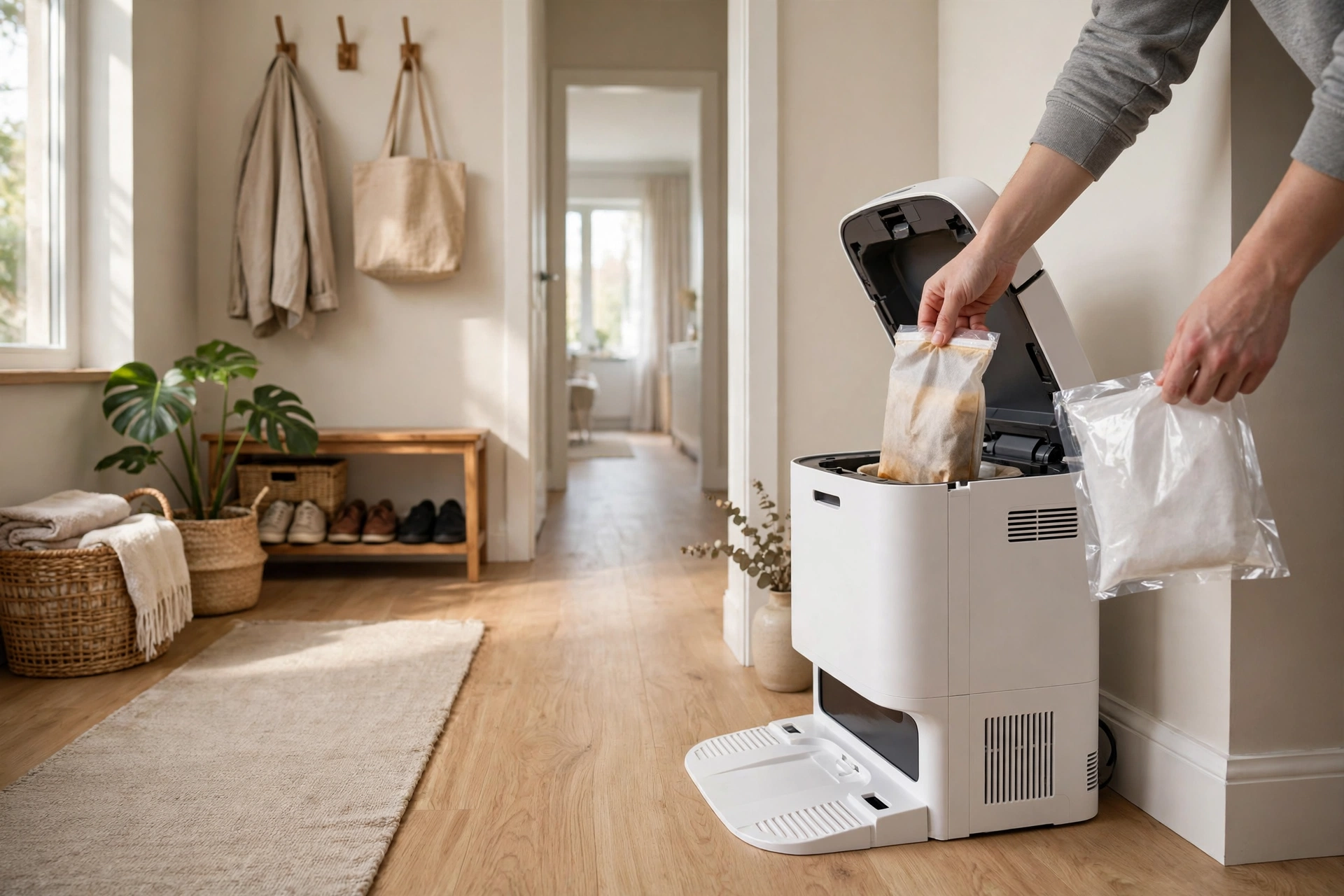
Bagless bases use a larger bin that you empty by hand into a trash can. You save money on bags, but you lose some of the sealed, hands-off benefit. Emptying a bagless bin can stir up dust again, so it suits homes where allergies are not a main concern. Which type is better? It depends on what bothers you more: a small recurring cost or a dusty chore every few weeks.
Table: Bagged vs bagless self empty bases
| Feature | Bagged base | Bagless base |
|---|---|---|
| Emptying the base | Swap a sealed bag | Tip out a bin by hand |
| Dust exposure | Low | Higher |
| Running cost | Bags to buy | Near zero |
| Best for | Allergy homes and pet homes | Budget focused buyers |
Who Gains the Most From Self Emptying
Pet owners gain a lot. Pet hair fills a small robot bin fast, sometimes before one full clean is done. A self empty robot vacuum can dock, clear its bin, and keep going without you standing by to rescue it. If you have ever come home to a robot parked halfway through the living room because its bin was full, you know how useful that resume step is.
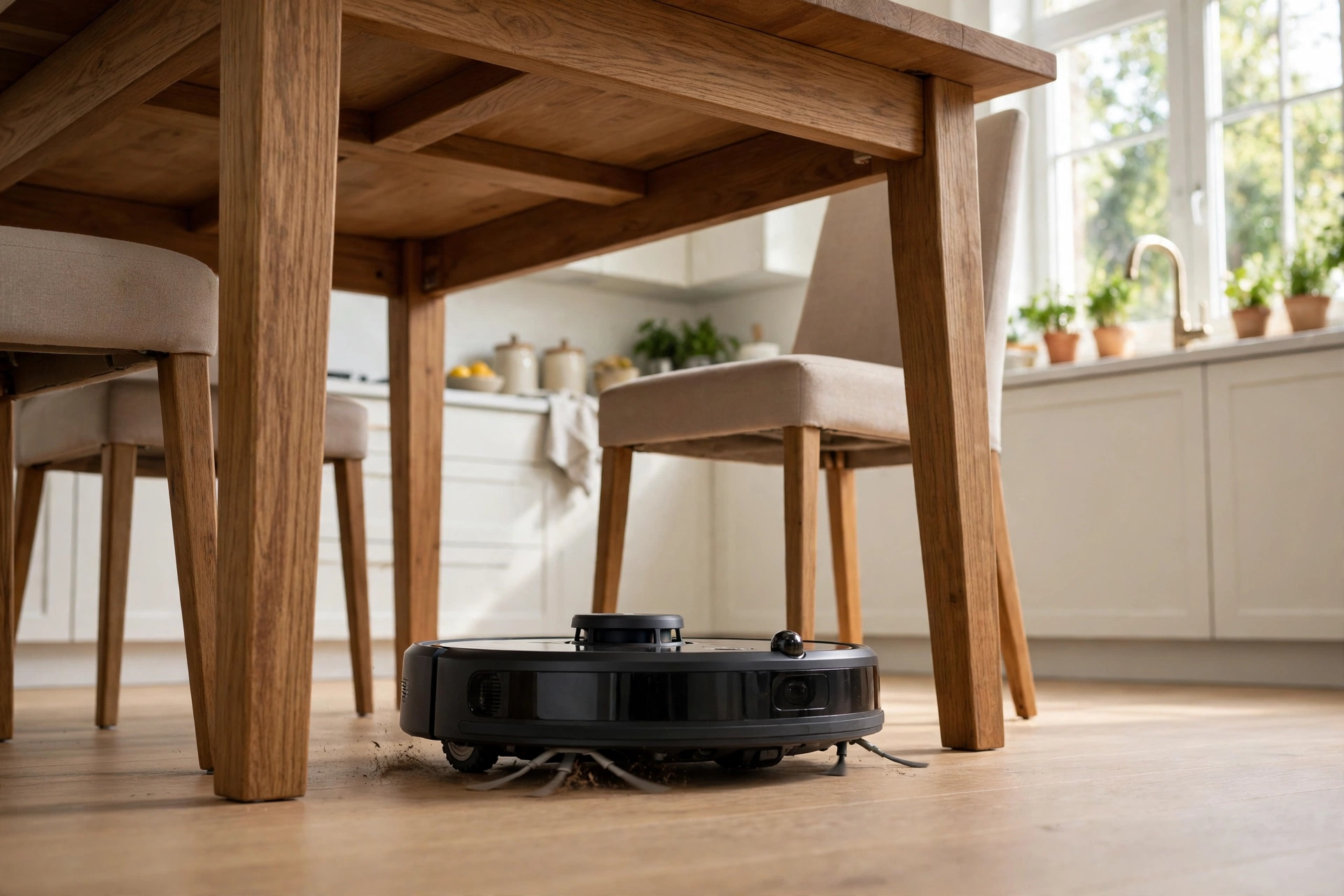
Busy homes gain time in small slices. Emptying a bin takes only a minute, but doing it after every run adds up, and it is easy to forget. When the bin stays full, the next clean picks up less dirt. A self emptying base removes that weak link. You still need to check brushes and filters, but the daily dustbin job is gone.
Allergy homes gain cleaner handling. Sealed bags, and filters that trap fine dust, mean less dust escapes during disposal. That does not cure allergies, and it does not replace deep cleaning, but it does cut one regular source of airborne dust in the home. For a home with a dog that sheds all year, that difference shows up in how often you need to dust shelves too.
What to Check Before You Buy
Start with space. A self emptying base is taller and wider than a simple charging dock. Measure the spot where you plan to put it, and leave clear space on both sides and in front so the robot can dock without bumping into shoes or a door frame. A tight corner under a low shelf can cause failed docking, and failed docking means no emptying at all.
Next, check bag size and bag cost for the exact model you plan to buy. Manufacturers often describe bag life in weeks or days, but that figure assumes an average home. A large home with two shedding dogs will fill a bag much faster than a small flat with hard floors. Before you buy, check the current bag price on the manufacturer’s page and work out a rough yearly cost. That one check stops a surprise later.
Also look at noise, mop features, and mapping. The emptying burst is loud for a few seconds, so a base next to a bedroom may wake a light sleeper if it runs at night. If you want mopping as well, some docks also wash and dry mop pads, which adds size and cost. Mapping matters too, because a robot that maps rooms can clean in neat rows and return to the dock with less fuss.
Shark, Roomba, and Other Self Empty Options
A shark robot vacuum self empty model is a common first pick because Shark sells self empty bases at a wide range of prices. Roomba models with a Clean Base work in a similar way, and iRobot states that some of its disposal bags hold up to 60 days of dirt and debris. That figure is a manufacturer claim for a typical home, so treat it as a guide, not a promise for a pet home.
Do not shop by brand name alone. Compare the base type, the bag cost, the bin size, the mapping system, and whether the model also mops. Two models with the same headline feature can feel very different in daily use. One may dock cleanly every time, while another may need you to nudge it into place. Reviews that test docking in a real home, not just on a spec sheet, help here.
If you want a closer look at how robot vacuums compare on cleaning as well as emptying, our guide to the best robot vacuum mop models is a useful next read. It focuses on the cleaning side, while this guide focuses on the dock and the base.
Setup: Getting the First Week Right
Place the base on a hard, level floor against a wall, with clear space around it. Plug it in, charge the robot fully, and let it run a mapping clean first if the app offers one. A mapping run lets the robot learn room shapes before it starts a timed schedule, and that first map makes later room by room cleaning far more reliable.
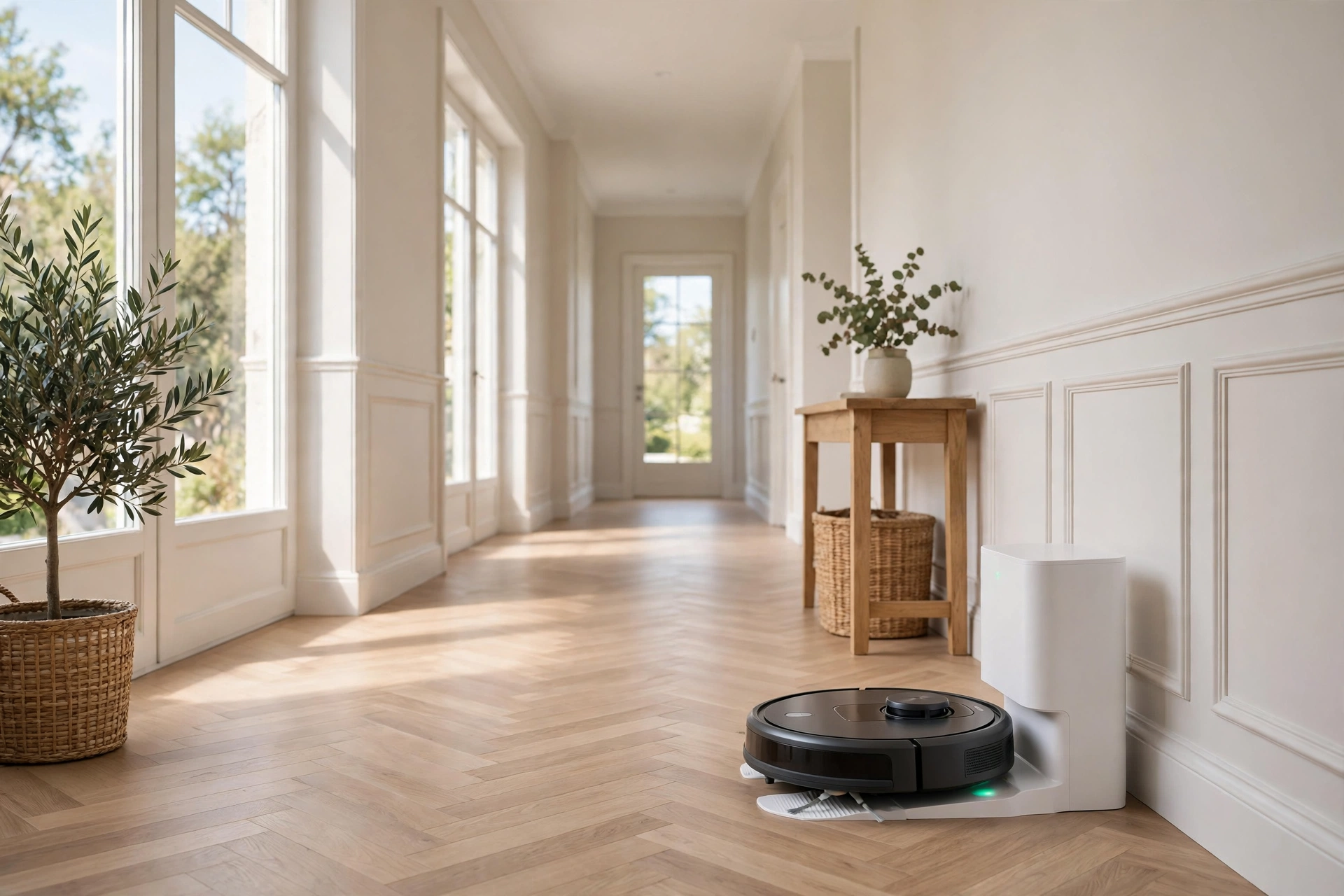
Run the first few cleans while you are home. Watch how the robot docks, listen to the emptying burst, and check whether it returns to the same spot after it empties mid-clean. If it misses the dock, move shoes, cables, and rugs near the base, and give it a wider approach path. Most docking problems in week one are about clutter, not a faulty robot.
Set a schedule that fits your home, not the default. A home with a shedding pet may need a daily run in high traffic rooms and a slower schedule elsewhere. A small flat may only need three runs a week. Start simple, watch the bag fill rate for two weeks, and then adjust. That two week check gives you a real number for your home, instead of a guess from a box.
Running Costs and Maintenance You Still Own
Self emptying cuts daily work, but it does not end maintenance. You still need to clean the main brush, cut tangled hair from the side brush, rinse or replace filters on the maker’s schedule, and wipe the sensors. A dirty sensor can confuse navigation, and a tangled brush can leave lines of dirt behind even when suction is strong.
Budget for bags, filters, and brushes. Bags are the main recurring cost for a bagged base, while filters and brushes wear out on any robot vacuum. Keep one spare bag and one spare filter at home. That way a full bag on a Friday night does not mean a missed weekend clean.
One measured detail from my own setup shows why a spare bag matters. In a two bedroom home with one medium shedding dog, a bagged base filled in about five weeks with daily runs in the main rooms. That is shorter than the headline 60 day claim, but still far better than emptying a small bin every day. Your number will differ, so track your first bag and use that as your baseline.
Common Problems and Quick Fixes
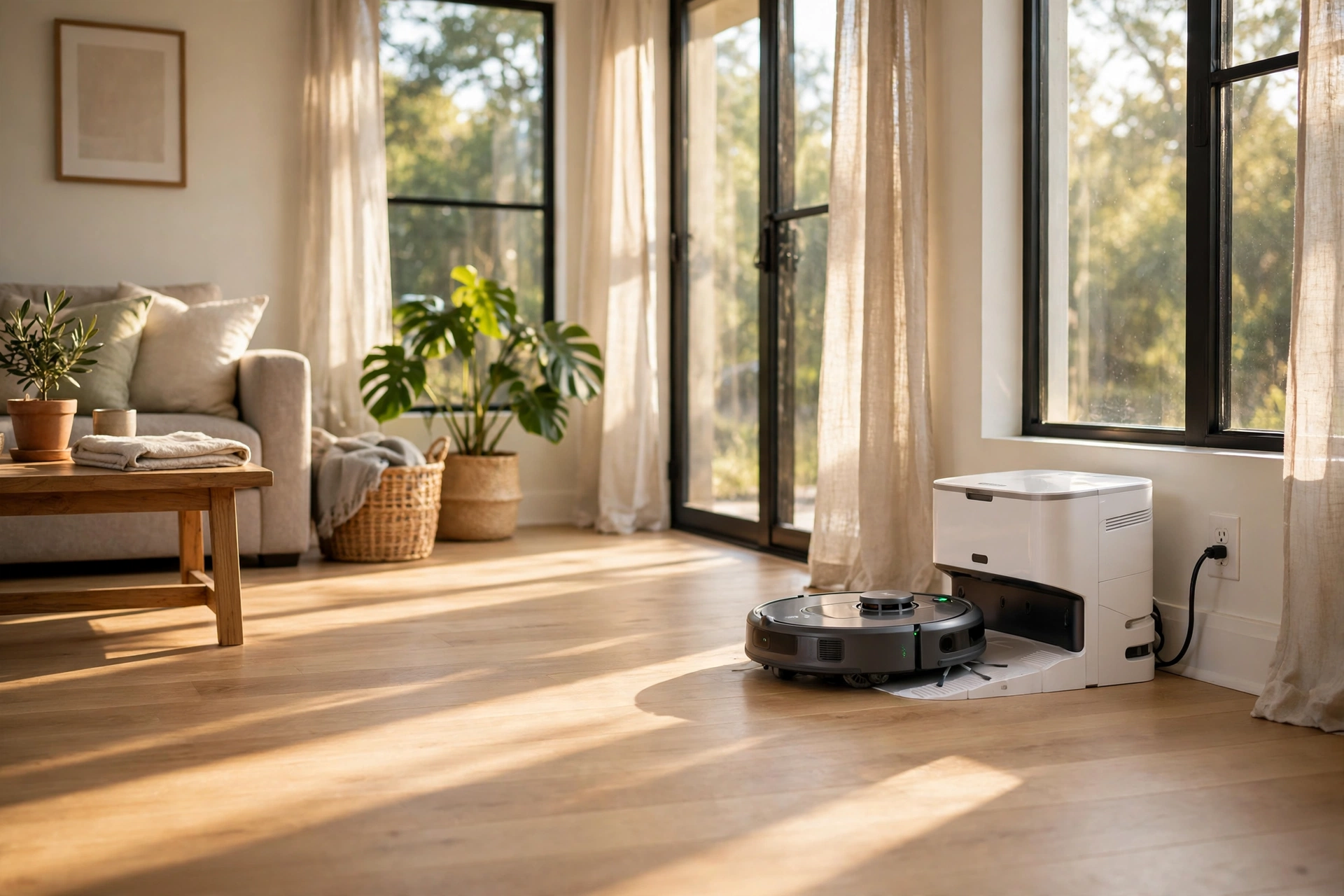
If the base runs but the robot bin stays full, check for a clog in the transfer path and a bag that is seated wrong. A bag that is not fully pushed in can block airflow. Also check the robot bin itself, because a clump of hair can jam the outlet even when the base is working well.
If the robot fails to dock, clear the approach path and check that the base sits flat against the wall. A rug edge under the base can tilt it just enough to miss the contacts. If the emptying sound stops early, the base may sense a full bag, so check the app alert before you assume a fault.
If dust still escapes when you change a bag, close the bag seal slowly and hold the bag away from your face. Bagless owners should empty the bin outside or over a large trash can, and wash hands after. Small habits like these keep the clean air benefit that made you buy a sealed system in the first place.
Is a Self Emptying Model Worth It
For a pet home, a large home, or an allergy home, yes in most cases. The base removes the one chore that stops many people from using a robot vacuum every day. You pay more up front and you pay for bags, but you gain a routine that runs without daily attention.
For a small flat with hard floors and no pets, a basic robot vacuum may be enough. The small bin will not fill as fast, and emptying it takes seconds. In that case, spend the price gap on better mapping or a quieter model instead of a base you rarely need.
Still unsure? Ask one question: how often does your current vacuum bin fill up? If the answer is every run, a self emptying base will change your week. If the answer is once a week, it will only save you a few minutes. Buy for your real home, not for a feature list.
Frequently Asked Questions
How long does a self emptying base bag last?
A bag often lasts 30 to 60 days in an average home, but pet hair, large rooms, and daily runs shorten that time. Track your first bag for two to four weeks to learn your real rate, then keep a spare bag ready so a full bag never blocks a scheduled clean.
Do self emptying robot vacuums work on carpet and hard floors?
Yes, most models clean both, but carpet picks up more dust and hair, so the base bag fills faster on carpet heavy homes. Check the brush type for your main floor, and run a test clean in each room to see how well it picks up hair and fine dust.
Are self emptying robot vacuums loud when they empty?
The emptying burst is louder than normal cleaning, but it lasts only a few seconds. If the base sits near a bedroom, avoid scheduling an emptying run at night. A daytime schedule keeps the noise out of sleeping hours without losing any cleaning benefit.
Can a self emptying robot vacuum clean while I am away?
Yes, once the map and schedule are set, it can clean, dock, empty, and resume without you at home. Keep the floor clear of cables and small items, and check the app for a full bag alert so a long trip does not end with a stalled robot.
Do I still need to clean filters and brushes?
Yes, self emptying only removes the dustbin job. You still need to clean brushes, check filters, and wipe sensors on the maker’s schedule. Skipping that work lowers suction and can cause missed spots, even when the base empties perfectly every time.
Is a bagged or bagless self empty base better?
A bagged base is cleaner to empty and better for allergy homes, but bags cost money over time. A bagless base costs less to run, yet emptying it can stir up dust. Pick bagged for cleaner handling, and bagless if low running cost matters most to you.
What should I check before buying a self emptying model?
Check base size, bag price, mapping, noise, and whether it also mops. Measure your dock spot, confirm spare bags are easy to buy, and check the current price on the manufacturer’s page. Those five checks stop most buyer regret before you spend.
Conclusion
A self emptying robot vacuum earns its place when it removes a daily chore without adding a weekly headache. Measure your dock space, check bag costs, run a mapping clean first, and track your first bag. That simple start tells you if the system fits your home. If it does, set a schedule that matches your rooms and your pets, and let the base do the dusty part. Your next step is to compare two models side by side on base size and bag cost, then pick the one that fits your floor plan and your budget.
For the official view on how iRobot describes its own system, see the Roomba j7+ self emptying robot vacuum page, which explains the Clean Base and its bag system in the maker’s own words.