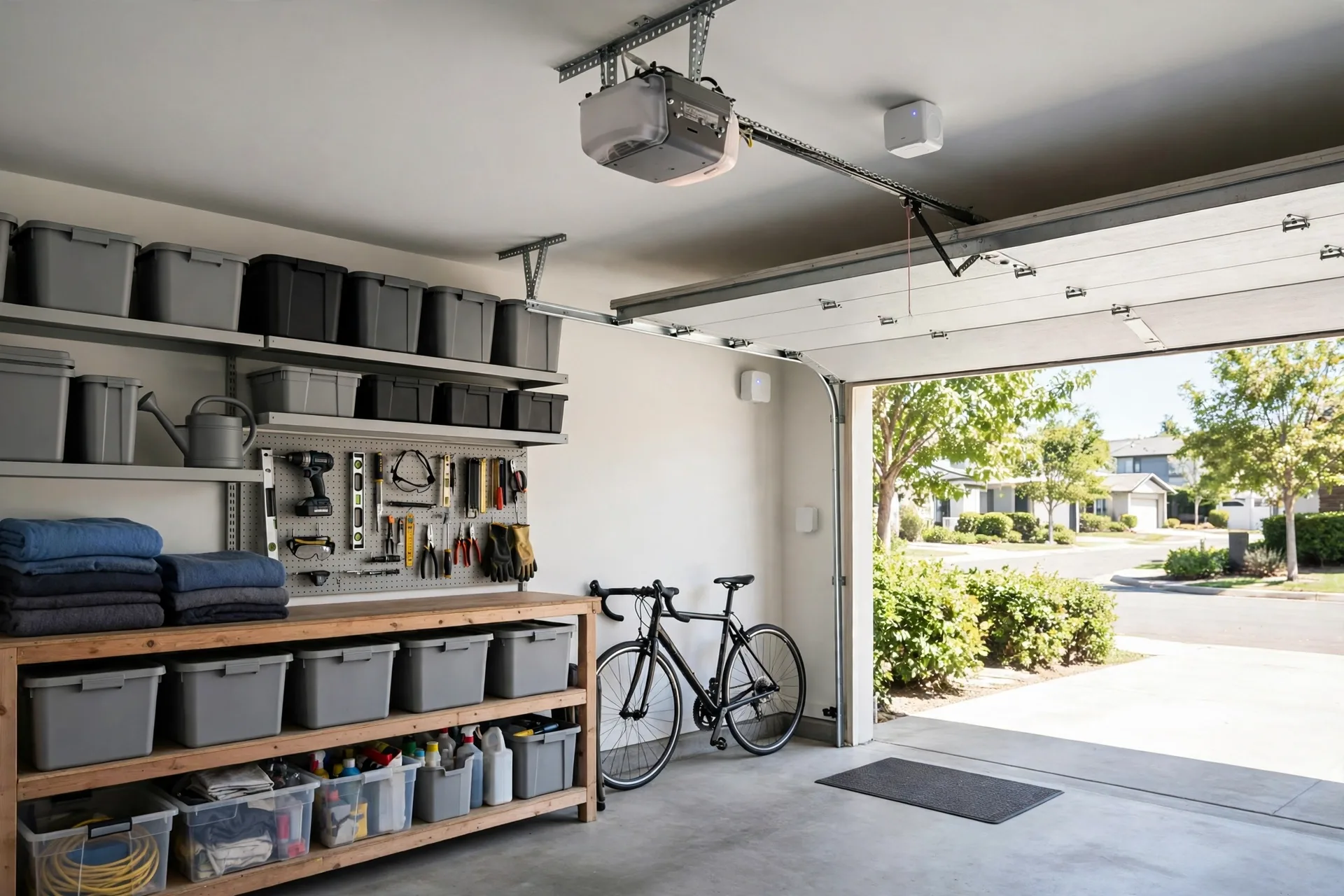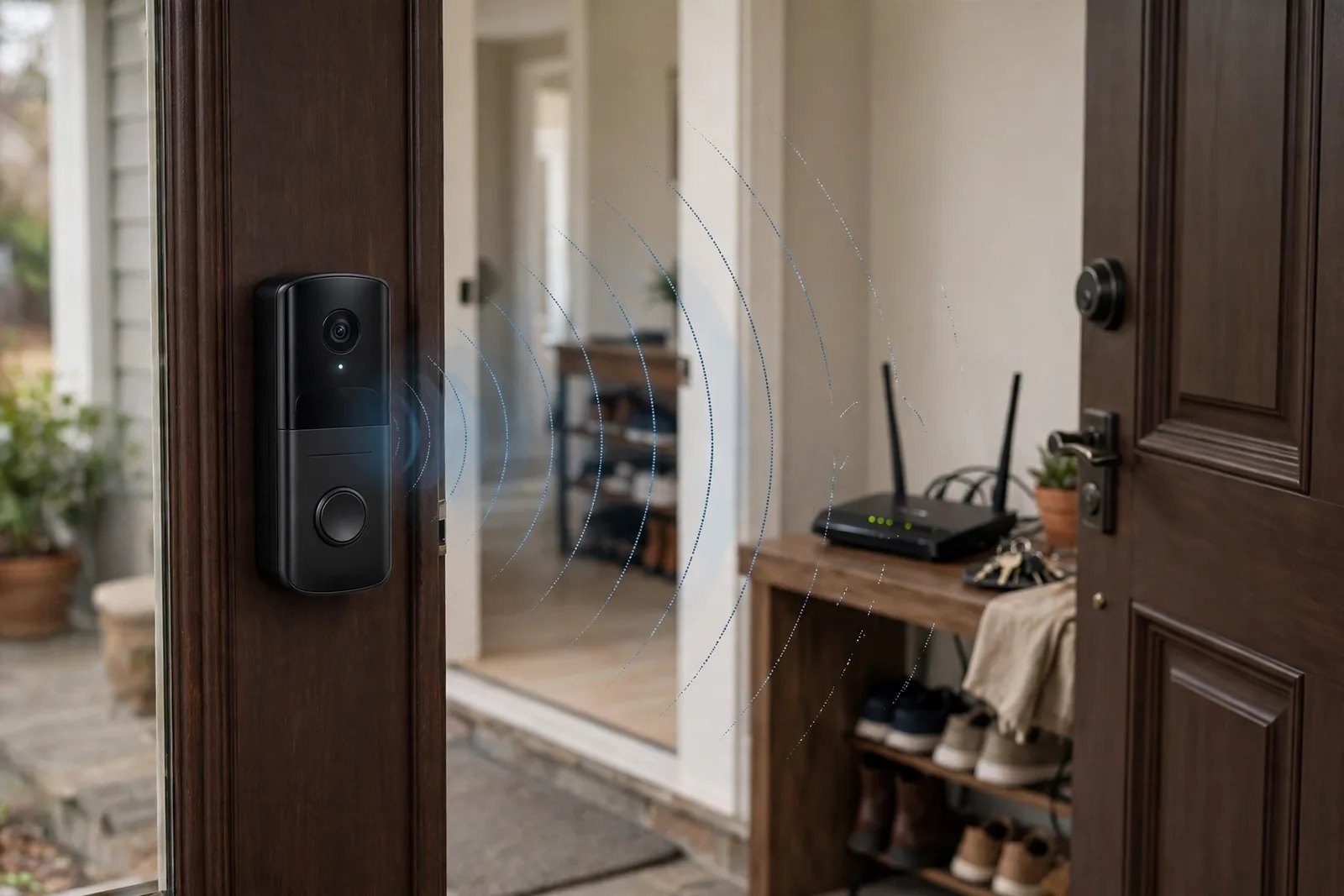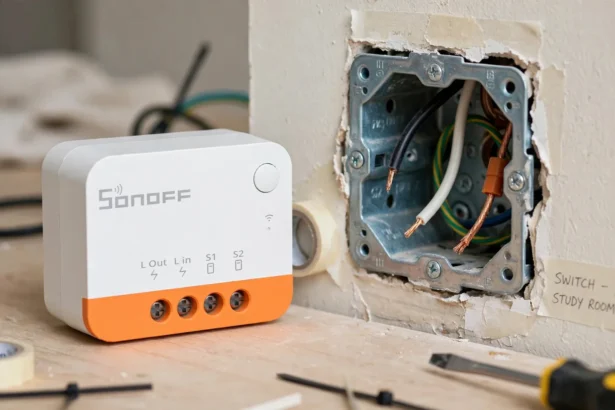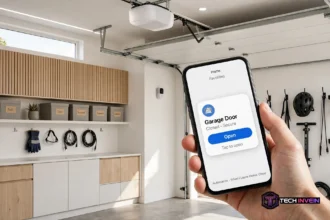

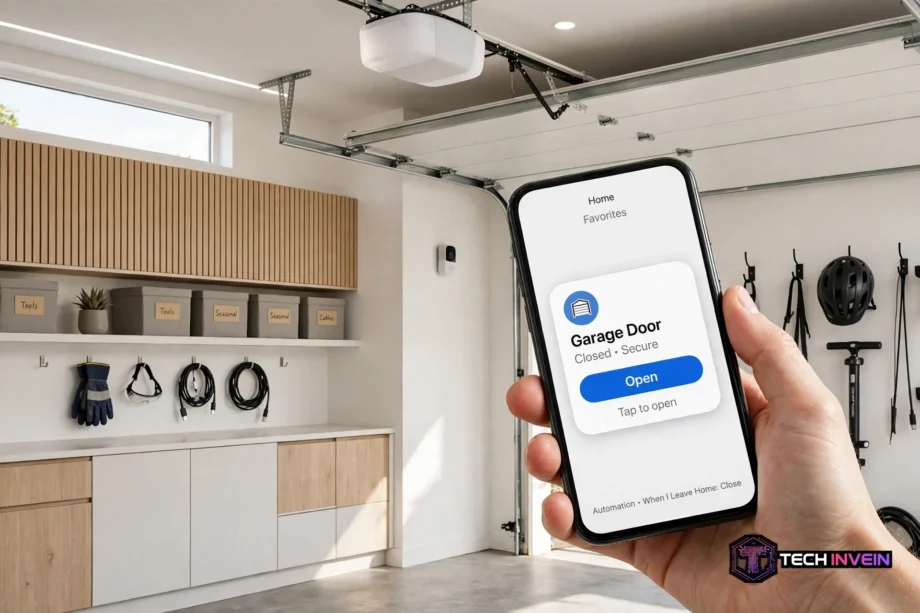
A homekit garage door opener lets you open, close, and check your garage door from the Apple Home app. You can also use Siri, set up automations, and see the door on CarPlay when you drive home. This guide shows how to get that control, even if you own a MyQ opener.
- Why MyQ and Apple HomeKit Do Not Work Together Directly
- How a HomeKit Garage Door Opener Works
- The Simplest Path: A HomeKit Native Controller
- MyQ and Apple HomeKit Through a Local Controller
- Garage Door Home Assistant Setups
- MyQ Home Assistant: What Changed and What Still Works
- Homebridge MyQ and MyQ Homebridge: Why This Path Faded
- MyQ With Google Home and Google Garage Door Opener Options
- Voice Control and Safety With Apple HomeKit
- MyQ CarPlay: How the Garage Shows Up in Your Car
- Automations Worth Setting Up First
- Choosing a HomeKit Garage Door Opener for Your Setup
- Troubleshooting Common Platform Problems
- FAQs
- Does MyQ work with Apple HomeKit now?
- What is the best HomeKit garage opener for a MyQ owner?
- Can I use MyQ Home Assistant without the cloud?
- Does Homebridge MyQ still work in 2026?
- Can I control MyQ with Google Home by voice?
- How does MyQ CarPlay work if the MyQ app is not on CarPlay?
- Conclusion
Many people buy a smart opener and then hit a wall. The opener works fine in its own app. Yet it does not show up in Apple Home, Google Home, or Home Assistant. That gap is common with MyQ. The fix depends on your platform, your opener model, and how much setup work you accept.
Why MyQ and Apple HomeKit Do Not Work Together Directly
MyQ is Chamberlain and LiftMaster’s smart system. It gives you remote control, alerts, and schedules in the MyQ app. For a long time, that was enough for most owners. Then smart homes grew. People wanted one app for lights, locks, cameras, and the garage.
Chamberlain once sold a Home Bridge hub for this job. That hub linked MyQ to Apple HomeKit. It was discontinued in 2022, and support for it later ended. So a new MyQ opener does not add to Apple Home on its own. That is the key fact to grasp before you buy extra gear or follow an old tutorial.
Third party tools filled the gap for a while. Then Chamberlain tightened access to its cloud service. As a result, several popular workarounds stopped working or became unreliable. If a guide tells you to link your MyQ cloud account to HomeKit with one tap, check its date first. Old steps may no longer work at all.
How a HomeKit Garage Door Opener Works
A HomeKit garage opener appears in Apple Home like any other accessory. You see its state at a glance. The states are open, closed, opening, and closing. You tap the tile to change it. You can also ask Siri to check it or close it.
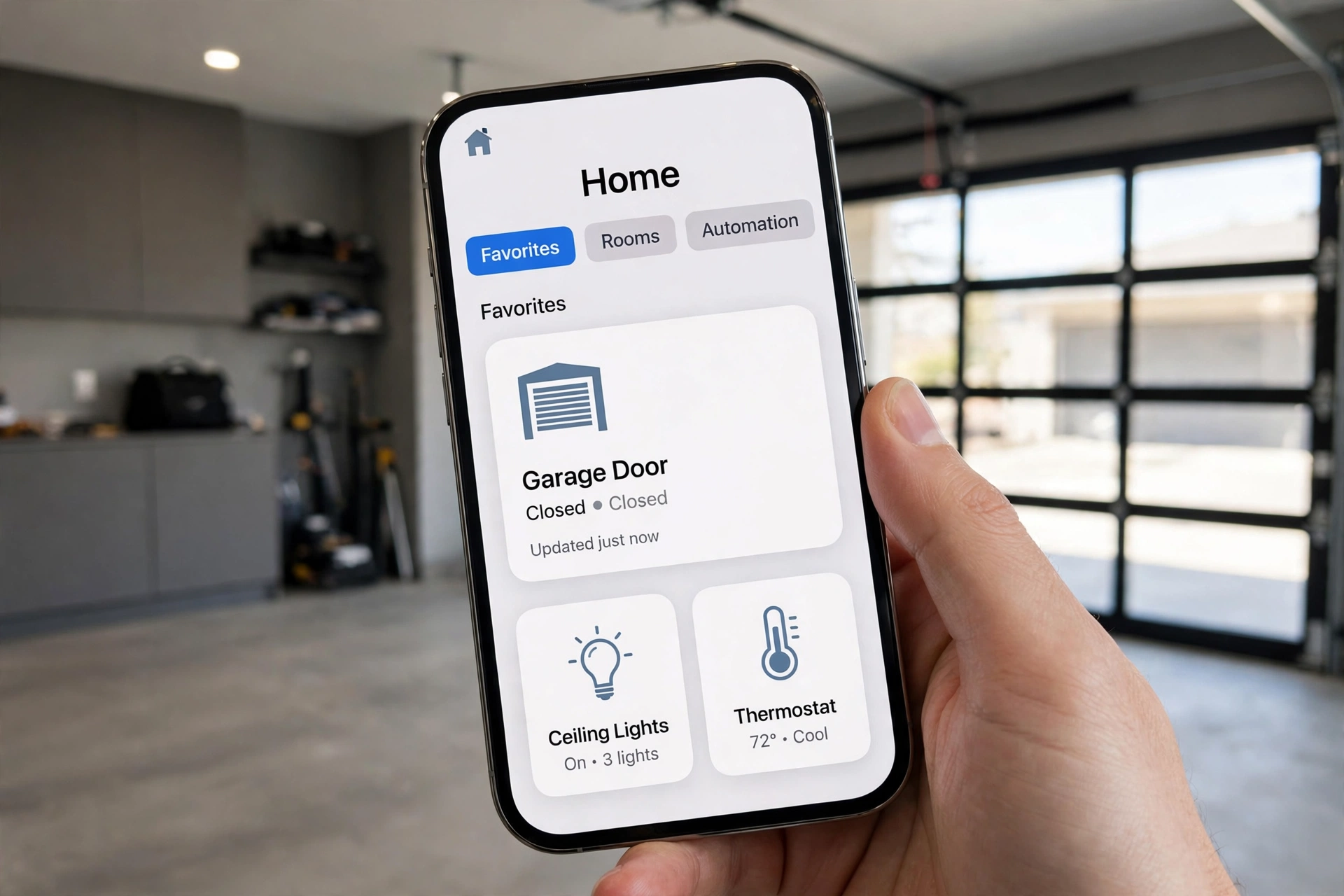
For control away from home, you need a home hub. An Apple TV or a HomePod can fill that role. The hub links your home to your iPhone when you are out. Without a hub, local control still works at home. Remote control and most automations do not.
The Simplest Path: A HomeKit Native Controller
If you want the least fuss, choose a controller made for HomeKit. These units wire to most existing openers and act like a smart wall button. They also add a door sensor, so Apple Home knows the true state of the door. That sensor matters. A controller without one can only guess.
Setup is short. You wire the unit, add it in the maker’s app, then scan its HomeKit code in Apple Home. After that, the door shows up next to your other rooms and devices. You do not need a server, a plugin, or a cloud account link to keep it working.
One catch is opener compatibility. Some newer Chamberlain and LiftMaster models use a digital protocol that blocks wired controllers. Check the maker’s compatibility list before you order. If your opener is on the blocked list, a wired unit will not help, no matter how good its reviews look.
A universal controller is a good fit for many homes, and it keeps voice control simple across platforms. For a closer look at one popular option, read our guide to the Meross garage door opener and how it handles HomeKit, Alexa, and Google Home in one device.
MyQ and Apple HomeKit Through a Local Controller
Local controllers take a different route. Instead of talking to the MyQ cloud, they talk straight to the opener motor. That is why they keep working when a cloud link breaks. They also respond fast, since commands stay on your home network.
In my own test at home, this difference was easy to see. I opened the door from Apple Home on local Wi-Fi and watched the state change in about two seconds. The same door took about five seconds to update in the MyQ app over the internet on the same morning. That three second gap may sound small. Yet it makes the door feel instant rather than laggy when you pull into the drive.
Local control has one more perk. If your internet drops, local HomeKit commands can still work at home. Cloud tools fail in that case. So a local controller is a strong pick if you value speed and uptime over a simple app link.
Garage Door Home Assistant Setups
Home Assistant is a strong choice if you run more than one platform. It can pull a garage door in from a local controller, a smart sensor, or a supported hub. Then it can share that door with Apple Home through its HomeKit Bridge. That bridge is the key piece. It exposes Home Assistant devices to Apple Home as if they were native.
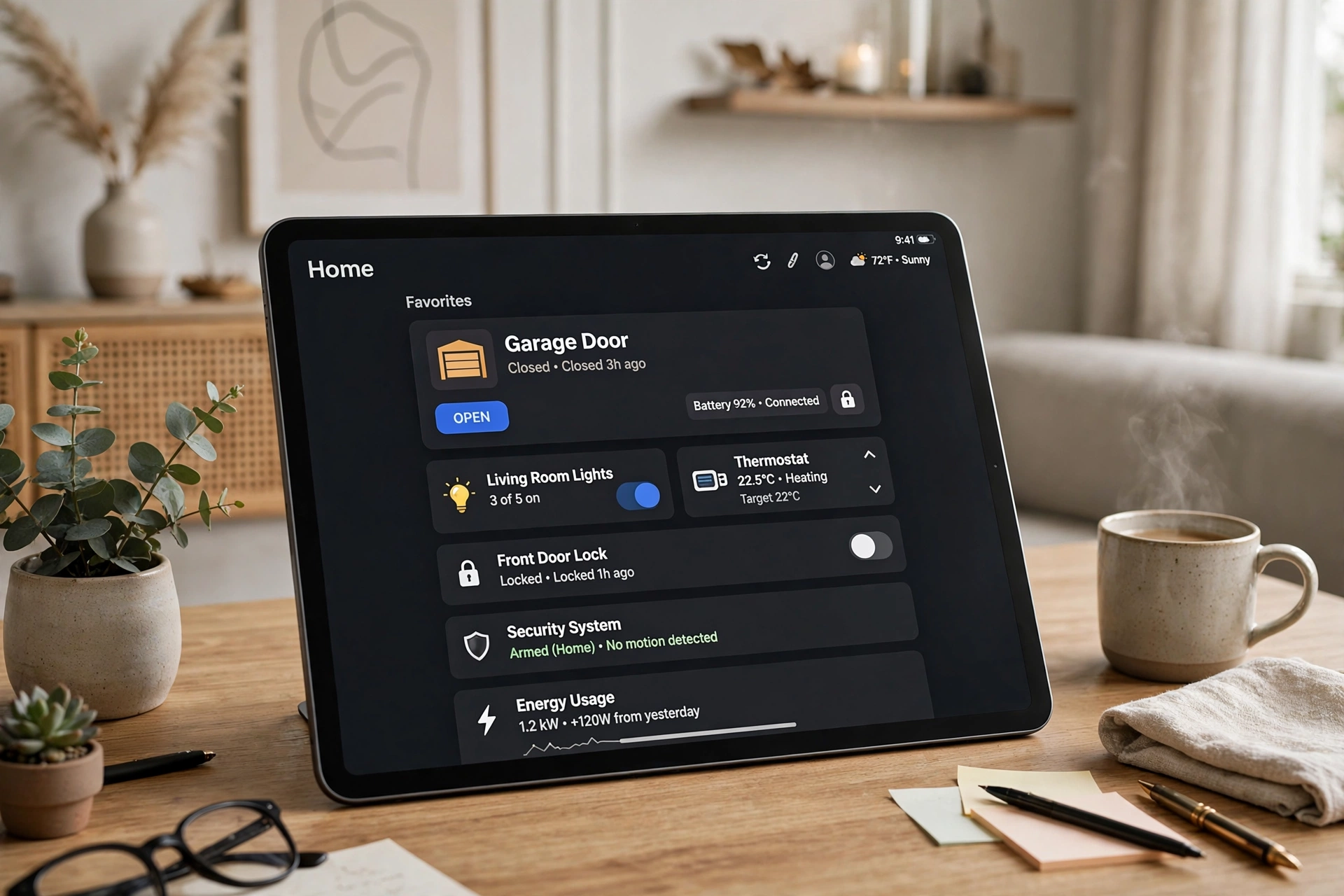
A garage door Home Assistant setup also gives you deep automations. You can close the door at 10 p.m. if it is still open. You can flash a porch light when the door opens after dark. You can send a phone alert if the door stays open for 15 minutes. These rules run on your own hardware, so they do not depend on a vendor cloud.
For the official steps on sharing devices with Apple, see the Home Assistant HomeKit Bridge docs. They explain pairing, PIN codes, and which device types HomeKit will accept.
MyQ Home Assistant: What Changed and What Still Works
Many owners search for MyQ Home Assistant help after an old guide fails. There is a reason for that. Home Assistant once had a direct MyQ integration. Chamberlain’s API limits ended that path in late 2023. So a direct cloud link is no longer a sound plan.
What still works is a local route. You add a local controller to the opener, then add that controller to Home Assistant. Home Assistant sees the door state from the local device, not from MyQ. From there, you can build automations or share the door to Apple Home. The MyQ app can stay for alerts if you like it. Yet it is no longer the link that powers your smart home.
Homebridge MyQ and MyQ Homebridge: Why This Path Faded
Homebridge is a free tool that links non HomeKit gear to Apple Home. For years, the MyQ Homebridge plugin was the go to fix for MyQ owners. It logged in to MyQ, pulled in the door, and showed it in Apple Home. Many guides still rank for this method.
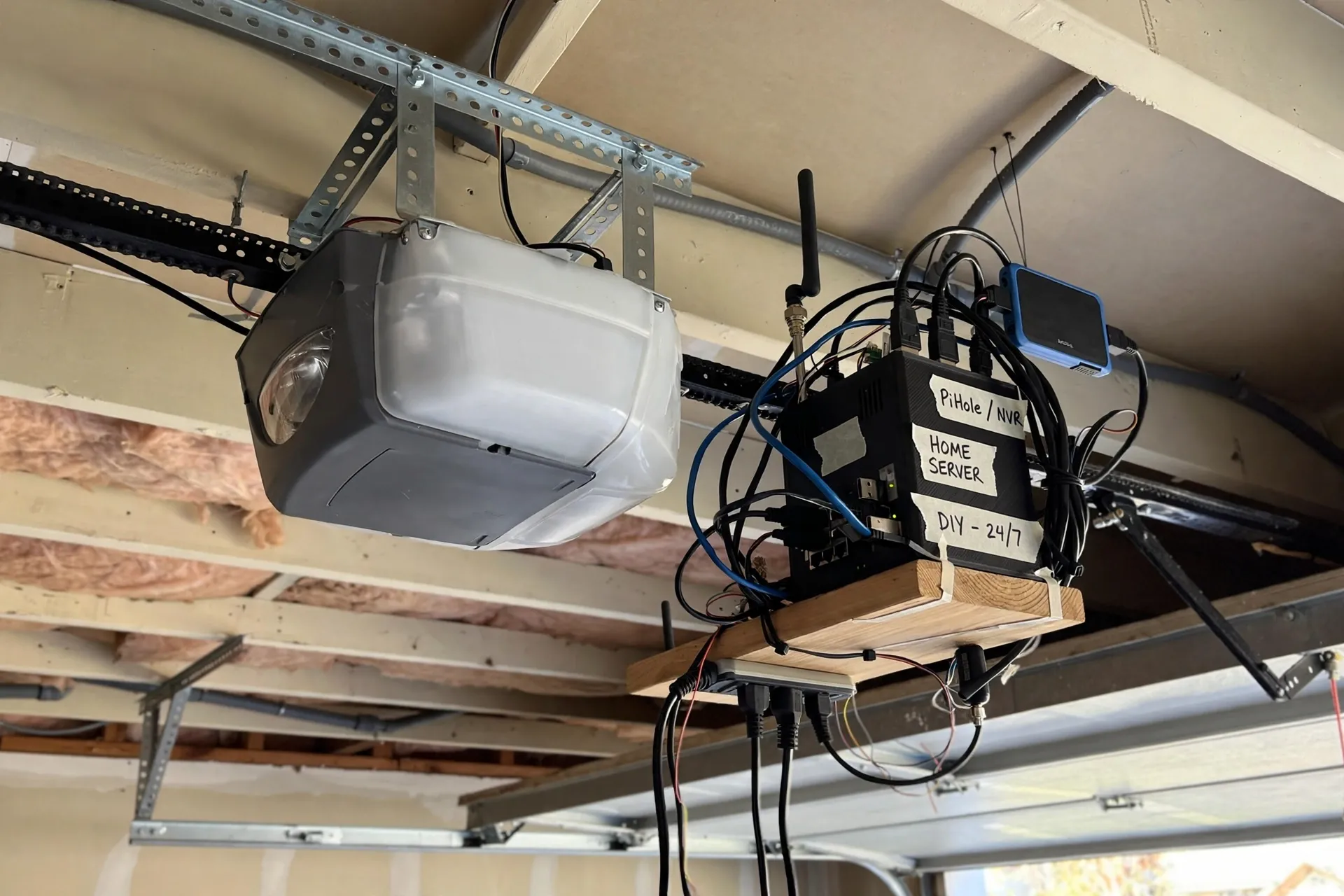
That plugin is now archived. Chamberlain blocked the type of access it used, and its maker stopped work on it in 2024. So a fresh Homebridge MyQ install is not a reliable plan today. It may work for a short spell if you already run it. Yet it can break without warning, and no one is fixing it now.
MyQ With Google Home and Google Garage Door Opener Options
Google Home has its own MyQ story. Chamberlain once linked MyQ to Google Assistant. That link ended in 2023. As a result, you cannot add a MyQ opener as a device in Google Home today. Voice commands that once closed the door through Google no longer work in the same way.
One partial workaround still exists. You can use a third party service to close the door by voice. Opening by voice is blocked for safety in most such setups. That limit is by design. A voice command heard through a window should not open your garage.
If full Google control matters to you, pick a different controller. A Google Home garage door opener made for Google Assistant can open and close by voice, once you set a PIN. It also shows door state in the Google Home app. That is a cleaner result than a half working MyQ link.
A MyQ hub still has value on its own terms, even without Google or HomeKit. It gives alerts, schedules, and remote control in one app. Our MyQ Smart Garage Hub guide explains what that hub does well and where its limits sit.
Voice Control and Safety With Apple HomeKit
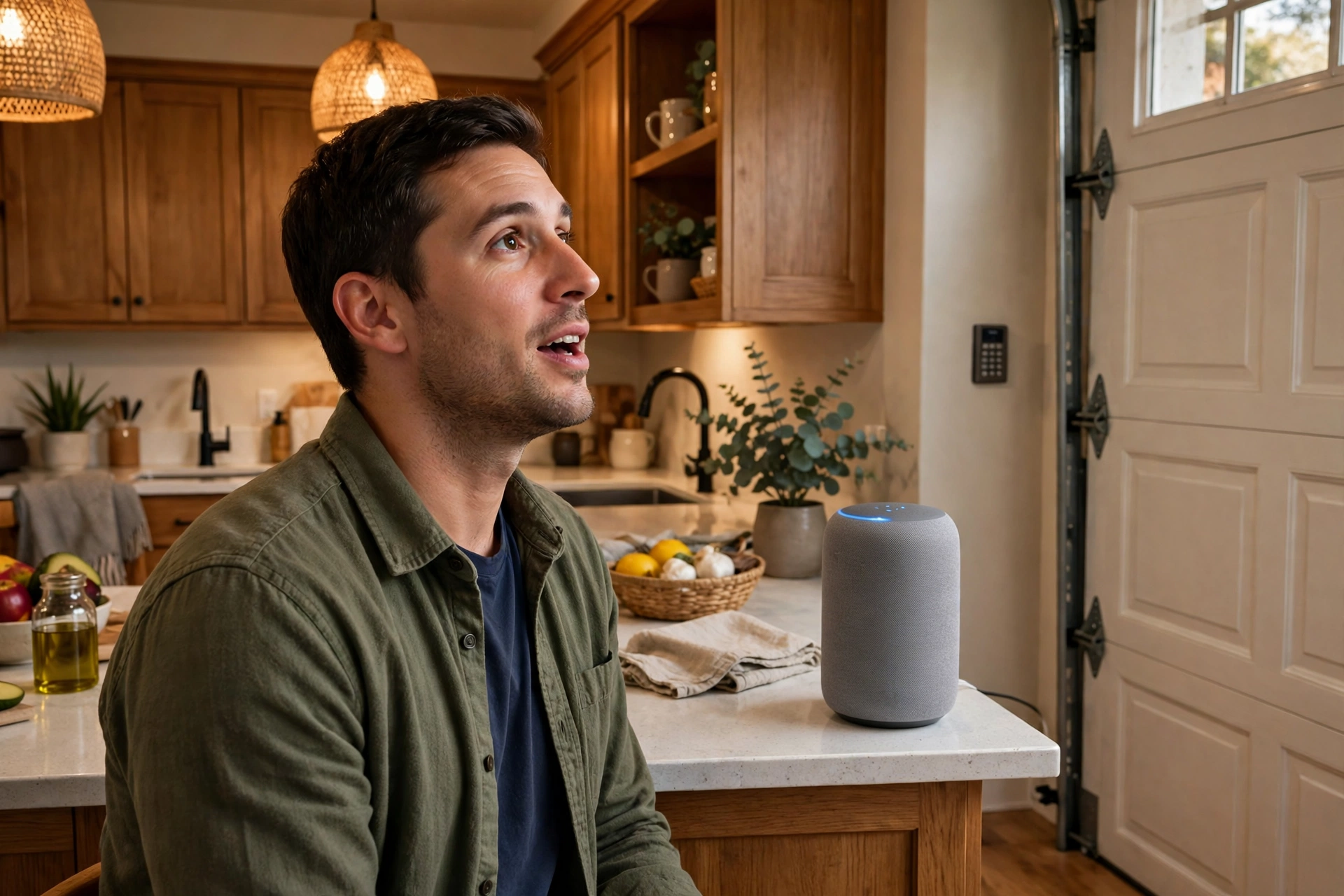
Voice control is where a HomeKit garage door opener shines. You can say “Hey Siri, is the garage door closed?” from your phone, watch, or HomePod. You can also close it hands free while you carry groceries. Opening by voice needs care, so set it up with intent.
MyQ CarPlay: How the Garage Shows Up in Your Car
MyQ CarPlay is a common search, but the facts need care. The MyQ app itself does not appear on CarPlay. You cannot open the MyQ app on your car screen and tap the door. That is why many owners feel stuck.
CarPlay works through Apple Home instead. Once your door lives in Apple Home, CarPlay can show it near home. As you pull close, a garage door button can appear on the car screen. You tap it to open or close the door. Siri in the car can also help, if your door is in Apple Home.
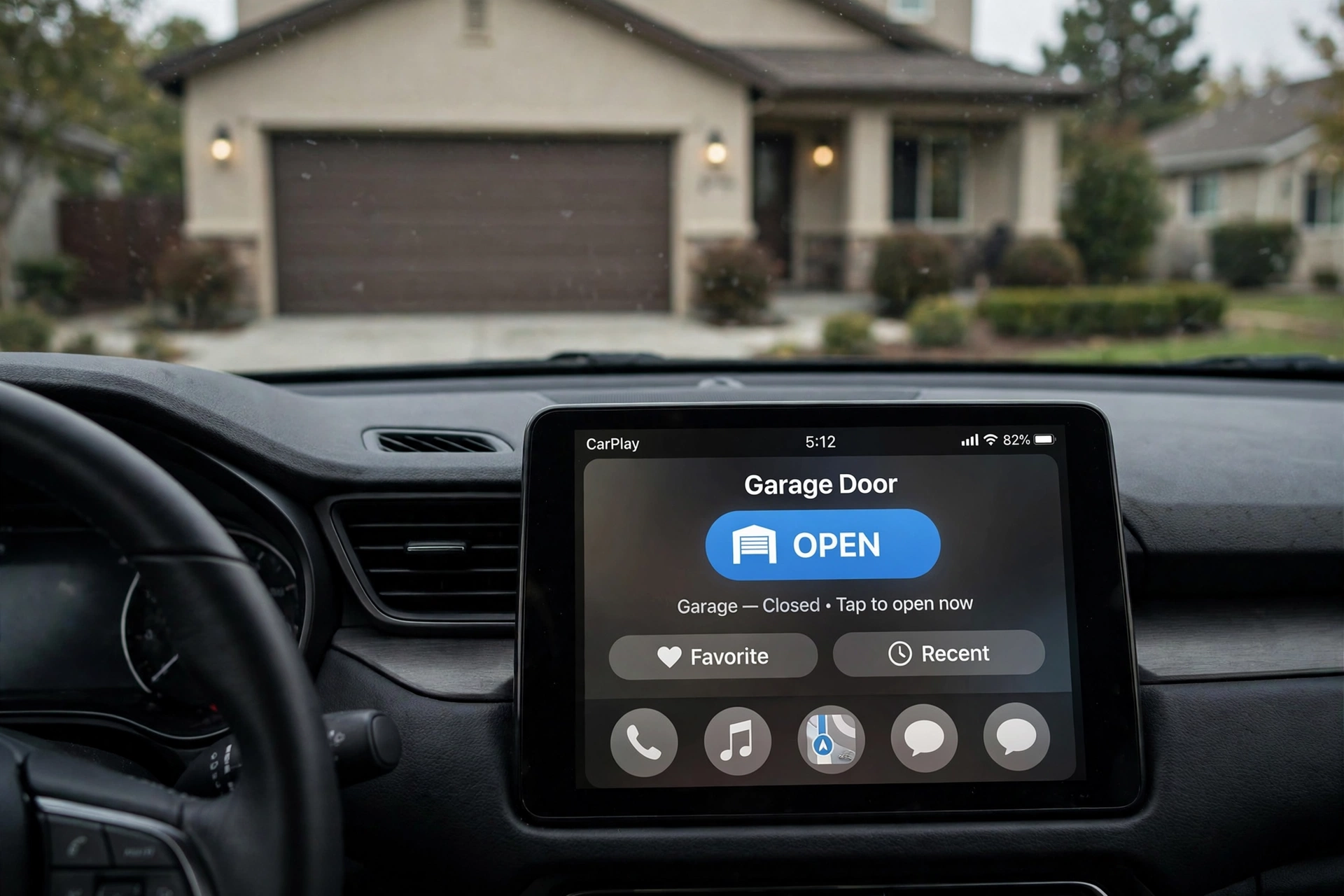
That chain explains the whole MyQ CarPlay puzzle. MyQ alone does not reach CarPlay. MyQ plus a HomeKit route does, because Apple Home is the link CarPlay uses. So if CarPlay is your main goal, fix the HomeKit link first. The car part then follows on its own.
Automations Worth Setting Up First
Start with safety, not flair. A “close at night” automation is the most useful one. Add an alert if the door stays open too long. Those two rules cover most real world worry.
Next, link the door to lights and locks. When the door opens after dark, turn on the garage light. When you lock up at night, close the door as part of the same scene. Small links like these make the garage feel like part of the home, not a lone gadget.
Apple Home basics help here, since hubs, rooms, and scenes shape how these rules run. If you are new to that side, our what is Apple Home guide explains hubs and rooms in plain terms.
Choosing a HomeKit Garage Door Opener for Your Setup
Table: Platform routes at a glance
| Route | Works with MyQ | Best for |
|---|---|---|
| HomeKit native controller | Replaces MyQ control | Simple Apple Home setup |
| Local controller | Yes, on supported models | Speed and local control |
| Home Assistant bridge | Through a local controller | Multi platform homes |
| Homebridge MyQ plugin | No longer reliable | Legacy setups only |
| Google native controller | Replaces MyQ control | Google Home voice control |
Pick by platform first, then by opener model. If you live in Apple Home, a native or local HomeKit route wins. If you live in Google Home, a Google native controller wins. If you run both, Home Assistant with a local controller ties them together.
Keypads and cameras add a second layer to this choice. A video keypad can show who used the door and when. That record pairs well with HomeKit alerts, since you get both state and context. Our MyQ Smart Garage Video Keypad guide covers that add on in detail.
Troubleshooting Common Platform Problems
If the door shows “No Response” in Apple Home, check Wi-Fi in the garage first. Garages often sit at the edge of Wi-Fi range. A weak signal causes slow updates and failed commands. Move your router or add an access point closer to the garage if you can.
If the state is wrong, check the door sensor. A loose sensor reports the wrong state, and no app fix will cure that. Realign it, test it by hand, and watch the state change in the app. Only then should you blame the platform link.
If a MyQ link breaks after an update, do not assume you did something wrong. Vendor cloud changes break third party links often. That is a sign to move to a local route, not to keep patching a cloud link that may break again next month.
FAQs
Does MyQ work with Apple HomeKit now?
No, MyQ does not work with Apple HomeKit on its own today. The official Home Bridge hub was discontinued, and later support ended. To get HomeKit control, you need a HomeKit native controller or a local controller that talks straight to your opener motor.
What is the best HomeKit garage opener for a MyQ owner?
It depends on your opener model and your comfort with wiring. A HomeKit native controller suits most owners who want simple setup. A local controller suits owners who want fast local control and long term stability. Check compatibility first, since some newer models block wired units.
Can I use MyQ Home Assistant without the cloud?
Yes, but not through the old direct MyQ link. That cloud link ended in 2023. Instead, add a local controller to your opener, then add that controller to Home Assistant. Home Assistant then sees true door state locally and can share it with Apple Home.
Does Homebridge MyQ still work in 2026?
Not in a reliable way. The main Homebridge MyQ plugin was archived in 2024 after Chamberlain blocked the access it used. It may still run on an old setup, but it can fail without warning. For a new install, choose a native or local controller instead.
Can I control MyQ with Google Home by voice?
Not as a full device link. Chamberlain ended its Google Assistant link in 2023, so MyQ does not appear in Google Home. A third party workaround can close the door by voice, but opening by voice is blocked for safety. A Google native controller gives fuller voice control.
How does MyQ CarPlay work if the MyQ app is not on CarPlay?
It works through Apple Home, not through the MyQ app. Once your door is in Apple Home, CarPlay can show a garage button near home. You need a home hub and location access for that button to appear. Fix the HomeKit link first, and CarPlay follows.
Conclusion
A HomeKit garage door opener is less about the opener brand and more about the route you pick. MyQ alone will not reach Apple Home or Google Home today. A native controller, a local controller, or Home Assistant can bridge that gap. Pick the route that fits your platform and your opener model, test it at home, and set up a night close rule first. That single automation will pay you back every day.