
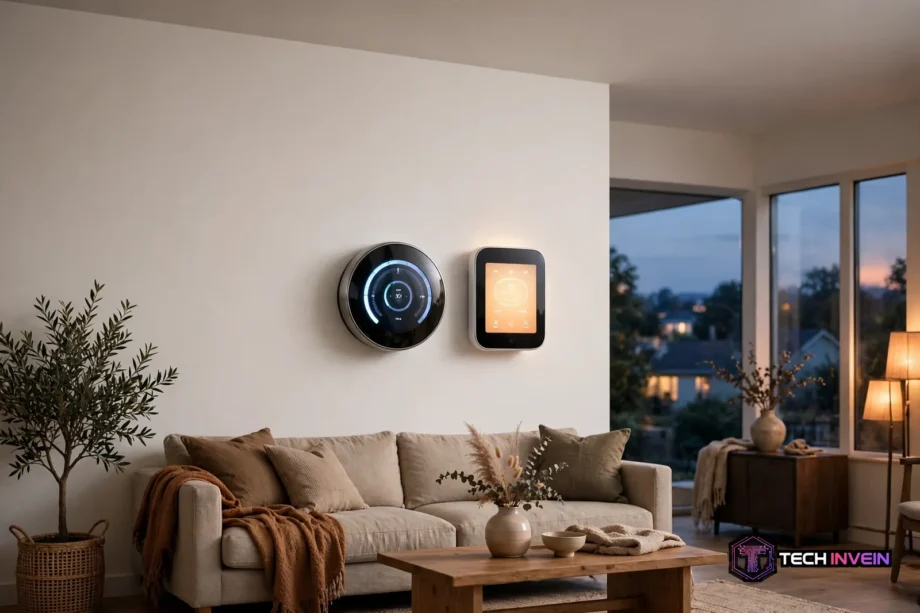
If you are choosing between ecobee vs nest, the short answer is simple. Pick ecobee for room sensors and Apple Home support, or pick Nest for Google Home and a schedule that builds itself. Both cost about the same and both save energy. The rest of this guide shows where they actually differ.
- Ecobee vs Nest: Specs Side by Side
- Room Sensors and Real Comfort
- Learning or Scheduling: How Each One Thinks
- Installation and the C-Wire Question
- Smart Home and Voice Control
- Air Quality and Humidity
- Energy Savings and Running Costs
- Which One Should You Buy?
- FAQs
- Is ecobee better than Nest for a two-story house?
- Does Nest work with Apple HomeKit?
- Do I need a C-wire for either thermostat?
- Which thermostat saves more on energy bills?
- Can I install either thermostat myself?
- Is the ecobee air quality monitor worth it?
- The Bottom Line
This comparison pits two flagship models against each other. They are the ecobee Smart Thermostat Premium and the Google Nest Learning Thermostat (4th gen). They sit at nearly the same list price. So the choice comes down to your house, your phone, and how much fiddling you enjoy. Prices move a lot in November and December. So treat the holiday sales season as a good time to buy. Still, check the current price before you order.
Ecobee vs Nest: Specs Side by Side
Start with the numbers, because they explain most of the real-world differences. The table below lines up the two flagships on the specs that matter for comfort, wiring, and smart home use. Both are ENERGY STAR certified. Also, neither needs a monthly subscription for its core features.
Table: Ecobee Premium vs Nest 4th Gen
| Feature | ecobee Smart Thermostat Premium | Nest Learning Thermostat (4th gen) |
|---|---|---|
| List price | $249.99 | $279.99 |
| Display | Color touchscreen | Large round display, 60 percent bigger than the previous Nest |
| Room sensor in the box | Yes, one SmartSensor | Yes, one temperature sensor in most bundles |
| Max room sensors | 32 | 6 |
| Sensor readings | Temperature and occupancy | Temperature only |
| Schedule style | Manual schedule with smart features | Learns from your habits automatically |
| Apple HomeKit | Native support | Through Matter only |
| Built-in voice assistant | Alexa and Siri speaker built in | None, uses nearby Google devices |
| Air quality monitor | Yes, VOCs, CO2 estimate, and humidity | No |
| No C-wire solution | Power Extender Kit included | Power Sharing, optional Power Connector |
One row deserves a closer look before you move on. The sensor gap is not a small detail. Ecobee supports up to 32 room sensors that sense occupancy too. Nest tops out at 6 sensors, and those read temperature only. That gap decides which thermostat fixes a hot upstairs bedroom, and which one merely reports it. For full specs, check the details on ecobee’s official site.
Room Sensors and Real Comfort
Most thermostats live in a hallway, and hallways lie. A hallway can read 70 degrees while the bedroom upstairs sits at 76. So the system shuts off early, and the room you sleep in stays warm. Ecobee, for example, fixes this with wireless SmartSensors. Place one in the room that matters, and the thermostat heats or cools based on that room.
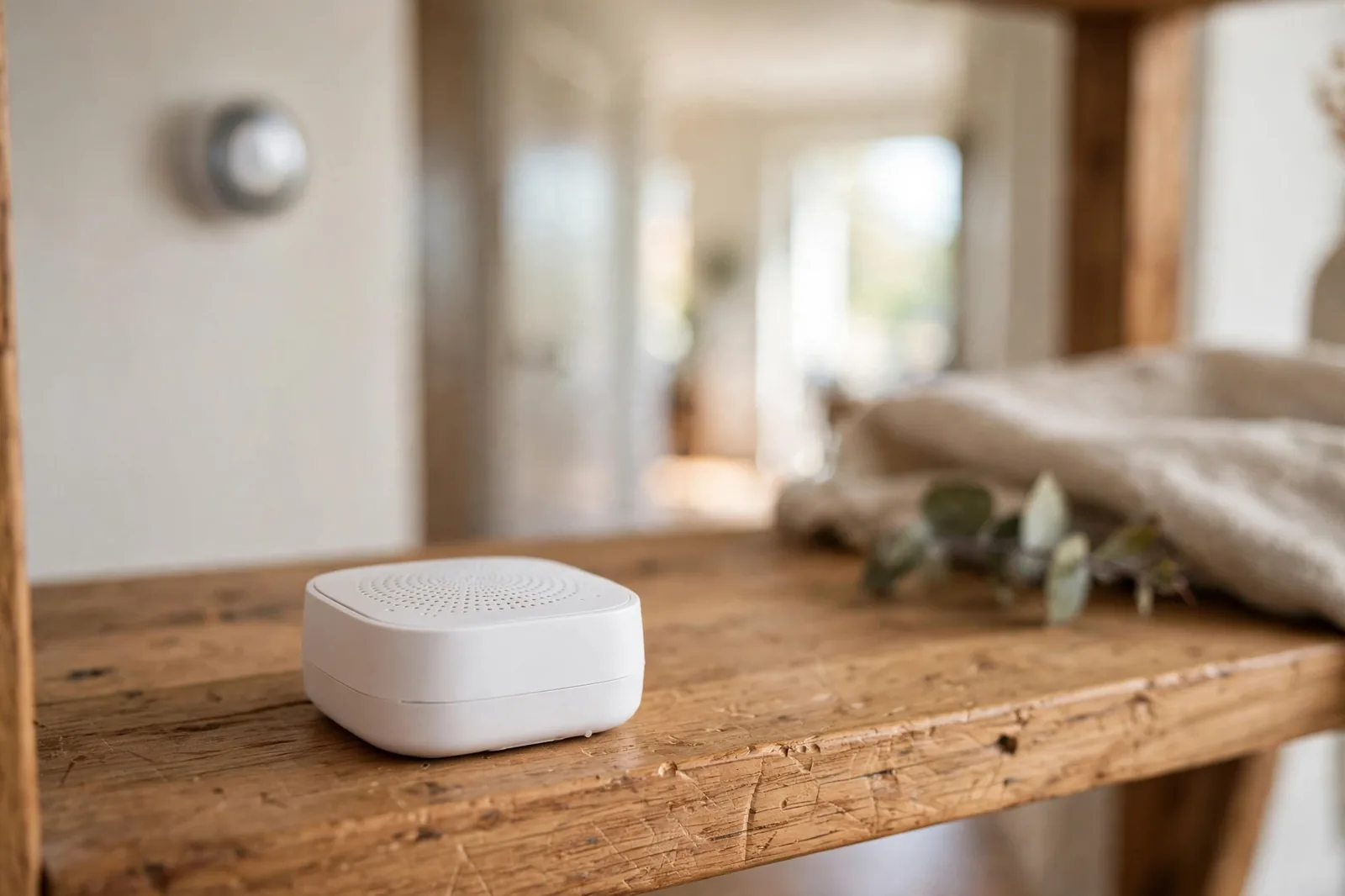
Nest takes a narrower approach. Its temperature sensors report the temperature of other rooms, and you can pick which sensor the thermostat listens to. That helps, but it still stops short of what ecobee offers. Nest sensors don’t sense occupancy. So they can’t tell the system that a room is empty and should be ignored. Ecobee sensors can, and that also changes how the schedule behaves during the day.
How many rooms do you actually need to fix? First, one sensor covers a single problem room. Next, two or three sensors cover a two-story house with a hot upstairs and a cold basement. Beyond that, you are into large-home territory, and ecobee’s 32-sensor ceiling gives you room to grow. Nest’s 6-sensor ceiling is fine for most homes. Yet it can feel tight in a big house with many zones to balance.
Fan control also plays a quiet role here. Running the fan for a few minutes each hour mixes air between rooms and evens out those hot and cold spots. Wondered what the fan setting actually does? Our guide on what the fan setting means on a thermostat explains auto, on, and circulate modes in plain terms.
Learning or Scheduling: How Each One Thinks
Nest’s headline trick is learning. You turn the dial up and down for a week or two. Then the thermostat builds a schedule from those habits. Afterward, it mostly runs itself. It also uses sensors and your phone’s location to guess when the house is empty. Then it eases off heating and cooling on its own. If you hate programming schedules, this is the strongest reason to pick Nest.
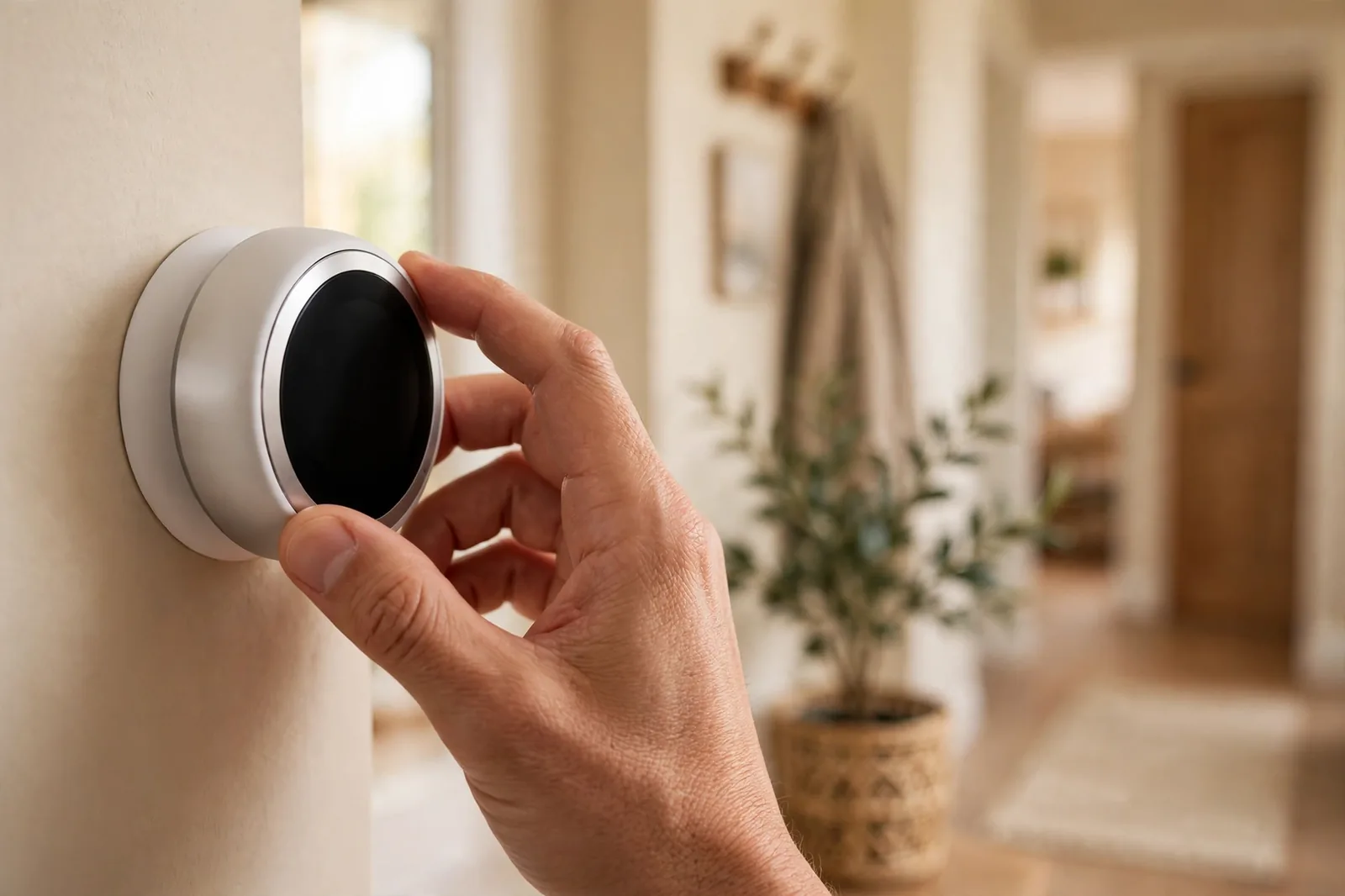
Ecobee asks a bit more of you up front. You set a schedule, or you let its eco+ features adjust it. Meanwhile, Smart Recovery learns how long your system needs to hit a target temperature. The result is a system you control in detail. You can set different comfort settings for home, away, and sleep, and you can tie each one to specific sensors. It takes longer to set up, yet you always know why the temperature changed.
So which style fits your house? A household with steady routines and little patience for menus will enjoy Nest’s hands-off style. A household with shift workers or kids home at odd hours will get more from ecobee’s detailed control, and you’ll see why within the first week. Neither approach is wrong. Instead, they just reward different kinds of owners.
Installation and the C-Wire Question
Both install in about 30 minutes with a screwdriver, assuming your wiring is in decent shape. The catch is the C-wire, the wire that supplies steady power to a smart thermostat. Many older homes lack one, so this is where the two brands split.
Ecobee ships a Power Extender Kit in the box. You install it at your furnace control board, and it creates a C-wire from your existing wires. It adds a few steps to the job, but it still solves the problem cleanly on most systems. Nest, by contrast, often runs without a C-wire at all. It trickle-charges its battery from your heating and cooling wires. That makes the install simpler, yet some systems still need the separate Power Connector, which costs extra.
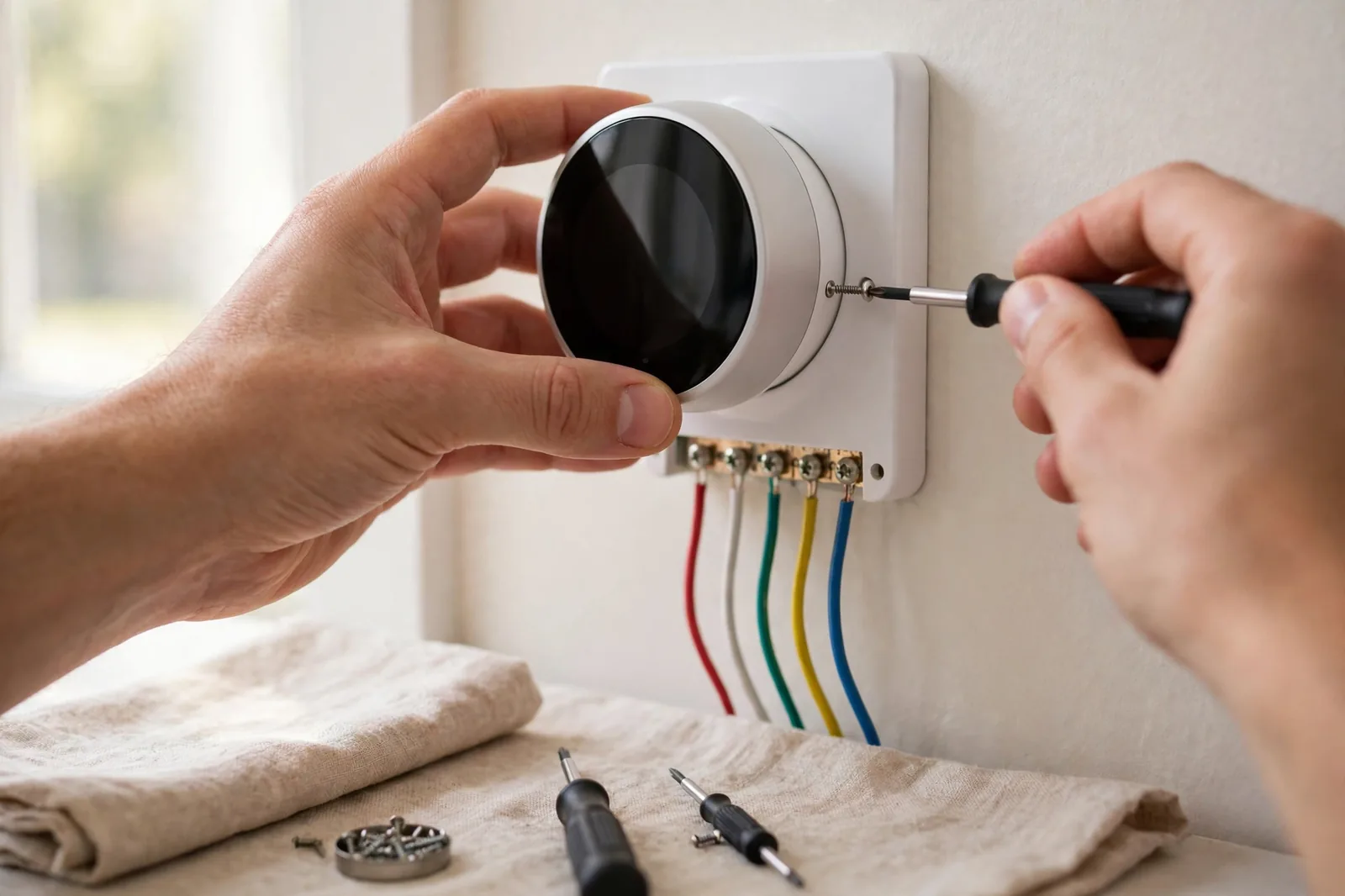
Before you buy, first run the compatibility checker on the maker’s site and photograph your old wiring. Then label each wire as you remove it. That photo has saved many installs from a confused hour at the furnace. If your current thermostat is a Honeywell that stopped responding, a new purchase may not be needed yet. First, try our Honeywell thermostat reset guide and see if a reset brings it back.
Smart Home and Voice Control
In fact, your phone ecosystem may settle this debate faster than any spec. Ecobee supports Apple HomeKit natively, which means it pairs directly with the Apple Home app and responds fast. It also works with Alexa, Google Home, Samsung SmartThings, and Matter. If your house runs on iPhones and iPads, ecobee is therefore the smoother fit.

Nest is the mirror image. It lives inside Google Home, so it pairs tightly with Nest cameras, doorbells, and speakers. It reaches Apple Home only through Matter, and that path works but offers fewer features than native HomeKit. Want to understand what Apple’s platform covers before you commit? Read our explainer on what Apple Home is and how it works.
Voice control differs too. Ecobee has a speaker built in, so you can talk to Alexa or Siri right at the thermostat. That’s handy in a hallway, but some owners mute the mic for privacy, and then the speaker adds nothing. Nest, in contrast, has no speaker of its own. You talk to a nearby Google speaker or display instead. That feels natural if you already have one in the next room.
Both thermostats also work with Matter, the newer standard that lets devices from different brands share one home. Matter support means neither choice locks you out of a future hub change. Still, native support beats Matter-only support for day-to-day speed, so weigh your current ecosystem more than the Matter badge.
Air Quality and Humidity
Ecobee’s Premium model hides a second device inside the thermostat: an air quality monitor. It tracks volatile organic compounds, gives a carbon dioxide estimate, and measures humidity. When the air gets stale, it alerts you and can then run the fan to freshen things up. It also reminds you when the HVAC filter needs changing. That reminder uses actual run time, not a fixed calendar date.
In contrast, Nest offers none of this. It reads temperature and humidity at the wall. But it has no VOC or CO2 sensing and no air quality alerts. If indoor air matters to you because of asthma, allergies, or a stuffy bedroom, ecobee holds a clear edge here. Humidity alone still deserves attention on either thermostat. Damp air feels warmer in summer, and dry air irritates skin in winter. Our guide to a comfortable humidity level indoors gives target ranges room by room.
Does the air quality monitor replace a standalone air monitor? Not quite. A dedicated monitor, for instance, measures more pollutants and sits where you breathe, not in a hallway. But for most homes, the built-in monitor catches the big problems. Think of a stuffy house after cooking, or a filter long past its prime. You catch both without buying another gadget.
Energy Savings and Running Costs
Both brands promise lower bills, and both have data behind the claim. Ecobee says its thermostats can cut heating and cooling costs by up to 26 percent. That figure comes from its own customer studies. Nest publishes savings reports inside its app. They show how many hours of heating and cooling you avoided, and how your usage compares with similar homes. Treat both numbers as estimates, not guarantees, because insulation, climate, and habits move the result more than the thermostat does.

What matters more is how each one saves. Nest saves by learning when you are away and easing off automatically. Ecobee saves by holding rooms to precise schedules and using occupancy data to avoid heating empty rooms. In a house where someone is home all day, ecobee’s room-level control often wins. In a house that empties at 8 in the morning, Nest’s auto-away feature does the heavy lifting.
Running costs stay low on both. Neither charges a subscription for schedules, sensors, or energy reports. Utility rebates can cut the purchase price sharply, sometimes by 50 dollars or more. So check your energy provider’s rebate page before you buy. Holiday sales stack with those rebates. That makes November and December the cheapest months to pick up either model.
Which One Should You Buy?
Buy ecobee if you have rooms that run hot or cold. Buy it if you use Apple Home, or if air quality monitoring matters to your family. Buy it also if you enjoy detailed schedules and want sensors that sense occupancy, not just temperature. That makes it the stronger pick for larger homes and for anyone who likes to see exactly why the system runs.
Buy Nest if you live in Google Home. Buy it if your home lacks a C-wire, or if you want a thermostat you can forget about. Check the current price on the Google Store listing. Its learning schedule suits people who never want to open a scheduling menu again. It also looks better on the wall. Its round metal body suits a wider range of decor than ecobee’s black glass rectangle.
Buying as a holiday gift? Either one delights a new homeowner, but check two things first. First, confirm the recipient’s heating system is compatible, since a gift that needs a pro install loses some charm. Second, ask which phone ecosystem they use, because that answer points straight at the right brand. A thermostat is a practical gift, and it keeps saving money long after the holidays end.
FAQs
Is ecobee better than Nest for a two-story house?
Yes, in most two-story homes ecobee wins. Upstairs rooms run warmer than the hallway thermostat. Ecobee’s SmartSensors let the system heat or cool based on the bedroom, not the hall. Nest sensors help too, but they read temperature only and cap at six sensors. Ecobee supports up to 32 sensors, with occupancy detection built in.
Does Nest work with Apple HomeKit?
Not natively. The Nest Learning Thermostat 4th gen reaches Apple Home only through Matter. That covers basic control but drops some deeper features. If Apple Home is your main platform, ecobee is the safer choice because it supports HomeKit natively and responds faster. Google Home households face no such trade-off, since Nest integrates fully there.
Do I need a C-wire for either thermostat?
Often no, but the details differ. Ecobee includes a Power Extender Kit that creates a C-wire from your existing wiring. So most homes are covered out of the box. Nest frequently runs without a C-wire by charging its battery from your system wires. Yet some systems still need the separate Power Connector. Run the maker’s compatibility checker before buying.
Which thermostat saves more on energy bills?
It depends on your household, not just the device. Ecobee claims savings up to 26 percent on heating and cooling, while Nest reports avoided runtime in its app. Homes that empty during the day tend to save more with Nest’s auto-away learning. Homes with people around all day often save more with ecobee’s room sensors and precise schedules.
Can I install either thermostat myself?
Yes, if your wiring is standard and you can follow a diagram. Most installs take about 30 minutes with a screwdriver. Both apps walk you through each wire, so photograph and label your old wiring. Call a pro if you see thick high-voltage wires or a boiler with no control board. Call one if anything looks unlike the app’s diagrams.
Is the ecobee air quality monitor worth it?
For many families, yes. It tracks VOCs, estimates carbon dioxide, and measures humidity, then alerts you when air gets stale and reminds you about filter changes. That helps allergy households and stuffy bedrooms most. If you already own a standalone air monitor, the built-in version adds less, but it still saves you from buying and placing another device.
The Bottom Line
Ecobee wins on sensors, Apple Home support, and air quality. Nest wins on hands-off learning, Google Home integration, and easy installs without a C-wire. So match the thermostat to your house and your phone, not to a single review score. Then check for a utility rebate, watch for a holiday sale, and enjoy a warmer winter and a lower bill.