
Do smart plugs save energy? Yes, but only on the right devices. A smart plug does not make an appliance more efficient. It saves power by cutting it off completely when a device would otherwise sit in standby. On a TV setup, that adds up fast. On a single modern lamp, it can cost you more than it saves.
- How Do Smart Plugs Save Energy?
- The Catch: A Smart Plug Uses Power Too
- Do Smart Plugs Save Energy on Every Device?
- Work Out Your Real Saving
- Where Smart Plugs Save the Most
- Where Smart Plugs Don’t Pay
- How to Set Up a Smart Plug So It Actually Saves
- Smart Plug vs Power Strip vs Unplugging
- Mistakes That Kill the Saving
- FAQs
- Do smart plugs use electricity when they are off?
- How much money can one smart plug save in a year?
- Is it safe to leave a smart plug on all the time?
- Do I need a hub for a smart plug to work?
- Can a smart plug tell me how much power a device uses?
- Conclusion
This guide gives you the honest answer, not the marketing one. You will learn how a smart plug actually saves power, how much the plug itself uses, and how to work out your own saving.
How Do Smart Plugs Save Energy?
A smart plug sits between your wall outlet and a device. It connects to your Wi-Fi, so you can switch it on or off from an app, by voice, or on a schedule. The plug still does not change how much power a device needs while it runs. Instead, it stops power from flowing when the device should not use any.
That matters because many devices keep drawing power after you switch them off: a TV waits for the remote, a console downloads updates, and a soundbar keeps its network link alive. This quiet draw is called standby power, or vampire power. In fact, the US Department of Energy says standby power accounts for 5 to 10 percent of home electricity use, and Earth911 reports the average US home loses about 770 kWh a year to it, worth roughly $135.
So a smart plug saves energy in three ways, and each one works by cutting power you do not need:
- Cutting standby power. Switch the plug off and the device draws zero watts.
- Running a schedule. Set the plug to cut power overnight or while you are at work. Then the device only gets power during the hours you actually use it.
- Stopping forgotten devices. A plug with a timer or an auto-off rule kills the heater, iron, or fan you left running.
None of this makes a device run better. A plug cannot fix an old, wasteful appliance. It can only stop it from using power when nobody needs it, and that is the whole trick. So aim it at the right devices and the saving is enough.
The Catch: A Smart Plug Uses Power Too
Here is the part most ads skip. A smart plug needs power to stay connected, and its radio listens for your commands all day and all night, so it draws about 0.5 to 1 watt around the clock.
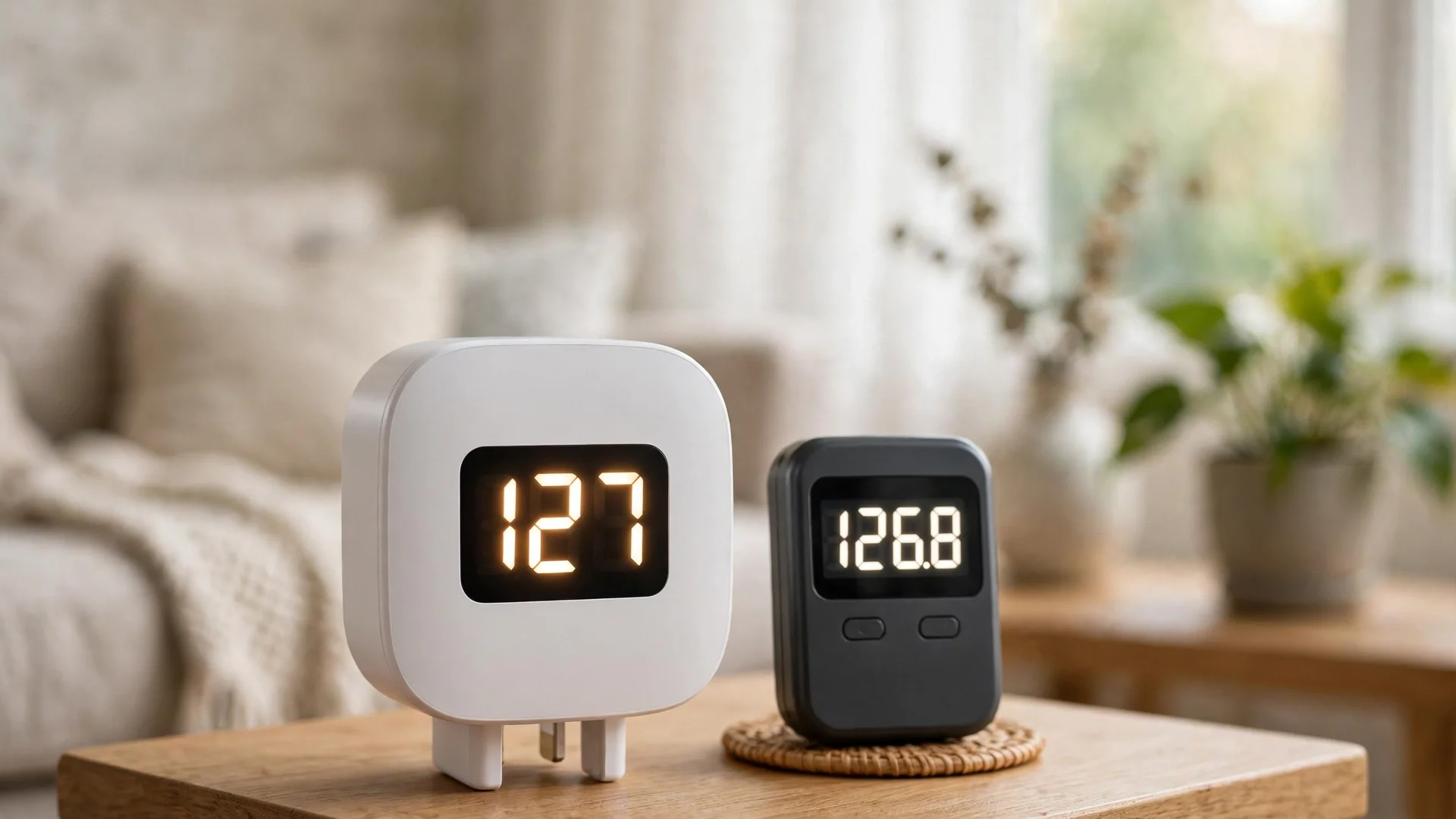
A plug that draws 1 watt uses about 8.8 kWh in a year. A plug that draws 0.5 watts uses about 4.4 kWh. Every saving has to beat the plug’s own cost.
So the real question is whether the standby power it cuts is bigger than the power it uses itself. On a big cluster, the answer is yes by a wide margin. On one modern device with a tiny standby draw, the answer can still be no.
This is why a plug on your TV setup can pay for itself in a year, while a plug on a single LED lamp can cost you money.
Do Smart Plugs Save Energy on Every Device?
No, they do not. A smart plug saves energy only when the device attached to it wastes enough standby power to beat the plug’s own draw, so the device decides everything.
Think of it this way. Your TV setup might draw 10 watts in standby, day and night, for a TV, a soundbar, a console, and a set-top box. Cut that for 16 hours a day and you save real power. But a modern phone charger draws almost nothing with nothing plugged in, so a plug on it saves nothing at all.
The best targets share three traits. First, they draw real standby power, usually 5 watts or more. Second, they sit idle for long stretches, like overnight or during work hours. Third, a schedule makes sense for them. For example, entertainment centers, desktop computers, printers, and older kitchen gear fit this pattern well.
The worst targets are the opposite. A single LED lamp, a modern charger, or a device you already switch off at the wall will not save you anything. In fact, the plug’s own 1 watt can cost more than the standby power it cuts. So check the standby draw before you buy a plug for a device.
Work Out Your Real Saving
You do not need to guess. A simple formula tells you what a plug will save on any device, and you can run it in under a minute. First, find the standby watts of your device in the manual, the maker’s spec page, or a plug with energy monitoring.
Then use this formula:
kWh saved per year = standby watts x hours off per day x 365 / 1000
Next, subtract the plug’s own use. At 1 watt, that is about 8.8 kWh a year. At 0.5 watts, it is about 4.4 kWh. What is left is your net saving. Finally, multiply by your electricity price. The average US home pays about $0.18 per kWh in 2026.
Table: Worked examples at $0.18 per kWh, plug use 1 watt (8.8 kWh a year)
| Device | Standby draw | Hours off per day | kWh saved per year | Net saving per year |
|---|---|---|---|---|
| TV, soundbar, console, set-top box | 12 watts | 16 | 70.1 kWh | 61.3 kWh, about $11.00 |
| Desktop PC and printer | 8 watts | 14 | 40.9 kWh | 32.1 kWh, about $5.80 |
| Single modern TV | 0.5 watts | 16 | 2.9 kWh | Minus 5.9 kWh, about $1.05 lost |
Look at the last row and you will see the catch in plain numbers. A single modern TV draws so little in standby that the plug costs more than it saves. But the TV cluster saves more than $11 a year, so a $10 plug pays for itself in under a year. Meteor Electrical ran the same numbers and landed in the same place.
Want a quick check for your own home? Add up the standby watts on one plug, multiply by the hours you can switch them off, and run the formula. If the net saving is positive, the plug earns its place. If it is negative, skip it.
Where Smart Plugs Save the Most
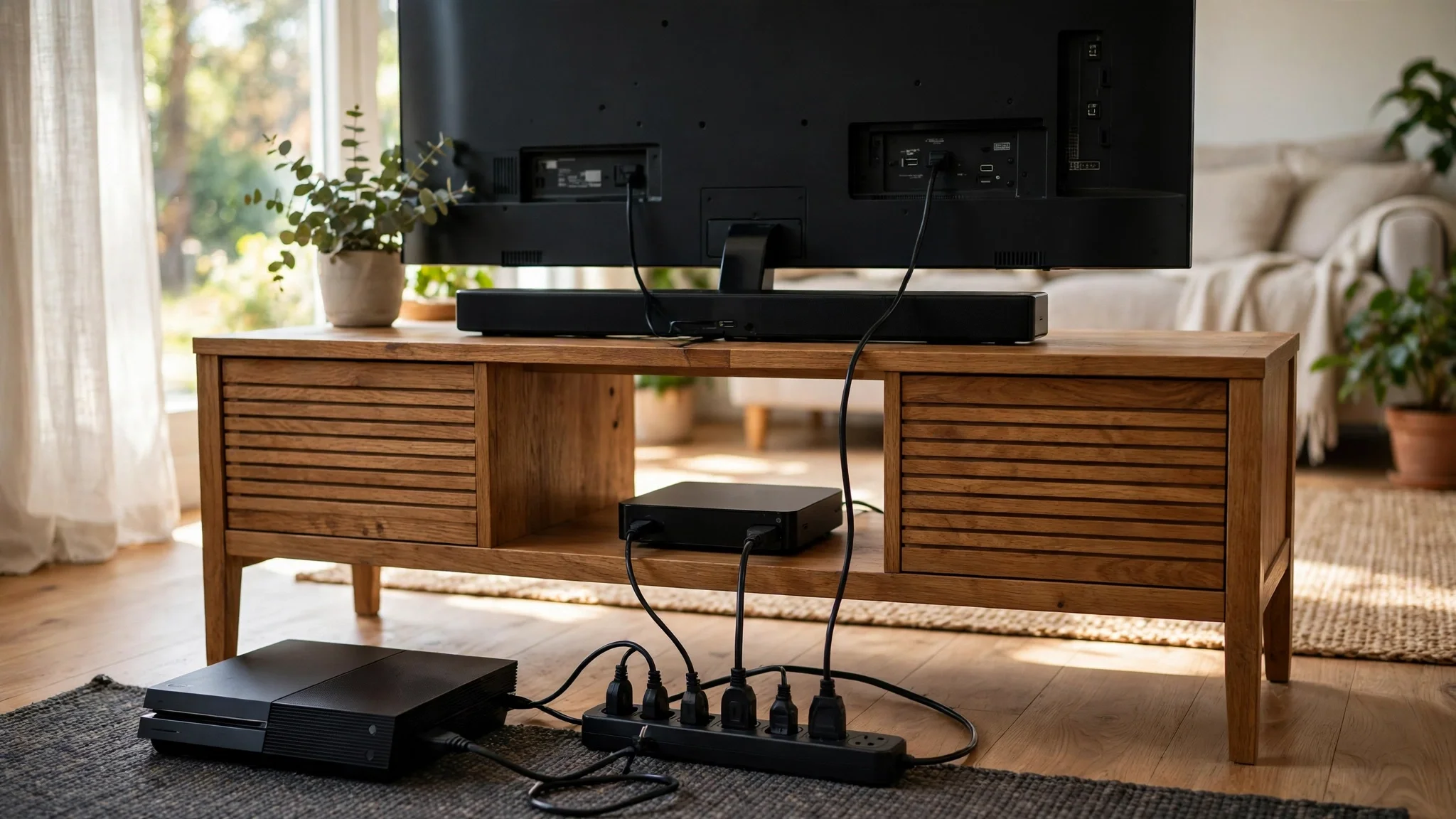
The biggest wins come from clusters, not single devices. Put one plug on a power strip behind your TV and you control four or five devices at once. Their standby draws add up, and one schedule cuts them all.
Home offices come next. A desktop PC, a monitor, a printer, and speakers can also draw 8 to 15 watts in standby all night. A plug that cuts them off from midnight to morning saves power every day.
Older gear is another strong target. For example, an old game console can draw 10 watts or more in standby, and an old cable box can draw even more. Newer devices are much better, because efficiency rules now limit standby draw.
Also look for devices you forget. A space heater left on low, a fan running in an empty room, or a coffee maker keeping a pot warm for hours all waste real power. A plug with a timer fixes the forgetting for you. If you pick the best smart plug for Zigbee for a Zigbee home, you also get fast local control, so the plug reacts in under a second when you tap the app.
Where Smart Plugs Don’t Pay
Some devices should never get a smart plug. A fridge or freezer must stay on, so a plug on one is a bad idea. The same goes for a medical device, a security camera, or anything that must stay connected. Never put a plug on a device that needs power all the time, because the risk is not worth the saving.
Also skip devices with very low standby draw. A modern LED lamp, a phone charger with nothing plugged in, or a new TV on its own will not save enough to beat the plug’s own watt. You would pay more for the plug’s power than you save.
And do not put a plug on a device that loses its settings when power is cut. Some older gear forgets its clock or its Wi-Fi password every time it loses power. If you have to set it up again each morning, the plug is not worth it.
Finally, skip high-power appliances a plug cannot handle safely. Most smart plugs are rated for 10 to 15 amps, which covers lamps, TVs, and computers. But a space heater, an air conditioner, or a washing machine needs more. Check the amp rating on both before you connect them.
How to Set Up a Smart Plug So It Actually Saves
Buying the plug is the easy part, so setting it up right is where the saving comes from. Follow these steps to get the most out of every plug you own.
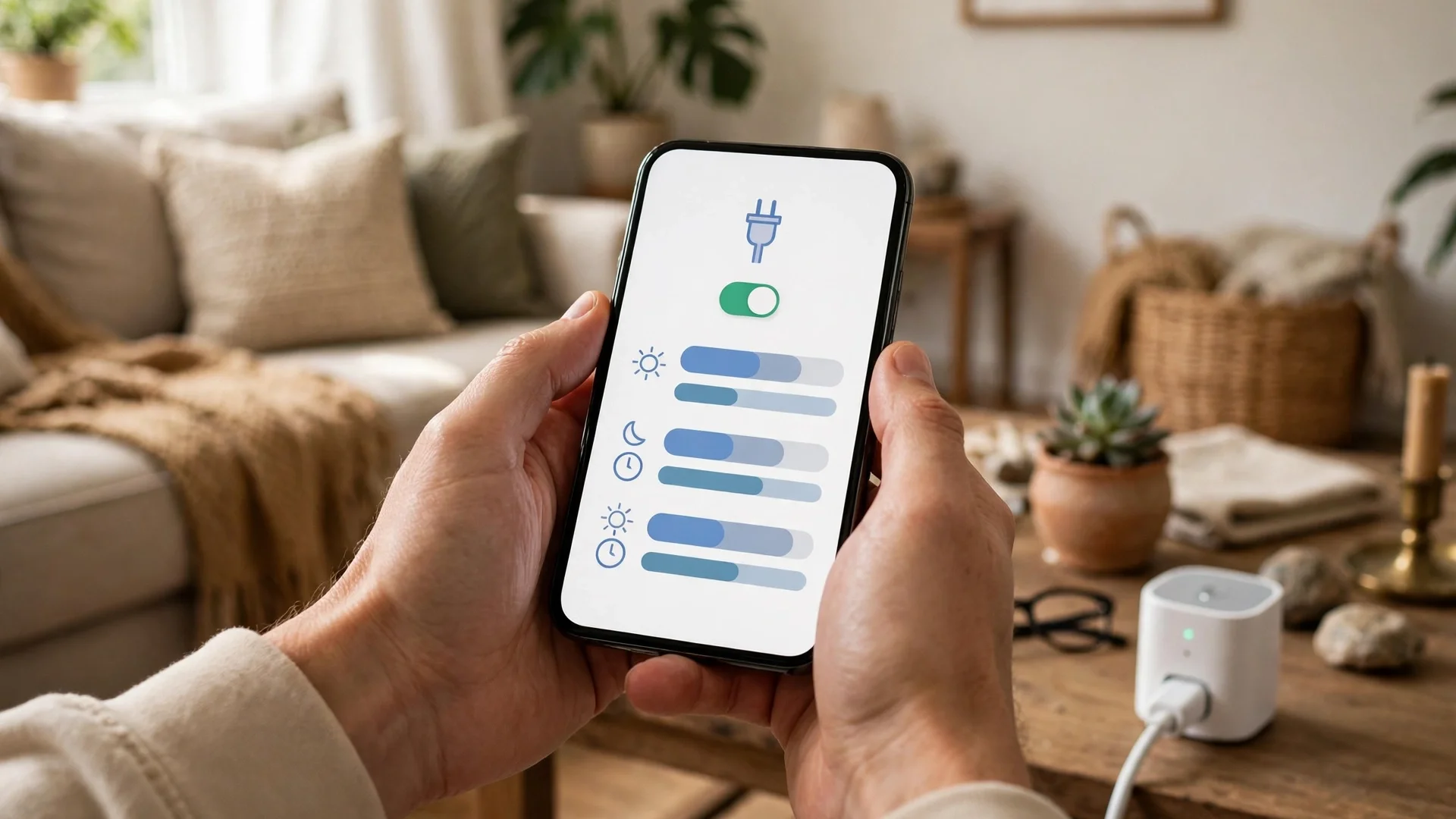
- Measure first. Use a plug with energy monitoring to check what each device really draws in standby. Guesswork puts plugs on the wrong devices.
- Group devices on one plug. Put your TV, soundbar, and console on one power strip, then plug the strip into a single smart plug, and one schedule covers the whole cluster.
- Set a schedule, not a reminder. A schedule that cuts power from midnight to 4 p.m. on weekdays works every day without you touching anything.
- Use away mode when you leave. Link the plug to your home’s away routine so it cuts power when nobody is home.
- Check the result after a month. Look at the plug’s energy report and compare it with the month before. If the saving is small, move the plug.
Schedules do the heavy lifting here. A plug you switch by hand saves power only when you remember, and most people forget. A schedule works every day, even when you are busy or away.
You can use the same idea for lights and other gear. If you want a full routine that turns things off at sunset and back on when you need them, our guide to automating outdoor lights at sunset in Home Assistant shows how schedules and sun times work together.
Smart Plug vs Power Strip vs Unplugging
A smart plug is not the only way to kill standby power. A power strip with a switch does the same job for less money, and unplugging costs nothing at all. So which one should you pick? It depends on what you want it to do for you.
Table: Smart plug vs power strip vs unplugging
| Feature | Smart plug | Power strip with switch | Unplugging by hand |
|---|---|---|---|
| Cost | About $10 to $15 | About $8 to $12 | Free |
| Remote control | Yes, from anywhere | No | No |
| Automatic schedules | Yes | No | No |
| Energy monitoring | Yes, on some models | No | No |
| Effort | Set once, then automatic | Flip a switch daily | Unplug daily |
Unplugging wins on price, because it costs nothing. But it needs you to remember every day, and most people do not. A power strip is cheap and simple, yet it still needs a daily flip. A smart plug costs a little more, but it works on its own once you set the schedule.
Mistakes That Kill the Saving
The first mistake is buying plugs before measuring. For example, people put a plug on a lamp, see no change in the bill, and decide smart plugs do not work. The plug was fine. The device was wrong. Measure first, then decide.
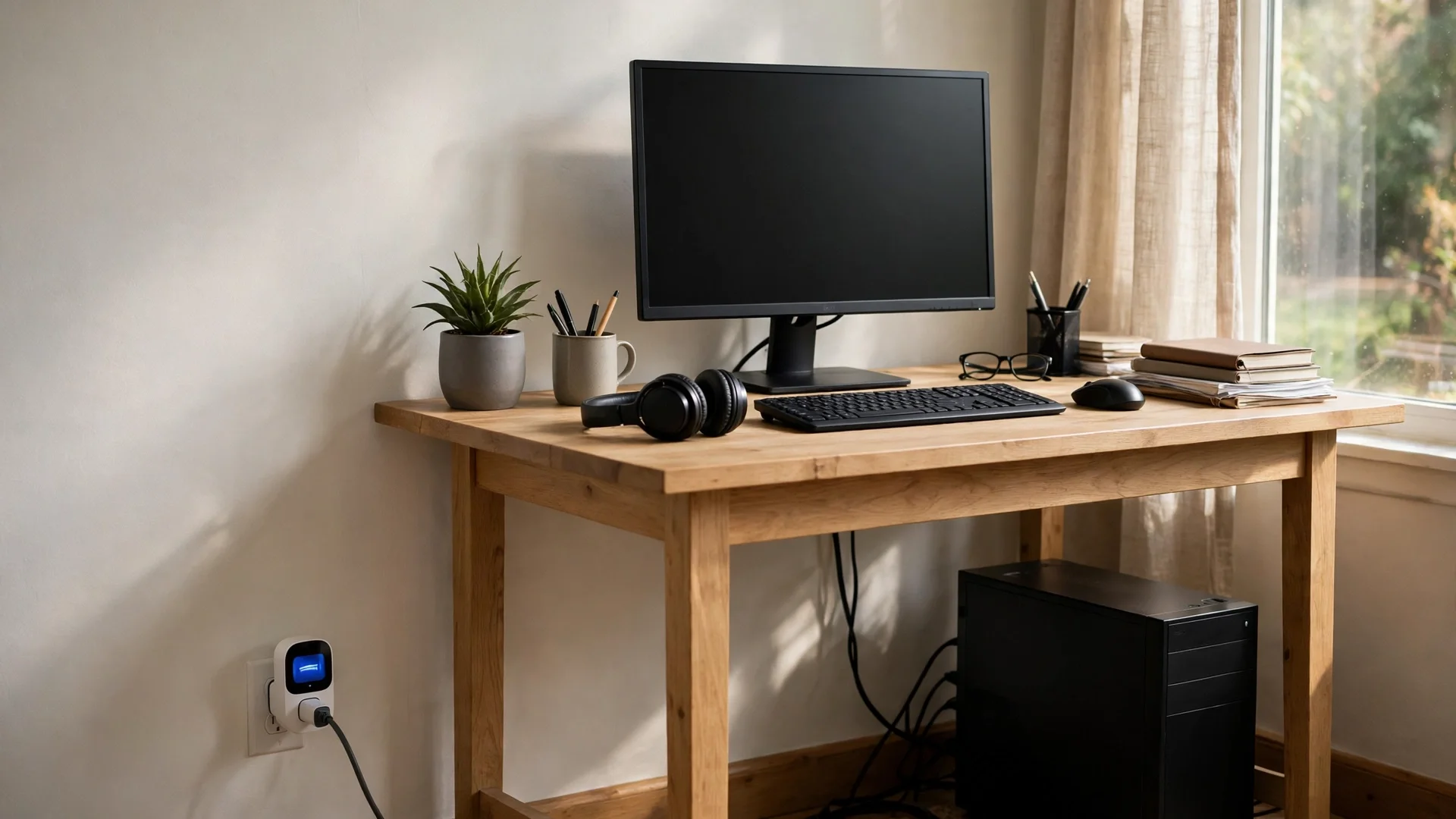
The second mistake is forgetting the plug’s own power use. A plug that draws 1 watt costs about $1.60 a year at $0.18 per kWh. That is small, but it matters on low-draw devices. Ten plugs cost about $16 a year before they save anything. So only use as many as you need.
The third mistake is leaving the plug in manual mode. A plug with no schedule saves power only when you open the app, and most people open the app far less than they think. Set the schedule on day one, then let it run.
And the last mistake is expecting too much. Even well-placed plugs still save tens of dollars a year, not hundreds. The big money sits in heating, cooling, and hot water. Still, tens of dollars for a few $10 plugs is a fair return. If you want to see where your power really goes, a home energy monitor shows every circuit in real time, so you can aim your plugs at the worst offenders first.
FAQs
Do smart plugs use electricity when they are off?
Yes, they do. A smart plug draws about 0.5 to 1 watt so its radio can listen for your commands. That works out to roughly 4.4 to 8.8 kWh a year. The plug still saves energy overall when the standby power it cuts is bigger than its own draw.
How much money can one smart plug save in a year?
It depends on the device. A plug on a TV cluster with 12 watts of standby can save about $11 a year at $0.18 per kWh. A plug on a single modern TV can lose about $1 a year, so the device decides the result, not the plug.
Is it safe to leave a smart plug on all the time?
Yes, if you stay within its rating. Most plugs handle 10 to 15 amps, which covers TVs, computers, lamps, and kitchen gear. Never use one on a space heater, an air conditioner, or a washing machine unless the plug is rated for that load.
Do I need a hub for a smart plug to work?
It depends on the plug. Wi-Fi plugs work on their own with no hub, and they connect straight to your router. Zigbee and Thread plugs need a hub or a border router, but they react faster and use less standby power themselves.
Can a smart plug tell me how much power a device uses?
Only some models can. Plugs with energy monitoring show live watts and total kWh in the app, so you can spot the worst devices in your home. Basic plugs without monitoring only switch power on and off, so they cannot measure anything.
Conclusion
Smart plugs do save energy, but only when you aim them at the right devices. Put them on clusters with real standby draw, set a schedule, and let them work on their own. Then skip the low-draw devices and measure before you buy. The saving is real, and it is yours to take.
Your next step is simple. Pick one cluster, such as your TV setup, and check its standby draw with an energy-monitoring plug. Then run the formula from this guide. If the math is positive, set the schedule today. And if you want to cut deeper, read our guide to a residential energy storage system to see how stored power fits a bigger saving plan.