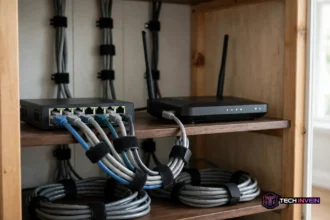



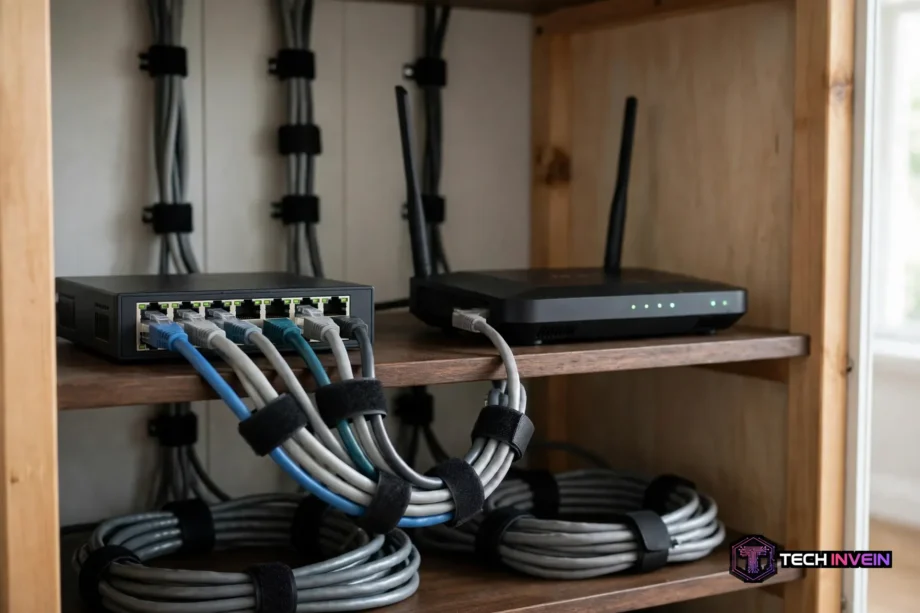
For most homes, the best network switch is the TP-Link TL-SG108-M2. It gives you eight 2.5GbE ports, silent fanless operation, and plug-and-play setup at a price most gigabit switches matched only a year ago. If your budget is tight or every device you own is still gigabit-only, the cheaper TP-Link TL-SG108 does the same basic job for around $20.
- How to pick a network switch in 5 minutes
- Best network switch picks at a glance
- Best overall: TP-Link TL-SG108-M2
- Best budget pick: TP-Link TL-SG108
- Best PoE switch on a budget: TP-Link TL-SG1005P
- Best smart managed PoE pick: Netgear GS308EP
- Unmanaged vs managed: which one do you actually need?
- PoE, explained without the jargon
- How many ports do you really need?
- Which switch for gaming, smart home, and home office?
- The 10-minute switch test (do this on day one)
- Mistakes to avoid when you buy
- FAQs
- Do I need a network switch at home?
- What is the difference between a switch and a router?
- Is a 2.5GbE switch worth it over gigabit?
- How many ports should my home switch have?
- Do I need a PoE switch for security cameras?
- Can a switch make my gaming faster?
- Conclusion
A switch is a simple box with one job. It takes the single wired connection from your router and turns it into many. Your PC, game console, TV, and NAS can all plug in at once, and they talk to each other at full speed without fighting over Wi-Fi. Most home switches have no setup at all.
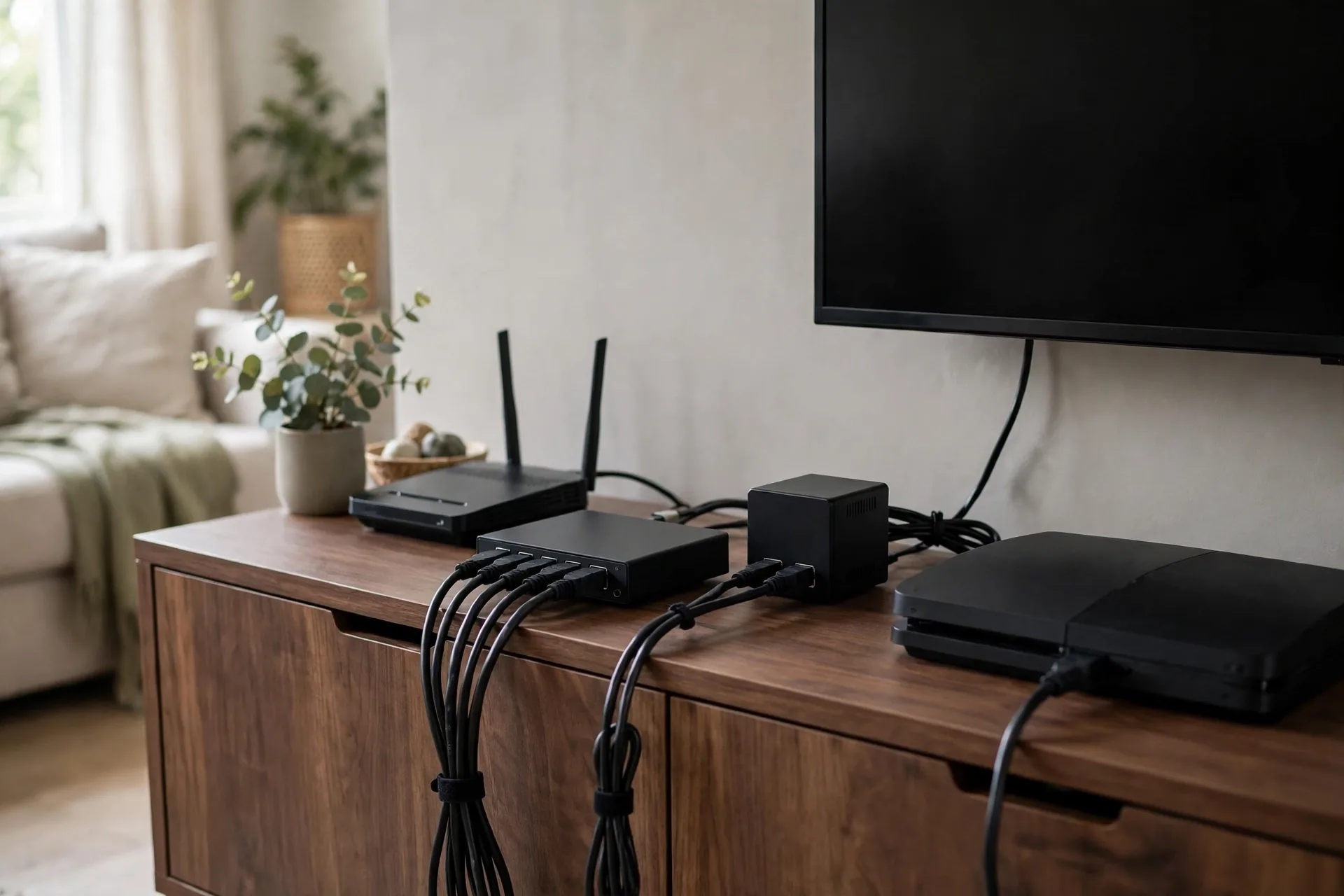
So why does buying one feel hard? The boxes all look alike, yet prices run from $13 to $300. So this guide sorts that out with real models, specs, and a pick for gaming, smart-home, and home-office setups.
How to pick a network switch in 5 minutes
Start with the devices you’ll plug in, not the switch. Count them first. A living room has a TV, a console, and a streaming box. A desk has a PC, a dock, and maybe a printer. A smart home adds cameras, access points, and a hub. Write the list down. It takes two minutes, and it stops you from buying too few ports.
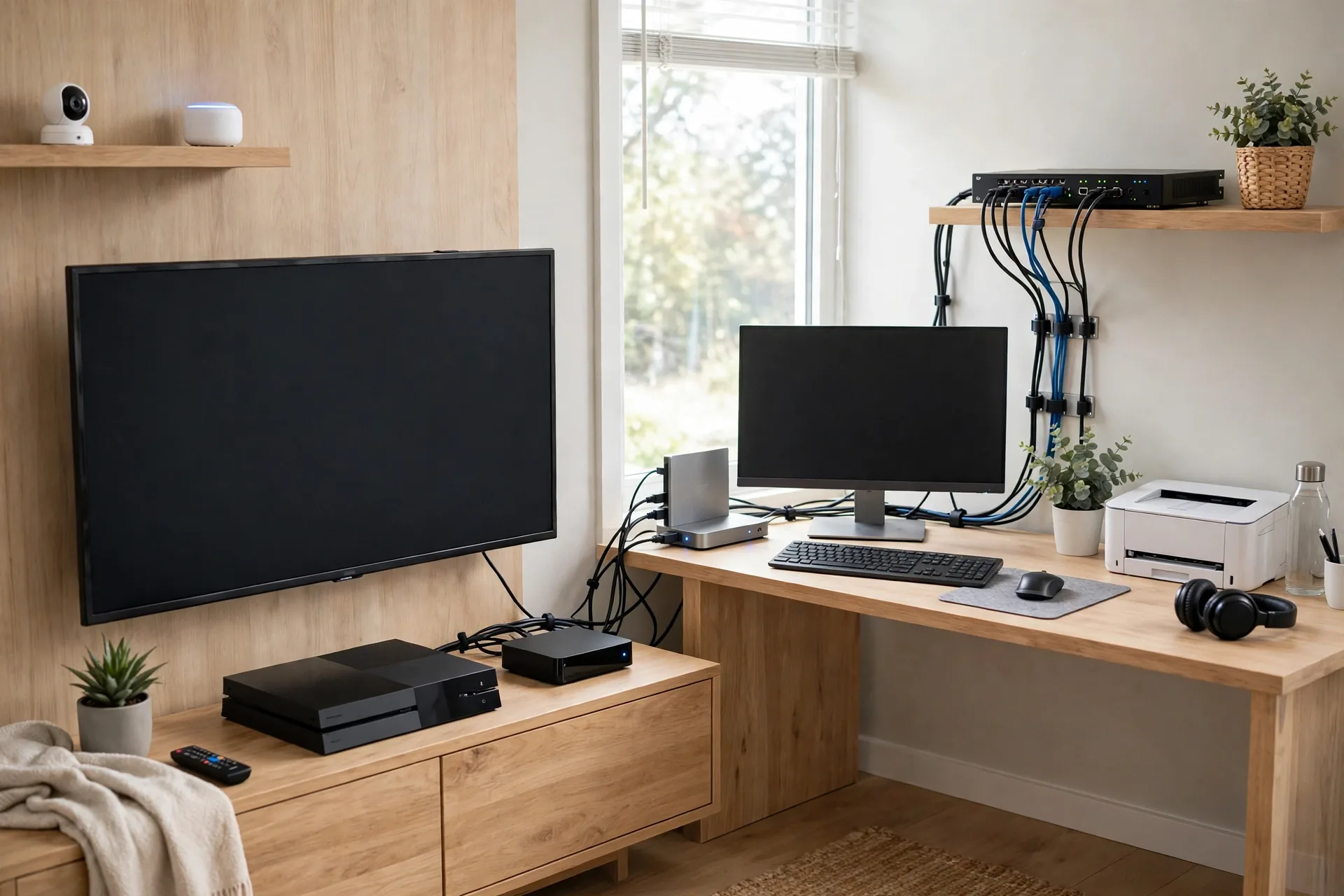
Next, add two spare ports to that count, because you’ll add a device sooner than you think. A new console, a NAS, or a second access point eats a port fast. Buying an 8-port switch when you need six today beats buying a 5-port switch and a second box next year. Daisy-chaining two cheap switches works, but it adds a hop, another power brick, and another thing that can fail.
Then check speed and power. Still, if your internet plan is gigabit or slower and your devices are gigabit-only, a switch is fine. If your PC, NAS, or access point has a 2.5GbE port, a 2.5GbE switch is worth the extra money. For PoE, ask one question: will a camera or access point need power from the switch? If yes, you need a PoE model.
Finally, be honest about management. Instead, unmanaged switch has no settings page. Then plug it in and it works. However, managed switch lets you split traffic into VLANs and set priorities. Still, homes never need that. If that sentence meant nothing to you, buy unmanaged.
Best network switch picks at a glance
Every pick below is a real model you can buy today, with specs taken from manufacturer pages and October 2026 roundups. Therefore, prices move, treat the “around” figures as a guide and check the price before you buy. Specifically, independent unmanaged switch roundup checked in October 2026 matches the prices and specs used here.
Table: Best network switch picks compared.
| Switch | Ports | Speed | PoE | Best for |
|---|---|---|---|---|
| TP-Link TL-SG108-M2 | 8 | 2.5GbE | No | Most homes |
| TP-Link TL-SG108 | 8 | Gigabit | No | Tight budgets |
| TP-Link TL-SG1005P | 5 | Gigabit | Yes, 65W | Cameras on a budget |
| Netgear GS308EP | 8 | Gigabit | Yes, 62W | Smart managed PoE |
Notice what the table leaves out. No pick here has a fan. That matters more than it sounds. A switch often sits in a living room, a bedroom, or a home office. A fanless metal box makes no noise at all.
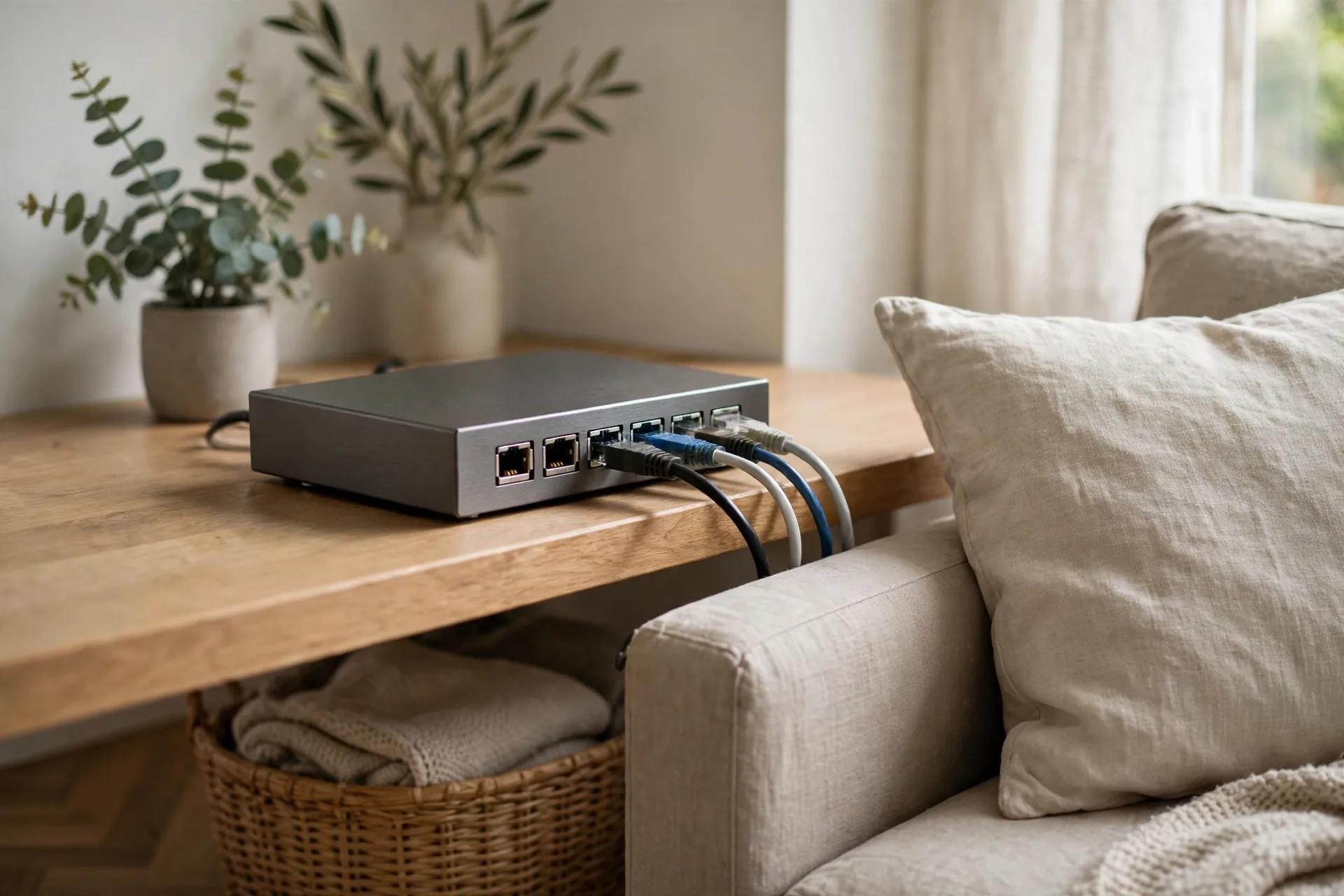
Best overall: TP-Link TL-SG108-M2
The TL-SG108-M2 is the pick for most homes because it removes the one regret buyers report most: buying gigabit, then upgrading six months later. It has eight ports, and every port runs at 2.5GbE. Older gigabit devices still work on it, since each port steps down to the speed the device supports. It’s unmanaged. There’s nothing to set up. Roundups checked in October 2026 put it around $60 to $80, a small premium over a plain gigabit 8-port switch. That premium buys you years of headroom.
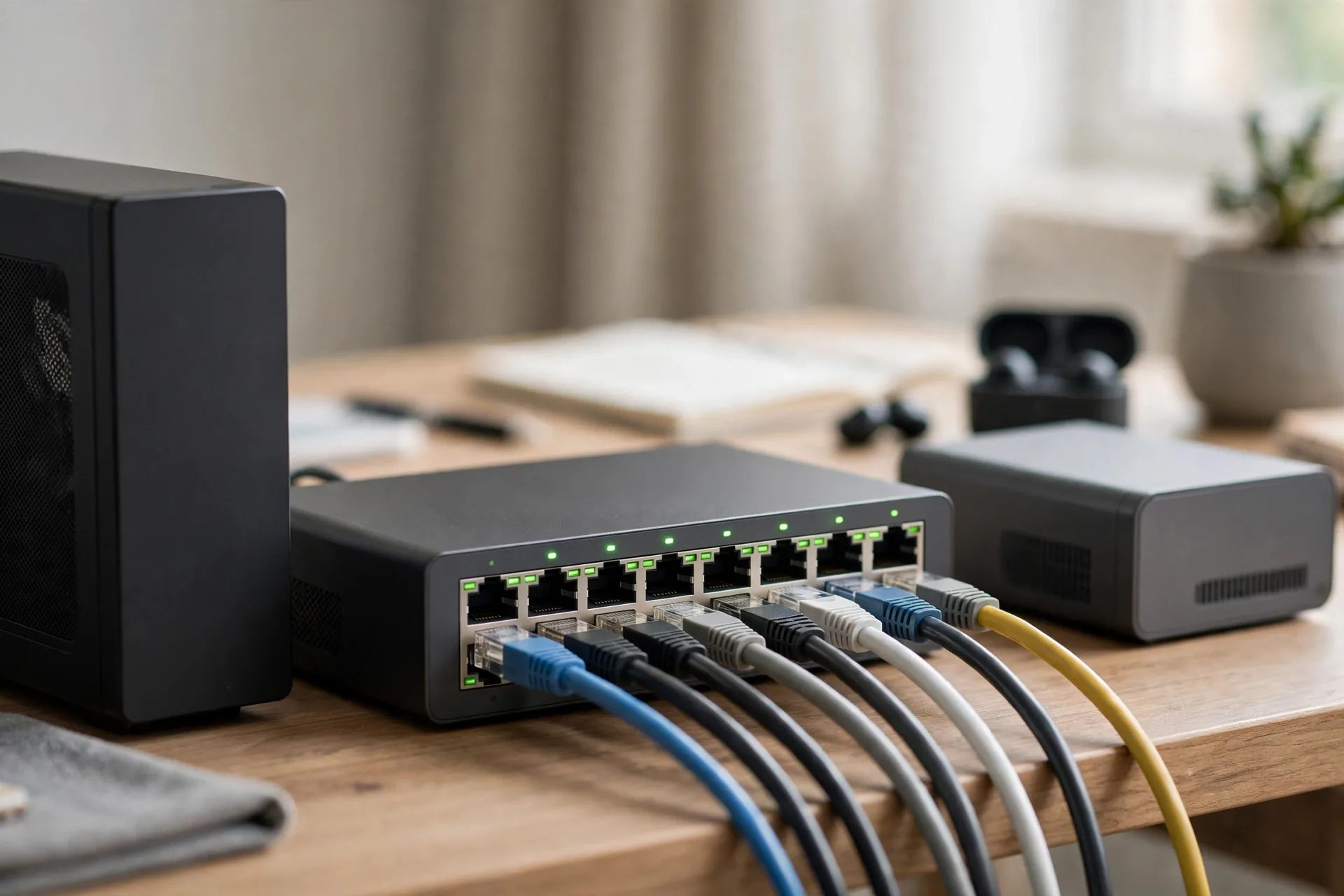
Best budget pick: TP-Link TL-SG108
Nevertheless, TL-SG108 has been the default home switch for years, and the reason is simple. Also, eight ports, a fanless metal case, and a price around $20 when checked in October 2026. Indeed, it does one job and does it well. Next, plug your router into any port, plug devices into the rest, and you are done. It also has loop prevention, a small feature with a big payoff. If someone plugs both ends of a cable into the switch by mistake, the network can flood itself and take the whole house offline. Loop prevention stops that.
Best PoE switch on a budget: TP-Link TL-SG1005P
PoE switches solve a wiring problem, not a speed problem. Meanwhile, TL-SG1005P has five gigabit ports, and four of them deliver PoE+ power. In fact, total power budget is 65W, which covers four cameras or access points with room to spare. It was listed around $45 in October 2026. Here is where the budget math matters. Instead, PoE budget is a shared pool, not a per-port promise. Four ports at 30W each would need 120W, but this switch has 65W in total. That’s fine in real life, because a normal camera draws 5W to 12W.
Best smart managed PoE pick: Netgear GS308EP
The Netgear GS308EP is for the home that wants a little control without a networking degree. Still, it’s an 8-port gigabit switch with PoE+ on all eight ports and a 62W budget. It also has a simple web interface for VLANs, QoS, and port settings. You can put your cameras and smart-home gadgets on their own VLAN, away from your main network. One warning applies. A smart managed switch still needs a router that understands VLANs if you want separate internet rules per VLAN.
Unmanaged vs managed: which one do you actually need?
An unmanaged switch is a power strip for Ethernet. No login, no settings, no updates to think about. For nine in ten homes, that’s the right answer. Your devices get addresses from the router, traffic flows, and you never open a settings page.
In particular, smart managed switch adds a page with a few useful controls. VLANs split devices into groups. Second, QoS favors gaming or video calls when the network is busy. Third, port mirroring helps watch traffic when something breaks. These are real tools, and they are also real ways to break a network by accident. Change one VLAN setting wrong and a camera vanishes from your app until you undo it. A TP-Link vs Netgear comparison shows the same split in practice: TP-Link wins on price for unmanaged boxes, while Netgear’s managed software suits homes that want more control.
PoE, explained without the jargon
PoE stands for Power over Ethernet. Yet one cable carries data and power to devices. That’s the whole idea. A camera on the side of your house needs only the Ethernet cable, not a power socket and a plug. Also, access point on the ceiling works the same way. It makes placement free, because you put the device where it works best, not where the nearest socket happens to be.
You’ll see three levels on boxes. Standard PoE (802.3af) delivers up to about 15W per port. PoE+ (802.3at) goes up to 30W per port. PoE++ (802.3bt) goes up to 60W or 90W per port for hungry devices. Indeed, cameras and access points run happily on PoE+. That total is the number that matters. A switch with a 62W budget can run six 10W cameras, not eight 30W devices.
How many ports do you really need?
First, use this count before you buy. List every device that will use a cable today, then add the devices you expect in the next two years. Add two spare ports on top, and that total is your switch size. If it lands on five, buy eight; if it lands on nine, buy sixteen. Switches don’t reward exact fits. If your router has only a few ports, our guide to home network installation walks through where the switch, router, and cables should sit.
A common living-room count looks like this: router uplink, TV, game console, streaming box, and a NAS or media PC. That’s five ports used, which makes an 8-port switch the right buy. A home office adds a PC, a dock, a printer, and an access point, which pushes the same house toward a second 8-port switch or one 16-port model.
Which switch for gaming, smart home, and home office?
Gaming cares about stable latency, not headline speed. A wired connection through any decent switch beats Wi-Fi for a console or PC, because the cable removes the random lag spikes that wireless adds. A gigabit switch is enough for most games, since games use far less bandwidth than people think. Put the console and PC on the same switch, close to the router. Our best Ethernet cable guide explains which cable type fits each speed, and you don’t pay for Cat8 when Cat6 does the job.
A smart home cares about PoE and isolation. Cameras, access points, and hubs stay powered and reachable when they sit on a PoE switch, and a smart managed switch can keep them on their own VLAN. The TL-SG1005P covers a small camera setup, while the GS308EP adds the VLAN option for a growing smart home.
A home office cares about port count and quiet. A desk with a PC, a dock, a printer, and a work laptop eats ports fast, and a fanless switch keeps calls quiet. If you are still building the room itself, our home office setup guide covers the desk, the chair, and the network gear in one pass.
The 10-minute switch test (do this on day one)
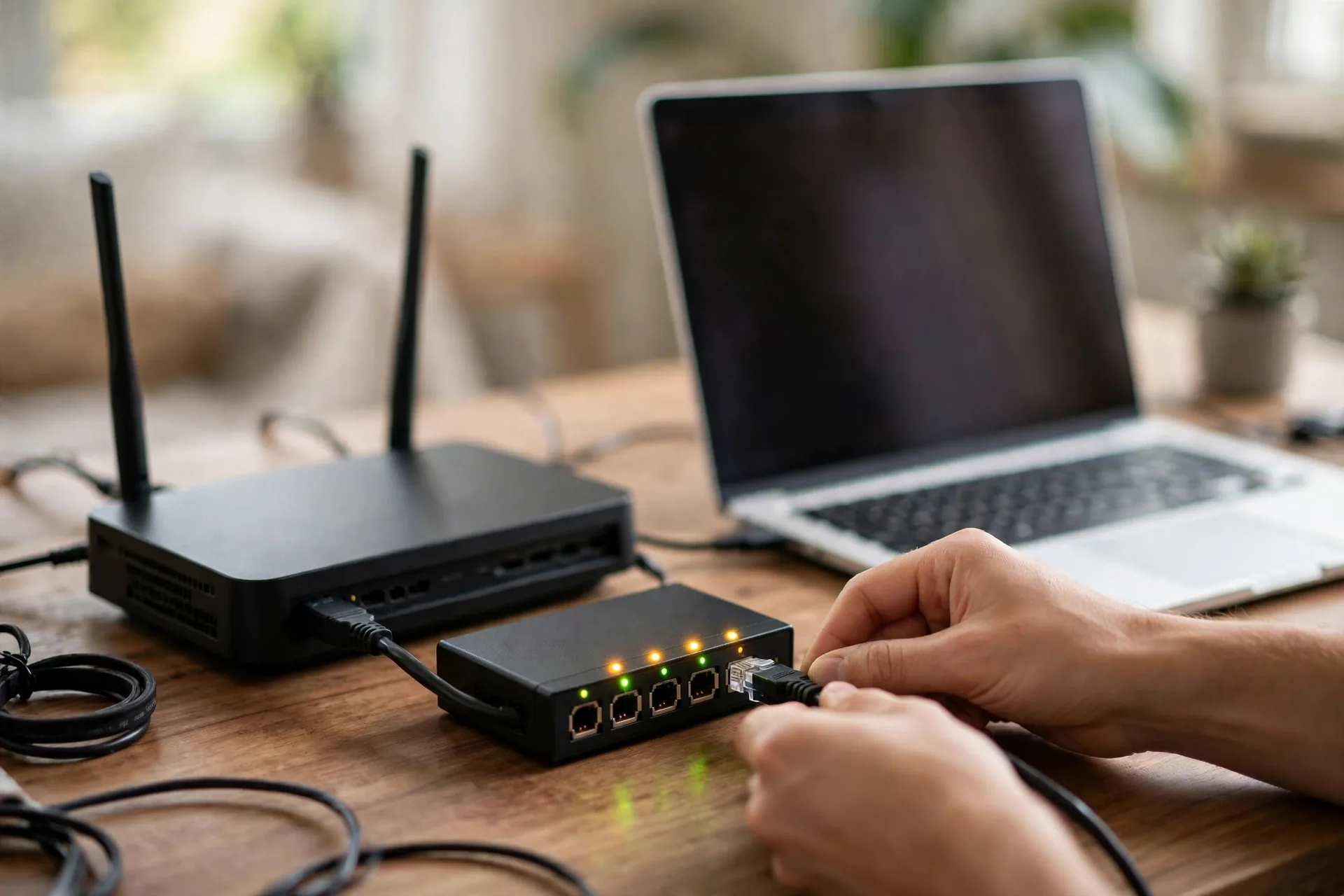
Here is the check I run on every switch before it earns a permanent spot. It takes ten minutes and it catches the two problems behind most “my network is slow” complaints: a bad cable and a wrong speed negotiation. First, plug the switch into the router with a short cable you trust, then plug in one device at a time. Watch the link lights. Each port should light up within a few seconds. A port that blinks, drops, or stays dark points to that cable, not the switch.
Second, check the speed each device actually negotiated. On a PC, open the network adapter status and read the link speed. A gigabit device should show 1.0 Gbps. A 2.5GbE device on a 2.5GbE port should show 2.5 Gbps. If a 2.5GbE device shows 1.0 Gbps, the cable is the usual suspect. Cat5e handles 2.5GbE fine, but a damaged or very old cable may not. Then move a large file between two wired devices, like a PC and a NAS. A gigabit link moves roughly 110 MB/s at best. A 2.5GbE link should clear 200 MB/s when both ends support it.
Mistakes to avoid when you buy
The first mistake is buying on port count alone. A 24-port gigabit switch looks like a bargain until you realize half its ports will never be used and none of them run at 2.5GbE. Match the speed to your fastest device first, then pick the port count. Speed is the part you can’t add later without replacing the box. The second mistake is ignoring the PoE budget. People see “8 PoE ports” on the box and assume every port gets full power at once. It doesn’t. The total budget is the real limit, and it’s printed in small text on the spec sheet.
The third mistake is buying a managed switch for an unmanaged problem. If your Wi-Fi is slow in the bedroom, a switch won’t fix it. You need an access point closer to the bedroom, or a better router placement. A switch only helps the devices you plug into it with a cable. Before you spend on network gear, it helps to know the difference between the boxes you already own, so read our modem vs router guide if the roles are still fuzzy.
FAQs
Do I need a network switch at home?
You need one when your router runs out of wired ports. Most routers have four ports, and a TV, console, PC, and NAS fill those fast. A switch adds more ports in one box. If every device you own uses Wi-Fi and you have no wired devices, you can skip it for now.
What is the difference between a switch and a router?
A router connects your home to the internet and hands out addresses to your devices. A switch only connects devices inside your home to each other and to the router. You need a router first. A switch is an add-on that gives the router more wired ports to share.
Is a 2.5GbE switch worth it over gigabit?
Yes, when at least one device and your router or NAS support 2.5GbE. A NAS backup or a large file move runs more than twice as fast, and the switch works over your existing Cat5e cable. If every device is gigabit-only, save the money. A 2.5GbE switch adds no speed until something faster plugs into it.
How many ports should my home switch have?
Count every wired device today, add the ones you expect in two years, then add two spares. Most homes land on eight ports. A single desk can work with five, while a media room plus office plus cameras often needs sixteen. Buy one size up rather than daisy-chaining two small switches later.
Do I need a PoE switch for security cameras?
You need PoE when your cameras take power over Ethernet, which most wired cameras do. A PoE switch sends power down the same cable as data, so you skip a socket at each camera. Add up the watt draw of every camera first. The total budget matters more than the port count, so leave headroom for one more camera.
Can a switch make my gaming faster?
A switch can make gaming steadier, which matters more than raw speed. A wired link removes Wi-Fi lag spikes and keeps latency stable during play. Games use little bandwidth, so gigabit is enough for most players. A 2.5GbE switch helps when a fast PC or NAS shares the same switch, not because the game itself needs it.
Conclusion
Buy the switch that fits your fastest device, your port count, and your PoE total, in that order. For most homes that means the TP-Link TL-SG108-M2, with the TL-SG108 as the budget fallback and a small PoE model for cameras. Count your devices tonight, add two spare ports, and check the live price before you order. Your next step is simple: plug it in next to the router, run the 10-minute test above, and enjoy a wired network that just works.