

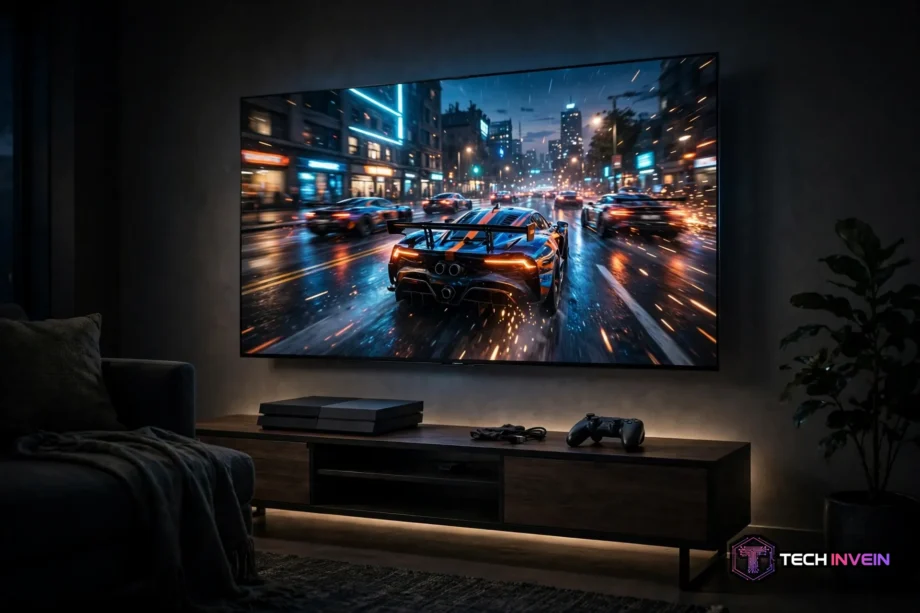
The best TV for gaming is the LG C5 OLED for most players. It gives you four HDMI 2.1 ports, 4K at 120Hz, VRR, ALLM, and low input lag in one set. Want a cheaper OLED or a brighter room? The picks below cover both.
- The Picks at a Glance
- How to Pick a Gaming TV That Fits Your Setup
- The 6 Best Gaming TVs in 2026
- 1. LG C5 OLED: Best TV for Gaming Overall
- 2. LG C4 OLED: Best Value OLED Gaming TV
- 3. Samsung S90D QD-OLED: Best for Bright Rooms and Color
- 4. Sony Bravia 8 II: Best Gaming TV for PS5 Owners
- PS5 Pro Owners: What Changes?
- 5. Samsung QN90D Mini-LED: Best Bright-Room Gaming TV
- 6. TCL QM7K Mini-LED: Best Budget Gaming TV
- OLED vs Mini-LED for Gaming: Which Wins?
- The 5-Minute Port Test: My Original Buying Check
- Setup Tips That Make a Real Difference
- FAQs
- Which TV is best for gaming in 2026?
- Do I need HDMI 2.1 for a PS5 or Xbox Series X?
- Is OLED or Mini-LED better for gaming?
- Does a 144Hz TV matter if consoles only do 120Hz?
- How much input lag is good for gaming?
- Will gaming cause burn-in on an OLED TV?
- Conclusion
The Picks at a Glance
Short on time? Pick the row that matches your room and console, then read that section for the trade-offs.
Table: Quick picks at a glance
| TV | Panel | Best for | HDMI 2.1 ports | Max refresh |
|---|---|---|---|---|
| LG C5 OLED | OLED | Best overall | 4 | 4K/144Hz |
| LG C4 OLED | OLED | Best value OLED | 4 | 4K/144Hz |
| Samsung S90D | QD-OLED | Bright rooms, rich color | 4 | 4K/144Hz |
| Sony Bravia 8 II | QD-OLED | Best for PS5 | 2 | 4K/120Hz |
| Samsung QN90D | Mini-LED | Bright room, no burn-in worry | 4 | 4K/144Hz |
| TCL QM7K | Mini-LED | Best budget pick | 2 | 4K/144Hz |
Notice the pattern. Four HDMI 2.1 ports show up on the top picks, and the next section shows why that count matters.
How to Pick a Gaming TV That Fits Your Setup
Start with your devices, not with a brand. Count every box that needs a fast port. A PS5, an Xbox Series X, a gaming PC, and a soundbar add up fast. Two ports run out before you finish plugging things in.
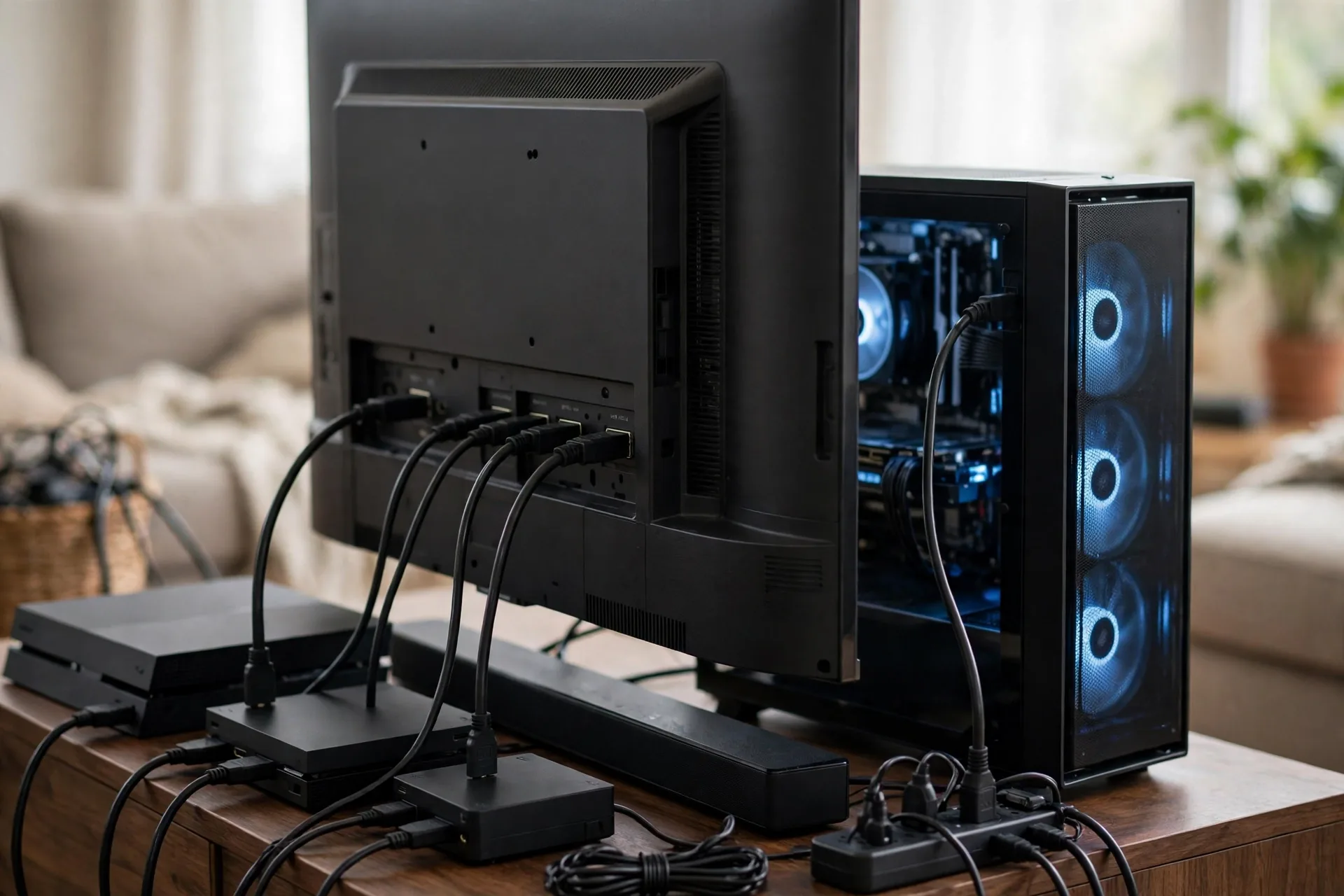
That is why port count sits at the top of my checklist. A TV with four full HDMI 2.1 ports lets you leave everything connected. Two ports force you to swap cables or buy a switch instead.
Both current consoles top out at 4K/120Hz, so a 120Hz panel covers PS5 and Xbox play. A 144Hz panel pays off on a PC instead.
VRR matches the TV refresh rate to the game frame rate, so tearing drops away when a scene gets heavy. ALLM switches the TV into game mode when you start a console.
Input lag is the delay between your button press and the action on screen. Under 10ms feels instant. Under 15ms still feels great. Above 20ms, however, fast games start to feel sluggish.
Size is easy to get wrong. Sit too close to a huge screen, then you will turn your head to track the action. Our guide to the best 55-inch smart TV walks through the size question, and the 55 to 65 inch range suits most living rooms.
Next, check the panel type. OLED gives you perfect blacks and near-instant pixel response for dark rooms, while Mini-LED gets much brighter in a sunny room.
The 6 Best Gaming TVs in 2026
Every TV below supports 4K/120Hz, VRR, and ALLM. What sets them apart is port count, brightness, price, and room handling.
1. LG C5 OLED: Best TV for Gaming Overall
The LG C5 is the safe pick when you want everything in one box. Four full HDMI 2.1 ports, 4K at 120Hz on console and 144Hz on PC, VRR, ALLM, G-Sync, FreeSync, and Dolby Vision gaming all show up here. You won’t hunt for a missing feature six months later.
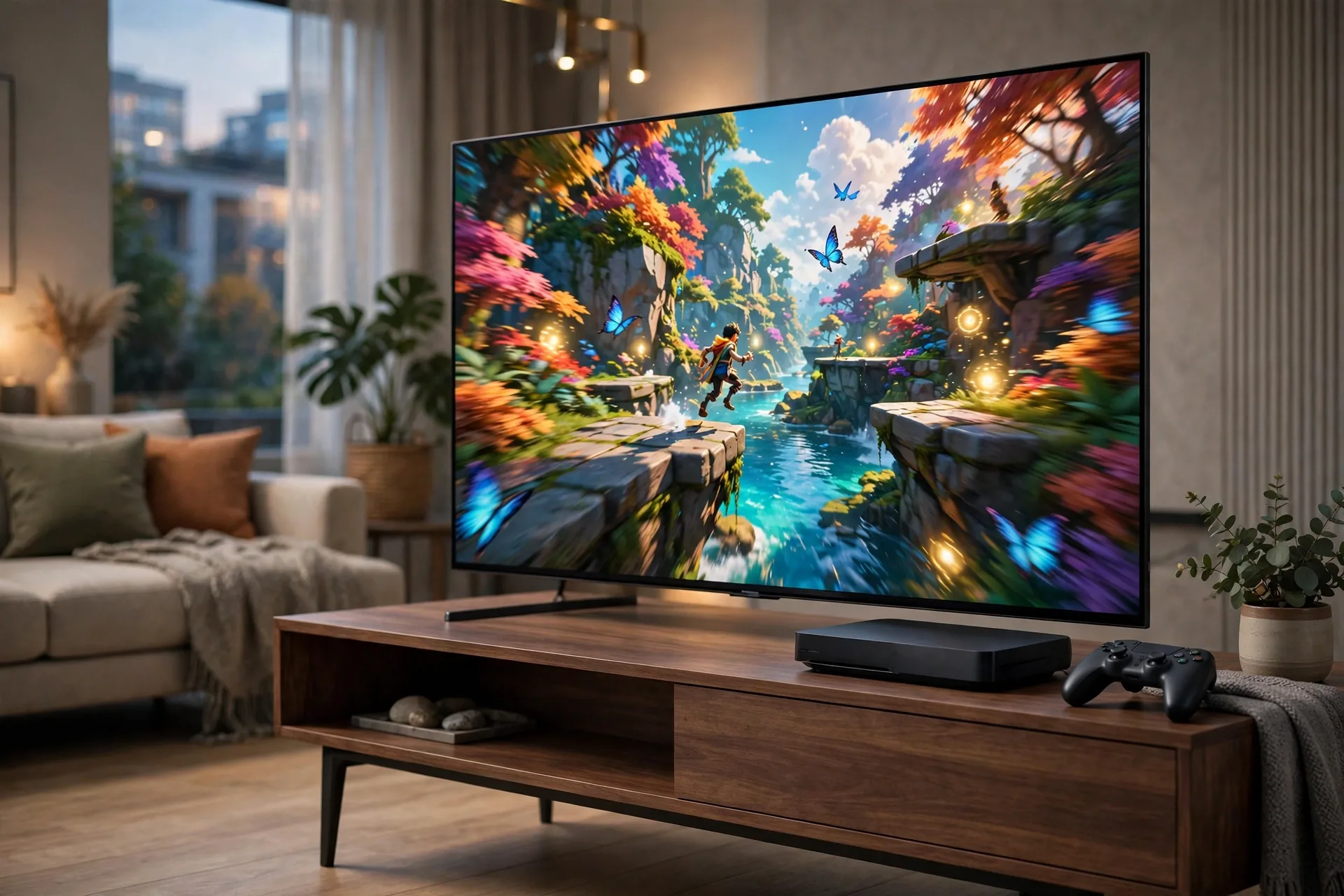
TechRadar measured its input lag at 9.2ms, which feels instant in play. You can read their best gaming TV guide from TechRadar for a second view before you buy. The Game Optimizer menu puts frame rate, VRR status, and lag settings in one overlay, so you can check what the TV is doing mid-game.
OLED blacks make dark scenes look deep instead of grey, and fast camera pans stay clean. The C5 also gets brighter than the C4, so HDR games have more punch.
Who should skip it? If your room gets direct sun all afternoon, a bright Mini-LED set may suit you better. For mixed console and PC play, the C5 is hard to beat.
2. LG C4 OLED: Best Value OLED Gaming TV
The C4 is last year’s C-series, and that is why it is a smart buy now. It keeps the gaming kit: four full HDMI 2.1 ports, 4K/120Hz on console, 144Hz on PC, VRR, ALLM, and G-Sync. You lose brightness next to the C5, yet you gain a lower price.
Input lag, meanwhile, sits in the same low range as the C5 in lab tests, around 9ms in game mode. That is fast enough for ranked play. The Game Optimizer menu is also here, with the same overlay for frame rate and VRR.
Where does it fall short? Peak brightness trails the C5 and the QD-OLED sets below, so bright HDR highlights look softer in a sunlit room.
Buy the C4 if you want OLED gaming without paying flagship money. Check the current price first: the gap between the C4 and C5 changes often. When the gap is small, take the C5. When it is wide, take the C4.
3. Samsung S90D QD-OLED: Best for Bright Rooms and Color
The S90D swaps the standard OLED color filter for a quantum dot layer, and the result is color with real punch. Reds and greens look richer than on a standard OLED, and the set holds up better when daylight hits the screen.
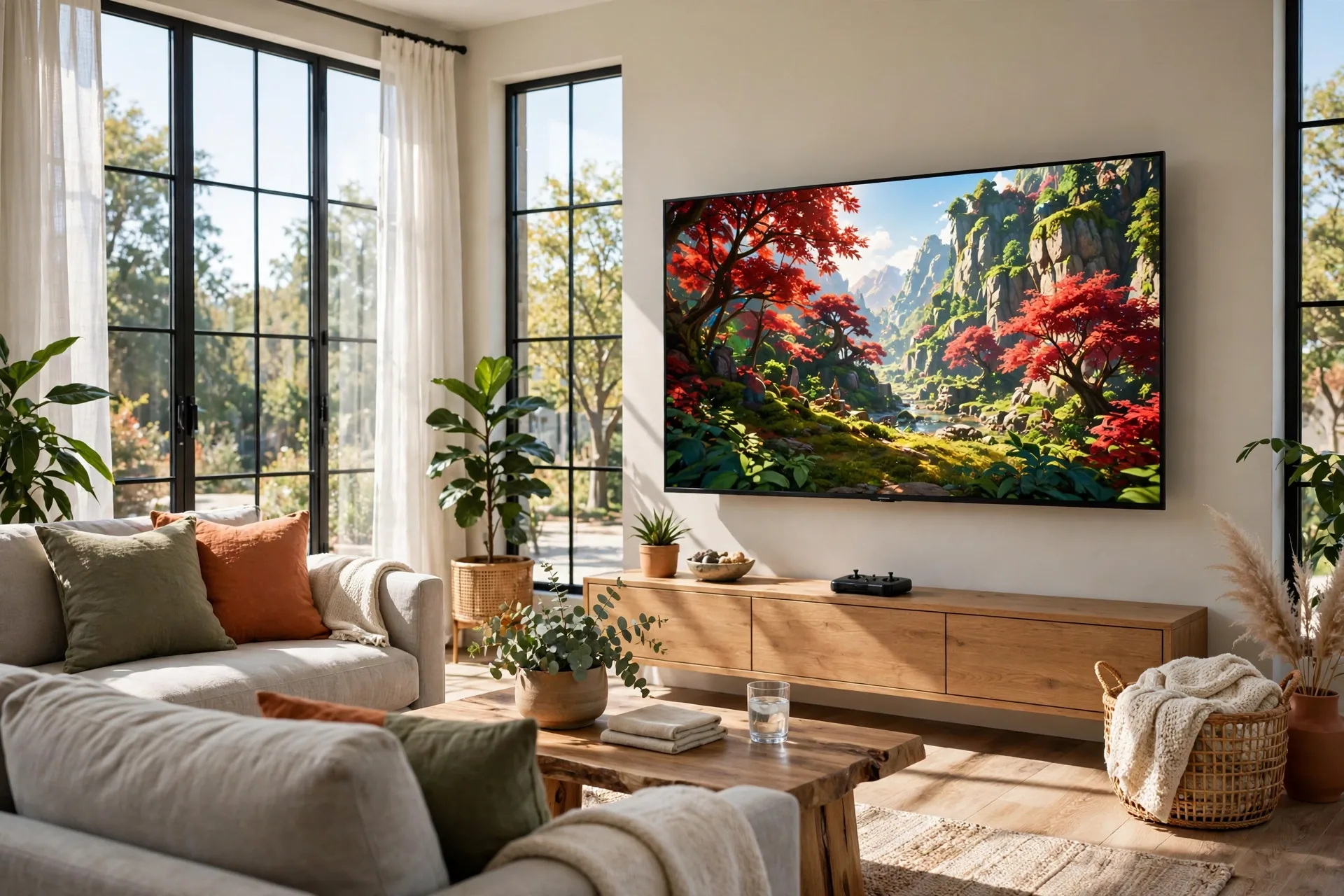
Gaming support matches the LG sets. Four HDMI 2.1 ports, 4K at up to 144Hz, VRR, ALLM, and FreeSync Premium Pro all come as standard. Input lag measures around 10ms in game mode, which is quick enough for any genre.
Samsung’s Gaming Hub pulls cloud gaming apps and console inputs into one home screen, so you skip input hunting.
Sound is the trade-off. The built-in speakers are fine for casual play, yet a soundbar lifts films and big games. Our guide on how to connect speakers to a TV covers the wired and wireless routes.
Pick the S90D when your room is bright and you love vivid color. Pick the LG C5 instead for the widest gaming feature set and the cleaner game menu.
4. Sony Bravia 8 II: Best Gaming TV for PS5 Owners
Sony builds this TV with PS5 owners in mind, so it shows in the details. Auto HDR Tone Mapping sets the HDR range for you when a PS5 connects. Auto Genre Picture Mode flips to game mode on its own. You plug in and play.
The QD-OLED panel, meanwhile, gives superb color and contrast. Films look great, skin tones look natural, and motion stays calm.
Two limits, however, deserve an honest mention. First, it has only two HDMI 2.1 ports, and one shares duty with eARC for a soundbar. Own a PS5, an Xbox, and a PC? You will run out of ports. Second, TechRadar measured input lag at 16.3ms, higher than the LG and Samsung picks here. Most players won’t feel that gap in story games, yet competitive players may.
Buy the Bravia 8 II if the PS5 is your main machine and films matter as much as games. Skip it if you run three fast devices or play ranked shooters nightly.
PS5 Pro Owners: What Changes?
Own a PS5 Pro? Your TV choice barely changes. Its 120Hz modes run smoother with VRR, and several games offer sharper 4K/120Hz modes instead of forcing a choice between frame rate and resolution. Sony also advertises 8K output, but most games still render below 8K. The real gain is smoother 4K/120Hz play, not true 8K gaming. For the Pro, the Bravia 8 II gives the cleanest Sony handshake, with Auto HDR Tone Mapping built for it. Prefer four ports and the lowest lag? Take the LG C5 instead.
5. Samsung QN90D Mini-LED: Best Bright-Room Gaming TV
Some rooms kill OLED: a south-facing living room with big windows is one of them. The QN90D answers with Mini-LED brightness that keeps HDR games vivid in daylight, plus a matte-style screen approach on the step-up models that cuts glare.
It is a gaming set too: four HDMI 2.1 ports, 4K at up to 144Hz, VRR, and ALLM, with the port freedom of the LG sets and the brightness of a top LED TV. No burn-in worry either, which suits players who leave a game HUD on screen for hours.
What do you give up next to OLED? Black levels. Mini-LED dims in zones, so dark scenes can show a faint halo around bright objects.
Choose the QN90D when your room is bright, your sessions are long, and static HUDs stay on screen for hours. Choose OLED when you game at night and want the deepest blacks.
6. TCL QM7K Mini-LED: Best Budget Gaming TV
The QM7K is the pick for 120Hz gaming without a flagship bill. It brings 4K at 144Hz, VRR, ALLM, and Dolby Vision gaming to a mid-range price, with Mini-LED brightness that beats most budget sets.
TechRadar measured input lag at 13.1ms, quick enough for most players. You will feel the gap next to a 9ms OLED if you play competitively.
Two HDMI 2.1 ports is the main limit, so count your devices first. A PS5 plus a soundbar fits fine. A PS5, an Xbox, and a PC doesn’t.
Buy the QM7K when your budget is firm and you game on one console. It gives you the core gaming features, and leaves money for a soundbar or a second controller.
OLED vs Mini-LED for Gaming: Which Wins?
It depends on your room: OLED wins on contrast and response time, while Mini-LED wins on brightness and peace of mind.
OLED pixels turn fully off, so black is truly black. That makes horror games and night scenes look superb, and fast motion stays sharp.
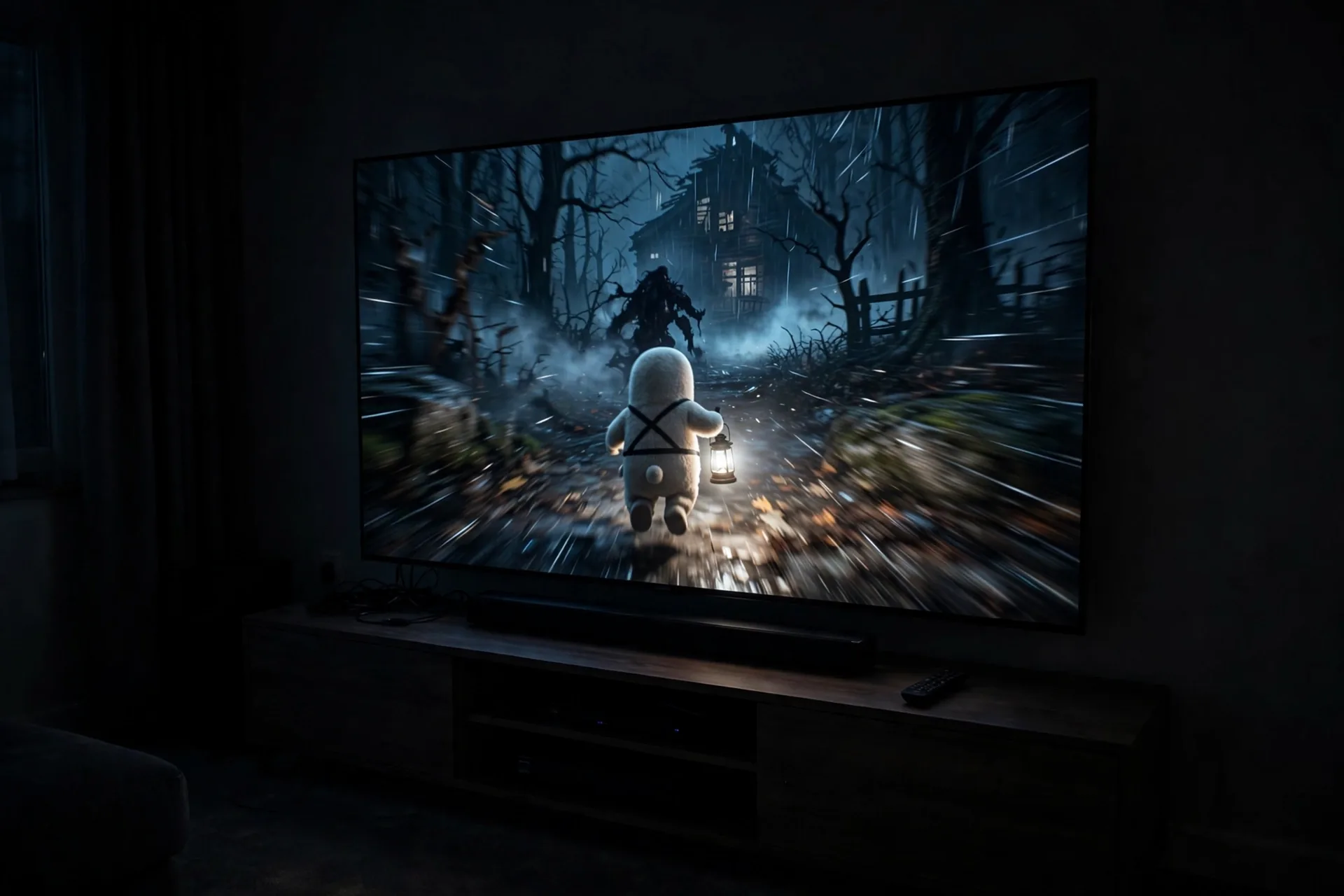
Mini-LED uses thousands of backlight zones behind an LCD panel to push far more brightness than OLED, so HDR highlights pop in daylight, with no burn-in risk.
Modern OLEDs run pixel refresh and logo dimming that cut burn-in risk a lot, yet eight hours a day on one game with the same bright HUD still makes Mini-LED the safer choice.
Table: OLED vs Mini-LED at a glance
| Feature | OLED | Mini-LED |
|---|---|---|
| Black levels | Perfect black | Very good, some halo |
| Brightness | Good, lower peak | Excellent in daylight |
| Pixel response | Near instant | Fast, some smear |
| Burn-in risk | Low with varied use | None |
| Best room | Dim to moderate | Bright, sunny |
Let your room decide: bright room with big windows, go Mini-LED; evening gamer in a dim room, go OLED.
The 5-Minute Port Test: My Original Buying Check
Here is the check I run before I recommend any gaming TV to a friend. It takes five minutes, needs no tools, and it has saved more than one buyer from a return.
First, list every device that needs a fast HDMI port: PS5, Xbox, PC, soundbar on eARC. Then add one spare slot for the next device you will buy.
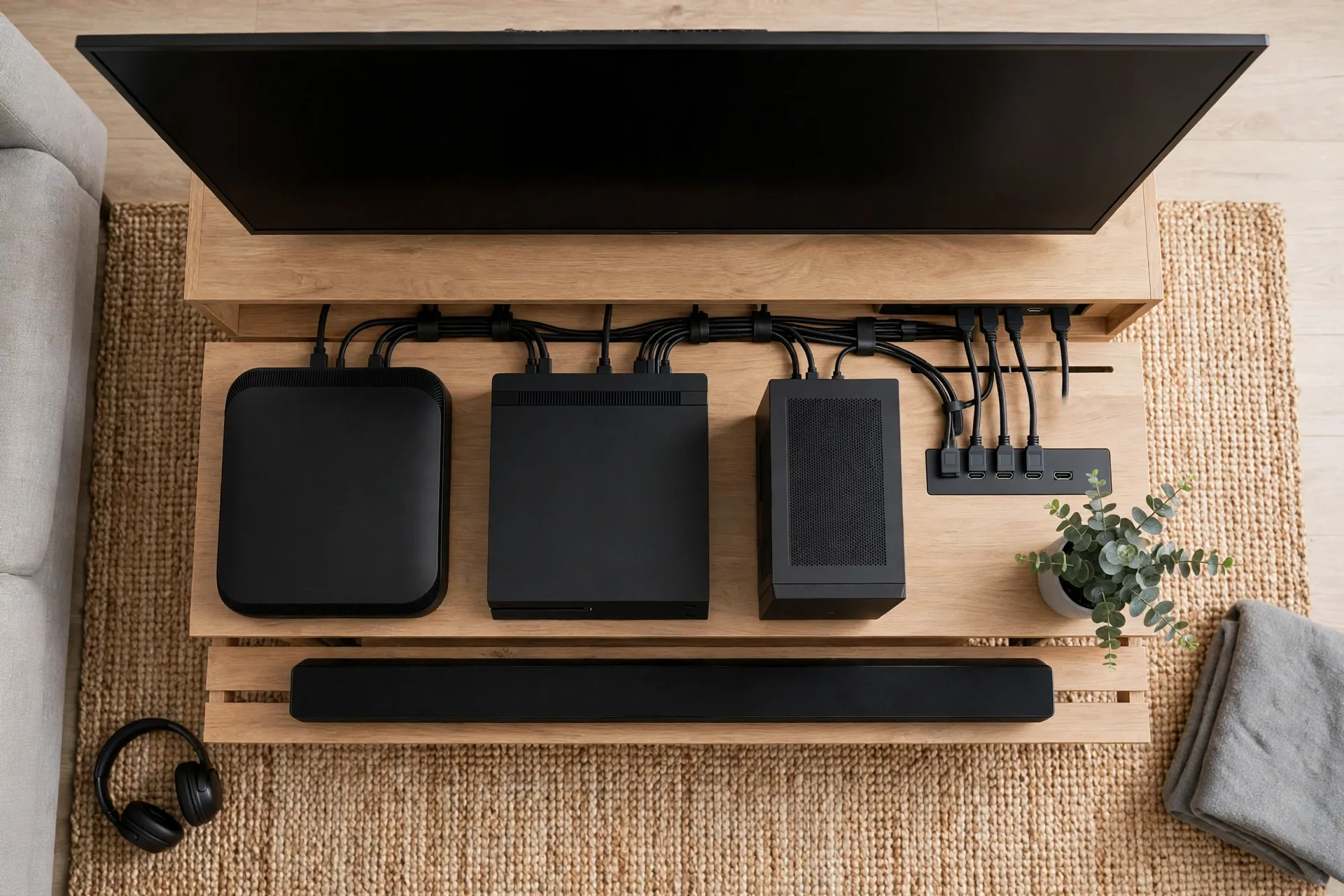
Next, check the TV spec sheet for full 48Gbps bandwidth HDMI 2.1 ports, not just ports labeled HDMI 2.1. Some sets label a port 2.1 yet cap its bandwidth, which can limit 4K/120Hz. Four full ports is the gold standard. Two full ports works only when your device list is short.
Then test the real setup, not the spec sheet. Plug in your console, turn on game mode, and play a fast game for ten minutes. Does the TV switch to game mode on its own? Does VRR stay on?
Finally, check your network. Online play hates weak Wi-Fi more than it hates a mid-range TV. A wired link keeps ping low and steady, and our guide to the best Ethernet cable shows which cable type fits a living-room run without overspending.
Run this test in the first days after the TV arrives. A TV that fails the port test goes back.
Setup Tips That Make a Real Difference
Game mode is the first setting to check. It cuts input lag by turning off picture processing, so turn it on and check VRR and ALLM are active. Some TVs hide VRR in a sub-menu, so look once.
Set the console to 4K and 120Hz where the game supports it, turn on HDR, then run the console HDR setup in a dark room.
TV speakers work, yet they flatten big game moments. A soundbar adds depth to footsteps, dialogue, and music, so keep it on the eARC port.
Stream films on the same TV? Our explainer on how smart TVs work covers apps, updates, and the settings that keep a smart TV fast over time.
Finally, update the TV firmware on day one: manufacturers fix VRR bugs and improve HDR.
FAQs
Which TV is best for gaming in 2026?
The LG C5 OLED is the best TV for gaming for most players in 2026. It has four HDMI 2.1 ports, 4K at 120Hz, VRR, ALLM, and input lag measured at 9.2ms. It suits PS5, Xbox, and PC play in one set.
Do I need HDMI 2.1 for a PS5 or Xbox Series X?
Yes, if you want 4K at 120Hz. HDMI 2.1 carries the full bandwidth that 4K/120Hz needs, while older HDMI 2.0 tops out at only 4K/60Hz. You can still play without it, but you lose the smooth 120fps modes in supported games today.
Is OLED or Mini-LED better for gaming?
OLED is better in a dim room, thanks to perfect blacks and near-instant pixel response. Mini-LED is better in a bright room, thanks to higher peak brightness and no burn-in risk. Your room light should decide, not the spec sheet alone.
Does a 144Hz TV matter if consoles only do 120Hz?
It matters only for PC gaming, not consoles. PS5 and Xbox Series X cap at 4K/120Hz, so a 144Hz panel adds nothing on console. If you also game on a PC, 144Hz gives you smoother, faster high-frame-rate play in many supported titles.
How much input lag is good for gaming?
Under 10ms is excellent and feels instant to most players. Under 15ms is still great for almost every game. Above 20ms, fast games can feel sluggish, so check the game-mode lag figure before you buy a TV for competitive play.
Will gaming cause burn-in on an OLED TV?
Burn-in is possible but far less likely than it used to be. Modern OLEDs run pixel refresh and logo dimming to cut the risk, and varied viewing keeps it low. Long daily sessions with one fixed, bright HUD raise the risk, so Mini-LED suits that habit better.
Timing matters too. Mid-November is the peak buying window: interest peaked the week of November 23 last year, and Black Friday falls on November 27 in 2026. Meanwhile, early deals are live, with the 65-inch Samsung S90D around $1,080 and the 55-inch LG C5 also discounted in US listings. Most rival roundups are stale or UK-priced, so check the live US price before you buy.
Conclusion
The best TV for gaming is the one that fits your devices, your room, and your budget. For most players that is the LG C5 OLED. For bright rooms, take the Samsung QN90D or S90D. For a tight budget, the TCL QM7K covers the basics well. Count your ports, check game-mode lag, and buy the size that fits. Then plug in, turn on game mode, and play.