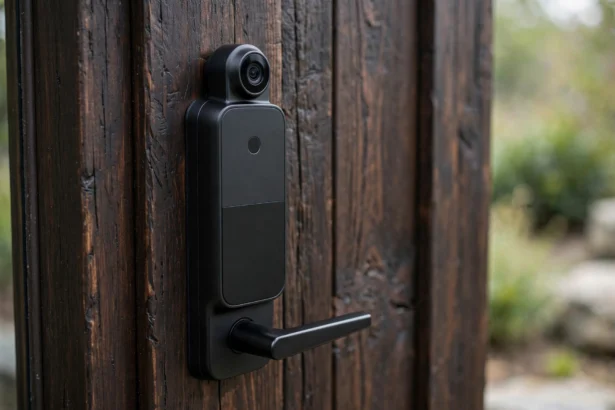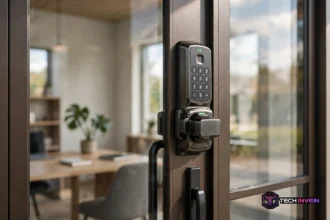

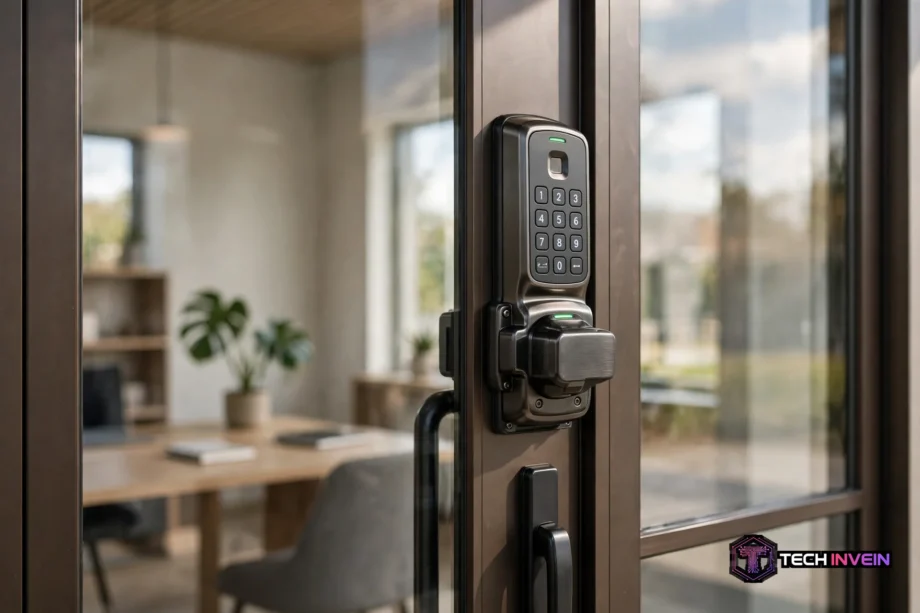
A commercial smart lock is a heavy-duty keyless lock built for a workplace. It handles many users, many daily cycles, and central access control. So a home lock suits a family, but a business door needs more strength and better management.
- What Is a Commercial Smart Lock?
- What Makes a Business Lock Different?
- Why Duty Rating and ANSI Grade Matter
- Types of Business Smart Locks
- How to Choose a Commercial Smart Lock for Your Business
- Access management: codes, cards, and roles
- Audit trails and logs
- Connectivity: Wi-Fi, Bluetooth, and hubs
- Power, batteries, and fail-safe behaviour
- What a Small Business Should Look For
- Common Mistakes to Avoid
- FAQs
- Can I use a home smart lock for my small business?
- How many user codes should the lock hold?
- Do these locks need Wi-Fi to work?
- What happens if the power or battery fails?
- Are these locks good for rental properties?
- How long does the lock last?
- Conclusion
What Is a Commercial Smart Lock?
A commercial smart lock controls who can enter a business door, and when. Staff use a code, a card, a fingerprint, or a phone. Then the owner or manager controls those credentials from an app or a web dashboard.
The lock is not just keyless. It is managed. So you can add users, set time limits, and see a record of entries. A home lock may offer some of this, but it is not built for daily business use.
What Makes a Business Lock Different?
The difference starts with duty. A home door may open 10 to 20 times a day. A busy shop door can open 100 times or more. So that wear adds up fast, and a light lock will fail early.
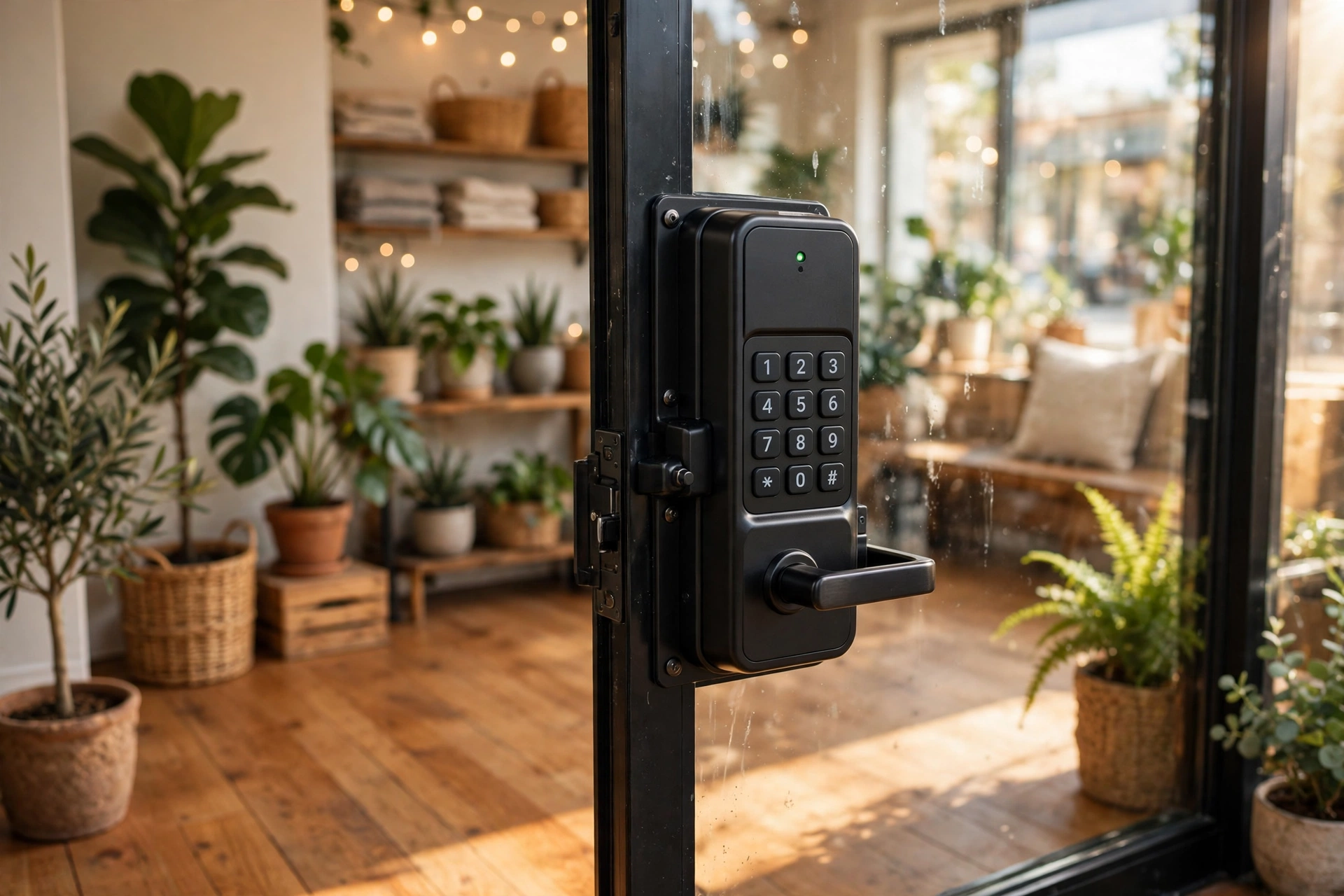
Also, commercial locks use stronger motors, thicker metal, and tougher internal parts. They are rated for high cycle counts. That rating tells you how many cycles the lock should survive in testing.
Also, management is the second big difference. A home lock may hold 20 to 50 codes. A commercial model often holds 100 to 300 codes or more. Some cloud systems hold far more and group users by team or role.
A third difference is the audit trail. A commercial smart lock logs who opened the door and when. That record helps after a stock loss, a missed shift, or a dispute. A home lock may keep a short log, or none.
Commercial vs Residential: A Quick Comparison
Use this table to see the gap at a glance. It will help you spot a home lock dressed up as a business lock.
Table: Commercial smart lock vs residential smart lock
| Feature | Commercial Smart Lock | Residential Smart Lock |
|---|---|---|
| Daily cycles | Often 100 or more | Often 10 to 20 |
| User codes | Often 100 to 300 or more | Often 20 to 50 |
| Audit trail | Detailed log by user and time | Basic log or none |
| Access control | Roles, schedules, remote revoke | Simple shared codes |
| Build and rating | Heavy duty, graded for commercial use | Light duty, built for home use |
Why Duty Rating and ANSI Grade Matter
Have you ever seen a lock listing that says Grade 1, Grade 2, or Grade 3? Those grades come from ANSI and BHMA testing. They measure strength and cycle life, not smart features.
First, Grade 1 is the top grade for commercial use. Grade 2 is a mid grade, and Grade 3 is entry level. So for a business door, Grade 2 is a sensible minimum. Grade 1 is the safer pick for a busy entrance.
The numbers behind the grades are useful. ANSI Grade 1 deadbolts must survive 250,000 open and close cycles in testing, plus hammer blows. Grade 2 deadbolts must survive 150,000 cycles. Grade 3 must survive 100,000 cycles.
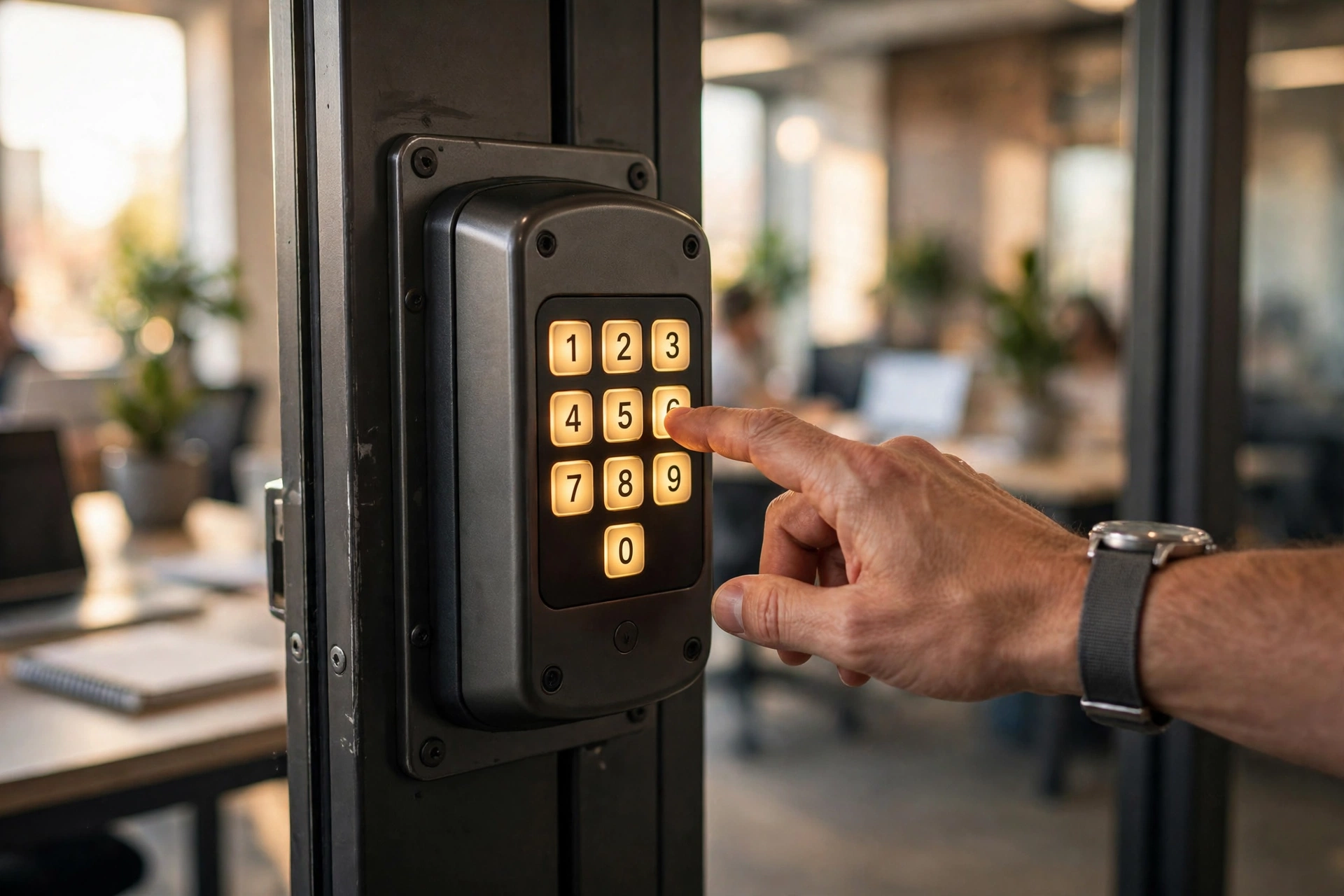
Those figures come from the ANSI and BHMA standards that PCWorld explains in its guide to smart lock standards. Note that some lock types have higher cycle targets, so check the exact standard for your lock type before you compare two models.
Do a quick cycle count for your own door. First count entries for one normal day, then multiply by 300 working days. A door that opens 80 times a day hits 24,000 cycles in a year. At that rate, a Grade 3 lock rated for 100,000 cycles could wear out in about four years, while a Grade 1 deadbolt rated for 250,000 cycles could last about ten years.
Also check the door itself. A commercial lock needs a door that closes straight and latches clean. If the door sags or sticks, the motor works harder on every cycle. So fix the hinges and strike plate first, or even a strong lock will wear out early.
Types of Business Smart Locks
Not every business needs the same lock. First start with your door type, then match the lock to it.
Keypad deadbolts and levers
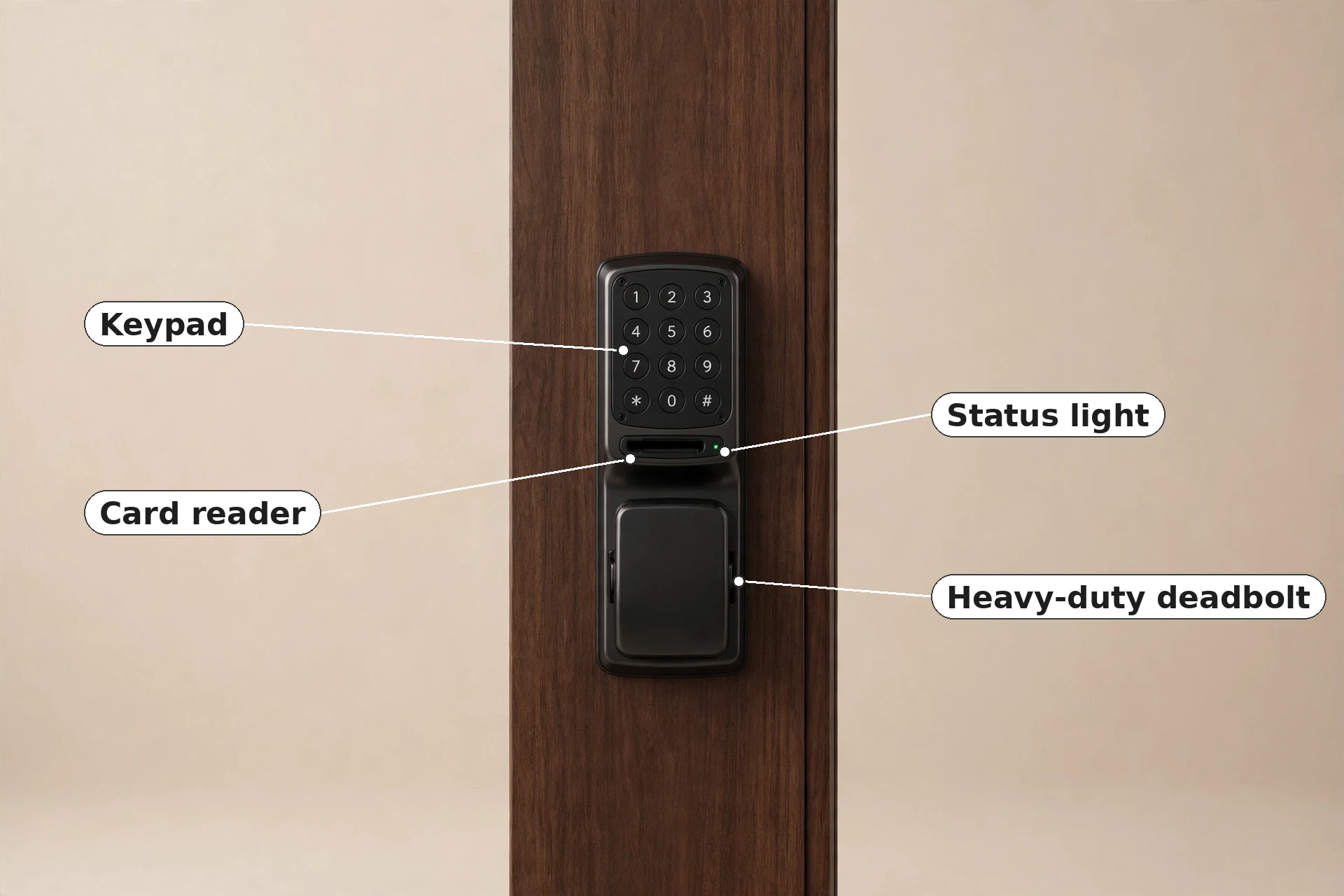
First, a keypad deadbolt suits a single door with a standard bore hole. A lever version suits doors that need a handle, such as an office or a stock room. Both let staff enter a code, and both can hold many codes.
These are the most common choice for small businesses. They install fast, need no wiring in many cases, and staff learn them in a minute. So look for a model with a clutch lever if you worry about forced entry, since the handle spins free when locked.
Mortise and networked locks
Also, a mortise lock sits inside a pocket cut into the door edge. It is stronger than a cylindrical lock, and it suits heavy doors and high traffic entrances. Hotels, clinics, and large offices use them a lot. They cost more and need a skilled installer.
Some businesses need real-time control across many doors. A networked lock connects to an access control system and reports each entry as it happens. So a manager can lock a door, revoke a card, or check a log from one dashboard.
Schlage makes wired networked locks for this use, such as the Schlage AD-300 networked lock, which integrates with access control systems. That level is overkill for a one-door shop, but it is the right tool for a building with many doors and many staff.
Standalone locks
Also, a standalone lock needs no Wi-Fi and no hub. You program codes at the keypad. That sounds simple, and it is. It also means no remote revoke and no live log.
So pick standalone only for a low-risk internal door. A storage cupboard or a staff toilet may suit it. Your front door should not rely on it, since you cannot revoke a code fast when someone leaves.
Rental hosts face the same turnover problem. So a short stay needs a fresh code for each guest, then a quick revoke at checkout. Our guide to the best smart lock for Airbnb covers that use case in detail.
How to Choose a Commercial Smart Lock for Your Business
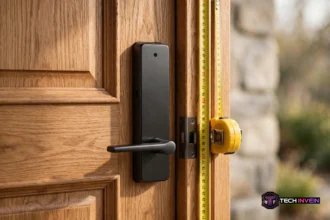
Start with the door, not the app. Measure the door thickness, the backset, and the bore size. Then check if the door is wood, metal, or glass. Also check if it swings in or out, and if it has a closer.
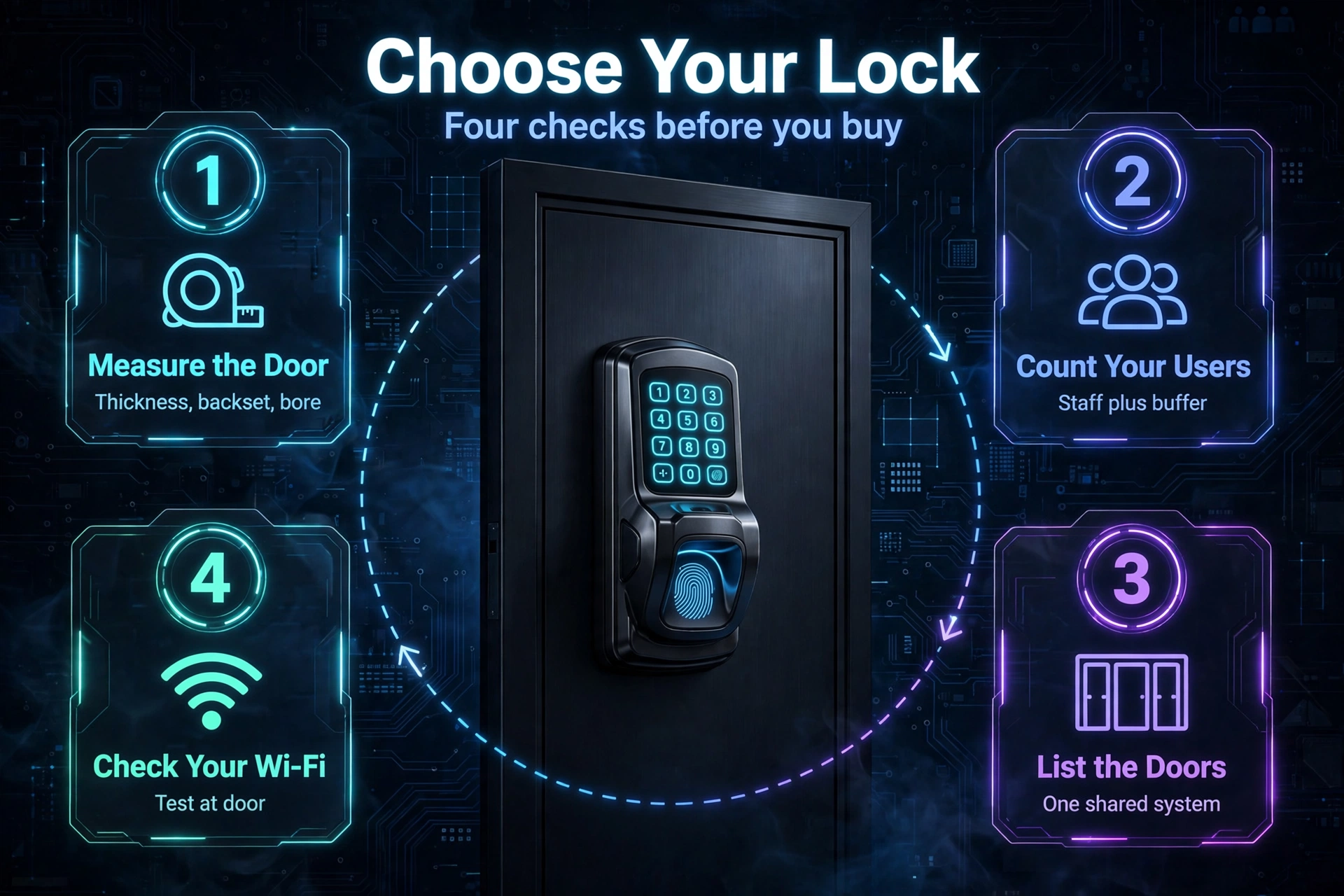
Next, count your users. Include full-time staff, part-time staff, cleaners, and regular contractors. Then add a buffer for growth. If you have 30 people now, do not buy a lock that holds only 30 codes.
Next, list the doors. One front door is simple. Five doors need a system, not five separate apps. A shared dashboard saves hours each month, and it stops codes from drifting out of sync.
Think about your Wi-Fi too. A Wi-Fi lock needs a steady signal at the door. So test it with your phone first. If the signal is weak, add an access point or pick a lock with a hub that sits closer to the router.
If you are new to smart locks in general, our guide to the best smart locks for 2026 explains the basic features first. It will help you compare home models with business models before you spend.
Access management: codes, cards, and roles
Good access management means each person gets their own credential. Never share one code across the whole team. A shared code tells you nothing when something goes wrong.
First, give each staff member a unique PIN. Give cleaners a code that works only on their shift days. Give a contractor a code that expires after the job ends. That way, you never need to change the main code for everyone.
Audit trails and logs
An audit trail is a simple list: who opened the door, and when. It sounds boring until you need it. Then it is the first thing you will ask for.
First, check three things before you buy. First, does the lock log each user by name, not just by code number? Second, how long does it keep the log? Third, can you export it as a file?
Some home locks overwrite old entries when the memory fills up. That is fine for a house, but it is a problem for a business that needs a record for weeks or months. So pick a lock with cloud storage or a large local log.
Connectivity: Wi-Fi, Bluetooth, and hubs
Also, Wi-Fi locks give you remote control from anywhere. You can lock a door from home, add a code for a morning delivery, and get alerts when the door opens. That remote control is the main reason small businesses pick Wi-Fi.
Next, Bluetooth locks work only when your phone is near. They save battery, but they cannot revoke a code while you are away. A Wi-Fi bridge or hub can fix that gap, but it adds one more device to manage.
Power, batteries, and fail-safe behaviour
First, most small business locks run on AA batteries. Battery life varies a lot with use, cold weather, and Wi-Fi. So a busy door drains batteries faster than a quiet one.
Check the low battery alert. Does the lock warn you in the app, beep at the door, or both? A lock that dies without warning will lock staff out at the worst time. So set a calendar reminder to check battery level each month.
Our guide to a smart lock battery draining fast covers the common causes, from weak Wi-Fi to a sticking latch. Read it before you blame the batteries, since a door problem often drains power first.
Also check the backup plan. Many locks accept a 9V battery on the outside for emergency power. Some keep a physical key override. So pick at least one backup method, and test it once. Do not learn how it works during a lockout.
What a Small Business Should Look For
First, use this checklist when you compare two or three models. Tick each item, and do not buy until the top items pass.
- ANSI Grade 1 or Grade 2 rating for the lock type you need.
- Enough user codes for your staff, plus room to grow.
- Unique codes per person, with schedules and expiry dates.
- Audit log by user name, with export and long retention.
- Remote lock, unlock, and revoke from an app or dashboard.
- Local entry that still works when Wi-Fi drops.
- Low battery alerts, backup power, and a key override.
- Auto-lock and tamper alerts.
- Fits your door thickness, backset, and material.
- Spare parts and support in your country.
For the front entrance, a strong deadbolt or lever matters most. Our pick list of the best front door smart locks shows what a solid residential model looks like, and it is a useful baseline before you step up to a commercial grade model.
Then ask about the total cost of running the lock. Some systems charge a monthly fee per door or per user. Some charge for the app, the cloud log, or extra admin seats. So add those fees to the lock price before you compare.
Common Mistakes to Avoid
First, the most common mistake is buying a home lock for a business door. It looks the same in photos, and it costs less. But the motor, the log, and the user limit will fail you within months.
Next, the second mistake is sharing one code. It feels easy on day one. Then a staff member leaves, and you must change the code for everyone. That change never happens on time, and the old code keeps working.
Then, the third mistake is ignoring the door. A lock cannot fix a warped door or a loose strike plate. The latch drags, the motor strains, and the battery dies early. So fix the door first, then fit the lock.
Another mistake is skipping the backup admin. One manager holds all access, then goes on holiday. A new starter waits outside, and no one can add a code. So always set a second admin from the start.
FAQs
Can I use a home smart lock for my small business?
You can, but it is a poor fit for a busy door. Home locks hold fewer codes, keep shorter logs, and wear out faster under daily use. They suit a quiet office with two people. A shop or office with staff turnover needs a commercial model with more users, a full audit log, and remote revoke.
How many user codes should the lock hold?
Pick a lock that holds at least twice your current staff count. A team of 25 needs room for 50 codes or more. That buffer covers part-time staff, cleaners, and future hires. It also lets you give each person a unique code, which keeps the audit log useful and makes revoking access simple.
Do these locks need Wi-Fi to work?
No, they do not need Wi-Fi to open. Most models store codes on the lock, so a PIN, card, or fingerprint still works when the internet drops. Wi-Fi adds remote control and live logs. Without it, you lose remote revoke and real-time records, but local entry keeps working. That offline entry is a must for a front door.
What happens if the power or battery fails?
Most commercial smart locks run on batteries, so a mains power cut does not lock you out. When batteries run low, the lock should warn you in the app and at the door. Many models also accept a 9V battery for emergency power, or keep a physical key override. Test that backup once, and keep spare batteries on site.
Are these locks good for rental properties?
Yes, they suit rentals with frequent guest turnover. You can give each guest a unique code with a start and end time, then revoke it at checkout. That beats cutting keys or meeting guests in person. Pick a model with remote management and a clear audit log, so you can see each check-in and resolve any access dispute fast.
How long does the lock last?
It depends on daily cycles, door fit, and build grade. A Grade 1 deadbolt tested to 250,000 cycles could last about ten years on a door that opens 80 times a day. A Grade 3 lock on the same door could wear out in about four years. Good alignment and fresh batteries help any lock reach its rated life.
Conclusion
A commercial smart lock is not a fancy home lock. It is a managed access tool for a working door. So pick the grade first, count your cycles and users, then check the log and the revoke flow.
Count entries on your busiest door for one week, then compare that number with the cycle rating of the lock you like. If the numbers fit, buy it. If they do not, step up a grade before you spend.