

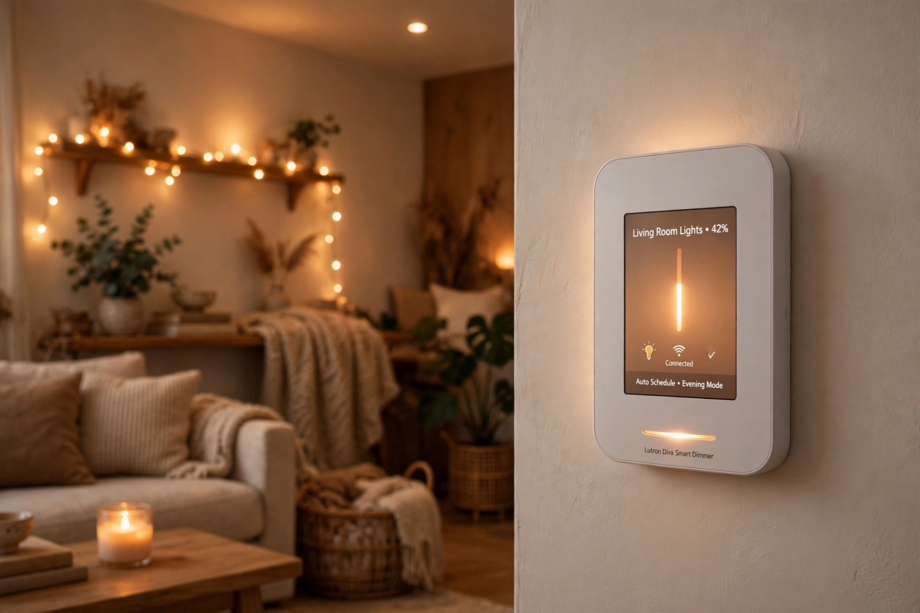
The best smart dimmer switch for LED lights with no buzzing or flicker is the Lutron Caseta. It uses advanced dimming circuitry specifically designed for LEDs, works without a neutral wire, and has the widest bulb compatibility in the industry. For a budget WiFi option, the Kasa HS220 delivers smooth dimming at half the price.
- Why LEDs Buzz and Flicker (And How to Stop It)
- Our Top 5 Smart Dimmers for LEDs
- 1. Lutron Caseta (Best Overall)
- 2. Kasa Smart Dimmer HS220 (Best Budget WiFi)
- 3. Leviton Decora Smart Dimmer (Best for Customization)
- 4. Inovelli Blue Series (Best for Smart Home Enthusiasts)
- 5. Martin Jerry Smart Dimmer (Best Value 4-Pack)
- How to Eliminate Flicker at Low Brightness
- Neutral Wire vs. No Neutral: Does It Matter for Dimming?
- Installation Tips for Best Results
- Smart Features Worth Having
- Troubleshooting Common Issues
- FAQs
- Why do my LED lights buzz with my current dimmer?
- Can I use a smart dimmer without a neutral wire?
- Do I need special LED bulbs for a smart dimmer?
- Why do my LEDs flicker only at low brightness?
- Is Lutron Caseta worth the higher price?
- Can smart dimmers work in 3-way setups?
- Do smart dimmers work when the internet is down?
- Final Thoughts
Here’s the thing about LED dimming: it’s harder than it looks. Old dimmers were designed for incandescent bulbs that dim smoothly as you reduce voltage. LEDs work completely differently. They need precise electronic control, and a mismatch between dimmer and bulb causes the buzzing and flickering that drives everyone crazy.
I’ve tested the dimmers below with multiple LED bulb brands. The winners share three traits: trailing-edge or adaptive dimming technology, adjustable low-end trim to eliminate flicker at dim levels, and broad compatibility lists. Let’s find the right one for your home.
Why LEDs Buzz and Flicker (And How to Stop It)
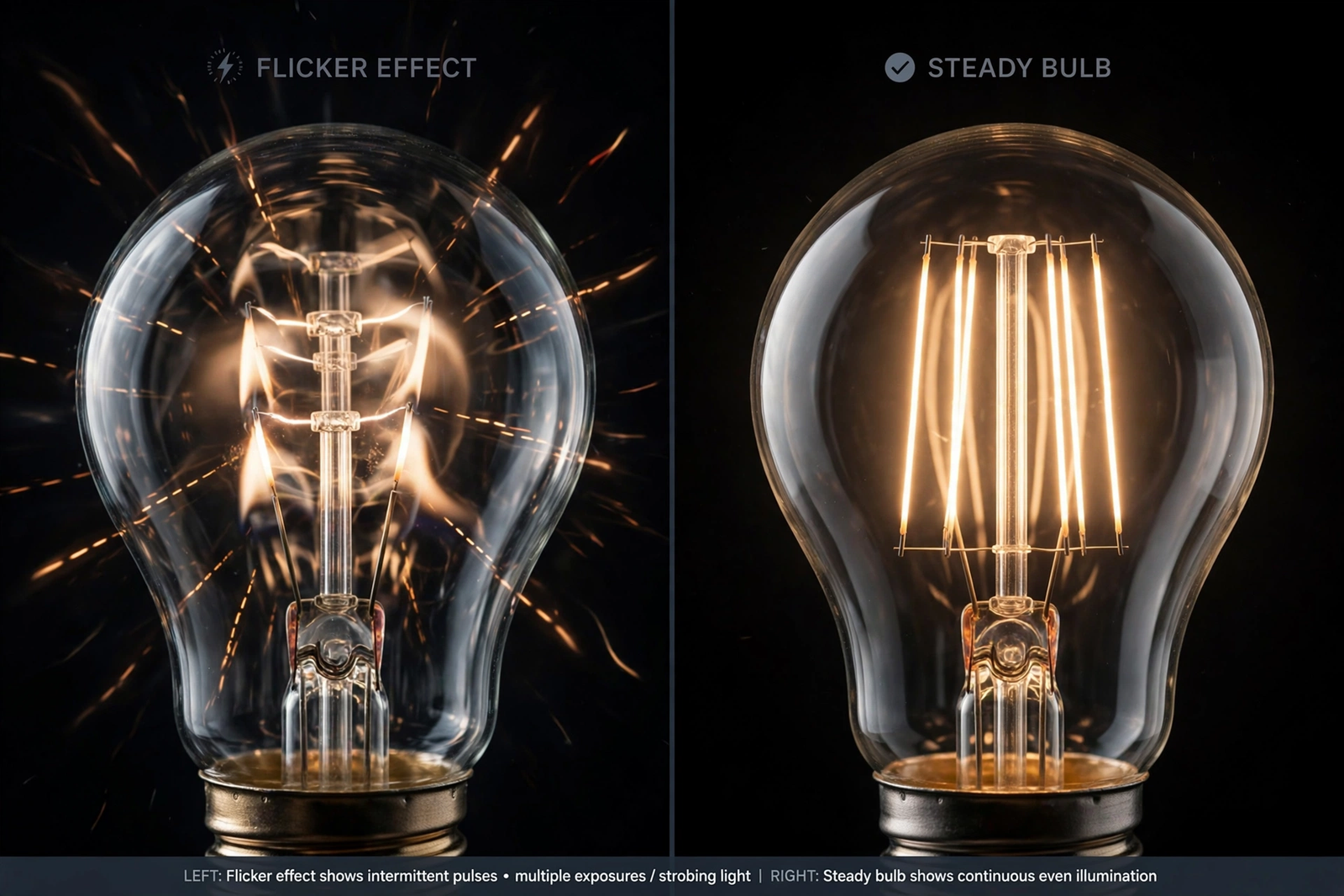
Buzzing happens when the dimmer’s electronics vibrate at an audible frequency. Cheap dimmers chop the AC waveform crudely, creating harmonics that make both the dimmer and the bulb buzz. Flickering happens when the dimmer can’t maintain stable output at low brightness levels, causing the LED driver to stutter.
The fix is a dimmer designed for LEDs from the ground up. Look for these features:
- Trailing-edge dimming: gentler on LED drivers than old leading-edge dimmers
- Adjustable low-end trim: lets you set the minimum brightness to eliminate flicker
- Neutral wire optional: more wiring flexibility, though neutral-wire models often perform better
- Bulb compatibility list: manufacturers that test hundreds of bulbs are more trustworthy
One more thing: your bulbs matter as much as the dimmer. Always use bulbs labeled “dimmable.” Non-dimmable LEDs will flicker and buzz no matter how good your dimmer is. For more on choosing the right bulbs, see our smart bulb guide for Google Home.
Our Top 5 Smart Dimmers for LEDs
1. Lutron Caseta (Best Overall)
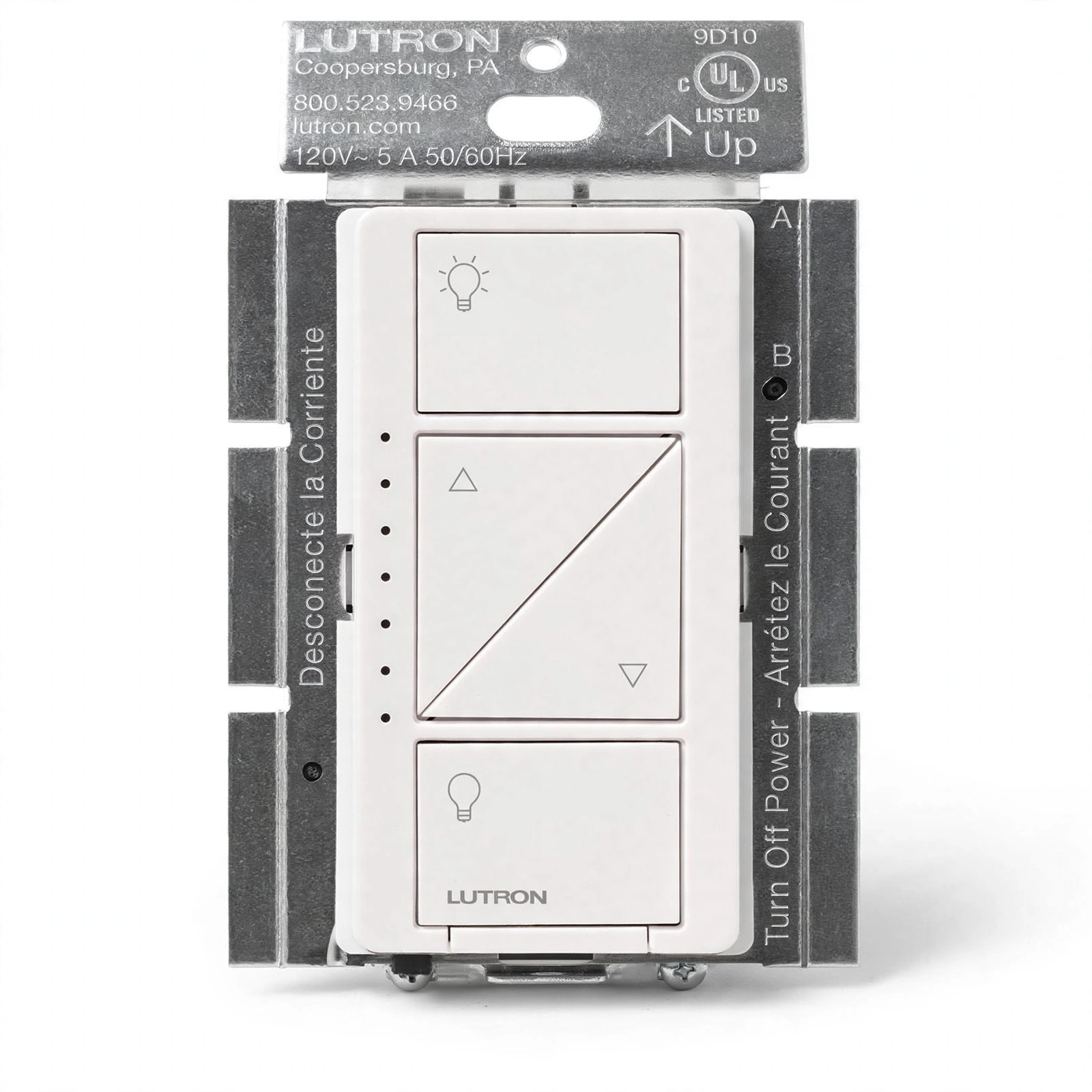
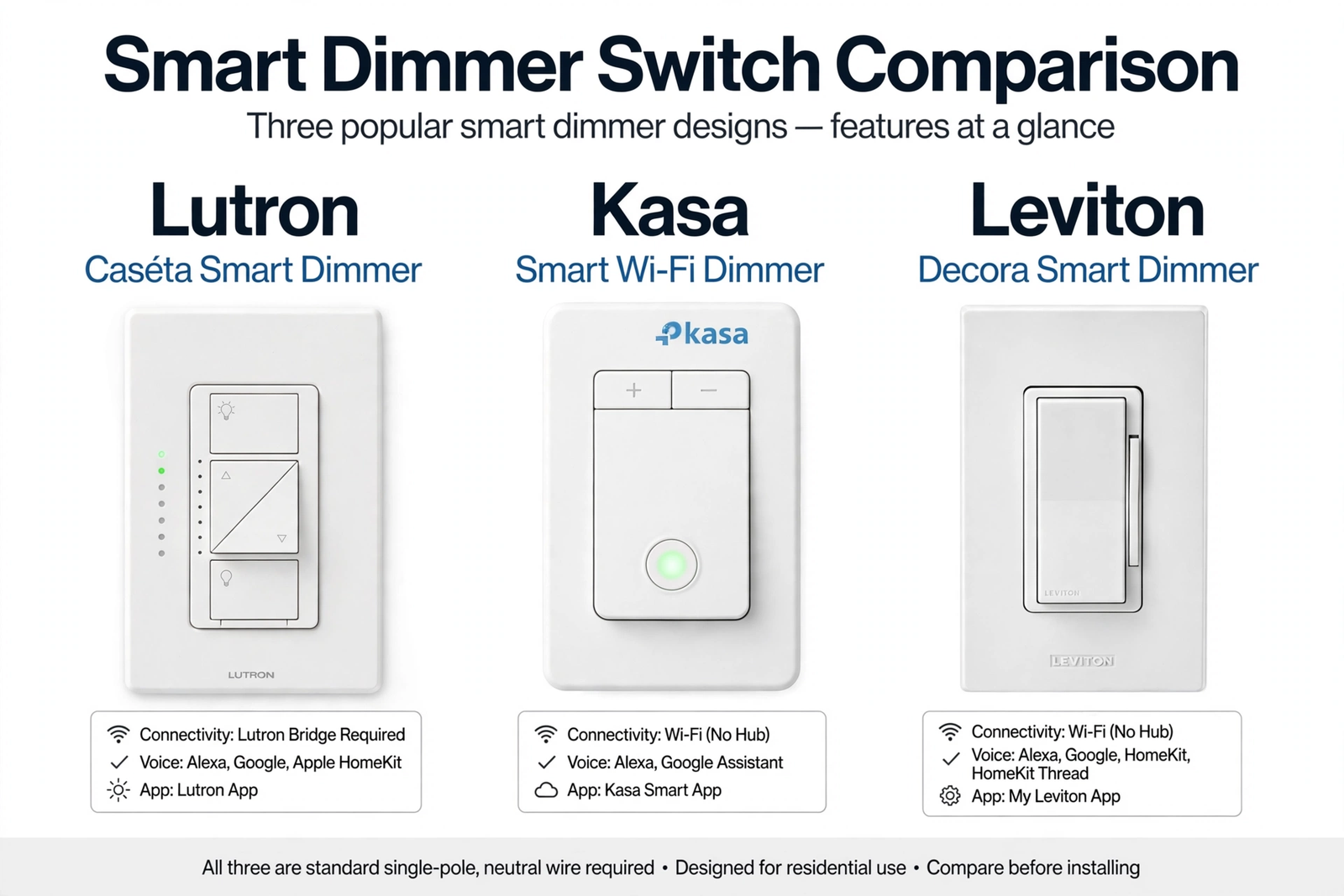
The Lutron Caseta is the gold standard for LED dimming. Lutron has been making dimmers for decades, and it shows. The Caseta uses their proprietary Clear Connect RF technology and works without a neutral wire, making it perfect for older homes.
What sets it apart is Lutron’s LED compatibility lab. They test thousands of bulb models and publish the results. When they say a bulb works, it works. The dimming is smooth from 100% down to 1% with no flicker on compatible bulbs. It’s also whisper quiet.
The downside? Price. Caseta switches cost more than WiFi alternatives, and you need the Lutron Smart Bridge for app control. But for pure dimming performance, nothing beats it. If buzzing and flickering are your main complaints, this is the fix.
2. Kasa Smart Dimmer HS220 (Best Budget WiFi)
The TP-Link Kasa HS220 proves you don’t need to spend a fortune for good LED dimming. It’s a WiFi dimmer that needs no hub, works with Alexa and Google Assistant, and costs significantly less than the Lutron.
Dimming performance is excellent for the price. The HS220 uses trailing-edge dimming and handles most LED bulbs without flicker. The Kasa app lets you set schedules, create scenes, and adjust fade rates. Installation is straightforward with clear app guidance.
Trade-offs: it requires a neutral wire, which rules out some older homes. Some users report occasional WiFi dropouts, though firmware updates have improved this. For the money, though, it’s hard to beat.
3. Leviton Decora Smart Dimmer (Best for Customization)
Leviton’s Decora Smart dimmer offers the most adjustable settings in its class. You can fine-tune the dimming range, set minimum and maximum brightness levels, and adjust fade rates. This level of control is perfect for dialing out flicker with finicky bulbs.
The build quality feels premium, and it integrates with all major platforms including HomeKit, which the Kasa lacks. The 3-way compatibility is excellent for hallways and staircases.
It’s pricier than the Kasa and requires a neutral wire. But if you want maximum control over your dimming behavior, Leviton delivers.
4. Inovelli Blue Series (Best for Smart Home Enthusiasts)
The Inovelli Blue is a Zigbee dimmer packed with features that power users love. It has an LED notification bar, supports multi-tap scenes, and offers incredibly granular configuration through Zigbee2MQTT or ZHA.
For LED compatibility, the Blue series performs well with its trailing-edge dimming and adjustable parameters. You can tweak the dimming curve, set minimum levels, and fine-tune everything through your Zigbee coordinator.
The catch: it’s a Zigbee device, so you need a compatible hub. It’s also more complex to set up than plug-and-play WiFi options. But for Home Assistant users, it’s arguably the most capable dimmer available.
5. Martin Jerry Smart Dimmer (Best Value 4-Pack)
If you’re outfitting multiple rooms, the Martin Jerry 4-pack offers incredible value. These are trailing-edge WiFi dimmers that work with the Smart Life app, Alexa, and Google Assistant.
Testing shows smooth dimming with minimal flicker on compatible LEDs. The rotary-style control feels intuitive, and the app is straightforward. For whole-house upgrades on a budget, buying four at once brings the per-switch cost way down.
Build quality isn’t quite at the Lutron or Leviton level, and long-term reliability data is thinner. But for the price, they’re impressive.
Table: Smart Dimmer Comparison
| Feature | Lutron Caseta | Kasa HS220 | Leviton Decora | Inovelli Blue | Martin Jerry |
|---|---|---|---|---|---|
| Protocol | Clear Connect RF | WiFi | WiFi | Zigbee | WiFi |
| Neutral required | No | Yes | Yes | Optional | Yes |
| Hub needed | Yes (Bridge) | No | No | Yes (Zigbee) | No |
| Price range | $$$ | $ | $$ | $$ | $ (4-pack) |
| Best for | No-neutral homes | Budget WiFi | HomeKit users | Power users | Multi-room |
How to Eliminate Flicker at Low Brightness
Even with a good dimmer, you might see flicker at the lowest brightness settings. This is normal and fixable. The issue is that LED drivers need a minimum voltage to operate stably, and at very low dim levels, they’re starved.
The solution is to adjust the low-end trim. Most quality dimmers let you set a minimum brightness level. Raise it until the flicker disappears. You might lose the bottom 5% of the dimming range, but you’ll gain stable, flicker-free operation. It’s a worthwhile trade.
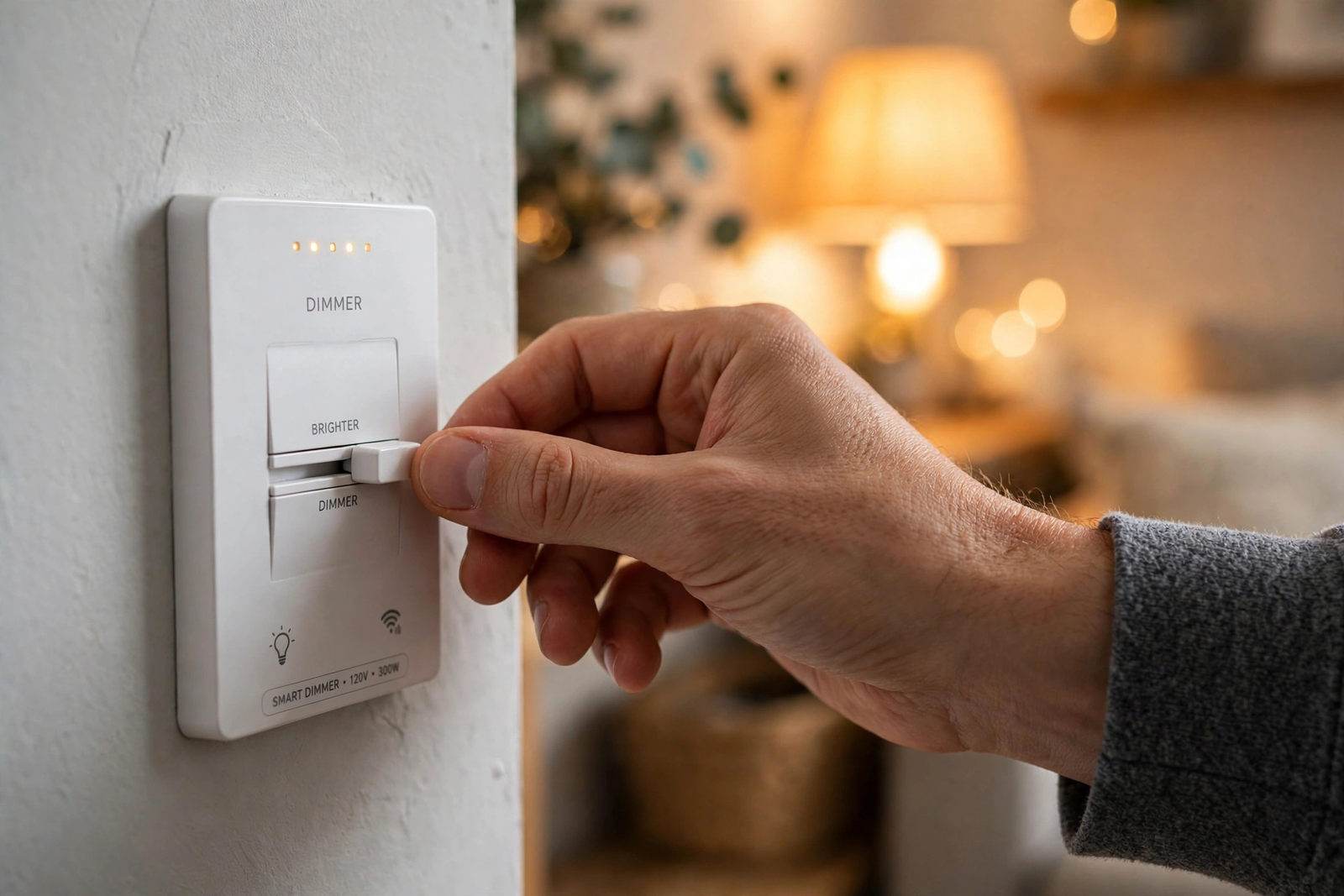
Also check your bulb wattage. A single 4W LED on a dimmer designed for higher loads can be unstable. If possible, use bulbs totaling at least 10W on the circuit. Multiple bulbs share the load and stabilize the dimmer.
Neutral Wire vs. No Neutral: Does It Matter for Dimming?
Yes, it can. Dimmers with a neutral wire connection generally perform better because they have a stable power supply for their electronics. No-neutral dimmers steal power through the bulb, which can cause subtle issues like ghosting (bulbs glowing faintly when off) or minimum load requirements.
That said, the Lutron Caseta proves that no-neutral can work excellently when engineered properly. Lutron’s patented technology handles the power-stealing gracefully. Cheaper no-neutral dimmers are more hit-or-miss.
If you have a neutral wire available, use it. You’ll get more dimmer options and generally better performance. If you don’t, the Caseta is your best bet. For help with no-neutral installations, our smart home platform guide covers hub options that work well with Lutron.
Installation Tips for Best Results
Even the best dimmer won’t perform well with a sloppy install. Take your time with the wiring. Make sure all connections are tight, especially the neutral wire if your model requires one. A loose neutral causes more dimming problems than any other single issue.
After installation, test with your actual bulbs before closing up the box. Dim from 100% down to minimum slowly and watch for flicker or buzzing at each level. If you hear buzzing, try a different bulb brand before blaming the dimmer. Sometimes the bulb is the problem, not the switch.
For 3-way installations, wire the primary dimmer first and test it before connecting the secondary switch. This isolates any problems to one location at a time. The PCWorld installation guide has clear photos of 3-way dimmer wiring if you need a visual reference.
Smart Features Worth Having
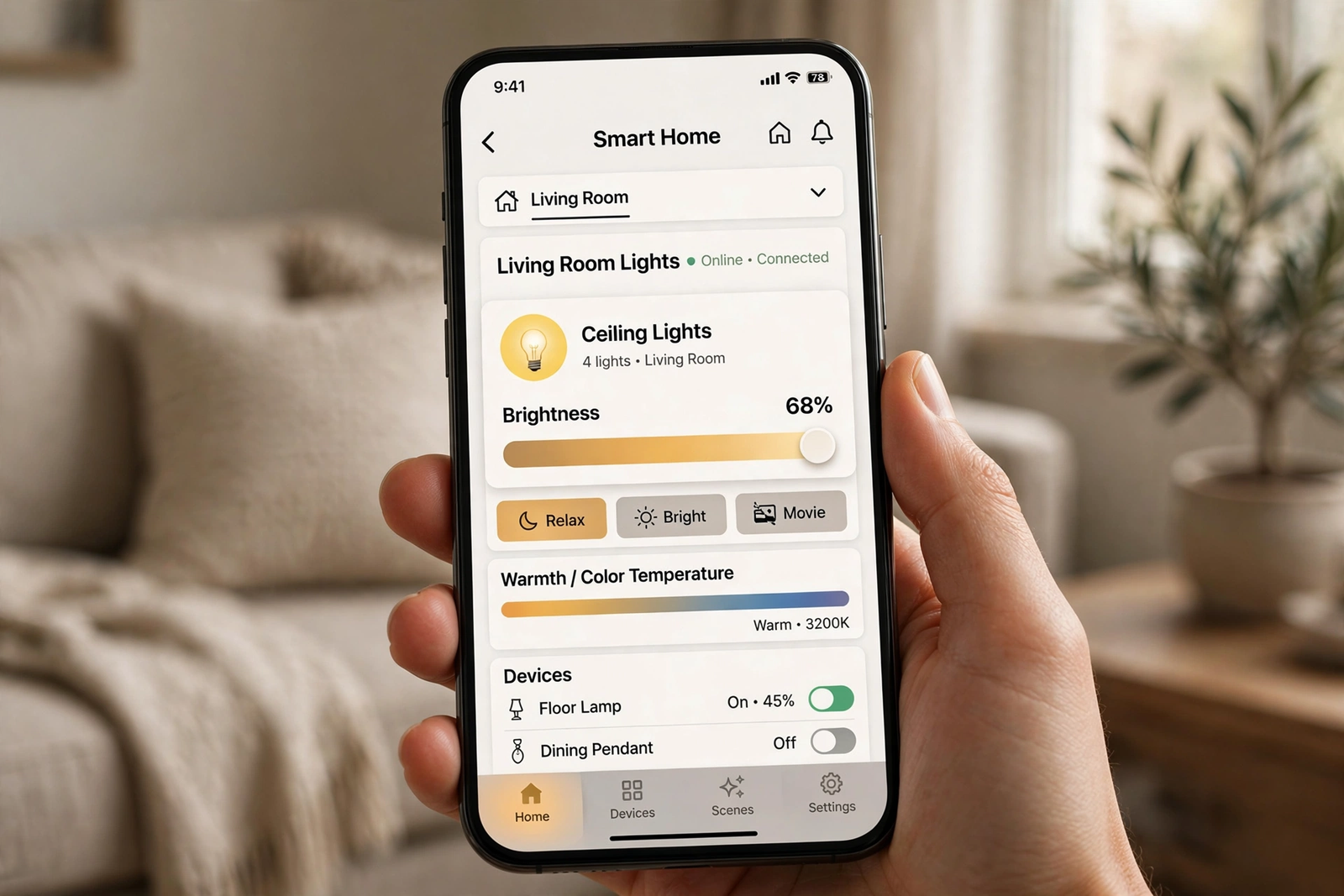
Beyond basic dimming, modern smart dimmers offer features that justify the upgrade. Scheduling lets your lights fade on gently in the morning instead of blasting you awake. Away mode randomly varies your lights to simulate occupancy when you’re traveling.
Scene control is where smart dimmers really shine. A single tap can set your living room to 30% warm light for movie night, or bring the kitchen to full brightness for cooking. These presets become second nature quickly.
Voice control through Alexa or Google Assistant means never getting up to adjust the lights. “Set the bedroom to 20%” becomes a bedtime ritual. It’s a small luxury that adds up. For broader smart home integration ideas, check our guide to smart home ecosystems.
Troubleshooting Common Issues
If your new dimmer still buzzes, don’t panic. First, confirm your bulbs are dimmable. This sounds obvious, but non-dimmable LEDs in a dimmer circuit cause exactly these symptoms. Check the bulb packaging or the manufacturer’s website.
Next, try the low-end trim adjustment. Every quality dimmer has this setting. Raise the minimum brightness in small increments until the buzzing stops. You might need to go up to 10% minimum, which still gives you plenty of dimming range for most uses.
If buzzing persists across multiple bulb brands, the dimmer itself might be defective. This is rare with reputable brands, but it happens. Contact the manufacturer for a replacement. Most offer at least a one-year warranty, and Lutron offers even longer coverage on many models.
FAQs
Why do my LED lights buzz with my current dimmer?
Your dimmer was probably designed for incandescent bulbs. Old leading-edge dimmers chop the AC waveform in a way that makes LED drivers vibrate audibly. Switching to a trailing-edge LED-compatible dimmer like the Lutron Caseta or Kasa HS220 eliminates the buzzing in most cases. Also ensure your bulbs are labeled dimmable.
Can I use a smart dimmer without a neutral wire?
Yes, but your options are limited. The Lutron Caseta works without a neutral and is the best no-neutral dimmer available. Some Inovelli models also support no-neutral installation. Most WiFi dimmers (Kasa, Leviton, Martin Jerry) require a neutral wire. Check your switch box before buying.
Do I need special LED bulbs for a smart dimmer?
You need bulbs labeled “dimmable.” Beyond that, check the dimmer manufacturer’s compatibility list. Lutron publishes extensive test results. Even with dimmable bulbs, some brands work better than others. Philips and Cree LEDs tend to have the broadest dimmer compatibility.
Why do my LEDs flicker only at low brightness?
At very low dim levels, the LED driver doesn’t get enough stable power to operate smoothly. This is normal. Fix it by raising the dimmer’s low-end trim setting until the flicker stops. You can usually find this in the dimmer’s app or by holding a button combination. Check your manual for the exact method.
Is Lutron Caseta worth the higher price?
If eliminating buzz and flicker is your priority, yes. Lutron’s dimming performance is measurably better than budget alternatives, especially with no-neutral wiring. The build quality and reliability are also superior. However, if you have neutral wires and want basic smart dimming, the Kasa HS220 delivers 80% of the experience at half the price.
Can smart dimmers work in 3-way setups?
Yes. All the dimmers on this list support 3-way installation (two switches controlling one light). The Lutron Caseta uses wireless Pico remotes for the second location, which means no traveler wire needed. Others wire traditionally. Check the manual for your specific model’s 3-way wiring diagram.
Do smart dimmers work when the internet is down?
The physical dimmer buttons always work locally, regardless of internet. App control depends on your setup. Lutron Caseta with the Smart Bridge works locally on your network. WiFi dimmers like Kasa may lose app control if the cloud is unreachable, though some support local control. Zigbee dimmers through Home Assistant work fully offline.
Final Thoughts
Buzzing and flickering LEDs are solvable problems. The Lutron Caseta is the safest choice if you want guaranteed smooth, silent dimming, especially without a neutral wire. The Kasa HS220 is the smart budget pick for WiFi homes with neutrals available.
Whatever you choose, pair it with quality dimmable LEDs and take five minutes to adjust the low-end trim. Those two steps eliminate 95% of dimming complaints. Your evenings will be quieter for it. To learn more about smart lighting options, see our smart home platform overview.