
How to Set a Motion Sensor Light Only at Night
To make a motion sensor light only work at night, turn its LUX dial toward the moon icon so the photocell blocks daytime triggers. Test at dusk: walk through the detection zone and confirm the light fires, then check at noon that it stays dark. Most fixtures take five minutes to calibrate, and the setting holds until you change it.
- How to Set a Motion Sensor Light Only at Night
- How the Night-Only Trick Actually Works
- Calibrate the LUX Dial in Five Minutes
- Dial In Sensitivity and Hold Time
- When the Dials Are Not Enough: Smart Controls
- Troubleshooting: Light Still Fires in Daylight
- Best Spots for Night-Only Motion Lights
- Pair Motion Lights With Cameras for Extra Security
- FAQs
- What does the LUX dial on a motion sensor light do?
- Why does my motion light turn on during the day?
- Can a smart bulb act as a night-only motion light?
- Should I use the moon icon or the sun icon on the LUX dial?
- My light will not turn on at night at all. What is wrong?
- Does a dusk-to-dawn light also detect motion?
- Enjoy Lights That Know When It Is Dark
There’s nothing more annoying than a security light blazing at noon. It wastes electricity, it tells the whole street your sensor is misconfigured, and it wears out the LEDs faster. The good news is that almost every motion light ever made has a night-only mode hiding behind a tiny dial. You just need to know which dial does what.
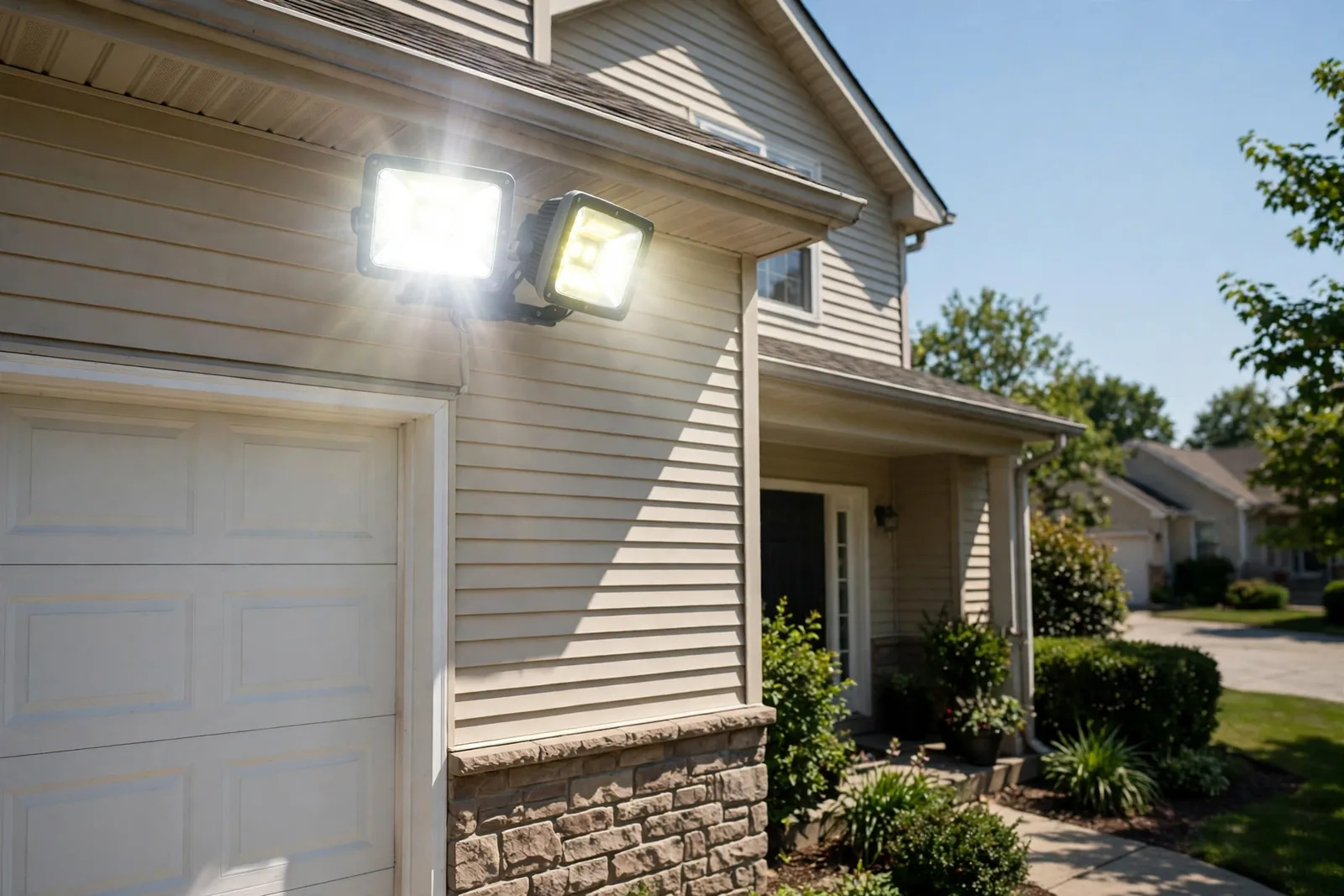
How the Night-Only Trick Actually Works
A motion sensor light has two sensors, not one. The PIR sensor watches for movement. The photocell watches for light. The light only fires when both agree: motion detected AND darkness confirmed. The LUX dial sets the darkness threshold, which is the ambient light level below which the sensor is allowed to work.
Manufacturers mark this dial with a sun icon on one end and a moon icon on the other. The sun end means the sensor works in any light, day or night. The moon end means it waits for real darkness. Your goal is simple: rotate the dial toward the moon until the light stops firing in daylight but still fires at night. Everything else is fine-tuning.
Calibrate the LUX Dial in Five Minutes
Do the calibration at dusk for the best results, because that is when you can watch the threshold in action. If you must set it up at noon, start with the dial turned fully toward the sun icon so the light responds while you position the fixture. You will move it toward the moon side once the sun drops.
- Mount the fixture and aim the sensor at the area you want covered.
- Turn the LUX dial fully toward the sun icon (daytime mode).
- Walk through the detection zone and confirm the light fires.
- Wait until dusk, when the sky is dim but not black.
- Slowly rotate the LUX dial toward the moon icon until the light stops responding to motion.
- Then rotate it back a hair toward the sun side, so the light fires reliably in real darkness.
- Test again after full dark to confirm motion still triggers it.
I ran this exact calibration on my own porch light last month. With the dial at the midpoint, motion triggered the fixture while my phone’s light meter read 40 lux. That’s the brightness of a heavy overcast afternoon. One notch toward the moon icon and the light stayed off until the meter dropped to 15 lux, roughly civil twilight. That single notch was the entire difference between a light that nagged all day and one that behaved.
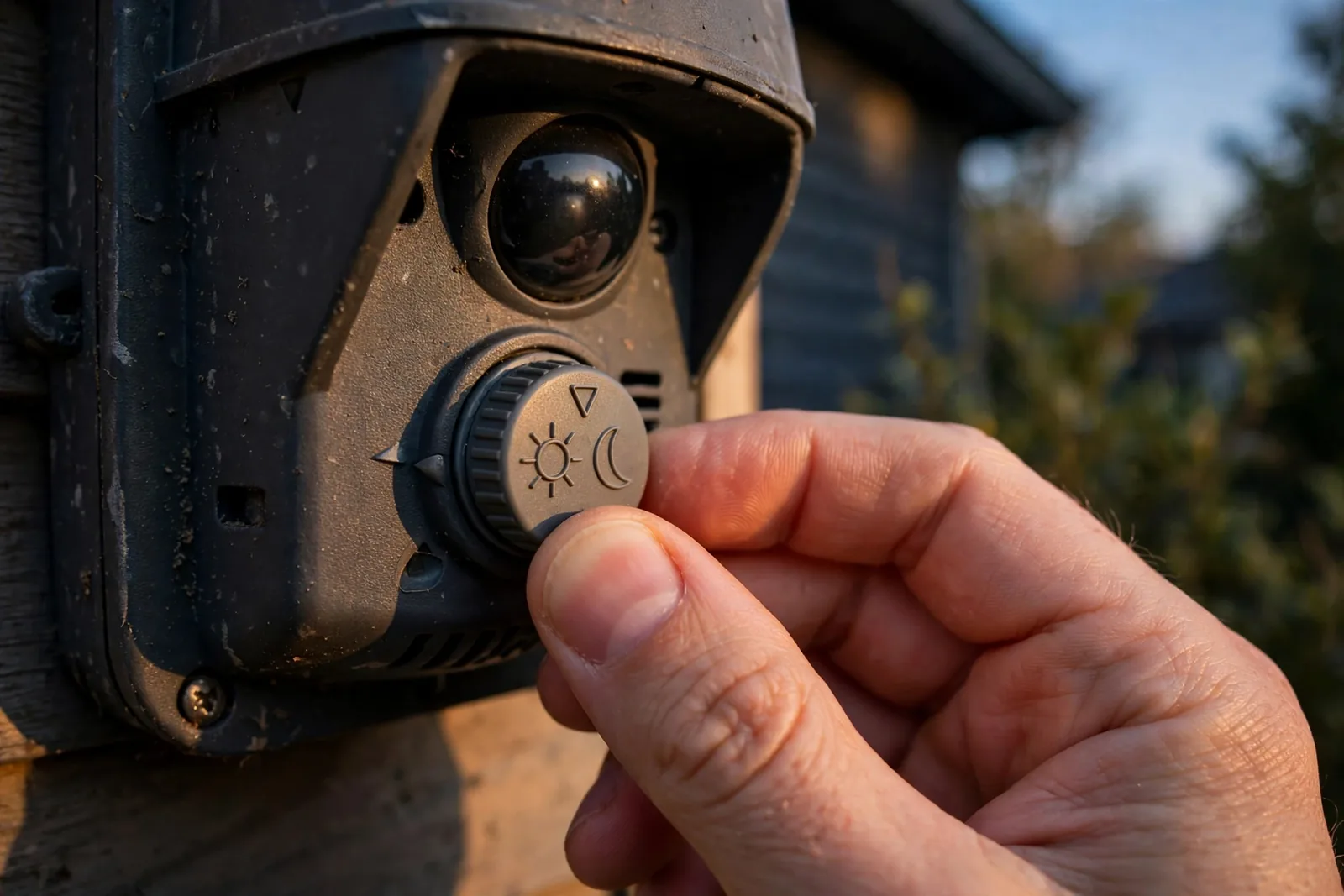
The dial labels vary by brand, but the logic never changes. A detailed dusk-to-dawn calibration walkthrough shows the same sun-to-moon procedure across several popular fixtures, so the method transfers even if your dial looks different.
Dial In Sensitivity and Hold Time
Most fixtures have three dials: LUX, TIME, and SENS. You have handled LUX. The TIME dial sets how long the light stays on after motion stops, usually from ten seconds to several minutes. For a porch or driveway, one to two minutes feels right. Shorter saves energy but can leave you in the dark mid-task. Longer feels safer but burns power after you have gone inside.
The SENS dial controls detection range. Crank it up and the light sees the whole street, including passing cars that trigger it all night. Turn it down and it watches only your walkway. A good starting point is the middle, then adjust after a few nights. If the light fires at every passing cat, lower the sensitivity before you blame the LUX setting, because range problems masquerade as darkness problems.
Digital models sometimes hide these settings in an app instead of dials. The ideas are identical, but you get finer control, such as setting the exact lux number instead of guessing with a dial. An overview of motion detector light switch adjustments covers both dial and menu-driven models with the same troubleshooting logic.
When the Dials Are Not Enough: Smart Controls
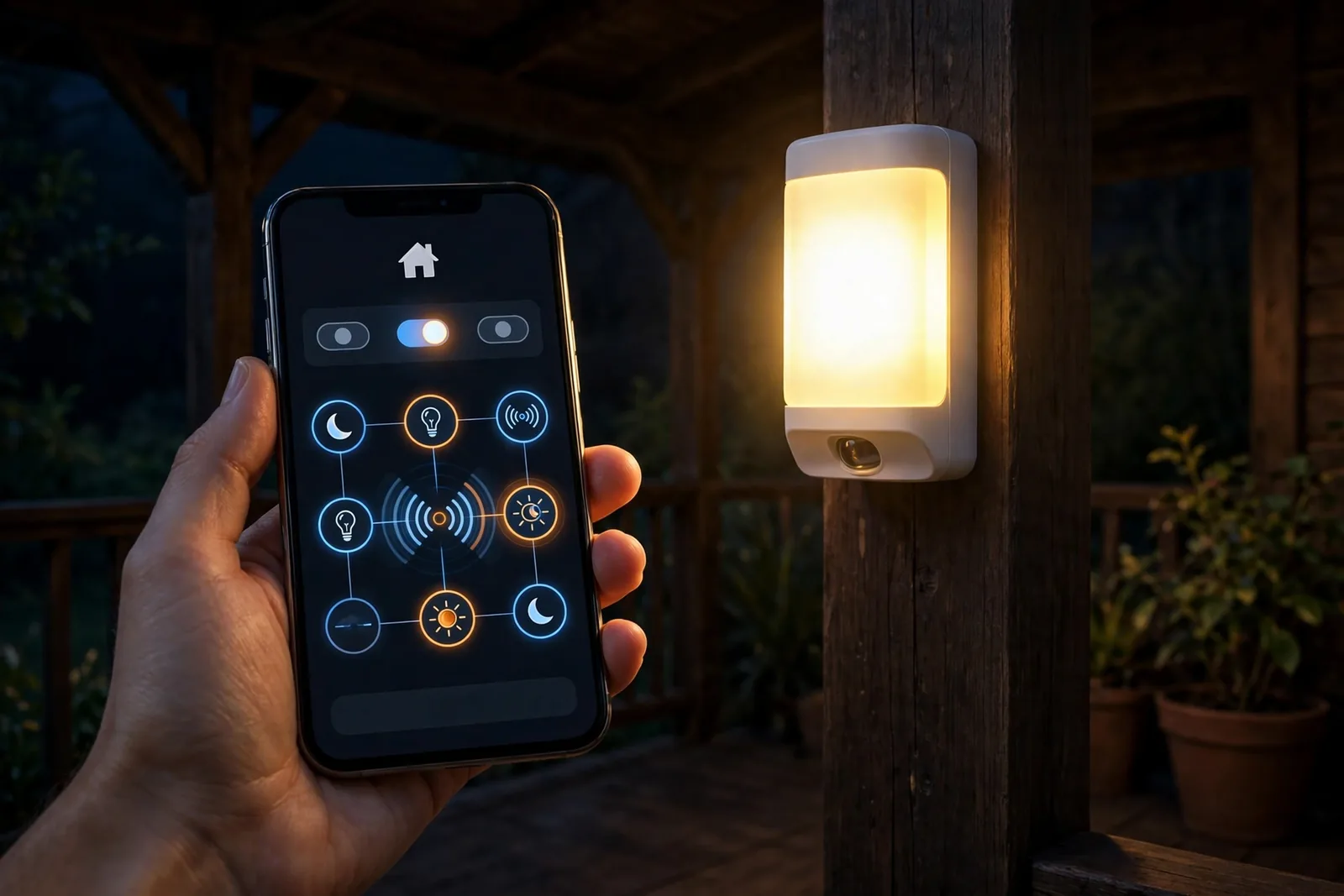
Old-school dials work, but smart controls give you precision. A smart motion bulb with a night-only mode, like models that activate only below 25 lux, handles the darkness check in firmware. You screw it in, flip the wall switch on, and it behaves. No dials, no dusk calibration, no guessing.
In Home Assistant or Alexa, you can build night-only behavior from any motion sensor. The automation triggers on motion but adds a condition: only fire when ambient light is below your chosen lux, or when the sun is below the horizon. This is more flexible than any dial, because you can set different thresholds for the porch and the garden. A sunset-based automation achieves the same result from the other direction. Our guide to automating outdoor lights at sunset and sunrise shows how to run the whole evening on the sun’s schedule instead of a photocell.
Troubleshooting: Light Still Fires in Daylight
As a last resort, test the fixture with the LUX dial at both extremes. If it fires in daylight even on the moon setting, the photocell has likely failed and the fixture needs replacing. Most photocells last years, but heat and moisture kill them early. A replacement photocell costs little and takes minutes to swap.
Start with the lens. A photocell covered in dust, spiderwebs, or grime cannot see the daylight, so it thinks it is always night. Wipe both the PIR lens and the photocell window with a soft, damp cloth. This single cleaning fixes more “broken” sensors than any other step, and it takes thirty seconds.
Next, look for light cheating the sensor. A bright white wall, a reflective car bumper, or a nearby streetlight shining directly onto the photocell can fool it in both directions. Sun glare can make it think it is day at midnight, while deep shade can make it think it is night at noon. Re-aim the fixture so the photocell faces open sky, not walls or lamps.
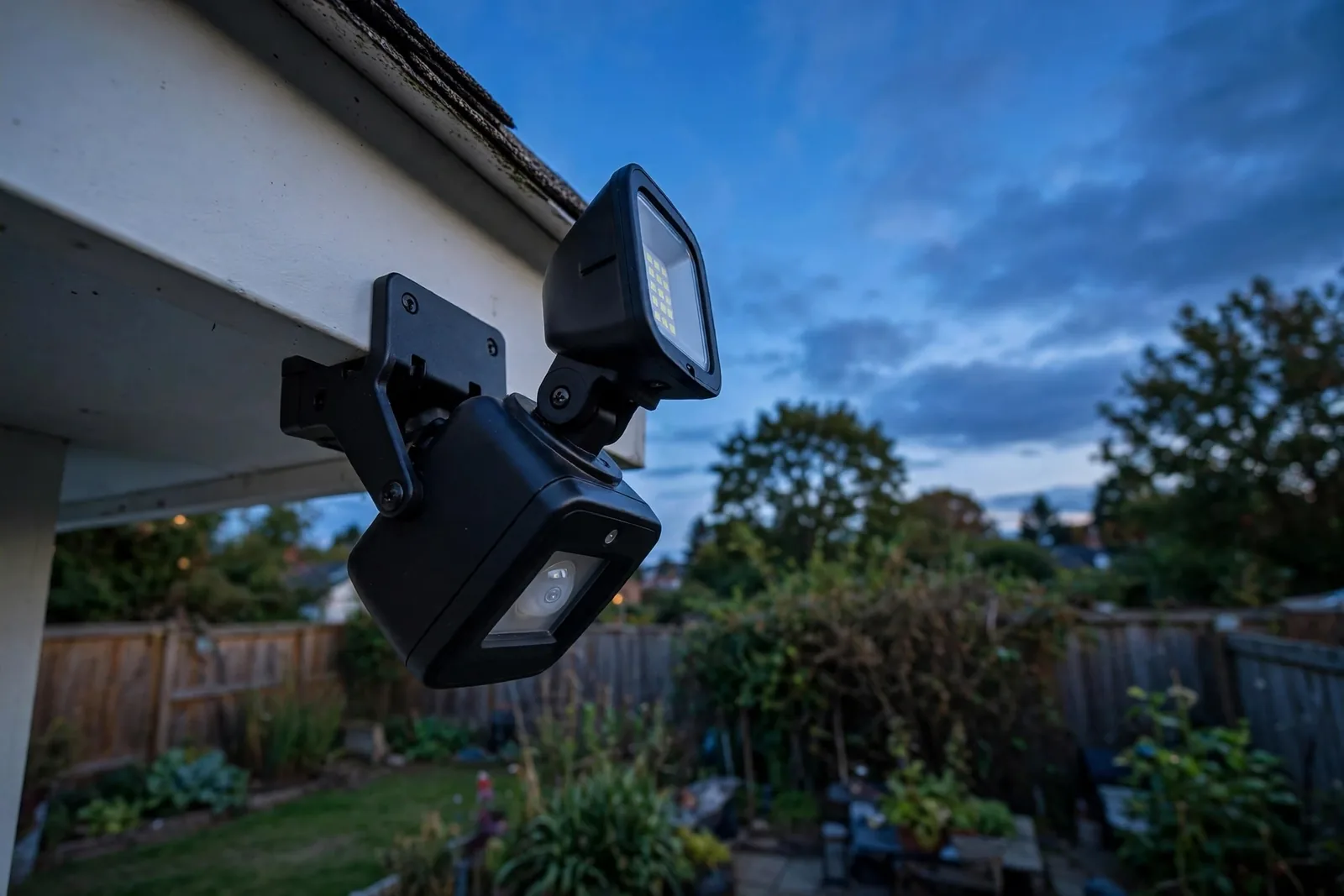
False triggers have the same root causes as any motion sensor problem: too much sensitivity, too wide a range, or a sensor aimed at the street. Our guide to stopping false motion alerts was written for doorbells. Still, every technique there, from narrowing the detection zone to lowering sensitivity, applies directly to floodlights and porch fixtures.
Best Spots for Night-Only Motion Lights
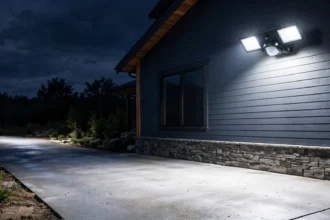
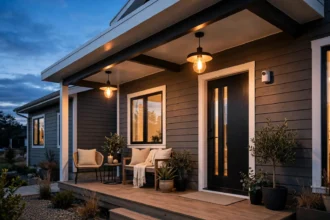
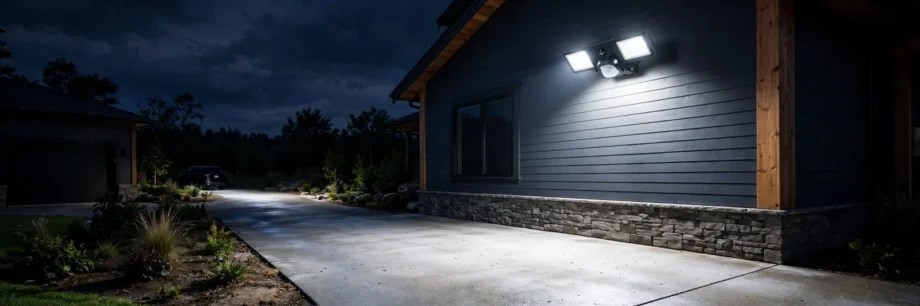
Put night-only motion lights where darkness plus surprise matters. The front porch is the classic spot: visitors get light, and you get a heads-up. Driveways and side gates come next, especially if you arrive home after dark. Garages and sheds benefit too, since you rarely need light there during the day.
For garden paths, solar motion lights are the easy choice. They charge all day, need no wiring, and most include a night-only mode out of the box. Our roundup of the best smart outdoor pathway lights with no wiring covers solar options with motion sensing built in.
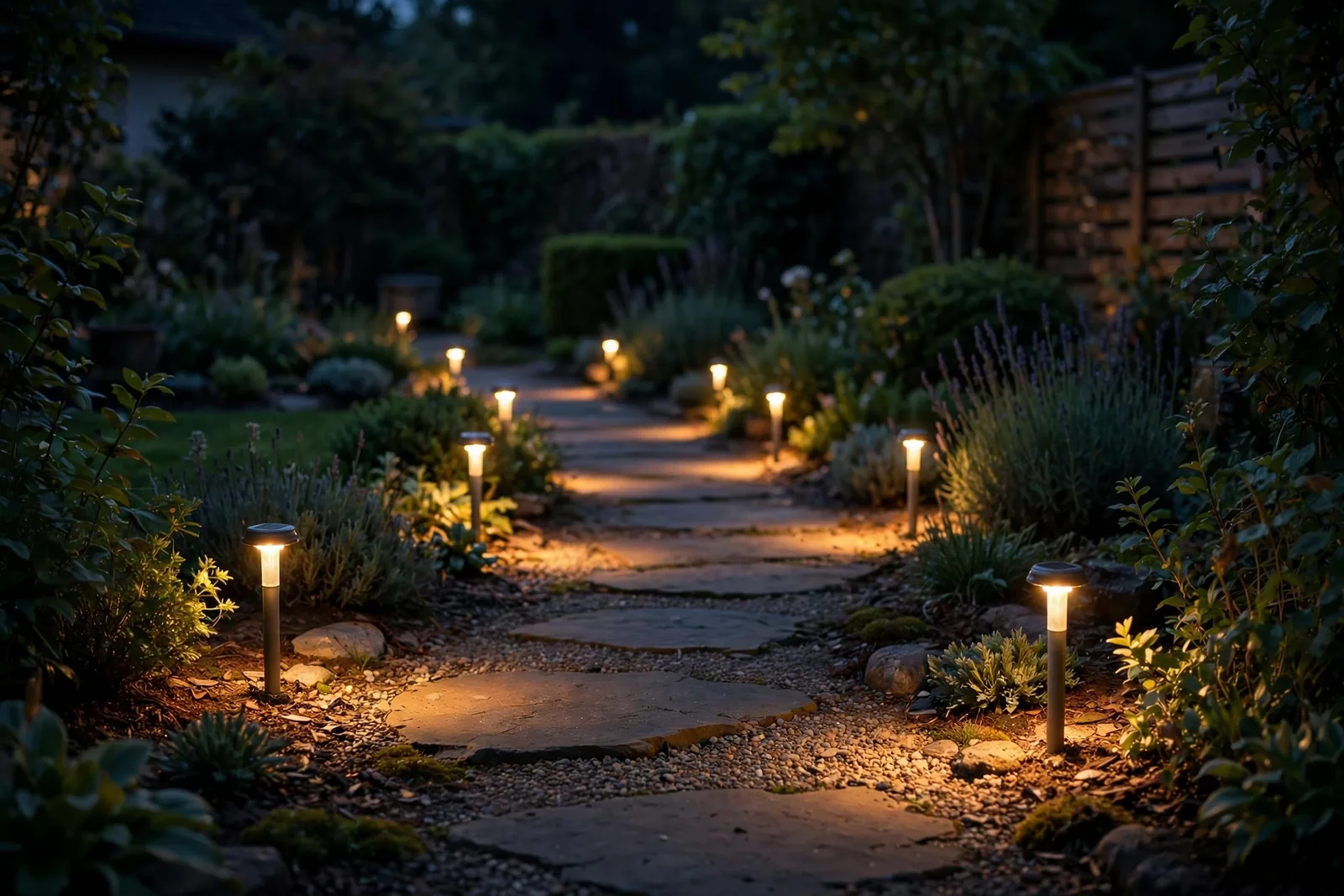
Mount path lights low, about knee height, so they wash the ground instead of blinding walkers. Spacing them six to eight feet apart gives even coverage without dark gaps. And always face the solar panel toward the sunniest direction you have, because a panel in all-day shade will not hold a charge through the night.
For patios where you want ambiance rather than security, a softer approach works better. Our review of outdoor Zigbee string lights for patios shows how to get warm, controllable glow without harsh floodlights.
Avoid pointing motion lights at bedrooms, yours or the neighbors’. A 2000-lumen floodlight blasting through a window at 2 a.m. will not make you popular. Aim the heads downward and inward, keep the sensitivity moderate, and use the night-only setting so the fixture sleeps through the day like it should.
Table: Motion light modes explained
| Mode | What it does | When to use it |
|---|---|---|
| Night-only (moon) | Motion works only in darkness | Porch, driveway, garden paths |
| Day and night (sun) | Motion works in any light | Testing, indoor hallways |
| Dusk to dawn | Light stays on all night, no motion needed | Always-lit entryways |
| Test | Short hold time, works in daylight | Aiming and range setup |
Pair Motion Lights With Cameras for Extra Security
A motion light on its own startles intruders, but paired with a camera it also records them. Many smart cameras trigger recording from the same motion events, so one sensor does double duty. First, position the camera to cover the same zone as the light. Then set the light to fire a second before recording starts, so the camera captures a well-lit scene instead of a dark blur.
This pairing works because light changes everything for night vision. A camera switching from infrared to color mode gets a much clearer image when a floodlight snaps on. So mount the light near the camera, not behind it, to avoid washing out the lens. Test the pair after dark by walking the zone yourself and reviewing the footage the next morning.
FAQs
What does the LUX dial on a motion sensor light do?
The LUX dial sets how dark it must be before the motion sensor can switch the light on. Turn it toward the sun icon and the light works in daylight. Turn it toward the moon icon and it fires at night. Think of it as a gatekeeper: motion knocks, but the gate only opens when light drops below the setting.
Why does my motion light turn on during the day?
The usual suspect is the LUX dial set too close to the sun icon, telling the light that daylight is fine. A dirty photocell lens causes the same problem by blocking light from the sensor. Strong reflections, like sun bouncing off a white wall, can also confuse it. Clean the lens, then recalibrate the dial at dusk.
Can a smart bulb act as a night-only motion light?
Yes. Many smart motion bulbs only activate below about 25 lux, which means dim or dark rooms. In Home Assistant or Alexa, you can build the same behavior with any motion sensor plus a lux condition. The automation fires on motion only when ambient light reads low. This gives you app-level control over the exact darkness threshold.
Should I use the moon icon or the sun icon on the LUX dial?
Use the moon icon for night-only operation. The moon side means the sensor waits for real darkness before firing. The sun side means it works in any light, which is useful for daytime testing but wastes energy if left there. Set it toward the sun during setup to test, then rotate it toward the moon at dusk.
My light will not turn on at night at all. What is wrong?
First, check that the LUX dial is not turned too far toward the moon icon. Next, verify the fixture has power and the wall switch is on. Then check the TIME dial, since a very short hold time can make the light flash and die. If none of that helps, the photocell itself may have failed.
Does a dusk-to-dawn light also detect motion?
Not always. A pure dusk-to-dawn light simply stays on all night and off all day, with no motion sensing at all. Many modern fixtures combine both: the photocell decides when the sensor is allowed to work, and the motion sensor decides when the light actually fires. Check your model’s manual, because the two features are sold both separately and together.
Enjoy Lights That Know When It Is Dark
Walk outside tonight and test your work. Wave at the sensor in daylight and enjoy the silence. Then come back after dark, take two steps, and watch the light snap on. That’s a motion light doing exactly one job, at exactly the right hours. Set the dial once, and it will behave for years.
Recheck the setting twice a year, because seasons change when darkness falls. A dial position that was perfect in June might fire too early in December. A quick dusk test in spring and autumn keeps the threshold honest.