
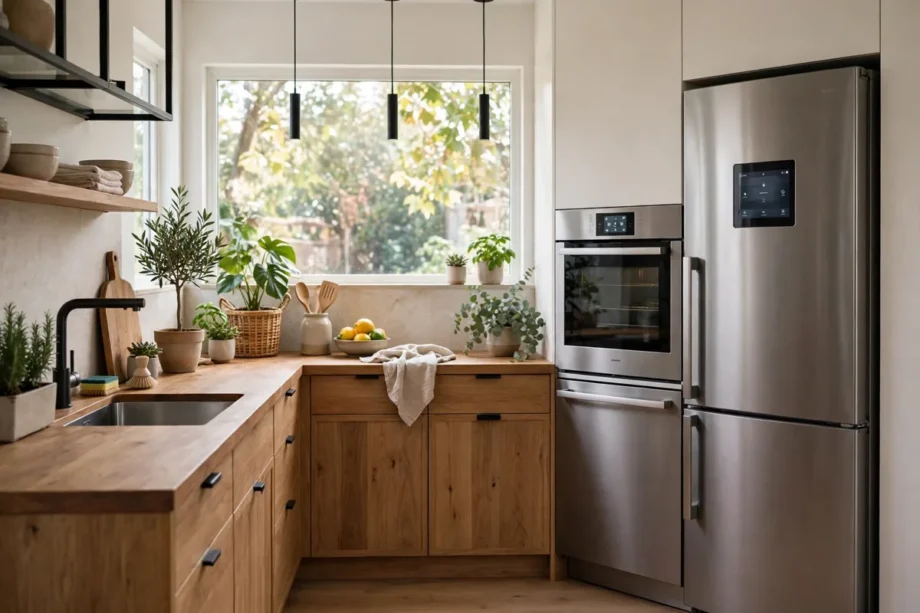
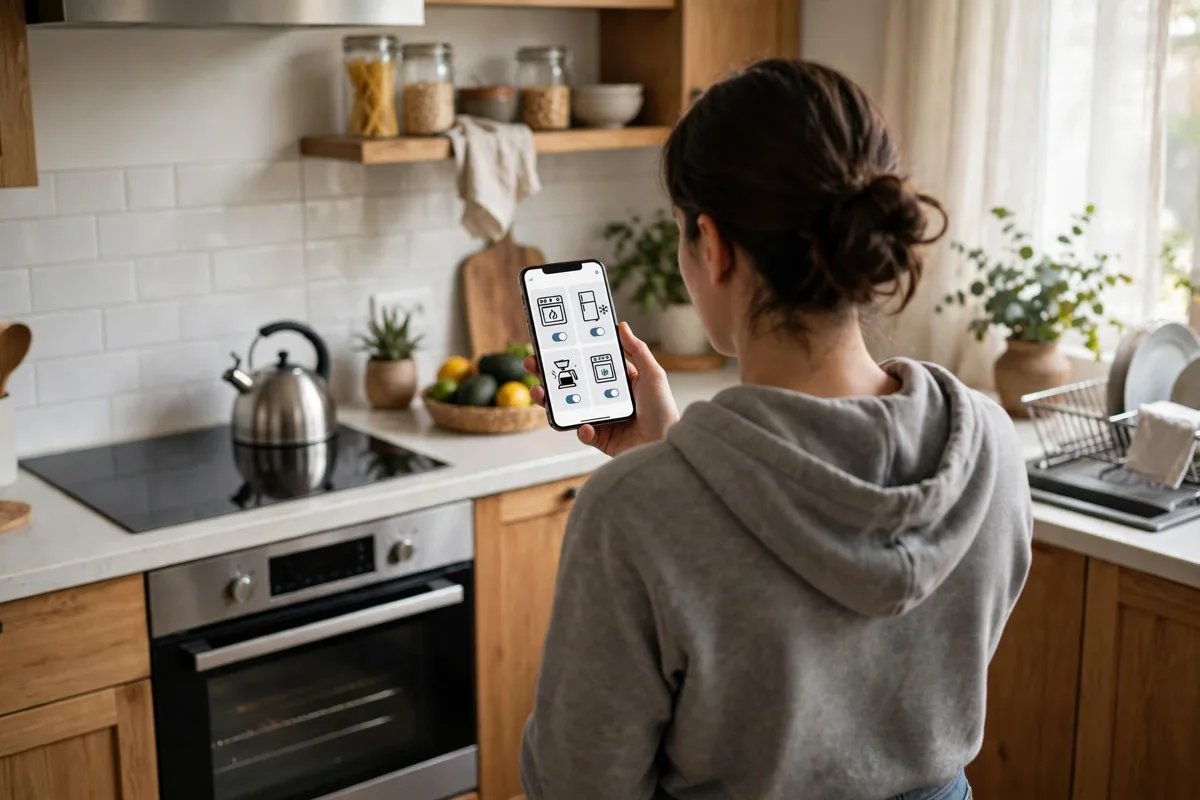
Smart kitchen appliances are kitchen machines that connect to Wi-Fi, an app, or a voice assistant so you can control them from your phone. They can preheat an oven on your way home, warn you when food is done, and help you waste less food. If you cook most days, one model can save you time each week.
- What Counts as a Smart Kitchen Appliance
- Main Types of Smart Kitchen Appliances
- Real Benefits You Will Notice
- How to Choose Smart Kitchen Appliances
- Setup Steps That Avoid Common Problems
- Costs and Mistakes to Avoid
- How Smart Kitchen Appliances Fit a Smart Home
- Frequently Asked Questions
- What are smart kitchen appliances?
- Are smart kitchen appliances worth the extra cost?
- Do smart kitchen appliances need strong Wi-Fi?
- Can smart kitchen appliances work without the internet?
- Which smart kitchen appliance should I buy first?
- Are smart kitchen appliances safe to use?
- Conclusion
Do you need to replace your whole kitchen at once? No, you do not. Most people start with one appliance that solves a daily annoyance. A smart oven helps if you often forget to preheat. A smart fridge helps if food goes bad before you use it. A smart coffee maker helps if your mornings feel rushed. Pick the pain first, then pick the machine.
A smart kitchen is not about owning the newest gadget on the shelf. It is about a kitchen that fits how you actually live. If you cook simple meals, you may not need a fridge with a large screen. If you batch cook on weekends, a connected oven with guided recipes may earn its place fast. Your habits should lead the purchase, not the marketing.
What Counts as a Smart Kitchen Appliance
A smart appliance has a connection and a job it can do on its own or from far away. That connection is usually Wi-Fi, and the control is usually an app or a voice assistant. Some models also use Bluetooth for short range control. The key test is simple. Can it tell you something useful, or do something useful, without you standing next to it?
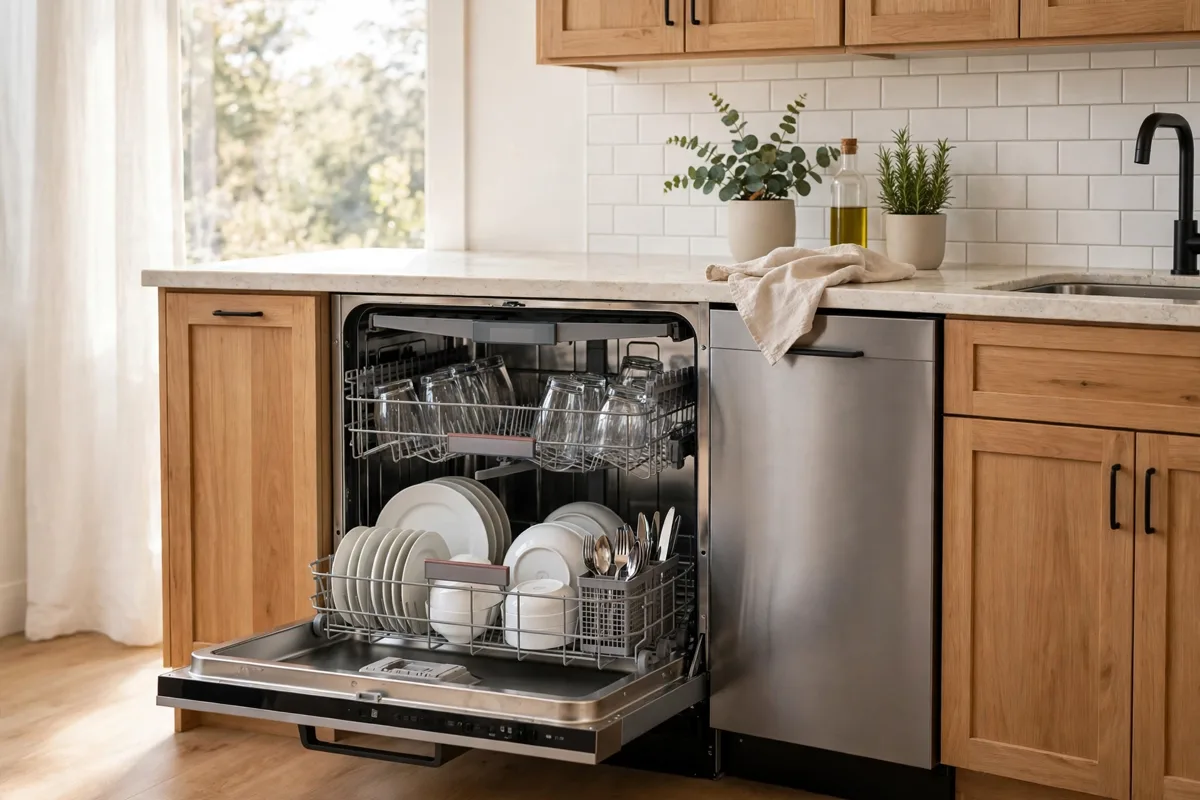
Take a smart oven. You can start preheat from your phone, get a notice when it hits temperature, and check a probe reading while you set the table. A smart fridge can show what is inside through an internal camera, so you can check milk while you are at the store. A smart dishwasher can send a notice when a cycle ends, so dishes do not sit damp for hours.
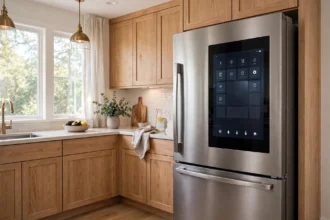
Not every connected feature is worth paying for. A screen on a fridge looks fun in a store, but it adds little if you already check recipes on your phone. A coffee maker that starts from bed is useful only if you load it the night before. Ask one question before you buy. Will I use this feature at least three times a week? If the answer is no, skip it.
Main Types of Smart Kitchen Appliances
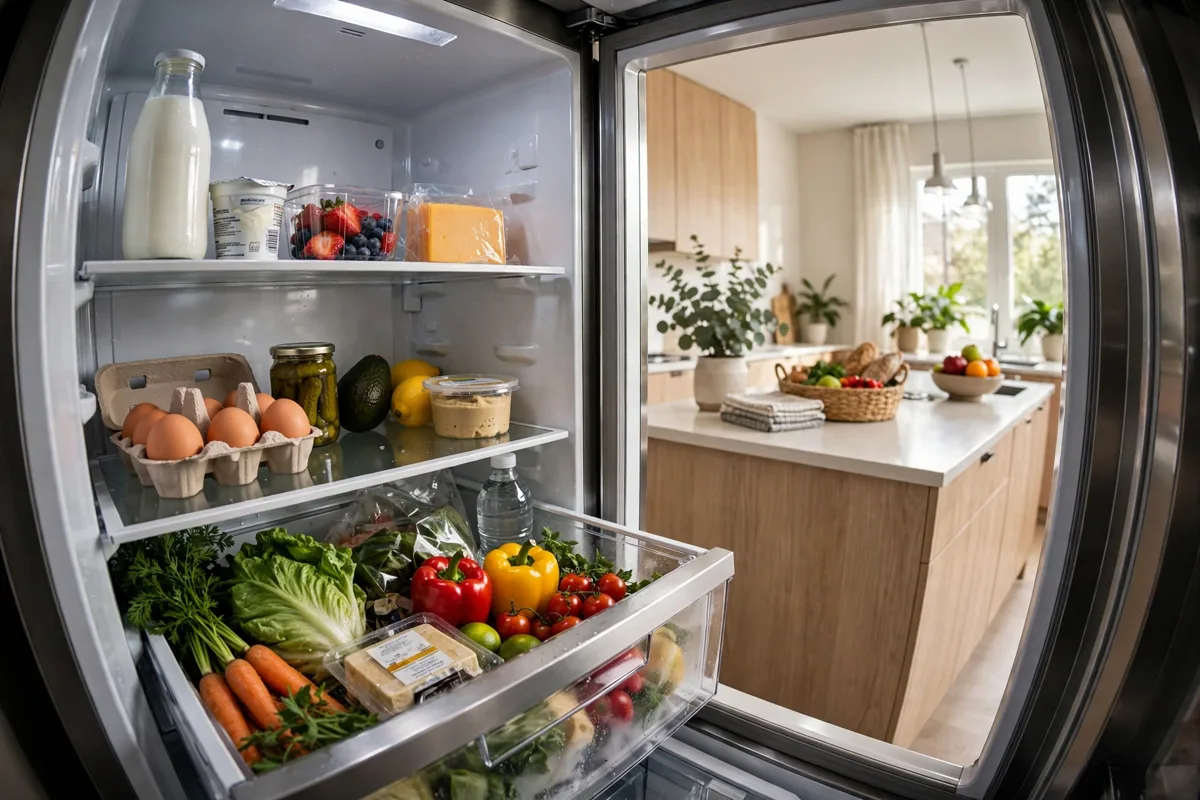
Smart fridges sit at the top of most smart kitchen lists. They track temperature in zones, warn you about a door left open, and some show inside cameras. That camera check alone can stop duplicate shopping. You open the app in the store, see the eggs, and skip a second carton. Over a year, that small habit can cut waste in a real way.
Smart ovens and ranges are the workhorses for keen cooks. Guided cooking walks you through steps on screen or in the app, and a food probe stops meat at the right temperature. Remote preheat is the feature people mention most. You start it from the car, and the oven is ready when you walk in. That turns a rushed evening into a calmer one.
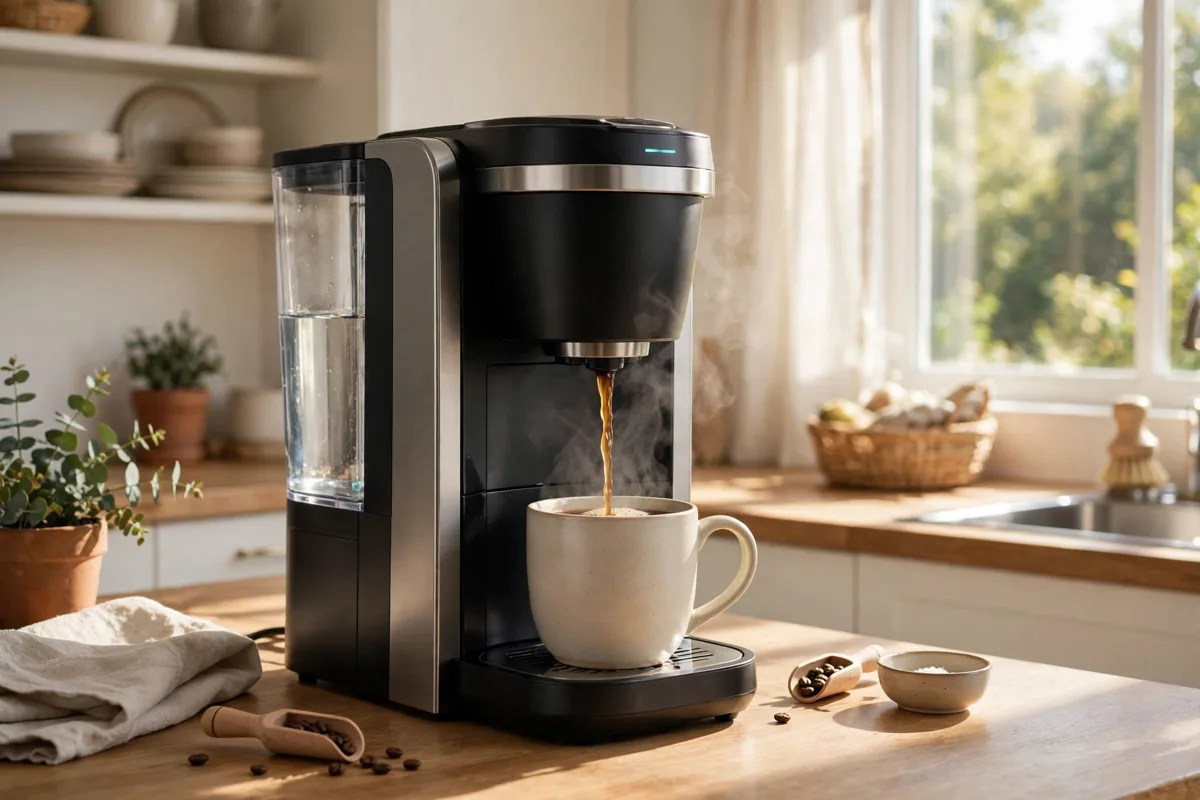
Smart dishwashers, coffee makers, and small cookers fill the gaps. A dishwasher that runs on a schedule can finish during off peak hours. A coffee maker can brew to a set strength at a set time. A smart multicooker can hold a stew at a safe temperature and send a done notice. None of these replace cooking skill. They remove small frictions around it.
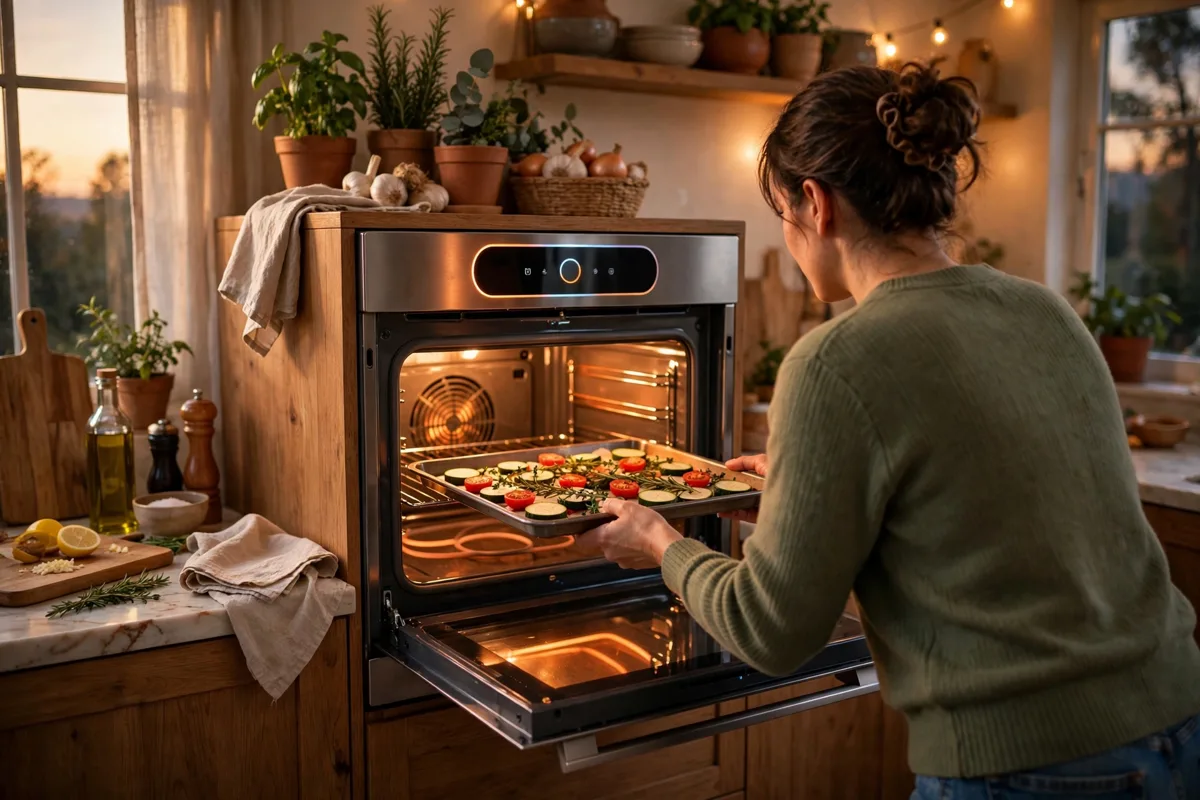
Table: Smart kitchen appliance types and what they do best
| Appliance | Best smart feature | Best for |
|---|---|---|
| Smart fridge | Inside camera and door alerts | Families who shop in bulk |
| Smart oven | Remote preheat and food probe | People who cook most nights |
| Smart dishwasher | Schedule and finish alerts | Busy homes with daily loads |
| Smart coffee maker | Scheduled brew and strength control | Early risers with a set routine |
| Smart multicooker | Guided recipes and hold temperature | Batch cooks and small kitchens |
Real Benefits You Will Notice
Time is the first benefit. Remote preheat, scheduled starts, and done alerts remove waiting and checking. You do not stand by the oven to watch a timer. You get a ping and you act. Across a week of dinners, those saved minutes add up to an evening you can spend on something else.
Food waste is the second benefit. A fridge camera, an expiry reminder, and a shopping list tied to what you own help you use food before it spoils. I tested this in my own kitchen for two weeks. I checked the fridge camera from the store on four trips, and I skipped three duplicate buys I would have made from memory. That is a small test, but it changed how I shop.
Energy use is the third benefit, and it needs care. A smart appliance can run at cheaper hours and shut off on a schedule, which helps. But a large screen that stays on all day can use power too. Check the energy label and the standby settings before you judge a model. A smart label does not always mean a low bill.
Safety is a quiet benefit that matters in family homes. Door alerts, leak sensors on dishwashers, and auto shutoff on cookers catch small problems early. A parent can check that the oven is off from another room. That peace of mind is hard to price, and it is often the reason people keep a smart model after the novelty fades.
How to Choose Smart Kitchen Appliances
Start with your cooking routine. Write down what you cook in a normal week, how many people you feed, and where time feels tight. A single person who eats out often needs a different setup than a family of five that cooks daily. Your list will point to one or two appliances, and that focus stops impulse buys.
Check compatibility next. Do your appliances need to work with Alexa, Google Home, or Apple Home? Do they share one app, or will you juggle five apps? One shared platform feels calmer in daily use. If a model only works in its own app and you already use a voice assistant, think twice before you add another island to your home.
Measure twice, then buy once. Smart fridges and ovens come in standard widths, but depth and door swing catch people out. Leave room for ventilation as the manual states, and check that a fridge door can open fully in your layout. A great appliance that blocks a drawer is a daily annoyance, not an upgrade.
Look at cleaning and upkeep too. Removable baskets, wipe clean panels, and filters you can reach without tools make a big difference after month three. Check if parts are easy to order and if software updates arrive without breaking normal use. A model with poor support can turn smart into stressful fast.
Setup Steps That Avoid Common Problems
Wi-Fi is the weak link in many kitchens. Walls, metal appliances, and distance from the router can drop a connection. Before you buy, stand in your kitchen and check your phone signal strength. If it is weak, plan for a mesh node or a Wi-Fi extender near the kitchen. A smart appliance with a poor signal will miss alerts and frustrate you.
- Put the appliance in place and test its basic controls without the app first.
- Connect it to your 2.4 GHz Wi-Fi network if the manual asks for it, since many appliances do not use 5 GHz.
- Link it to your voice assistant only after the app control works on its own.
- Set alerts for done, door open, and low supplies, then turn off alerts you do not need.
- Run one full cycle or cook while you are home, so you can spot problems early.
Keep one habit from the old kitchen. Do not rely on remote start for a cooker or oven when you are far from home unless the manual allows it and you feel safe doing so. Remote monitoring is useful. Remote heating needs care, food safety, and a clear mind about what is inside the appliance.
Costs and Mistakes to Avoid
Smart models cost more than basic models, and the gap is widest on fridges and ranges. Check the current price on the manufacturer’s page before you set a budget, since prices change with sales and new models. A mid range smart oven often gives you the useful features, while a top model adds a screen you may rarely touch.
The most common mistake is buying smart for everything at once. That leaves you with five apps, five accounts, and five update cycles. Start with one appliance, live with it for a month, and then decide what to add. Your second buy will be smarter because you will know which app you actually open.
Another mistake is ignoring privacy. Cameras inside fridges and microphones on voice devices collect data. Read the privacy settings, turn off features you do not use, and keep firmware updated. If a feature needs an account you do not want, skip that model. A kitchen should feel private, not watched.
You may wonder about repairs. A smart board can fail, and a repair may cost more than a basic part. Ask about warranty length and local service before you buy. A brand with service near you beats a brand with a longer feature list and no local help.
How Smart Kitchen Appliances Fit a Smart Home
A kitchen does not live alone. It links to lights, speakers, and routines in the rest of the home. A good morning routine can start coffee, turn on kitchen lights, and read the weather in one command. An evening routine can switch the oven off reminder on and dim lights for dinner. Small links like these make the home feel joined up.
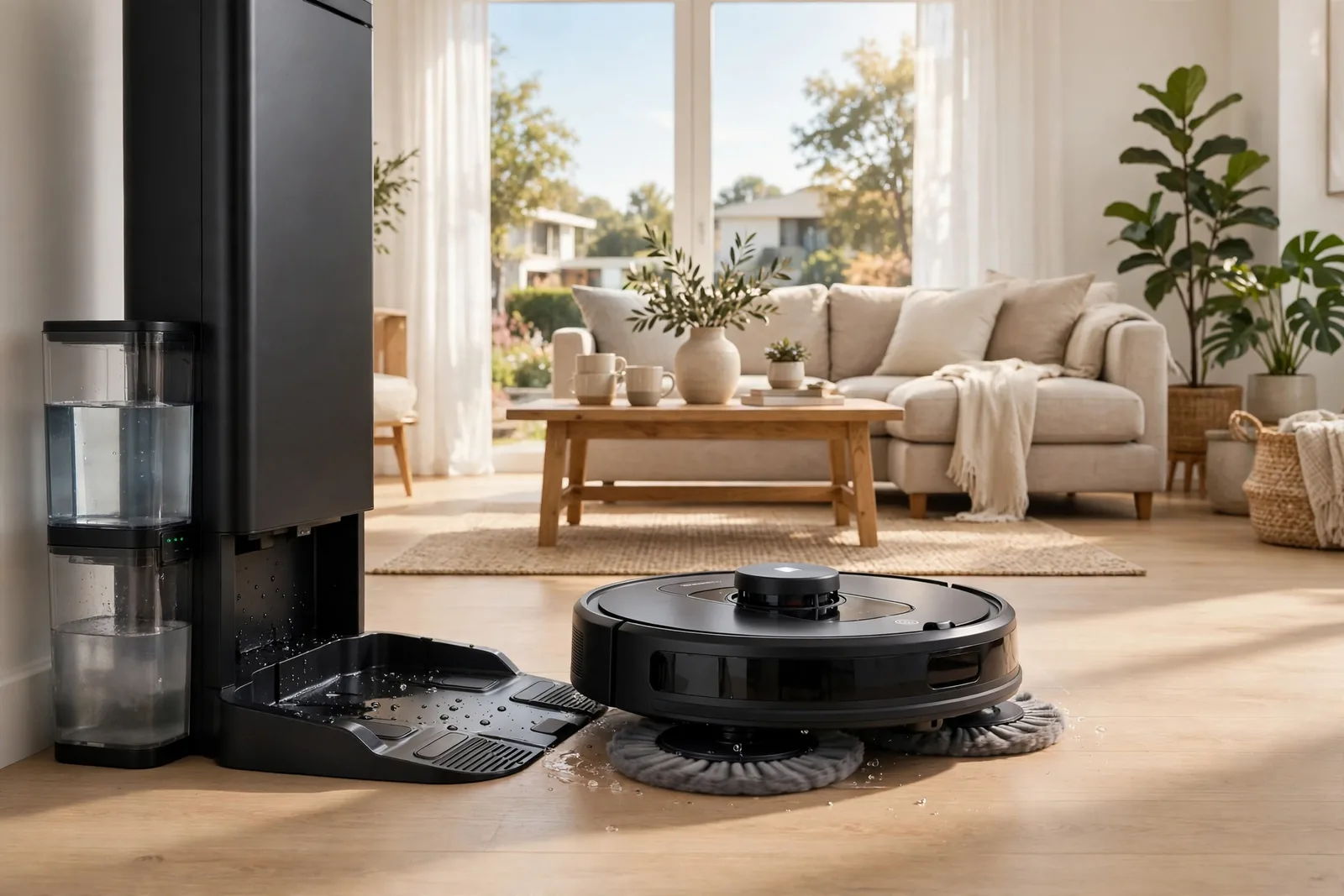
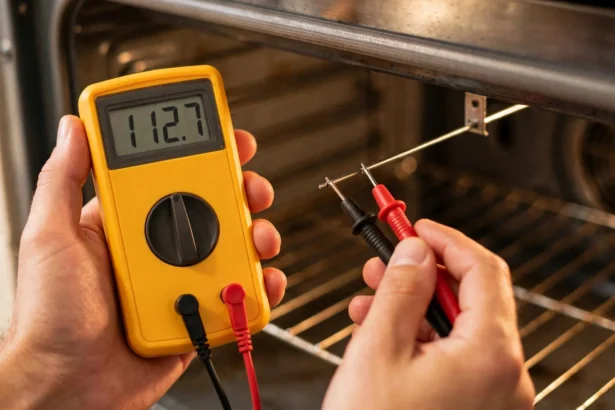
If you already test oven sensors or clean with a robot helper, those habits carry over well. A precise oven reading matters more when the oven can act on it, and a clean kitchen floor makes cooking more pleasant. The kitchen works best when each device does its own job well, rather than when one device tries to do everything.
For homes with a Bosch dishwasher that connects through Home Connect, the same logic applies. The dishwasher, the oven, and the fridge do not need to be the same brand to be useful. They need to be reliable, easy to control, and easy to fix. Brand matching is nice. Reliability is better.
Frequently Asked Questions
What are smart kitchen appliances?
Smart kitchen appliances are fridges, ovens, dishwashers, coffee makers, and cookers that connect to Wi-Fi or an app. You can control them from your phone, get alerts, and in some cases use voice commands. They still cook, chill, and clean like normal appliances, but the connection adds remote control and useful notices.
Are smart kitchen appliances worth the extra cost?
They are worth it when the smart feature solves a real daily problem, such as remote preheat, a fridge camera, or a finish alert. They are not worth it when you pay for a screen or feature you rarely use. Start with one high use appliance, test it for a month, and judge the value from your own routine.
Do smart kitchen appliances need strong Wi-Fi?
Yes, they need a stable connection where they stand, not just near the router. Kitchens have metal, walls, and distance that can weaken a signal. Check signal strength in the kitchen before you buy, and add a mesh node or extender if it is weak. A stable link keeps alerts and remote control working.
Can smart kitchen appliances work without the internet?
Most still work as normal appliances when Wi-Fi drops, but remote control and alerts will pause. You can still open the fridge, run the oven, and start the dishwasher by hand. The schedule stored on the device may keep running on some models, while others wait for the connection to return. Check the manual for your model.
Which smart kitchen appliance should I buy first?
Buy the one that fixes your biggest daily annoyance. Pick a smart oven if preheat delays dinner, a smart fridge if food waste bugs you, or a smart coffee maker if mornings feel rushed. One focused buy teaches you what you value, and it stops you from buying a full set you may not need.
Are smart kitchen appliances safe to use?
Yes, when you follow the manual and use built in safety features such as auto shutoff, door alerts, and leak sensors. Keep firmware updated, use a strong Wi-Fi password, and do not start heating appliances remotely unless the manual allows it and you know what is inside. Safety comes from good habits plus good design.
Conclusion
Smart kitchen appliances earn their place when they save time, cut waste, or remove a daily friction. Start with one appliance that matches your routine, check Wi-Fi and size first, and live with it for a month before you add more. Your next step is simple. List your top kitchen annoyance today, then compare two models that solve that one problem well.