


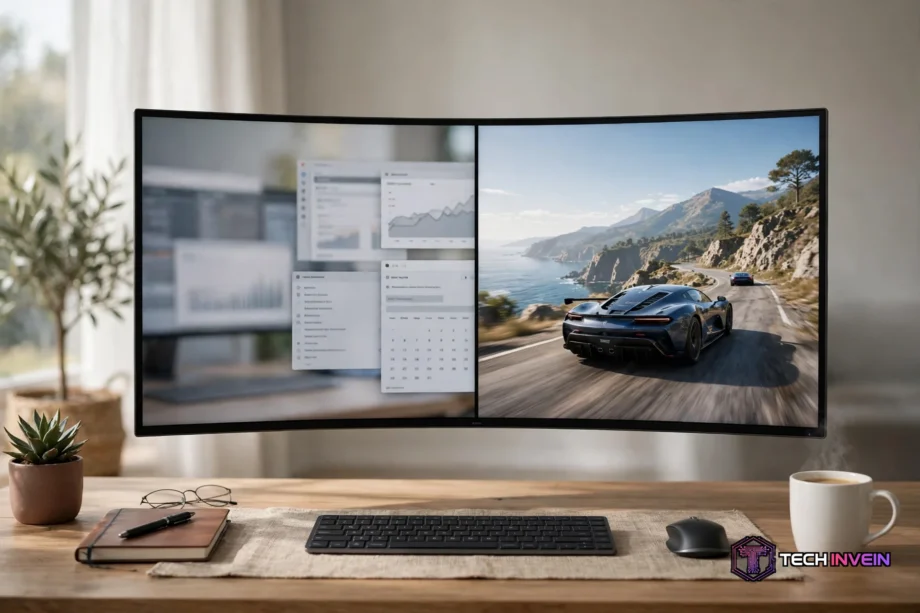
The best ultrawide monitor for most people is the Dell Alienware AW3425DW. It pairs a 34-inch QD-OLED panel with 3440 x 1440 resolution and a 240Hz refresh rate, so it handles games and long workdays with ease. If your desk is deep and you want two screens in one, the 49-inch Samsung Odyssey OLED G9 is the stronger pick.
- The six picks at a glance
- How to pick the best ultrawide monitor
- Size: 34 inch or 49 inch
- Panel type: OLED, IPS, or VA
- Refresh rate and resolution
- Ports: USB-C power delivery and KVM
- The 6 best ultrawide monitors of 2026
- 1. Alienware AW3425DW: best overall
- 2. LG UltraGear 34GS95QE: best curved OLED for gaming
- 3. Samsung Odyssey OLED G9: best super ultrawide
- 4. Dell S3425DW: best value for work
- 5. Gigabyte MO34WQC: cheapest QD-OLED entry
- 6. MSI MAG 341CQP: best for work plus gaming
- 34 inch vs 49 inch: which size fits your desk?
- What most buyers get wrong
- FAQs
- Is a 34-inch ultrawide monitor good for work?
- Is an ultrawide monitor better than two monitors?
- What size ultrawide monitor should I buy?
- Do ultrawide monitors work with a Mac?
- Is OLED worth it on an ultrawide monitor?
- Can I use an ultrawide monitor for console gaming?
- How far should I sit from an ultrawide monitor?
- Conclusion
The six picks at a glance
Table: The six best ultrawide monitors compared by size, panel, and best use.
| Monitor | Size | Panel | Refresh rate | Best for |
|---|---|---|---|---|
| Alienware AW3425DW | 34 inch | QD-OLED | 240Hz | Gaming and mixed use |
| LG UltraGear 34GS95QE | 34 inch | OLED | 240Hz | Immersive gaming |
| Samsung Odyssey OLED G9 | 49 inch | QD-OLED | 240Hz | Super ultrawide gaming |
| Dell S3425DW | 34 inch | VA | 120Hz | Work on a budget |
| Gigabyte MO34WQC | 34 inch | QD-OLED | 240Hz | Cheapest QD-OLED entry |
| MSI MAG 341CQP | 34 inch | QD-OLED | 240Hz | Work plus gaming |
In fact, every QD-OLED pick here shares the same core strength. Blacks look truly black because each pixel makes its own light. The trade-off is burn-in risk from static images, so OLED suits mixed use better than a screen that shows the same taskbar all day.
How to pick the best ultrawide monitor
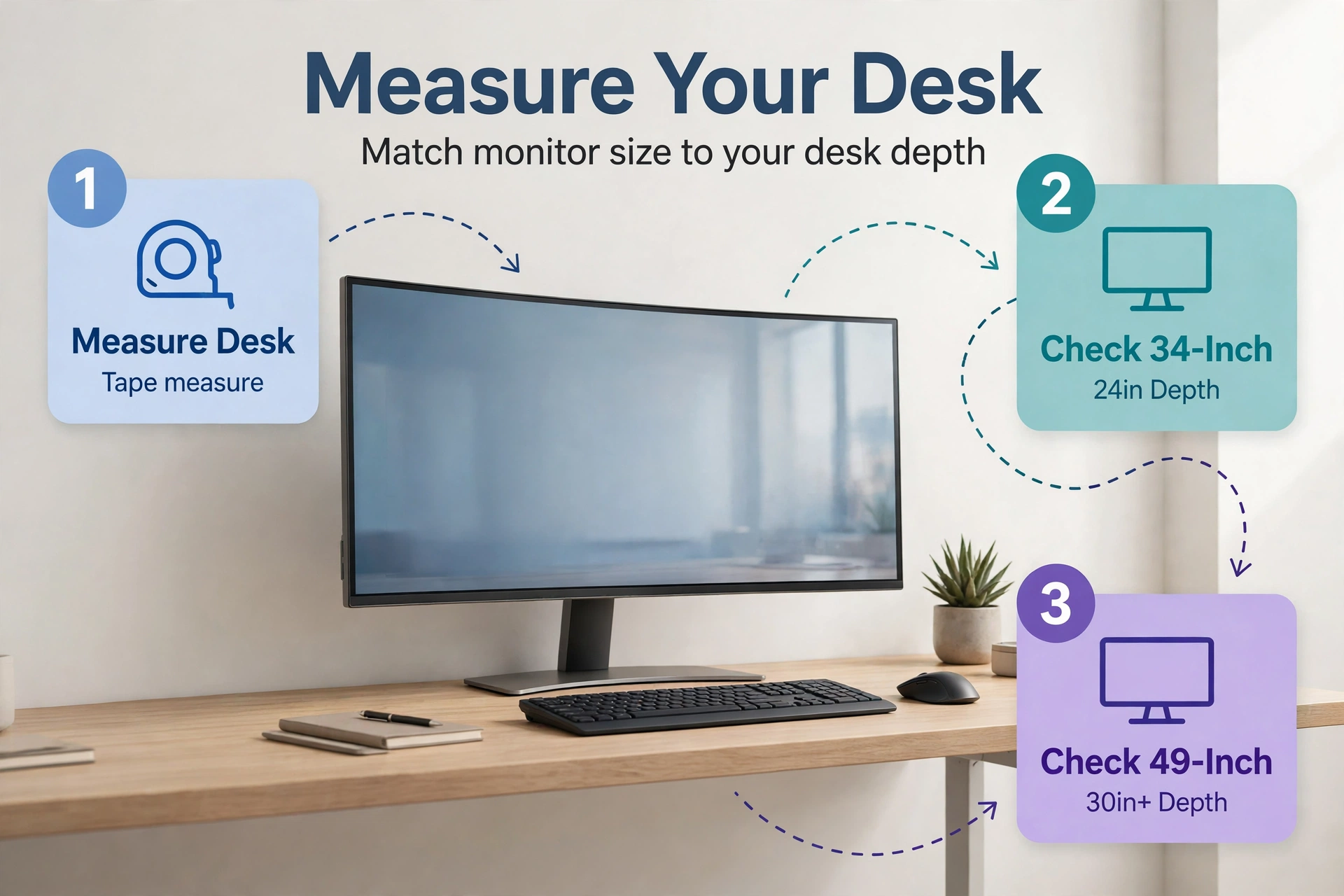
Start with your desk, not with a brand. Measure the depth from the wall to the front edge. A 34-inch ultrawide works on a desk 24 inches deep. A 49-inch panel wants 30 inches or more, because you sit farther back to see both edges without turning your head.
Size: 34 inch or 49 inch
For example, a 34-inch ultrawide at 3440 x 1440 replaces two 24-inch monitors with room to spare. It fits most desks and most budgets. A 49-inch ultrawide at 5120 x 1440 replaces two 27-inch monitors. It feels like a command center, but it needs a wide desk and a strong graphics card.
Panel type: OLED, IPS, or VA
First, OLED gives you perfect blacks, instant response times, and colors that pop. The Alienware AW3425DW lists a 0.03 ms response time, which is effectively instant for gaming. The catch is burn-in. Static taskbars and browser tabs can leave a faint ghost image over months of heavy use.
In contrast, IPS panels show accurate colors and wide viewing angles, and they never burn in. They suit office work and photo editing. Their weakness is contrast. Blacks look gray in a dark room, and that gap is obvious next to an OLED.
Meanwhile, VA panels offer deep blacks for less money than OLED. The Dell S3425DW uses a VA panel with 120Hz refresh, and it costs far less than any OLED here. Viewing angles are narrower, so colors shift a little when you sit off-center. For a single user sitting straight on, that rarely matters.
Refresh rate and resolution
For work, 100Hz to 120Hz feels smooth and is plenty. For gaming, 144Hz is the sweet spot, and 240Hz suits fast shooters. Still, do not buy a 60Hz ultrawide in 2026. The jump from 60Hz to 120Hz changes how the whole desktop feels.
Next, resolution matters just as much. A 34-inch panel at 3440 x 1440 looks sharp at normal desk distance. A 49-inch panel at 5120 x 1440 spreads the same vertical pixels across a much wider screen, so text looks a touch softer.
Ports: USB-C power delivery and KVM
If you use a laptop, USB-C is the feature that matters most. One cable carries video, data, and charging. The Dell S3425DW delivers up to 65W over USB-C, which charges most ultrabooks. The MSI MAG 341CQP adds a KVM switch, so one keyboard and mouse can control two computers through the same screen.
Check the wattage before you buy. A 65W port charges a MacBook Air with ease, but a 16-inch MacBook Pro wants more. Our guide to the best monitor for MacBook Pro covers USB-C charging in more detail.
Then count your HDMI and DisplayPort inputs for desktop gaming. A PC, a console, and a streaming stick add up fast. DisplayPort 1.4 runs 3440 x 1440 at 240Hz without compression on most cards. HDMI 2.1 does the same for consoles that support it.
The 6 best ultrawide monitors of 2026
In short, each pick below earns its place for a different reason. Read the trade-offs, not just the headline spec.
1. Alienware AW3425DW: best overall
The Alienware AW3425DW is the safest all-round pick in this guide. Its 34.2-inch QD-OLED panel runs 3440 x 1440 at 240Hz with a 0.03 ms response time. Dell lists VESA DisplayHDR True Black 400 certification and 1.07 billion colors.
In practice, the 1800R curve is gentle. It pulls the edges toward you just enough to feel immersive without bending straight lines in spreadsheets. The stand adjusts for height, tilt, and swivel, which matters on a screen this wide.
So what holds it back? The 250-nit brightness rating is modest, so it suits a normal room rather than a sunlit one. Use a dark taskbar and let the screen sleep when you walk away. Dell backs the panel with a three-year burn-in warranty, which takes much of the worry out of daily use.
2. LG UltraGear 34GS95QE: best curved OLED for gaming
The LG UltraGear 34GS95QE takes the same 34-inch, 3440 x 1440, 240Hz formula and bends it harder. In fact, its 800R curve wraps the screen around you far more than the Alienware’s gentle arc.
LG’s OLED panel delivers the same perfect blacks and instant response as its rivals. The tighter curve is the real difference here, and it splits buyers. Some love the wrap-around feel. Others find it bends straight lines in documents and video timelines too much for daily work.
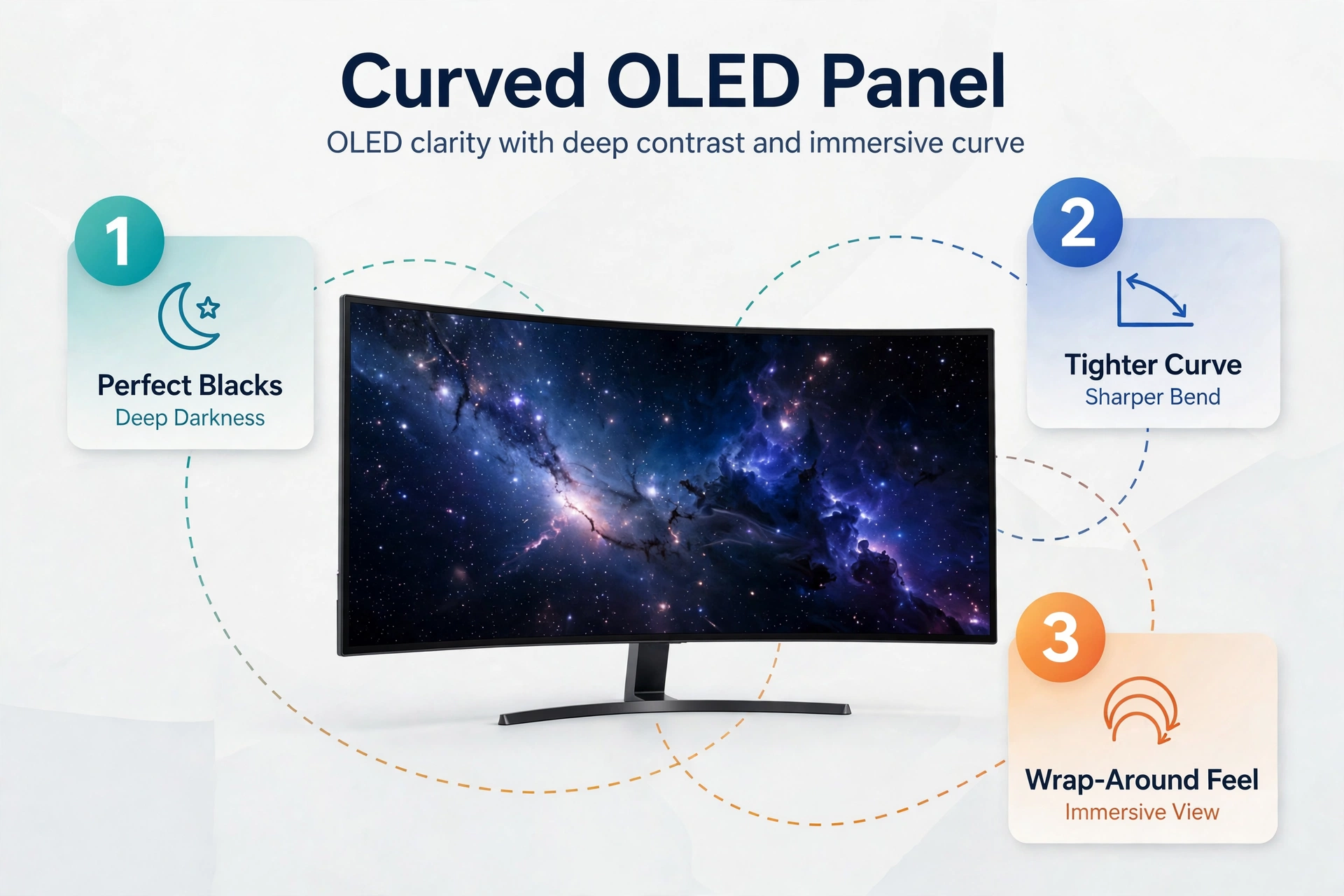
So choose this one if gaming comes first and your desk work is light. If you edit video timelines or spreadsheets all day, the gentler curve of the Alienware fits better.
3. Samsung Odyssey OLED G9: best super ultrawide
At the top end, the Samsung Odyssey OLED G9 is a 49-inch, 32:9 monster with a 5120 x 1440 QD-OLED panel at 240Hz. It replaces two 27-inch 1440p monitors with one seamless screen, and games stretch across your full field of view.
Specifically, this is the pick for sim racing, flight sims, and anyone who lives in three windows at once. You can run a game on one half and a guide on the other without a second monitor.
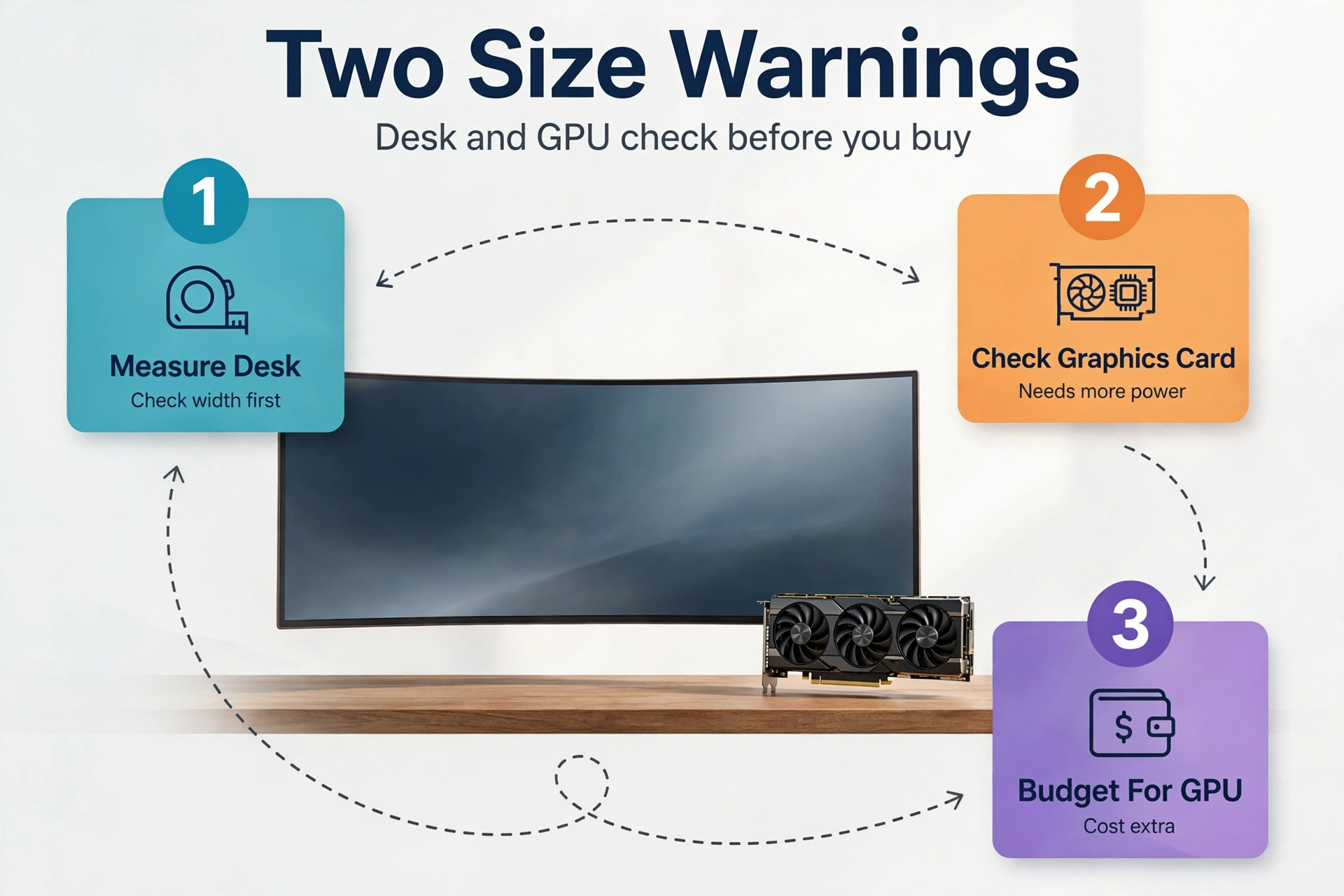
Two warnings come with the size. First, the desk. A 49-inch panel is about 47 inches wide, so measure your desk before you order. Second, the graphics card. A 5120 x 1440 screen pushes about 7.4 million pixels, roughly 49 percent more than a 34-inch ultrawide. A mid-range card will struggle at high settings, so budget for the GPU as well as the screen.
Buyers on a tighter budget can look at the non-OLED Odyssey G9 G91F instead. It keeps the 49-inch, 5120 x 1440, 1000R curved panel and DisplayHDR 600, but drops to 144Hz and a VA panel. You lose OLED blacks and gain a much lower price.
4. Dell S3425DW: best value for work
First, its 34-inch VA panel runs 3440 x 1440 at 120Hz with FreeSync Premium and HDR10 support. That refresh rate feels smooth all day, and keeps the price down.
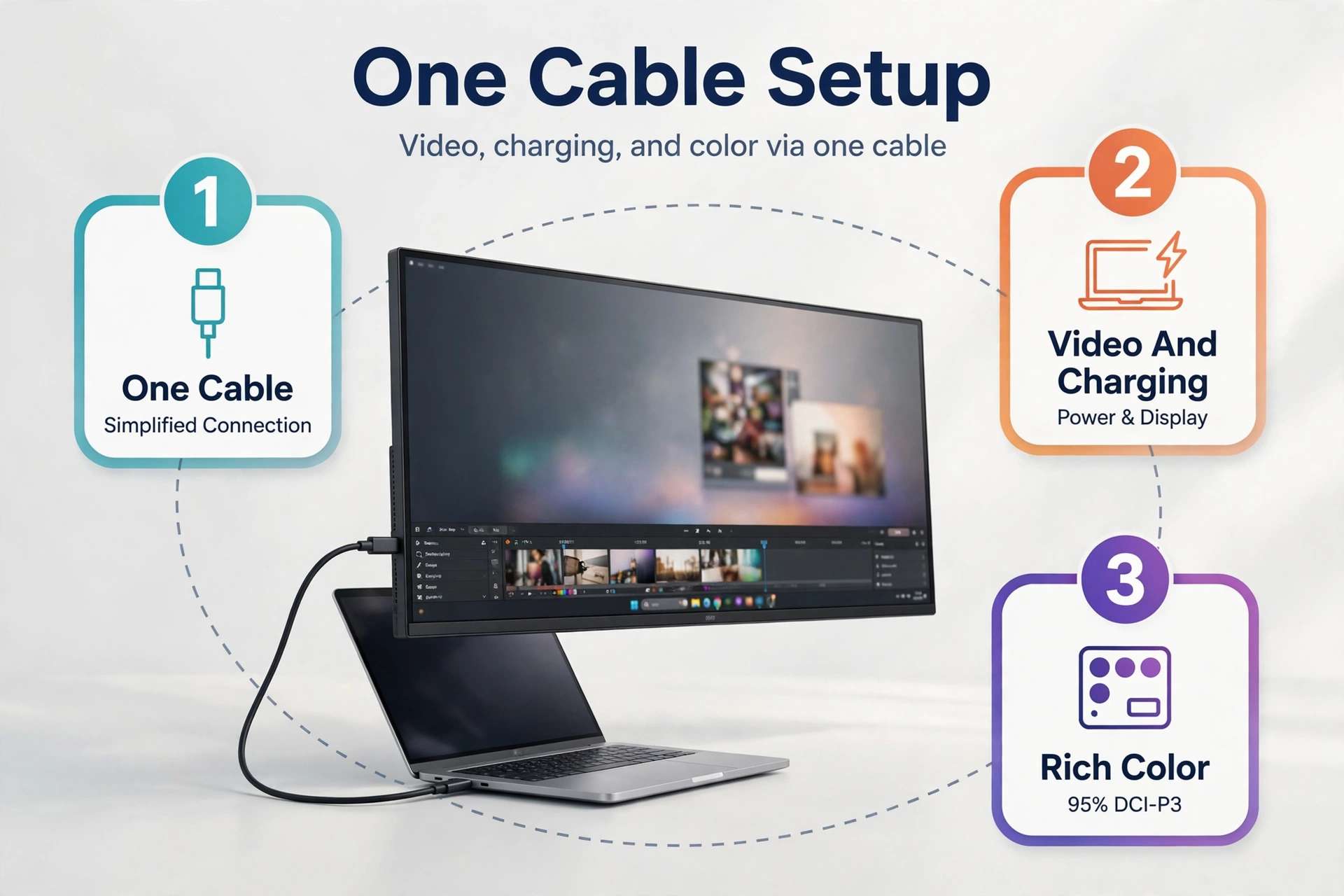
USB-C with up to 65W power delivery is the headline feature here. Plug in a laptop and one cable handles video, charging, and your USB hub. Dell also cites 95 percent DCI-P3 color coverage, which is strong for photo and video work at this price.
Still, the trade-off is the VA panel. Contrast is good, but viewing angles are narrower than IPS, and fast motion smears a little more than on OLED. For office work, spreadsheets, and casual gaming, none of that matters much. This is the monitor to buy when you want a big, clean workspace without paying the OLED premium.
If your setup runs on a small Mac, the same USB-C logic applies there too. Our guide to the best monitor for Mac Mini walks through single-cable setups for compact desktops.
5. Gigabyte MO34WQC: cheapest QD-OLED entry
In short, the Gigabyte MO34WQC brings QD-OLED down to its most accessible price point in the 34-inch class. You get the same core panel technology as the Alienware and the LG: 3440 x 1440 resolution, a 240Hz refresh rate, and OLED blacks that make games look superb.
Gigabyte trims the extras to hit the price. The stand is simpler, the USB-C charging is weaker depending on the region, and the design is plainer than the Alienware. None of that affects the picture, which is what you are paying for.
So this is the right pick when image quality matters most and your budget has a hard ceiling. Check the exact model number before you buy, because Gigabyte sells several similar QD-OLED variants with different port layouts. A missing USB-C port is only a problem if you planned to use it.
6. MSI MAG 341CQP: best for work plus gaming
Meanwhile, the MSI MAG 341CQP QD-OLED is the only pick in this guide that tries to do everything. It pairs a 34-inch QD-OLED panel at 240Hz with USB-C and a built-in KVM switch. One keyboard and mouse can control your work laptop and your gaming PC through the same screen.
As a result, that combination suits a home office that doubles as a gaming setup. Dock the laptop for work, switch the KVM input, and the screen becomes a gaming monitor. The OLED panel keeps games looking rich.
Still, the compromise is price. It costs more than the Gigabyte, and the KVM adds complexity to setup. If you only use one computer, the KVM is dead weight and the Alienware is the better buy.
34 inch vs 49 inch: which size fits your desk?
Table: A 34-inch and a 49-inch ultrawide compared on desk fit and use.
| Feature | 34 inch ultrawide | 49 inch ultrawide |
|---|---|---|
| Resolution | 3440 x 1440 | 5120 x 1440 |
| Aspect ratio | 21:9 | 32:9 |
| Desk depth needed | 24 inches | 30 inches or more |
| Replaces | Two 24 inch monitors | Two 27 inch monitors |
| Best for | Mixed work and gaming | Sims and heavy multitasking |
| Graphics card load | Moderate | Heavy |
The table hides one practical detail. In fact, a 49-inch panel is about 47 inches wide, and most desks are 48 inches wide. That leaves almost no room for speakers, and the monitor stand eats the rest. Measure twice, because a screen that overhangs your desk looks bad and wobbles when you type.
If you travel or work from more than one place, a big ultrawide is not the whole answer. A second screen you can carry fills the gap, and our guide to the best portable monitor covers lightweight options that pair well with a desk ultrawide.
What most buyers get wrong
The most common mistake is buying the screen before measuring the desk. A 49-inch ultrawide on a 24-inch-deep desk puts your eyes about 20 inches from the panel. At that distance, the edges sit in your peripheral vision and you turn your head all day. Neck strain follows within a week.
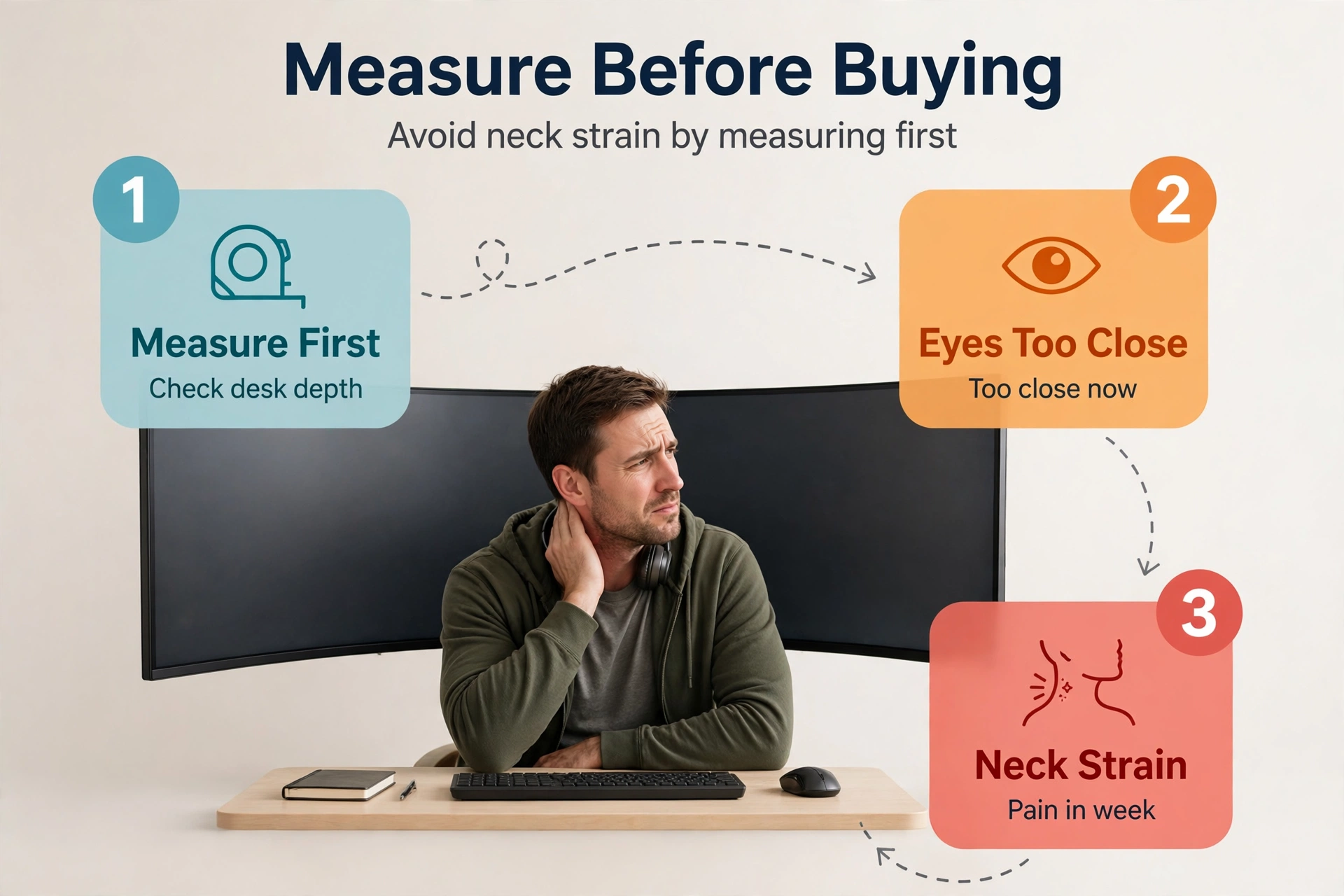
The second mistake is forgetting the graphics card. A 5120 x 1440 panel pushes roughly 49 percent more pixels than a 3440 x 1440 one. If your card already struggles at 1440p, the super ultrawide will make it worse. Check your frame rates at your target resolution before you spend on the screen.
The third mistake is buying an OLED for a static desktop. Taskbars, browser tabs, and code editors sit in the same place for eight hours a day. That is the exact pattern that causes burn-in. If your screen shows the same windows all day, an IPS panel like the Dell UltraSharp line is the safer long-term buy.
Finally, do not judge a monitor by its box brightness number alone. The Alienware lists 250 nits, which sounds low next to a TV. In a normal room it is plenty. A bright window behind you matters far more than the spec sheet, so test the screen in your real room during the return window.
FAQs
Is a 34-inch ultrawide monitor good for work?
Yes, a 34-inch ultrawide is one of the best work screens you can buy. The 3440 x 1440 resolution fits a spreadsheet beside a browser with room to spare. You lose the bezel of a dual-monitor setup and gain one clean workspace.
Is an ultrawide monitor better than two monitors?
It depends on how you work. One ultrawide gives you a seamless workspace with no bezel in the middle, and it uses one cable and one stand. Two monitors win when you need to run one screen in portrait mode.
What size ultrawide monitor should I buy?
First, buy a 34-inch ultrawide if your desk is 24 inches deep and you mix work with gaming. Buy a 49-inch model only if your desk is at least 30 inches deep and 48 inches wide, and you truly need two screens in one panel.
Do ultrawide monitors work with a Mac?
Yes, ultrawides work well with a Mac over USB-C or HDMI. A single USB-C cable can carry video and charge a MacBook at the same time, as long as the monitor delivers enough watts. Text can look softer on some ultrawides because macOS scales fonts differently.
Is OLED worth it on an ultrawide monitor?
OLED is worth it if games and movies matter most to you. Perfect blacks and instant response times make a real difference in dark scenes. It is less worth it if your screen shows the same taskbar and browser tabs all day, because static images can cause burn-in.
Can I use an ultrawide monitor for console gaming?
Yes, but with limits. Most consoles output 16:9, so you will see black bars on the sides of a 21:9 screen. Some games support ultrawide on PC only. If console gaming is your main use, a 16:9 TV often fits better, and our guide to the best TV for gaming covers the strongest options.
How far should I sit from an ultrawide monitor?
First, sit about 24 to 30 inches from a 34-inch ultrawide, and 30 to 36 inches from a 49-inch model. Your eyes should sit level with the top third of the screen. If you turn your head to read the far edge, you are sitting too close or the screen is too big.
Conclusion
In short, the best ultrawide monitor is the one that fits your desk, your graphics card, and your day. For most buyers, that is the Alienware AW3425DW. It mixes a 34-inch QD-OLED panel with 240Hz speed and a gentle curve for games and spreadsheets alike.
Go with the Samsung Odyssey OLED G9 instead if you have a deep desk and want two screens in one. Pick the Dell S3425DW if work comes first and your budget is tight. Measure your desk tonight, check your graphics card, and then order with confidence.