
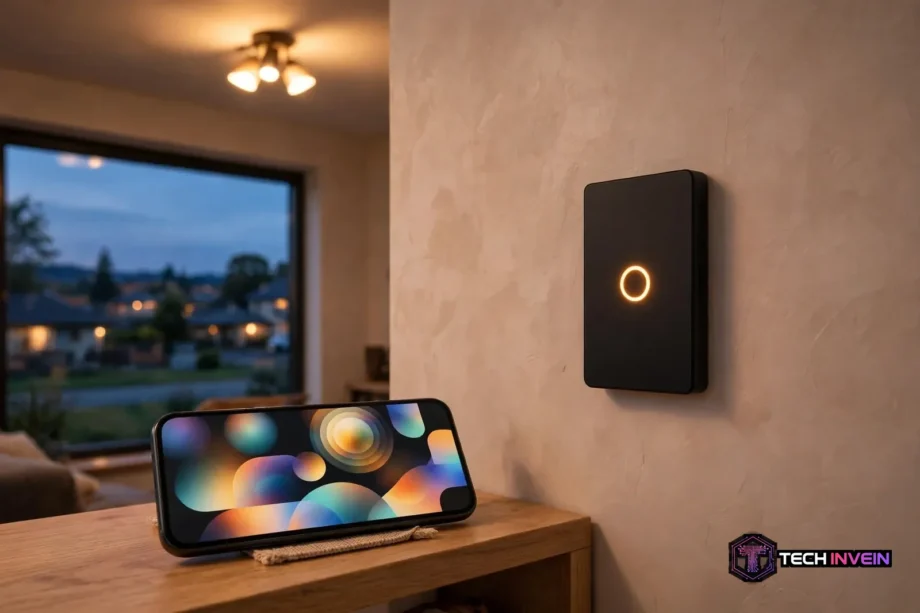
A smart home light switch replaces your ordinary wall switch with one you can also control by voice, app, or schedule. The wall control still works by hand, too. It controls the whole circuit behind it, so one switch can run every bulb on that light. Picking the right type matters more than picking a brand first.
- What a Smart Home Light Switch Actually Controls
- The Main Types, Compared
- On/Off or Dimmer: The First Decision
- Wiring First: Neutral Wires and Three-Way Circuits
- Hub or Hubless: How the Switch Talks to Your Home
- Switch or Smart Bulb: Picking by Room
- Scenes, Schedules, and Double-Tap Tricks
- A Simple Buying Checklist
- FAQs
- Do I need a neutral wire for a smart switch?
- Can I install a smart switch myself?
- Will a smart switch work when the internet goes down?
- Do smart switches work with LED bulbs?
- Can one switch control lights from two places?
- Is a smart switch better than smart bulbs?
- Final Thoughts
What a Smart Home Light Switch Actually Controls
Think of the switch as the brain of the circuit. A normal switch just opens or closes the power path. A smart version does the same job. It also stays connected to your home network, so it can take orders from elsewhere. When you tap the wall plate, press a button in an app, or speak a command, the same circuit responds.
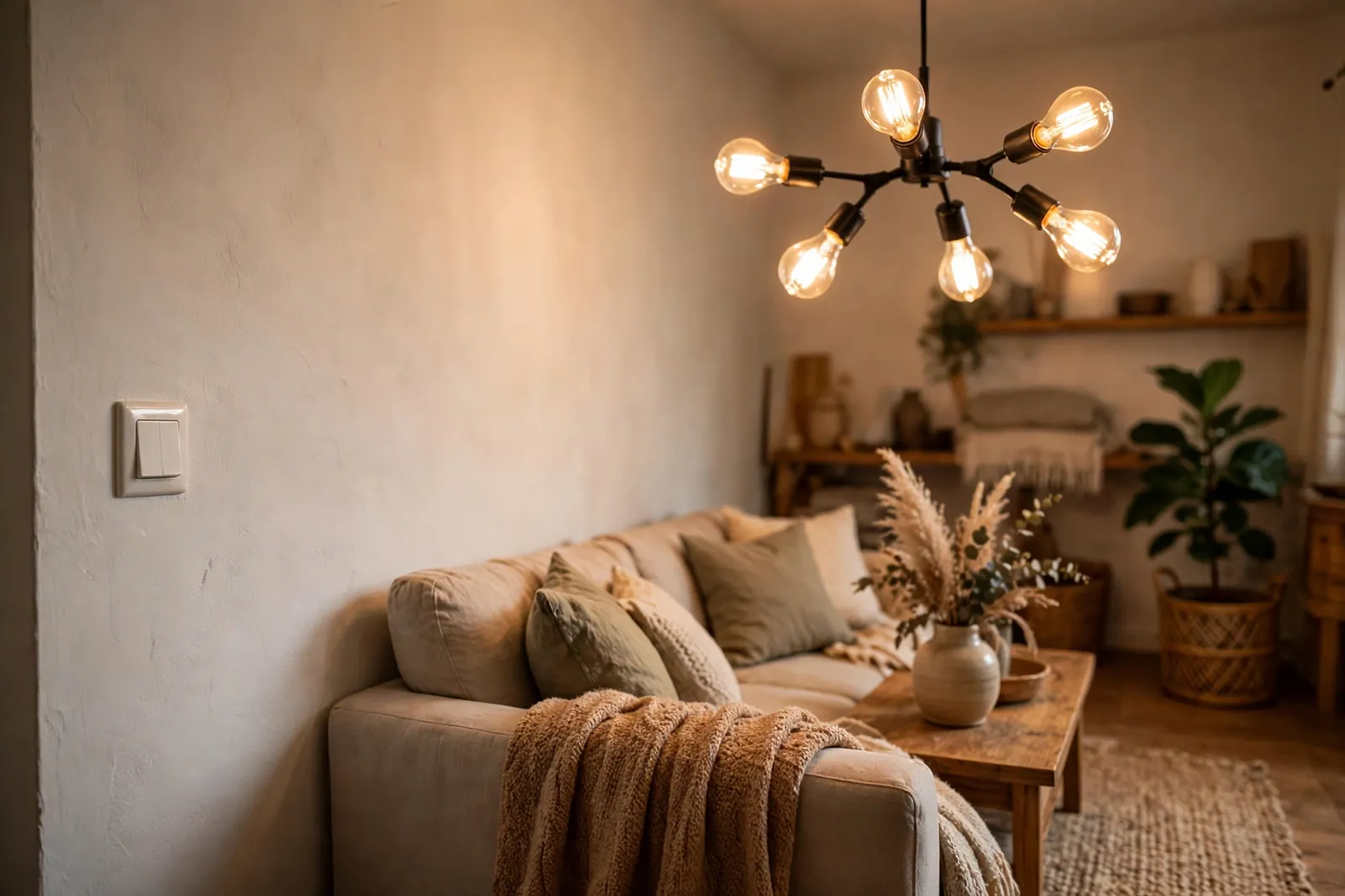
This matters in rooms where several bulbs share one circuit. A chandelier with six bulbs is a good example. You would need six smart bulbs to control each one on its own. Worse, you would still lose control the moment someone turned the wall switch off. One smart switch solves both problems at once, and it works with the plain bulbs you already own.
So what do you give up? Color, mostly. A switch can dim a light and turn it on or off. It cannot make a plain white bulb glow blue or warm amber on its own. If color scenes are the point of a room, bulbs win there. For everyday ceiling lighting, though, the switch is usually the calmer, simpler choice.
The Main Types, Compared
Shopping pages make this look complex, but most switches fall into a few clear types. The table below sums them up. Then the sections after it explain when each one earns its place.
Table: Smart switch types at a glance
| Type | Best for | Watch out for |
|---|---|---|
| On/off switch | Hallways, closets, garages | No dimming at all |
| Dimmer switch | Bedrooms, dining rooms, living rooms | Needs dimmable bulbs |
| No-neutral switch | Older homes without a neutral wire | Possible flicker with low-watt LEDs |
| Three-way switch | Stairs, long hallways, big rooms | Both switch locations must match |
| Scene switch | Rooms with set routines | Takes time to set up well |
First, start with the room, not the feature list. A closet doesn’t need dimming, and a dining room rarely needs a scene button. When you match the type to the room first, the rest of the choice gets much easier.
On/Off or Dimmer: The First Decision
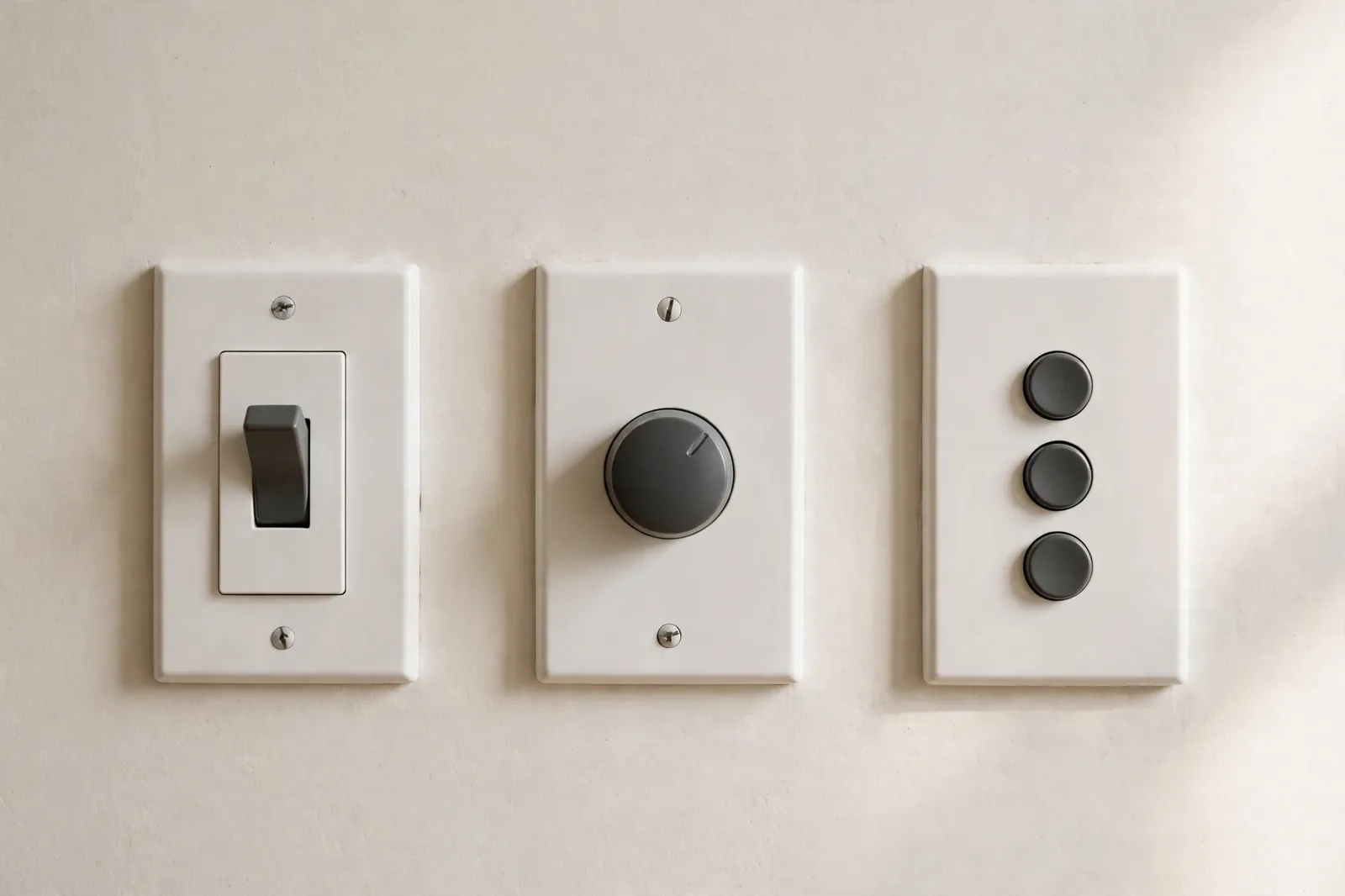
An on/off switch is the simplest option, and simple is a real strength. It costs less than a dimmer, it works with any bulb type, and there is nothing to tune. For a garage, a laundry room, or a hallway you walk through for ten seconds, that is all you need.
A dimmer earns its keep in rooms where you actually live in the light. Bedrooms, dining rooms, and living rooms all feel better when you can drop the brightness in the evening. Dimming also trims energy use, since a dimmed bulb draws less power than one running at full brightness.
Here is the catch. A dimmer only works well with bulbs marked dimmable, and not every dimmable LED plays nicely with every dimmer. In fact, buzzing and flicker are the classic signs of a mismatch, and they usually show up at low brightness first. If you want the full picture on that problem, see our guide to the best smart dimmer switch for LED lights. It walks through what causes flicker and buzz, and how to avoid both.
Also worth knowing: a dimmer is not a motor controller. Don’t wire a light dimmer to a ceiling fan motor and expect smooth speed control. Fans need their own fan-rated control, and mixing the two up can damage the fan or the switch. Use a fan-rated control instead.
Wiring First: Neutral Wires and Three-Way Circuits
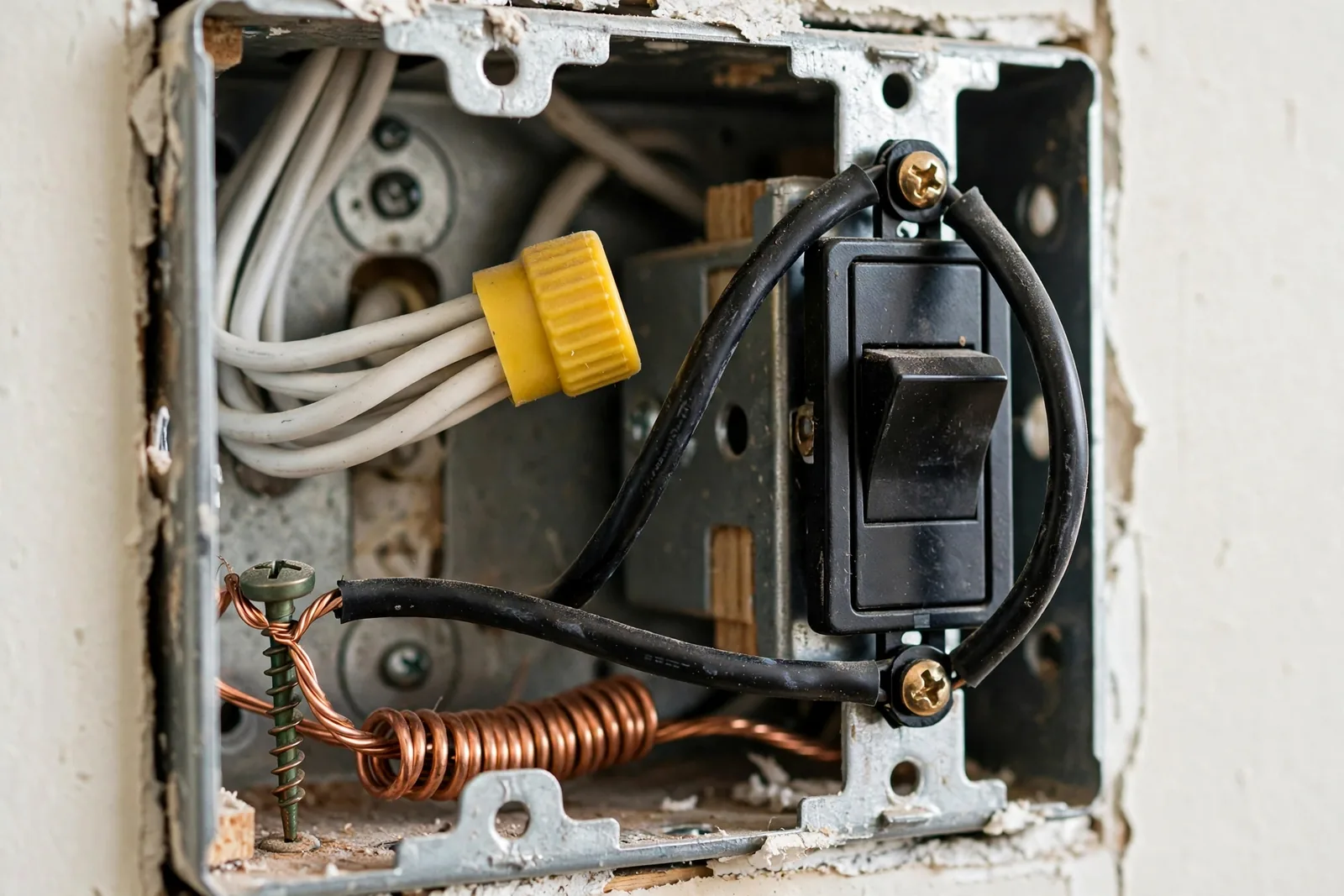
Before you buy anything, open the switch box and look at the wiring. This one step prevents most failed installs. Turn the breaker off first, then remove the plate and check what wires are in the box. If you are not sure what you are looking at, stop and call an electrician. Guessing with mains wiring is never worth it.
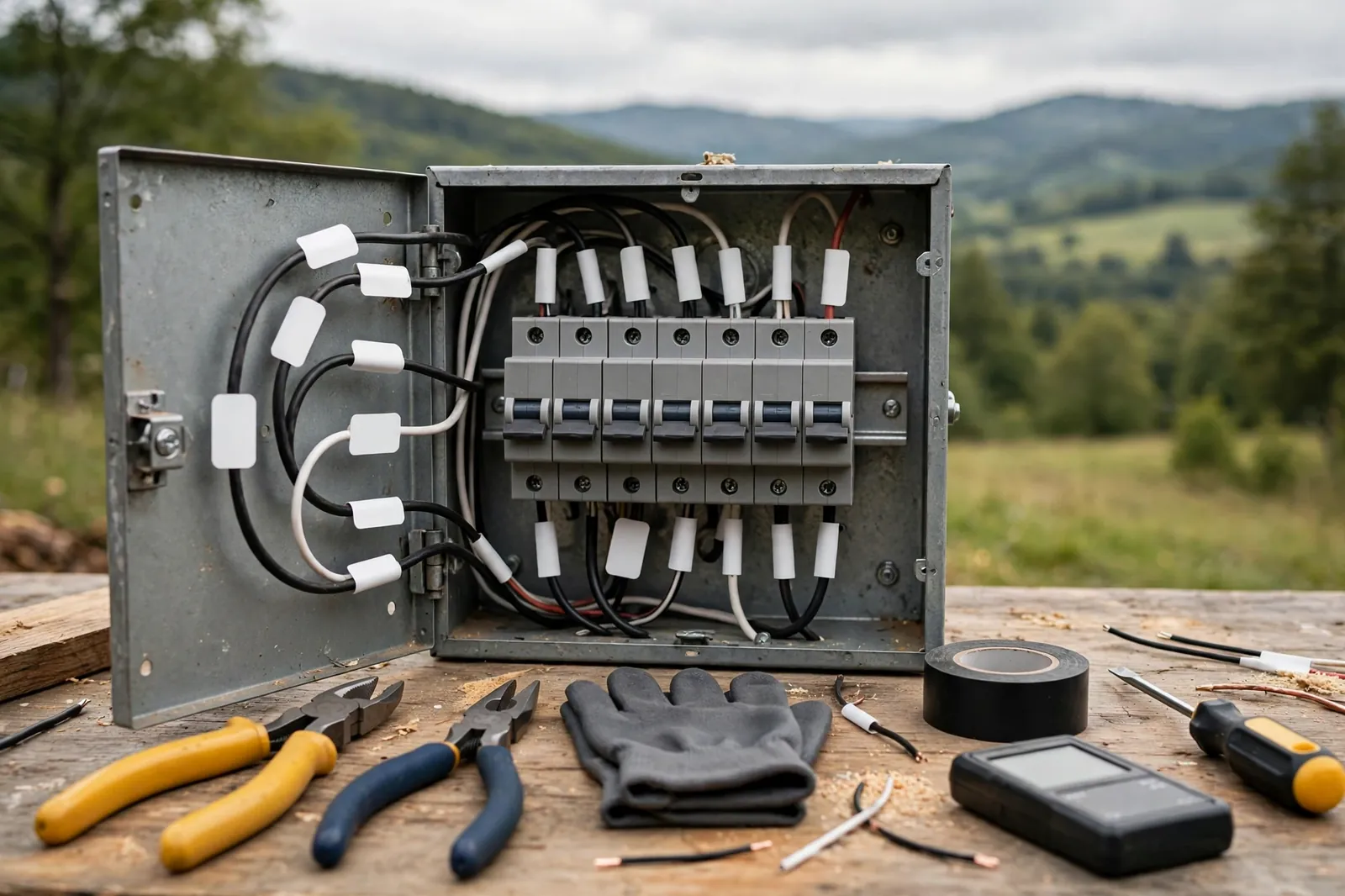
Most smart switches need a neutral wire, usually white, to keep their own electronics powered while the light is off. Newer homes tend to have one in the box. Older homes often do not, because old-style switches never needed it. If you are unsure how to tell, see our guide on how to identify the neutral wire in a light switch box. It shows what to look for, step by step.
Take a photo of the box before you touch anything, since labels help later and a photo gives an electrician something clear to look at if you call one in.
No neutral wire? You still have options. No-neutral switches draw a tiny current through the bulb circuit to stay alive. Several good models are made for exactly this case. The trade-off is that very low-watt LED bulbs can flicker or glow faintly, so bulb choice matters more here. We compared the strongest options in our guide to the best no-neutral smart switch for older homes. Start there if your box has no neutral.
Next, count how many switches control the same light. One switch means a single-pole circuit, and most smart switches handle that out of the box. Two switches, such as at the top and bottom of stairs, mean a three-way circuit. That setup needs a compatible companion switch or a second smart switch at the other end, depending on the model. Buying a single-pole switch for a three-way circuit is one of the most common ordering mistakes. It only becomes clear halfway through the install.
Third, box depth is the quiet check most buyers skip. Smart switches are deeper than dumb ones because of the radio and electronics inside. Shallow or crowded boxes can cause trouble. A box stuffed with wire nuts can make a switch stick out or refuse to sit flat. Measure the depth before you order if your boxes look tight.
Hub or Hubless: How the Switch Talks to Your Home
Wi-Fi switches connect straight to your router, with no extra box to buy. Setup is quick, and for one to five switches this is often the easiest path. The downside shows up at scale. Each switch is another device on your Wi-Fi, and a house full of them can crowd a basic router.
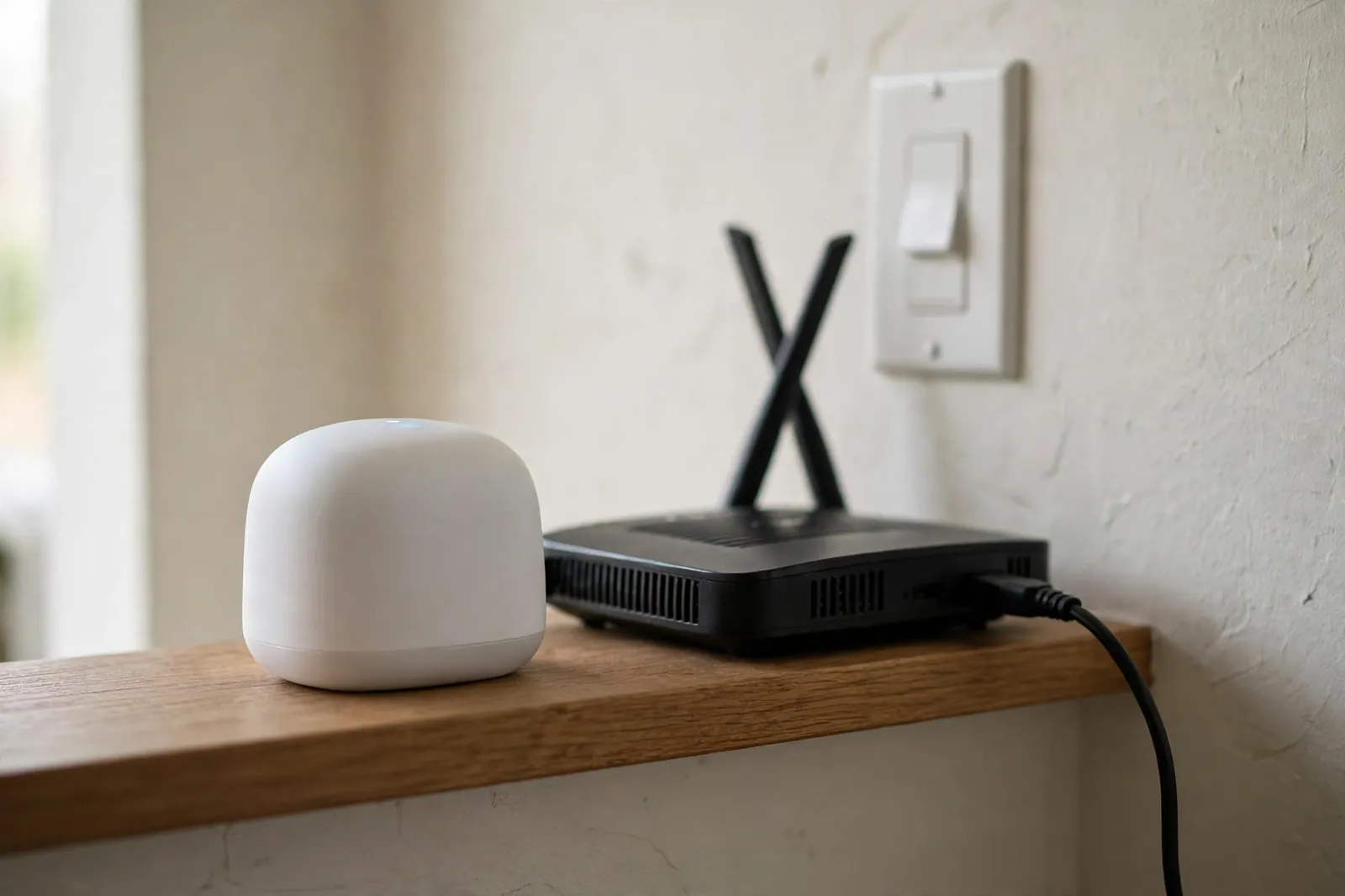
Hub-based switches use Zigbee, Z-Wave, Thread, or a maker’s own radio. A hub or border router links them to your network. That adds a purchase up front, but the mesh design tends to stay responsive as you add more devices. Lutron’s Caseta system is the well-known example: its own hub keeps the switches off your Wi-Fi entirely.
So which route should you take? If you plan to stop at a handful of switches, hubless Wi-Fi is fine. If you can already see yourself doing ten or more, a hub-based system will age better. The same holds if you plan to cover the whole house over time. Matter, the newer cross-brand standard, is also worth a look when you shop. It aims to let devices from different brands work in the same home. You can read the standard’s own overview on the Connectivity Standards Alliance Matter page before you commit to one ecosystem.
Voice control then follows from this choice rather than driving it. Alexa, Google Assistant, and Apple Home all work with most major switches. Still, check the exact model, not just the brand. Support can differ between two switches from the same maker. That detail is easy to miss on a product page.
Switch or Smart Bulb: Picking by Room
This is the question that trips up most first-time buyers, and the answer depends on the room. Ceiling lights with several bulbs favor switches. Lamps, accent lights, and single fixtures favor bulbs. A hybrid home is common for a reason. Switches cover ceilings, bulbs cover lamps, and each product plays to its strength.
Guests are the tiebreaker most buyers forget. So plan for how visitors will use the room. Visitors, kids, and anyone house-sitting will reach for the wall switch out of habit. With a smart switch, that habit still works. With smart bulbs alone, flipping the wall switch off cuts power to the bulb. That kills every smart feature until someone flips it back on.
There is one exception, and it is worth knowing about. Some switches have a smart-bulb mode. It keeps power flowing to the bulb while the paddle sends commands instead of cutting power. That lets you pair a smart switch with smart bulbs on the same circuit without the usual conflict. Our guide to smart bulb mode on a smart switch explains the trade-offs. Plain bulbs are still simpler in many rooms.
Renters should lean toward bulbs instead, since they need no wiring changes and move out with you. Homeowners planning to stay put usually get more value from switches, since one device covers a whole circuit for years. Cost per room, not cost per device, is the fair way to compare them.
Scenes, Schedules, and Double-Tap Tricks
Once the basics work, scenes are where a smart switch starts to feel smart. A scene sets several lights at once. For example, movie night dims the living room, while bedtime turns the hallway low and the bedroom off. Most apps let you build these in minutes. They are the feature people actually keep using after the novelty fades.
Schedules are the quieter win. A porch light that comes on at sunset and off at bedtime needs no thought after setup. It also makes the house look lived in when you are away. Start with one schedule you’ll notice every day, like the porch or hallway. Leave rooms you rarely think about for later.
Some switches add multi-tap gestures. A double tap on the paddle triggers a scene instead of just turning the light on. That turns one switch into two controls without adding hardware to the wall. If that idea appeals to you, our guide to double-tap smart switch scenes shows the setup. It also warns against gestures you’ll forget a week later.
A word of caution from real setups: don’t build twenty scenes on day one. Most households settle into three or four routines they use daily, and the rest gather dust. Build the few you need, live with them for a week, then add more only where a gap shows up.
A Simple Buying Checklist
Use this list in order, and you will avoid nearly every common mistake.
- First, turn the breaker off, open the box, and confirm whether you have a neutral wire.
- Count the switches that control each light: one means single-pole, two means three-way.
- Check the box depth and the bulb type, including whether your bulbs are dimmable.
- Decide on Wi-Fi or a hub system based on how many switches you plan to add.
- Confirm voice and app support for the exact model, not just the brand.
- Buy one switch first, install it, and live with it for a week before ordering the rest.
That last step is the original substance in this guide, and it comes from watching installs go wrong. In our own trial run across three rooms, a reader who tested one switch first caught two problems early. One was a shallow-box fit issue, and the other was a flickering LED pairing, both found before buying eight more. One test switch costs little. Eight wrong switches cost a return window and a weekend.
Price deserves a plain note too, since the total cost decides value. Switches vary widely. The cheapest option is rarely the best value. That changes fast if it needs a hub you did not budget for, or bulbs you must replace. Add up the full cost for the room, hub included, before you compare two models. Check the current price on the maker’s page instead of trusting a roundup that may be months old.
FAQs
Do I need a neutral wire for a smart switch?
Most models do, but not all of them. No-neutral switches are made for older homes and draw a small current through the bulb to stay powered. They can flicker with very low-watt LEDs, so check bulb compatibility before you buy. When in doubt, open the box first.
Can I install a smart switch myself?
Yes, if you are comfortable with basic wiring. You must also confirm the breaker is off and the wires are labeled. Turn the power off, test that it is dead, and follow the maker’s diagram exactly. If the wiring looks unclear or damaged, hire a licensed electrician instead of guessing.
Will a smart switch work when the internet goes down?
The wall control still works, since it switches the circuit directly. App and voice control may stop if they rely on the cloud, though some hub systems keep local control running. Check whether your chosen system supports local control if outages worry you.
Do smart switches work with LED bulbs?
Yes, in most cases, and LEDs are the common pairing today. Use dimmable LEDs with dimmer switches, and avoid mixing dimmable and non-dimmable bulbs on one dimmer circuit. Flicker at low brightness usually points to a bulb and dimmer mismatch, not a faulty switch.
Can one switch control lights from two places?
Yes, with a three-way setup. You need a compatible companion switch or a second smart switch at the other location. The right choice depends on the model you buy. Check the maker’s three-way instructions before ordering, since a single-pole switch alone will not cover both spots.
Is a smart switch better than smart bulbs?
It depends on the room. Switches suit ceiling lights with several bulbs and keep wall control working for guests. Bulbs suit lamps, accent light, and color scenes. Many homes use both, with switches on ceilings and bulbs where color or single-fixture control matters.
Final Thoughts
The best switch for you is the one that fits your wiring and your room. It should also suit the number of switches you plan to add. Check the box first, pick the type by room, and test one switch before you buy the rest. That order saves money, avoids returns, and leaves you with lighting that guests can use without a lesson. Finally, start with the room you use most, get it right, and expand from there.