


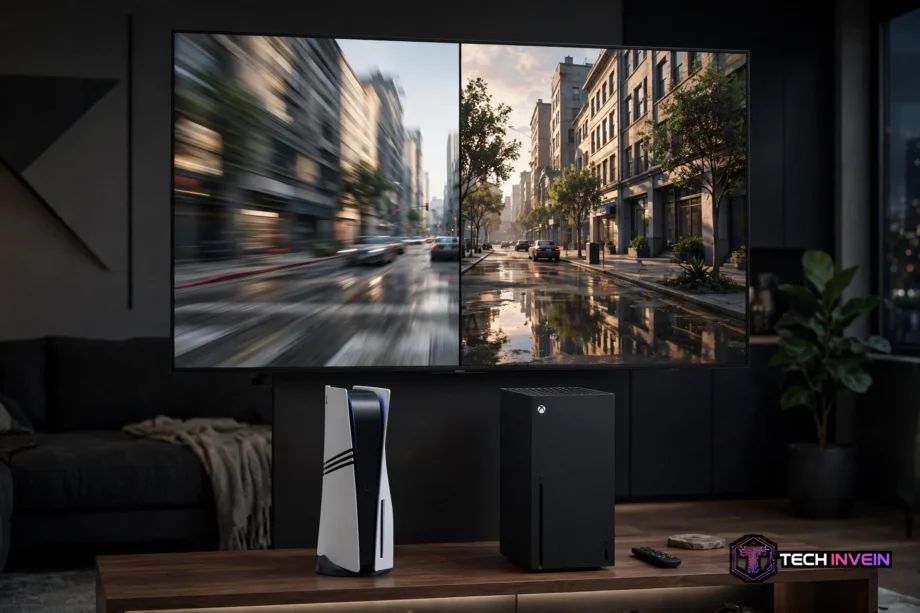
Here is the honest answer to gta 6 performance mode vs fidelity mode: there is no choice to make. GTA 6 launched on 19 November 2026 with a single graphics setup on every console, and Rockstar targets 30 frames per second across the board. You will not find a performance mode or a fidelity mode in the settings menu.
- GTA 6 Performance Mode vs Fidelity Mode: The Short Answer
- What GTA 5 Did Differently
- How Each Console Actually Runs GTA 6
- Why Rockstar Picked 30fps for Everyone
- GTA 6 Performance Mode vs Fidelity Mode on PS5 Pro
- What You Can Change Instead
- Turn on your TV’s game mode
- Turn off motion smoothing
- Set motion blur inside the game
- Calibrate brightness and HDR
- Use VRR on Xbox, and know its limits
- Wire your connection for downloads and cloud play
- The Mistake to Avoid
- Which Console Should You Play On?
- FAQs
- Does GTA 6 have a performance mode?
- Does GTA 6 have a fidelity mode?
- Is GTA 6 60fps on PS5 Pro?
- Why is GTA 6 only 30fps?
- Will GTA 6 get a 60fps mode later?
- What resolution does GTA 6 run at?
- How can I make GTA 6 feel smoother at 30fps?
- Conclusion
That surprises a lot of players. GTA 5 on PS5 and Xbox Series X|S offered three graphics modes, so most people expected GTA 6 to do the same. It does not, at least not at launch. This guide explains what Rockstar actually ships and how each console runs the game.
GTA 6 Performance Mode vs Fidelity Mode: The Short Answer
GTA 6 has no performance mode and no fidelity mode. Rockstar said in its pre-load post of 10 November 2026 that the game targets 30 frames per second on current consoles while pushing both platforms to their limits. The post names no frame rate option and no graphics mode at all.
Players checked the settings menu on launch night and found the same thing. The Display tab holds brightness calibration, motion blur strength, and a few accessibility options. It holds no mode picker and no frame rate toggle.
So it is no longer which mode you should pick. It is which console holds 30fps best, and which TV settings make that 30fps look and feel its best.
What GTA 5 Did Differently
To see why everyone expected a choice, look back at GTA 5. When it arrived on PS5 and Xbox Series X|S in March 2022, Rockstar published three graphics modes. Each one traded resolution and effects against frame rate.
Fidelity mode ran at 30fps with native 4K and ray tracing. Performance mode ran at 60fps with upscaled 4K. Performance RT kept 60fps and added ray tracing on PS5 and Series X. Players could pick smooth motion or sharper detail.
Still, GTA 6 breaks that pattern. There is one preset per console, chosen by Rockstar, and the player cannot change it. The table below shows the GTA 5 modes so you can see what is missing.
Table: GTA 5 graphics modes on PS5 and Xbox Series X, from Rockstar
| Mode | Frame rate target | Picture |
|---|---|---|
| Fidelity | 30fps | Native 4K with ray tracing |
| Performance | 60fps | Upscaled 4K |
| Performance RT | 60fps | Upscaled 4K with ray tracing |
Notice what those modes had in common. Every one of them was a real option in the menu. In fact, GTA 6 offers nothing like that. Rockstar picked one balance point for the whole game.
How Each Console Actually Runs GTA 6
Yet one frame rate target does not mean one identical experience. Digital Foundry tested all four consoles at launch, and the results show real gaps.
On PS5, PS5 Pro, and Xbox Series X, the game renders at 1440p internally and upscales to a 4K output. On Xbox Series S it renders at 720p and upscales to 1080p with AMD FSR 4. That is a big resolution gap, and it shows on a large screen.
The PS5 Pro holds 30fps best. Digital Foundry called its frame rate near locked, with brief dips to around 24fps in the heaviest destruction. The base PS5 and the Series X sit close behind, with dips into the high 20s during chases and fights, and lower in the worst scenes.
In contrast, the Series S struggles most. It spends long stretches in the mid to high 20s and can fall toward 20fps under heavy destruction, with one explosive shootout measured near 18fps.
Table: Measured launch results per console, from Digital Foundry testing
| Console | Internal resolution | Output | Frame rate |
|---|---|---|---|
| PS5 Pro | 1440p | Near 4K with PSSR | Near locked 30fps |
| PS5 | 1440p | Upscaled to 4K | 30fps, dips to mid 20s |
| Xbox Series X | 1440p | Upscaled to 4K | 30fps, dips in busy scenes |
| Xbox Series S | 720p | Upscaled to 1080p | 30fps, dips toward 20fps |
What does this mean in plain terms? If you own a PS5 Pro, you get the steadiest game and the sharpest image. If you own a base PS5 or a Series X, you get nearly the same picture with a few more dips. If you own a Series S, you get a softer picture and the most dips. Finally, nobody gets 60fps on any console.
Why Rockstar Picked 30fps for Everyone
Rockstar has given a clear reason, and it comes down to the processor. The world of Leonida is dense, because crowds, traffic, weather, and physics all run on the CPU, not just the graphics chip. Doubling the frame rate would mean doubling that simulation work every second.
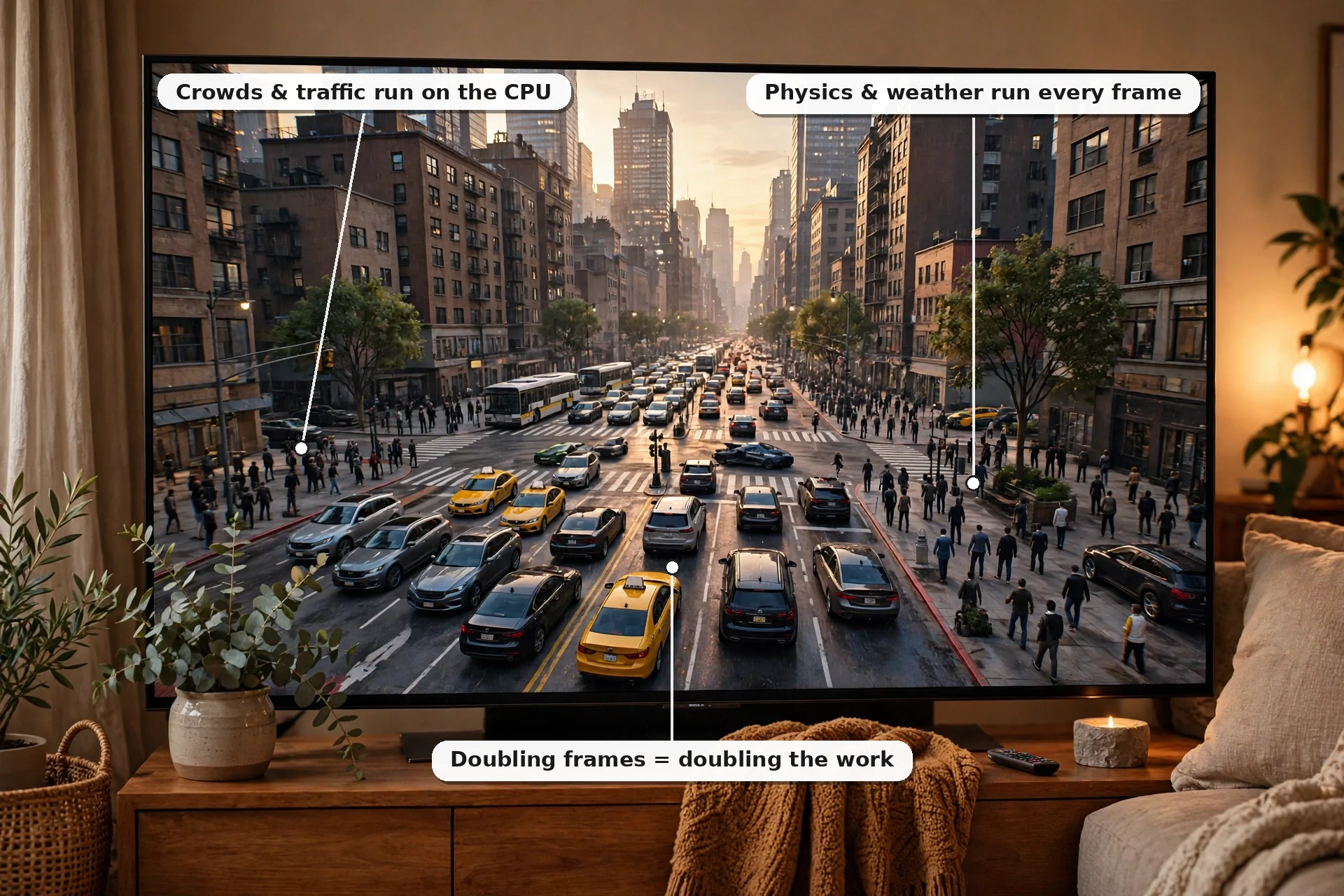
Marc Chambers, Rockstar’s Technology Production Director, told Kotaku that the PS5 Pro’s processor is not powerful enough to run the game’s complex simulation at higher frame rates. The Pro has a much stronger graphics chip than the base PS5, but its processor is only slightly better. That is why the extra power went into image quality instead of frame rate.
Rockstar’s own post says the same thing in plainer words. The game targets 30 frames per second while keeping the density and visual detail of its world and its people. In short, the studio chose a full, busy city over a faster frame rate.
Could a 60fps mode arrive later in a patch? Rockstar has not announced one, and the studio describes the game as built around 30fps. A later mode would be a large change, not a small patch. So do not buy a console today on the hope that it appears.
GTA 6 Performance Mode vs Fidelity Mode on PS5 Pro
The PS5 Pro is where the missing choice hurts most. It is the strongest console, and it is the one players most expected to offer 60fps. It does not. Yet it runs at the same 30fps target as every other console.
What the Pro gets instead is better image quality. Rockstar confirmed that the PS5 Pro adds improved clarity through PlayStation Spectral Super Resolution, known as PSSR, and ray-traced shadows that no other console gets. The base game already uses ray-traced reflections and global illumination, and the Pro adds shadows on top.
In practice, that means a cleaner, sharper picture at the same frame rate. Digital Foundry found the Pro holds its 30fps with near perfect frame pacing, which makes the game feel smooth even at 30.
So is the Pro worth it for GTA 6? First, if you already own one, you have the best console version. If you are thinking of buying one just for this game, be honest with yourself. Instead, you are paying for a sharper picture and steadier frames, not for 60fps.
What You Can Change Instead
You cannot change the frame rate, but you can change plenty around it. These settings make a real difference at 30fps, and they cost nothing.
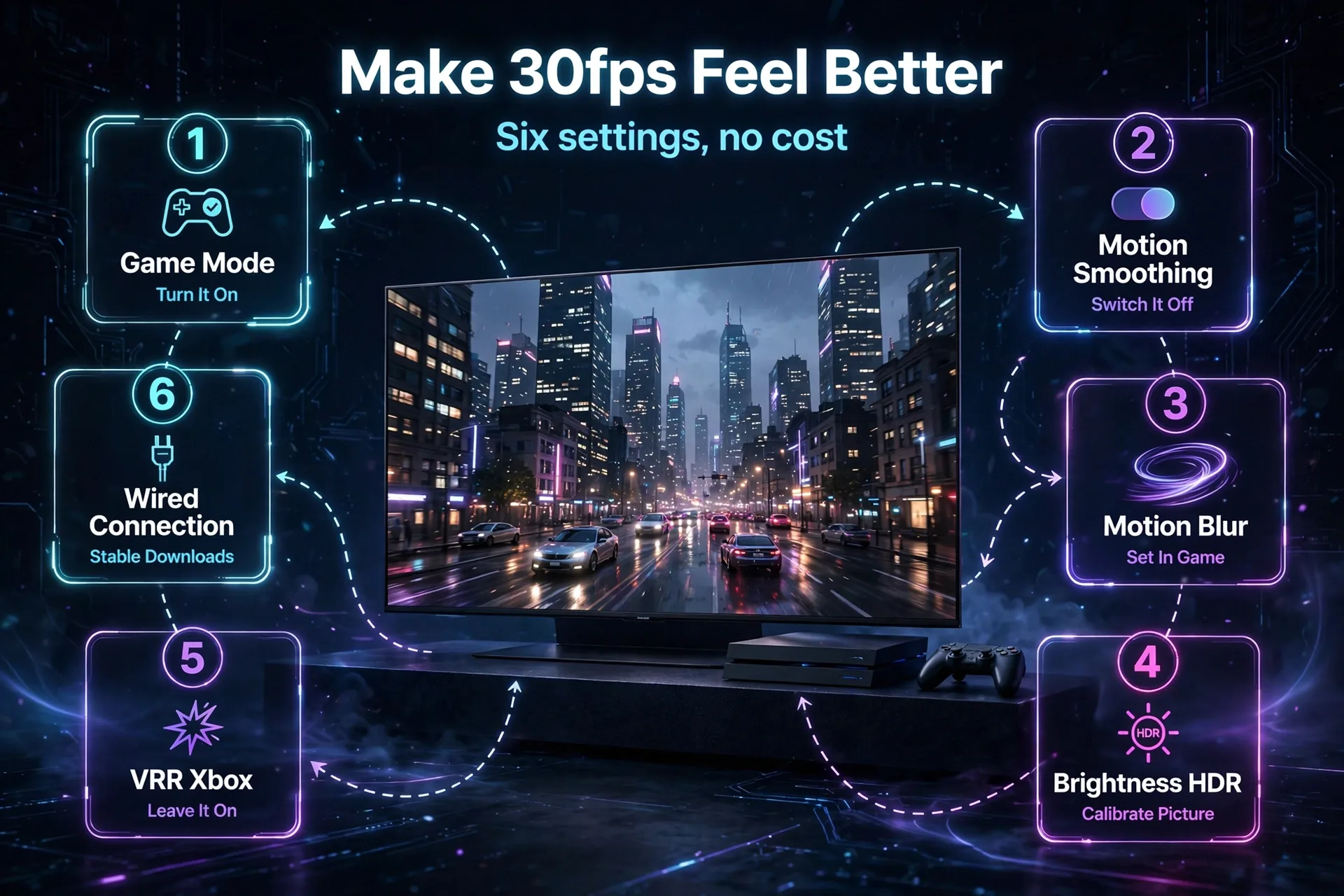
Turn on your TV’s game mode
First, this is the single most useful change. Game mode turns off extra picture processing on your TV, and that processing adds delay between your controller and the screen. Digital Foundry measured end to end input delay near 180ms on Series X, and part of that comes from the display.
Still, at 30fps, every bit of delay feels bigger. Game mode will not add frames, but it will make the game feel more responsive. If your TV has an auto game mode setting, turn that on too, so it switches by itself each time you play.
Also, picking the right screen matters here. A good best TV for gaming keeps input delay low and handles motion well, which is exactly what a 30fps game needs.
Turn off motion smoothing
Motion smoothing, sometimes called motion interpolation, is the feature that makes films look like cheap video. On a game it adds delay and smears fast movement, so turn it off for the HDMI port your console uses.
Set motion blur inside the game
GTA 6 has a motion blur strength slider in its Display tab. At 30fps, a little motion blur helps fast camera moves look smooth instead of choppy. Still, too much blur makes everything look smeared.
Start at the default and play for half an hour. Then, if fast turns look step-like, raise it one notch. If the picture looks soft when you move, lower it.
Calibrate brightness and HDR
Use the brightness calibration tool in the game’s Display tab. First, do it in the room light you normally play in, not in a dark room at midnight if you usually play in daylight.
If your TV supports HDR, check that the console outputs HDR and that the TV shows the HDR badge when the game starts. Digital Foundry measured peak brightness near 1,500 nits in its test, so a good HDR TV has real detail to show.
Use VRR on Xbox, and know its limits
On Xbox Series X and Series S, leave VRR on in the system settings. In fact, it smooths how a 30fps game is shown on screen, even though it adds no frames. The path is Settings, then General, then TV and Display Options, then Video Modes.
On PlayStation the story is different. The PS5 system VRR only works above 48fps, so at 30fps it does not turn on. So do not waste time hunting for it.
Wire your connection for downloads and cloud play
The game itself runs offline, but downloads, updates, and cloud play all need a steady connection. A wired link beats Wi-Fi for large downloads and for cloud gaming, where every stutter shows up on screen.
Also, if your console sits far from the router, a proper ethernet cable for gaming is a cheap fix that removes a whole class of problems. It will not change your frame rate, but it will keep updates and cloud sessions stable.
The Mistake to Avoid
The most common mistake right now is simple: players spend their first evening hunting through menus for a setting that does not exist. They check Display, then Graphics, then System, then restart the game and check again.

Do not do that. Instead, accept the single preset, set your TV up properly, and play.
The second mistake is buying hardware for a mode that may never come. A PS5 Pro is a fine console, so buy it for the sharper picture and steadier frames it gives today. Instead, do not buy it as a bet on a 60fps patch that Rockstar has never promised.
And watch out for guides that list GTA 6 performance settings as if the modes exist. Some pages still show 60fps mode guides built from rumors and old GTA 5 settings. So if a guide tells you to switch GTA 6 to performance mode, close it.
Which Console Should You Play On?
Already own a console? Play on the one you have. The differences between PS5, PS5 Pro, and Series X are real but small next to the game itself.
Choosing between consoles today? The PS5 Pro gives the best GTA 6 experience, with the sharpest image and the steadiest 30fps. Meanwhile, the base PS5 and Series X are close behind and cost far less. The Series S is the cheapest way in, but it is also the softest picture and the least steady frame rate.
Your TV matters as much as your console here. Also, a good screen with low input delay and proper game mode will do more for how the game feels than any console swap. A 55-inch smart TV is a solid size for most living rooms.
If your living room setup is due an upgrade, start with the display and the seating.
Finally, make sure your console has the storage free before you buy anything. The pre-load file needs up to 212 GB depending on your device, per Rockstar. Clear space before launch night, not during it.
A well planned home theater setup makes a 30fps game feel far more alive than a bare TV on a stand.
FAQs
Does GTA 6 have a performance mode?
No, GTA 6 has no performance mode on any console. Rockstar targets 30 frames per second on PS5, PS5 Pro, Xbox Series X, and Xbox Series S, and the settings menu holds no frame rate option. In fact, Digital Foundry tested all four consoles at launch and confirmed there is no graphics mode to pick.
Does GTA 6 have a fidelity mode?
No, GTA 6 has no fidelity mode either. There is one graphics preset per console, and the game picks it for you. The PS5 Pro version looks sharpest thanks to PSSR upscaling and ray-traced shadows, but that is a fixed Pro feature, not a mode you select.
Is GTA 6 60fps on PS5 Pro?
No, the PS5 Pro also runs at 30fps. Rockstar confirmed this directly, because the Pro processor is not powerful enough to run the game’s complex simulation at higher frame rates. What the Pro adds is image quality: sharper detail through PSSR and ray-traced shadows no other console has.
Why is GTA 6 only 30fps?
Rockstar says the limit is the processor, not the graphics chip. Leonida is a dense open world, because crowds, traffic, weather, and physics are all simulated at once, and that work lands on the CPU. The studio chose to keep that density and detail rather than cut it back for a higher frame rate.
Will GTA 6 get a 60fps mode later?
Nothing has been announced, so do not count on it. Rockstar describes the game as built around 30fps, and a 60fps mode would be a major change rather than a small patch. Still, the most likely route to higher frame rates is a future PC version, which Rockstar has not announced either.
What resolution does GTA 6 run at?
Digital Foundry measured 1440p internally on PS5, PS5 Pro, and Xbox Series X, upscaled to a 4K output. Meanwhile, the PS5 Pro uses PSSR upscaling, while the other two use Rockstar’s own TAA method. Xbox Series S renders at 720p internally and upscales to 1080p with AMD FSR 4.
How can I make GTA 6 feel smoother at 30fps?
Start with your TV: turn on game mode and switch off motion smoothing, since both cut input delay and smearing. Then set the in-game motion blur to a level that suits your eyes, and calibrate brightness and HDR in your normal room light. Finally, on Xbox, leave VRR on in the system settings.
Conclusion
GTA 6 performance mode vs fidelity mode turns out to be a trick question. In short, neither mode exists, and every console runs at 30fps. The PS5 Pro looks sharpest and holds its frame rate best, the base PS5 and Series X sit close behind, and the Series S trails on both picture and steadiness.
Your next step is simple. Stop hunting for a mode setting, turn on game mode, switch off motion smoothing, and calibrate your picture. Still, if a 60fps option ever appears, it will be big news, and you will hear about it.