
A power usage monitor shows how much electricity a device or your whole home uses, in watts and kilowatt-hours, so you can spot waste. Also, plug-in models check one appliance at a time. Whole-home models watch everything from your breaker panel. Pick the type that matches the question you want answered.
- What Is a Power Usage Monitor?
- The 4 Types to Choose From
- How a Power Usage Monitor Works
- Plug-In or Whole-Home: Which One Do You Need?
- What to Look for Before You Buy One
- How to Use One: The 7-Day Test
- Common Mistakes That Waste Your Time
- How Much Can One Save You?
- FAQs
- What does a power monitor measure?
- Is a power monitor worth it?
- Can a power monitor measure a dryer or oven?
- Do I need an electrician to install a whole-home monitor?
- How accurate are home power monitors?
- Can a power monitor work with Home Assistant?
- Conclusion
What Is a Power Usage Monitor?
A power usage monitor is a device that measures electricity use and shows it as a number you can act on. It tells you the live draw in watts, the total energy used in kilowatt-hours (kWh), and often the cost once you enter your electricity rate. Without one, you’re guessing. Your bill shows a monthly total, but it never tells you which appliance caused it.
The 4 Types to Choose From
Not every monitor does the same job. Also, a plug-in meter can’t watch your whole house, and a panel monitor can’t tell you what one lamp costs. The table below lines up the four main types so you can match the tool to your question.
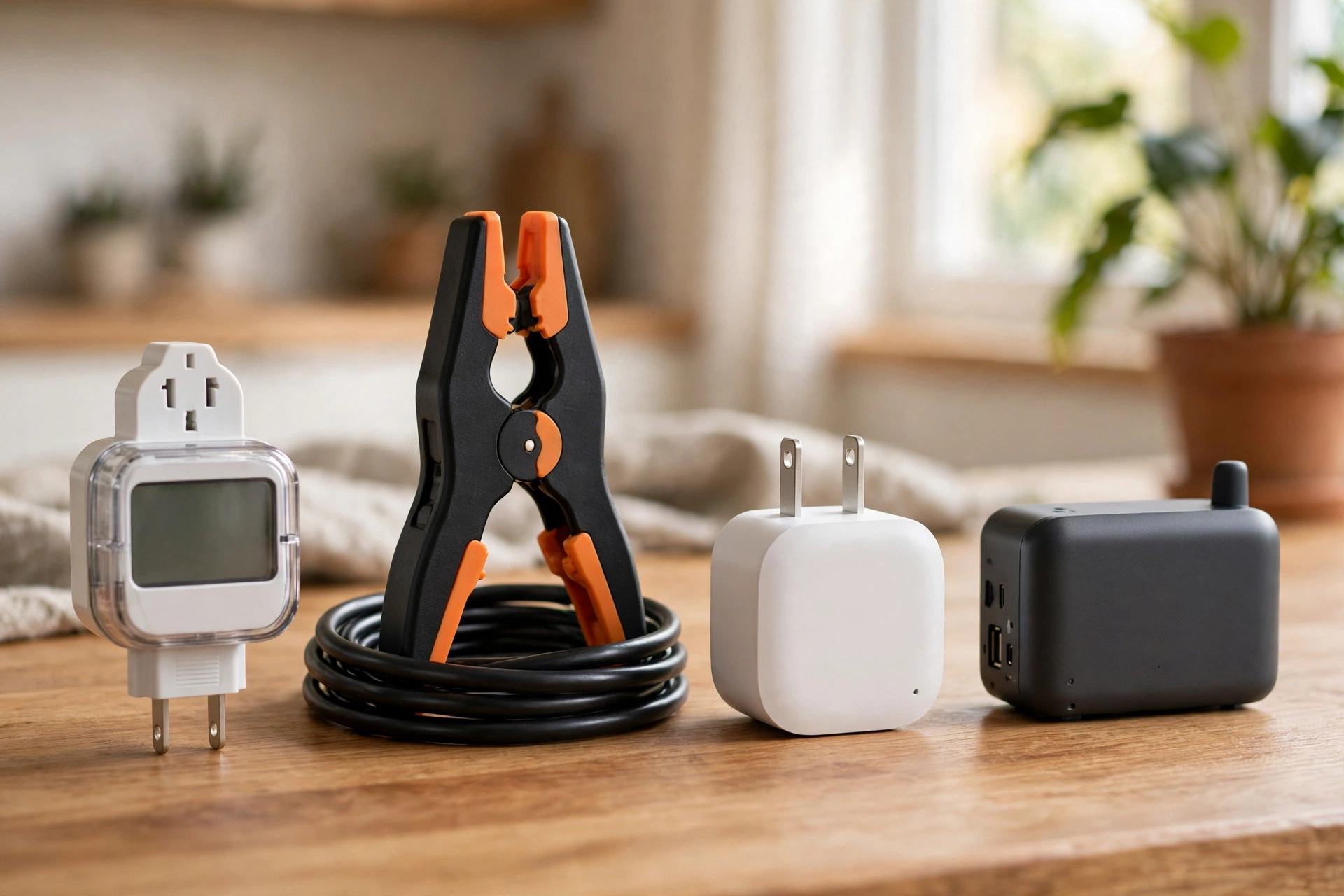
Table: Types of power usage monitor at a glance
| Type | What it measures | Install effort | Best for |
|---|---|---|---|
| Plug-in meter | One appliance on a standard outlet | None, plug it in | Checking a fridge, heater, or TV |
| Monitoring smart plug | One appliance, with app and remote control | None, plug it in | Tracking and switching plug-in loads |
| Whole-home panel monitor | Total home use, some models add circuits | Panel work, clamps on mains | Seeing total draw and daily trends |
| Utility meter reader | Total home use from the smart meter | Pairs with the meter, no panel work | Renters and homes where panel work is off limits |
So start with the cheapest option that answers your question. If one appliance worries you, a plug-in meter is enough. If your bill jumped and you don’t know why, you need whole-home data. Buying the biggest system first costs more and may still miss the detail you wanted.
How a Power Usage Monitor Works
Every monitor does the same basic job in a different way. It measures current, turns that into watts, and adds watts up over time to give kilowatt-hours. One kilowatt-hour is 1,000 watts used for one hour, and your bill charges you per kilowatt-hour.
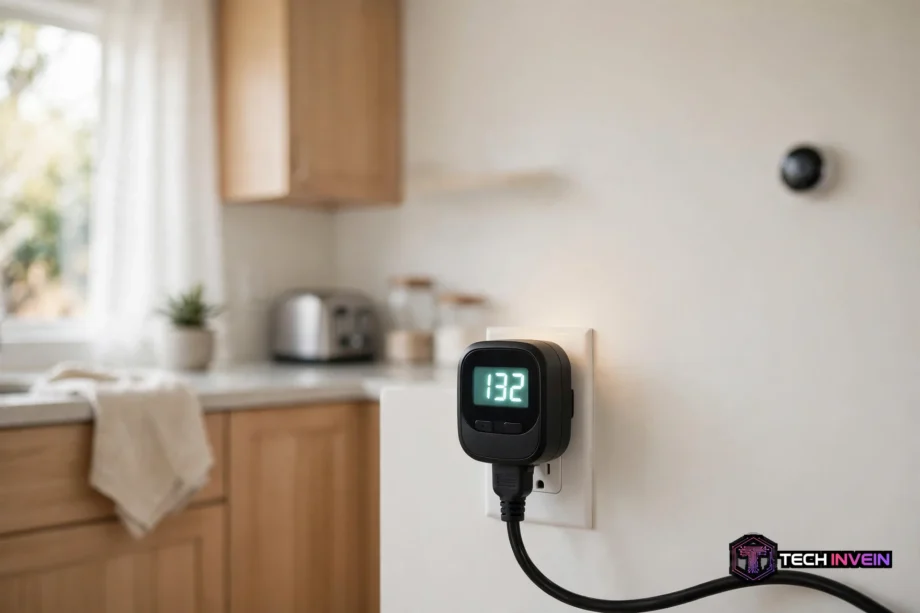
A plug-in meter sits between the wall outlet and the appliance. Power flows through it, and its screen shows live watts, volts, amps, and the running kWh total. Some models also show cost once you type in your rate. There’s no app and no Wi-Fi on the basic ones. You plug it in, read the screen, and move on.
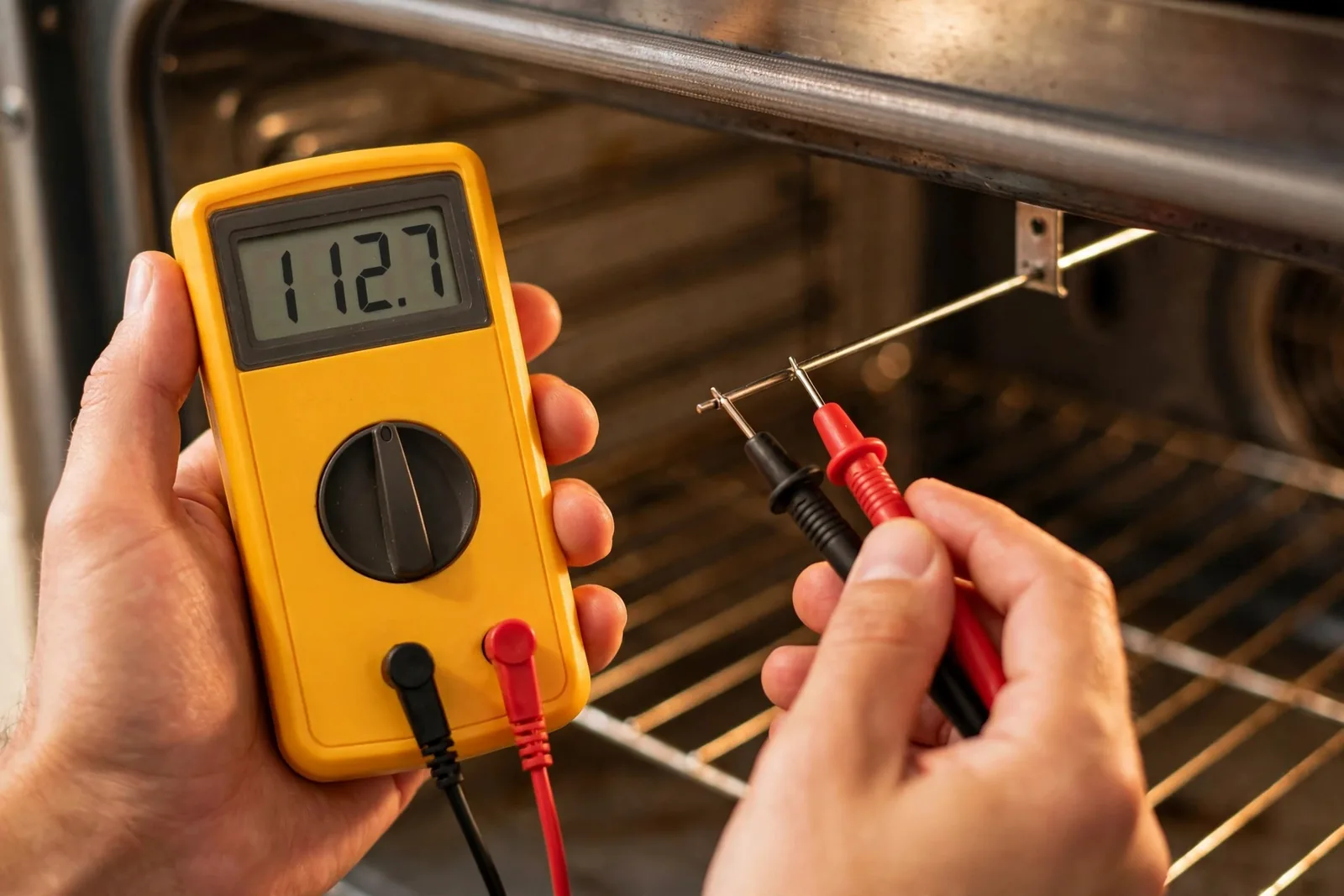
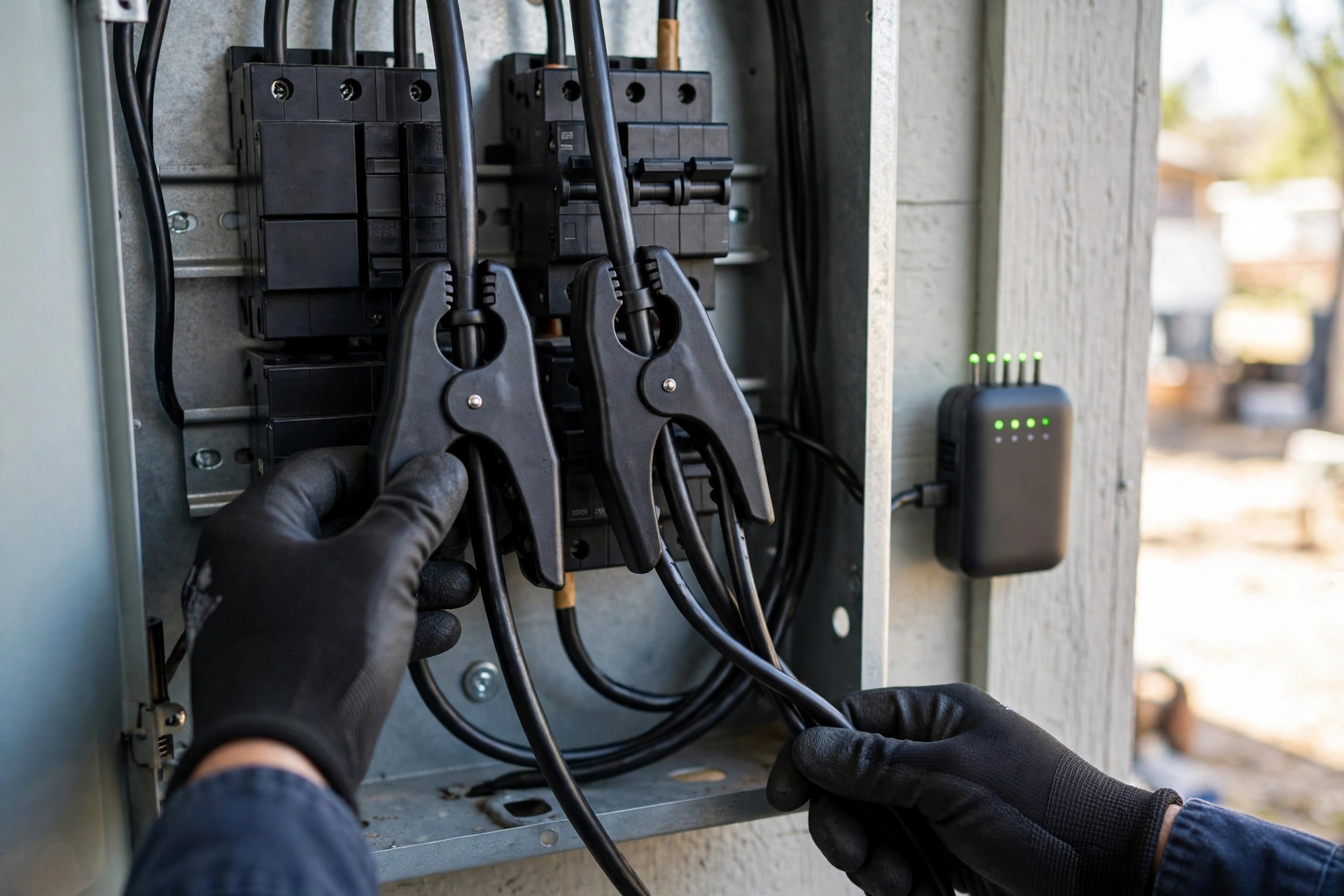
A whole-home monitor works with clamp sensors called current transformers. These clamps snap around the main wires inside your breaker panel without cutting them. They read the magnetic field around the wire, which grows with the current flowing through. A small hub then sends the readings to your phone by Wi-Fi.
Plug-In or Whole-Home: Which One Do You Need?
Ask yourself one question first. Do you want to check a single appliance, or do you want to watch the whole house? Your answer picks the type, and it saves you from buying the wrong tool.
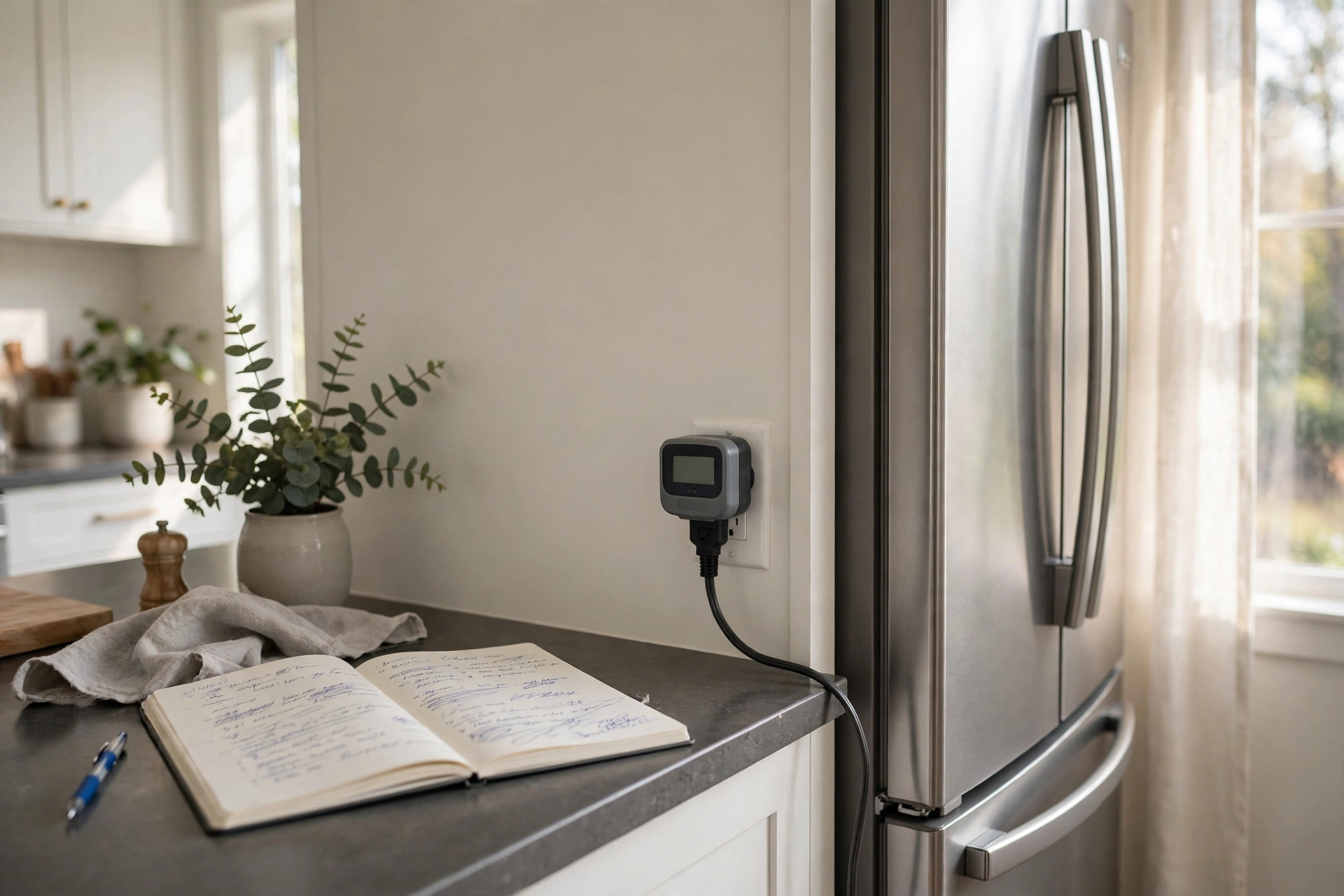
First, pick a plug-in meter when you have a named suspect. The old chest freezer in the garage. The space heater in the spare room. The TV setup that never seems to switch off fully. Plug the meter in, leave it for a week, and read the total. As a result, you will know exactly what that one device costs per month. No panel work, no app, no subscription.
Pick a monitoring smart plug when you also want control. It measures like a plug-in meter, and it lets you switch the outlet off from your phone or on a schedule. That helps with devices you forget to turn off, like a TV setup at night. Our guide to a Zigbee smart plug explains how these plugs fit into a wider smart home.
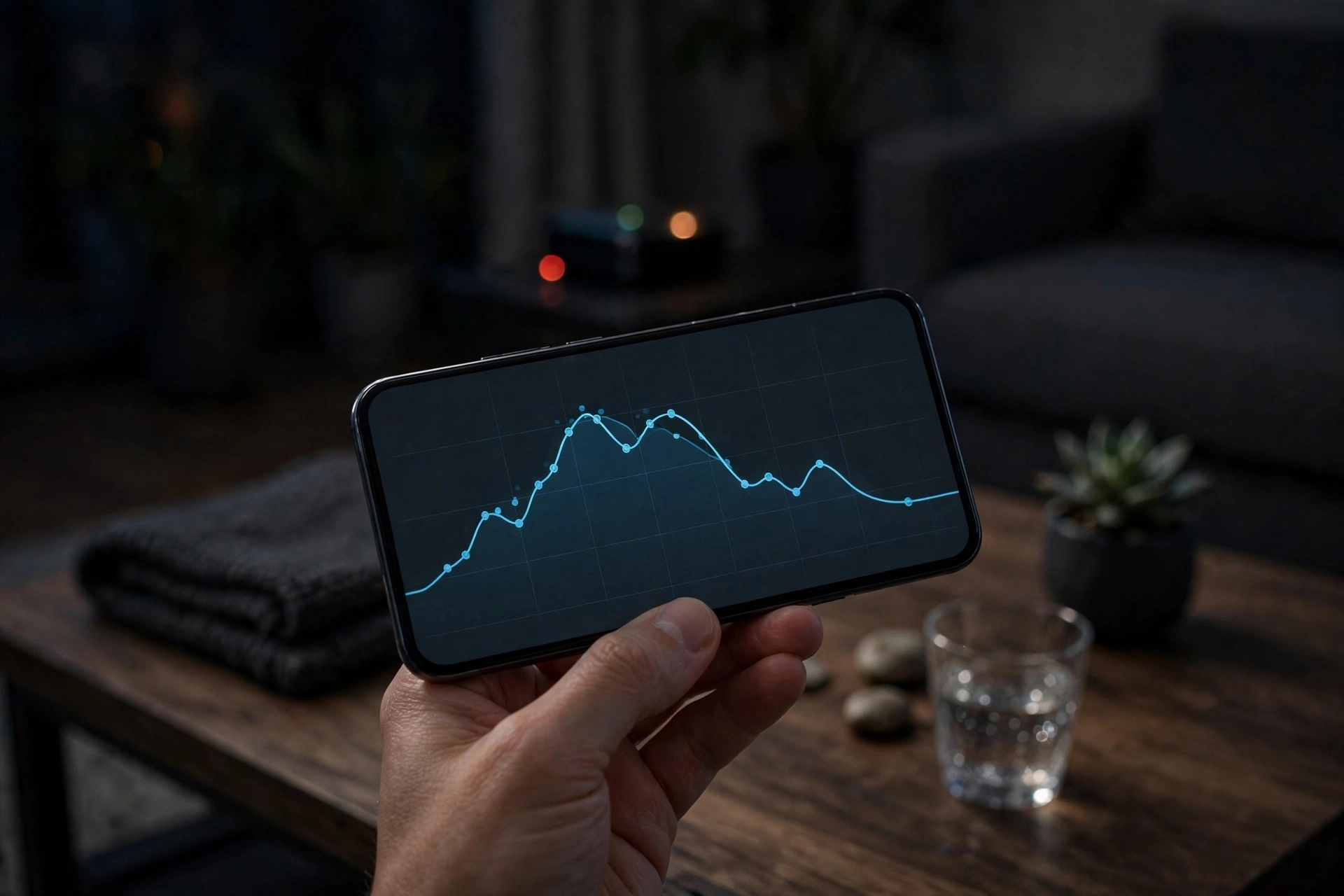
Next, pick a whole-home monitor when the bill itself is the mystery. You know the total is too high, but no single appliance looks guilty. Whole-home data shows your overnight base load, your daily peak, and how the total moves when big loads switch on. That pattern is often the clue. In fact, a base load of 400 watts at 3 a.m. means something is running all night. A base load of 80 watts means your home sleeps well.
Finally, pick a utility meter reader when you rent, or when you will not open a breaker panel. It reads your utility smart meter and shows near-live whole-home use, with no wiring work. The catch is compatibility. It only works where your utility has switched on that feature, so check that before you buy.
What to Look for Before You Buy One
Price is the least useful way to compare monitors. Two devices can cost the same and measure very different things. Check the six points below first, and you will avoid most bad buys.
First, check the rating. For example, a standard plug-in meter suits a normal 120-volt outlet, and most top out near 15 amps, or about 1,800 watts. That covers a fridge, a TV, or a heater. It does not cover a dryer, an oven, or a central air conditioner. Those run on 240 volts and need panel clamps instead. Plug a 240-volt load into a 120-volt meter and you will get a wrong reading at best, and a damaged device at worst.
Second, check what it records. Live watts are fun to watch, but totals are what save money. You need accumulated kWh over days and weeks, plus daily history. In short, a meter that resets when you unplug it will lose your week of data. The US Department of Energy efficiency guides show which loads matter most in a typical home.
Third, check the cost feature. A monitor that turns kWh into dollars needs your real rate, so check your latest bill first. Some take one flat rate, and some handle time-of-use rates with peak and off-peak prices. If your utility charges more in the evening, a flat-rate estimate will mislead you. Enter the rate from your latest bill, not a number from a review.
Fourth, check accuracy claims with care. Sellers quote figures like plus or minus 2 percent, yet few publish lab tests to back them up. Still, treat the number as a guide, not a promise. For home use, a small error does not change the decision. You are looking for the big loads and the waste, and those stand out even on a budget meter.
Fifth, check for a subscription. Some whole-home systems charge monthly for history, alerts, or appliance detection. Others charge nothing after the hardware. A fee is not always bad, but it changes the payback math. Add a year of fees to the price before you compare it with a no-fee rival.
Sixth, check smart-home support if that matters to you. Also, some monitors work with Home Assistant, Alexa, or Google Home, while others keep all data in their own app. Local support keeps your data in your home and working if the maker’s cloud goes down. If you run Home Assistant, that point alone can decide the purchase. Our home energy monitor guide covers the whole-home side of this in more depth, including how these systems fit a smart home.
How to Use One: The 7-Day Test
Buying the monitor is the easy part, but using it well is where the savings hide. The plan below takes one week, needs no skill, and gives you a real number for each suspect device. It is the same test I would run in my own home before I spent money on any fix.
Day one, pick three suspects. Then walk through your home and list the devices that run for hours, cycle on and off, or feel warm when they should be idle. A fridge, a chest freezer, and a TV setup are a good first trio. Write down each one, plus what you expect it to cost. That guess matters later, because the gap between your guess and the reading is where the learning sits.
Days two to six, measure one device at a time if you own one plug-in meter, or all three at once if you own three. Then plug the meter in, reset its counter to zero, and leave it alone. Do not unplug it to check the reading, since some models reset on unplug. Also, read it at the same time each day, and note the kWh total. Normal use is the point. So don’t change how you use the device during the test week, or the number will not match real life.
Day seven, do the math. Then take the week’s kWh, divide by seven for a daily figure, and multiply by 30 for a monthly figure. Then multiply by your rate per kWh. Here is a worked example. A fridge uses 10.5 kWh in a week. That’s 1.5 kWh a day, or 45 kWh a month. At 15 cents per kWh, it costs $6.75 a month. Use the rate printed on your bill.
Now compare each result with your day-one guess. Most people guess low on fridges and freezers, but high on TVs. A TV that draws 150 watts for four hours a day uses 0.6 kWh a day, or about $2.70 a month at 15 cents. A garage freezer can cost three times that. Fix the expensive one first.
For whole-home monitors, run a different test. Note your overnight base load on three nights, then switch off one suspect device each night and watch the change. A 200-watt drop overnight is 1.6 kWh a night, or about 48 kWh a month. At 15 cents, that is $7.20 a month for one device doing nothing useful while you sleep.
Common Mistakes That Waste Your Time
Most monitors end up in a drawer because the owner made one of four mistakes, but all four are easy to avoid once you know them.
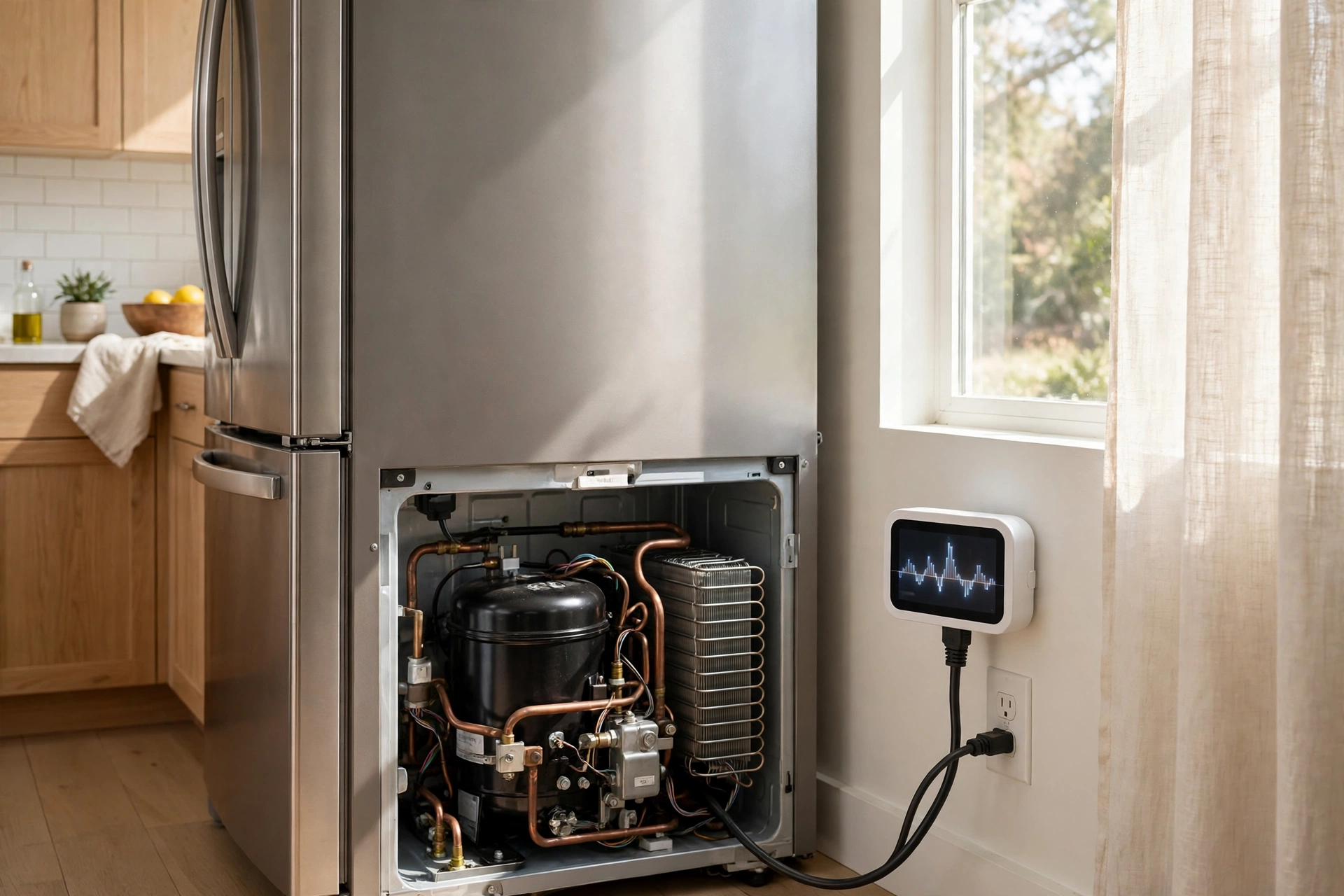
The first mistake is measuring for one hour and scaling up. A fridge that draws 120 watts while its compressor runs may draw near zero for the next hour. One hour of data says it costs a fortune. A week of data says what it really costs.
The third mistake is installing panel clamps wrong. For example, a clamp that sits loose, faces the wrong way, or wraps two wires at once will read wrong. Some systems let you flip the reading in software, and some do not. Read the install guide twice, and if the panel makes you uneasy, hire an electrician. Panel work involves live parts, and no saving is worth a shock.
The fourth mistake is buying for features you will never use. Solar tracking means nothing if you have no panels. Appliance detection means nothing if you only want a monthly total. Battery control means nothing without a battery. Still, a home with solar panels and storage has different needs, and our guide to a residential energy storage system explains that side. For most homes, live watts, kWh totals, and history are enough.
How Much Can One Save You?
Honest answer: it depends on what you find, and no monitor saves money on its own. It only shows you where the money goes. So the saving comes from what you do next. Switch off a wasteful device or fix a faulty fridge, and the bill falls. Instead, leave everything running as before, and the bill stays the same.
Work out your own payback before you buy. Add the hardware price and any yearly fee, then divide by the monthly saving you expect. For example, if a $100 monitor helps you find $10 a month of waste, it pays for itself in ten months. Do not trust a seller who promises a fixed saving percentage. Your home is not their test house. For a neutral check, see the ENERGY STAR product listings before you compare models.
Big loads deserve a quick note. For example, an EV charger, a heat pump, or a water heater can each use more power in a day than everything else in your home combined. A plug-in meter can’t measure them, since they are hardwired or 240-volt. Only panel clamps or a utility reader will show them. If you charge an EV at home, check our guide on what an EV charger is to see how that load fits your home.
FAQs
What does a power monitor measure?
It measures live power in watts and total energy in kilowatt-hours. Specifically, live watts show what a device draws right now. Kilowatt-hours add that draw up over time, and that total is what your bill charges for. Many models also show volts, amps, and cost once you enter your rate.
Is a power monitor worth it?
Yes, if you have a question it can answer. A plug-in meter is worth it when one appliance worries you. A whole-home monitor is worth it when your bill is high and you do not know why. It’s not worth it if you only want a lower bill with no plan to act on the data.
Can a power monitor measure a dryer or oven?
A plug-in meter cannot, since those run on 240 volts and draw more than a standard outlet allows. You need a whole-home panel monitor with clamps, or a utility meter reader, to see those loads. Never plug a 240-volt appliance into a 120-volt meter.
Do I need an electrician to install a whole-home monitor?
It depends on your comfort and local rules. Clamp sensors fit inside the breaker panel, where live parts sit close by. Many owners install them with the main breaker off, yet if the panel makes you uneasy, hire an electrician. The install cost is small next to the risk.
How accurate are home power monitors?
Most are close enough for home decisions, often within a few percent of your utility meter. Sellers quote tighter figures, yet few publish lab tests. Small errors don’t change which appliance is the big load. Use the readings to rank your loads, not to argue a bill to the cent.
Can a power monitor work with Home Assistant?
Some can, and some can’t. Look for a model with a stated Home Assistant integration or local API before you buy. Local support keeps your data in your home and lets you build automations, like switching a device off when its draw spikes. Cloud-only models may stop working if the maker drops support.
Conclusion
A power usage monitor turns a mystery bill into a list of numbers you can act on. Start with one plug-in meter, run the 7-day test on your three biggest suspects, and fix the most expensive one first. If the bill still puzzles you, step up to a whole-home monitor and check your overnight base load. Measure first, spend second.