

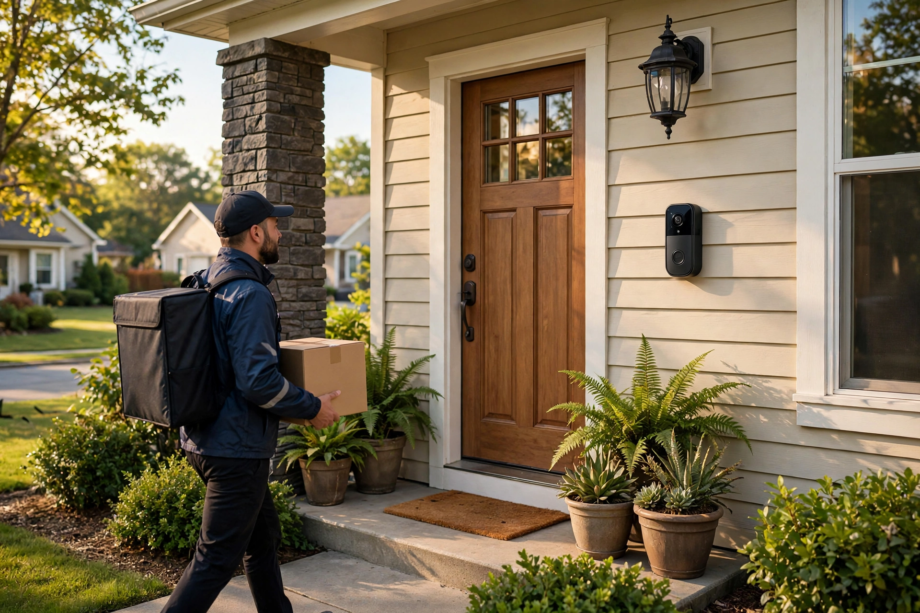
Learning how to stop video doorbell false motion alerts starts with three quick changes: draw tighter motion zones in your doorbell app, lower the motion sensitivity one notch at a time, and turn on person-only detection if your model supports it. These three changes fix the problem for most people in under ten minutes.
- Why Your Video Doorbell Keeps Crying Wolf
- How to Stop Video Doorbell False Motion Alerts With Better Zones
- Fix 2: Lower Motion Sensitivity Step by Step
- Turn On Person Detection to Cut False Alerts
- Fix 4: Adjust the Mounting Angle
- Fix 5: Use Schedules and Snooze for Predictable Noise
- Fix 6: Clean the Lens and Check for Spiders
- Brand-Specific Settings Worth Knowing
- When to Consider a Different Doorbell
- What to Do When Nothing Works
- FAQs
- Why does my video doorbell detect motion when nothing is there?
- Will lowering sensitivity make me miss real visitors?
- Do I need a subscription for person detection?
- Can wind really trigger my doorbell?
- Why do I get more false alerts at night?
- Should I just turn off motion alerts completely?
- The Quiet Porch Checklist
In fact, if your phone buzzes every time a car drives past or a branch sways, you are not alone. False motion alerts are the most common complaint about video doorbells, and the good news is they are almost always fixable without buying anything new. This guide walks you through every setting that matters, in the order that works best.
Why Your Video Doorbell Keeps Crying Wolf
Still, most false alerts come from the same handful of triggers. Cars passing on the street, trees and bushes moving in the wind, shadows shifting across your porch, pets wandering through the frame, and even insects flying close to the lens at night. Your doorbell is not broken. Still, it’s just watching too much.
First, here’s the thing most guides skip: video doorbells use two different ways to spot motion. Battery-powered models usually rely on PIR (passive infrared) sensors, which react to heat movement. Wired models often use pixel-based detection, which watches for changes in the picture itself. PIR models get fooled by warm cars and sun-heated pavement. Pixel-based models get fooled by moving shadows and swaying plants. Knowing which type you have tells you which fixes will work best.
How to Stop Video Doorbell False Motion Alerts With Better Zones
Thankfully, motion zones are the single most powerful tool against false alerts. Every major doorbell app (Ring, Google Nest, Eufy, Blink) lets you draw custom zones on the camera view, and anything outside those zones gets ignored.
To begin, open your doorbell app, go to Motion Settings, and look at the default zone. Chances are it covers the whole street. Redraw it so it only covers your walkway, porch steps, and the area right in front of your door. Cut out the road, the neighbor’s yard, and any trees completely.
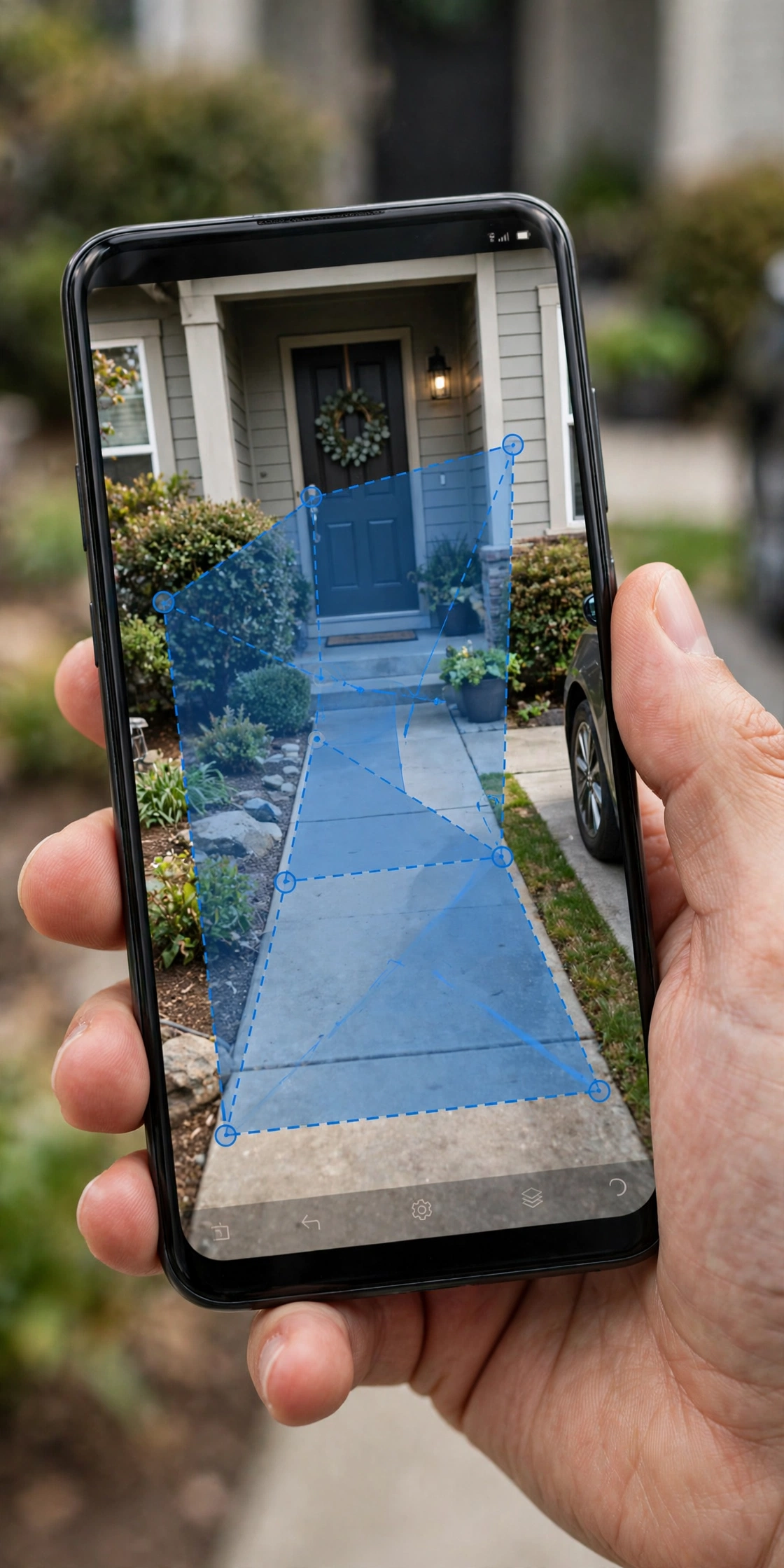
However, one mistake people make: drawing the zone too tight. If the zone only covers the doormat, you will miss the delivery driver approaching. Leave a buffer of about six feet beyond where visitors actually walk. Test it by walking the path yourself and checking whether you get an alert.
How to Set Zones in the Ring App
In the Ring app, tap Devices, select your doorbell, then Motion Settings and Motion Zones. Ring’s official support center has model-specific diagrams if your menu looks different. You can add up to three zones and name them. Drag the corners to reshape each zone. Tap Save when you are done. Changes take effect within a minute.
How to Set Zones in the Google Home App
For Nest doorbells, open the Google Home app, tap your doorbell, then Settings and Events. Under Seen Events, you can define activity zones. Draw the zone with your finger and give it a name like “Front Porch.” Nest lets you set different alert rules per zone, which is handy.
Fix 2: Lower Motion Sensitivity Step by Step
Next, sensitivity controls how much movement it takes to trigger an alert. Most doorbells ship with sensitivity set to medium or high, which is too aggressive for busy streets.
For example, drop it one level and live with it for a day. Still getting junk alerts? Drop it one more. The goal is the lowest setting that still catches a real person walking up to your door. If you go too low, you will miss actual visitors, so test each change by having someone approach your door.
As a result, here’s a practical rule I use: stand at the far edge of where you want detection (say, the sidewalk) and wave your arms. If that triggers an alert, sensitivity is fine. If a passing car triggers it but your arm-wave does not, the problem is your zones, not sensitivity.
Turn On Person Detection to Cut False Alerts
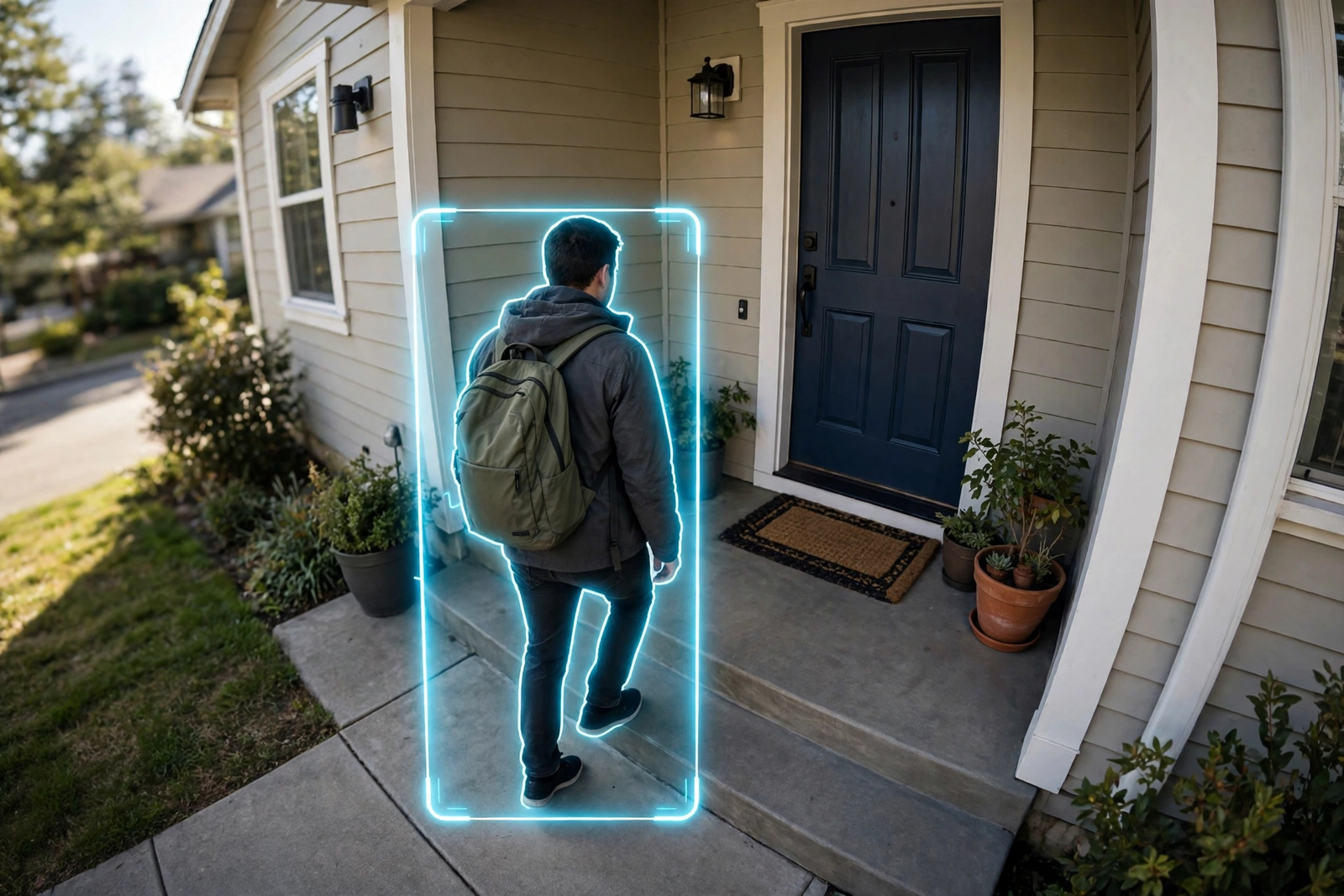
Person detection is the closest thing to a magic fix. Instead of alerting on any movement, the doorbell only alerts when it sees a human shape. This single setting eliminates alerts from cars, animals, trees, and shadows in one shot.
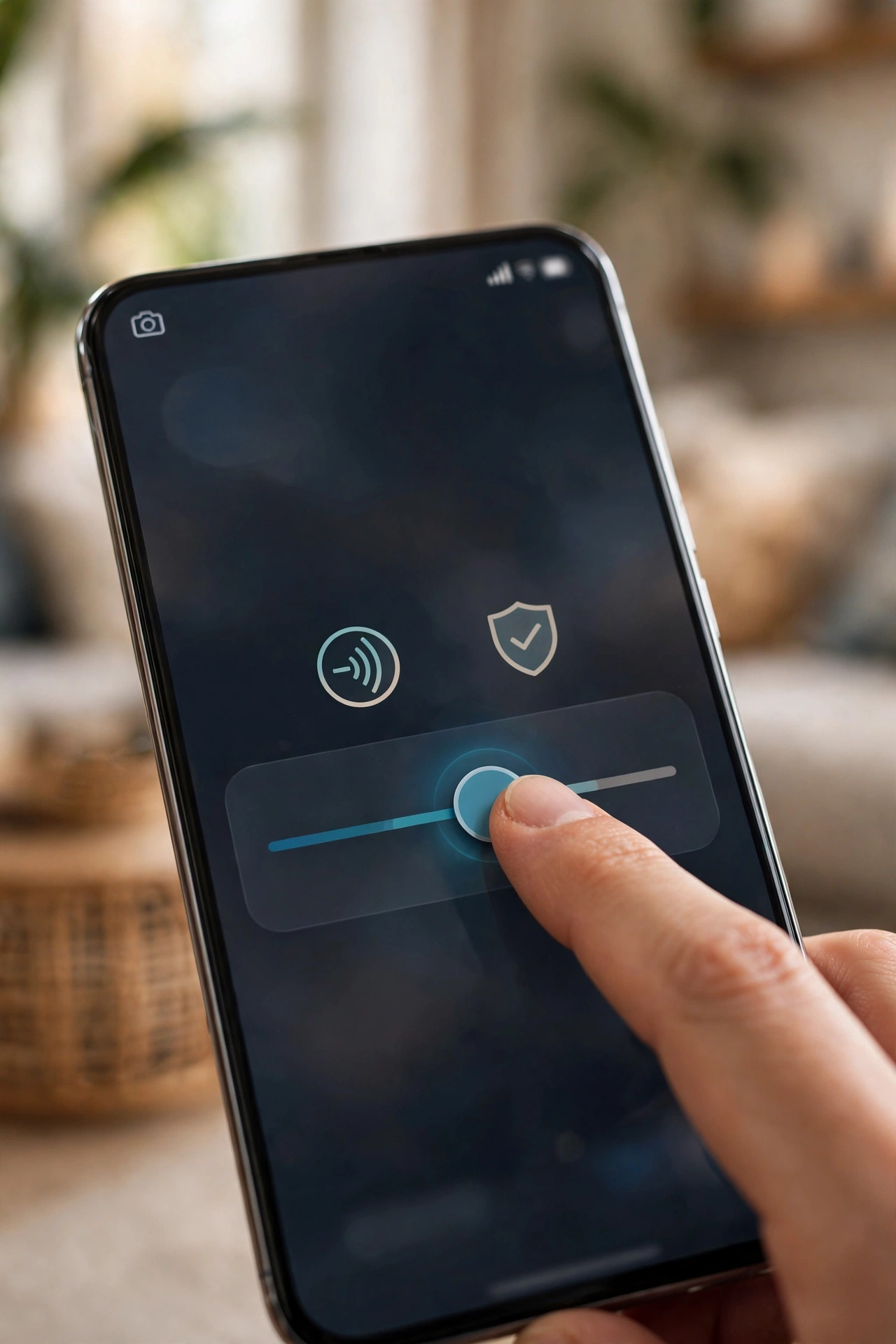
Specifically, on Ring this is called Person Alerts or Smart Alerts (requires a Ring Protect plan on most models). On Google Nest, it is called “Person seen” under event types and works without a subscription on newer models.. Eufy offers on-device person detection with no subscription at all.
Still, if your doorbell doesn’t have person detection, don’t despair. The zone and sensitivity fixes above still handle most cases. But if false alerts are driving you crazy and your model lacks this feature, it’s a legitimate reason to consider an upgrade. Our guide to smart door locks with cameras covers models that pair well with modern doorbells.
Fix 4: Adjust the Mounting Angle
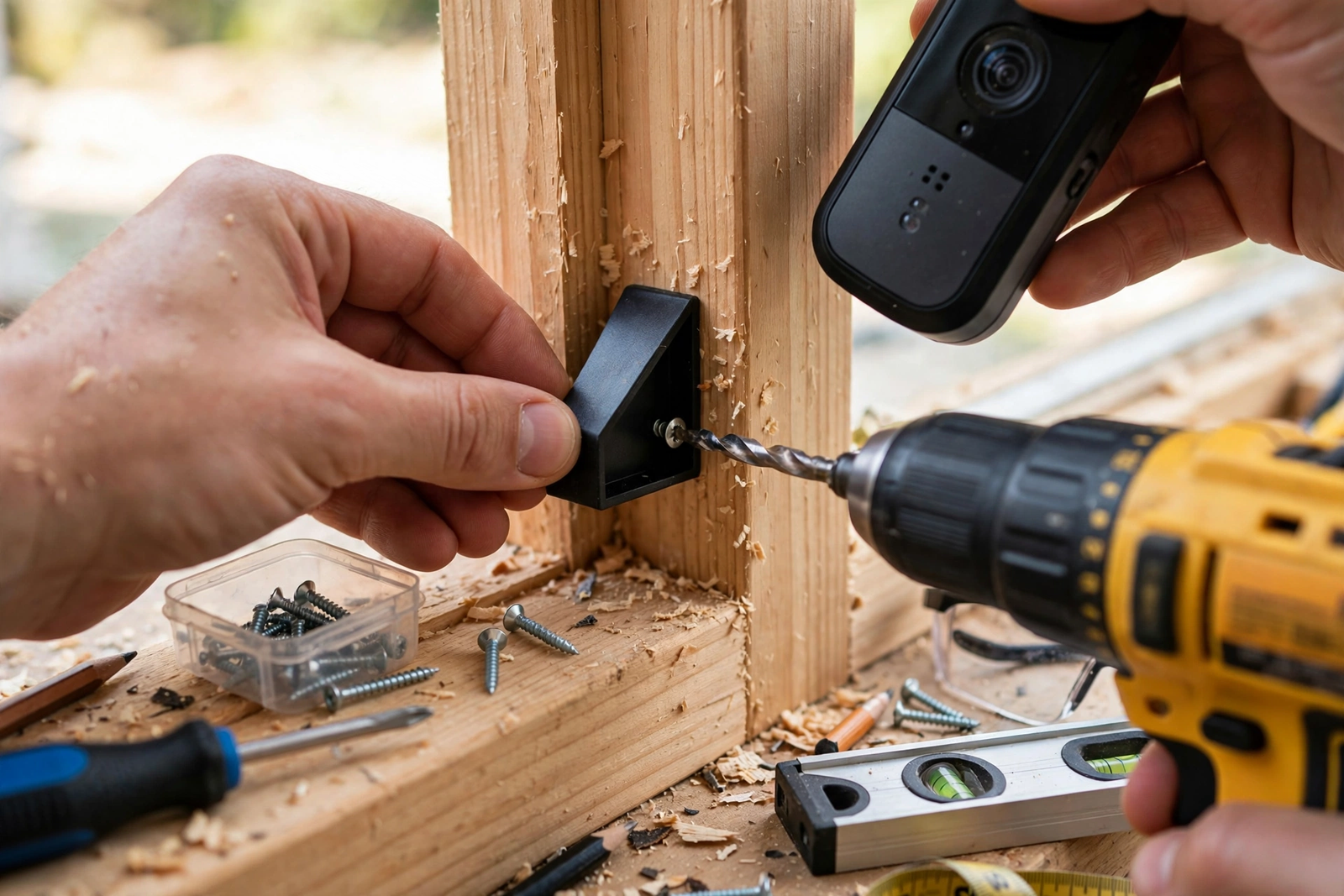
However, sometimes the problem is physical, not digital. If your doorbell points too far outward, it watches the whole street. If it points too far down, it watches every ant on your porch.
In practice, the sweet spot is this: the camera should see faces at about chest height from six to ten feet away. Most doorbells come with a wedge mount in the box that tilts the view 15 degrees. Try it. A fifteen-dollar wedge kit can fix what an hour of settings tweaking cannot.
In addition, check for reflective surfaces. A glossy car parked in view, a glass storm door, or even a wet driveway can bounce infrared light and confuse PIR sensors. If alerts spike on sunny afternoons, reflections are a likely culprit.
Fix 5: Use Schedules and Snooze for Predictable Noise
Meanwhile, some false alerts follow a pattern. The garbage truck every Tuesday at 7am. The neighbor’s sprinklers at 6pm. Kids walking home from school at 3:30. For predictable noise, schedules beat settings.
For instance, Ring lets you set motion schedules that mute alerts during specific hours on specific days. Eufy has a similar snooze feature. Google Nest can tie alerts to whether anyone is home. Use these for the patterns you can predict, and keep your zones and sensitivity tuned for everything else.
Fix 6: Clean the Lens and Check for Spiders
Admittedly, this one sounds silly until it happens to you. A spider web across the lens, especially at night when the infrared LEDs reflect off it, looks like constant motion to the camera. I once spent a week fighting “motion alerts” that turned out to be a single spider who had built a web directly over the PIR sensor.
So wipe the lens with a soft cloth once a month. Check for webs, especially in corners where the lens meets the housing. If you live somewhere buggy, a small ring of petroleum jelly around (not on) the lens housing discourages spiders without damaging anything.
Brand-Specific Settings Worth Knowing
Meanwhile, each brand hides its best anti-false-alert tools in slightly different menus. Here is where to look for the big three beyond Ring and Nest.
Eufy: Open the Eufy Security app, tap your doorbell, then Motion Detection. Eufy lets you pick between “All Motions” and “Human Only” right on the main screen, no subscription needed. It also has a sensitivity slider with five levels instead of three, which gives you finer control. The sweet spot for most porches is level 3. Eufy’s on-device AI is genuinely good at telling people apart from pets, so if you have a Eufy, start with Human Only mode before touching anything else.. Check Eufy support for your model’s exact menu path.
Blink: In the Blink app, go to Device Settings and then Motion Settings. Blink’s standout feature is retrigger time, which sets how long the camera waits before it can trigger again. The default is 10 seconds, which means a swaying branch can fire off six alerts a minute. Bump it to 30 or 60 seconds. You will still catch every real visitor, but the repeat spam stops. Apple users can also check our Apple Home explainer for HomeKit-compatible doorbell options.
Arlo: Arlo’s app has separate toggles for motion, person, vehicle, and animal detection under Smart Notifications. Turn off vehicle and animal if you don’t need them. Arlo also lets you set different sensitivity for day and night, which is useful because night IR behaves so differently from daytime.
When to Consider a Different Doorbell
Sometimes the hardware itself is the limit. First-generation battery doorbells with basic PIR sensors will always struggle on busy streets, no matter how carefully you tune them. If you have tried everything in this guide and still get dozens of junk alerts a day, the sensor technology may simply be outmatched by your environment.
Specifically, what actually helps in a new model: radar-assisted detection (found in newer Ring and Nest doorbells) measures distance as well as movement, so it can tell the difference between a car 30 feet away and a person 8 feet away. On-device AI processing means person detection works even when your Wi-Fi hiccups. And a wider dynamic range sensor handles the harsh shadows that fool older cameras.
Still, you don’t need the most expensive model. A mid-range doorbell from the last two years with person detection will outperform a five-year-old flagship on false alerts alone. Buy for the sensor, not the resolution.
What to Do When Nothing Works
Even so, if you have tuned zones, lowered sensitivity, enabled person detection, fixed the angle, and cleaned the lens, and you still get false alerts, run through this checklist:
- Check your Wi-Fi signal. A weak signal causes delayed processing, and the doorbell may alert on stale motion events. You want at least -60 dBm at the doorbell. A chime extender or Wi-Fi extender near the front of the house often helps.
- Update the firmware. Manufacturers regularly improve motion algorithms. Check the app for pending updates.
- Try a different power source. Battery doorbells in cold weather can behave erratically as voltage drops. If alerts spike in winter, try a wired connection or fresh batteries.
- Consider the environment. If you face a busy road with no way to exclude it from the frame, a doorbell with radar-based detection (like the latest Ring and Nest models) handles this far better than older PIR units.
In other words, understanding how the detection actually works helps too. Our explainer on what a sensor does covers PIR and motion sensing basics that apply directly to doorbells.
Finally, the table below summarizes which fix targets which cause, so you can start with the most likely culprit:
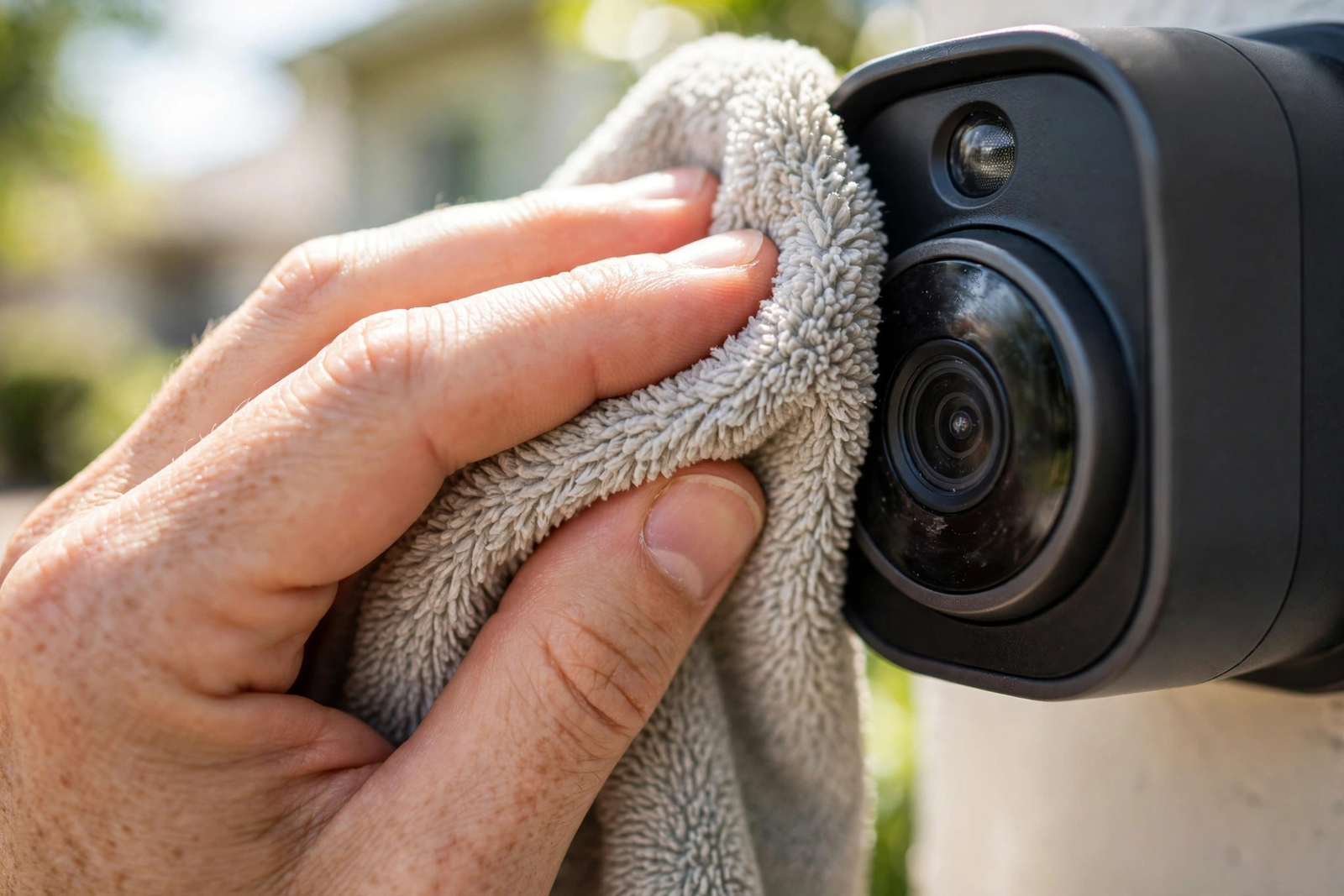
Table: False Alert Causes and Their Best Fixes
| Cause | Best Fix | Time Needed |
|---|---|---|
| Cars on the street | Shrink motion zones | 5 minutes |
| Trees and bushes in wind | Zones + lower sensitivity | 10 minutes |
| Shadows shifting | Person detection | 2 minutes |
| Pets in the yard | Person detection or pet filter | 2 minutes |
| Insects at night | Clean lens, check for webs | 5 minutes |
| Predictable patterns (trucks, sprinklers) | Motion schedules | 10 minutes |
| Reflections and glare | Adjust mounting angle | 15 minutes |
FAQs
Why does my video doorbell detect motion when nothing is there?
Usually it’s detecting something you can’t see in the thumbnail: a shadow moving, a branch swaying at the edge of the frame, heat shimmer off pavement, or an insect near the lens. Check your full event video rather than the thumbnail. Nine times out of ten, the trigger is visible in the recording.
Will lowering sensitivity make me miss real visitors?
Yes, it can if you go too far. The safe method is to lower it one notch, then have someone walk up to your door and check that you still get an alert. Repeat until false alerts stop but real visits still trigger. Most people land one or two notches below the default.
Do I need a subscription for person detection?
Specifically, it depends on the brand. Eufy does person detection on-device with no subscription. Google Nest includes basic person alerts free on newer models. Ring requires a Ring Protect plan for Smart Alerts on most doorbells. Check your model’s specs before assuming.
Can wind really trigger my doorbell?
Indeed, yes, and it is one of the top causes. Wind moves branches, bushes, flags, and even patio furniture. It also blows dust and leaves across the frame. Pixel-based detection sees all of this as motion. Tight zones plus person detection is the best defense.
Why do I get more false alerts at night?
Because night vision switches the camera to infrared, which changes what the sensor sees. Insects are drawn to the IR LEDs and fly right at the lens. Spider webs glow in IR. Also, headlights sweeping across your porch create huge pixel changes. If nights are the problem, focus on lens cleaning and zone tightening.
Should I just turn off motion alerts completely?
Yet only as a last resort. You lose the main benefit of the doorbell. Better: keep person-only alerts on and mute everything else. That way your phone stays quiet but you still know when someone is actually at your door. Most apps let you do this in two taps.
The Quiet Porch Checklist
To sum up, start with motion zones, then sensitivity, then person detection. Those three fix the vast majority of false alerts. Add schedules for predictable noise and a monthly lens wipe for the rest. Your doorbell should tell you when someone is at your door, not narrate the entire street. Set it up once using this guide, test it with a real walk-up, and enjoy the silence. And if you are upgrading your whole entryway, see our best front door smart lock picks to pair with your newly quiet doorbell.