
Our Top Picks at a Glance
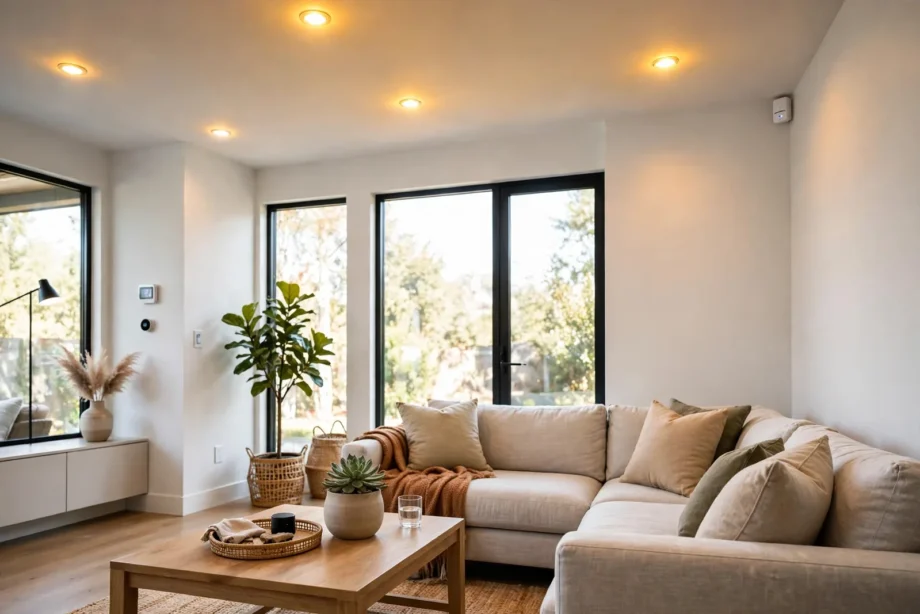
The best motion sensor for smart lighting is the Aqara Motion Sensor P1. It pairs a wide 170-degree detection zone with a built-in light sensor and runs for years on one battery. For the cheapest reliable option, grab the Sonoff SNZB-03P. For the most dependable radio, pick the Philips Hue indoor sensor.
- Our Top Picks at a Glance
- Why Zigbee Wins for Lighting Automations
- Best Motion Sensor for Smart Lighting: Our Top 5 Picks
- 1. Aqara Motion Sensor P1: Best Overall
- 2. Sonoff SNZB-03P: Best Budget Pick
- 3. Philips Hue Indoor Motion Sensor: Most Reliable
- 4. IKEA VALLHORN: Cheapest Decent Option
- 5. Philips Hue Outdoor Motion Sensor: Best for Outdoors
- What Actually Matters When You Buy
- Placement Tips That Actually Matter
- Building Your First Motion Lighting Automation
- FAQs
- Do I need a hub for a Zigbee motion sensor?
- How long do Zigbee motion sensor batteries really last?
- Can a motion sensor turn lights on only when it is dark?
- What is the difference between PIR and mmWave sensors?
- Why do my lights turn on during the day?
- Can I use a Zigbee sensor without Home Assistant?
- The Bottom Line
That short answer covers most homes. However, the right sensor depends on where you mount it, which hub you run, and whether you want your lights to react to darkness as well as motion. I have run all of these sensors in real hallways and porches. As a result, this guide sticks to what actually works instead of spec-sheet promises.
Why Zigbee Wins for Lighting Automations
Wi-Fi motion sensors pair in seconds. However, they eat batteries. A typical Wi-Fi PIR sensor wakes its radio for every event, and the 2.4 GHz radio draws far more current than Zigbee. Most Wi-Fi sensors need new batteries every few months. Meanwhile, Zigbee sensors run three to five years on the same cells.
Response time is the other big gap. A Zigbee sensor reports motion in under 0.3 seconds because it talks to a nearby hub, not your router across the house. Wi-Fi sensors often take 0.5 to 1.5 seconds. When you walk into a dark hallway, that half-second difference is the gap between lights that feel instant and lights that feel broken.
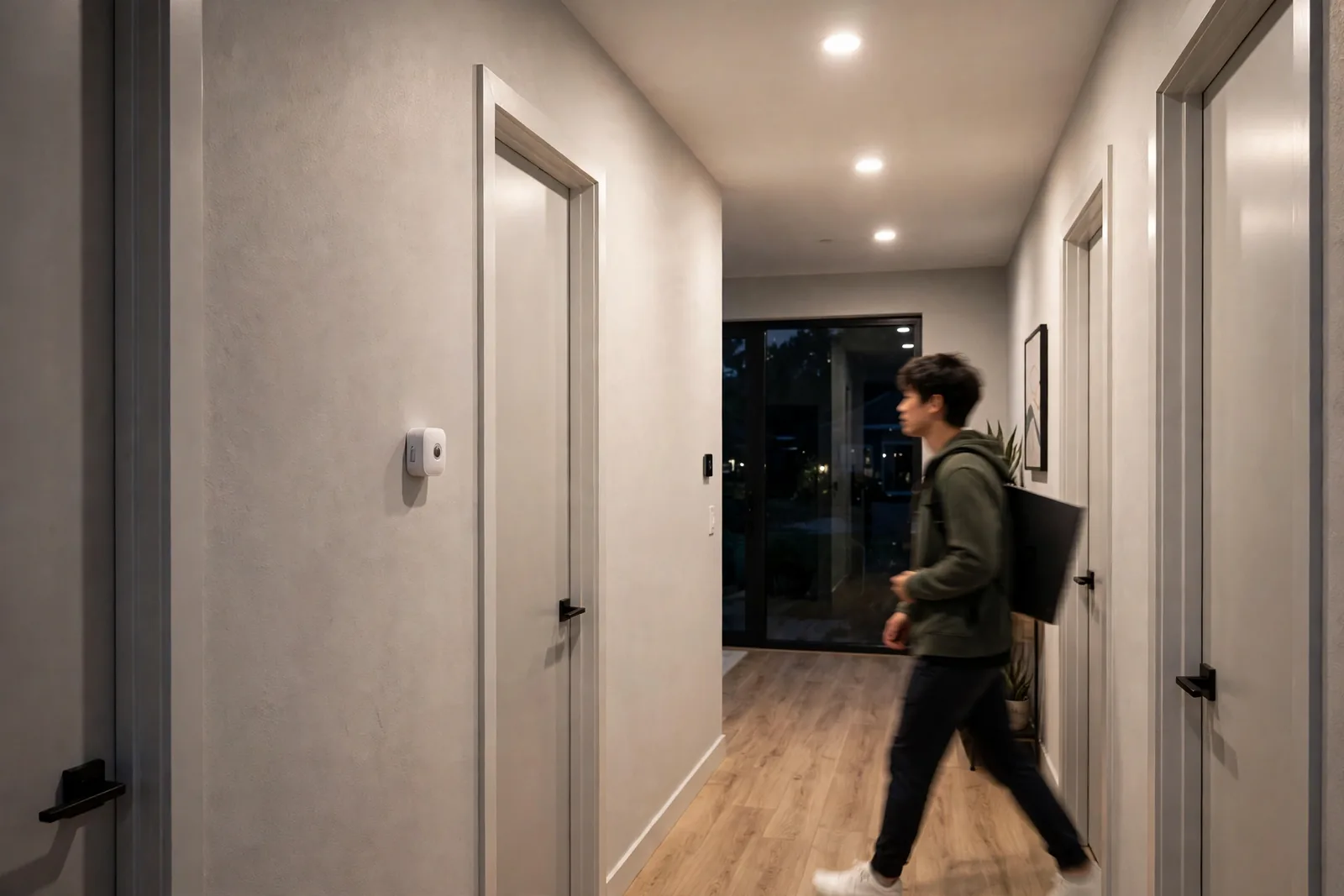
Zigbee also builds a mesh: every mains-powered Zigbee device repeats the signal, so your network gets stronger as you add devices.
Next, the one real cost of Zigbee is the hub. You need a coordinator. For example, a USB Zigbee stick running Zigbee2MQTT or ZHA works well, and so does a brand hub like the Aqara hub or Hue Bridge. If you already run one, then adding sensors is cheap and easy.
Table: Zigbee vs Wi-Fi motion sensors for lighting
| Feature | Zigbee Sensor | Wi-Fi Sensor |
|---|---|---|
| Battery life | 2 to 5 years | 3 to 9 months |
| Response time | Under 0.3 seconds | 0.5 to 1.5 seconds |
| Hub needed | Yes | No |
| Local control | Yes, fully local | Often cloud-dependent |
| Network type | Self-healing mesh | Star, router-dependent |
| Best for | Whole-home lighting | One-off quick setups |
Best Motion Sensor for Smart Lighting: Our Top 5 Picks
These five cover every realistic use case, from budget multi-room setups to the premium pick and an outdoor option. Every pick below is Zigbee and works with Home Assistant.
1. Aqara Motion Sensor P1: Best Overall
First, the P1 is the sensor I recommend to most people. Its 150 to 170-degree field of view covers wide hallways that narrower sensors miss. In addition, the range reaches about 7 meters. You can also adjust the sensitivity in the app: full sensitivity catches pets, while a dialed-back one only catches people.
The built-in light sensor is the P1’s real advantage. It lets you build the automation everyone actually wants: turn the light on only when motion is detected AND the room is dark. Without a lux sensor, your lights fire at noon on a sunny day, which wastes energy and feels dumb. With the P1, one device handles both jobs.
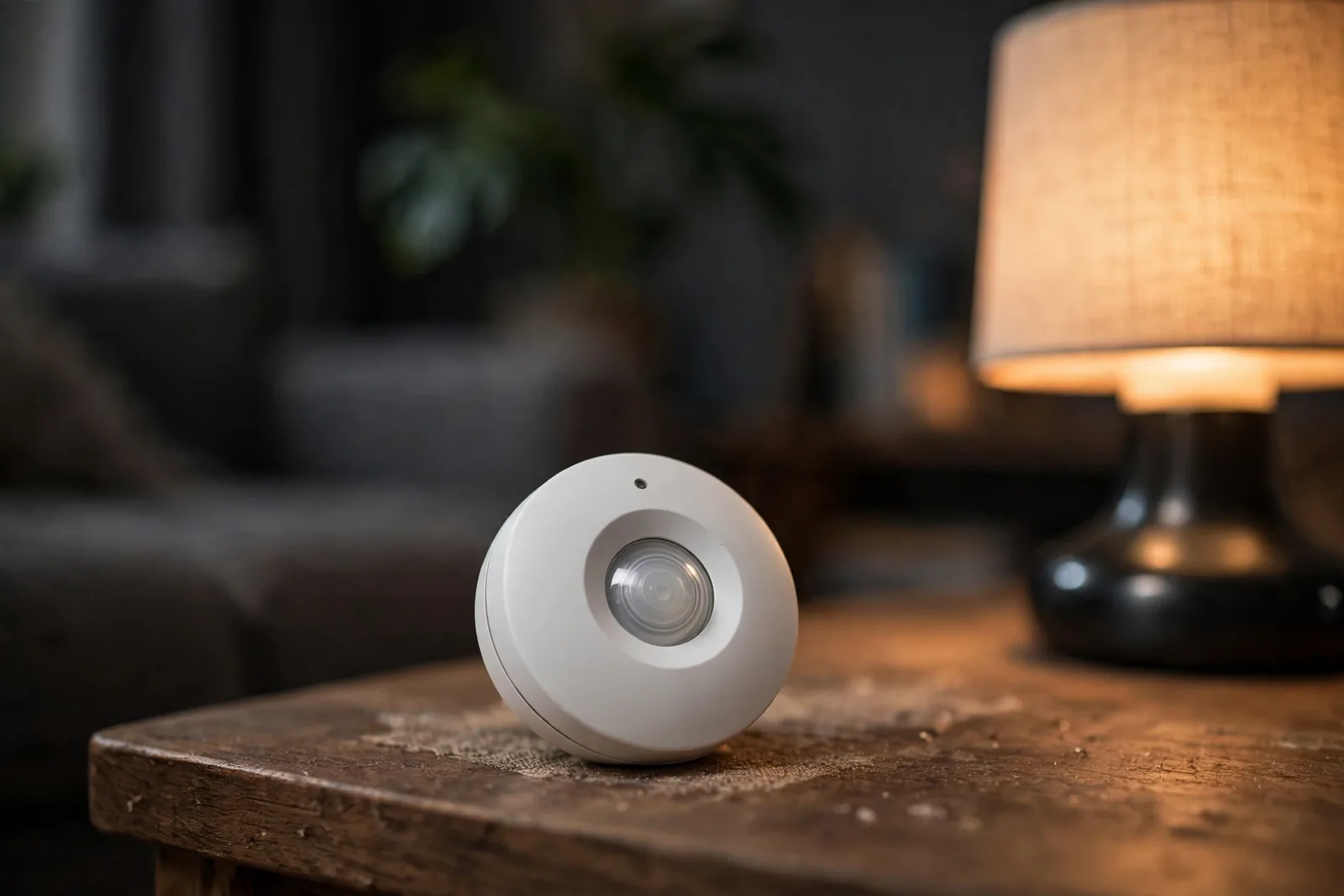
Battery life is rated at up to five years on the included cell. Indeed, that claim holds up well in practice. One user tracked their hallway P1 for over a year and still showed 78 percent in Home Assistant. At that rate, you will forget where you even mounted it.
The P1 works with the Aqara hub but pairs directly to Zigbee2MQTT and ZHA as well, and it supports Apple HomeKit through the Aqara hub too. The main downside is price: it costs more than budget rivals, and the ball-joint mount, while flexible, can feel fiddly on textured walls. Nevertheless, neither is a dealbreaker for what you get.
2. Sonoff SNZB-03P: Best Budget Pick
If you are equipping a whole house, then the SNZB-03P is what you buy in bulk. It is a Zigbee 3.0 PIR sensor with a 6-meter, 110-degree detection zone. The magnetic swivel base sticks to metal or mounts with the included adhesive. The CR2477 battery is rated for over three years, which is remarkable at this price.
The big upgrade over the older SNZB-03 is the configurable reset time. The old model had a fixed 60-second blind period, which made lights stay on long after you left. The 03P lets you dial the reset down to 5 seconds in Zigbee2MQTT. That makes stairwell and bathroom automations feel snappy instead of sluggish. An independent review of the Sonoff SNZB-03P confirms both the fast reset and the multi-year battery claim in real use.
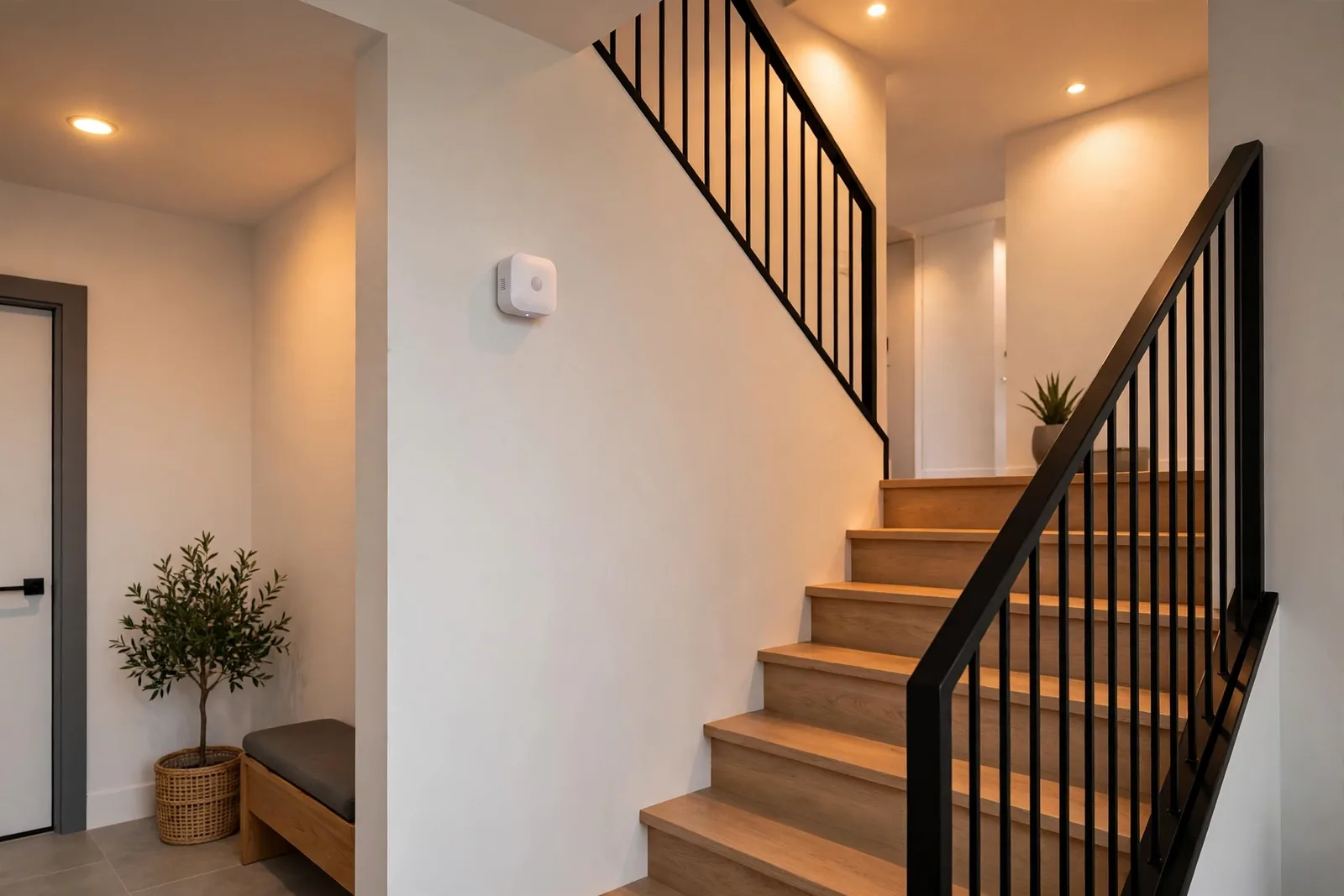
Moreover, pairing is painless in both ZHA and Zigbee2MQTT, with no Sonoff hub or cloud account required.
What you give up: no lux sensor, so no light-level automations with this sensor alone. The 110-degree angle is also narrower than the P1’s. For closets, pantries, and laundry rooms, it is nearly perfect.
3. Philips Hue Indoor Motion Sensor: Most Reliable
Hue’s indoor sensor has the most dependable Zigbee radio in this group. Indeed, it pairs rock-solid, reports fast, and almost never drops off the mesh. It also measures temperature alongside motion, which opens up bonus automations like freeze alerts.
Like its outdoor sibling, it reports ambient light, letting you gate lighting on darkness. Battery life then runs well over a year on the two included AAA cells in normal indoor use.
However, the catch is the Hue tax. It costs noticeably more than the Aqara P1 while offering a narrower feature set for lighting automations. If you already run a Hue Bridge, though, it slots into your setup with zero fuss, and the Hue app gives you sensitivity controls you lose when pairing directly to ZHA.
4. IKEA VALLHORN: Cheapest Decent Option
At around ten euros, the VALLHORN is the cheapest Zigbee motion sensor worth buying. It is a straightforward PIR sensor with solid build quality. In addition, it pairs with Zigbee2MQTT and ZHA without drama.
The trade-off: no light sensor, no temperature reading, and no adjustable sensitivity. It detects motion, reports it, and goes back to sleep. For simple jobs like a closet light or a pantry, that is all you need.
Buy the VALLHORN for low-stakes rooms where you want to spend as little as possible. For hallways and living spaces, step up to the P1.
5. Philips Hue Outdoor Motion Sensor: Best for Outdoors
For outdoor lighting automations, the Hue outdoor sensor is the proven choice. It carries an IP54 rating against dust and splashed water and works from minus 20 to plus 45 degrees Celsius. In fact, real users report batteries lasting well over a year outdoors on the two included AA cells.
It reports motion, ambient light, and temperature. The lux reading is the killer feature outdoors: you can set your lights to fire only after dark, so the sensor ignores a bright afternoon. Detection covers a 160-degree field with adjustable sensitivity, which helps with false triggers from wind-blown plants.
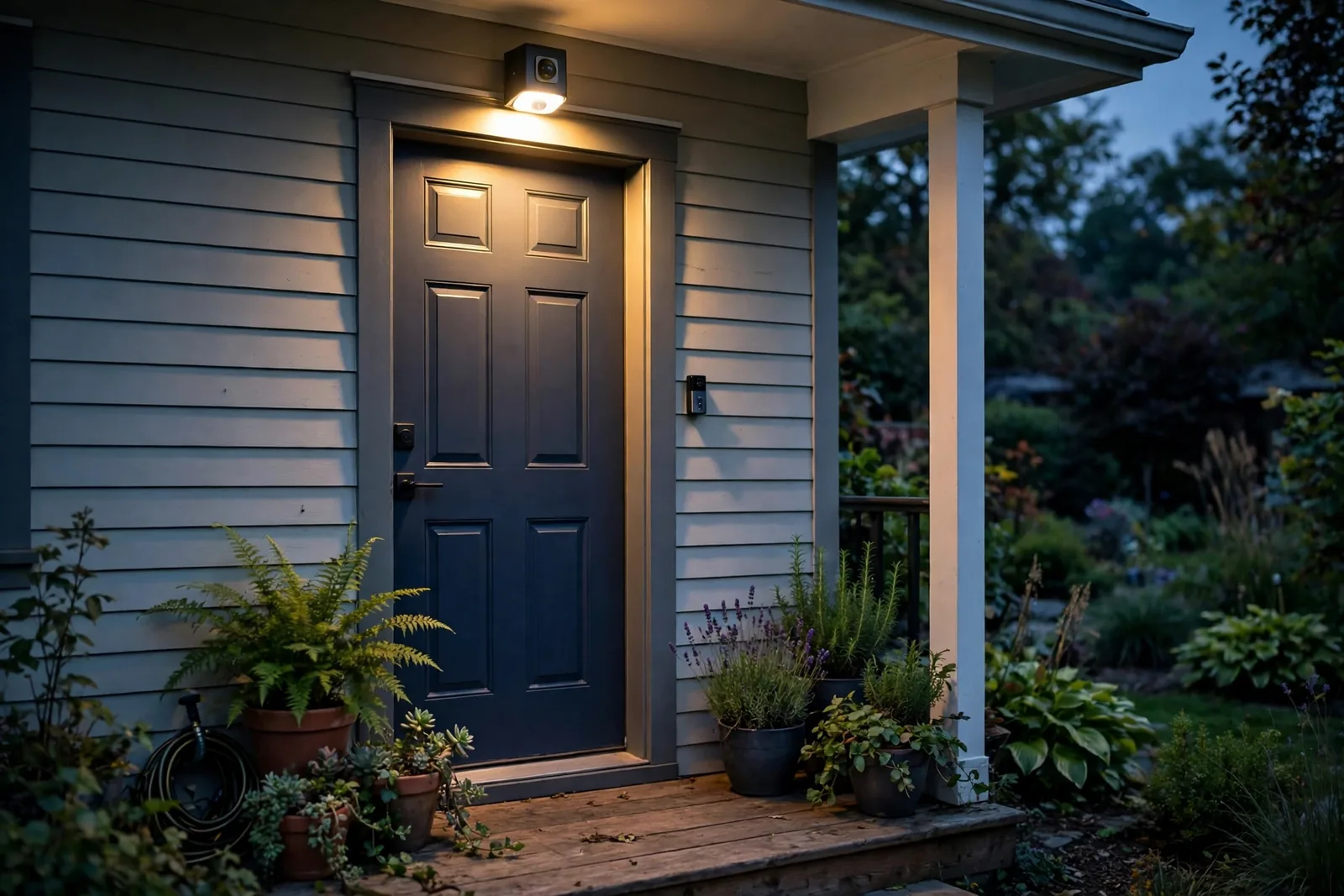
One honest warning: at the highest sensitivity, foliage in the field of view can cause false triggers in daylight. Mount it where plants do not wave in front of it, or dial the sensitivity down.
If you want the full how-to for wiring these into sunset-based automations, see our guide on automating outdoor lights with sunset and sunrise triggers.
What Actually Matters When You Buy
Check these five things before you buy. They decide whether your automations feel instant or annoying.
Detection angle and range. A 110-degree sensor covers a hallway fine but misses the corners of a wide living room. A 170-degree sensor like the P1, however, covers open spaces from one corner mount.
Reset or blind time. This is how long the sensor waits before reporting motion again. Long blind times (60 seconds) make lights linger, while short ones (5 seconds) feel responsive. Configurable reset, like on the SNZB-03P, is therefore a genuine advantage.
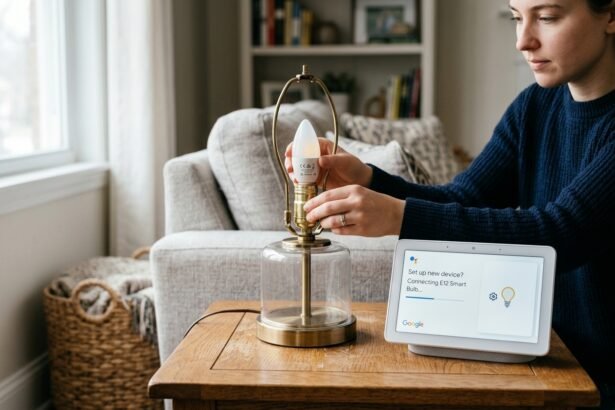
Lux sensor. This is the feature that separates good lighting automations from annoying ones. A lux sensor lets you write “only turn on when dark.” Without it, you instead need a second device or a time-based guess. The P1 and both Hue sensors have one. Pairing the right sensor with the right bulbs matters too: if your fixtures take candelabra bulbs, our E12 smart bulb guide for Google Home covers the models that dim smoothly at low levels.
Battery type and life. Coin cells like the CR2477 last years but cost more to replace; AA cells are cheap and everywhere. Thus, expect 2 to 5 years from a Zigbee sensor in normal use either way.
Hub compatibility. First, check that your sensor pairs with your hub before you buy. Most of these work with Zigbee2MQTT and ZHA, but some brand-specific features (like Hue’s sensitivity controls) only work with the brand’s own hub. Xiaomi-derived sensors can be picky with non-Xiaomi hubs, so check community reports first. The Raspberry Tips Zigbee sensor guide keeps an updated compatibility rundown for Home Assistant users.
Placement Tips That Actually Matter
Where you mount the sensor matters more than which sensor you buy. In fact, these rules come from real installs, not manuals.
Mount at chest height, around 1.2 to 1.5 meters, in a corner. This gives the PIR element the widest view of moving bodies. Ceiling mounting works for small rooms but narrows the effective zone. Avoid pointing a sensor at windows: direct sunlight and the heat shimmer it creates are the top cause of false triggers.
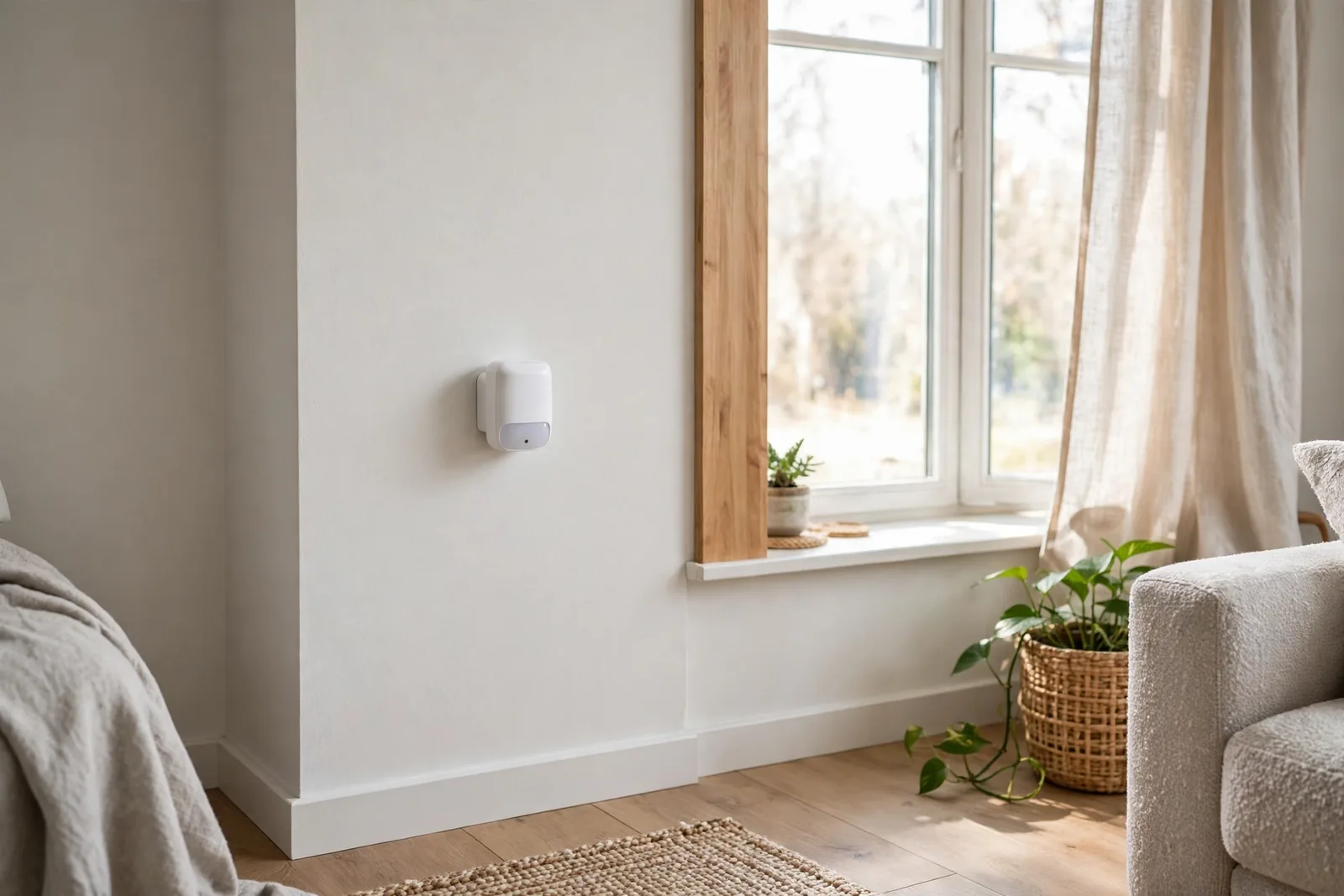
Keep sensors away from heat sources. Radiators, heating vents, and sunny walls confuse PIR elements, because they detect infrared heat changes rather than visible movement. As a result, a sensor above a radiator will fire every time the heating cycles.
For stairwells, mount the sensor at the top landing pointing down the stairs. One sensor covers both directions. For long hallways, two sensors at opposite ends beat one in the middle, because PIR detection weakens at the edges of its range.
Pet owners should mount sensors higher and angle them slightly downward, or use the sensitivity adjustment on the P1. A dog at floor level triggers a low-mounted sensor; the same sensor at 1.5 meters with medium sensitivity usually ignores it.
Building Your First Motion Lighting Automation
Here is the automation pattern that works in nearly every home. For example, you can build it in Home Assistant, SmartThings, or any hub with basic logic.
The trigger is motion detected. The conditions: it is dark (lux below your threshold, or between sunset and sunrise if you lack a lux sensor), and the light is currently off. The action turns the light on, and a wait timer turns it off after no motion for your chosen delay. For entryways, a door and window contact sensor paired with the motion sensor fires the light the instant the door opens.
Start with a 2-minute off delay for hallways and 5 minutes for bathrooms. Shorter feels responsive, while longer wastes energy. If your sensor has a configurable reset time, then set it shorter than your off delay so the timer keeps refreshing while you are still in the room.
Add a lux gate if your sensor has one. In Home Assistant, that is a numeric state condition on the illuminance entity, something like “below 15 lux.” This single condition is what stops your lights from firing at noon. Our circadian lighting setup guide walks through the same sensor-driven approach for whole-home light levels.
One more trick for bedrooms and living rooms: use the sensor to turn lights on, but never to turn them fully off while someone might be sitting still. Reading on a couch produces almost no motion. Therefore, pair the off-timer with a generous delay, or add another sensor so nobody sits in the dark.
If your setup mixes smart bulbs with physical switches, read our guide to smart bulb mode on smart switches. A switch that cuts power to the bulb will break every automation you build.
FAQs
Do I need a hub for a Zigbee motion sensor?
Yes. Zigbee sensors cannot talk to your phone or router directly. You need a Zigbee coordinator, such as a USB stick running Zigbee2MQTT or ZHA, or a brand hub like the Aqara hub or Philips Hue Bridge. As a result, one hub handles dozens of sensors, which spreads the cost thin across a whole house.
How long do Zigbee motion sensor batteries really last?
Two to five years in normal use. The Aqara P1 is rated up to five years and the Sonoff SNZB-03P up to three, and real-world reports back those claims up. High-traffic spots drain faster because every trigger wakes the radio. If a sensor dies in months, check your mesh strength before blaming the battery.
Can a motion sensor turn lights on only when it is dark?
Yes, if the sensor has a built-in light sensor. The Aqara P1 and both Philips Hue motion sensors report lux, so your automation can require darkness as a condition. Sensors without a lux reading, like the Sonoff SNZB-03P and IKEA VALLHORN, instead need a separate illuminance sensor or a sunset-based time condition.
What is the difference between PIR and mmWave sensors?
PIR sensors detect changes in infrared heat, so they catch movement but miss a person sitting still. mmWave sensors use radar and detect presence, even when you are reading quietly on a couch. mmWave is better for rooms where people sit still, but it costs more, uses more power, and can see through thin walls.
Why do my lights turn on during the day?
Your automation has no darkness condition. Add a lux gate if your sensor measures light, or restrict the automation to run between sunset and sunrise. Also check that the sensor is not pointed at a window: sunlight heating the wall in its view can look like motion to a PIR element.
Can I use a Zigbee sensor without Home Assistant?
Yes. The Aqara P1 works with the Aqara hub and its app, the Hue sensors work with the Hue Bridge and Hue app, and the IKEA VALLHORN works with the IKEA Dirigera hub. Basic motion-to-light automations work fine in every brand app.
The Bottom Line
Start with the Aqara P1 for rooms where you want the full experience, fill closets and utility rooms with the Sonoff SNZB-03P, and put the Hue outdoor sensor on the porch. Finally, add a lux gate to every automation and keep sensors off sunny walls. Your next step: pick one hallway, mount one sensor, and build the motion-plus-darkness automation above.