
Make Your Home Look Lived-In While You Are Away
The best vacation mode lighting automation simulates presence so well that a watcher cannot tell you are gone. Lights follow your real routines, vary nightly, and also respond to sunset instead of a fixed clock. This guide covers the four layers of believable fake occupancy, with setups for Home Assistant, Alexa, and Google Home.
- Make Your Home Look Lived-In While You Are Away
- Why Fixed Timers Do Not Fool Anyone
- The 4 Layers of Believable Vacation Lighting
- Layer 1: Sunset-Anchored Timing
- Layer 2: Randomized On and Off Times
- Layer 3: Room-by-Room Sequencing
- Layer 4: The Occasional Curveball
- Setting It Up in Home Assistant
- Setting It Up in Alexa and Google Home
- Do Not Forget the Outside
- Common Mistakes That Give You Away
- What It Costs to Run
- The Pre-Trip Checklist
- FAQs
- What is vacation mode lighting automation?
- Can Alexa do vacation mode lighting?
- How many rooms need smart lights for this to work?
- Should outdoor lights run while I am away?
- How do I make the schedule random in Home Assistant?
- Will this really deter burglars?
- The Bottom Line
Why Fixed Timers Do Not Fool Anyone
A plug-in timer that flips the living room lamp on at 7 PM and off at 11 PM worked in 1985. Today, however, it fails for two reasons. First, anyone watching for more than two nights notices the exact same pattern. Real life is never that precise. Second, a fixed 7 PM looks wrong in June when sunset is at 9 PM and in December when it is dark at 5 PM. Your lights should track the sun, not the clock.
Smart lighting fixes both problems. Instead of one lamp on a dumb timer, you can randomize on and off times, stagger multiple rooms, and anchor everything to actual sunset. As a result, your lights look like someone living their life, not a timer doing its job. The techniques below work whether you are gone for a long weekend or a three-week trip.
The 4 Layers of Believable Vacation Lighting
Convincing presence simulation stacks four layers. Each layer on its own is weak. Together, however, they create the messy, human pattern that burglars look for and move past.
Layer 1: Sunset-Anchored Timing
First, start every evening routine at sunset, not at a fixed time. In Home Assistant, the sun integration gives you a sunset trigger for free. In Alexa, routines can trigger at sunset with an offset. In Google Home, the “sunset” starter does the same job. This single change makes your schedule shift naturally through the seasons, exactly like a real household.
Next, add a small offset so lights come on a few minutes before or after sunset, and vary the offset. Monday might be sunset plus 5 minutes, Tuesday sunset minus 10. Nobody watching can predict it, because there is nothing fixed to predict.
Layer 2: Randomized On and Off Times
Indeed, randomness is the heart of vacation mode lighting automation. Real people do not turn the bedroom light off at 10:47 PM every night. Your automation should pick a different time each evening within a sensible window.
In Home Assistant, use a random delay or a template that picks a time between two values. For example: turn the living room light on at sunset, then off at a random time between 10:30 PM and 11:45 PM. The bedroom light goes off between 11 PM and midnight. Each night lands somewhere different, which is exactly the point.
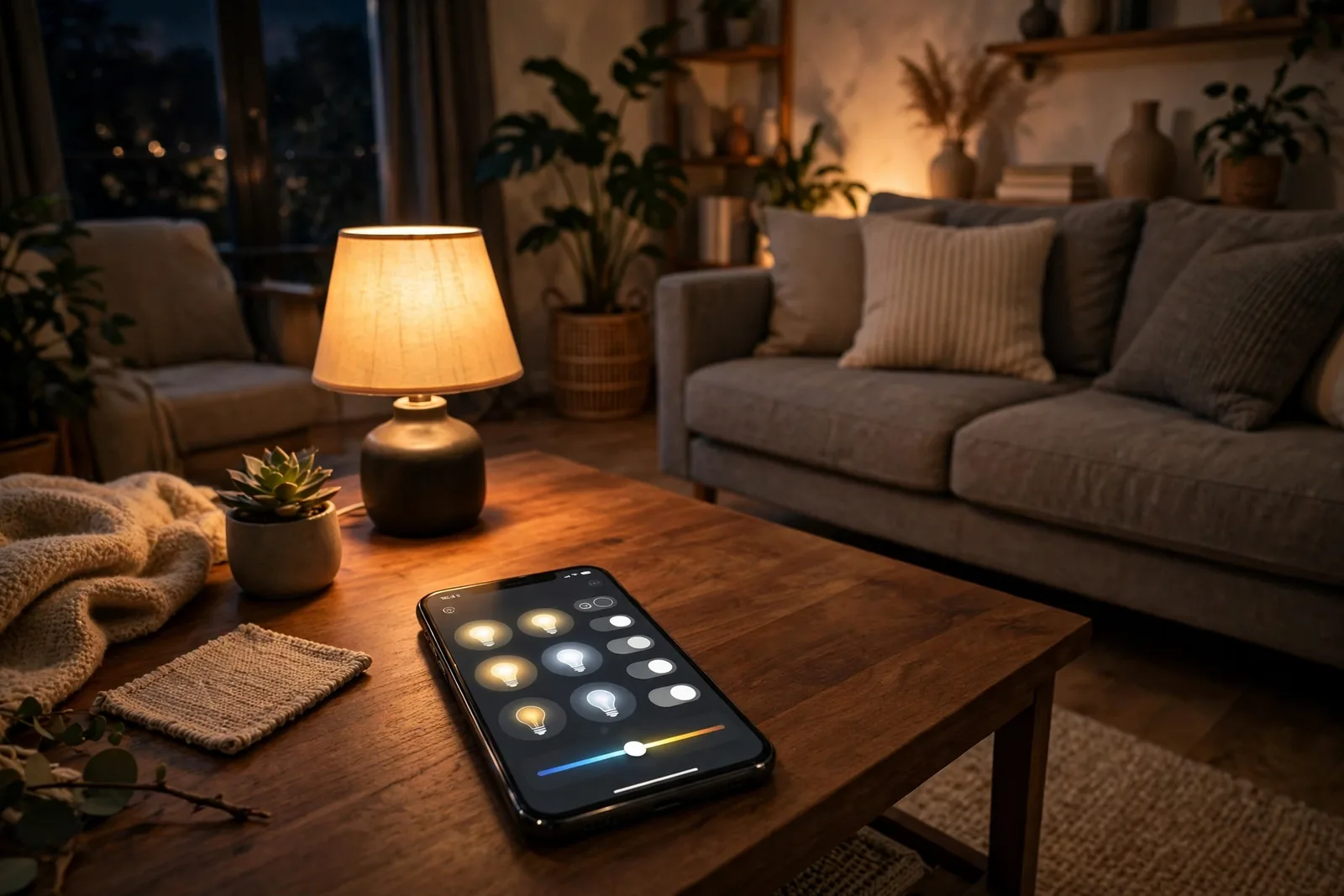
Alexa and Google Home have less built-in randomness. However, you can fake it. Create three or four versions of the routine with different times. Then enable a different one each day, or use a smart home hub routine that shuffles. It is less elegant than Home Assistant, but it beats a single fixed timer.
Layer 3: Room-by-Room Sequencing
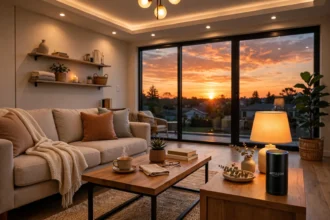
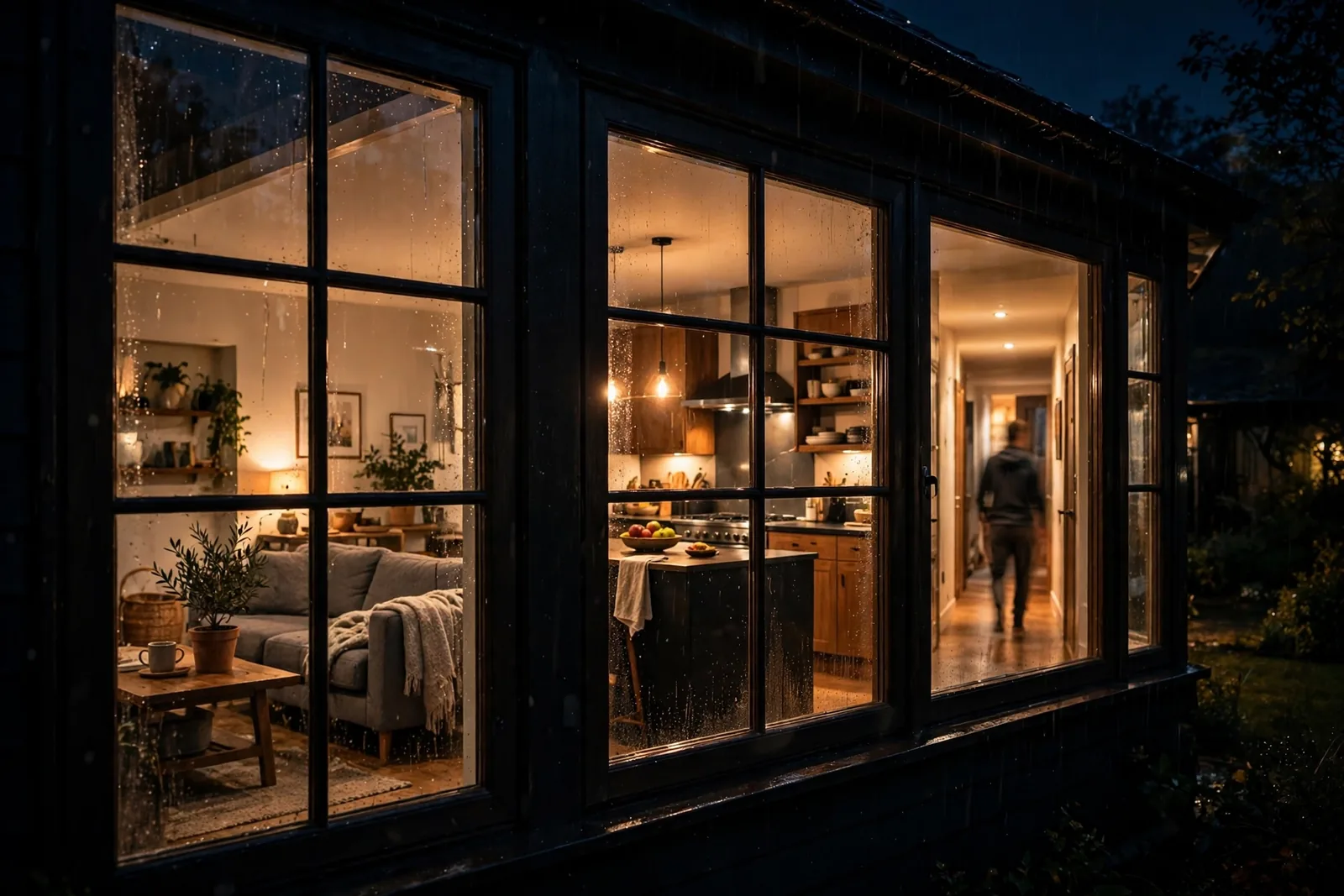
One lamp in one room says “timer.” Meanwhile, lights moving through the house say “person.” Sequence your rooms the way a real evening flows: living room on at sunset, kitchen briefly around dinner time, hallway when “someone” walks through, bedroom last before everything goes dark.
You do not need many smart bulbs for this. Three or four cover the visible rooms: living room, kitchen, hallway, bedroom. Anyone watching from the street sees activity migrate through the house over the evening, which is far more convincing than a single glowing window.
Layer 4: The Occasional Curveball
In fact, real life has irregular moments, and your simulation should too. Once or twice a week, have a light come on at an odd hour. For example, the kitchen at 2 AM for a glass of water, or the bathroom light briefly at 3 AM. These rare events sell the illusion because no burglar expects a timer to do something at 2:47 AM on a Wednesday.
Keep curveballs rare and brief. A light on all night looks like you forgot it, not like you are home. Fifteen to thirty minutes is plenty.
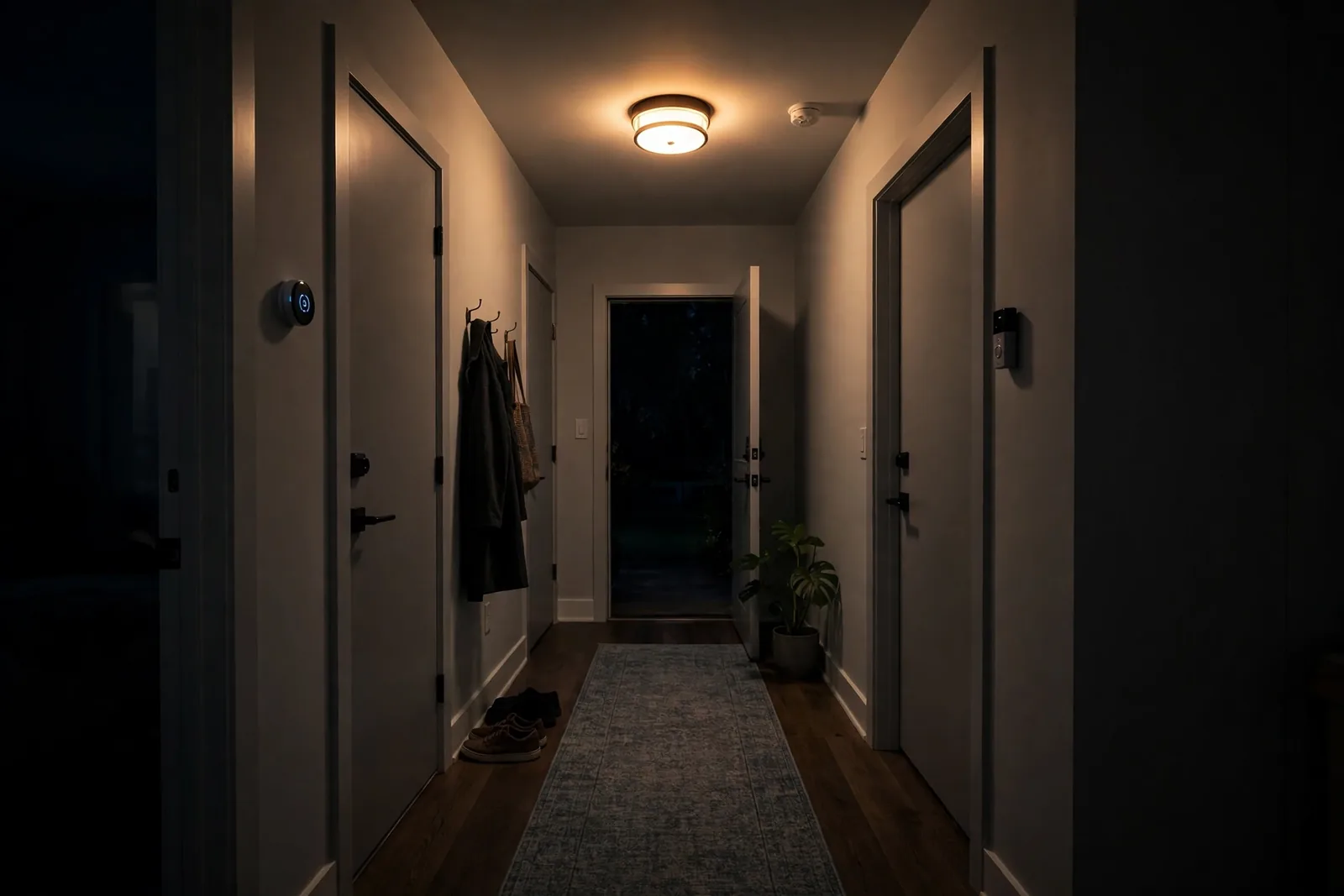
Table: Vacation lighting methods compared
| Method | Believability | Effort | Best for |
|---|---|---|---|
| Fixed plug-in timer | Low | Minimal | One lamp, short trips |
| Smart schedule, fixed times | Medium | Low | Weekend trips |
| Sunset-anchored + random | High | Medium | Week-long trips |
| Full 4-layer simulation | Very high | Higher | Extended travel |
Setting It Up in Home Assistant
In fact, Home Assistant gives you the most control, and the setup is simpler than it looks. You need your lights already working in Home Assistant and the sun integration enabled, which it is by default.
First, build one automation per room, all following the same pattern. The trigger is sunset with a small random offset. The action turns the light on. Then add a delay with a random duration before turning it off. A template like “now plus a random number of minutes between 240 and 330” gives you a different off time every night without any manual work.
Then stagger the start offsets for the room sequence: living room at sunset, kitchen at sunset plus 30 to 60 minutes, bedroom at sunset plus 3 to 4 hours. Each automation runs independently, so the pattern shifts every night on its own. If you want the 2 AM curveball, add a separate automation with a low probability condition, something that fires roughly twice a week. The official Home Assistant trigger documentation covers the sun trigger and template syntax in detail.
Finally, test everything for two or three nights before you leave. Watch from outside if you can, or check your light history in Home Assistant. You are looking for a pattern that feels human: varied, slightly messy, and never exactly repeated. Our guide to automating outdoor lights with sunset and sunrise triggers covers the sunset-trigger technique in detail if you want a refresher.
Setting It Up in Alexa and Google Home
However, without Home Assistant, you can still build a decent simulation. It takes more manual setup, but the result beats any plug-in timer.
In the Alexa app, create a routine triggered at sunset that turns on your living room lights. Then create a second routine that turns them off at a fixed late time. Then duplicate the off routine two or three times with different times, and manually enable a different one each day before you leave, or ask someone at home to rotate them. It is clunky, but a rotating set of three off-times looks far less mechanical than one.
Google Home works the same way with its Home automations. In particular, a sunset starter handles the on-action and time-based starters handle off. Google also offers a “presence simulation” style through its Home and Away routines if you have presence sensing set up, which can randomize based on your actual patterns before you leave.
Whichever platform you use, cover at least three rooms. In particular, keep the bedroom as the last light off. A switch left in the off position will silently kill your whole vacation routine, so brief everyone at home before you leave.
Do Not Forget the Outside
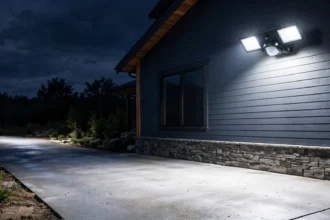
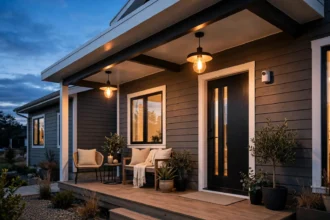
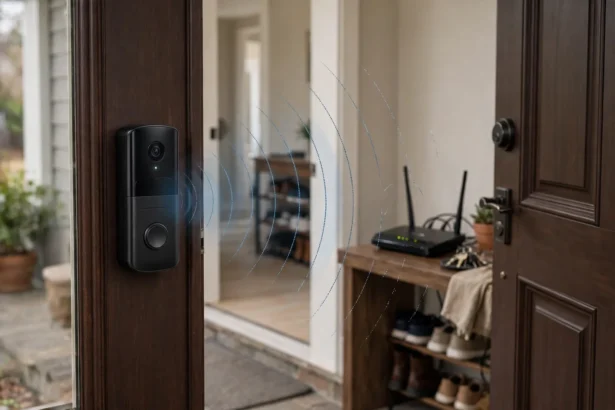
Interior lights get all the attention, but exterior lighting matters just as much. A dark porch for two weeks is a signal. Keep your normal outdoor schedule running: porch light on at sunset, off at sunrise or on a motion sensor. If your walkways need coverage, our guide to the best smart outdoor pathway lights that need no wiring covers easy options.
If you have smart outdoor lights, let them run their usual automation while you are away. Motion-triggered floodlights are especially good because they react to real events, which no burglar can predict or pattern-match.
To tie it all together, our circadian lighting setup guide shows how to keep whole-home schedules, including outdoor lights, running smoothly on autopilot.
Common Mistakes That Give You Away
Every light on the same schedule. If the living room, kitchen, and bedroom all switch at exactly 7 PM and 11 PM, it is obviously automated. Therefore, stagger everything by at least 20 to 30 minutes.
Lights but no other signs of life. Lighting is the biggest signal. In addition, pair it with the small stuff: leave a car in the driveway if you can, keep the blinds as you normally would, and do not let mail pile up. Ask a neighbor to grab packages.
Forgetting about power. Indeed, a smart bulb with no power is just a bulb. Make sure nobody flips the physical switches off before you leave, and check that your hub and router are on a UPS or at least not on a switch someone might flip.
Running the simulation while you are home. This sounds obvious, but test mode accidents happen. Put your vacation automations behind a toggle or a “vacation mode” helper in Home Assistant, and turn it on only when you actually leave. Nothing ruins the illusion like lights following the away pattern while you are sitting on the couch.
What It Costs to Run
People worry about the electricity, but the numbers are small. A typical 9-watt LED smart bulb running 5 hours a night uses 0.045 kWh per night. Over a 14-day trip, that is 0.63 kWh, which costs roughly 10 to 15 cents at average US residential rates. Four bulbs for two weeks cost well under a dollar. The security is essentially free.
The bigger cost is your time: an hour or two the first time, then minutes for every trip after. As a result, the setup pays for itself on the first trip. Save the automations, toggle them on when you leave, and toggle them off when you return.
The Pre-Trip Checklist
Run through this list the day before you leave.
Turn on the vacation toggle. In Home Assistant, flip your vacation mode helper. In Alexa or Google, enable the right routines. Do this last, after testing.
Check every physical switch. Walk the house and make sure all smart-bulb switches are on. Tape over the critical ones if guests or cleaners might flip them, otherwise your simulation dies silently. If your switches keep getting flipped, read our guide to smart bulb mode on smart switches.
Confirm the hub stays powered. Your automations die if the hub or router loses power. Therefore, put both on a small UPS to ride through short outages.
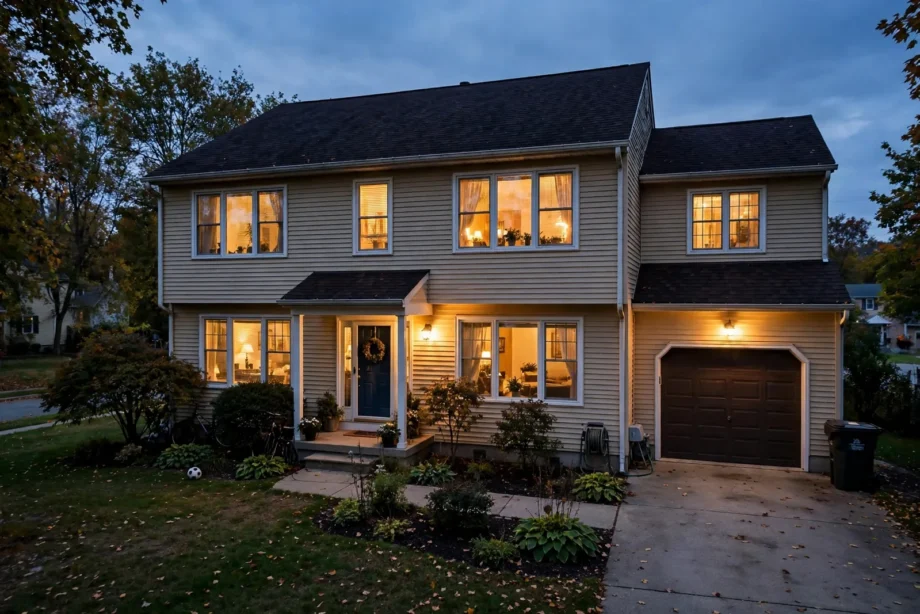
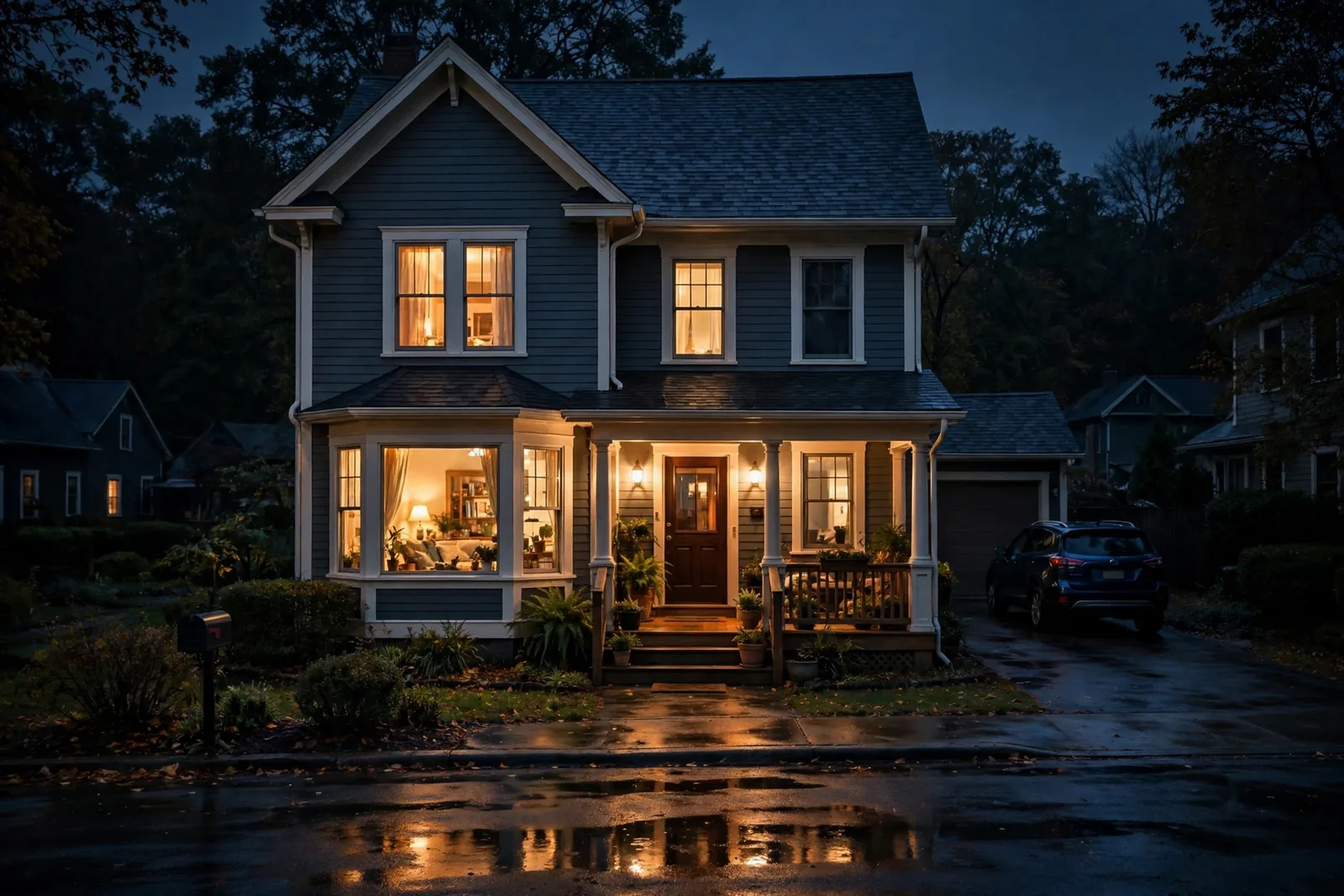
Do a final outside check. Step outside after dark and look at your house. If the light pattern looks lived-in to you, it will look lived-in to anyone else.
FAQs
What is vacation mode lighting automation?
It is a set of smart lighting routines that simulate presence while you are away. Instead of fixed timers, the lights follow randomized, sunset-anchored schedules across multiple rooms. As a result, your home looks occupied every single night you are gone.
Can Alexa do vacation mode lighting?
Yes, with some manual work. Create sunset-triggered routines to turn lights on and several off-routines with different times, then rotate which off-routine is active. It lacks true randomness. However, a rotating set of schedules looks far more natural than a single fixed timer.
How many rooms need smart lights for this to work?
Three to four visible rooms are enough: living room, kitchen, hallway, and bedroom. The key is sequencing, lights moving through the house over the evening. One lamp in one room is not convincing no matter how random its timing is.
Should outdoor lights run while I am away?
Yes. Keep your normal outdoor schedule running exactly as usual. A dark porch for two weeks signals an empty house. Motion-triggered floodlights are ideal because they react to real events, which makes them unpredictable by nature. As a result, your exterior looks actively lived-in instead of abandoned.
How do I make the schedule random in Home Assistant?
Use a random delay or a template in your automation. For example, trigger at sunset, turn the light on, then delay for a random duration between 4 and 5.5 hours before turning it off. Each night picks a different value automatically. Therefore, you never repeat a pattern.
Will this really deter burglars?
It removes the easiest signal burglars look for: an obviously empty house. No lighting trick guarantees security, and you should still lock up properly and consider cameras or an alarm. However, a lived-in look makes your home a less attractive target than the dark, silent house next door.
The Bottom Line
Believable vacation lighting stacks four layers: sunset-anchored timing, randomized on and off times, room-by-room sequencing, and the occasional 2 AM curveball. Build it once in Home Assistant, Alexa, or Google Home. Then test it for a few nights and put it behind a vacation toggle. Your next step: pick your three most visible rooms and set up the sunset routine tonight, so it is ready before your next trip.