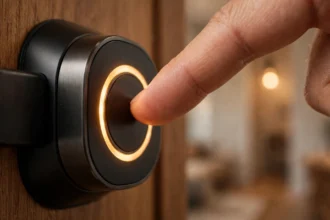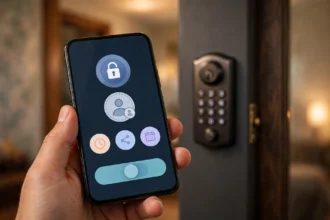

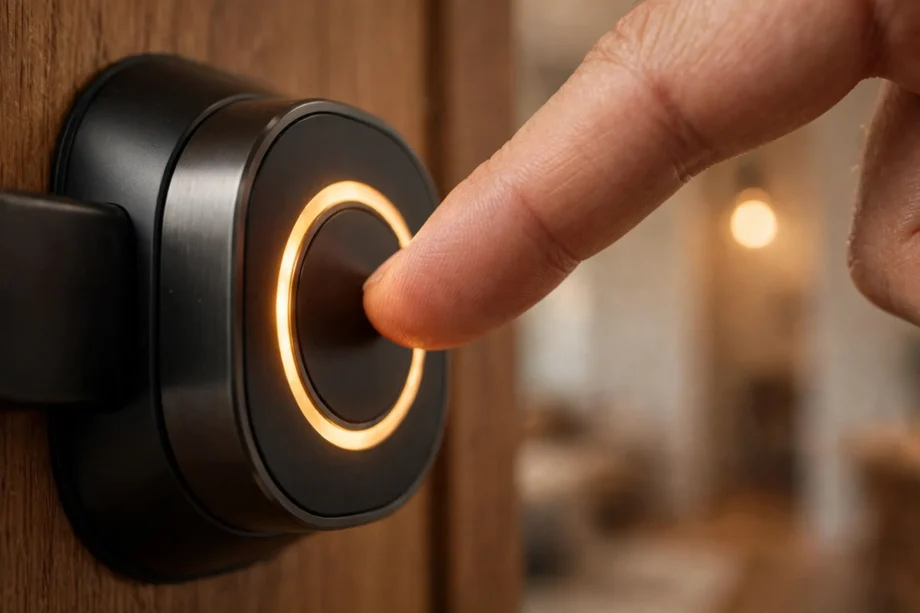
Your fingerprint door lock not recognizing finger problems almost always come down to three things: a dirty sensor, a bad enrollment, or your skin. The sensor itself is rarely broken, so this fingerprint door lock not recognizing finger fix focuses on what you can solve in about ten minutes. Before you assume the lock is defective, run through the fixes below in order. Re-enrollment alone resolves the majority of cases, and the whole process takes about ten minutes. Work from the simplest fix to the deepest so you do not waste effort on the wrong end of the problem.
- Fingerprint door lock not recognizing finger fix: start with the sensor
- Why your fingerprint fails: the seven causes
- Re-enroll properly: the step that fixes most cases
- The two-template trick for stubborn fingers
- Check battery and firmware next
- Skin and weather: the seasonal problem
- Test with another finger to isolate the problem
- Symptom to fix quick reference
- When the sensor is actually broken
- Frequently asked questions
- Fingerprint door lock not recognizing finger fix: why does it work sometimes but not others?
- Can cold weather really stop fingerprint recognition?
- How many times should I scan my finger during enrollment?
- Should I use hand lotion before using a fingerprint lock?
- Does a low battery affect fingerprint accuracy?
- Fingerprint door lock not recognizing finger fix or replace: when to give up troubleshooting?
- Conclusion
Fingerprint door lock not recognizing finger fix: start with the sensor
A fingerprint sensor reads the tiny ridges on your skin. Anything between your skin and the sensor degrades the reading: dust, skin oil, sunscreen, rainwater, kitchen grease. Outdoor locks collect all of this within weeks. The sensor on a front door handles thousands of touches between cleanings, and each touch leaves a film behind.
Clean it with a soft, lint-free microfiber cloth, slightly dampened with isopropyl alcohol. Wipe gently in small circles and let it air dry completely before testing. Do not use abrasive cleaners, solvents, or paper towels, which can scratch the sensor surface. A scratched sensor scatters the reading permanently, so treat it like a camera lens.
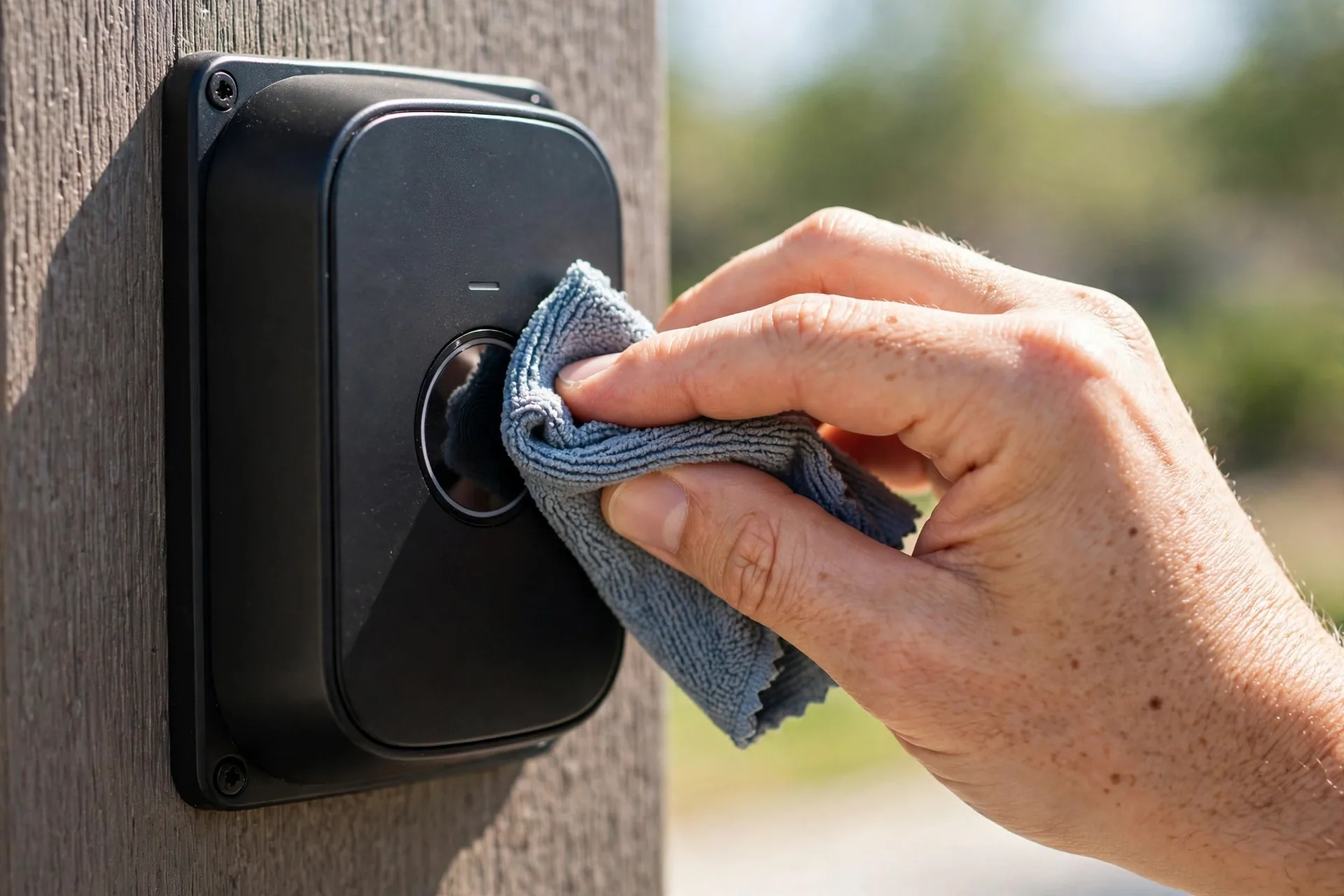
Then clean your finger. Wash your hands with soap, dry them fully, and try again. Oils and moisture are the two most common finger-side problems. If you just applied hand lotion, wipe your fingertip on a dry cloth first. This sounds trivial, but support guides consistently list “wash and dry your hands” as the first troubleshooting step for a reason.
Why your fingerprint fails: the seven causes
Understanding the cause saves you from random button-pressing. Here are the seven reasons a fingerprint lock stops recognizing you, roughly in order of frequency.
- Dirty or smudged sensor. Oil and dust film blocks the reading. Fixed by cleaning.
- Wet, oily, or lotioned finger. Moisture fills the ridge valleys the sensor reads. Fixed by washing and drying.
- Bad enrollment. The original scan captured a partial or angled print. Fixed by re-enrolling properly.
- Skin changes. Cold weather stiffens skin and lowers conductivity. Dry winter air, cuts, calluses, and aging all change your print. Fixed by re-enrolling in current conditions.
- Low battery. Weak voltage reduces sensor sensitivity before the motor fails. Fixed by fresh batteries.
- Outdated firmware. Manufacturers regularly ship recognition improvements. Fixed by updating in the app.
- Damaged sensor. Scratches, cracks, or clouding on the sensor surface. This one needs a warranty claim.
Re-enroll properly: the step that fixes most cases
Here is the enrollment mistake almost everyone makes. They enroll once, indoors, in warm comfortable conditions, pressing the same flat angle every time. Then they try to unlock in January with cold, dry hands at a slightly different angle, and the lock rejects them. The enrollment template was too narrow for real life.
Delete the old fingerprint first. A lock comparing your finger against a bad template will keep failing no matter how many times you retry. This step-by-step fingerprint recalibration guide walks through the delete-and-re-enroll process for popular brands. Go to user management in the app, remove the stored print, and start fresh. Clean the sensor and your hands before you begin.
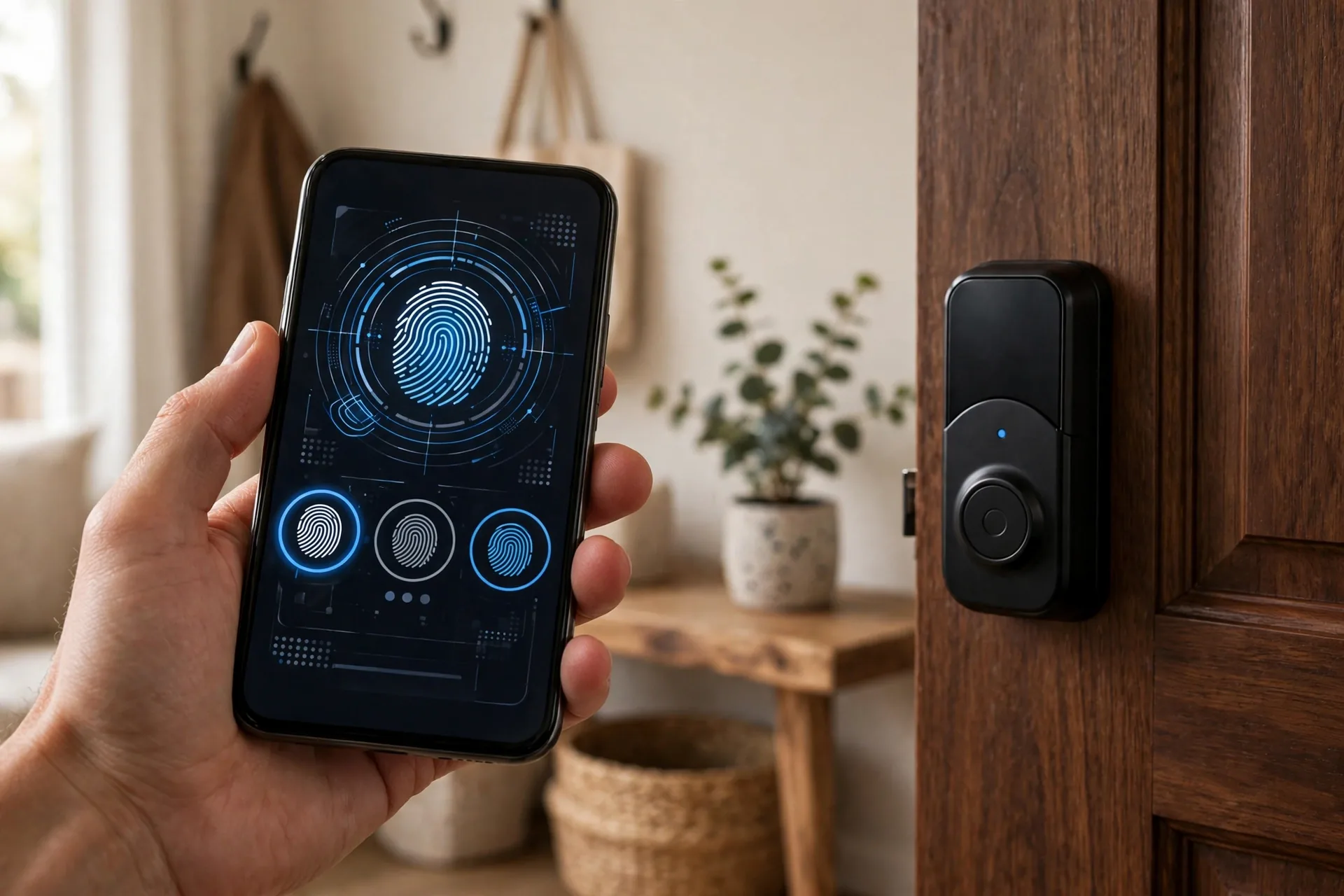
Now enroll with variety. On an ULTRALOQ U-Bolt Pro in standalone mode, hold the ULTRALOQ button for three seconds, enter your admin code, and the lock asks you to place and lift your finger repeatedly while the keypad lights up digit pairs. On the ULTRALOQ Bolt, you press six times with five beeps confirming each stage. Whatever your brand, rotate your finger slightly between scans so the template captures the edges and tip, not just the flat center.
Enroll the same finger twice if your lock allows multiple slots. Register your right thumb once with normal pressure and once pressing slightly harder and at a tilt. Two templates of the same finger cover far more real-world variation than one perfect scan. Then test immediately by locking the door and unlocking with the newly enrolled finger.
The two-template trick for stubborn fingers
Some fingers just do not cooperate with a single template. Older hands, worn prints from manual work, and very dry skin produce weaker signals, and one enrollment pass cannot capture enough data. The fix is to enroll the same finger twice as if it were two different users, with deliberately different technique each time.
For the first enrollment, press the way you naturally would: normal pressure, straight-on angle, the way you unlock when you are not thinking about it. For the second enrollment, press slightly harder and roll the finger a few degrees to each side between scans. Name them clearly in the app, like “Thumb normal” and “Thumb firm,” so you can tell them apart later.

This works because the lock now has two reference templates covering different pressure and angle ranges. When you present a cold, stiff finger at an odd angle, it matches the second template even if it misses the first. Lock technicians use this exact approach on problem fingers, and it resolves cases where three single enrollments in a row all failed.
One caution: do not enroll the same finger five times hoping more is better. Most locks have limited fingerprint slots, and flooding them with near-identical templates can actually slow matching. Two distinct templates per problem finger is the sweet spot.
Check battery and firmware next
A lock running on dying batteries behaves erratically long before it dies completely. The sensor needs stable voltage to read accurately, and weak cells cause intermittent failures that look exactly like a fingerprint problem. If your lock also beeps oddly, responds slowly, or the motor sounds strained, swap in four fresh alkaline batteries before doing anything else. Never use rechargeables in most locks; their lower voltage reads as “almost dead” from day one.
Then check for firmware updates in the companion app. Manufacturers regularly release updates that improve recognition algorithms and fix biometric bugs. An outdated lock may lack optimizations that specifically address the failure you are seeing. Install any pending update, then test the fingerprint again.
If your batteries drain suspiciously fast, that is a separate problem worth fixing on its own. Our guide on why smart lock batteries drain fast walks through the common causes, from misaligned deadbolts to aggressive Wi-Fi polling.
Skin and weather: the seasonal problem
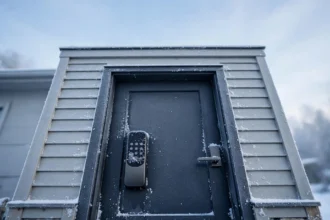
This is the cause people never suspect. Your fingerprint changes with the seasons, and a template enrolled in July can struggle in January. Cold stiffens the skin and reduces the electrical conductivity that capacitive sensors rely on. Dry winter air cracks fingertips. Summer brings sweat, which floods the sensor with moisture.
The practical fix is seasonal re-enrollment. If your lock starts rejecting you every winter, delete the summer template and enroll again with your cold, dry hands. It takes two minutes and the problem disappears. Construction workers, gardeners, and anyone with calloused hands should enroll the finger they actually use least for rough work, or simply enroll two different fingers.
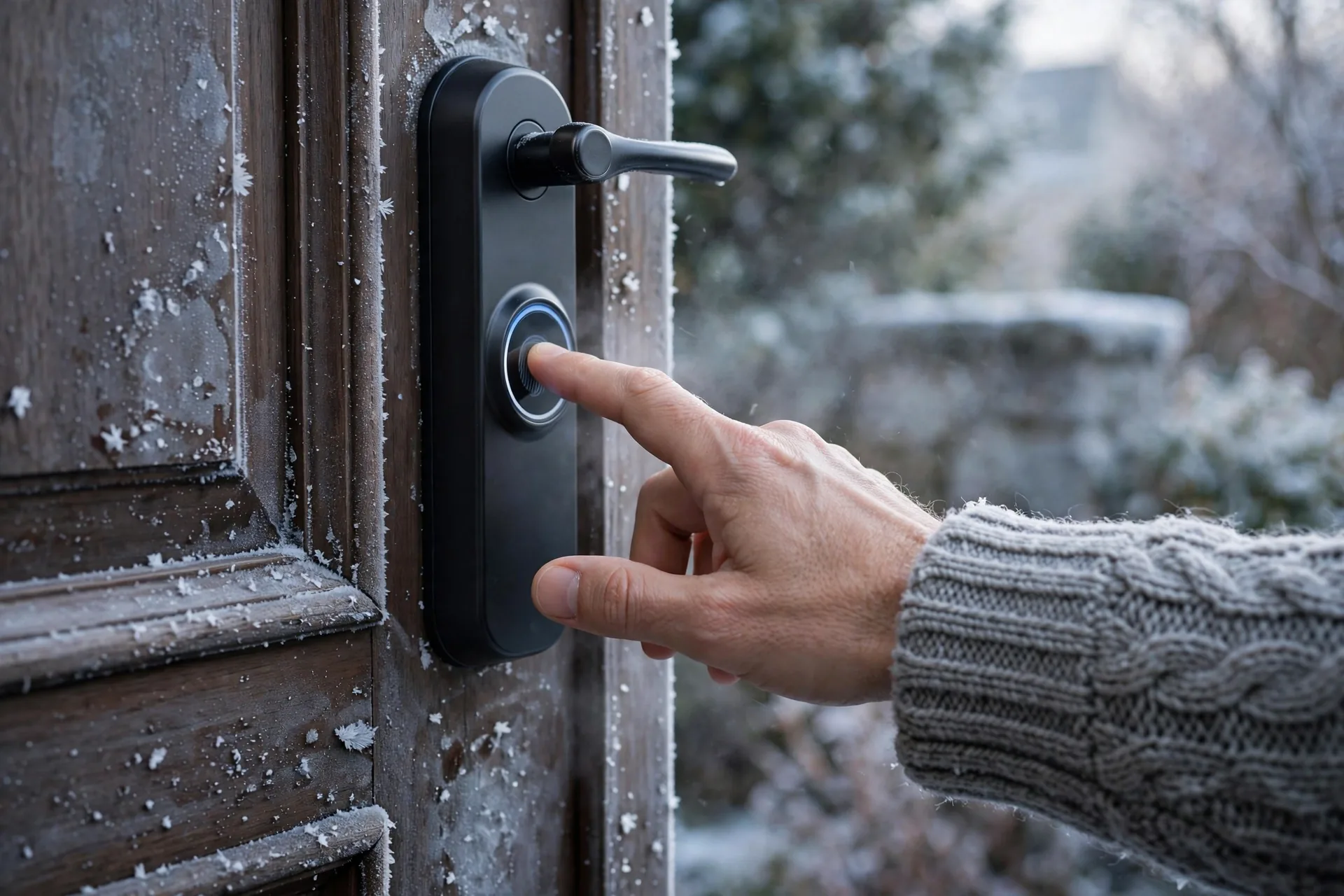
Small cuts and peeling skin also break recognition temporarily. Keep a backup method ready for those weeks: a user code or a second enrolled finger. This is also why every fingerprint lock should have at least one code programmed. Biometrics are convenient, but a code never gets a paper cut.
Test with another finger to isolate the problem
This diagnostic takes one minute and tells you exactly where the fault lives. Try every enrolled finger. If one finger works and another does not, the problem is that specific fingerprint template. Delete and re-enroll the failing one. If no enrolled finger works, the problem is the sensor, the battery, or the system, and you move to the deeper fixes below.
Also try enrolling a completely fresh finger you have never registered. If the lock enrolls it fine and recognizes it, your old templates were the problem. If the lock cannot enroll anything, the sensor or firmware is at fault.
Symptom to fix quick reference
Table 1: Match your symptom to the most likely cause and fix
| Symptom | Likely cause | Fix |
|---|---|---|
| Worked yesterday, fails today | Dirty sensor or wet hands | Clean sensor, wash and dry hands |
| Never worked reliably | Bad enrollment | Delete template, re-enroll with varied angles |
| Fails only in winter | Cold dry skin | Re-enroll in winter conditions |
| Fails for one person only | Their template or skin | Re-enroll their finger twice |
| Slow response plus failures | Low battery | Replace all batteries with fresh alkaline |
| Nothing enrolls or reads | Sensor damage or firmware | Update firmware, then contact support |
When the sensor is actually broken
Sometimes it really is hardware. Inspect the sensor surface in good light. Look for scratches, cracks, or a cloudy film on glass sensors that cleaning does not remove. A cracked surface disrupts the reading permanently. Outdoor locks in harsh sun can also develop clouding over a few years.
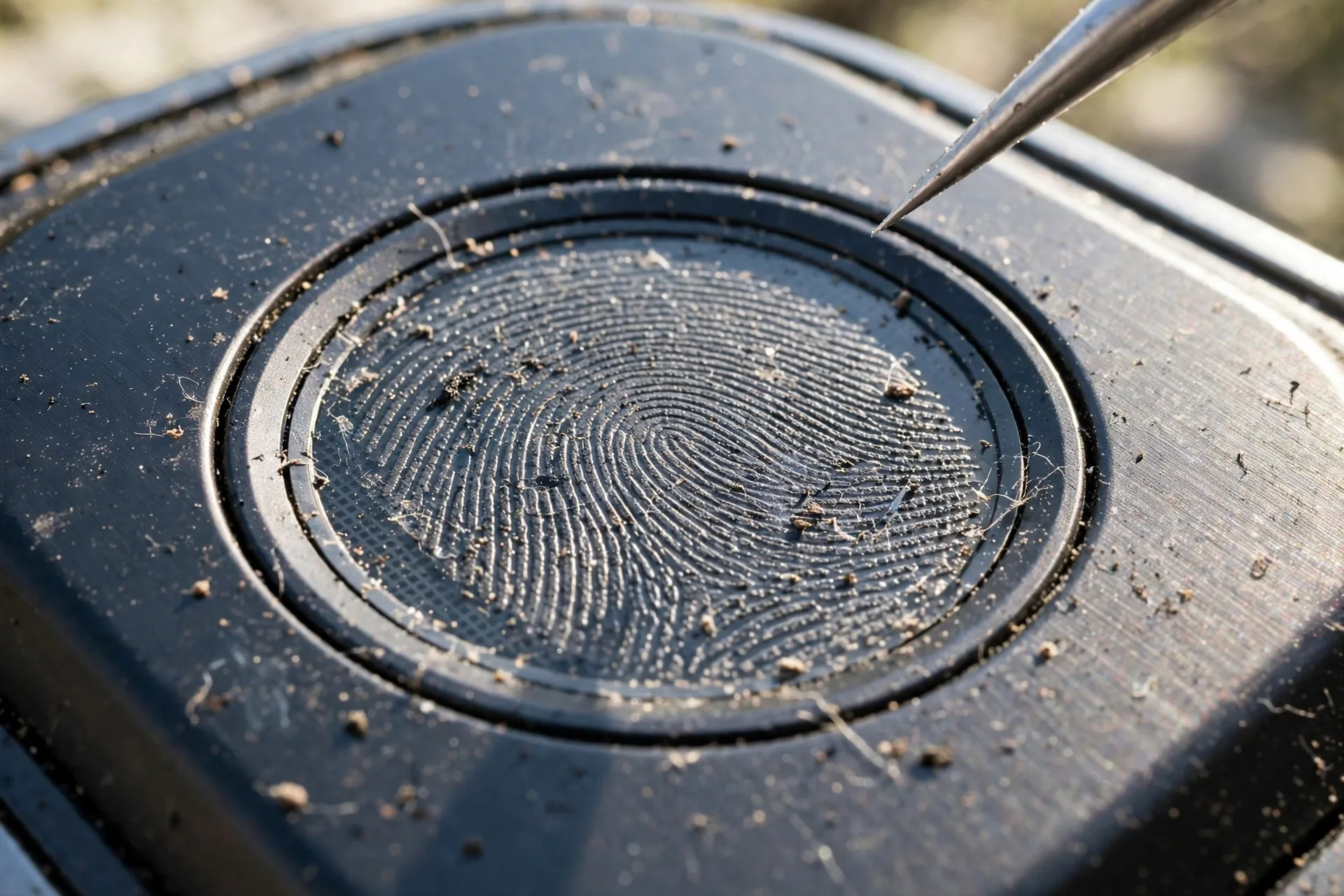
Before a warranty claim, try one soft reset. Remove the batteries for thirty seconds, reinsert them, and test. This clears transient glitches without erasing anything. A full factory reset is the last resort because it wipes all codes and fingerprints. If you reach that point, follow the proper factory reset procedure for your lock rather than improvising.
Check your warranty before paying for anything. ULTRALOQ offers a lifetime mechanical warranty with eighteen months of electronic coverage, and most major brands cover at least a year of electronics. A failed sensor inside the warranty window means a replacement, not a repair bill.
Frequently asked questions
Fingerprint door lock not recognizing finger fix: why does it work sometimes but not others?
Inconsistent recognition points to variable conditions, not a broken sensor. Moisture, temperature, finger angle, and pressure all change between attempts. Clean the sensor, re-enroll with varied finger angles, and test in the conditions where it usually fails. Most intermittent problems disappear after a proper re-enrollment.
Can cold weather really stop fingerprint recognition?
Yes. Cold stiffens skin and reduces the conductivity that capacitive sensors measure, while dry winter air cracks fingertips and changes the print itself. If failures cluster in winter, delete the warm-weather template and re-enroll with cold, dry hands. The new template matches the finger you actually present in January.
How many times should I scan my finger during enrollment?
Follow your lock’s prompts exactly and use the maximum it allows. ULTRALOQ’s standalone enrollment asks for six placements with beep confirmations, and the U-Bolt Pro walks you through repeated place-and-lift cycles. More scans with slight rotation between them build a richer template. Never rush enrollment with a single flat press.
Should I use hand lotion before using a fingerprint lock?
No. Lotion fills the ridge valleys the sensor reads and causes failures. If you just applied lotion, wipe your fingertip firmly on a dry cloth or tissue before touching the sensor. Very dry, cracked skin also fails, so the goal is clean and naturally dry, not moisturized and not parched.
Does a low battery affect fingerprint accuracy?
Yes. Weak batteries deliver unstable voltage, and the sensor is one of the first components to misbehave. You will see intermittent recognition failures, slow responses, and odd beeps before the motor itself struggles. Fresh alkaline batteries fix a surprising number of “fingerprint problems” that were power problems all along.
Fingerprint door lock not recognizing finger fix or replace: when to give up troubleshooting?
Replace or warranty-claim when the sensor surface is visibly scratched or cracked, when no finger enrolls even after cleaning and fresh batteries, or when failures persist across a factory reset and firmware update. If the lock is within its electronics warranty period, contact the manufacturer first. For a replacement with a better sensor, see our best front door smart locks for 2026.
Conclusion
Fingerprint recognition failures are a maintenance problem far more often than a hardware problem. Clean the sensor, wash and dry your hands, and re-enroll with varied angles, and you will fix the vast majority of cases in about ten minutes. Keep fresh batteries in the lock, re-enroll seasonally if winter gives you trouble, and always keep one backup code programmed. For a broader look at choosing and setting up these locks, read how smart front door locks work and what to buy.