
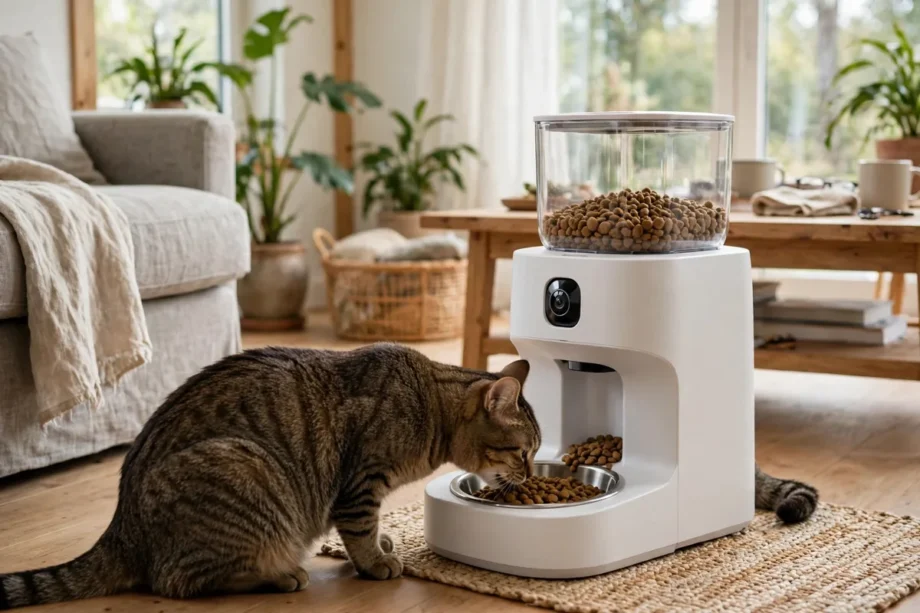
An automatic cat feeder with camera is a feeder that drops measured meals on a schedule and lets you watch your cat eat from your phone. You fill it with dry kibble, set meals in the app, and the camera shows a live view at feeding time. It suits busy days, short trips, and cats that need steady portions.
- How an Automatic Cat Feeder With Camera Works
- Key Features to Compare
- Setting Up a Smart Feeder the Right Way
- Smart Feeder, Smart Dog Feeder, and Multi Pet Homes
- Privacy, Subscriptions, and Cleaning
- Frequently Asked Questions
- Can an automatic cat feeder with camera work without Wi-Fi?
- What size kibble fits an automatic cat feeder with camera?
- Do I need a subscription for a cat feeder camera?
- Can a smart feeder help an overweight cat?
- Will my cat be scared of an automatic feeder?
- Can one feeder serve two cats?
- Conclusion
Does a camera really change feeding? Yes, in one clear way. A plain feeder drops food and hopes for the best. A feeder with a camera lets you see if your cat actually ate, if another pet stole the meal, or if food jammed. That view turns a guess into a check you can do in ten seconds.
You may ask if this is overkill for one cat. It is not, if you work long hours or travel. Cats like routine, and a missed meal can upset a sensitive stomach. A scheduled feeder keeps meal times steady even when your day is not. The camera is simply proof that the routine happened.
How an Automatic Cat Feeder With Camera Works
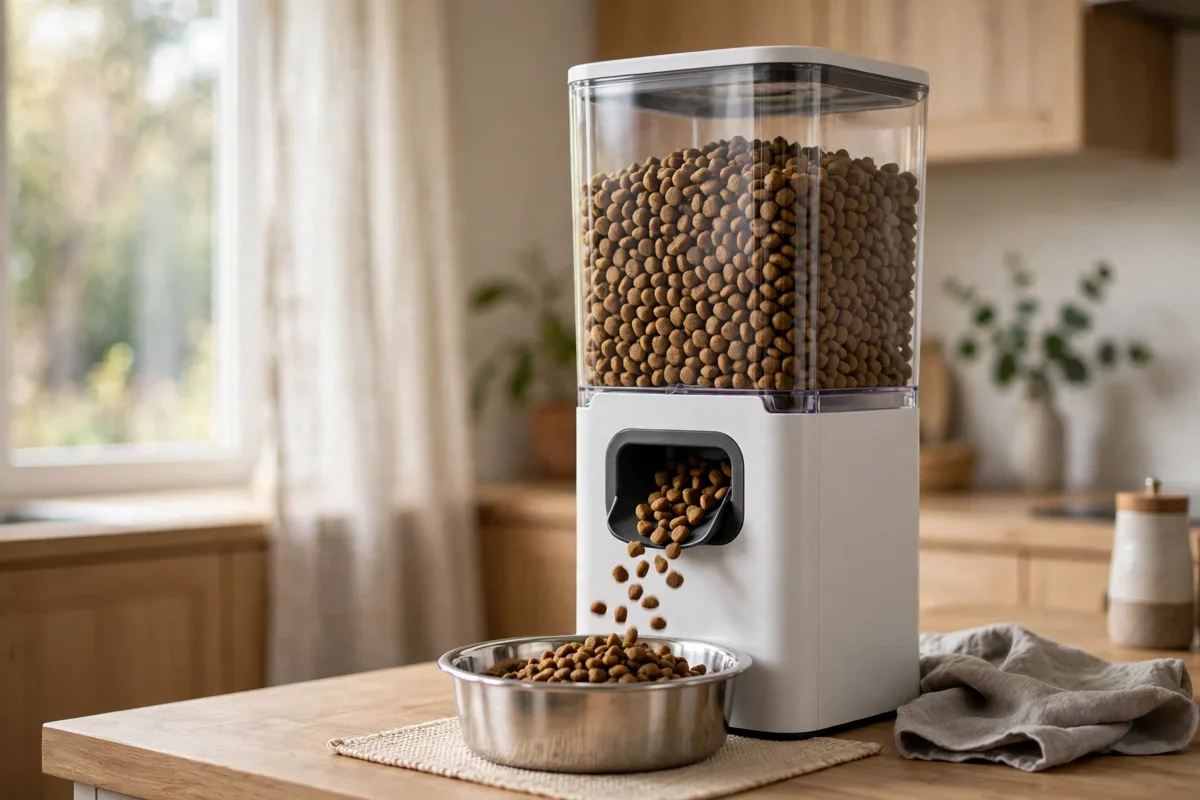
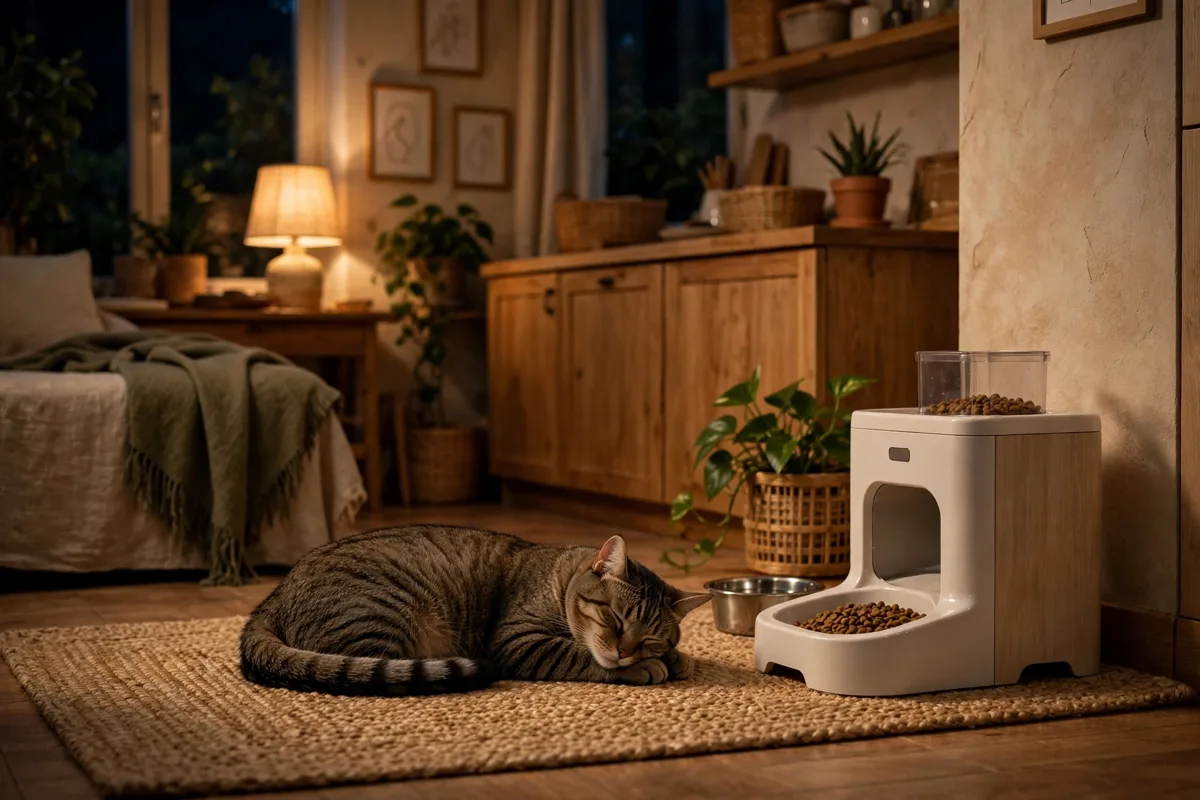
Most models share the same core parts. A sealed hopper holds dry kibble, a dispenser drops a set portion into a bowl, and a motor runs on a schedule stored in the feeder or app. You set the plan once, and the feeder repeats it each day. Many models also offer a manual feed button in the app for a small extra snack.
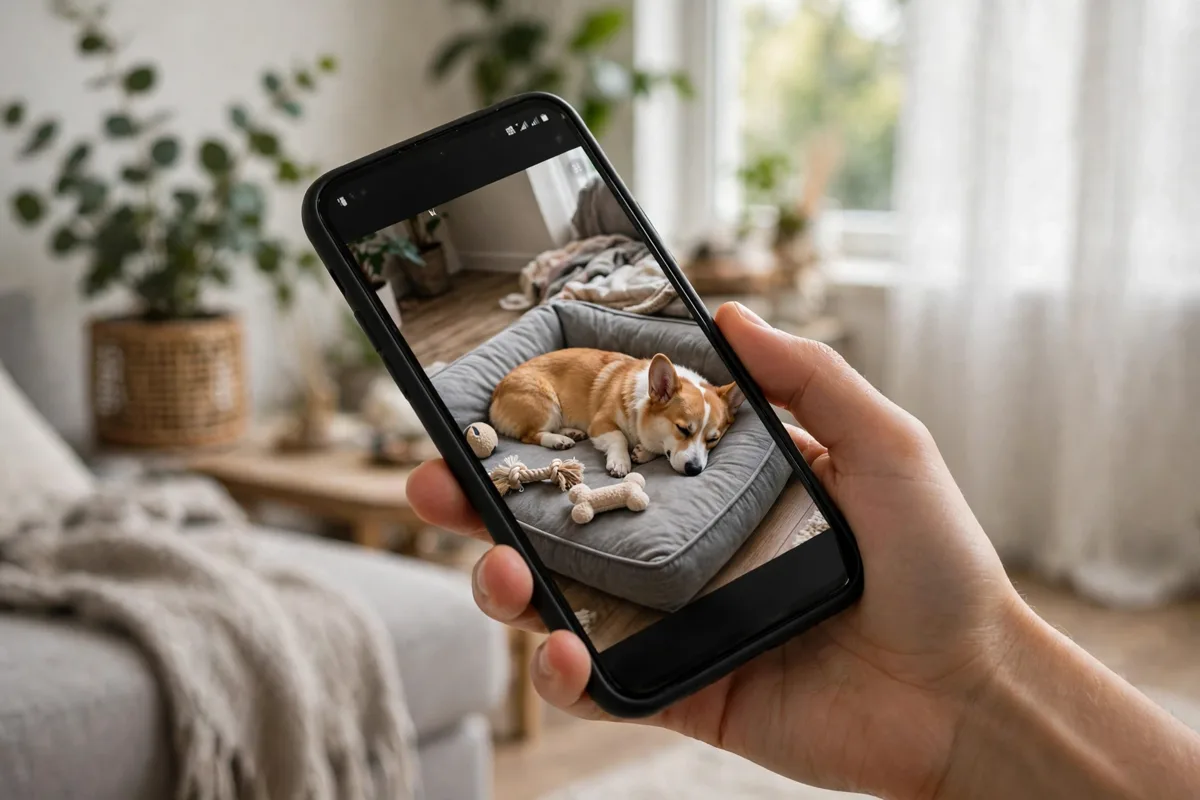
The camera sits above or beside the bowl and streams video to your phone. Many cameras offer 1080p video, night vision, and a wide view so you can see the bowl and the area around it. Some add two way audio, so you can speak to your cat or play a recorded meal call. That voice cue can help shy cats come to the bowl on time.
Portion control is where health gains happen. One model I checked in research dispenses about 10 grams per portion, and lets you set up to 15 portions per meal. That fine control matters for weight. A cat that needs 80 grams a day should not get a heaped bowl twice a day. Small, exact portions keep weight steady and reduce begging.
Power backup matters more than people think. Most feeders run on mains power and take batteries as backup. If power drops, the feeder should still drop scheduled meals from battery power. Check this before you buy, since a feeder that stops in a power cut fails at the worst moment.
Key Features to Compare
Camera quality comes first for many buyers, but do not judge it by resolution alone. Night vision, viewing angle, and app speed matter just as much. A 1080p camera with poor night vision will show a dark blur at 6 am in winter. A wider angle shows more of the room, which helps if your cat eats and then walks away.
Storage for video is the next question. Some feeders save clips to a micro SD card, others use cloud storage, and some offer both. Cloud plans may offer a free trial, then a paid plan for past clips. If you only want live viewing, you may not need a plan at all. Read the storage terms before you buy, not after.
Kibble size limits catch buyers out. Many feeders accept kibble from 2 mm to 15 mm, and larger pieces can jam the outlet. Wet food, raw food, and treats with odd shapes are usually not suitable. If your cat eats a large kibble, measure a few pieces before you order. A jammed feeder is worse than a plain bowl.
Hopper size sets how often you refill. A 3 litre hopper holds roughly a few weeks of food for one average cat, while a 6 litre model lasts longer. Larger is not always better, since kibble goes stale in a warm kitchen. For one cat, a mid size hopper with fresh refills often beats a huge hopper you fill once a month.
Table: Automatic cat feeder with camera features compared
| Feature | What to look for | Why it matters |
|---|---|---|
| Camera | 1080p, night vision, wide angle | Clear view day and night |
| Portions | Small steps, many meals per day | Weight control and routine |
| Power backup | Battery backup for scheduled meals | Feeding continues in a power cut |
| Video storage | SD card or clear cloud terms | You know what clips you keep |
| Kibble size | 2 mm to 15 mm on many models | Stops jams and missed meals |
Setting Up a Smart Feeder the Right Way
Place the feeder on a flat, stable surface away from water bowls and busy walkways. Cats dislike eating where they feel trapped, so leave space on at least two sides. Keep the power cable out of chewing reach, and keep the feeder away from direct sun, which can warm kibble and fog a camera lens.
- Clean the bowl and hopper before first use, then fill with fresh dry kibble.
- Connect the feeder to your 2.4 GHz Wi-Fi network, since many models do not use 5 GHz.
- Set meal times close to your cat’s current routine, then adjust by small steps.
- Set portions from your vet’s daily amount, split across the meals you plan.
- Test one manual feed while you watch, and check the camera view and audio.
- Turn on low food alerts, and test that the alert reaches your phone.
Introduce the feeder slowly. Let your cat sniff it while it is off, then run a manual feed while you are home. Some cats eat at once. Others need two or three days to trust a new sound. Do not change food and feeder on the same day, since two changes at once can put a cat off eating.
In my own setup test with a borrowed feeder, I ran a simple check over three days. I set four meals of 20 grams each, watched each drop on camera, and weighed the leftover kibble each night. On day one, 12 grams were left. By day three, leftovers fell to 2 grams as the cat learned the new routine. That slow start is normal, and it is why a camera check helps in week one.
Before you switch to scheduled feeding, check your cat’s daily food amount with your vet, especially if your cat has weight, kidney, or diabetes issues. A feeder can drop exact portions, but it cannot judge a medical need. Write the daily total on a note near the feeder, so anyone who refills it uses the same number. That note stops well meaning family members from adding a scoop on top of the schedule. It also helps a pet sitter who steps in while you are away. A clear number, a set schedule, and a camera check together give you a feeding plan you can trust, even when your week gets busy.
Smart Feeder, Smart Dog Feeder, and Multi Pet Homes
A smart feeder made for cats can also suit a small dog, but portion and bowl size matter. A smart dog feeder for a large dog needs a bigger bowl, larger portions, and a stronger dispenser. Do not assume a cat feeder will suit a big dog just because the app looks the same. Check the portion range and bowl size for your pet’s weight.
In a two pet home, one feeder will not stop food theft on its own. Some feeders use camera recognition to track which pet eats, but they cannot block another pet from the bowl. If one cat eats the other’s food, you may need separate feeding spots, or a feeder with a closed lid that opens for one pet. The camera helps you spot the theft, even if it cannot stop it.
An automatic pet feeder with camera also helps when you share care with family. Multiple people can use the app, check feeding history, and see if a meal was missed. The Petivity Smart Feeder, for example, tracks meals for up to five cats in one home. That shared view stops double feeding, which is a common cause of weight gain. One person feeds, everyone else can see it happened.
Privacy, Subscriptions, and Cleaning
A camera in your home needs clear privacy controls. Look for a camera off switch in the app, so you can stop video when you want. Keep the feeder firmware updated, use a strong account password, and share app access only with people you trust. A feeder camera should watch a bowl, not become a general room camera you never check.
Subscriptions need a close look. Some brands offer live viewing free, but charge for stored clips or for AI features such as pet tracking. Others include a trial that ends after 90 days. Decide what you need before you pay. Live view plus a low food alert may be enough, and a paid clip history may add little.
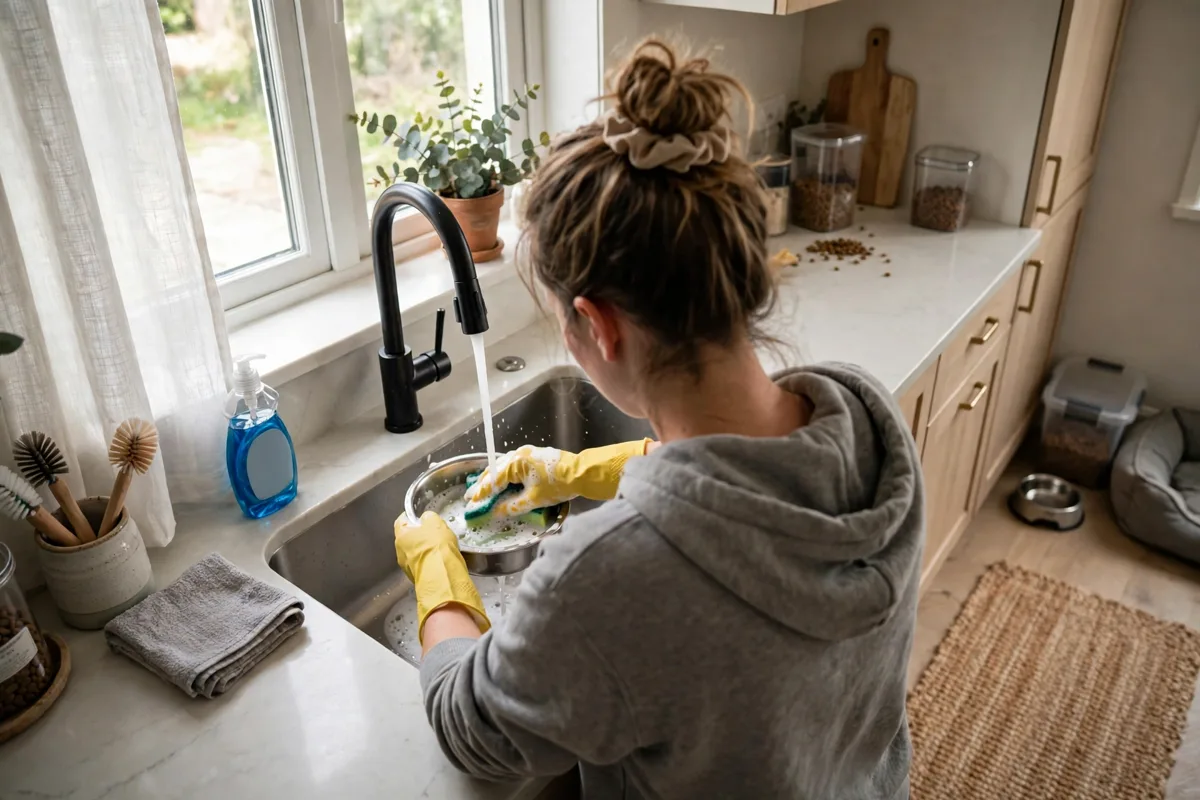
Cleaning keeps food safe and the camera clear. Wash the bowl often, wipe the hopper when you refill, and check the dispenser outlet for crumbs. A blocked outlet can cause a missed meal, and a dirty bowl can put a cat off food. Set a weekly clean in your routine, and it takes only a few minutes.
If you already use a home camera, the same storage logic applies. Viewing clips from an SD card gives you local control, while cloud clips give you access from anywhere. Pick the option that fits how you check footage, and do not pay for both unless you truly use both.
Frequently Asked Questions
Can an automatic cat feeder with camera work without Wi-Fi?
Many models keep a saved schedule and drop meals even when Wi-Fi drops, but live camera viewing and app control will pause until the link returns. Check your model manual for offline behavior before you rely on it for a trip. Battery backup also matters, since a power cut plus no Wi-Fi is a tougher test.
What size kibble fits an automatic cat feeder with camera?
Many models accept dry kibble from about 2 mm to 15 mm, and larger pieces can jam the dispenser. Wet food, raw food, and soft treats are usually not suitable for these feeders. Measure your kibble before you buy, and test a manual feed while you watch to confirm portions drop cleanly.
Do I need a subscription for a cat feeder camera?
Not always. Live viewing is often free, while stored video clips, AI tracking, or longer clip history may need a paid plan after a trial. Check the storage terms for your model, and decide if you need past clips or just a live check. Many owners find live view plus alerts is enough.
Can a smart feeder help an overweight cat?
Yes, if you set portions from a vet’s daily total and split them across set meals. Small, exact portions stop the guesswork of a heaped bowl, and a feeding history shows if someone else fed extra. The feeder alone will not fix weight, but steady portions plus vet advice give you a clear plan.
Will my cat be scared of an automatic feeder?
Some cats are wary at first, and that is normal. Let your cat sniff the feeder while it is off, run manual feeds while you are home, and keep meal times close to the old routine. Most cats settle within a few days. If your cat still avoids it after a week, check noise, placement, and bowl height.
Can one feeder serve two cats?
One feeder can drop meals for two cats, but it cannot guarantee each cat eats its fair share. Camera tracking on some models shows which cat ate, which helps you spot theft. For cats with very different diets, separate feeders in separate spots work better than one shared bowl.
Conclusion
An automatic cat feeder with camera gives you steady meals, exact portions, and a quick visual check that your cat ate. Pick a model with the right kibble size, battery backup, and clear video terms, then introduce it slowly. Your next step is simple. Measure your cat’s kibble and daily food amount, then compare two feeders that fit those numbers.