
A myq smart garage hub is a small Wi-Fi device that adds app control to a garage door opener you already own. Instead of replacing a working motor, you fit the hub and a door sensor, pair it with the myQ app, and then you can check, open, and close the door from your phone.
- What the hub is, and what it is not
- How a myq smart garage hub works day to day
- Compatibility: the check you must do first
- Setup: what to expect in the garage
- Two doors, one hub?
- Smart home links: Alexa, Google, and delivery
- Security: what the hub improves, and what it does not
- Common problems and fixes
- Hub vs a new smart opener vs a video keypad
- Is a myq smart garage hub worth it?
- Frequently asked questions
- What does a myq smart garage hub do?
- Will the hub work with my garage door opener?
- Does the hub need Wi-Fi in the garage?
- Can one hub control two garage doors?
- Does the hub work with Apple HomeKit?
- Do I need a subscription for the hub?
- Final thoughts
Does that sound too simple? For many homes, it really is that simple. The hub does not lift the door itself. It talks to your opener, and the sensor tells the app whether the door is open or closed. Once those two parts work together, your phone becomes a remote that works from anywhere with an internet connection.
What the hub is, and what it is not
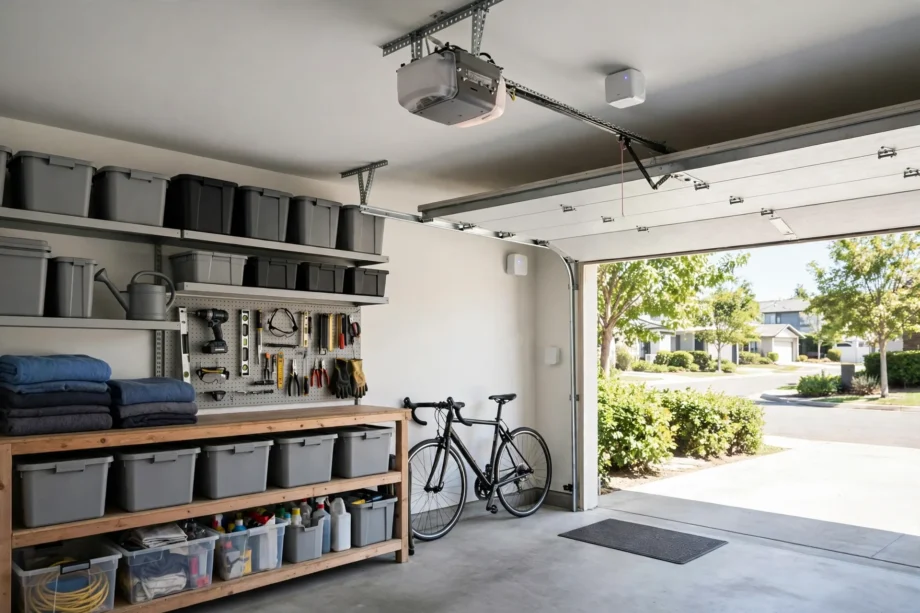
Think of the myQ Smart Garage Control, often called the hub, as a translator. Your old opener understands remotes and wall buttons. Your phone understands Wi-Fi and apps. The hub sits between them and passes commands in both directions. When you tap close in the app, the hub sends the signal to the opener. When the door moves, the sensor reports the change back to the app.
What it is not matters too. It is not a new opener, so it will not make a slow or noisy motor run better. It is not a camera, so it will not show you video of the driveway. And it is not a lock, so it cannot stop someone with a working remote from opening the door. It adds control and awareness, not physical strength. Keep those limits in mind and you will not be disappointed.
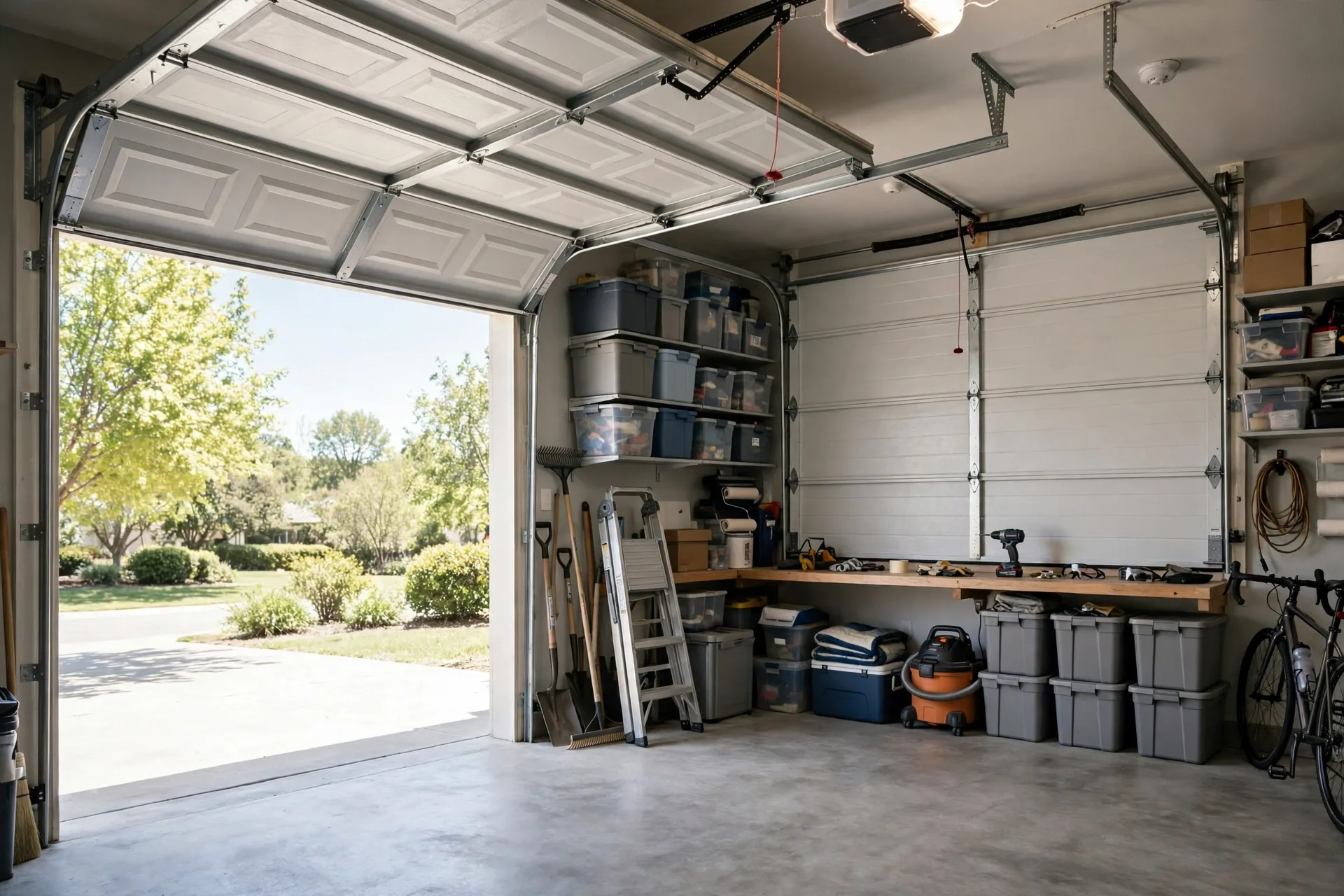
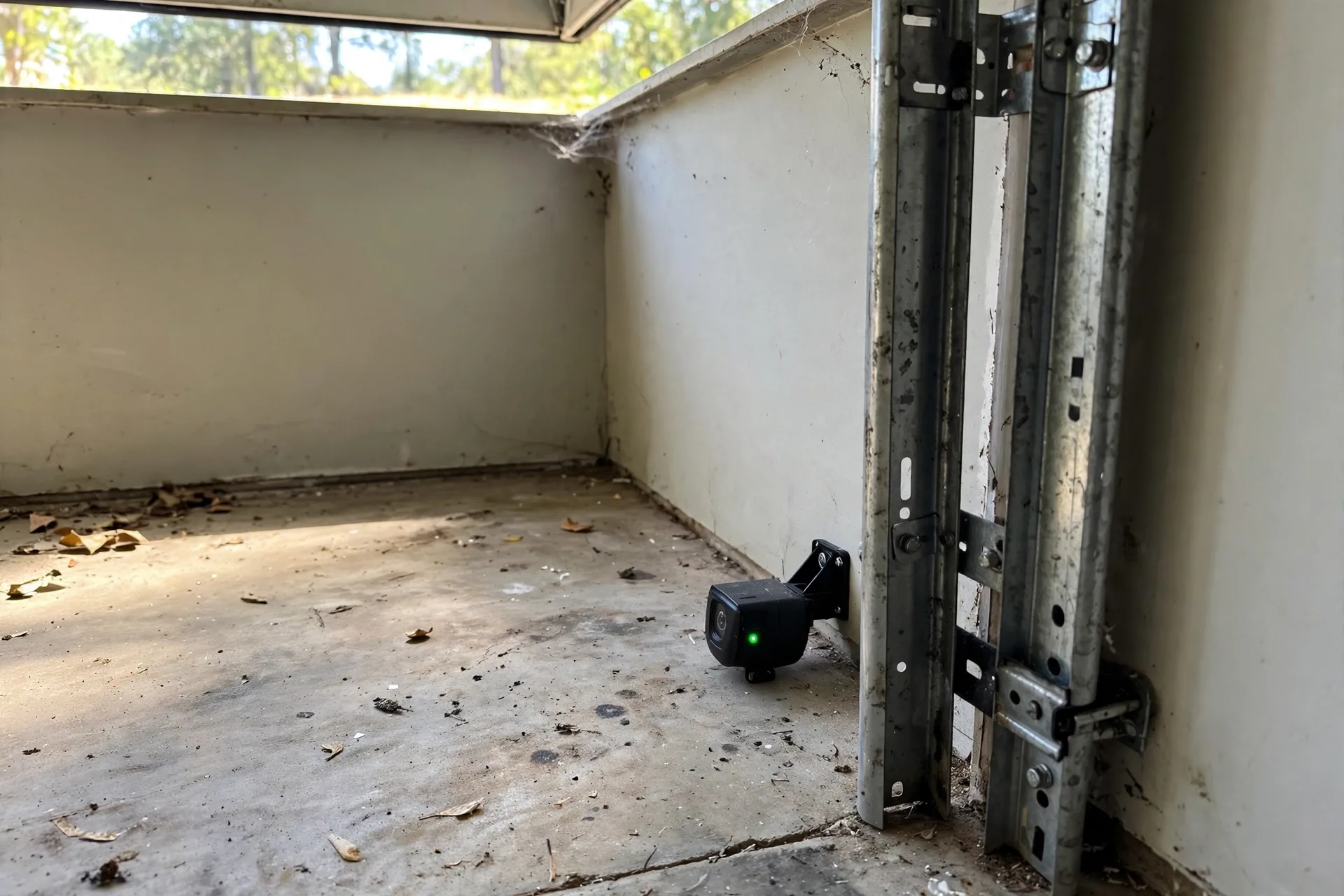
The kit usually includes the hub, a door sensor, a mounting plate, and a power adapter. The sensor mounts on the inside top panel of a sectional garage door, using screws or adhesive strips. That sensor is the key to honest status in the app. Without it, the app might guess the door state from the last command. With it, the app knows the real position.
How a myq smart garage hub works day to day
On a normal day, you will use the hub in small moments. You leave for work and wonder if you closed the door. You open the app, see that it is closed, and drive on. You arrive home with your hands full, and you open the door before you reach the driveway. At night, an alert tells you the door is still open, and you close it from the sofa.
Alerts are the feature most owners end up valuing most. A door left open for an hour is easy to miss, especially when the garage sits behind the house. A phone alert turns that silent mistake into a fixable one. You can also set schedules, such as a nightly close time, so a forgotten door does not stay open all night.
Guest access is another daily win. Instead of handing out a remote or sharing your main code, you can set a guest code style of shared access through the myQ guest feature. Guests use their own myQ account, so you never hand over your password. When their visit ends, you remove their access. That is a cleaner system than spare remotes that never come back.
Compatibility: the check you must do first
Compatibility is the make or break step for this device. The hub works with most major brands of openers made after 1993, including Chamberlain, LiftMaster, Craftsman, Genie, Overhead Door, Linear, Stanley, and Wayne Dalton, with some date and frequency limits by brand. It only controls sectional garage doors, which are the doors made of hinged horizontal panels. One piece doors are not supported, because remote operation needs the safety setup of a sectional door.
Your opener also needs working safety sensors, the small photo eyes near the floor on each side of the door. If those sensors switch to a low power mode when the door closes, the hub may not work well with that opener. The same caution applies to some Chamberlain Group openers with a yellow learn button made between 2010 and 2021, and to some Linear openers. These are the exact cases where a quick check saves a return.
How do you check? Look at the motor unit, usually under the light cover, and find the learn or program button colour. Chamberlain, LiftMaster, and Craftsman openers with a yellow, purple, red or orange, or green learn button are generally compatible. Then run your model through the official compatibility chart. It takes a few minutes, and it is far better than guessing from a brand name alone.
A myq compatibility tool check also helps if you plan to add other myQ devices later. A video keypad, for example, needs a paired myQ connected opener or a Smart Garage Control to offer full remote control from the app. Fitting the hub now can therefore unlock more than just basic app control. It can become the base for a wider garage setup over time.
Setup: what to expect in the garage
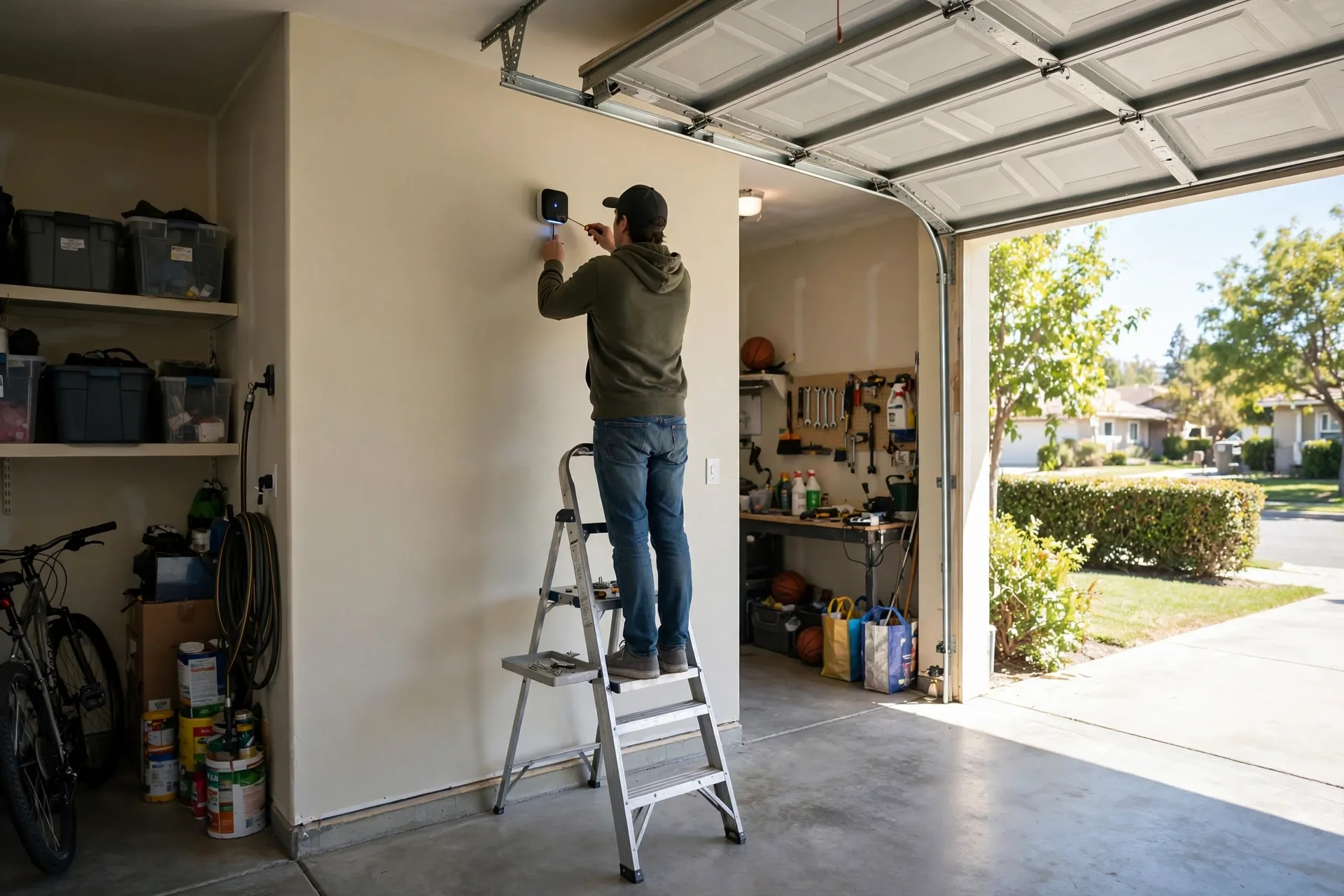
Setup is designed for DIY, and most people finish it in well under an hour. Start by mounting the hub near the opener, within reach of a power outlet and with a clear Wi-Fi signal. Then mount the door sensor on the top inside panel of the door. The sensor must sit where it can tell open from closed as the door moves, so follow the placement guide in the app rather than guessing.
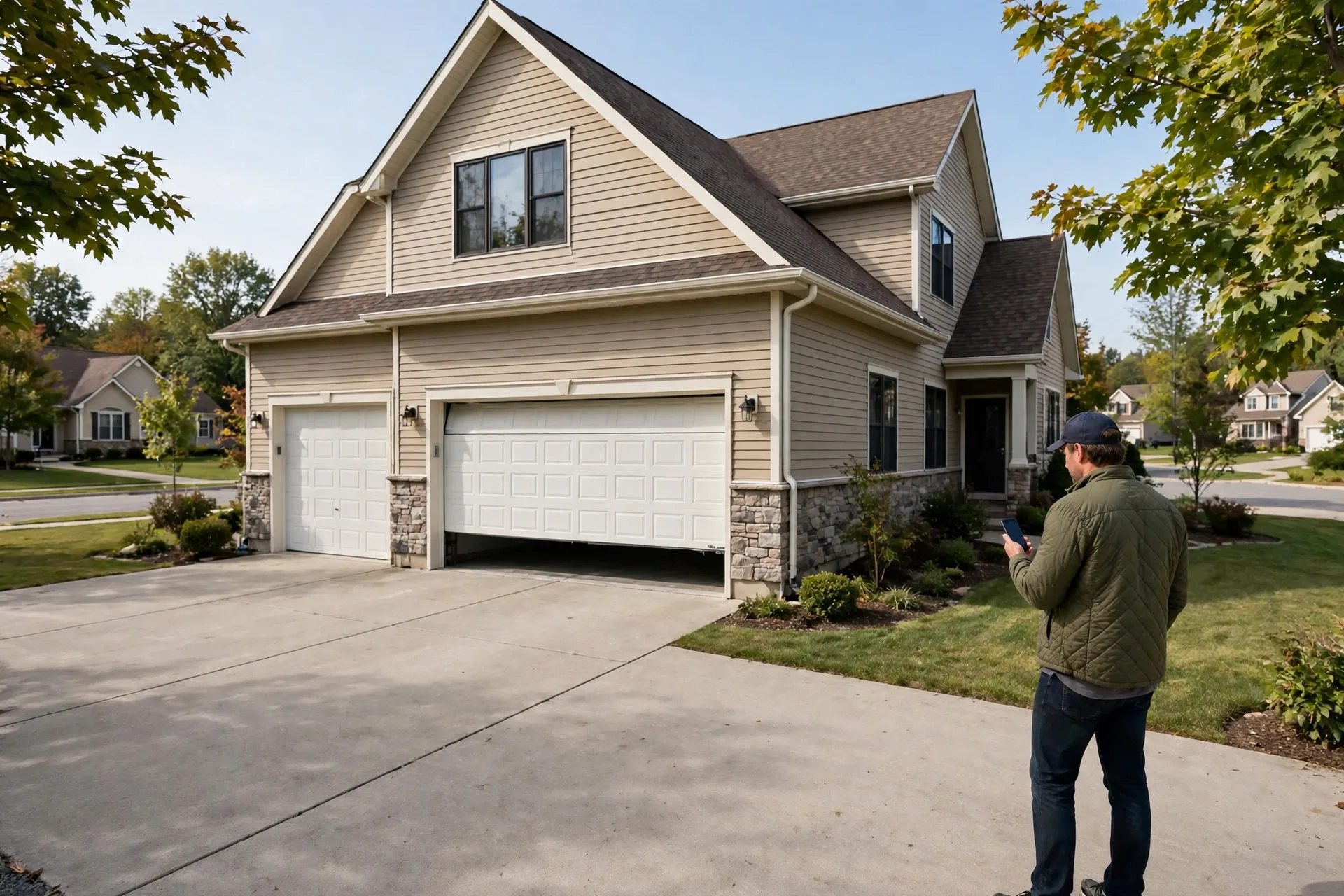
Next, download the myQ app and follow the in app steps. Bluetooth Low Energy helps your phone find the hub fast during setup, which removes a lot of the old pairing pain. The app will ask you to press the learn button on the opener at the right moment, so have a step ladder ready if your motor sits high on the ceiling. Do not rush that step, because timing matters.
Once paired, test the door from the app while you stand in the garage and watch it move. Then test it again from outside the house, and then from further away. Check that the app status matches the real door each time. Open it, wait for the status to update, close it, and watch again. If the status lags or sticks, check the sensor position before you blame the Wi-Fi.
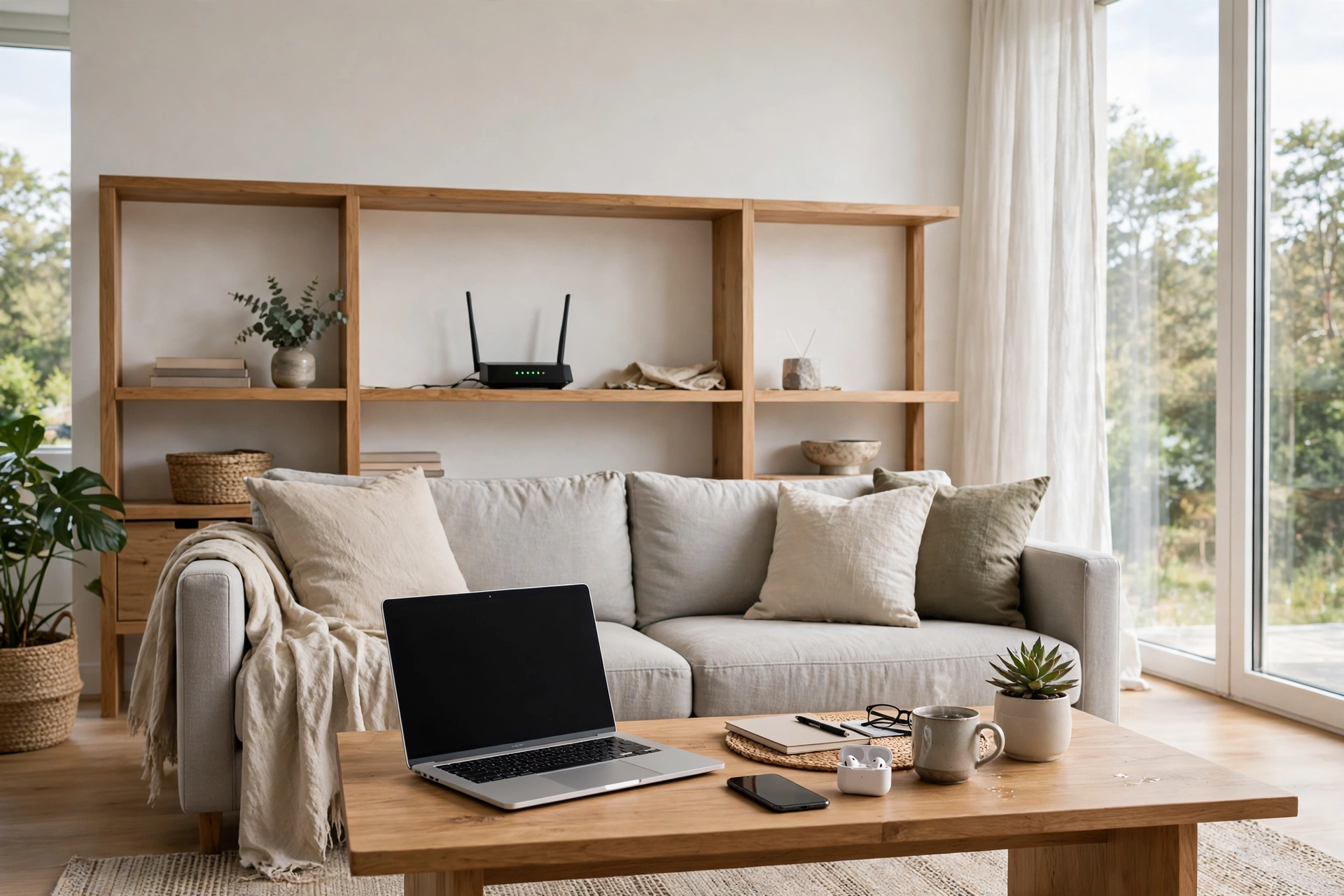
Wi-Fi deserves its own check. The hub needs a 2.4 GHz network, and it needs a strong signal in the garage. Many routers sit far from the garage, and a weak signal causes slow commands and missed alerts. Walk to the garage with your phone and look at the Wi-Fi bars. If you find a weak Wi-Fi signal at the garage, add an extender closer to the garage before you judge the hub.
Two doors, one hub?
Can one hub control two doors? The hub can control up to two garage door openers, but the second door needs an extra door sensor, sold separately. That detail catches buyers who assume one kit covers a double garage. Budget for the second sensor if you have two doors, and pair each door one at a time so you can test each sensor position on its own.
Smart home links: Alexa, Google, and delivery
What about voice control and other smart home platforms? Linking myQ to some partner apps for voice control or location based closing may need an extra accessory or a subscription, so check the current terms before you promise yourself a hands free setup. Basic app control and alerts work without that extra layer, and for many owners that is enough.
One partner feature that stands out is Amazon Key In-Garage Delivery. With a compatible setup, a delivery driver can place a parcel inside your garage instead of leaving it on the porch. That helps a lot if porch theft is a problem in your area. You still need to weigh the trade off of letting a driver open your garage, so read how the delivery window works and decide if it fits your comfort level.
Security: what the hub improves, and what it does not
The hub improves awareness, which is a real security gain. You know when the door opens, you know when it closes, and you can close it from anywhere if you forgot. That closes the most common garage security gap, which is a door left open by accident, not a door forced open by a stranger.
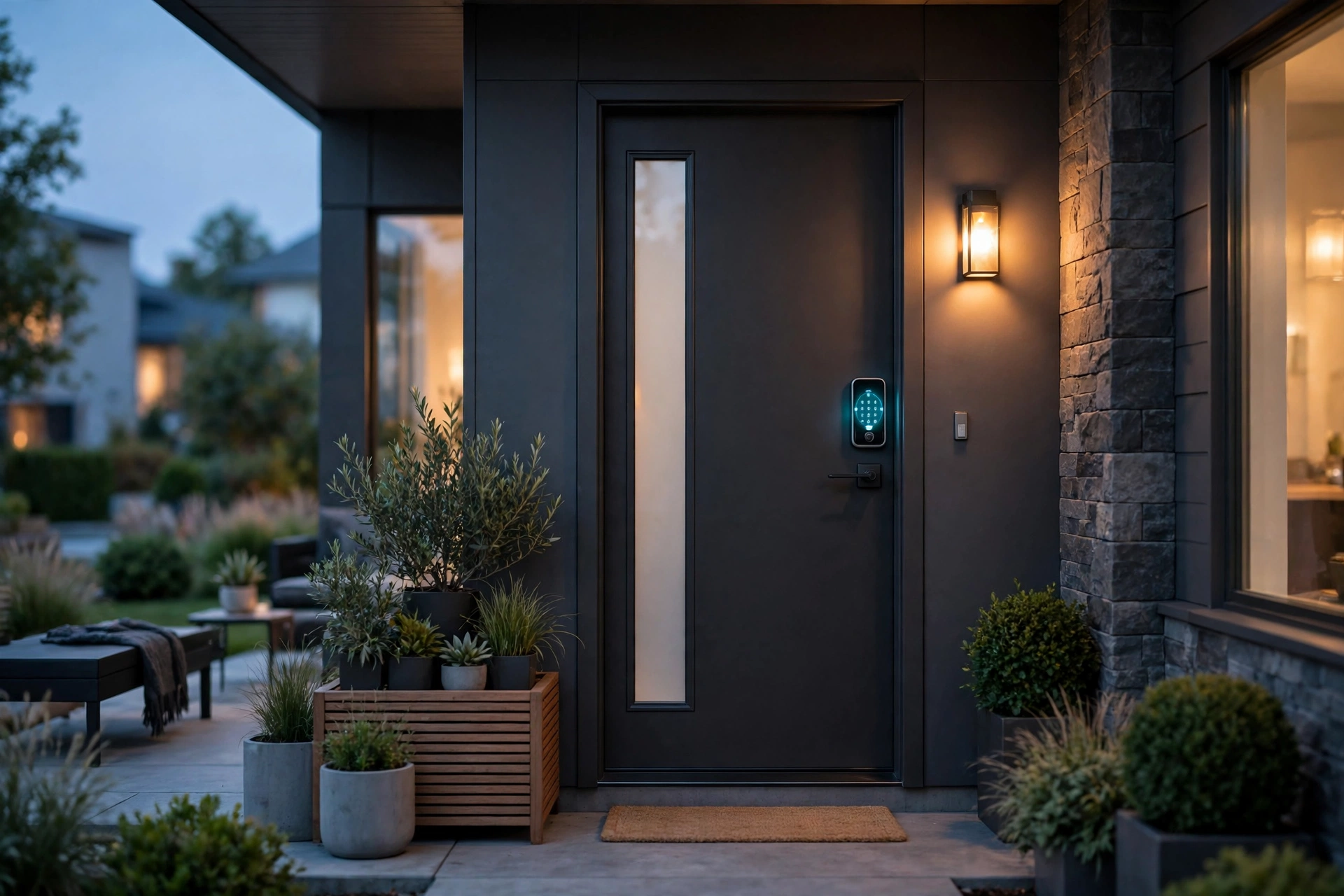
It does not replace good physical security. Keep the door between the garage and the house locked. Keep remotes out of parked cars overnight. Change codes when someone who had access no longer needs it. A smart hub plus a locked internal door is a much stronger setup than either step alone.
Caption: Hub compatibility and setup checks at a glance
| Check | What to look for | If it fails |
|---|---|---|
| Door type | Sectional door with hinged panels | Hub is not supported for one piece doors |
| Opener age and brand | Major brand made after 1993 | Run the compatibility tool for your model |
| Safety sensors | Photo eyes near the floor, always powered | Low power sensors may cause problems |
| Wi-Fi | Strong 2.4 GHz signal in the garage | Add an extender near the garage |
| Second door | Extra sensor for door two | Buy the sensor before setup day |
Common problems and fixes
Door status stuck on open or closed is usually a garage door sensor problem. Check that the sensor is still fixed to the top panel and that it moves with the door. A sensor that fell off or shifted will report the wrong state. Refix it, test the door twice, and watch the app each time.
Commands that work slowly often point to Wi-Fi, not to the hub. Test the signal in the garage, restart the router, and move the hub a little if it sits behind a metal cabinet or a shelf full of paint cans. Metal and dense storage can block a signal that looks fine on paper.
A hub that will not pair often needs a reset and a calm retry. Remove the device from the app, power cycle the hub, and follow the in app steps again from the start. Make sure your phone is on the 2.4 GHz network during setup, because a phone that jumps to 5 GHz can break the pairing step. That one detail fixes more failed setups than any other trick.
Here is a measured check you can do on setup day. Time three open commands and three close commands from the app while you stand in the garage. On a strong signal, each command should start the door moving within about 3 to 6 seconds. If commands take more than 10 seconds on repeat tries, treat that as a Wi-Fi warning. Fix the signal, retest, and keep the faster result as your baseline.
Hub vs a new smart opener vs a video keypad
Should you fit a hub, replace the opener, or buy a video keypad instead? A hub wins when your opener still works well and you only need app control and alerts. It is cheap, quick, and it keeps a motor that may have years of life left. A new smart opener wins when the motor is old, noisy, or failing, because then you are paying for a new machine anyway.
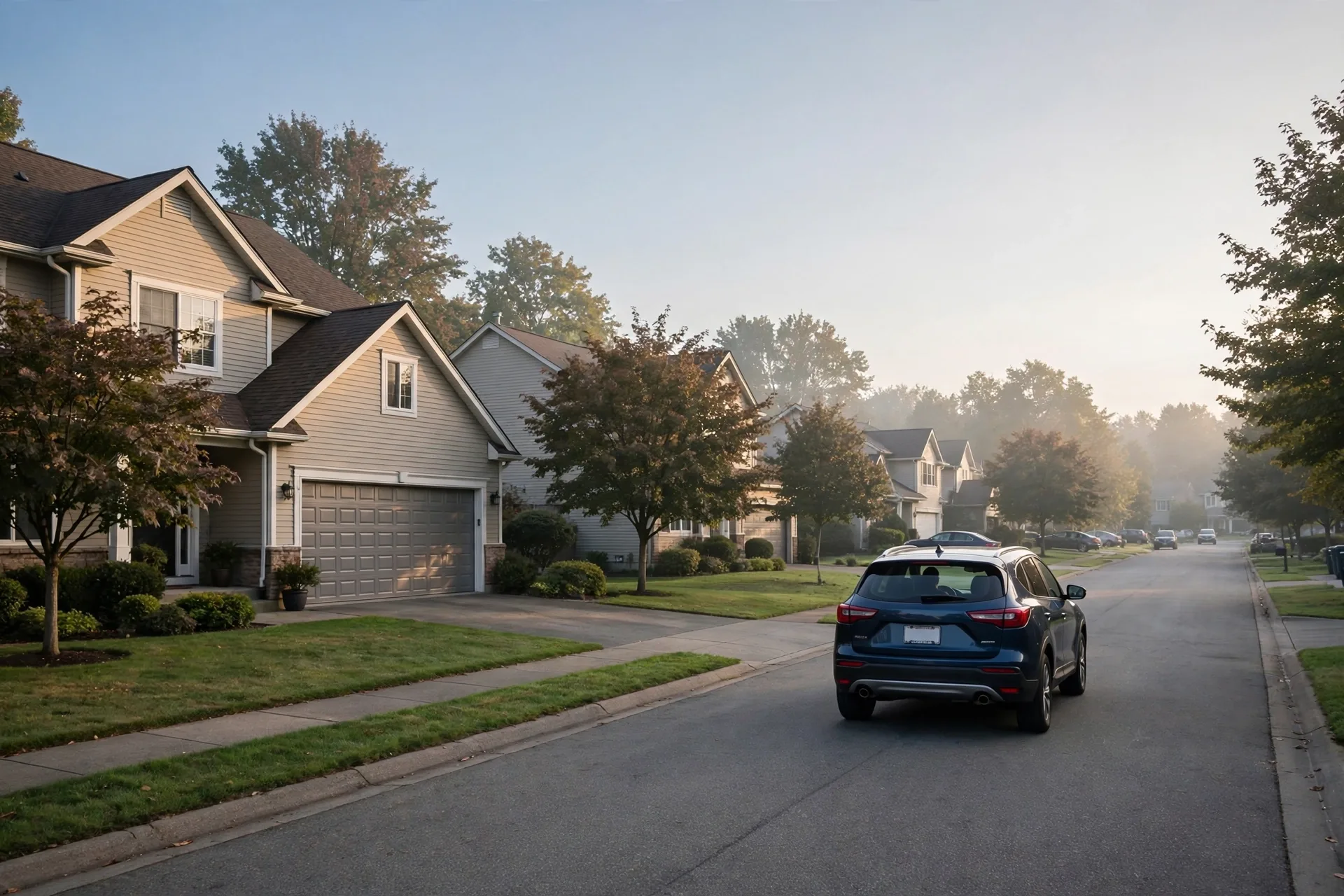
A video keypad wins when you need codes and video at the garage wall, not just app control. It can pair with a hub to offer full remote control, so the two devices can work as a team. If you only need to check and close the door from your phone, the hub alone is enough. If guests and deliveries use the garage often, add the keypad later.
Is a myq smart garage hub worth it?
For most owners of a compatible sectional door opener, yes. The hub is low cost, the install is short, and the daily benefit is real. You stop wondering if you closed the door, you can let a trusted person in without a spare remote, and you can close the door from anywhere when you forgot.
Before you buy, check the current price on the manufacturer page or a trusted retailer, run your opener model through the compatibility tool, and test Wi-Fi in the garage. Those three checks take less than half an hour. Then fit the hub, test each door twice, and set alerts you will actually act on. That is the whole job, and it pays off the first time you close a forgotten door from miles away.
Frequently asked questions
What does a myq smart garage hub do?
It adds Wi-Fi app control to an existing garage door opener. You can check the door status, open and close the door from your phone, get alerts, and share guest access. It does not replace the opener motor, and it does not add a camera.
Will the hub work with my garage door opener?
It works with most major brands made after 1993, but only for sectional doors with working safety sensors. Some openers with low power sensors, some yellow learn button models from 2010 to 2021, and some Linear models are excluded. Check your model in the official tool first.
Does the hub need Wi-Fi in the garage?
Yes, it needs a strong 2.4 GHz Wi-Fi signal in the garage for setup and daily use. Test the signal with your phone at the garage before you buy. If it is weak, add an extender closer to the garage to avoid slow commands and missed alerts.
Can one hub control two garage doors?
Yes, it can control up to two openers, but the second door needs an extra door sensor sold separately. Pair and test each door one at a time, and give each door a clear name in the app so you never open the wrong one.
Does the hub work with Apple HomeKit?
The standard hub on its own does not add HomeKit. An older myQ Home Bridge was the route for HomeKit with these hubs. Check current myQ guidance if HomeKit is a must, or use the myQ app and supported partner features instead.
Do I need a subscription for the hub?
No subscription is needed for core app control, status, alerts, and guest access. Some partner features, such as voice control or location based closing through other apps, may need an accessory or a subscription, so check the current terms for the feature you want.
Final thoughts
A myq smart garage hub is a small device with a clear job: make a good old opener smart without replacing it. Check compatibility, check Wi-Fi, fit the sensor with care, and test every command twice. Then set a few alerts you trust and enjoy the quiet benefit of knowing your garage door is closed, wherever you are.