
A Zigbee coordinator is the small radio that runs your whole Zigbee network. It holds the network key, assigns addresses, and passes every message between your hub and your devices. Without one, your Zigbee sensors, plugs, and bulbs simply cannot talk to Home Assistant. The good news: a good coordinator costs under $50 and takes minutes to set up.
- What Does a Zigbee Coordinator Actually Do?
- Coordinator, Router, and End Device at a Glance
- The Best Zigbee Coordinator Options in 2026
- ZHA vs Zigbee2MQTT: Which Software Should Drive It?
- Placement and Interference: The Part Most People Skip
- Setting Up Your New Coordinator Step by Step
- Moving to a New Coordinator Without Starting Over
- Common Problems and Quick Fixes
- FAQs
- Do I need a separate coordinator if I already have a smart speaker?
- How many devices can one coordinator handle?
- Can I use a coordinator without Home Assistant?
- Is the Home Assistant Connect ZBT-1 still worth buying?
- Should I pick ZHA or Zigbee2MQTT as a beginner?
- Why do my Zigbee devices work better after I add smart plugs?
- Conclusion
Most people meet this little stick only after buying their first Zigbee sensor and wondering why nothing pairs. Brand hubs hide the coordinator inside a plastic box. When you move to Home Assistant, you buy the radio yourself. That’s a win: you pick the hardware and keep your data local.
What Does a Zigbee Coordinator Actually Do?
Think of your Zigbee network as a small team. The coordinator is the manager. It starts the network. It hands out an address to every device that joins. It also stores the security key that keeps your traffic private. There’s exactly one coordinator per network, and it plugs into the machine running Home Assistant.
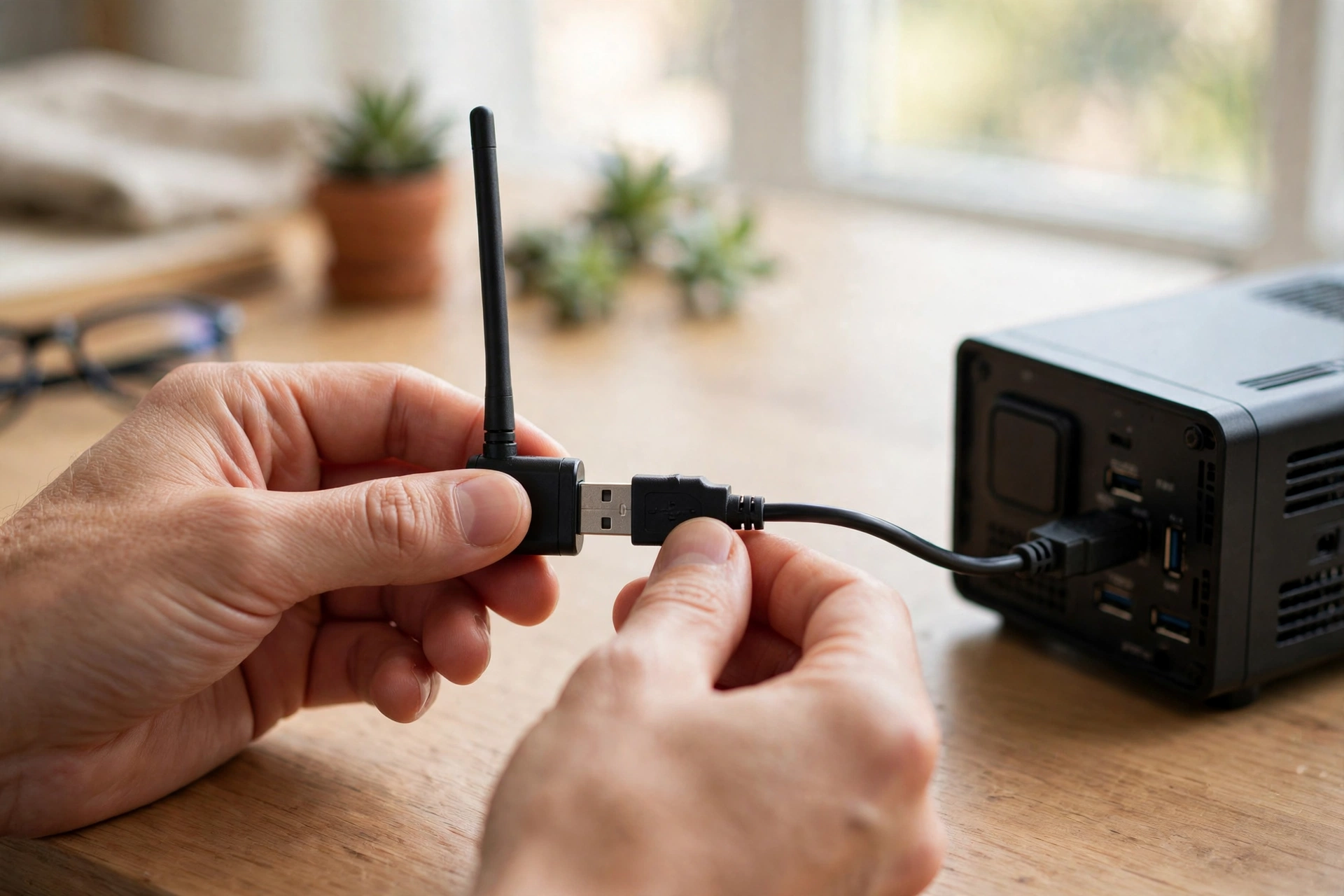
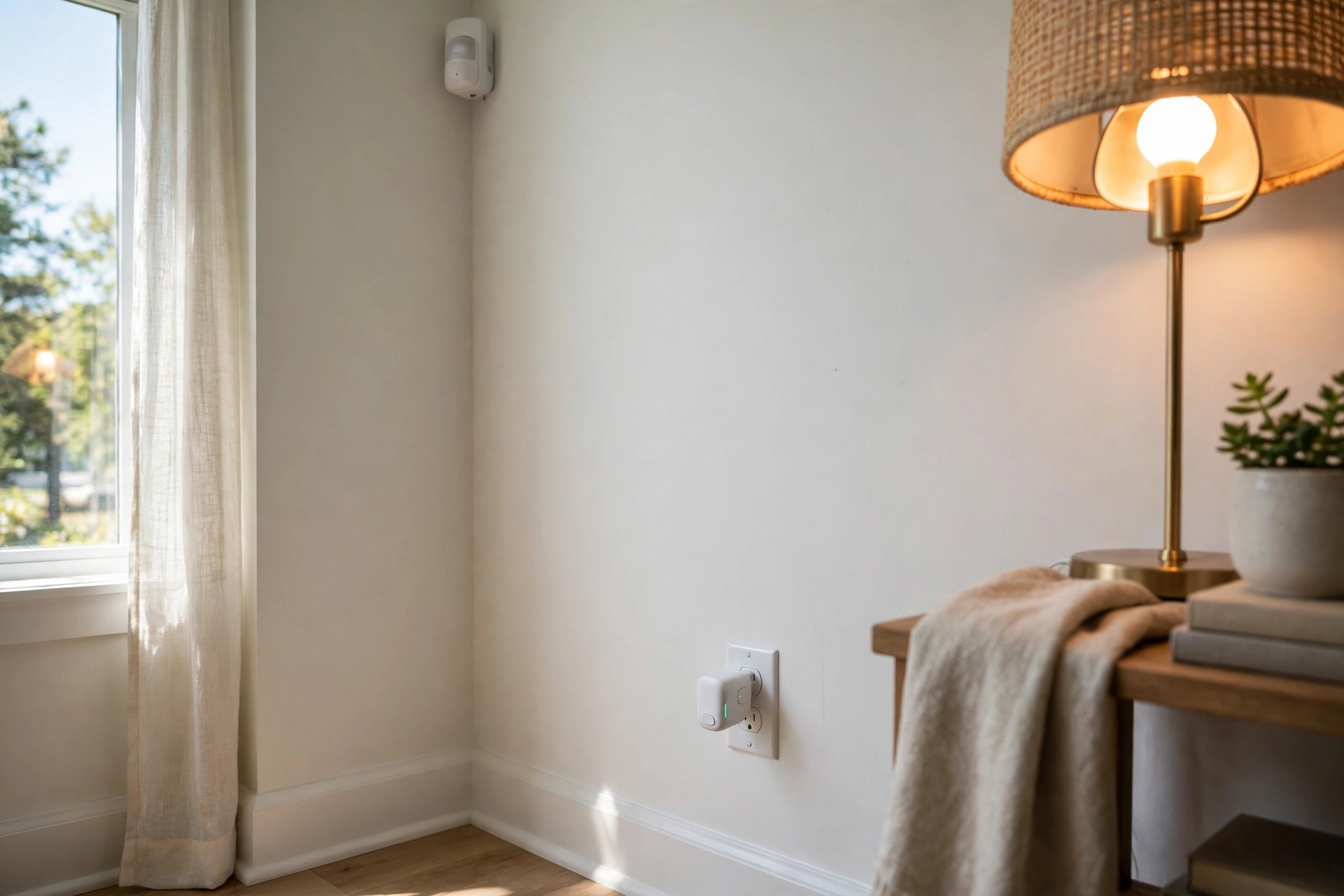
Everything else falls into two roles. Routers stay powered all the time and pass messages along, which stretches your range. End devices, like battery sensors, sleep most of the day and wake only to report something. So a door sensor at the far end of your house often reaches your hub in hops. It passes through a smart plug or a bulb on the way.
One more point for beginners: the coordinator is only the radio. Home Assistant, or Zigbee2MQTT, is the brain that turns radio chatter into devices you can automate. You need a machine running around the clock.
Coordinator, Router, and End Device at a Glance
Mixing up these three roles causes most early confusion. Your network needs one coordinator, a few routers for reach, and as many end devices as you like.
Table: Zigbee device roles compared
| Role | Power | Job on the network | Example |
|---|---|---|---|
| Coordinator | Always on (USB) | Starts the network, holds the key, routes messages | USB dongle on your Home Assistant box |
| Router | Mains powered | Extends range and relays messages | Smart plug, wired bulb, powered switch |
| End device | Battery powered | Sleeps, wakes to report, then sleeps again | Door sensor, motion sensor, button |
Why does this matter when you shop? A strong router backbone does more for reliability than a fancy coordinator. Three or four mains-powered Zigbee devices spread through your home give battery sensors a short hop to the hub. Skip that step and even the best stick will struggle through walls.
The Best Zigbee Coordinator Options in 2026
Two chip families dominate the market. Texas Instruments CC2652 chips run the mature Z-Stack firmware that Zigbee2MQTT grew up on. Silicon Labs EFR32 chips, especially the newer MG24, power the official Home Assistant adapters and most new designs. Both work well.
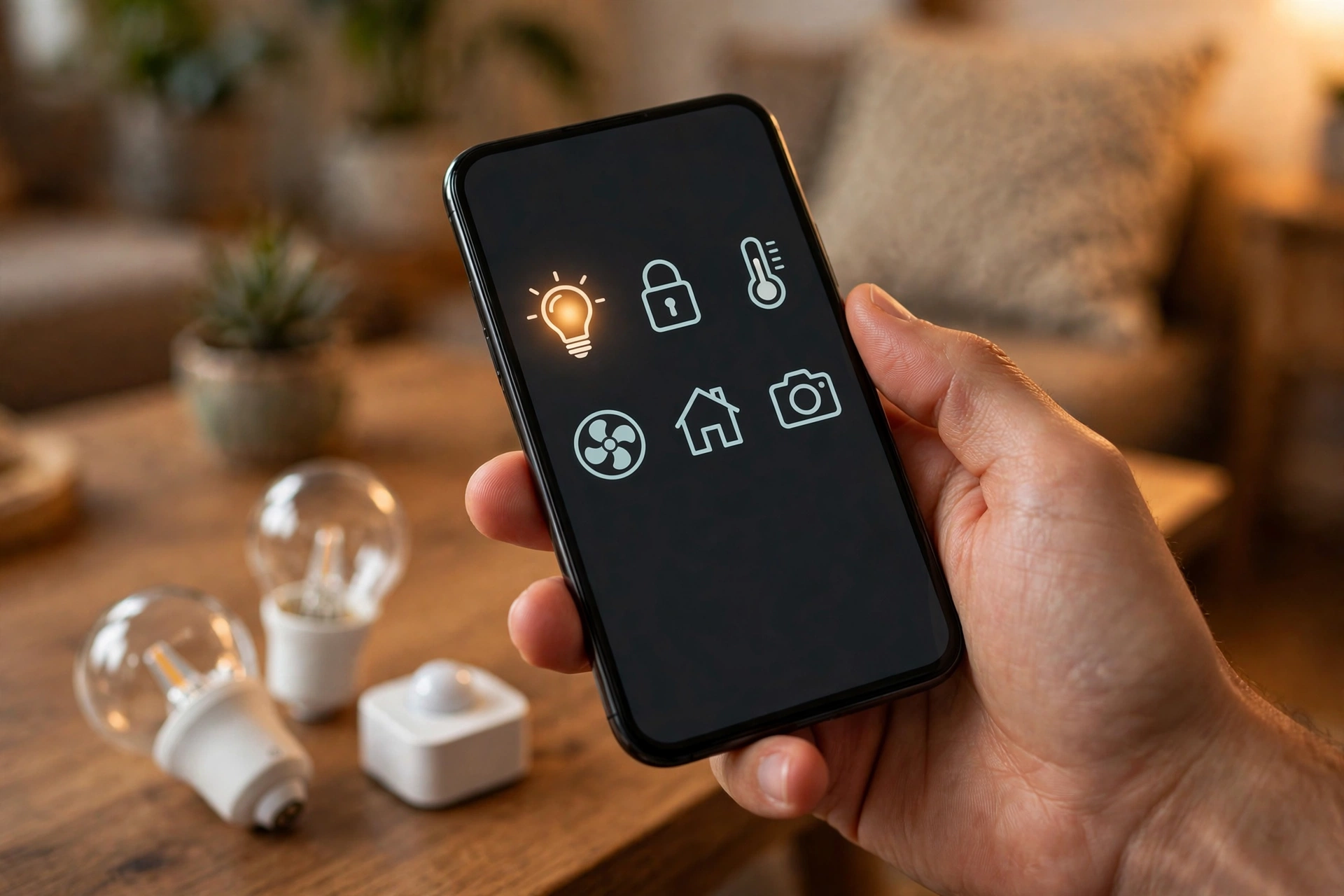
Here are the picks that make sense for most homes, with specs checked in November 2026. Prices move, so check the current listing before you buy.
Table: Popular Zigbee coordinators compared
| Coordinator | Chip | Connection | Antenna | Approx. price | Best for |
|---|---|---|---|---|---|
| Home Assistant Connect ZBT-1 | Silicon Labs EFR32MG21 | USB | External | About $35 | Simplest ZHA setup |
| Home Assistant Connect ZBT-2 | Silicon Labs EFR32MG24 | USB | External, 4.16 dBi | $49 | New networks, Thread later |
| SONOFF ZBDongle-E | Silicon Labs EFR32MG21 | USB | External | $20 to $27 | Budget pick for ZHA |
| SONOFF ZBDongle-P | Texas Instruments CC2652P | USB | External, up to +20 dBm | About $20 | Zigbee2MQTT veterans |
| SONOFF Dongle Plus MG24 | Silicon Labs EFR32MG24 | USB | External, 4.5 dBi | About $36 | Newest radio, fair price |
| SMLIGHT SLZB-06 family | CC2652P or EFR32MG21/MG24 | USB, Ethernet, PoE, Wi-Fi | External, up to 5 dBi | $60 to $85 | Large homes, central placement |
If you want the simplest answer, start with the official adapter. The Home Assistant Connect ZBT-1 is discovered automatically when you plug it in. Its successor, the ZBT-2, uses the newer MG24 radio. It can run Thread instead of Zigbee if you ever switch, but it can’t run both at once on one stick. The ZBT-1 is now discontinued, so the ZBT-2 is the current official pick when in stock.
On a tight budget, the SONOFF ZBDongle-E is hard to beat. It uses the same EFR32MG21 chip as the ZBT-1, costs roughly half as much, and works well with ZHA. The catch is firmware: you may need one update for the best stability, and support comes from the community. For a deeper look at the official hardware, see the Nabu Casa support page. It explains what the Connect ZBT-1 can and cannot do.
Zigbee2MQTT users still lean toward the ZBDongle-P. Its Texas Instruments CC2652P radio and Z-Stack firmware have years of proven history with that software. It also handles large networks well. If your network is stable, there’s no reason to swap to a newer chip just because it exists.
Then there is the placement problem, and this is where SMLIGHT earns its price. The SLZB-06 family connects over Ethernet or PoE. So the coordinator can sit in the middle of your home while your server hides in a closet or a rack. As a result, that single change often fixes more dropouts than any chip upgrade. Just watch the model name: SLZB-06 is a family, and its versions use different radios.
ZHA vs Zigbee2MQTT: Which Software Should Drive It?
Your coordinator is hardware. ZHA and Zigbee2MQTT are the two software stacks that drive it in Home Assistant. So you must pick one per coordinator. One stick cannot run both at once.
ZHA stands for Zigbee Home Automation, and it is built into Home Assistant. You plug in the coordinator, add the integration, and start pairing. There is no extra service to install and no broker to configure. For a standard home with common devices, ZHA gets you running fastest.
Zigbee2MQTT runs as a separate service and talks to Home Assistant through an MQTT broker, usually Mosquitto. That adds moving parts. You also get a dedicated dashboard with a live network map and deep per-device settings. Its published list covers more than 5,700 devices from over 600 makers. If you buy unusual devices, Zigbee2MQTT is worth the extra setup.
Here’s the honest split. Choose ZHA when Home Assistant is your whole smart home and you want the fewest things to maintain. Choose Zigbee2MQTT when you need the widest device support or a Zigbee layer that lives apart from Home Assistant. Either way, the coordinator hardware stays the same, so switching software later only costs a re-pair. Once your network is up, a motion sensor becomes far more useful when it drives real automations. Our guide to turning lights on with a Home Assistant motion sensor shows how.
Placement and Interference: The Part Most People Skip
Ask experienced users what broke their Zigbee network. Most will not blame the dongle. They will blame where it sat. Zigbee shares the 2.4 GHz band with Wi-Fi and USB 3.0 noise, and a coordinator plugged straight into a Raspberry Pi sits in the worst possible spot.
The fix costs almost nothing. Put the dongle on a USB 2.0 extension cable, one to three feet long, and move it away from the host machine, USB 3.0 ports, and SSDs. Use a USB 2.0 port when you have one. This one change clears up many pairing failures and mystery dropouts.
Wi-Fi channels deserve a quick check as well. Zigbee channels 11, 15, 20, and 25 sit in the gaps between the common Wi-Fi channels 1, 6, and 11. So picking one avoids the worst overlap. Both ZHA and Zigbee2MQTT let you set the channel when you form the network. Changing it later can force battery devices to rejoin.
Range expectations should stay realistic. A single coordinator with a good antenna covers a typical apartment or a small house on its own. Still, thick walls and multiple floors need routers. A mains-powered Zigbee plug in each far room does more than any antenna upgrade. Outdoor devices are a good test of this. Our review of outdoor Zigbee string lights for the patio shows how quickly range becomes the limit once you step outside.

Setting Up Your New Coordinator Step by Step
Setup looks different in ZHA and Zigbee2MQTT, yet the shape is the same. Place the hardware well, form the network, then pair devices closest to the coordinator first so the mesh builds outward.
- Plug the coordinator into a USB 2.0 extension cable, then into your Home Assistant machine, away from USB 3.0 ports and SSDs.
- In Home Assistant, go to Settings, then Devices and services, and add ZHA. Install the Mosquitto broker and Zigbee2MQTT instead if you chose that path.
- Let the integration detect your coordinator. Then pick a Zigbee channel from 11, 15, 20, or 25, and form a new network.
- Pair mains-powered routers first, nearest the coordinator, then work outward room by room.
- Pair battery devices last, in their final spots.
- Back up your network settings right away.
Pairing itself is simple. Put the device in pairing mode, usually a long button press, and watch it appear in Home Assistant. If a device refuses to pair, move it closer to the coordinator for the first join. Then move it to its final spot.
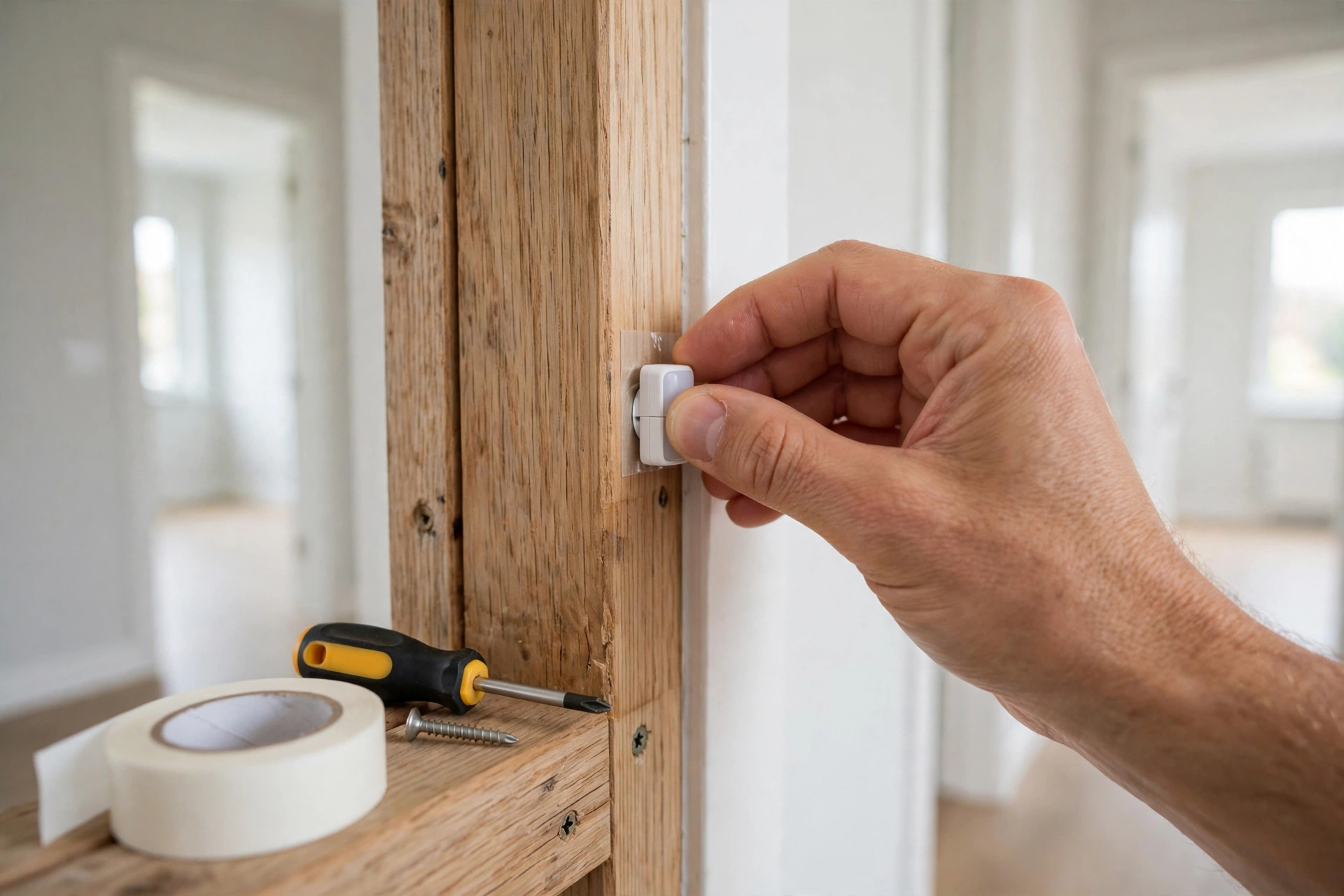
One habit saves real grief later. Name devices clearly as you pair them, with the room first, like “Kitchen door sensor” rather than “Sensor 14”. A door and window sensor is often the first device people add. Our guide to choosing one explains what to look for.
Moving to a New Coordinator Without Starting Over
Sooner or later you’ll upgrade your stick. Still, you don’t always have to re-pair everything. Both ZHA and Zigbee2MQTT support backup and restore.
Within ZHA, the process is built in. Open the ZHA integration, use the migrate radio option, and move your network settings to the new adapter. Your devices should then rejoin on their own, usually within an hour.
Moving from Zigbee2MQTT to ZHA on a new adapter works too, but with limits. First, export a backup from Zigbee2MQTT. Then upload the coordinator backup file when ZHA asks for it. The network settings then carry over. Custom names do not survive that jump, and entity IDs change, so expect to fix automations and dashboard cards afterward. The official Nabu Casa guide for migrating a Zigbee2MQTT network to the Connect ZBT-1 lays out each step.
Across chip families, backup compatibility is the catch. A backup made on a Texas Instruments stick doesn’t always restore cleanly onto a Silicon Labs stick. The reverse also holds. Staying in the same chip family makes the move far smoother. If you must cross families, budget an evening for re-pairing.
Whatever path you take, back up before you touch anything. A backup taken five minutes before a migration is worth more than a perfect plan made after one.
Common Problems and Quick Fixes
Most coordinator trouble falls into a few buckets.
Devices keep dropping off. First, check the extension cable and move the coordinator away from USB 3.0 gear. Then add routers: a home with only battery devices and one coordinator has no mesh at all. So two or three smart plugs often end the problem.
Pairing fails again and again. Bring the device close to the coordinator for the first join. Next, confirm the firmware is current. Then check that you are not at the device limit of an old stick. The ancient CC2531 sticks top out around 30 to 40 devices, so avoid them for a growing network.
Lights respond slowly. Slow responses usually mean a weak mesh or Wi-Fi interference, not a slow coordinator. Check your Zigbee channel against your Wi-Fi channels. Then add a router between the hub and the slow room. Finally, give the mesh a day to settle.
One more trap: a leftover brand hub in a drawer, still powered, can fight your new coordinator for airtime. So unplug old hubs when you migrate.
FAQs
Do I need a separate coordinator if I already have a smart speaker?
Some speakers, like certain Echo models, include a Zigbee radio. Still, that radio only serves that maker’s app and its own routines. A standalone coordinator gives you local control in Home Assistant. It works with hundreds of brands. It also keeps working without a cloud account. If you want one dashboard for every Zigbee device, you need your own.
How many devices can one coordinator handle?
A modern coordinator handles well over 100 devices in practice. Many also handle 200 or more once routers carry the load. The real limit is rarely the coordinator itself. It’s the mesh: a network of only battery devices with no routers runs out of direct connections fast. Add mains-powered routers and the limit rises sharply.
Can I use a coordinator without Home Assistant?
Yes, though Home Assistant is the most popular host. Zigbee2MQTT runs on its own on any Linux machine and talks to other platforms through MQTT. Some coordinators also work with deCONZ or other gateways. What you can’t skip is a host: the coordinator is a radio, not a hub. So it always needs software running beside it.
Is the Home Assistant Connect ZBT-1 still worth buying?
If you already own a ZBT-1 and it works, keep it. It remains fully supported, so there’s no reason to replace working hardware. For a new purchase, buy the ZBT-2 instead. The ZBT-1 is discontinued, and the ZBT-2 uses the newer MG24 radio. Neither runs both protocols at once on one stick.
Should I pick ZHA or Zigbee2MQTT as a beginner?
Pick ZHA. It is built into Home Assistant, needs no broker or extra service, and covers the common devices most beginners buy. You can switch to Zigbee2MQTT later without buying new hardware if you outgrow it. Starting simple also means fewer parts to debug while you learn how the mesh behaves.
Why do my Zigbee devices work better after I add smart plugs?
Smart plugs act as routers. So they give battery sensors a nearby hop instead of a long shout to the coordinator. That shorter hop means fewer retries, faster responses, and longer battery life. This is why a healthy Zigbee network is built on routers first. Every mains-powered device you add quietly strengthens the whole mesh.
Conclusion
A Zigbee coordinator is a small purchase that unlocks a large system. Pick a modern stick. Put it on an extension cable away from interference. Build a router backbone. Then choose ZHA for simplicity or Zigbee2MQTT for control.
Your next step is simple: decide your software, order the coordinator that fits it, and pair your first router. For automation ideas, our guide to the best motion sensor for smart lighting with Zigbee is a good start.
Grow slowly from there. One room working well beats five rooms half working.
If lighting moods are your goal, see the circadian lighting setup guide for Home Assistant. It also shows what a healthy Zigbee mesh can do.