

Pick Reolink for wired PoE cameras, open standards like RTSP, and a proper NVR. Pick Eufy for the simplest wireless setup, a central hub, and face recognition with no monthly fee. In this reolink vs eufy matchup, both brands record locally and neither forces a subscription. The real difference is how each one stores video.
- The short answer: Reolink vs Eufy at a glance
- Local storage: where your video actually lives
- No subscription: what is really free?
- Video quality and night vision
- Smart detection and AI
- App, setup, and smart home support
- What 4 cameras cost you over 5 years
- Privacy: the honest difference
- Reolink vs Eufy: which brand should you buy?
- FAQs
- Is Reolink better than Eufy?
- Do Eufy cameras need a subscription?
- Do Reolink cameras need a subscription?
- Does Eufy work with Home Assistant?
- Can Reolink cameras work without WiFi?
- Which is cheaper, Reolink or Eufy?
- The bottom line
So that storage choice shapes the rest: how many cameras you can run, how long clips last, and what happens when the internet drops. This comparison starts with storage, then covers video, detection, apps, privacy, and cost over five years.
The short answer: Reolink vs Eufy at a glance
Reolink is the power-user brand. Its cameras speak open standards, and its NVR kits also record around the clock with no cloud in the path. Eufy is the easy brand. Its HomeBase hub gathers every camera into one box, and its face recognition also runs on the hub itself. Start from your house, not the brand name.
Table: Reolink vs Eufy at a glance (prices and specs checked November 10, 2026)
| Feature | Eufy | Reolink |
|---|---|---|
| Local storage | HomeBase 3 hub, up to 16 TB | microSD card, Home Hub, or NVR |
| Subscription needed | No | No |
| Optional cloud | From $3.99 a month | From about $3.49 a month |
| Free smart detection | Person, pet, vehicle | Person, vehicle, animal |
| Face recognition | Yes, with HomeBase 3 | No |
| RTSP and ONVIF | Limited, via HomeBase | Yes, on most models |
| Apple HomeKit | Some indoor models | No |
| Warranty | 1 year | 2 years |
| Best for | Simple wireless setups | Wired PoE and NVR systems |
Local storage: where your video actually lives
Both brands promise the same thing: your video stays in your house. Instead, they build it in opposite ways. Eufy centralizes. Reolink distributes. How many cameras you own decides which way works better.
Eufy and the HomeBase 3 hub
Eufy cameras talk to a hub called the HomeBase 3 (model S380). It sits near your router, and every camera then sends its clips there. It lists at $199.99 on eufy’s own store. Inside you also get 16 GB built in, plus room for a 2.5-inch SATA drive up to 16 TB.
In fact, the hub is the heart of the Eufy system. It stores the footage, runs the face recognition, and then links your cameras, doorbells, and sensors into one app view.
Some Eufy cameras also carry their own storage, so they work with no hub at all. The SoloCam S340 and the Video Doorbell E340 each hold 8 GB built in, and the eufyCam S4 also holds 32 GB plus a microSD slot up to 256 GB. Still, one camera can run on its own. A house full wants the hub.
One honest catch: the HomeBase 3 records clips by default. Full 24/7 recording needs a hard drive added, and it only works from select plugged-in cameras.
Hubs can still fail too. If your HomeBase stops working, every camera tied to it stops recording until you fix it. If your Eufy camera is not recording to HomeBase, the fix is usually a hub restart, a firmware check, or a storage check.
Reolink microSD cards, Home Hub, and NVR
Reolink takes the other path. Each camera is its own recorder. Most models take a microSD card up to 256 GB. Some, like the Argus 4 Pro, the E1 Pro, and the RLC-820A, take up to 512 GB instead. Pop a card in, and the camera records with no hub and no fee.
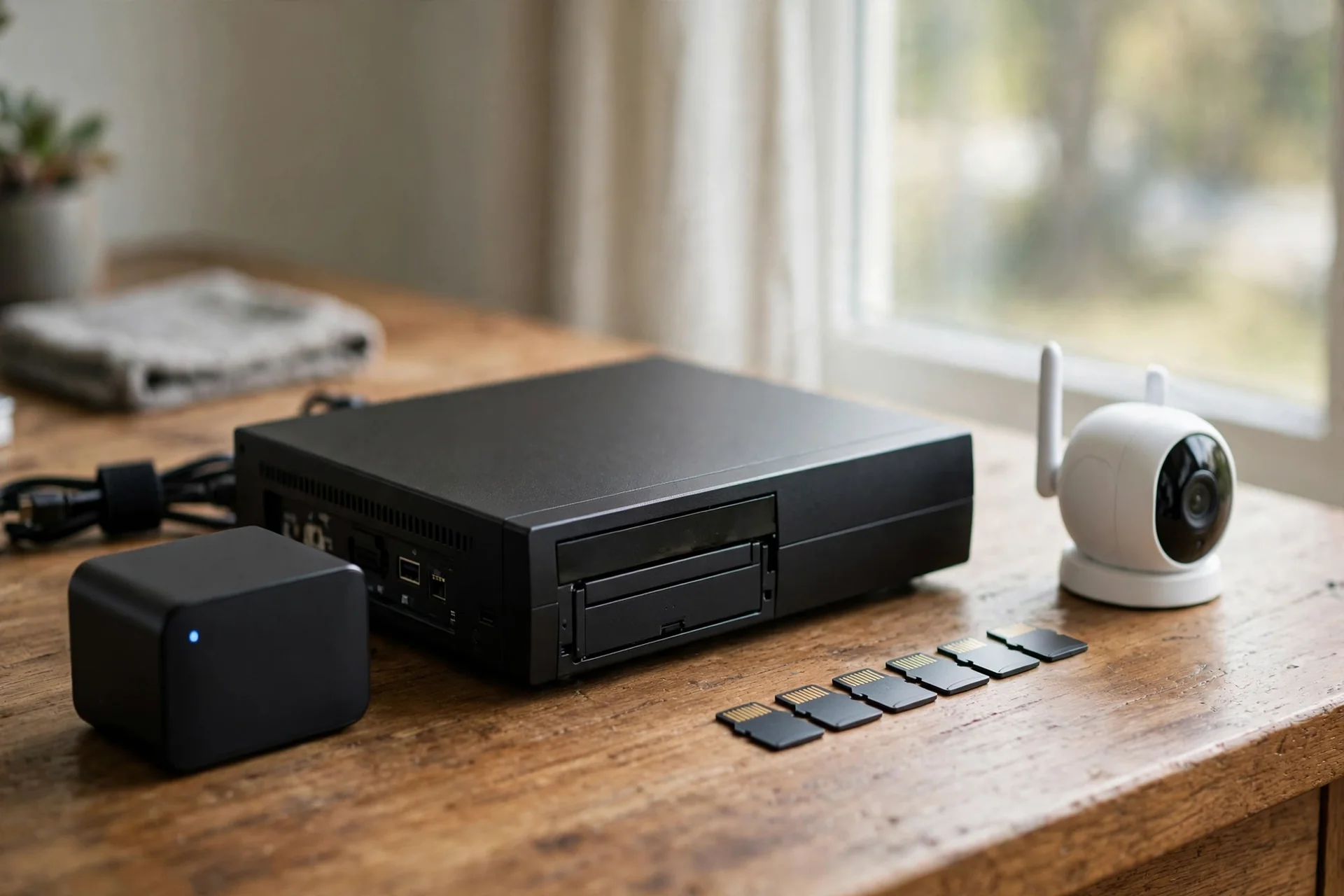
That independence is handy: a stolen camera only loses its own footage. Still, you manage storage camera by camera. A 256 GB card sounds large until a 4K camera starts writing to it. For example, Reolink’s own page for the Duo 3 PoE estimates about 36 hours of continuous recording on a 128 GB card, and about 146 hours on a 512 GB card.
For bigger setups, Reolink sells two central options. The Home Hub ($179.99) gathers up to 8 wireless cameras on microSD cards, also with no monthly fee. The NVR kits are the serious option. For example, the four-camera RLK8-800B4 kit costs $629.99 with a 2 TB drive, expandable to 16 TB. Reolink says that drive holds about a week of continuous footage from all four cameras.
A card full of clips is useless if you cannot find the minute that matters. Learning to view security camera footage on an SD card is worth doing before you need it in a hurry.
Which storage style wins? For one to three cameras, Reolink’s per-camera cards are cheaper and simpler. For five or more, Eufy’s single hub beats five separate cards. Finally, for eight cameras and up, Reolink’s NVR has no real rival.
No subscription: what is really free?
Neither brand locks recording behind a paywall. Ring, Arlo, and Nest keep saved video behind a plan, yet Reolink and Eufy do not. Buy the camera, and recording works.
Both brands still sell an optional cloud plan. Eufy’s Cloud Backup costs $3.99 a month for one device or $13.99 a month for all devices (checked October 2026). Reolink’s optional cloud starts around $3.49 a month for the basic tier. Prices move, so check the current figure before you buy.

What does the paid plan add? Mostly off-site backup. Eufy’s cloud keeps a copy of your clips if the camera or hub is stolen. Reolink’s cloud also adds smarter event filtering and animated GIF alerts. The free tier already covers live view, motion alerts, person detection, and local playback.
Before paying, ask one question: what happens if someone steals the camera? With local-only storage, the video goes with it. That is the one real weakness of both brands, and therefore the only honest reason to pay for cloud backup.
Table: What you get free, and what costs extra (checked November 10, 2026)
| Feature | Eufy free tier | Reolink free tier |
|---|---|---|
| Record to local storage | Yes | Yes |
| Live view from anywhere | Yes | Yes |
| Motion and person alerts | Yes | Yes |
| Face recognition | Yes, with HomeBase 3 | No |
| Off-site cloud backup | Paid plan only | Paid plan only |
| RTSP stream | Limited | Yes |
For a deeper look, read our guide on how to store security camera footage locally without a cloud plan.
Video quality and night vision
Both brands sell 4K cameras now, and both look sharp in daylight. The Eufy eufyCam 3 also records in 4K, runs on a built-in solar panel, and lists at $199 per camera. The Reolink Argus 4 Pro also records in 4K, uses two lenses for a 180-degree view, and costs around $140 to $180.
Night vision matters more, because most break-ins happen after dark. Both brands offer color night vision on their flagships, which keeps clothing and car colors visible instead of washing everything into gray infrared. Reolink’s PoE cameras tend to hold detail better at distance, because their larger sensors gather more light.
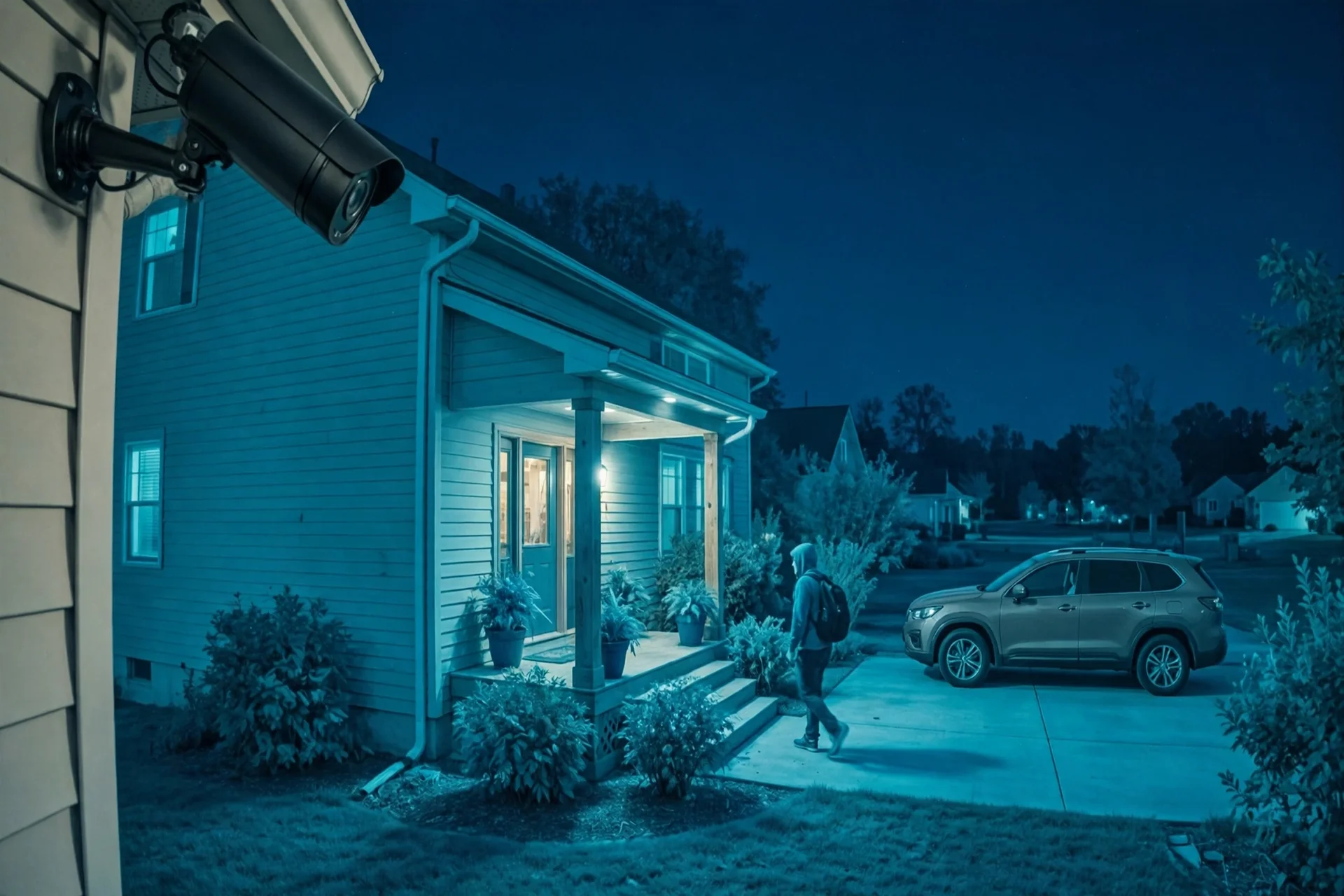
Field of view is another quiet difference. The Argus 4 Pro stitches two lenses into one 180-degree image, so one camera can watch a whole driveway. Eufy answers with pan-and-tilt models like the SoloCam S340, which sweeps 360 degrees to follow motion, yet may miss a second event while it turns.
Smart detection and AI
Detection is where the free tier earns its keep. Both brands run person, vehicle, and animal detection on the camera itself, with no cloud round trip and no fee. That means fewer false alarms from swaying trees, and it still works even if your internet is slow.
Eufy pulls ahead on one feature: face recognition. With a HomeBase 3, its BionicMind AI learns the faces of family members and can then tell you when it sees a stranger. It runs on the hub.
Reolink has no face recognition. Its detection covers people, vehicles, and animals, and it does that job well, but it cannot tell your teenager from a stranger.
App, setup, and smart home support
Eufy wins the setup race for most people. Unbox a camera, scan a code, and then the app walks you through the rest. Next, the HomeBase finds new cameras on its own.
Reolink’s app is solid but plainer. Setup takes a few more taps, and the settings menus run deeper. That depth suits tinkerers. Still, everyone else will find Eufy friendlier.
Next, smart home support splits the other way. Eufy works with Alexa and Google Assistant, and some indoor models support Apple HomeKit Secure Video. That makes Eufy the better pick for an Apple household. Reolink cameras cannot work with HomeKit at all. Neither brand offers professional monitoring.

Reolink wins for open systems. Its cameras speak RTSP and ONVIF natively, and Reolink also publishes its own Home Assistant setup guide. The feed then plugs straight into Home Assistant, Frigate, Blue Iris, or a Synology NAS. Eufy, in contrast, only offers RTSP through the HomeBase, with limits, and no ONVIF.
What 4 cameras cost you over 5 years
Sticker prices mislead. Here is what four cameras cost over five years, from list prices checked on November 10, 2026.
First, the Eufy side: four eufyCam 3 cameras at $199 each come to $796, plus a HomeBase 3 at $199.99, plus a 2 TB drive at roughly $60. That is about $1,056 upfront, and $0 a month after that.
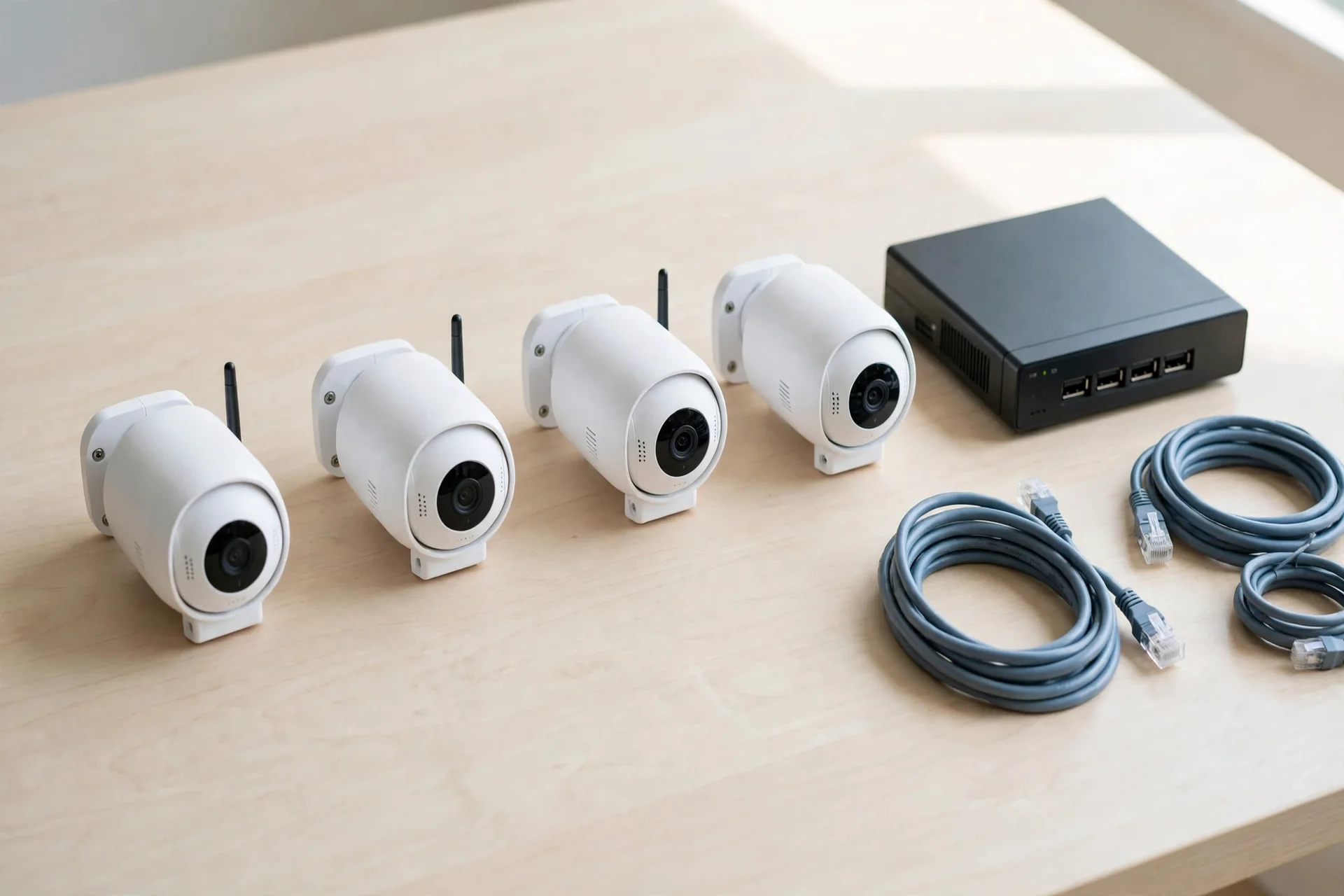
On the Reolink side, the four-camera RLK8-800B4 PoE kit costs $629.99 and already includes the NVR and a 2 TB drive. With cables, the honest total still lands near $630 to $700. That is about $350 less, and it also records 24/7 from day one.
Cloud backup changes the totals. Eufy’s all-device plan at $13.99 a month adds about $839 over five years. Reolink’s optional cloud, at roughly $3.49 to $6.99 a month, adds about $210 to $420. Both are optional.
Table: Four cameras, five years, from list prices checked November 10, 2026
| Setup | Upfront cost | Monthly cost | 5-year total |
|---|---|---|---|
| Eufy, 4 cameras plus HomeBase 3 | About $1,056 | $0 | About $1,056 |
| Reolink, 4-camera PoE NVR kit | About $630 | $0 | About $630 |
| Eufy plus cloud backup | About $1,056 | $13.99 | About $1,895 |
| Reolink plus cloud backup | About $630 | About $6.99 | About $1,049 |
Two notes on this math. Sales change it, because both brands discount heavily, and the HomeBase 3 often sells near $150. The Reolink kit needs cable runs, so add an installer’s fee if you will not run Ethernet yourself. Even so, the pattern holds.
Privacy: the honest difference
Reolink cameras can run with no cloud account at all. Plug a PoE camera into an NVR, and it then records on your own network without ever touching the internet. That is the strongest privacy story in this matchup, and it is why Reolink shows up in so many Home Assistant setups.
Eufy had a bad chapter in 2022. Researchers found that some Eufy cameras uploaded face thumbnails to cloud servers even with local-only storage selected. Eufy first denied it, then admitted it, then fixed it. The HomeBase 3 now encrypts footage locally with AES-256, and independent researchers have verified the fix.
One more practical point: a microSD card is only as safe as the camera holding it. If a thief takes the camera, the card goes with it. A hub or NVR hidden inside the house survives that. So if theft worries you, store footage on a hub or recorder, not only on cards.
Reolink vs Eufy: which brand should you buy?
Buy Eufy if you want the easiest home security camera system that still costs you nothing monthly. It fits renters, small homes, and anyone who wants to unbox cameras on a Saturday and be done. Add a HomeBase 3, and you also get face recognition plus a big local archive in one box.
Buy Reolink instead if you want a wired system, open standards, or true 24/7 recording. It fits homeowners who can run Ethernet, anyone building a four-plus camera setup, and every Home Assistant user. The PoE kits cost less over five years, and the cameras keep working with no internet at all.
Still torn? Ask where your cameras will live. Battery and Wi-Fi point to Eufy. Ethernet and an NVR point to Reolink. Mixed homes can mix brands. For example, a Reolink PoE camera over the driveway plus a Eufy battery camera by the back door is a perfectly sane setup.
Before checkout, check the storage math first: the card size your model takes, whether your hub or NVR includes a drive, and whether continuous recording works on the exact camera you are buying. For the official details, see Reolink’s local storage cameras.
FAQs
Is Reolink better than Eufy?
Neither brand wins outright, because they serve different buyers. Reolink is better for wired PoE systems, open standards like RTSP, and 24/7 NVR recording. Eufy is better for simple wireless setups, face recognition, and Apple HomeKit. Pick based on your home: Ethernet points to Reolink, while battery cameras and a hub point to Eufy instead.
Do Eufy cameras need a subscription?
No, Eufy cameras record to local storage with no monthly fee, so you pay nothing to record. Footage goes to built-in storage, a microSD card, or a HomeBase 3 hub, and live view, motion alerts, and person detection all work free. The optional Cloud Backup plan costs $3.99 a month for one device or $13.99 a month for all devices.
Do Reolink cameras need a subscription?
No. Reolink cameras record to a microSD card, a Home Hub, or an NVR with no required subscription. Person, vehicle, and animal detection run free on the camera, and live view plus motion alerts also work without a plan. The optional cloud plan starts at a few dollars a month.
Does Eufy work with Home Assistant?
Only in a limited way. Eufy offers RTSP streaming through the HomeBase, with limits, and it does not support ONVIF. So Home Assistant cannot pull most Eufy feeds directly the way it can with Reolink. If Home Assistant is central to your smart home, Reolink is the better fit.
Can Reolink cameras work without WiFi?
Yes. Reolink PoE cameras record to an NVR over Ethernet with no WiFi at all, and battery models also record to a microSD card even when the internet is down. The cameras keep recording locally without a connection, though remote viewing and phone alerts need the internet back.
Which is cheaper, Reolink or Eufy?
Reolink usually costs less for a wired four-camera setup. Its four-camera PoE NVR kit lists at $629.99 with a 2 TB drive included, while four Eufy cameras plus a HomeBase 3 run about $1,056 from list prices. Eufy can be cheaper for one or two wireless cameras, since a single camera needs no hub.
The bottom line
Both brands prove the same point: you do not need a monthly fee to keep your home watched. Reolink gives you open standards and a wired system at a lower five-year cost. Eufy gives you the simplest setup, a tidy hub, and face recognition. Match the brand to your house.