

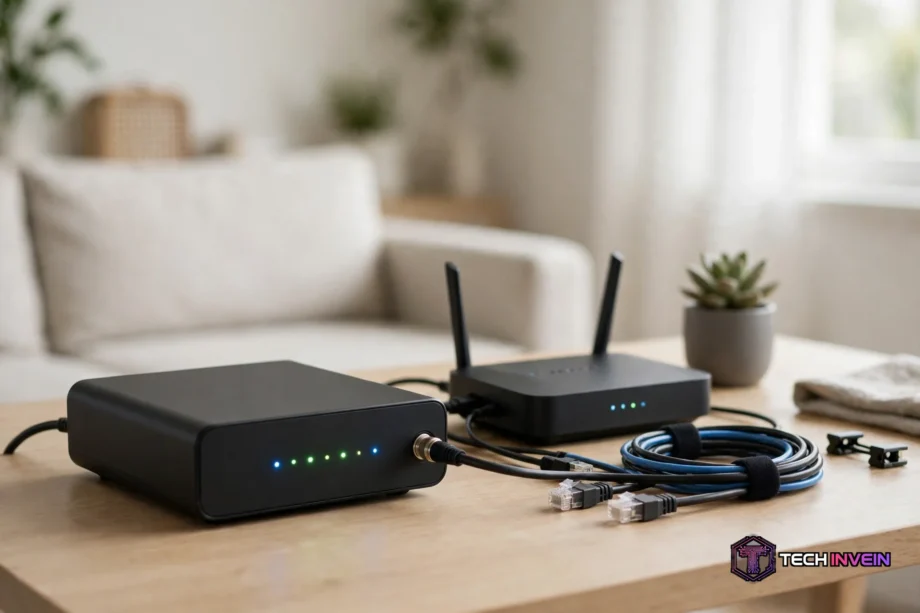
A DOCSIS 3.1 cable modem turns your cable internet signal into a connection your router can use, and it is the modem you need for gigabit cable plans. It replaces the older 3.0 standard with faster speeds, lower lag, and room for future upgrades. If your plan runs 500 Mbps or faster, this guide will help you pick the one.
- What Is a DOCSIS 3.1 Cable Modem?
- DOCSIS 3.1 vs DOCSIS 3.0: What Actually Changes
- Do You Actually Need a DOCSIS 3.1 Modem?
- How Much Can Owning Your Modem Save You?
- ISP Compatibility: Check Before You Buy
- The Best DOCSIS 3.1 Modems to Buy
- Motorola MB8611: Best for Multi-Gig Plans
- ARRIS SURFboard SB8200: Best Overall for Gigabit
- Netgear CM1000: Best Budget Pick
- Netgear CM2000: Best Netgear Multi-Gig Option
- ARRIS SURFboard S33: Best for MoCA Homes
- Modem Only or a Modem Router Combo?
- How to Set Up and Activate Your Own Modem
- Mistakes That Waste Money and Time
- DOCSIS 4.0: Should You Wait?
- FAQs
- Is DOCSIS 3.1 worth it for a 500 Mbps plan?
- Can I use my own modem with Xfinity, Spectrum, or Cox?
- Does a DOCSIS 3.1 modem improve Wi-Fi speed?
- What is the difference between a modem and a router?
- How long does a cable modem last?
- Do I need a 2.5G Ethernet port on my modem?
- Conclusion
What Is a DOCSIS 3.1 Cable Modem?
DOCSIS stands for Data Over Cable Service Interface Specification. It is the standard that lets a modem talk to your cable provider over the coax line into your home. A DOCSIS 3.1 cable modem is simply a modem built to the newest widely used version of that standard.
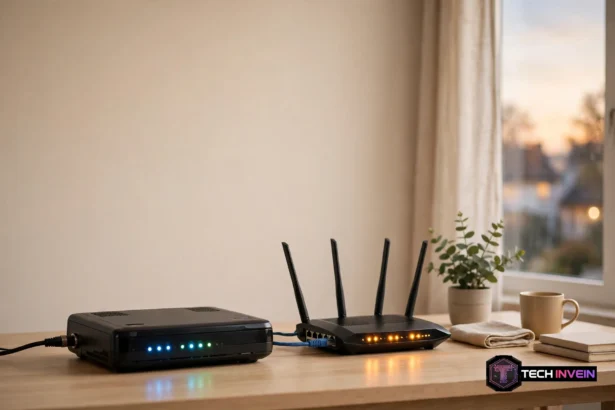
The modem has one job. It takes the internet signal from the cable line and hands it to your router through an Ethernet cable. It does not create Wi-Fi on its own. So if you want to know where the modem ends and the router begins, read our guide on modem vs router before you shop.
Most homes get a rented gateway from their provider, which is a modem and a router in one unit. When you buy your own modem, you replace only the modem half, so you still need a router behind it unless you buy a combo unit.
DOCSIS 3.1 vs DOCSIS 3.0: What Actually Changes
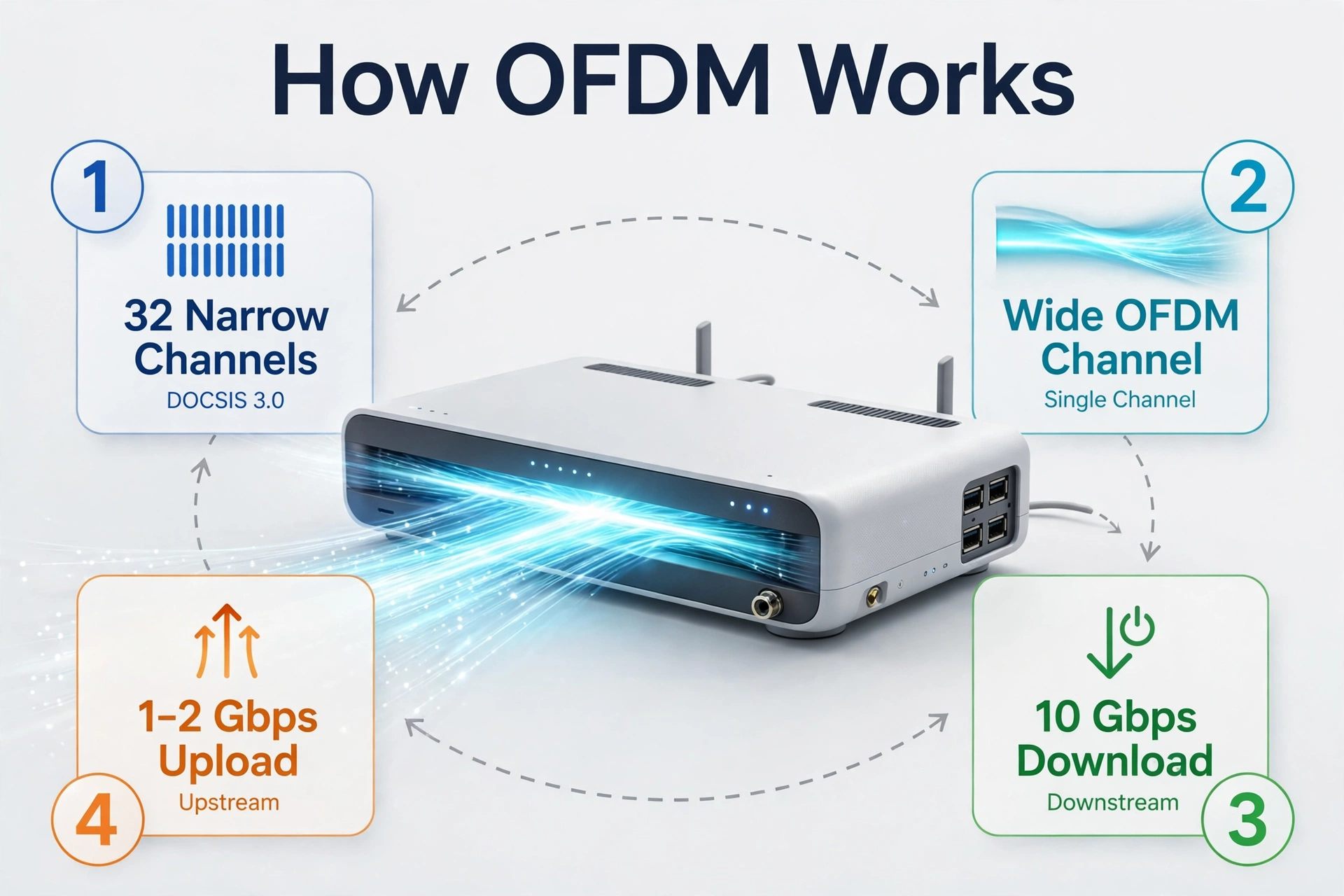
The core change is how data travels over the cable. DOCSIS 3.0 bonds many narrow channels together to build speed. A common 32×8 modem bonds 32 downstream channels and 8 upstream channels. Still, it hits a ceiling near 1 Gbps in theory and lower in real homes.
DOCSIS 3.1 swaps that approach for OFDM, a wider and more efficient way to carry data. One OFDM channel can move more data than all 32 channels on a 3.0 modem combined. The result is a theoretical ceiling of 10 Gbps down and 1 to 2 Gbps up.
Latency improves too. DOCSIS 3.1 adds Low Latency DOCSIS, a scheduling feature that cuts queuing delays on the cable line. Gamers and video callers feel this first, because a call or a game stutters on delay, not just on raw speed. Still, not every provider has turned this feature on yet, and a 3.0 modem cannot use it at all.
Table: DOCSIS 3.0 vs DOCSIS 3.1 at a glance.
| Feature | DOCSIS 3.0 | DOCSIS 3.1 |
|---|---|---|
| Max download (theoretical) | 1 Gbps | 10 Gbps |
| Max upload (theoretical) | 200 Mbps | 1 to 2 Gbps |
| Channel technology | SC-QAM bonding | OFDM |
| Latency | Higher | Lower with Low Latency DOCSIS |
| Best for | Plans under 500 Mbps | Gigabit and multi-gig plans |
Also, a 3.1 modem is backward compatible, so it works on a 3.0 network at 3.0 speeds until your provider upgrades the line. That makes it a safe buy even before gigabit reaches your street.
Do You Actually Need a DOCSIS 3.1 Modem?
Yes, if your plan is 500 Mbps or faster. Providers generally require a 3.1 modem for gigabit tiers, and a 3.0 modem becomes the bottleneck that caps your speed no matter what you pay for. Xfinity has also removed many older 3.0 modems from its approved list, so check your plan speed and your model number before you buy.
Who can skip the upgrade for now? If you are on a plan under 300 Mbps and your current modem already delivers full speed on a wired test, a new modem will not make your internet faster. Still, buy 3.1 when that old modem dies, because 3.0 models cost nearly the same now. A modem only helps cable internet, since fiber, DSL, and fixed wireless use different hardware.
How Much Can Owning Your Modem Save You?
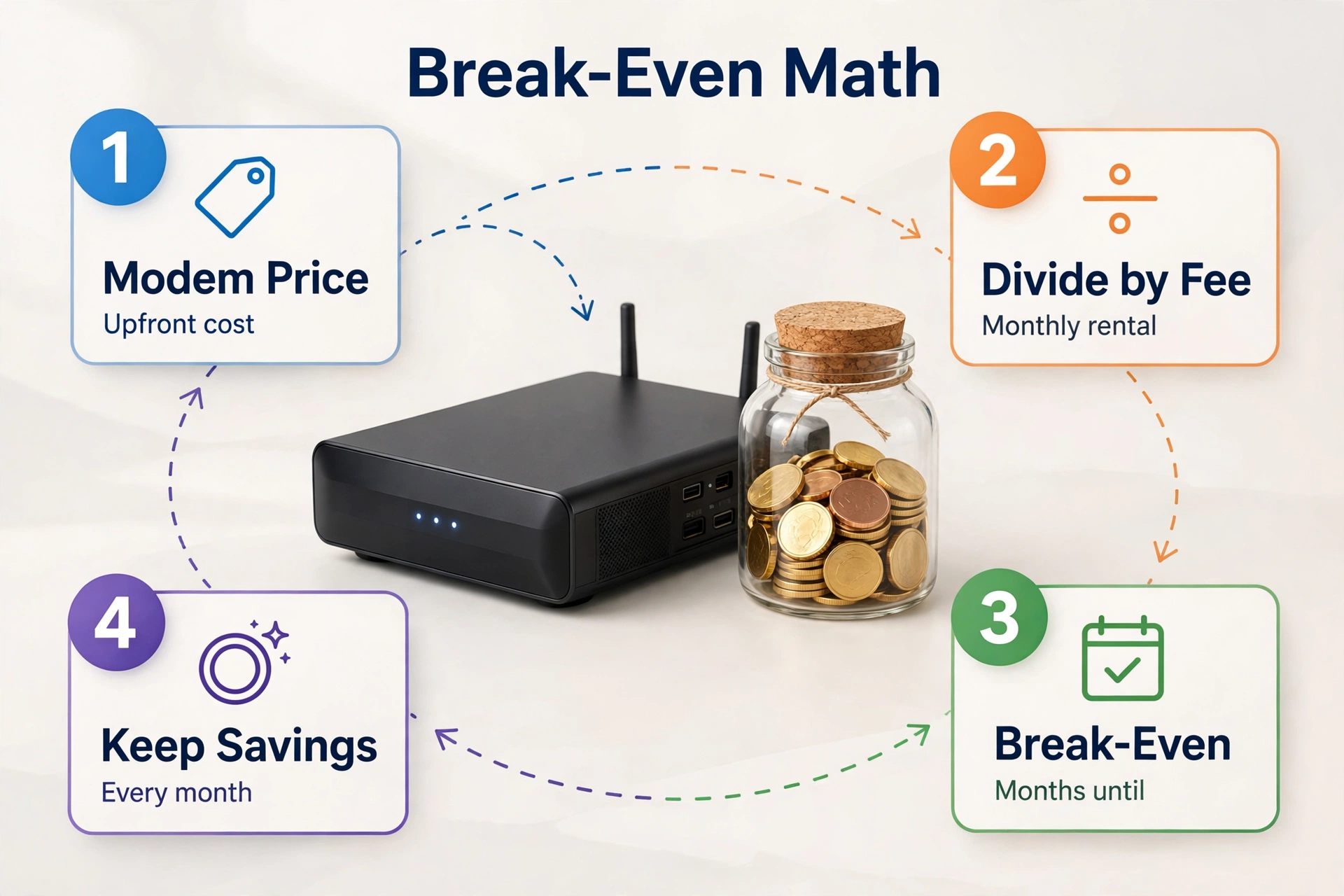
Renting looks cheap month to month, and that is exactly why it costs so much over time. The fee runs every single month, year after year, and you own nothing at the end of it.
The math is simple. Divide the modem price by your monthly rental fee, and the answer is your break-even point in months. Most buyers cross that line inside the first year. After that, every month is money you keep.
Check your bill before you shop, though. Some newer plans now include the gateway in the plan price, so there is no rental fee to remove. On Spectrum, the modem is often included and the fee is for Wi-Fi instead, which means a router is the piece you need. Federal law is on your side too, since providers cannot charge you for equipment you supply yourself.
ISP Compatibility: Check Before You Buy
This is the step most buyers skip, and it causes the most returns. A cable modem only works if your provider has certified that exact model on its network. A modem that is not on the list will fail activation, no matter how good its specs look.
Xfinity keeps a public list of approved modems, and you should search it by exact model number before you buy. You can find it on the Xfinity approved modem list page, which also shows the fastest plan each model supports.
Cox publishes its own approved list too, with the same model-by-model detail. Check the Cox approved modem list if you are a Cox customer, because a model approved by Xfinity is not automatically approved by Cox.
Spectrum and Optimum keep their own lists as well. The SB8200 and CM1000 appear on nearly every major list, so they are the lowest-risk picks if you might switch providers. Watch out for two traps: voice bundles need a modem with a phone port, and model numbers matter more than brand names.
The Best DOCSIS 3.1 Modems to Buy
Five modems cover nearly every cable household, so pick by your plan speed and your Ethernet port, not by the box art. A modem with only a 1 Gbps port caps a multi-gig plan at 1 Gbps, so the port matters as much as the DOCSIS version.
Table: Best DOCSIS 3.1 cable modems compared.
| Model | Best for | Ethernet port | ISP approval |
|---|---|---|---|
| Motorola MB8611 | Multi-gig plans | 2.5G | Xfinity, Cox, Spectrum |
| ARRIS SURFboard SB8200 | Gigabit plans | 2 x 1G | Xfinity, Cox, Spectrum, Optimum |
| Netgear CM1000 | Budget gigabit | 1G | Xfinity, Cox, Spectrum, Optimum |
| Netgear CM2000 | Multi-gig plans | 2.5G | Xfinity, Cox |
| ARRIS SURFboard S33 | Multi-gig plus MoCA | 2.5G | Xfinity, Cox, Spectrum |
Motorola MB8611: Best for Multi-Gig Plans
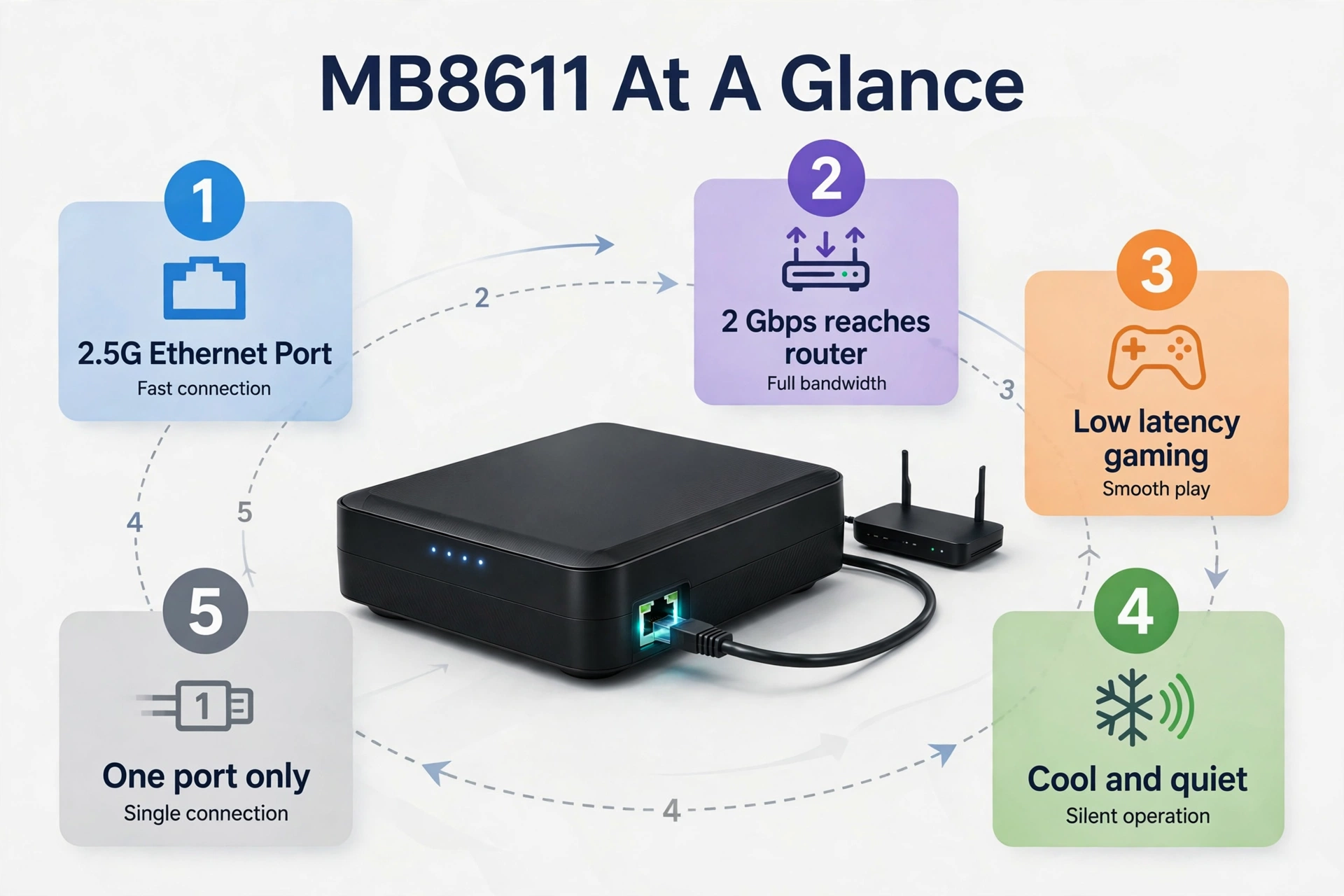
The MB8611 is the modem I would buy first for a plan above 1 Gbps. Its 2.5G Ethernet port lets a 2 Gbps plan actually reach your router, and it supports the low-latency feature that helps gaming and video calls. It also runs cool and quiet. One trade-off: a single Ethernet port means it connects to one router only.
ARRIS SURFboard SB8200: Best Overall for Gigabit
The SB8200 has been the safe gigabit pick for years, and it still is. It is approved by every major cable provider, and it has two 1G Ethernet ports for link aggregation. Its limit is the port, since two 1G ports do not add up to 2 Gbps for a single device, so a future upgrade past gigabit would need a new modem.
Netgear CM1000: Best Budget Pick
The CM1000 is the cheapest way into DOCSIS 3.1 without buying junk. It handles gigabit plans, it sits on every major approved list, and it has a long track record in real homes. The catch is the single 1G port and the older design. It will not carry a multi-gig plan, and its status lights say less when a line problem shows up.
Netgear CM2000: Best Netgear Multi-Gig Option
The CM2000 is Netgear’s answer to the MB8611, with a 2.5G port for plans above 1 Gbps. It is a solid modem for Netgear owners. Check Spectrum approval before you buy, though, because the CM2000’s list is narrower than the CM1000’s. Xfinity and Cox approve it, so Spectrum buyers should confirm the exact model first.
ARRIS SURFboard S33: Best for MoCA Homes
The S33 pairs a 2.5G port with a MoCA feature that sends internet over your home’s coax wiring to other rooms. That helps in a house where running Ethernet cables is hard. MoCA only helps if you have a second MoCA adapter at the other end, so count that extra cost before you choose it for this feature alone.
Modem Only or a Modem Router Combo?
A standalone modem plus a separate router is the better setup for most homes. You can upgrade each piece on its own, and a dead router does not force you to replace the modem too. So buy separate boxes unless space or simplicity wins the argument.
A combo unit makes sense in a small flat. Its Wi-Fi will age faster than the modem half, though, and you cannot swap it out alone. If you go separate, pair the modem with a router that matches your plan. A gigabit plan deserves a router with a 2.5G WAN port, or the router becomes the new bottleneck, so our guide to the best Wi-Fi 7 router covers routers that can feed multi-gig speeds through the house.
How to Set Up and Activate Your Own Modem
Activation scares people more than it should. The whole job takes 15 to 30 minutes in most cases, and the modem does most of the work itself once it locks onto the cable signal. So set aside half an hour and follow the steps below.
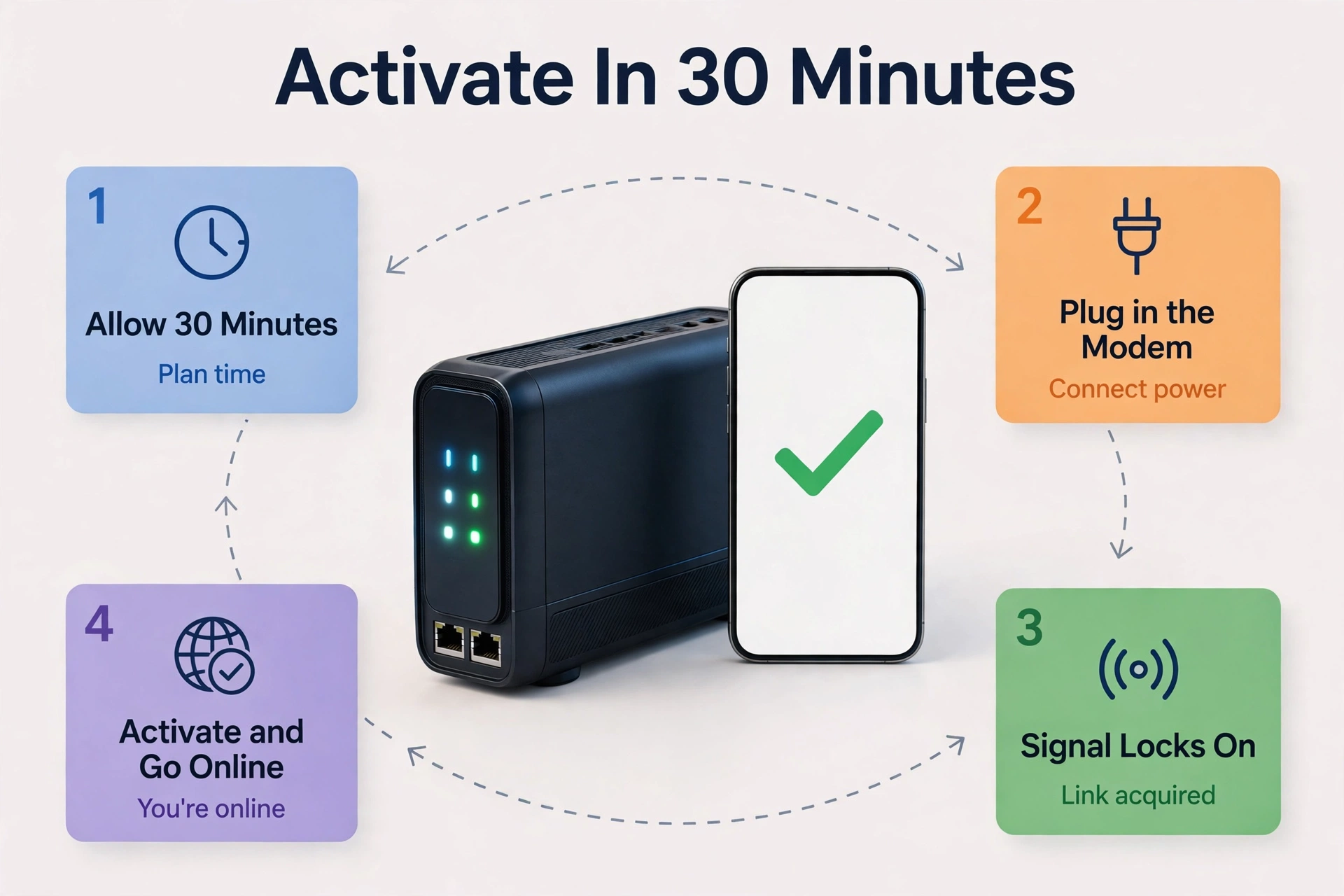
First, find the label on the bottom or back of the modem. You need the CM MAC address, sometimes printed as HFC MAC, plus the serial number. Write both down before you plug anything in.
- Unplug the rented gateway and disconnect its coax cable.
- Connect the coax cable to your new modem, then plug in the power.
- Wait for the downstream light to turn solid, which can take up to 10 minutes on a first boot.
- Connect your router to the modem with an Ethernet cable.
- Open your provider’s app or activation page and enter the CM MAC address when asked.
- Wait for the provisioning signal, then test with a wired speed test.
- Return the rented gateway and keep the return receipt.
Xfinity users can activate in the app by scanning the MAC label, while Cox redirects your browser to its activation portal when you open any web page. After activation, check that the rental fee is gone on your next bill, since fees sometimes linger for one cycle.
Once the modem is live, the router still needs its own setup. Our guide on how to configure a router walks through the Wi-Fi name, password, and security settings that matter most on day one.
Mistakes That Waste Money and Time
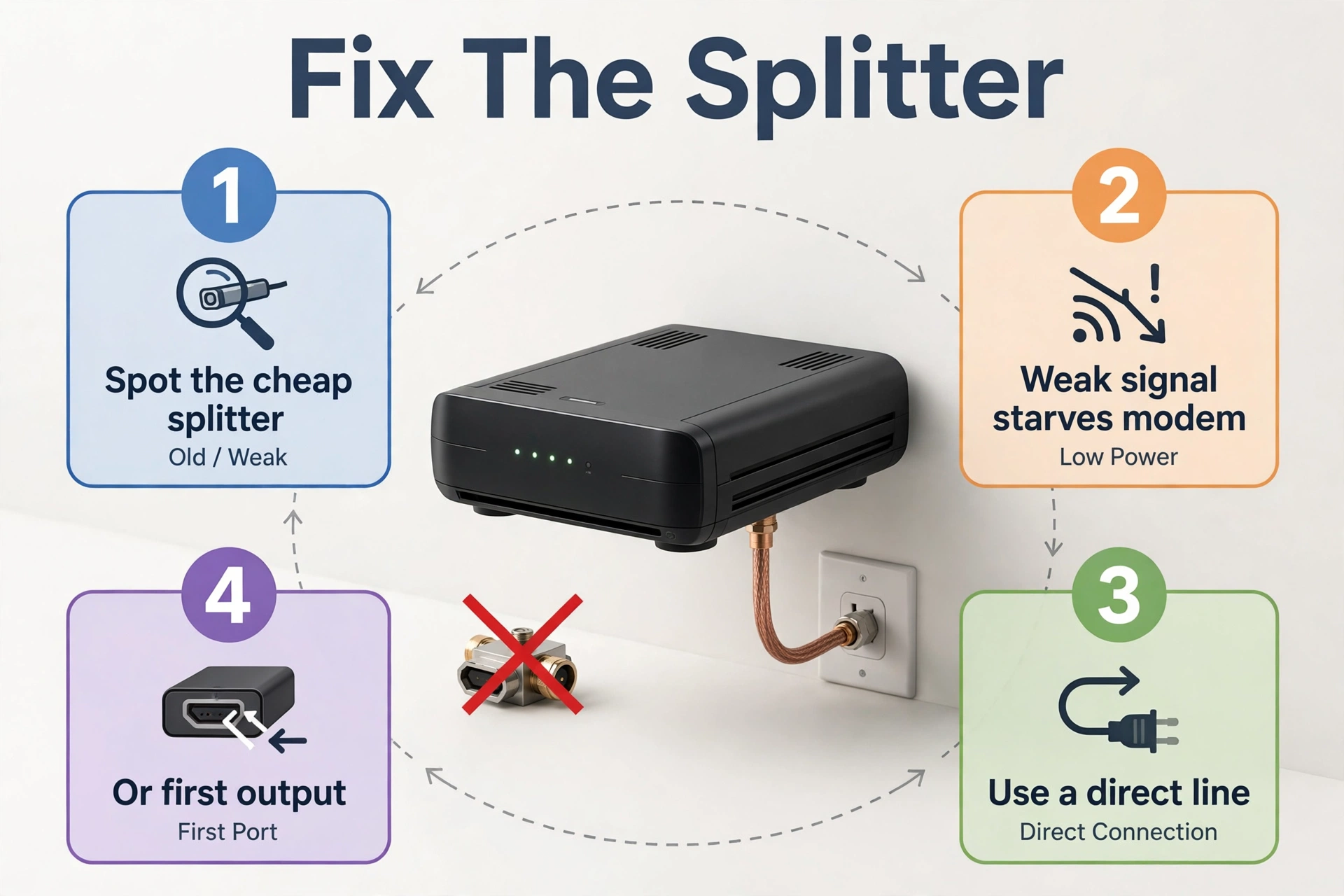
The most common mistake is the coax splitter. Many homes run the cable through a cheap splitter left behind by an old install, and a bad splitter starves the modem of signal. So connect the modem to a direct line, or to the first splitter output from the wall.
The second mistake is entering the wrong MAC address. The modem label lists several numbers, and the router has its own MAC too. Providers need the CM MAC, which is the modem’s cable MAC, so entering the router’s MAC by accident fails activation.
A third mistake is buying a modem that is not on your provider’s list because a deal looked too good. Refurbished modems are fine when the model is approved, but an unlisted model will never activate. Finally, a standard modem cannot run a bundled home phone line, so check for voice support first.
If the modem activates but the internet still fails, then the router is the next place to look. You can reach its settings through the steps in our guide on how to access your router, and a wrong DNS or IP setting there is a common cause.
DOCSIS 4.0: Should You Wait?
DOCSIS 4.0 is the next standard, and it raises upstream speeds to 6 Gbps. That only helps if your provider has upgraded the network at your address and sells a plan that uses it. Almost no home needs to wait for it today, so buy a 3.1 modem now and think about 4.0 only when your provider offers a 4.0 plan at your door.
FAQs
Is DOCSIS 3.1 worth it for a 500 Mbps plan?
Yes, it is worth it. A 3.1 modem handles 500 Mbps with ease and leaves room for a faster plan later, while 3.0 models are being retired from approved lists. Prices are close now, so the small extra cost buys years of support. If your current 3.0 modem already hits full speed, wait until it dies.
Can I use my own modem with Xfinity, Spectrum, or Cox?
Yes, you can use your own modem with all three, as long as the exact model sits on that provider’s approved list. Federal law stops providers from charging you for equipment you own, but they can refuse a modem that is not certified for their network. So check the list first, then buy and activate the modem.
Does a DOCSIS 3.1 modem improve Wi-Fi speed?
Not directly, because the modem does not create Wi-Fi. It only delivers internet to your router, and the router creates the wireless network. Still, a faster modem removes a bottleneck, so a good router can finally use the full plan speed. If Wi-Fi is slow after the swap, the router or its placement is the problem.
What is the difference between a modem and a router?
A modem connects your home to your provider through the cable line, while a router shares that connection with your devices. You need both to get online, unless you buy a combo unit that packs them into one box. A modem has one Ethernet port for the router, while a router has several ports.
How long does a cable modem last?
A well-built cable modem usually lasts five to seven years in daily use. Heat is the main enemy, so give it airflow and keep it out of a closed cabinet. Providers also retire models from approved lists over time, which can end a modem’s useful life before the hardware itself fails. So check support status when you renew your plan.
Do I need a 2.5G Ethernet port on my modem?
You need one only if your plan runs faster than 1 Gbps. A standard 1G port caps your wired speed near 940 Mbps, so a 2 Gbps plan would waste half its speed at the modem. For gigabit and slower plans, a 1G port is fine. Buy the 2.5G port when you expect a multi-gig upgrade soon.
Conclusion
A DOCSIS 3.1 cable modem is the right buy for nearly every cable household in 2026. It unlocks gigabit speeds, cuts lag, ends the rental fee, and stays supported for years. So check your provider’s approved list, match the modem to your plan speed, and buy the MB8611 for multi-gig or the SB8200 for gigabit. Then activate it this week.