

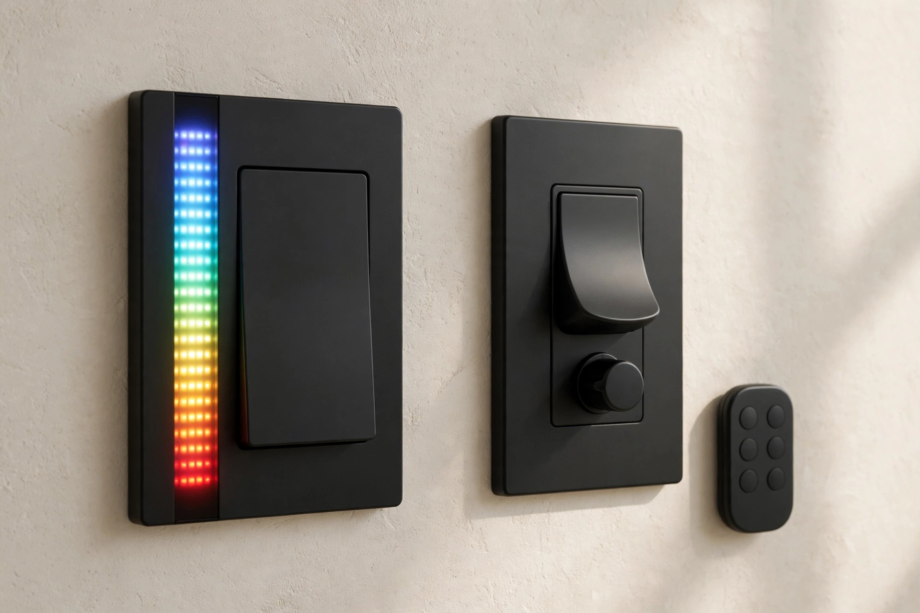
Inovelli Blue and Lutron Caseta are the two best smart switches for homes without neutral wires, but they take opposite approaches. Inovelli Blue is a Zigbee switch with deep customization, Smart Bulb Mode, and no hub required. Lutron Caseta uses its own wireless protocol, needs a Smart Bridge, and wins on pure reliability. Here’s the honest breakdown.
- The Short Answer
- Inovelli Blue vs Lutron Caseta: Head-to-Head Comparison
- Protocol and Hub: The Fundamental Difference
- No-Neutral Performance
- Smart Bulb Mode: Inovelli’s Killer Feature
- Customization and Power Features
- 3-Way and Multi-Location Setups
- Ecosystem Compatibility
- Reliability: Where Caseta Shines
- Price and Value
- Which Should You Buy?
- FAQs
- Is Inovelli Blue better than Lutron Caseta?
- Do I need a hub for Inovelli Blue?
- Does Lutron Caseta work without a neutral wire?
- Can Lutron Caseta work with smart bulbs?
- Which is more reliable, Zigbee or Lutron Clear Connect?
- Can I mix Inovelli and Lutron switches in one house?
- Conclusion
The Short Answer
Pick Lutron Caseta if you want something that just works, every time, with minimal fuss. It’s the set-and-forget choice, especially for Apple HomeKit households and anyone who values stability over tinkering.
Pick Inovelli Blue if you run Home Assistant or Hubitat, love customization, and want features like Smart Bulb Mode, LED notifications, and multi-tap scenes. It’s the enthusiast’s switch, and nothing else matches its flexibility.
Both work without a neutral wire. Both handle 3-way setups. The real decision is about your ecosystem and how much control you want.
Inovelli Blue vs Lutron Caseta: Head-to-Head Comparison
Table: Inovelli Blue vs Lutron Caseta at a glance
| Feature | Inovelli Blue 2-in-1 | Lutron Caseta Dimmer |
|---|---|---|
| Protocol | Zigbee 3.0 | Clear Connect RF (proprietary) |
| Hub required | No (works with any Zigbee coordinator) | Yes (Caseta Smart Bridge) |
| No-neutral support | Yes | Yes |
| Smart Bulb Mode | Yes (built in) | No (use Pico remote instead) |
| LED notifications | Yes (full RGB LED bar) | No |
| Multi-tap scenes | Yes (up to 21 button combos) | Limited (via Pico) |
| 3-way solution | Dumb switch or Aux add-on | Wireless Pico remote |
| Max LED load | Check specs per model | 150W LED / 600W incandescent |
| Apple HomeKit | Via Home Assistant or hub | Native support |
| Device limit | Depends on your Zigbee network | 75 devices per Bridge |
Protocol and Hub: The Fundamental Difference
This is where the two products diverge most. The Inovelli Blue speaks Zigbee 3.0, an open standard. Pair it with any Zigbee coordinator: Home Assistant’s ZHA or Zigbee2MQTT, Hubitat, SmartThings, or an Echo with a Zigbee hub. No Inovelli cloud account, no mandatory hub purchase. Your Zigbee mesh gets stronger with every switch you add, since they’re all repeaters.
Lutron Caseta speaks Clear Connect, Lutron’s own proprietary wireless protocol. It doesn’t talk to your Zigbee or Z-Wave network at all. You need the Caseta Smart Bridge, which connects to your router and translates between Clear Connect and your Wi-Fi, Alexa, Google, or HomeKit. The Bridge supports up to 75 devices, which covers most homes but can be a ceiling for large installs.
Clear Connect’s advantage is that it operates in a quiet radio band with very little interference. That’s a big reason Caseta is famous for reliability. Zigbee shares the crowded 2.4GHz band with Wi-Fi, which can cause issues in congested environments, though a well-planned Zigbee network with a good coordinator is rock solid.
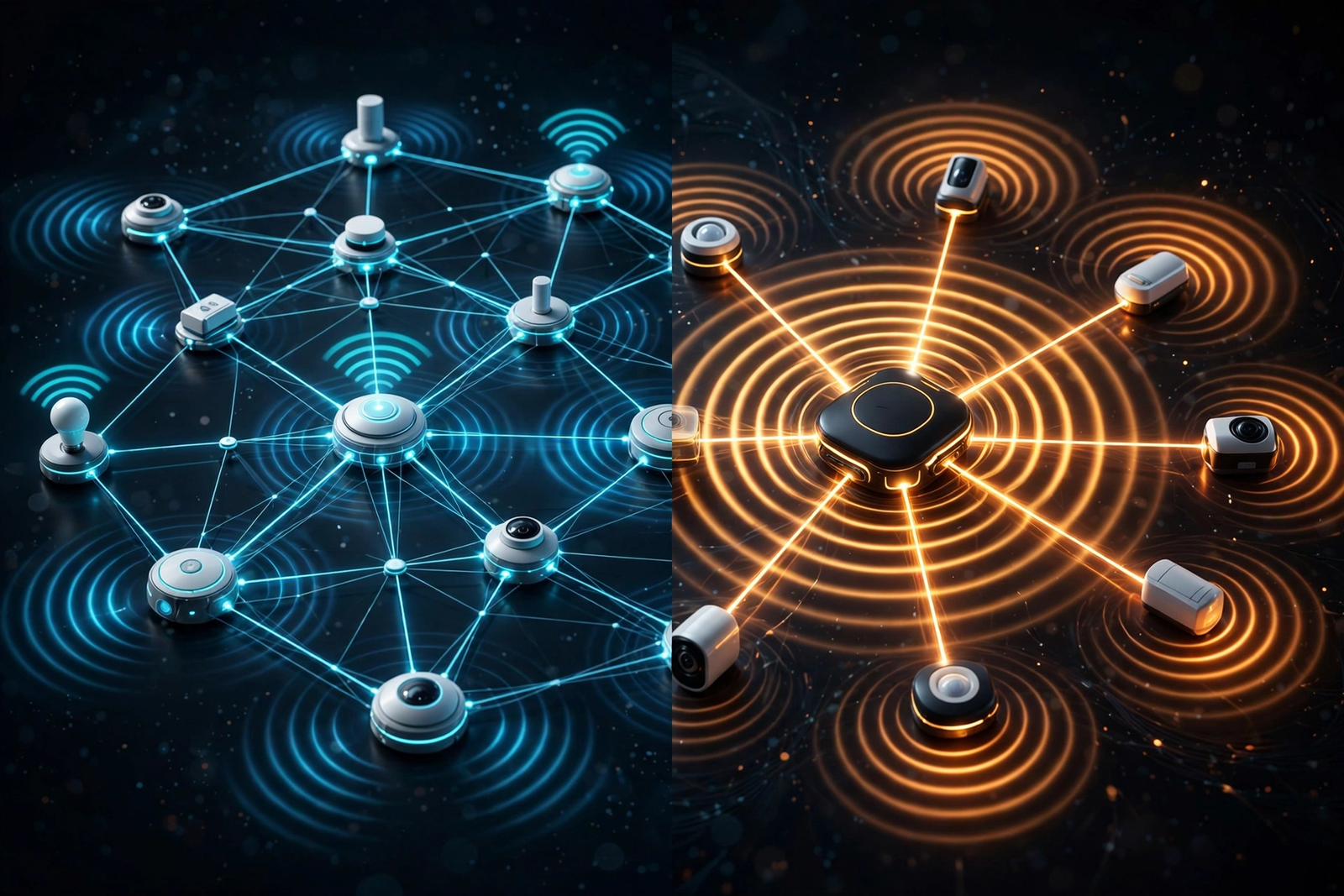
My take: if you already run Home Assistant with Zigbee, the Blue slots in beautifully. If you don’t want to run a hub at all beyond the Bridge, Caseta is simpler.
No-Neutral Performance
Both switches work without a neutral wire, which is why they’re constantly compared. But they handle the no-neutral challenge differently.
The Caseta dimmer was designed for no-neutral from day one. Lutron engineered the power-stealing circuit carefully, and it works with a wide range of dimmable LEDs. It’s the safer pick if you’re unsure about your bulbs. Lutron’s support library has compatibility tools to check your specific bulbs.
The Inovelli Blue also supports no-neutral, but it’s pickier. Low-wattage LED loads can cause the switch to misbehave or drop off the network. Inovelli recommends a bypass capacitor (like the Lutron LUT-MLC) or a neutral wire for best results. In no-neutral mode with the right bulbs, it works well, but Caseta is more forgiving here.
If your boxes have neutrals, this whole section is moot and the Blue’s advantages grow. With a neutral, the Blue is stable and fully featured.
Smart Bulb Mode: Inovelli’s Killer Feature
This is the Blue’s standout. Smart Bulb Mode disables the internal relay so full power flows to smart bulbs permanently. The paddle becomes a scene controller instead of a power switch. Your bulbs never go offline because someone flipped the switch.
Enable it with a tap sequence: hold the up paddle and tap the config button 4 times. The LED bar flashes yellow. Then bind the switch directly to your Zigbee bulbs, or set up automations in your hub. Tap up, bulbs turn on. Tap down, they turn off. Power never breaks.
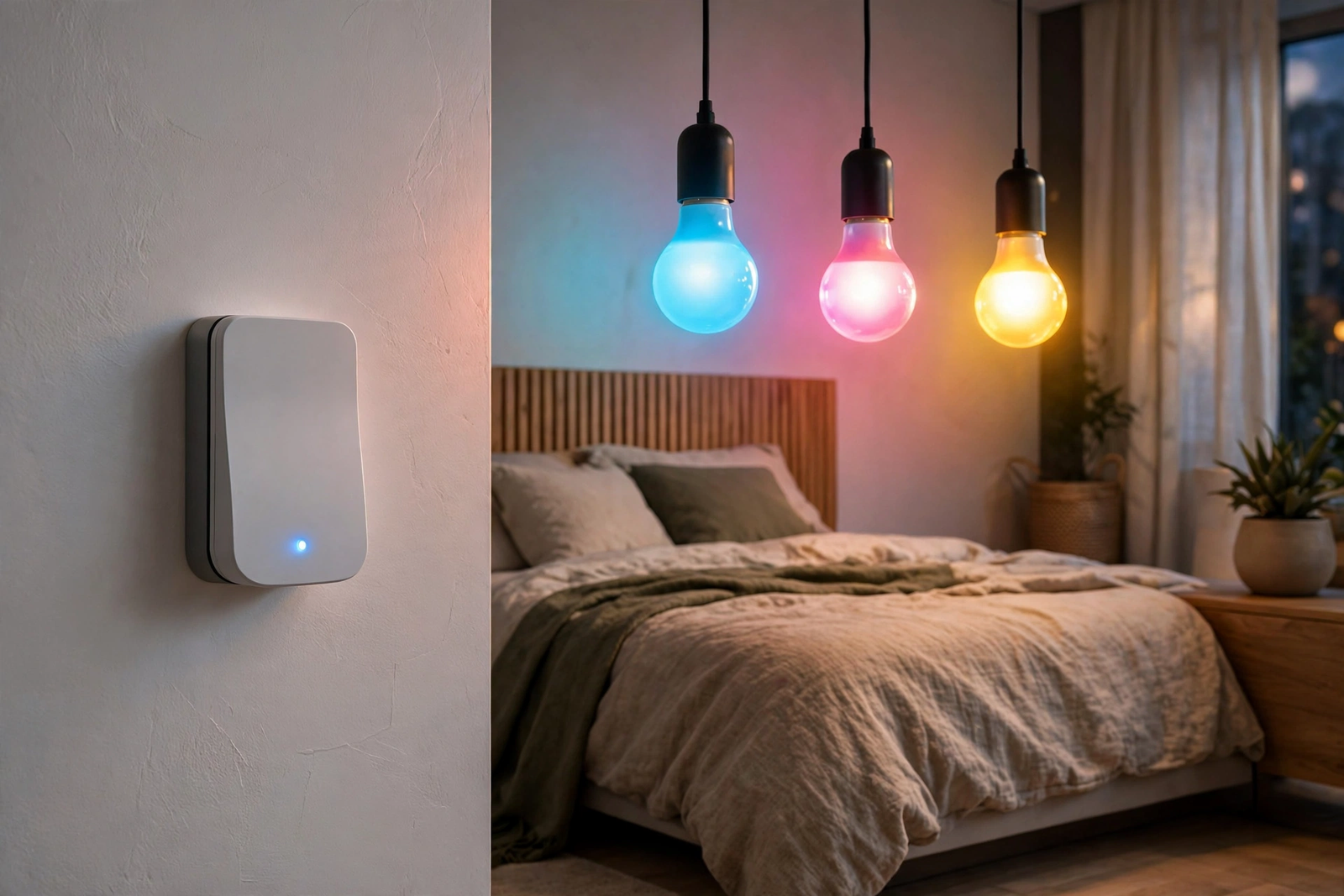
Caseta has no equivalent. Lutron’s answer is the Pico remote: mount it where the switch was, wire the circuit to stay always-on, and let the Pico control the bulbs wirelessly. It works, but it’s a different piece of hardware solving the problem indirectly rather than a mode built into the switch.
If your house runs on smart bulbs, this feature alone can decide the comparison. Nothing from Lutron matches it.
Customization and Power Features
The Inovelli Blue is a tinkerer’s dream. The RGB LED bar can show notifications: red when the garage is open, blue when laundry finishes, pulsing when someone’s at the door. Multi-tap scenes give you up to 21 different button combinations from one switch. Double-tap up for movie mode, triple-tap down to shut off the whole floor.
You can configure ramp rates, minimum and maximum dim levels, default brightness on power restore, and much more, all through your hub. Firmware updates add features over time. The Inovelli community forum is active and the company actually listens to feature requests.
Caseta is the opposite philosophy. It does fewer things, but it does them flawlessly. The Pico remote gives you basic scene control. The app handles scheduling and geofencing. There are no LED notifications, no multi-tap scenes, no deep parameters to tweak. For many people, that’s a feature, not a bug.
Ask yourself honestly: will you actually program 21 button combinations, or will you set up on/off and never touch it again? Your answer tells you which product fits.
3-Way and Multi-Location Setups
Caseta’s Pico remote is the gold standard for 3-way without rewiring. Replace the second switch with a Pico, which needs no wires and runs on a coin battery for years. Mount it in the existing box with a bracket. It looks like a real switch and controls the dimmer wirelessly. Adding a third or fourth location is just another Pico.
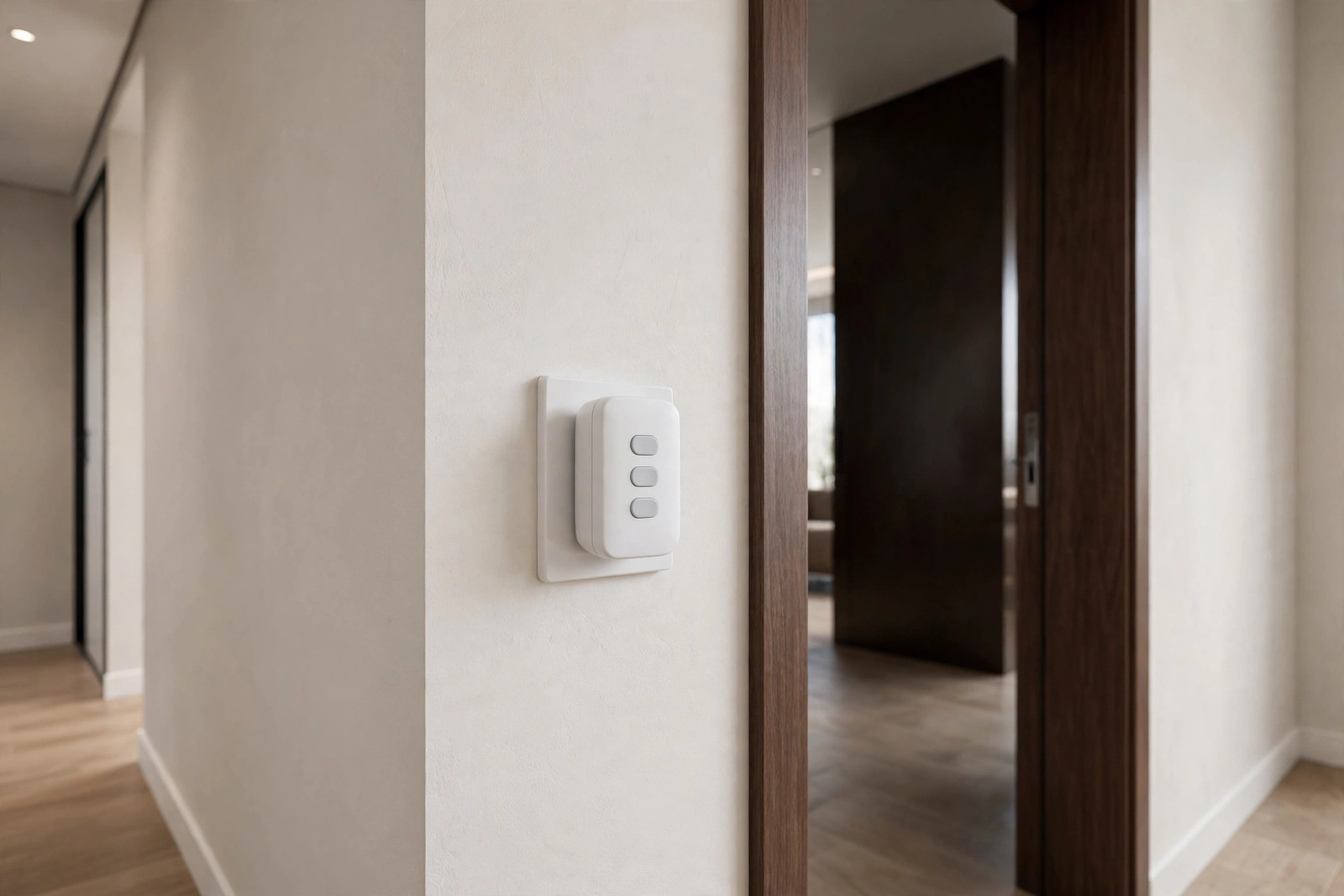
The Inovelli Blue handles 3-way with either your existing dumb switch or an Aux add-on switch wired to the travelers. The Aux gives a better experience than a dumb toggle, with proper dimming from both locations. But it requires traveler wiring, which the Pico avoids entirely.
For easy 3-way, Caseta wins. For wired 3-way with full dimming control from both ends, the Blue with an Aux is excellent.
Ecosystem Compatibility
Caseta works natively with Alexa, Google Home, and Apple HomeKit through the Smart Bridge. No extra hub, no workarounds. If you’re an iPhone household that lives in the Home app, Caseta is the path of least resistance.
Setup difficulty differs too. Caseta’s app walks you through pairing in minutes. The Blue needs a Zigbee coordinator and a bit more patience, but Home Assistant’s ZHA integration has made it much smoother than it used to be.
The Blue integrates with anything that speaks Zigbee. Home Assistant users get the deepest integration, with every parameter exposed. Hubitat and SmartThings work well too. HomeKit is possible through Home Assistant’s HomeKit bridge, but it’s not native. Ecosystem compatibility matters more than people expect, so map this to your actual setup before buying.
Voice control works on both through Alexa and Google. Neither requires a subscription for basic operation.
Reliability: Where Caseta Shines
Let’s be direct. Lutron Caseta is the most reliable consumer smart switch you can buy. The proprietary protocol, the careful engineering, the limited feature set: it all adds up to switches that respond instantly, never drop off, and work for years without attention. Ask any installer. They’ll tell you the same.
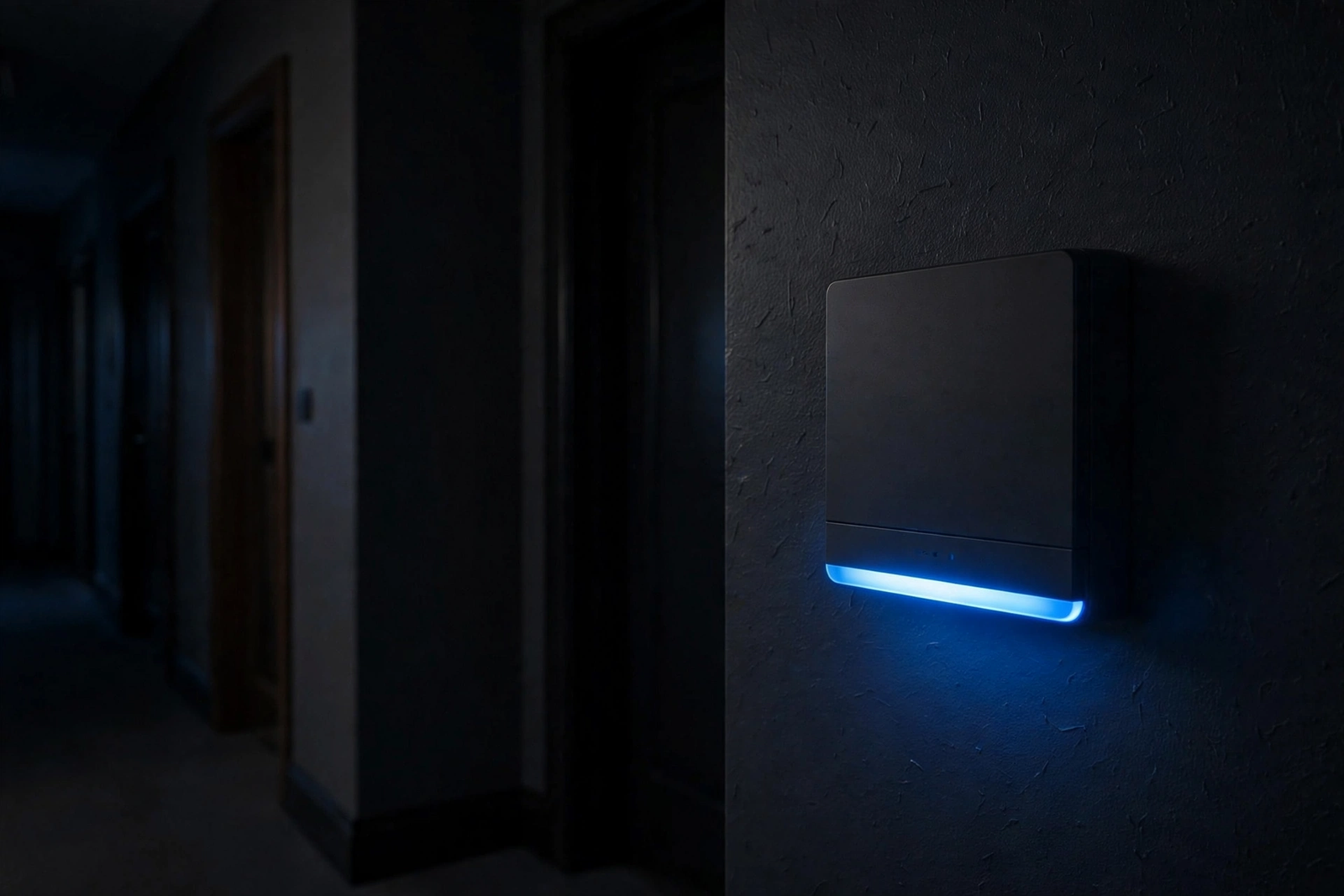
The Inovelli Blue is reliable too, especially on a well-built Zigbee network with a good coordinator. But it’s more sensitive to network conditions, bulb compatibility, and configuration. A Blue on a congested 2.4GHz band with marginal bulbs will give you trouble that a Caseta in the same spot wouldn’t.
This isn’t a knock on Inovelli. It’s the trade-off for openness and features. More capability means more variables. Caseta removes variables. That’s the whole product strategy.
Price and Value
I won’t quote exact prices since they shift constantly, but the general picture is stable. Inovelli Blue switches typically cost less per switch than Caseta dimmers, and there’s no mandatory hub to buy if you already have a Zigbee coordinator.
Caseta requires the Smart Bridge for any smart functionality, which adds to the first-switch cost. But the Bridge is a one-time purchase that serves up to 75 devices, so the per-device cost drops as you expand. Pico remotes are inexpensive, making multi-location setups cheap.
Check current prices on the manufacturers’ sites before deciding. Factor in the Bridge for Caseta and any Aux switches for the Blue. The total system cost is what matters, not the single-switch price.
Which Should You Buy?
Table: Quick decision guide
| Your situation | Winner | Why |
|---|---|---|
| Home Assistant or Hubitat user | Inovelli Blue | Deep integration, no extra hub |
| Apple HomeKit household | Lutron Caseta | Native HomeKit support |
| You hate tinkering | Lutron Caseta | Set it and forget it |
| Smart bulbs everywhere | Inovelli Blue | Smart Bulb Mode is unmatched |
| No neutral wires, unsure about bulbs | Lutron Caseta | More forgiving no-neutral design |
| You want LED notifications and scenes | Inovelli Blue | Nothing else does this |
| Large home, 50+ switches | Inovelli Blue | No 75-device Bridge limit |
There’s no wrong answer here. Both are excellent products from companies with good reputations. The wrong choice is buying a cheap no-name switch that flickers, drops offline, and makes you hate smart lighting. Either of these two avoids that fate.
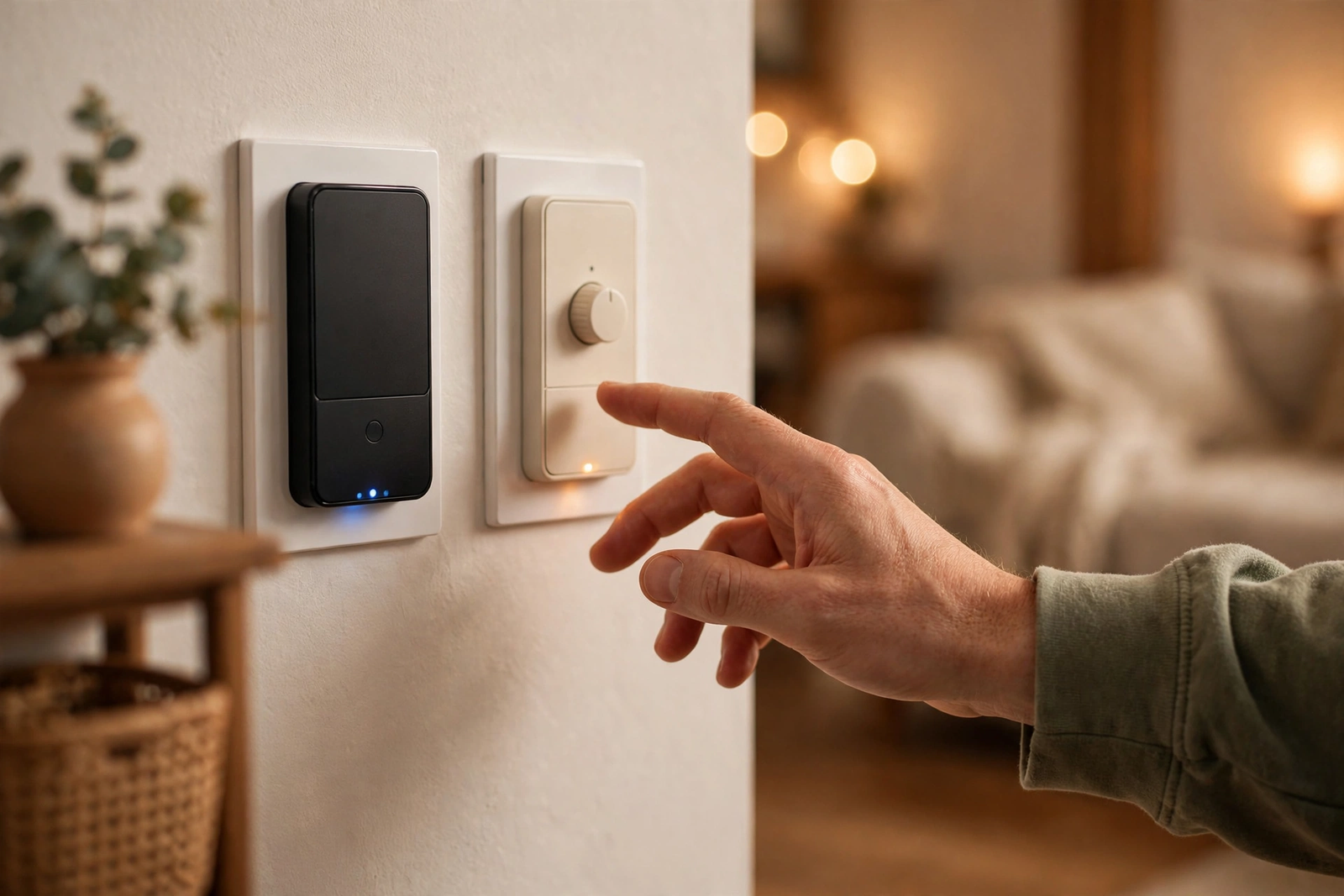
One more honest note: many enthusiasts run both. Caseta in the bedrooms and hallways where reliability matters most, Blue switches in the living room and office where the fancy features get used. Mixed ecosystems work fine through Home Assistant. You don’t have to marry one brand.
FAQs
Is Inovelli Blue better than Lutron Caseta?
Neither is objectively better. The Inovelli Blue offers more features: Smart Bulb Mode, LED notifications, multi-tap scenes, and no hub requirement. Lutron Caseta offers better reliability, native HomeKit support, and easier 3-way with Pico remotes. Choose based on your ecosystem and how much customization you want.
Do I need a hub for Inovelli Blue?
You need a Zigbee coordinator, but not a proprietary hub. Home Assistant with a Zigbee stick, Hubitat, SmartThings, or any Zigbee-capable hub works. Unlike Caseta, there’s no mandatory manufacturer bridge to buy. If you already run Zigbee, the Blue joins your existing network.
Does Lutron Caseta work without a neutral wire?
Yes. Caseta dimmers were designed for no-neutral installation and handle it better than most competitors. They work with a wide range of dimmable LED bulbs. For 3-way setups, pair the dimmer with a wireless Pico remote at the second location instead of running traveler wires.
Can Lutron Caseta work with smart bulbs?
Not directly the way Inovelli’s Smart Bulb Mode does. The workaround is wiring the circuit to stay always-on and using a Pico remote to control the smart bulbs wirelessly. The Pico sends commands without cutting power, so the bulbs stay connected. It works well but requires the extra remote.
Which is more reliable, Zigbee or Lutron Clear Connect?
Lutron’s Clear Connect is more reliable out of the box because it uses a quiet proprietary radio band with minimal interference. Zigbee shares crowded 2.4GHz with Wi-Fi, so it needs a well-planned network with a good coordinator and enough repeaters. A properly built Zigbee network is very reliable, but Caseta gets there with less effort.
Can I mix Inovelli and Lutron switches in one house?
Yes. Many people run both, using each where it fits best. Home Assistant can control both through their respective integrations, and voice assistants see all devices together. There’s no technical requirement to pick one brand for the whole house.
Conclusion
Choose Lutron Caseta for bulletproof reliability and effortless HomeKit integration. Choose Inovelli Blue for maximum features, Smart Bulb Mode, and deep Home Assistant integration. Next step: check your switch boxes for neutral wires and list which ecosystem you actually use daily. Those two facts make the decision for you.