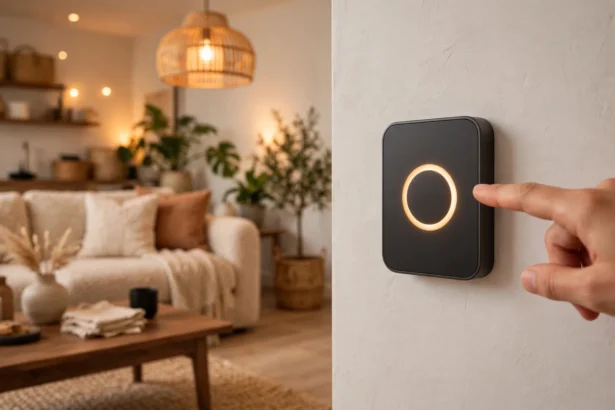

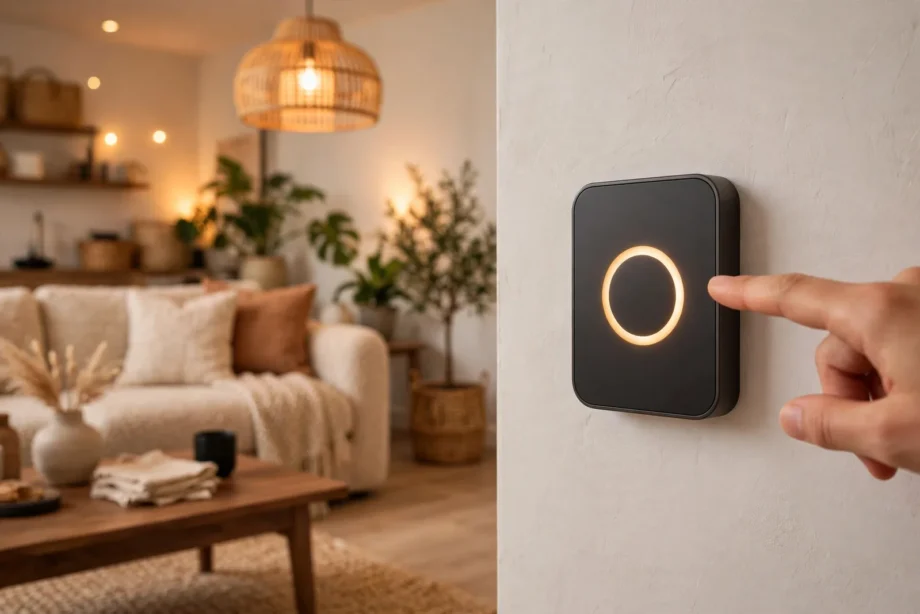
Double tap on smart switch hardware turns one switch into a scene controller. Tap twice and the room sets movie lighting; tap three times and the whole floor goes dark. Most multi-tap switches support double, triple, quadruple, and quintuple taps plus hold and release on both paddles.
- What Double Tap on Smart Switch Hardware Does
- Which Switches Support Multi-Tap
- What You Need Before Setup
- Setting Up Double Tap in Home Assistant (ZHA)
- Setting Up Double Tap in Zigbee2MQTT
- SmartThings and Hubitat: Quick Notes
- Assigning Scenes to Taps: A Sensible Map
- Troubleshooting
- FAQs
- Can I set up double tap without a hub?
- Will double tap work if my internet goes down?
- How many taps can a smart switch detect?
- Does multi-tap work with smart bulbs?
- Can guests use the multi-tap scenes?
- Is double tap slower than a normal switch?
- Conclusion
What Double Tap on Smart Switch Hardware Does
A normal switch has two jobs: on and off. Still, a multi-tap smart switch keeps those and adds extra gestures the hub can hear: double tap up, double tap down, triple tap up, hold, release. Each one arrives at your hub as a distinct button event. Then each event can trigger its own scene or automation.
The switch itself does not decide what double tap means. Instead, it just reports “button 2 pressed twice” to the hub. Your hub then maps that event to an action, whether that hub is Home Assistant, SmartThings, or Hubitat. This separation is powerful. The same double tap can mean movie night today and something else next month, changed in software without touching the wall.
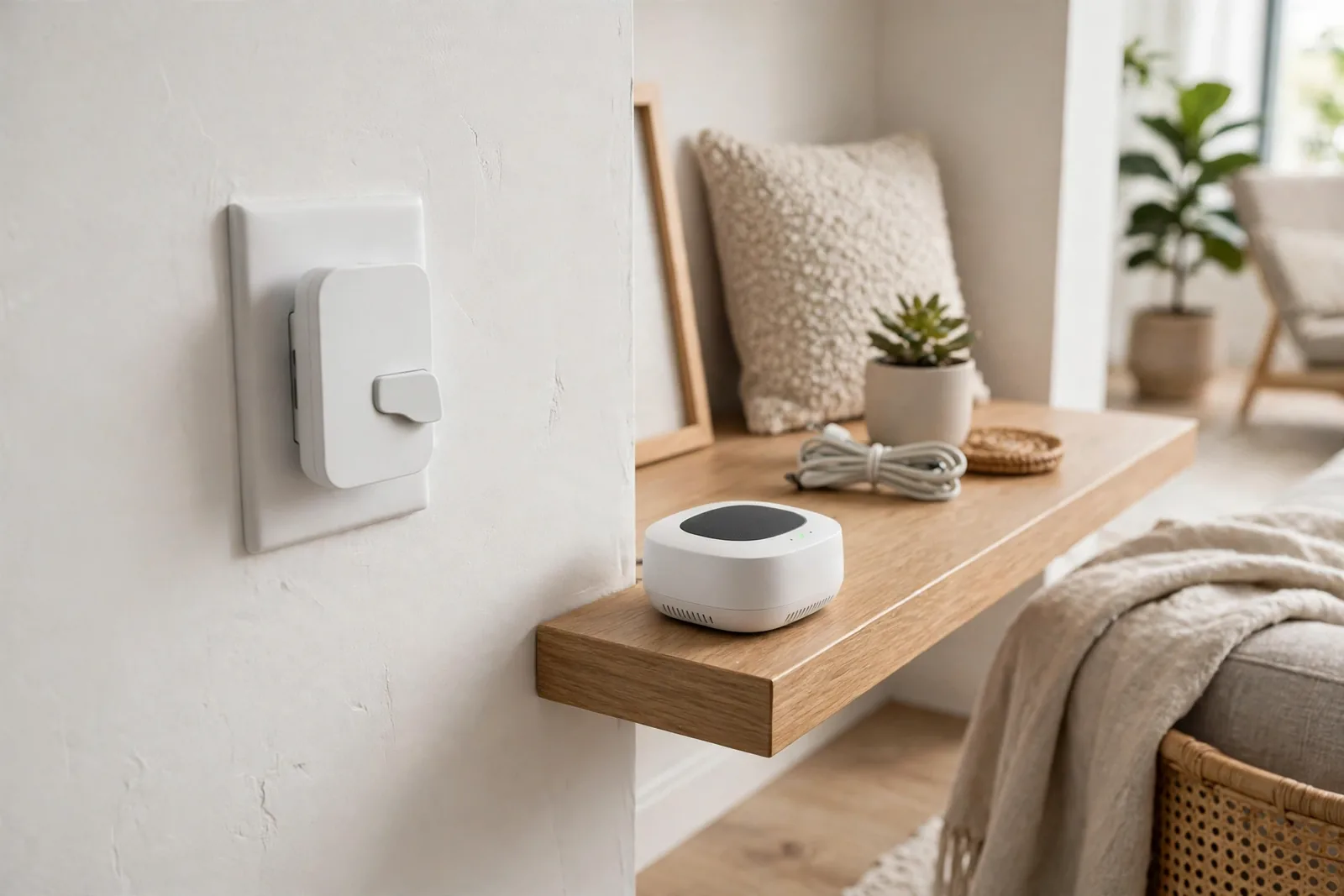
Now count the gestures on a typical paddle switch: the number surprises people. Up offers single, double, triple, quadruple, quintuple, hold, and release. Down offers the same seven. That is 14 triggers on the paddles alone, before counting the config button most switches include. You will never use all of them. Still, having five or six scene triggers on the switch by the door is genuinely useful.
Which Switches Support Multi-Tap
Not every smart switch does multi-tap, so check before you buy. The feature lives mostly in the Z-Wave and Zigbee world, where scene control is a standard capability.
Inovelli is the reference brand here. Their Blue Series Zigbee switch exposes 21 button combinations. That covers single through quintuple taps plus hold and release on the up paddle, the down paddle, and the config button. It also includes Smart Bulb Mode. This keeps power flowing to smart bulbs while the paddle sends scene commands instead of cutting power. At around $94 with Zigbee 3.0 and non-neutral compatibility, it is the switch this guide uses as the example. Our Inovelli Blue vs Lutron Caseta comparison puts it head to head with the other premium option.
Zooz Z-Wave switches are the other major choice, especially if your hub speaks Z-Wave. Their multi-tap works the same way: tap patterns become scene events the hub consumes. So pick Zooz when your mesh is Z-Wave, and Inovelli Blue when it is Zigbee. Mixing protocols in one house still works, but each tap event must reach a hub that speaks its protocol.
Lutron Caseta deserves an honest note. It is rock solid for on, off, and dimming. Its scene control story, however, is weaker than Inovelli or Zooz for multi-tap. If double tap scenes are the goal, buy the switch built for them. Fighting a platform that treats taps as an afterthought wastes weekends.
What You Need Before Setup
Three things must be true before a double tap does anything useful.
First, the switch needs a hub that hears multi-tap events. Home Assistant with ZHA or Zigbee2MQTT, SmartThings, and Hubitat all qualify. A switch paired directly to bulbs with no hub cannot do multi-tap scenes. Nothing translates the tap into a scene command.
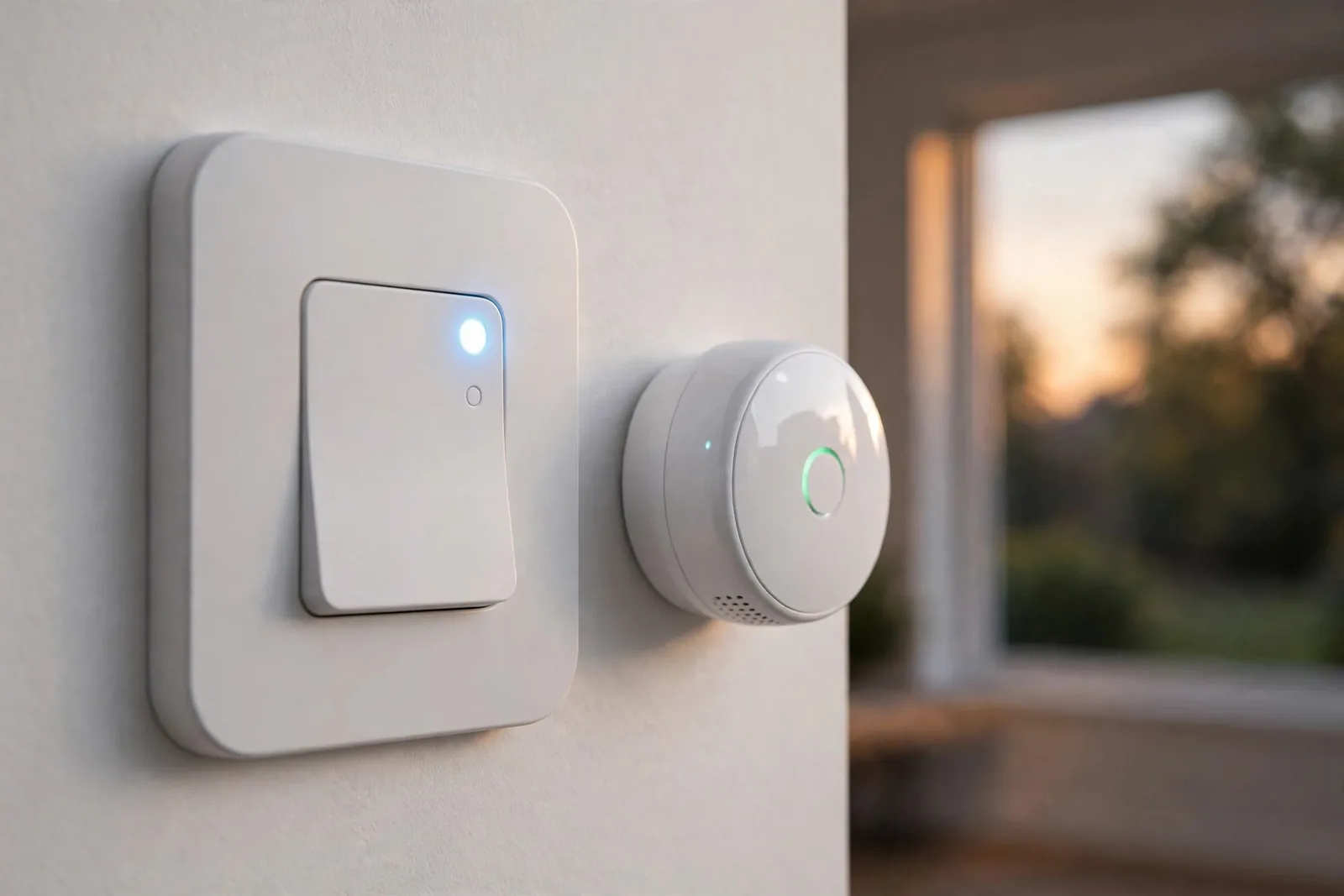
Second, check your wiring. Many multi-tap switches need a neutral wire, though the Inovelli Blue works without one. If your switch box is old, our guide to identifying the neutral wire in a light switch box shows what to look for.
One safety note before you touch anything: kill the breaker for the switch circuit and verify it is dead with a non-contact voltage tester. Smart switches are low voltage devices, but the box they live in is not. Five minutes of caution here is worth everything.
If your box has no neutral wire, skip the rewiring headache. Our best no-neutral smart switches for older homes roundup lists multi-tap models that work without one.
Third, decide on Smart Bulb Mode if your fixture holds smart bulbs. In this mode the paddle stops cutting power and only sends button events, so your bulbs stay online and responsive. The switch becomes a pure scene controller.
Setting Up Double Tap in Home Assistant (ZHA)
ZHA exposes multi-tap as device triggers on the switch. The setup has one quirk you must know. The tap pattern does not appear in the trigger dropdown until you physically perform it at the switch once. ZHA learns the event by seeing it.
Here is the flow. Open Settings, then Automations and Scenes, and create a new automation. For the trigger, choose Device, pick your switch, and look for the tap event you want. If double tap up is not listed, walk to the switch and double tap the up paddle, then check the dropdown again. It appears after the hub sees it happen.
Next, for the action, call your scene: light.turn_on with the scene’s settings, or scene.turn_on targeting a saved Home Assistant scene. Save, then test from the wall. The official Inovelli guide for multi-tap scene control in ZHA documents each step with screenshots if you want a second reference.
Repeat for each gesture you want. Triple tap up for the away scene, double tap down for all off, hold up to start a slow dim. So build them one at a time and test each from the wall before adding the next. Debugging five new triggers at once is miserable. Debugging one, however, takes a minute.
Setting Up Double Tap in Zigbee2MQTT
Zigbee2MQTT exposes taps as action values on the switch’s MQTT topic, like double press or triple press. Your automation triggers on those values instead of ZHA device triggers, but the idea is identical.
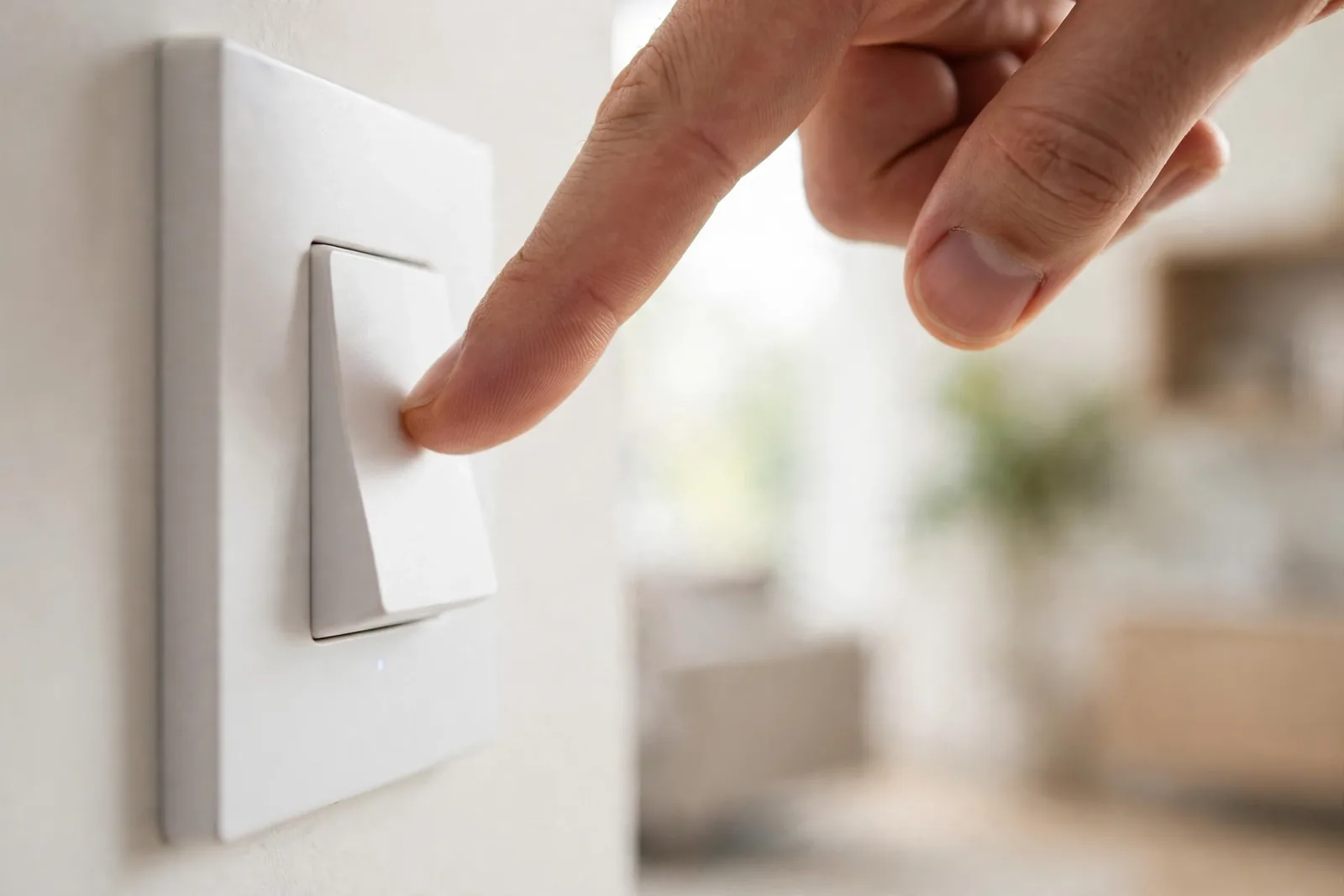
First, create an automation with an MQTT trigger watching your switch’s action topic, or use the device trigger if your discovery config exposes it. Then map each action value to its scene. Inovelli’s official Zigbee2MQTT multi-tap guide covers the exact payload values per gesture.
In my own testing, a double tap through Zigbee2MQTT fired its scene in about half a second. That is fast enough that guests never notice the hub in the middle. ZHA was equally quick. Either stack delivers the instant feel that makes multi-tap worth setting up.
SmartThings and Hubitat: Quick Notes
Home Assistant is not the only hub that hears multi-tap. SmartThings handles it through Edge drivers: install the community driver for your switch model, and tap events appear as button presses you can use in Routines. The driver matters here, because the stock driver may only expose on, off, and dim.
Hubitat takes a similar approach with custom drivers and its Button Controller app. Pair the switch, assign the community driver, then map each button number to its scene in Button Controller. Hubitat users get one advantage: everything runs locally by default, so multi-tap scenes survive internet outages without any extra configuration.
Whichever hub you use, the pattern is the same. The switch reports the tap, the hub translates it, and the scene fires. Learn your hub’s version of “press the gesture once so the trigger appears,” because every platform has some version of that quirk.
Assigning Scenes to Taps: A Sensible Map
Start with four gestures and grow from there. For example, here is a mapping that works well for a living room switch.
Table: Suggested scene mapping for multi-tap gestures
| Gesture | Suggested scene | Why it fits |
|---|---|---|
| Double tap up | Movie Night | Most used evening mood |
| Double tap down | All Off | Natural mirror of double up |
| Triple tap up | Bright / Cleaning | Full light for chores |
| Triple tap down | Goodnight | Whole floor winds down |
| Hold up | Start dimming up | Fine control without app |
| Hold down | Start dimming down | Fine control without app |
Keep single tap sacred: it should always do the obvious thing, toggling the main light. Guests and family will single tap without thinking, so never assign single tap to a surprising scene. Multi-tap gestures are for the people who live there and learn them.
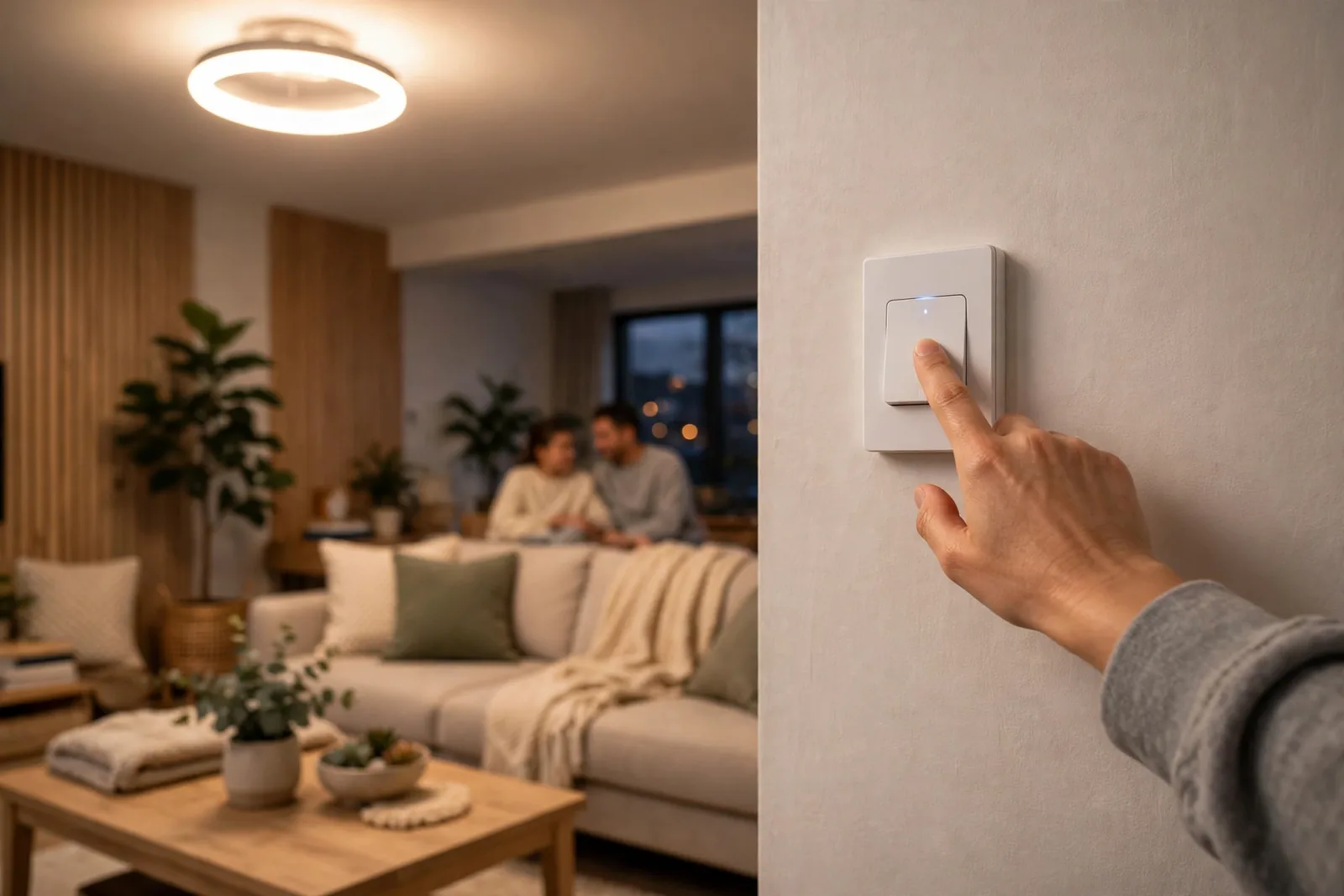
Finally, label the switch if your household needs it. A small printed label under the switch listing double tap equals movie, triple tap equals all off, turns a hidden feature into a used one. Fancy engraved plates exist, but a label maker works fine.
Troubleshooting
The tap event never appears in the trigger list. You skipped the physical press. Walk to the switch and perform the exact gesture, double tap up for example, then reopen the trigger dropdown. ZHA only lists events it has seen at least once.
Double tap works but fires the wrong scene. Two automations are probably listening to the same event. Search your automations for the switch name and check for duplicates, especially if you experimented with blueprints earlier. One event should have exactly one automation.
There is a long delay before the scene fires. Check your Zigbee or Z-Wave mesh health: a switch routing through a weak mesh can take seconds to report. Add a powered repeater between the switch and the hub, or re pair the switch closer to the hub so it picks a better route.
Multi-tap stops working entirely. If the hub is down or unreachable, multi-tap scenes die with it, because the hub translates taps into actions. This is the one real weakness of hub based scene control. Zigbee binding between switch and bulbs keeps basic on and off working without the hub, but multi-tap scenes need the hub online. Plan for it, and keep single tap on local control so the lights never go fully dumb.
Single tap now does something weird. Smart Bulb Mode is likely enabled, so the paddle sends button events instead of toggling power. Our smart bulb mode explainer covers when to keep it on and when to switch it off. Either map single tap up and down to on and off actions in the hub, or disable Smart Bulb Mode if the fixture holds dumb bulbs that need physical power control.
FAQs
Can I set up double tap without a hub?
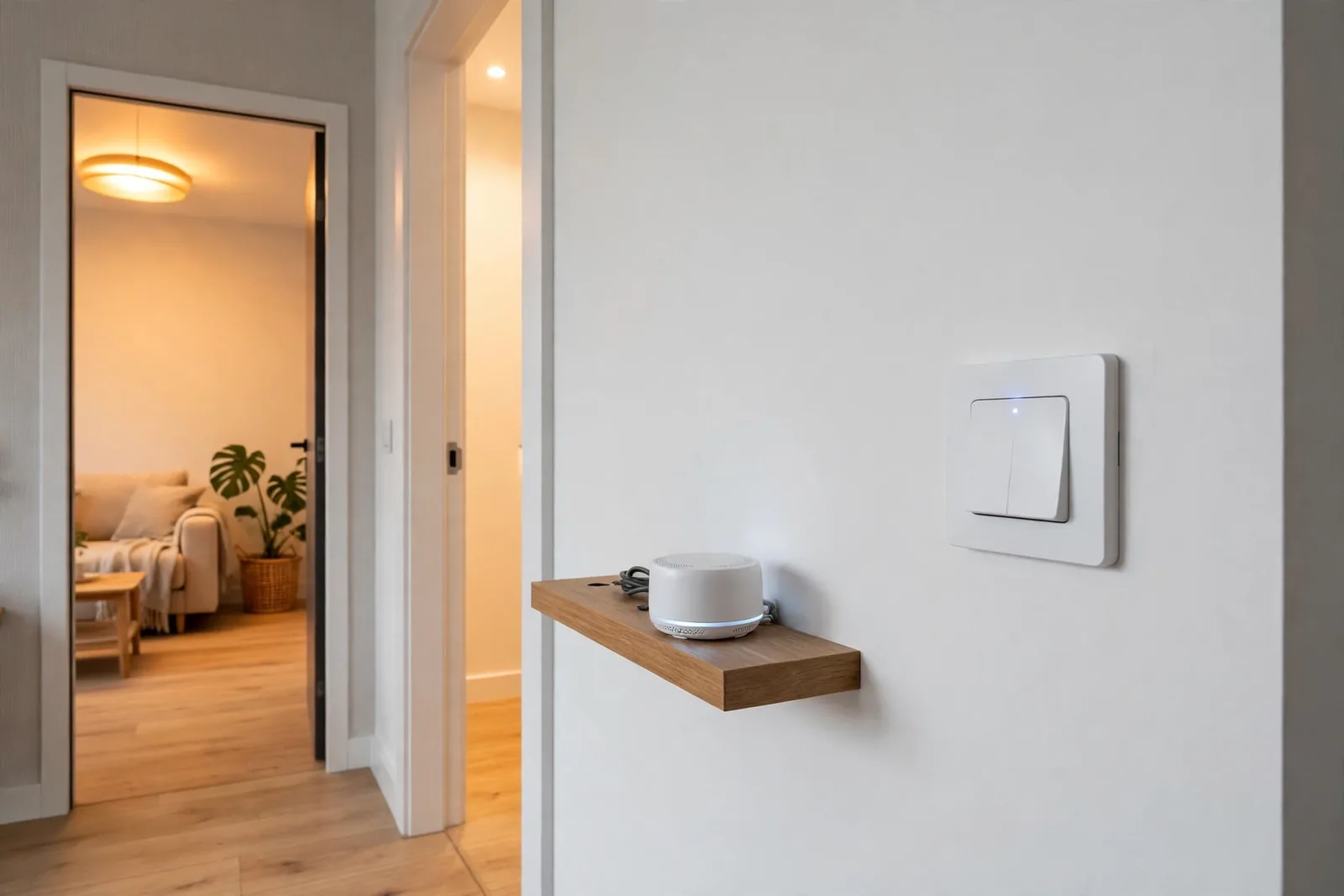
No. The switch reports tap events, but something must translate them into scene commands, and that something is a hub. ZHA, Zigbee2MQTT, SmartThings, and Hubitat all work. Without a hub listening, the extra taps do nothing at all, no matter how capable the switch is.
Will double tap work if my internet goes down?
Yes, if your hub runs locally. Home Assistant with ZHA or Zigbee2MQTT processes everything on your network, so taps keep working with the internet down. Cloud dependent hubs may stall. Local processing is one more reason to prefer a local hub.
How many taps can a smart switch detect?
The Inovelli Blue Series detects single through quintuple taps plus hold and release on each paddle and the config button, 21 combinations total. Zooz switches offer a similar range. Five taps is the practical ceiling; beyond that, humans cannot tap reliably.
Does multi-tap work with smart bulbs?
Yes, and it works best with Smart Bulb Mode enabled. The switch keeps power flowing to the bulbs and sends tap events to the hub, which sets the bulb scenes. Without Smart Bulb Mode, double tapping cuts power and your smart bulbs drop offline.
Can guests use the multi-tap scenes?
They can, but they will not discover them alone. Keep single tap on the obvious toggle so guests always have light, and put a small label by the switch listing the multi-tap scenes. Household members learn the gestures in a week; guests just need the label.
Is double tap slower than a normal switch?
Single tap feels instant because the switch handles it locally. Multi-tap adds a short wait while the switch listens to see if another tap follows, typically a few hundred milliseconds, plus the hub round trip. In practice the scene fires in about half a second, which feels immediate.
Conclusion
Start with one switch and two gestures: double tap up for your favorite evening scene, double tap down for all off. Set them up in ZHA or Zigbee2MQTT using the steps above, test each from the wall, and live with it for a week. Your next step: pick the switch by your most used door and map those first two taps tonight.