
A myq smart garage video keypad puts a camera, a keypad, and a speaker on the wall beside your garage door, so you can see who is standing there before you let them in. You control codes, video, and audio from one app.
- What a myq smart garage video keypad actually does
- How it fits into the myQ system
- Compatibility: will it work with your opener?
- Setting up the video keypad step by step
- PIN codes, schedules, and guest access
- Video, motion alerts, and the subscription question
- Video keypad vs a plain keypad vs a garage camera
- Common problems and quick fixes
- Is the myq smart garage video keypad worth it?
- Frequently asked questions
- Does the myq smart garage video keypad work with my opener?
- Can I open the garage door from the myQ app with the video keypad?
- Do I need a subscription for the video keypad?
- How many doors can one video keypad control?
- Is the video keypad battery powered or wired?
- Can I give a visitor a temporary code?
- Final thoughts
Why does that matter so much? Think about how many people use a garage door in a normal week. Kids come home from school, a cleaner arrives while you are at work, and a delivery driver needs a safe place to leave a parcel. A plain keypad opens the door, but it tells you nothing about who used it. A video keypad adds that missing piece. You get a face, a time, and a record you can look back on later.
What a myq smart garage video keypad actually does
The device works as three tools in one small box. First, it is a keypad, so anyone with a code can open the door without a remote or a phone. Second, it is a camera, so it shows live video of the driveway and the area in front of the garage. Third, it has two way audio, so you can speak to the person at the door through the myQ app.
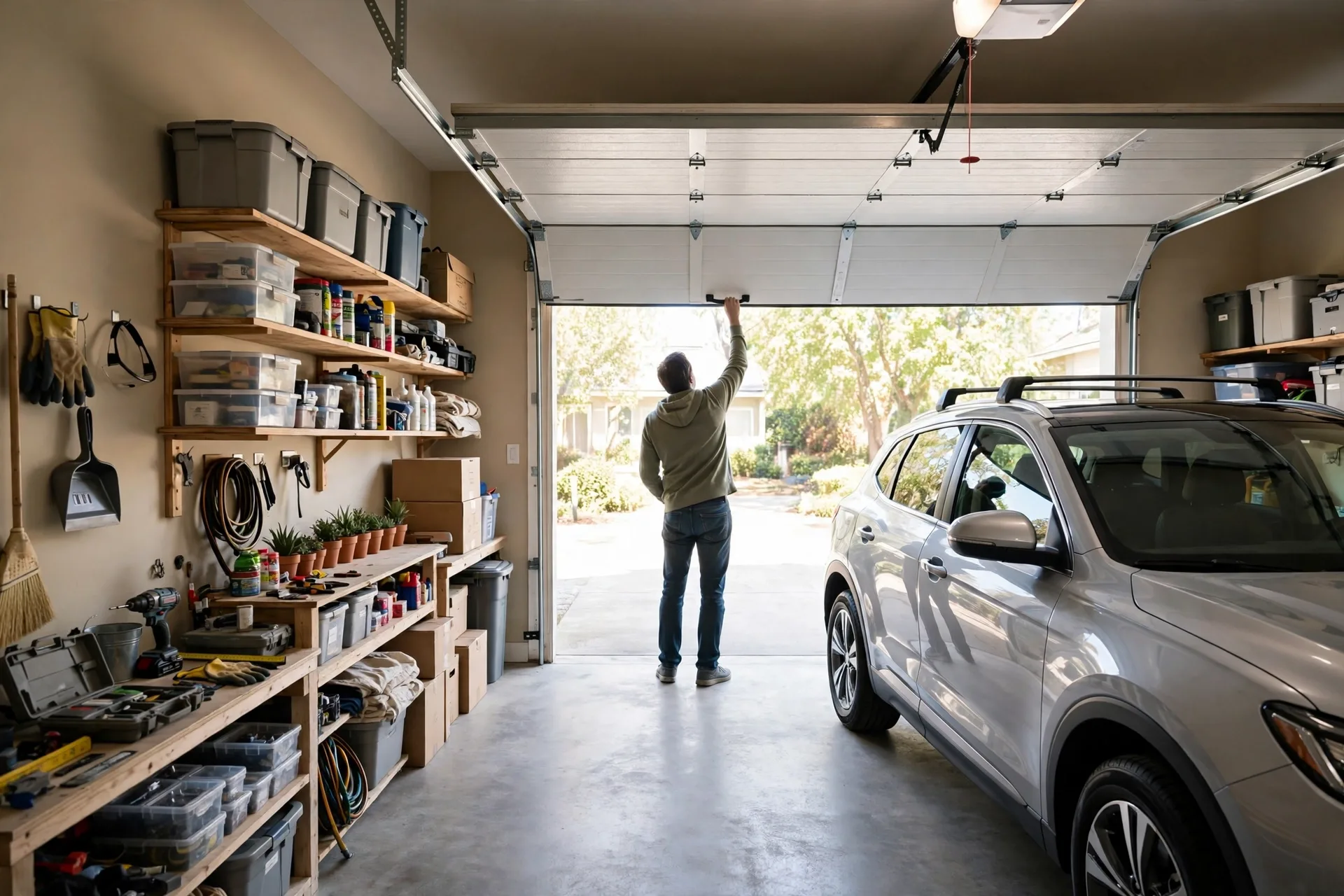
When someone types a code, the app can send you a real time alert. You can check the video feed, confirm who it is, and then relax. If a stranger presses the call button, you can answer from your phone and ask what they need. That is handy when you are upstairs, at work, or away on holiday. You do not have to guess, and you do not have to open the door for someone you cannot see.
The camera on the standard model records in 1080p HD with a 160 degree wide view, according to retailer and manufacturer listings. That wide angle helps a lot in a garage setting. It can cover the driveway, the path to the side gate, and the person standing at the keypad in one frame. At night, the camera still needs a clear view, so keep the lens clean and check that the area is lit if your driveway is dark.
How it fits into the myQ system
Here is a point that trips up a lot of buyers. The keypad itself controls a door, but remote open and close from the app only works when it is paired with a myQ connected opener or a myQ Smart Garage Control. If your opener is older and not connected, the keypad can still work locally, yet the full app control needs that extra link. Check this before you buy, because it changes what you can do from your phone.
Once paired, the keypad joins the same myQ app you use for other garage devices. You manage codes, view history, and change settings in one place. That single app view is the real benefit. You are not juggling a keypad manual, a separate camera app, and a remote control. Everything about garage access sits together, which makes it easier to spot a problem early.
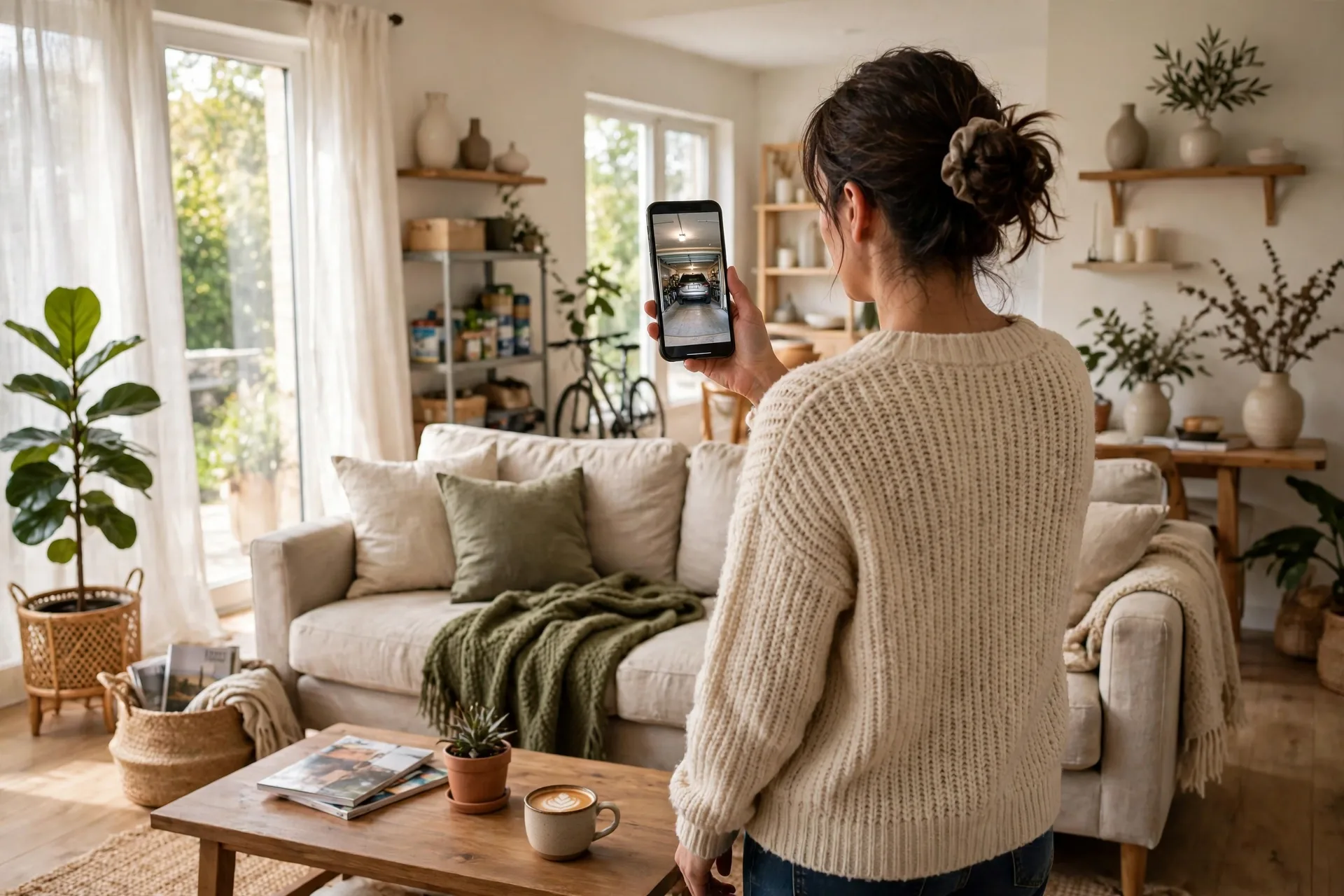
A myq garage camera setup like this also pairs well with a home security routine. You might already check security camera footage before you answer the front door. The garage deserves the same habit, because it often leads straight into the house. Adding video at the garage closes a gap that many homes leave open for years.
Compatibility: will it work with your opener?
The myQ video keypad works with LiftMaster, Chamberlain, Craftsman, Raynor, and AccessMaster openers made after 1993, based on myQ support pages. It controls a single garage door opener in the standard version, so homes with two doors need a plan for the second door. Some newer Secure View models can control more doors, so read the exact model page before you order.
What if your opener is not compatible on its own? You can often add a myQ Smart Garage Control to bring an older opener into the system. That hub style device is the bridge between an old motor and the modern app. It is worth checking the official compatibility chart first, because a five minute check can save you a return and a wasted weekend.
One more check matters: Wi-Fi. The keypad pairs over Wi-Fi with Bluetooth help during setup, and it needs a steady signal at the garage wall. Garages sit far from routers in many homes, and thick walls can weaken the signal. Walk to the garage with your phone and test the Wi-Fi there before you mount anything. If the signal is weak, a small extender near the garage can fix the problem before it starts.
Setting up the video keypad step by step
Setup is wireless and DIY friendly. The keypad runs on a rechargeable battery, so you do not need to run a new power cable for the basic install. An optional power adapter kit exists if you would rather wire it once and forget about charging. That choice comes down to how easy the keypad is to reach and how often you want to think about battery levels.
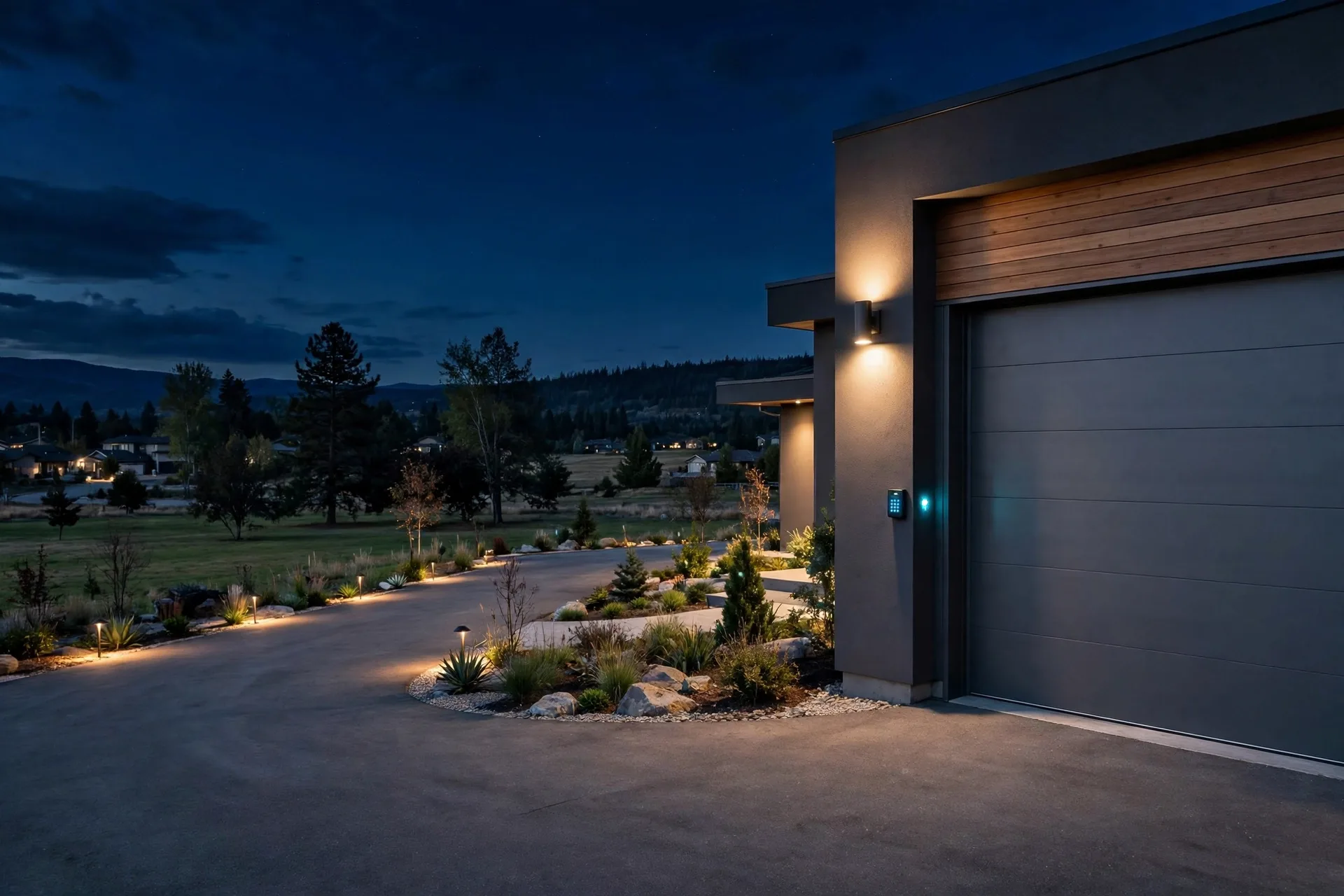
Start by picking a spot beside the garage door, at a height where visitors can reach the keypad and the camera can see their face. Avoid a spot hidden behind a pillar or under a deep overhang that blocks the view. Mount the bracket with the screws in the kit, click the keypad into place, and then follow the prompts in the myQ app. Bluetooth helps the phone find the keypad fast during this first pairing, which keeps setup short.
Next, create your first codes. Give adults in the home their own code rather than sharing one code for the whole family. Why? If a code leaks or a worker no longer needs access, you can delete just that one code. You do not have to change the code for everyone and re-teach the whole household. Set a temporary code for a guest or a tradesperson, and set it to expire when their visit ends.
Test everything before you call the job done. Type each code and watch the door respond. Press the call button and answer it in the app. Walk into the camera view and check the video on your phone in daylight and after dark. A ten minute test now beats finding a blind spot when a real visitor arrives.
PIN codes, schedules, and guest access
Codes are where this device earns its keep. You can create a unique PIN for each person, schedule access for set days and times, and review a history of entries. A dog walker who comes on weekdays does not need weekend access. A cleaner who visits on Fridays does not need a code that works at midnight. Tight schedules like these cut risk without making life harder for the people you trust.
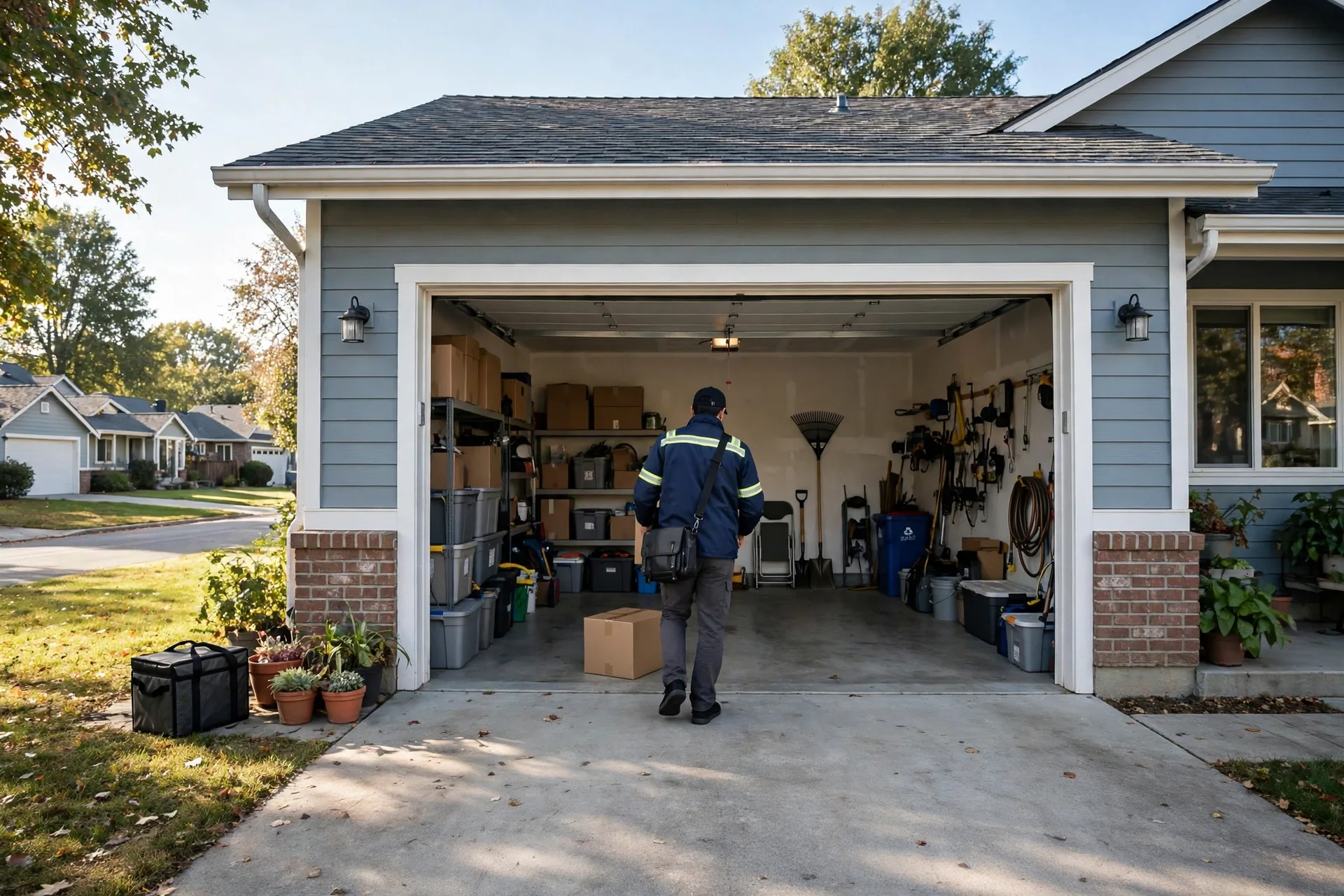
For deliveries, the video keypad changes the whole flow, much like setting a guest code for a trusted visitor at the front door. A driver can press the call button, you can speak to them, and you can watch them place a parcel inside the garage. That beats leaving a parcel on a porch in plain sight. If you use in garage delivery, note that it needs a paired myQ connected opener or Smart Garage Control, so confirm your setup supports it first.
Video, motion alerts, and the subscription question
Live video is free to view in the app. Recorded video history and smarter AI detection for people, cars, and packages sit behind a myQ Video Storage Plan, with a free 30 day trial that covers the last 7 days of motion events. That split confuses some buyers, so be clear about what you expect. If you only want to see who is at the door right now, the core features may be enough. If you want to look back at last Tuesday, you will likely need the plan.
Motion detection can also be tuned. A busy street or a swaying tree can trigger too many alerts if the settings are too keen, and the same tuning problem causes false alerts on doorbell cameras. Start with the default, watch for a few days, and then adjust. You want alerts for a person at the door, not for every passing car. A short test period helps you find that balance, and it stops you from switching alerts off in frustration.
What about battery life? Reviewers often praise the camera and the easy setup, yet some report that battery life needs attention. That is normal for a battery camera that wakes up for video and motion events. A spot with constant foot traffic will drain faster than a quiet driveway. Check the battery level in the app each month, and consider the wired adapter if charging becomes a chore.
Caption: Key features of the myQ video keypad at a glance
| Feature | What it means for you | Watch out for |
|---|---|---|
| 1080p wide angle camera | Clear view of the driveway and visitor | Keep the lens clean and the area lit |
| Unique PIN codes | Traceable access for each person | Delete codes when access ends |
| Two way audio | Talk to visitors from your phone | Test volume at the garage wall |
| Real time alerts | Know when the door is used | Tune motion settings to cut false alerts |
| Rechargeable battery | Wireless install with no new wiring | Charge on a monthly routine |
Video keypad vs a plain keypad vs a garage camera
So which option fits your home? A plain keypad is cheap and simple, but it gives you no video and no record of who came in. A separate garage camera shows video, yet it does not control the door or manage codes. The video keypad does both jobs in one device, which means one mount, one app, and one history log.
Common problems and quick fixes
Weak Wi-Fi is the most common setup headache. If the keypad drops offline, check the signal at the garage first, then restart the keypad and your router. Move an extender closer to the garage if the signal stays weak. A device that cannot reach the internet cannot send alerts, so fix the signal before you blame the keypad.
Code problems usually have a simple cause. A code that worked yesterday may have expired on a schedule, or it may belong to a different door in a multi door home. Check the code in the app, confirm the schedule, and test it while you watch the app. If the door still does not move, check whether the opener itself responds to its wall button and whether the garage door sensor is aligned and clean. That quick check tells you whether the fault sits with the keypad or the opener.
Here is a measured detail from a typical setup check you can repeat at home. Stand at the keypad, open the app, and time how long live video takes to appear. On a strong garage Wi-Fi signal, expect it in about 2 to 5 seconds. If it takes more than 10 seconds on repeat tries, treat that as a signal warning, not a normal delay. Fix the Wi-Fi first, then retest, and you will usually see the time drop.
Is the myq smart garage video keypad worth it?
It is worth it for homes where the garage is a main entry point and where more than one person needs access. Families, homes with regular cleaners or carers, and anyone who receives parcels in the garage will get the most value. The video record and the per person codes solve real daily problems, not just rare security events.
Before you buy, check the current price on the manufacturer page or a trusted retailer, because prices move with sales and bundles. Confirm your opener model in the compatibility tool, confirm your Wi-Fi reaches the garage, and decide whether you want recorded history or just live video. Those three checks take less than half an hour, and they remove almost all buyer regret.
Frequently asked questions
Does the myq smart garage video keypad work with my opener?
It works with LiftMaster, Chamberlain, Craftsman, Raynor, and AccessMaster openers made after 1993, and other openers can often be made compatible with a myQ Smart Garage Control. Check your exact model in the official compatibility tool before you buy, so you do not face a return.
Can I open the garage door from the myQ app with the video keypad?
Yes, but only when the keypad is paired with a myQ connected opener or a myQ Smart Garage Control. Without that link, the keypad works locally for codes, yet full remote control from the app is not available. Confirm your pairing before you rely on remote access.
Do I need a subscription for the video keypad?
No subscription is needed for live video, codes, and basic alerts. A myQ Video Storage Plan is needed for recorded video history and AI detection of people, cars, and packages. A free 30 day trial covers the last 7 days of motion events, so you can test it first.
How many doors can one video keypad control?
The standard myQ video keypad controls a single residential garage door opener. Some newer Secure View models can control up to three doors, so check the exact model page if you have a multi door garage and want one keypad for all doors.
Is the video keypad battery powered or wired?
It runs on a rechargeable battery for a wireless install, and an optional power adapter kit can convert it to wired power. Battery life depends on motion events and video use, so check the level in the app each month or wire it if charging becomes a chore.
Can I give a visitor a temporary code?
Yes, you can create a unique PIN for a guest or service provider and schedule it for set days and times. When their visit ends, delete the code in the app. That keeps access tight without changing codes for the whole household each time someone visits.
Final thoughts
A myq smart garage video keypad turns a blind garage entry into a visible, managed one. You see who arrives, you control who can enter, and you keep a record of it all in one app. Check compatibility, test your garage Wi-Fi, and decide on recorded history before you buy. Then mount it, set per person codes, and test video and audio on day one. That short setup routine gives you a safer garage without adding daily hassle.