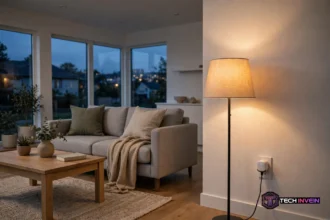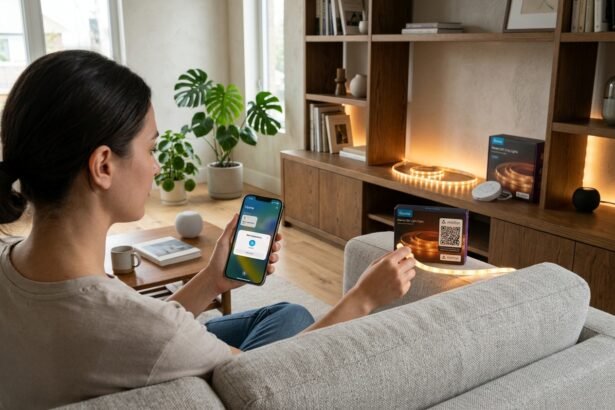

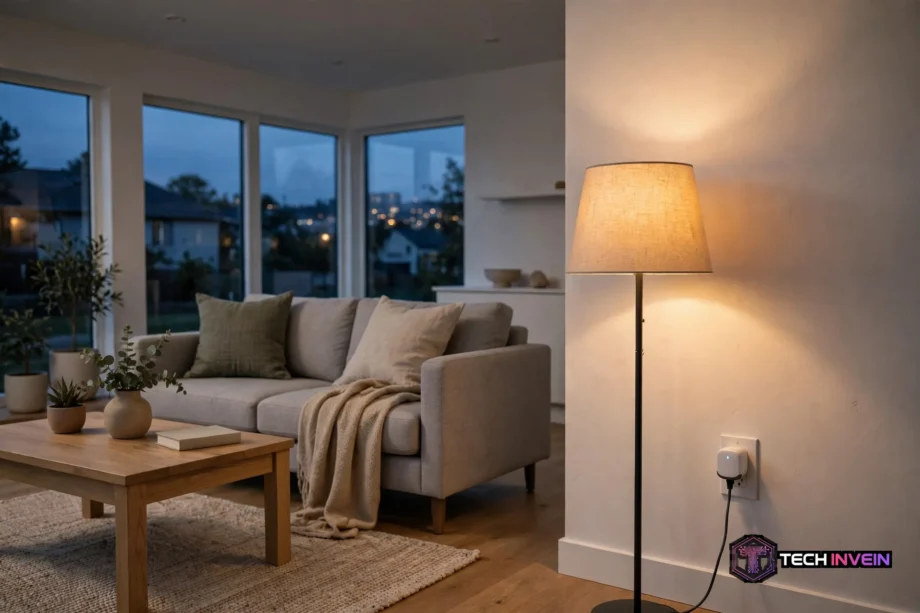
A zigbee smart plug turns a normal wall outlet into a remote-controlled outlet. You plug it in, pair it with a Zigbee hub, and then you can switch the connected device on or off from your phone or with your voice. Some models also track energy use, and all of them strengthen your Zigbee mesh at the same time.
- What a Zigbee Smart Plug Actually Does
- Energy Monitoring Models vs Basic On/Off Models
- How a Plug Strengthens Your Zigbee Mesh
- Hubs and Coordinators: What You Actually Need
- How to Choose the Right Plug
- Setting One Up, Step by Step
- Real Uses Around the Home
- Mistakes That Cause Dropouts
- FAQs
- Do I need a hub for a Zigbee plug?
- Can a Zigbee plug work without internet?
- Will a Zigbee plug extend my network range?
- Is energy monitoring worth paying extra for?
- Can I use a Zigbee plug with any hub?
- What load can a Zigbee plug handle?
- A Smart Next Step
What a Zigbee Smart Plug Actually Does
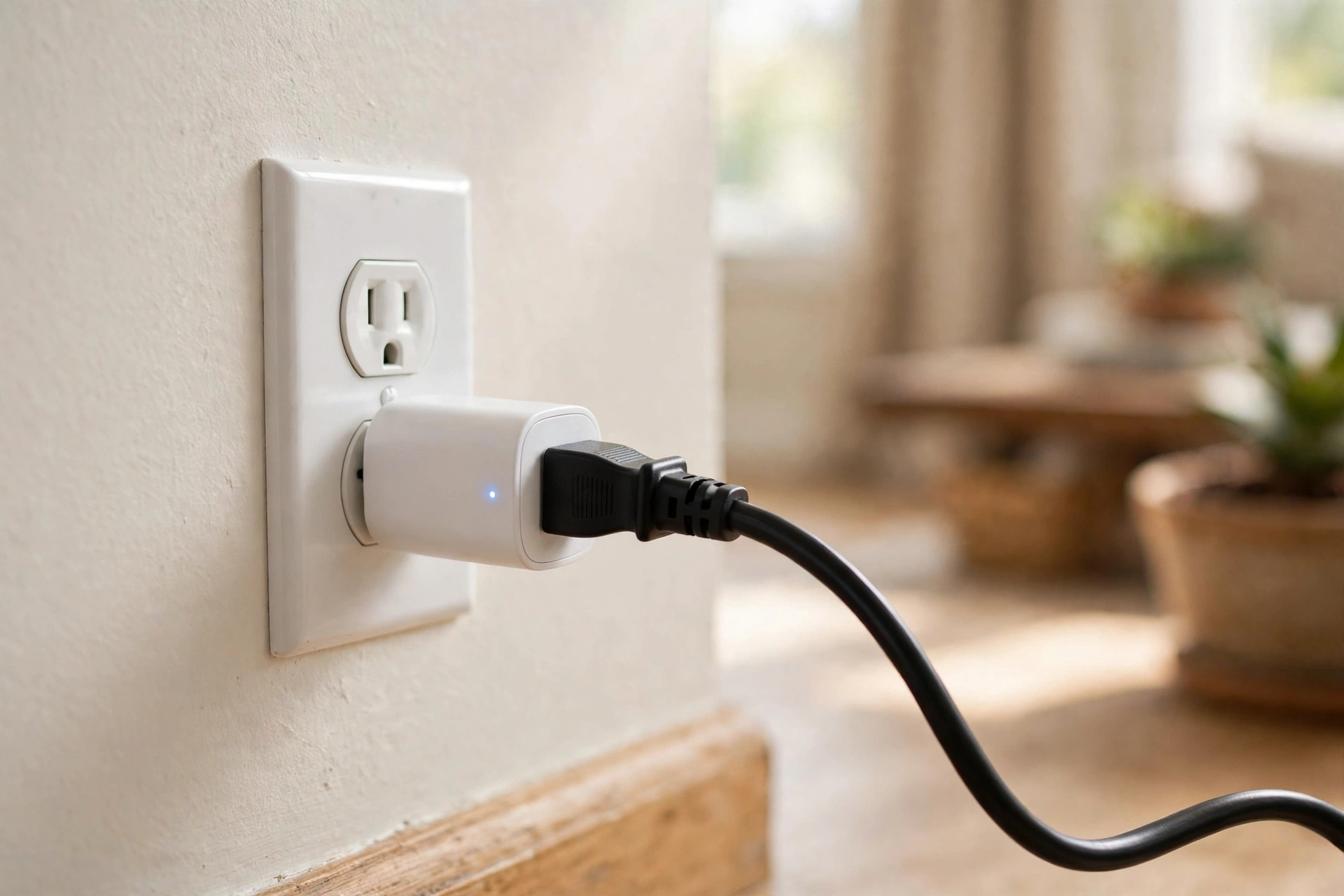
A Zigbee plug sits between your wall outlet and any device you plug into it. It doesn’t change how that device works. A lamp still gives light, and a fan still spins. What changes is control. You can turn the outlet on or off without walking over to it.
That control runs over Zigbee, a low power wireless protocol built for smart home devices. Zigbee doesn’t use your Wi-Fi network. So it adds no load to your router, and your plug can still follow schedules when your Wi-Fi feels crowded. The Connectivity Standards Alliance describes Zigbee as a low power mesh protocol for smart home devices.
A plug cannot give a dumb device new skills. It can’t change your heater temperature, and it can’t adjust your fan speed. It only controls power to the outlet. That limit matters, because buyers often expect more. If you want fine control over a device, you still need a smart version of that device.
Energy Monitoring Models vs Basic On/Off Models
Basic models do one job well. They switch power on or off, they follow schedules, and they join automations. They cost less, and they suit lamps, fans, and holiday lights. If you only want remote control, a basic model is enough. You shouldn’t pay extra for features you will never open.
Energy monitoring models add a meter inside the plug. They report live power in watts, and they track total energy in kilowatt hours over time. That data turns a plug into a diagnostic tool. You can find out which device draws power all day, and which one only spikes for a few minutes.
Here is the honest split. A monitoring plug pays off when you want answers about a specific device. It does not pay off on a lamp you already control well. Start with one monitoring plug, and move it between devices for a week each. You will learn more from that rotation than from buying ten cheap plugs at once.
Table: Basic on/off plugs compared with energy monitoring plugs
| Feature | Basic on/off plug | Energy monitoring plug |
|---|---|---|
| Remote on/off | Yes | Yes |
| Schedules and automations | Yes | Yes |
| Live power in watts | No | Yes |
| Total energy in kWh | No | Yes |
| Standby power hunting | No | Yes |
| Typical price | Lower | Higher |
| Mesh repeater role | Yes | Yes |
Watch one detail when you shop for a monitoring model. Some plugs report live watts only, with no total energy number. That gap matters for long term tracking. Home Assistant energy dashboards need a total kilowatt hour figure to build history. Check the spec sheet for a cumulative energy value, not just a live watt reading.
Accuracy also varies more than ads suggest. Maker specs put the ThirdReality Gen3 plug at around plus or minus 1 percent. The frient Smart Plug Mini claims plus or minus 0.5 percent. Budget plugs can drift further, and some read poorly below 10 watts, so a phone charger may show zero or a shaky number. For big loads like heaters and washing machines, the readings stay far more useful.
How a Plug Strengthens Your Zigbee Mesh
Here is the benefit most buyers miss. A Zigbee plug is also a mesh repeater, because it stays powered all day. It passes Zigbee signals along to devices that sit too far from your hub. So a plug in the hallway can carry messages to a sensor in a back bedroom. That relay role is why plugs often fix dropouts better than a new hub does.
Zigbee networks have three roles. The coordinator starts the network and manages it. Routers pass signals along, and they hold messages for sleeping devices. End devices, like battery sensors, only talk to a nearby router or the coordinator. They never relay signals for others.
Plugs make strong routers for a simple reason: they never sleep, they never lose power from a wall switch, and you can place them exactly where the mesh has a gap. Bulbs can act as routers too, but a wall switch can cut their power in one flick. Then the devices that relied on that bulb lose their path until the mesh repairs itself. A plug avoids that trap, since nobody switches it off by accident.
One well placed plug can change a whole network. Put it about halfway between your hub and a weak spot, such as a garage sensor. Then give the mesh a day to settle, since routes do not always rebuild at once. If a sensor still drops, add a second plug closer to it.
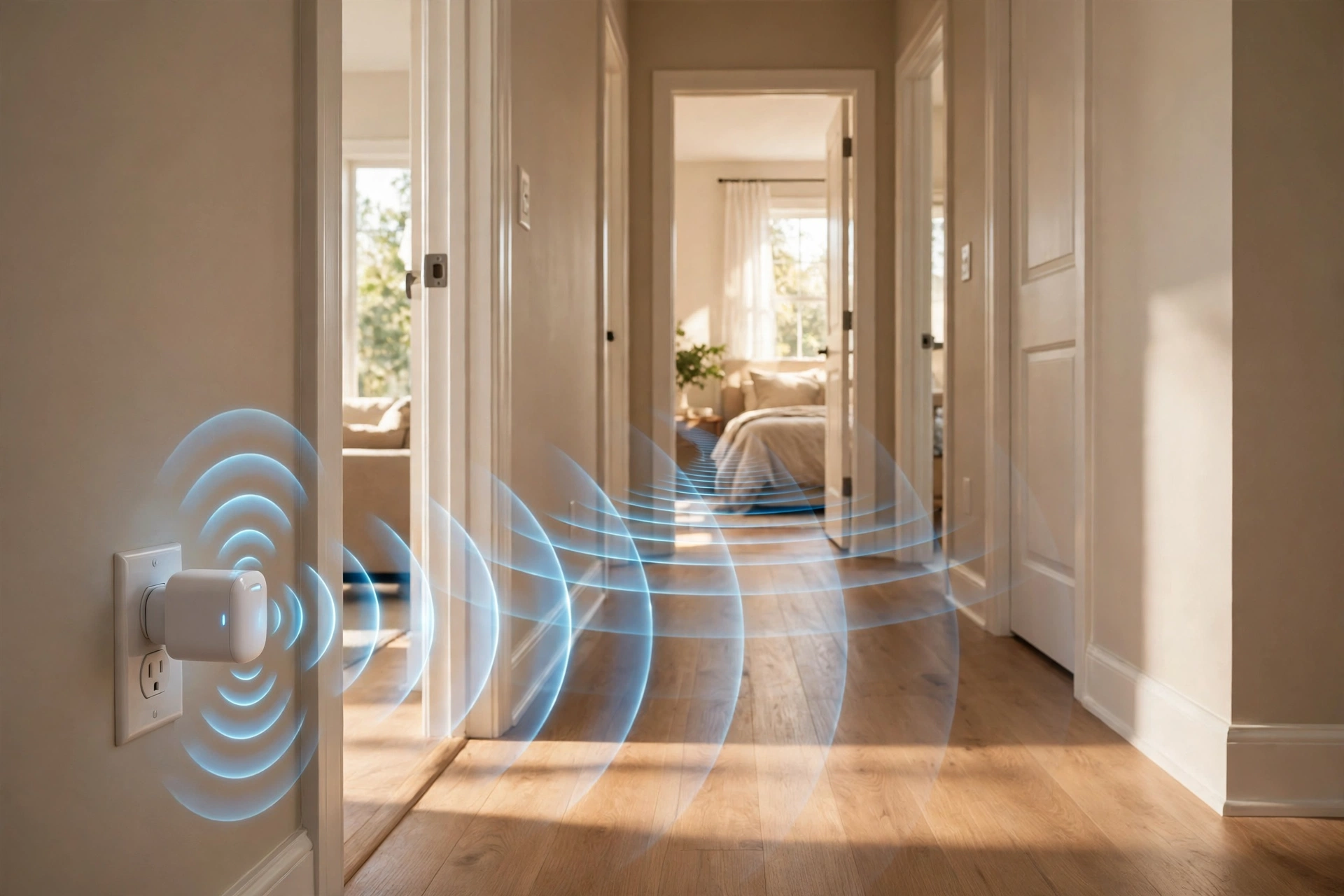
Battery sensors gain the most from plug routers. A motion sensor in a far room needs a strong parent to stay online. So a plug near that sensor gives it a stable path home. If you plan to add Zigbee sensors later, a couple of plugs early on will save you a lot of troubleshooting. Our guide to the best motion sensor for smart lighting with Zigbee shows how sensor placement and mesh strength work together.
Hubs and Coordinators: What You Actually Need
Every Zigbee plug needs a coordinator. That coordinator can be a USB stick on a Home Assistant box, a radio built into a hub, or a smart speaker with Zigbee inside. There is exactly one coordinator per network, and it picks the network channel when it first forms the mesh. Without it, a Zigbee plug cannot join anything, and it cannot run on its own.
Your hub choice shapes what the plug can do. Home Assistant with ZHA or Zigbee2MQTT gives you full local control and rich energy data. SmartThings and Hubitat offer a simpler path with strong automation tools. A Philips Hue Bridge can run some plugs, but energy data may not carry over in that mode. Match the hub to the features you want, not just the brand you know.
Check one more thing before you buy. Look for Zigbee 3.0 on the spec sheet, since it is the current standard and it pairs across brands more smoothly. Then confirm the exact model works with your hub, because support varies by model, not just by brand. The Home Assistant ZHA docs list supported device types and pairing steps for Zigbee coordinators.
Don’t buy a plug first and a hub later if you can avoid it. A plug with no hub is just an expensive outlet adapter. Settle the hub question first, then buy plugs that your hub already supports.
How to Choose the Right Plug
Start with the load. Most US plugs handle 15 amps, which covers lamps, fans, TVs, and small heaters. Check the rating for anything with a motor or a heating element, since those draw more at startup. Never exceed the rated amps, and never use an indoor plug outside unless it carries an outdoor rating.
Next, check the size. Some plugs are wide enough to block the second outlet in a duplex socket. That flaw doubles your cost per outlet, since you lose a socket each time. Look for a compact body or a slim side profile in the listing photos. Then measure your outlet spacing if your sockets sit close together.
Then decide on energy monitoring. Buy a monitoring model for the devices you want to study, like a home office setup or an old fridge. Buy basic models for simple lamps and fans. That mix keeps your budget sane, and it still gives you full data where it counts. Also check the power on state setting, which decides if the plug turns back on after a power cut. That setting matters for fridges and routers, which should restart on their own.
Mains powered switches play the same router role as plugs, so your wider network plan should count both. If you already have smart switches in key rooms, you may need fewer plugs for mesh strength. Our guide to the best no neutral smart switch for older homes explains how switch choice affects older wiring and mesh coverage.
Finally, think about your ecosystem. A plug that works with your hub and voice assistant will last longer than a cheap plug tied to one app. Matter support is a bonus, but Zigbee 3.0 support matters more right now. Buy for your current hub first.
Setting One Up, Step by Step
Setup takes about ten minutes once your hub is ready. First, plug the device into an outlet near your hub for pairing. Next, put your hub into pairing mode through its app or interface. Then press the button on the plug, or hold it as the manual says, until its light blinks.
After the hub finds the plug, give it a clear name like living room lamp plug. A clear name makes voice commands work first time. Then move the plug to its final outlet, and test it from the app before you build any automation on it.
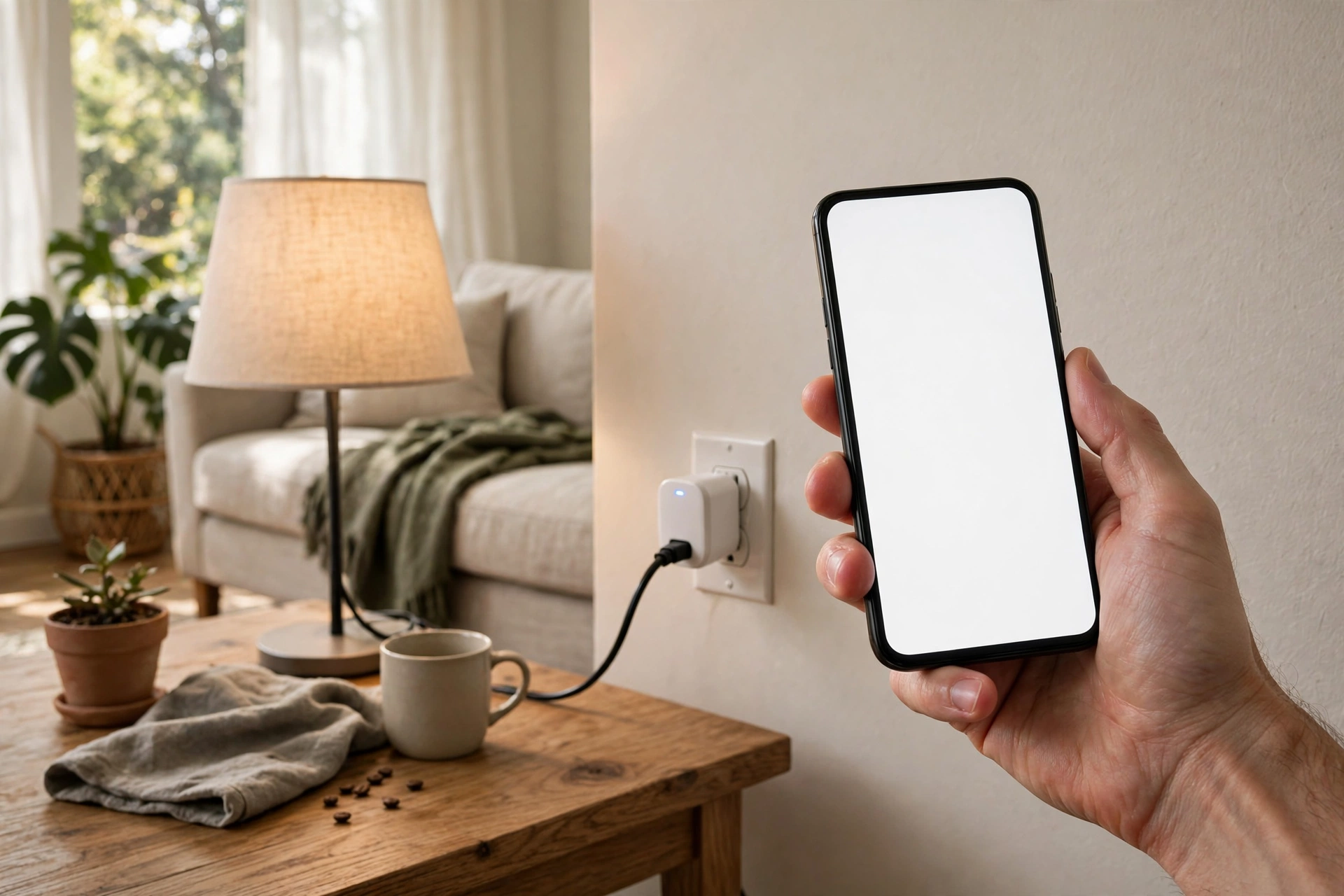
Automations are where a plug earns its place. You can switch a lamp on when motion is detected, and switch it off after ten quiet minutes. Our guide to Home Assistant motion sensor lights walks through that exact setup. You can also run sunset routines, so outdoor lights follow daylight all year.
Real Uses Around the Home
Lamps are the classic first use, and they still make sense. A plug turns any lamp smart without changing a bulb or a switch. Fans come next, since a plug can run a fan on a timer through hot nights. Holiday lights are another easy win, because a plug beats crawling behind a tree to reach a timer.
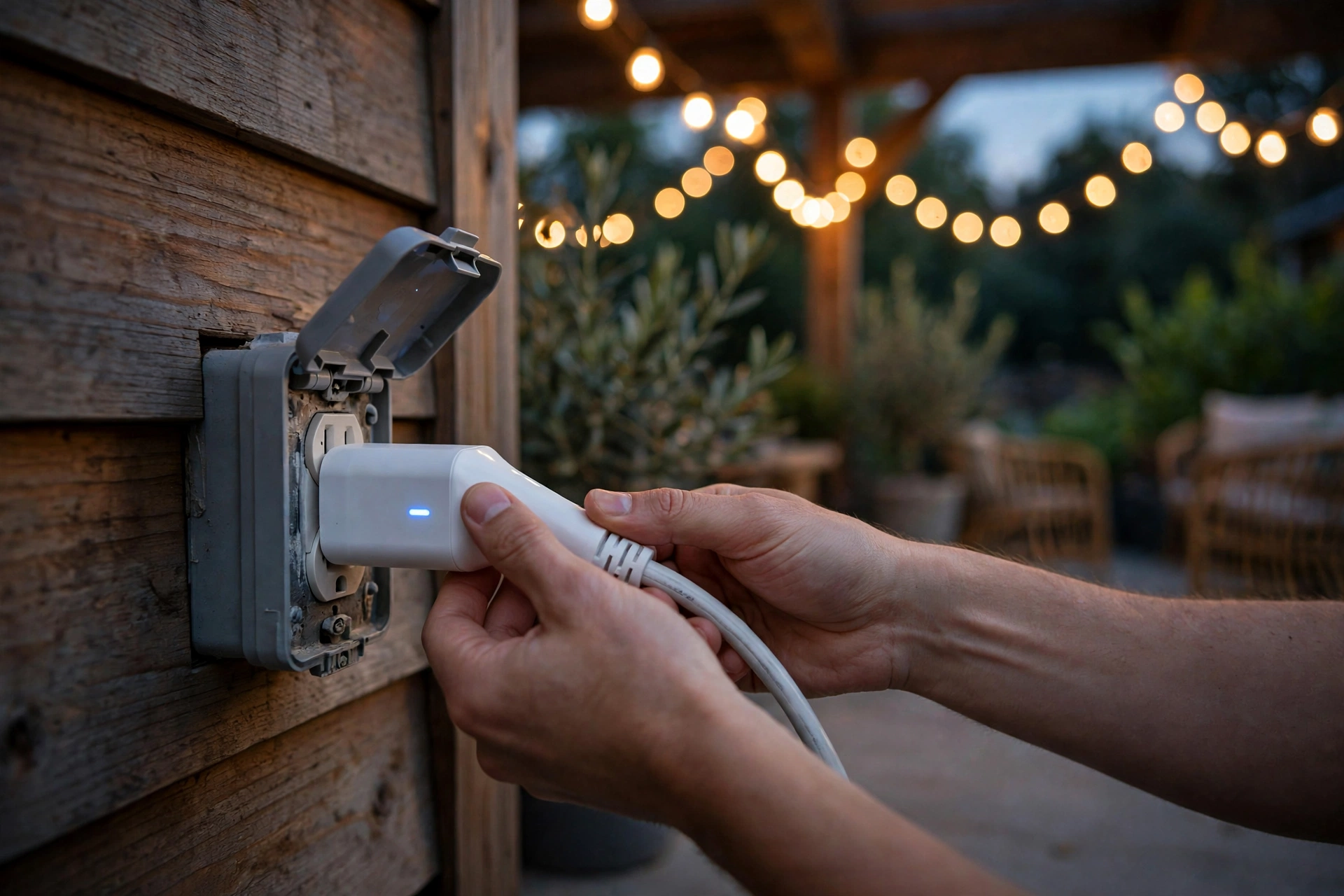
Outdoor use needs care. A plug on a patio can run string lights on a sunset schedule, and it can also extend the mesh toward the garden. But only use a plug rated for outdoor use in that spot, and keep it sheltered from direct rain. Our review of outdoor Zigbee string lights for the patio covers weather and range lessons for garden setups.
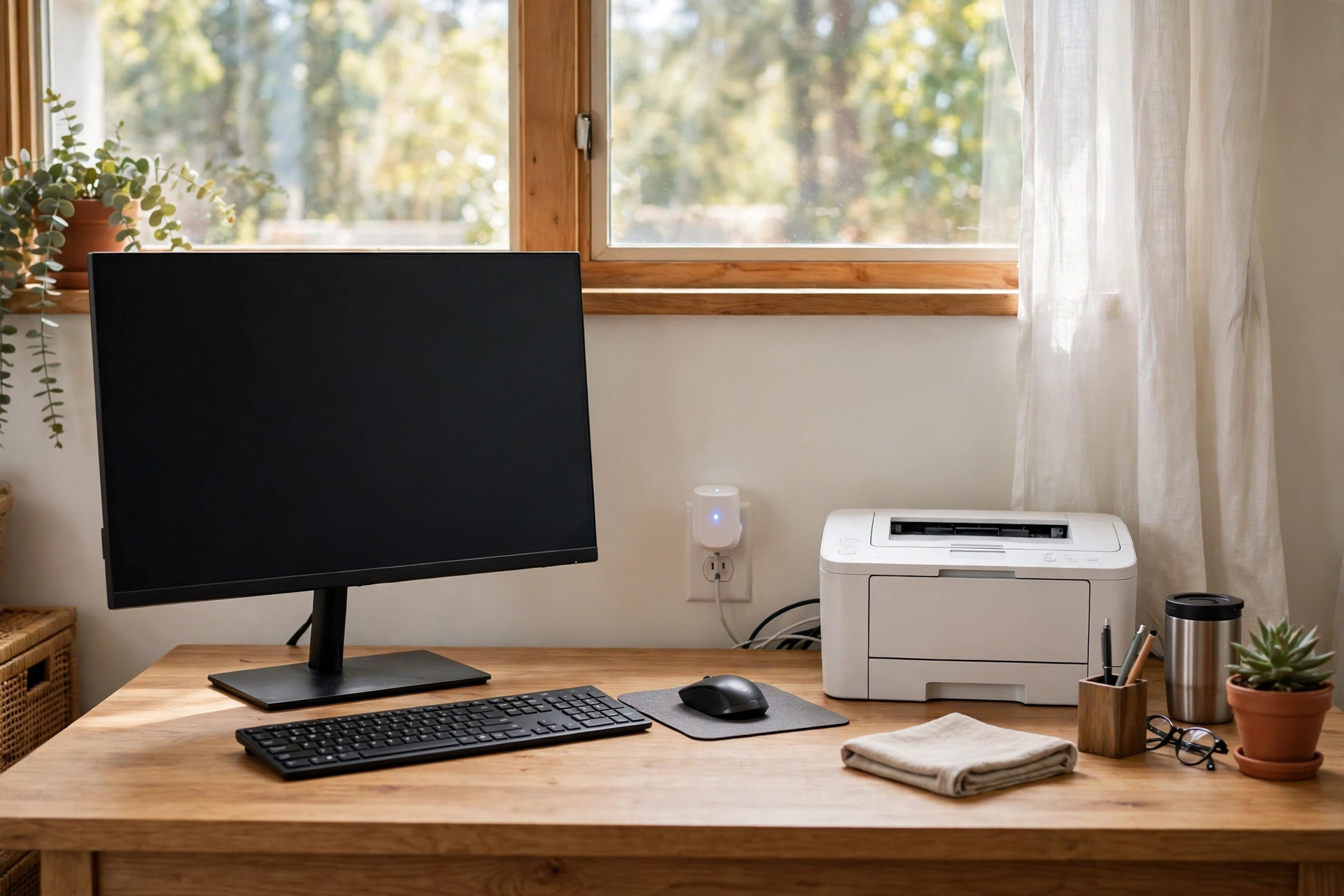
Home office gear benefits from energy data most. Put a monitoring plug on your desk setup, and you will see what your monitor, printer, and charger draw across a day. Then you can set a bedtime cutoff that kills standby draw for the whole desk. That single automation often surprises people, since standby draw hides across many small devices.
Sunset routines deserve a plug of their own. A lamp or a porch light that follows sunset needs no daily input from you, and it still looks natural across seasons. Our guide to automating outdoor lights at sunset and sunrise shows how to build that routine in Home Assistant. So a plug plus a sunset trigger gives you a hands free result from day one.
Mistakes That Cause Dropouts
The biggest mistake is pairing a plug far from the hub, then moving it to a dead zone. Pair near the hub, then move it, and then check its link after a day. If you pair in the dead zone itself, the plug may join on a weak link and stay there. Always pair close, then place with intent.
The second mistake is hiding the hub in a bad spot. A coordinator jammed behind a TV, next to a Wi-Fi router, or on a USB 3 port will hear noise all day. Give it a short USB extension cable, and keep it away from other radios. That one change can lift signal quality across the whole mesh, since every route starts at the coordinator.
The third mistake is mixing too many battery devices with too few routers. A mesh with twenty sensors and one plug will strain, since each sensor needs a parent. Add one plug router for every few battery devices in a far room. Then watch dropouts fall, since sensors finally have stable parents to talk through.
FAQs
Do I need a hub for a Zigbee plug?
Yes, you need a Zigbee coordinator or hub, since a Zigbee plug cannot join a network on its own. That hub can be a Home Assistant USB stick, a SmartThings or Hubitat hub, or a smart speaker with Zigbee built in. Without one, the plug cannot pair, cannot take commands, and cannot join automations at all.
Can a Zigbee plug work without internet?
Yes, basic on and off control can work without internet when your hub runs automations locally. Home Assistant, Hubitat, and similar local hubs keep Zigbee traffic inside your home, so a plug still follows schedules during an outage. Voice control may fail without internet, since voice processing often runs in the cloud.
Will a Zigbee plug extend my network range?
Yes, a mains powered Zigbee plug acts as a router and passes signals to devices further from your hub. Place it halfway between the hub and a weak spot, such as a garage or back bedroom, and give the mesh a day to settle. Two plugs in a chain can reach rooms that one hub alone cannot serve well.
Is energy monitoring worth paying extra for?
It is worth it when you want to study a specific device, such as a home office setup or an old fridge. A monitoring plug shows live watts and total kilowatt hours, so you can spot standby draw and high use periods. For simple lamps and fans, a basic model gives you the same control for less money.
Can I use a Zigbee plug with any hub?
Not always, since support varies by exact model and not just by brand name. Most Zigbee 3.0 plugs work with Home Assistant, SmartThings, and Hubitat, but some features may differ between hubs. Energy data, for example, may not carry over through every bridge. So check your hub support list for the exact model before you buy it.
What load can a Zigbee plug handle?
Most US models handle 15 amps, which covers lamps, fans, TVs, and small heaters with ease. Always check the rating before you connect a motor or heating appliance, since those draw more power at startup. Never exceed the rated amps, and never use an indoor rated plug outdoors unless it carries a proper outdoor rating.
A Smart Next Step
Buy the hub first if you do not have one yet. Then start with one energy monitoring plug and one or two basic plugs. Put the monitoring plug on the device you most want to understand, and use the basic plugs where they strengthen the mesh. After a week, check your energy data and your signal quality before you buy more.