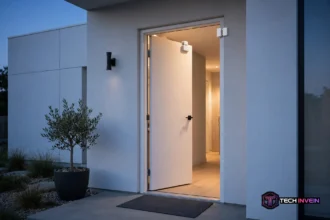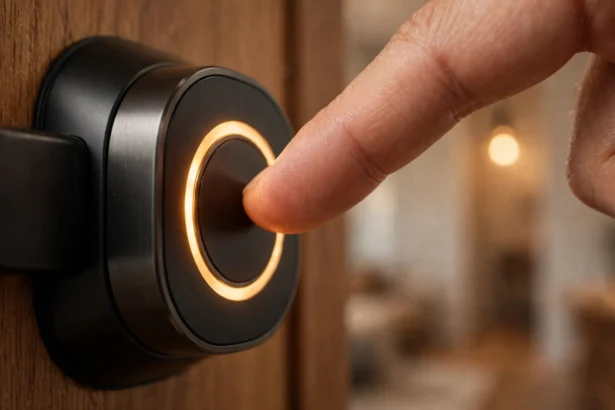

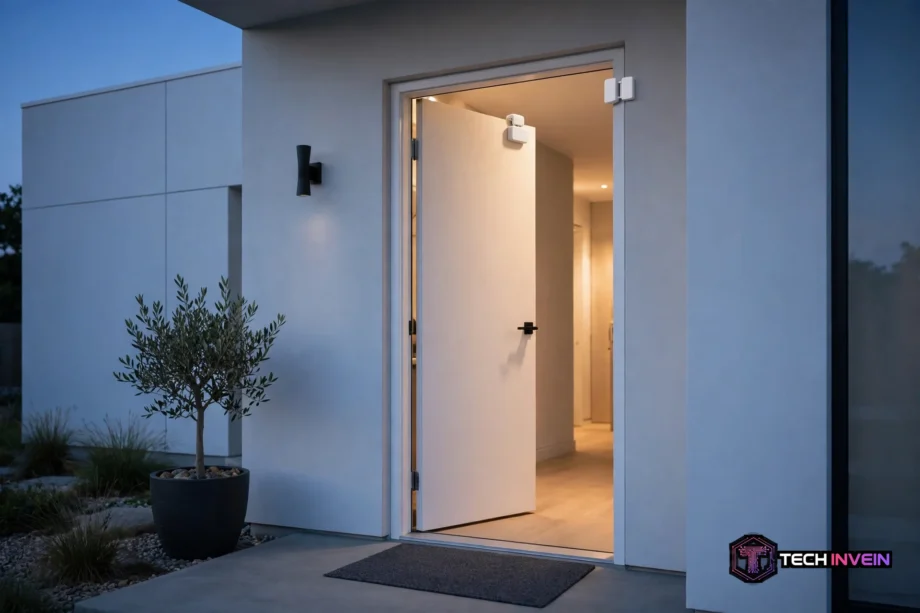
A zigbee door sensor is a small two-part device that tells your smart home hub the moment a door or window opens or closes. It uses a magnet and a reed switch, runs on a coin battery for years, and needs a Zigbee hub to work.
- How a Zigbee Door Sensor Works
- Why Zigbee Beats Wi-Fi for This Job
- Do You Need a Hub or Coordinator?
- Battery Life: The Real Numbers
- Best Zigbee Door Sensor Options Compared
- How to Install One
- Automations That Make It Worth Fitting
- Troubleshooting: When Your Sensor Misbehaves
- Contact Sensor vs Motion Sensor vs Wi-Fi Sensor
- FAQs
- Do I need a hub for one?
- How long does the battery last?
- Can one work without internet?
- Will it work on a metal door?
- What is the maximum gap between the sensor and magnet?
- Is it better than a Wi-Fi door sensor?
- Final Word
You stick one half on the frame and the other on the door or window. When the halves sit close together, the sensor reports “closed.” Open the door, and it reports “open” in under a second. No camera, no microphone, no motion detection. That plain job is why these sensors are so useful.
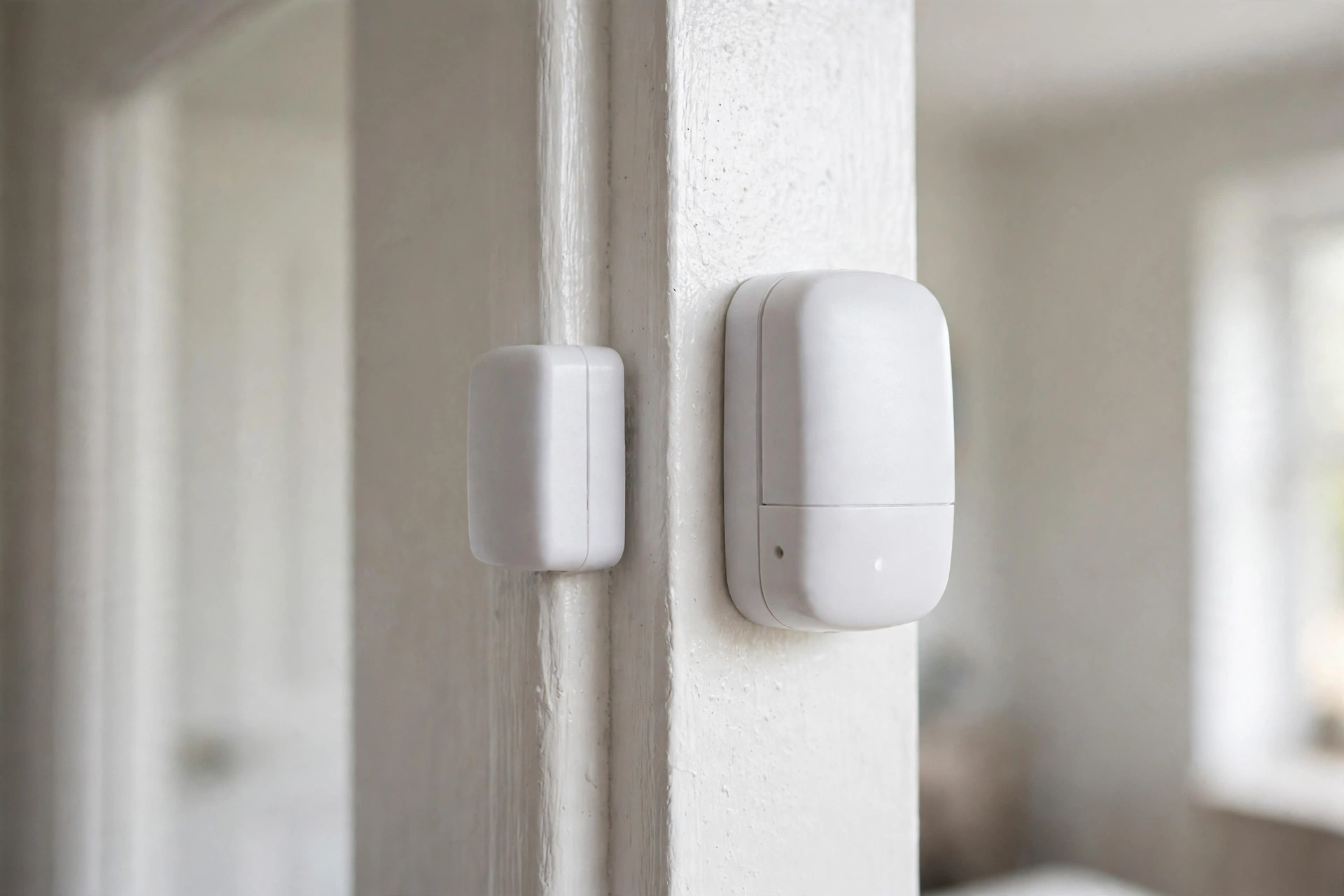
They also cost very little and sip battery power. They keep working when your internet goes down, as long as your hub still has power.
How a Zigbee Door Sensor Works
Inside the main unit sits a reed switch, a tiny glass tube with two metal contacts. The magnet half holds those contacts shut while the door stays closed. Open the door. Afterward, the magnet moves away. The contacts spring apart, and the sensor wakes just long enough to send one short Zigbee message: “I am open now.”
That wake-and-sleep pattern is the whole trick behind the battery life. The sensor spends almost all of its life asleep, drawing almost no power. It only spends energy for a fraction of a second when the state changes. For example, a busy front door might trigger it 30 times a day and still leave the battery alive for years.
Zigbee itself is a low-power mesh radio standard on the 2.4 GHz band. Each powered Zigbee device can pass messages along for battery devices too far from the hub. Smart plugs and wired switches do this job well. Your sensor does not need a direct line to the hub. It just needs one powered neighbour within range.
If you want the broader picture of sensor types, read our general guide to door and window sensors. This article stays on the Zigbee angle.
Why Zigbee Beats Wi-Fi for This Job
A Wi-Fi door sensor has to wake up and join your network. Afterward, it talks to a cloud server before your phone buzzes. That takes power and time, so Wi-Fi sensors chew through batteries in weeks or months. A Zigbee sensor talks to a local hub instead, so the message stays short and local.
Zigbee also plays well with others. One hub can run door sensors, motion sensors, buttons, plugs, and lights from different brands. They just need to speak Zigbee 3.0.
What about range? A single Zigbee hop covers roughly 10 to 30 metres indoors, depending on walls. Thick brick and metal doors cut that down fast. The fix is cheap. Plug a Zigbee smart plug halfway between the hub and the sensor, and it acts as a repeater.
Do You Need a Hub or Coordinator?
Yes. A Zigbee sensor cannot talk to your phone or your Wi-Fi router on its own. It needs a Zigbee hub or coordinator, a small device that translates Zigbee radio into something your home network understands. No hub, no sensor. That is the one purchase you cannot skip.
Your options fall into three camps. First, a brand hub like an Aqara Hub or a SONOFF bridge, which pairs fast inside that brand’s app. Second, a voice assistant hub with Zigbee built in, like an Echo with a Zigbee radio. Third, a USB coordinator plugged into Home Assistant, which gives you the most control and keeps everything local.
Which camp should you pick? If you already run Home Assistant, a USB coordinator is the obvious choice. You also get one dashboard for every brand, and automations stay local. If you just want phone alerts and a couple of routines, a brand hub or an Echo is less fuss. Do not buy a hub for one sensor and then a second hub for the next brand.
One warning from real setups: older Aqara sensors have a reputation for dropping off some third-party meshes, because they do not always follow the Zigbee routing rules other brands expect. Still, newer Zigbee 3.0 models behave far better. If you mix brands, check community reports for your exact coordinator before you buy a pack of six.
Battery Life: The Real Numbers
Manufacturers love big battery claims, and some of them are honest. The numbers below come from official spec sheets. Note how much battery size matters: a bigger coin cell holds far more energy.
Real life trims those claims a little. Cold weather, a weak mesh signal, and a door that opens 50 times a day all shorten battery life. A sensor that has to retry its message three times because the mesh is weak burns power on every retry. Fix the mesh first, and the battery math usually fixes itself.
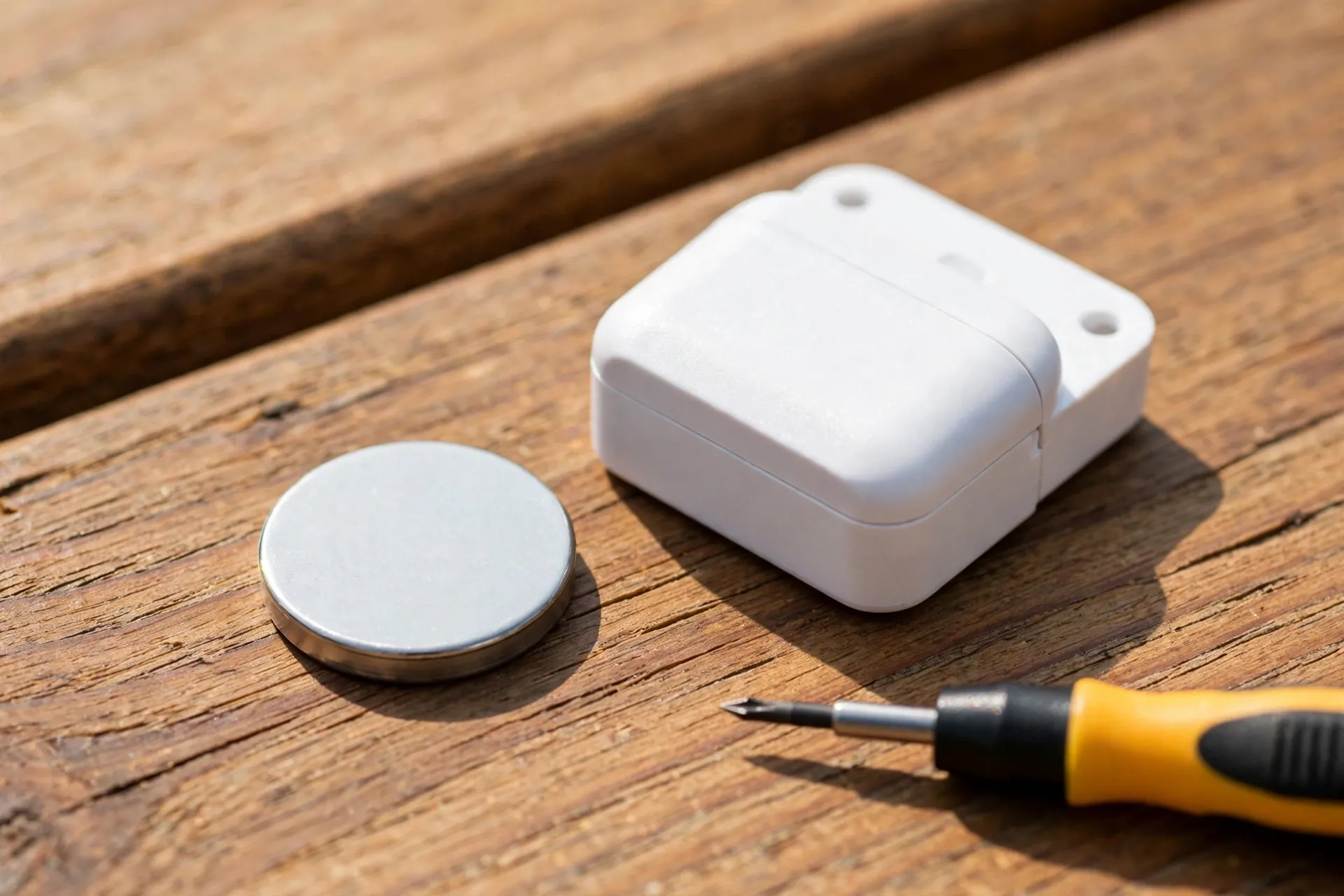
Here is a practical rule. Budget for a battery swap once a year on a busy front door. On a spare-room window, once every two to three years is enough. Also buy a small pack of the right coin cells when you buy the sensors. Then a dead battery never leaves a door unmonitored for a week.
Best Zigbee Door Sensor Options Compared
Three models cover almost every buyer. The SONOFF SNZB-04P is the value pick, the Aqara sensor is the compact pick, and the Tuya TS0203 is the budget pick. All three are Zigbee 3.0 contact sensors. The differences sit in battery size, magnet gap, and extras like tamper alerts.
SONOFF’s official user manual lists the SNZB-04P with a CR2477 cell rated for over five years. It lists a magnet gap of up to 20 mm and an indoor range of about 30 metres. It also adds a tamper alert, so you get a warning if someone pulls the sensor off the frame. You can read the full spec sheet in the official SONOFF SNZB-04P user manual.
Aqara’s classic sensor is smaller and neater on a white frame. In fact, our hands-on look at the Aqara door and window sensor shows why it became the default pick for Apple Home users. Its official spec sheet lists a CR1632 cell and a 22 mm magnet gap. Battery life runs over two years in normal use. The trade-off is the smaller cell, so expect more frequent swaps than the SONOFF.
The Tuya TS0203 is the cheapest of the three, often under half the price of the others. It also runs on a common CR2032 cell. It lacks the polish of the other two, and build quality varies by seller. For a shed window or a cupboard door, it does the job fine.
Table: Zigbee door sensor comparison
| Feature | SONOFF SNZB-04P | Aqara MCCGQ11LM | Tuya TS0203 |
|---|---|---|---|
| Battery | CR2477 | CR1632 | CR2032 |
| Rated battery life | Over 5 years | Over 2 years | About 1 to 2 years |
| Max magnet gap | 20 mm | 22 mm | About 10 mm |
| Tamper alert | Yes | No | No |
| Best for | Front doors | Neat installs | Budget buys |
So which one should you buy first? Start with the SONOFF for a front or back door, where the tamper alert and the big battery earn their keep. Pick Aqara when looks matter and you already live in the Aqara or Apple Home world.
One more note on the Aqara range. Aqara’s own product page confirms the classic sensor needs an Aqara hub for full HomeKit support. It also pairs with third-party Zigbee coordinators. Check the official Aqara door and window sensor page for the current compatibility list before you order.
How to Install One
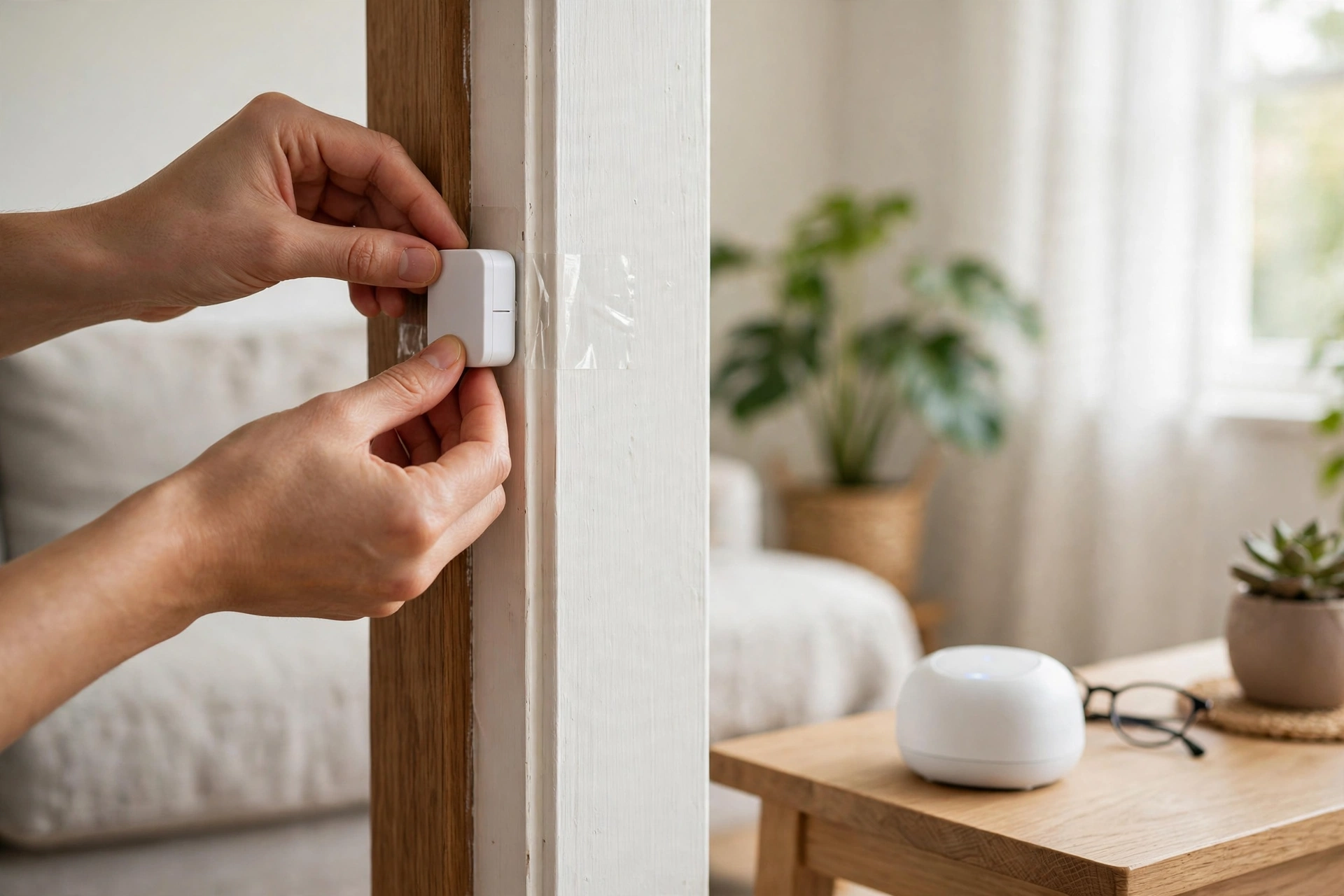
Installation takes about five minutes per door. You need no tools beyond the adhesive strips in the box. Clean the frame first. Dust and grease kill adhesive bonds, and a sensor that falls off at 2 a.m. will wake you with a false alarm.
- First put your hub in pairing mode. Then hold the sensor’s button (or press the pin hole on the SONOFF) until its LED blinks.
- Wait for the hub to find the sensor. Then give it a clear name like “Front Door” instead of the default device name.
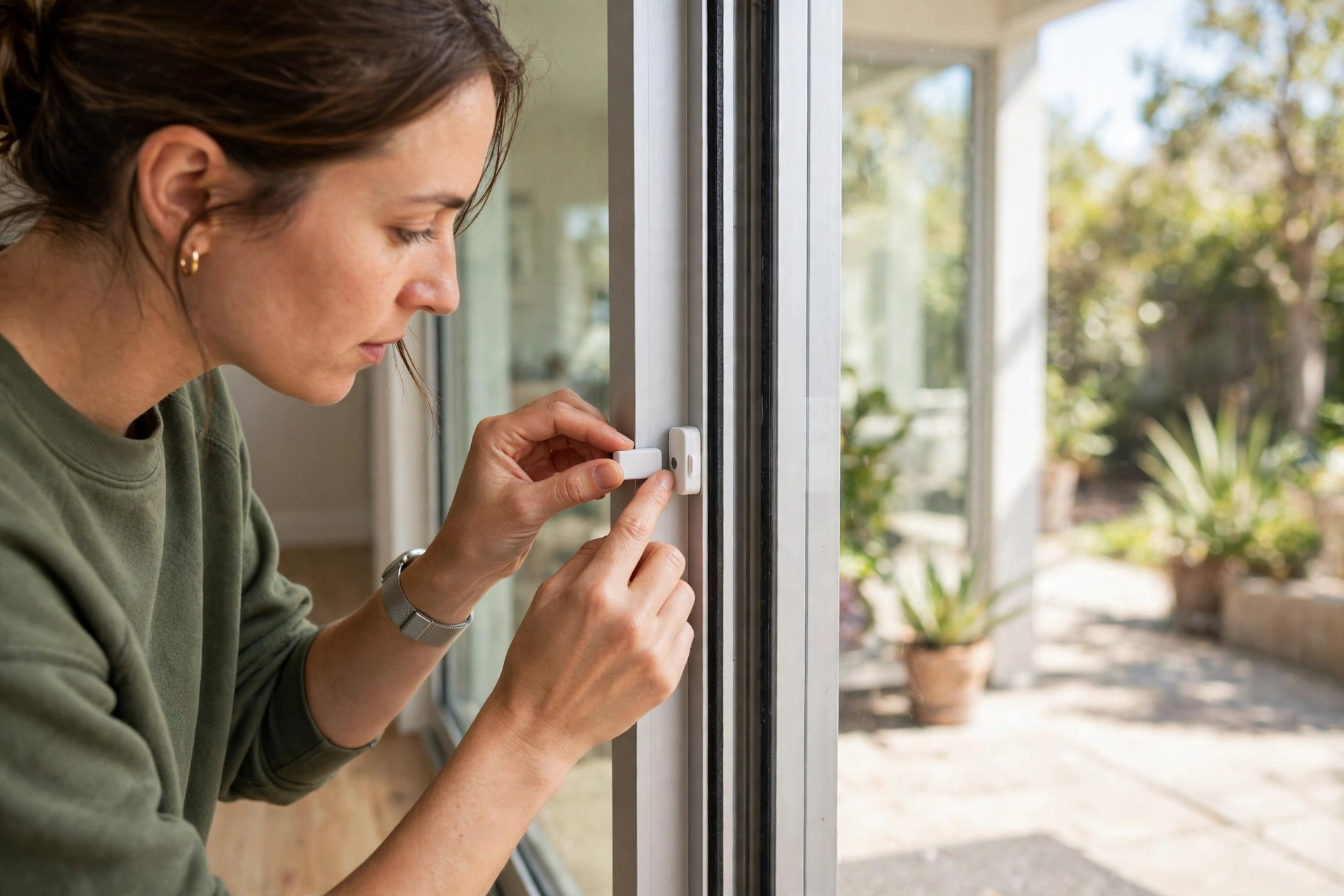
- Stick the sensor on the frame and the magnet on the door, aligned and inside the max gap.
- Open and close the door three times and confirm each state change shows up in your hub app.
- Build one test automation, like a phone alert, before you fit the rest of the house.
Metal doors and frames deserve a test before you commit. Metal can block the radio signal and mess with the magnet. Stick the sensor on with tape for a day first. If every open and close registers cleanly, mount it for good.
Sliding doors need a little care too. The two halves must pass each other in the same plane. So check the alignment with the door half open as well as closed.
Automations That Make It Worth Fitting
A sensor that only sends phone alerts gets boring fast. The real payoff comes from automations, and most of them need just one sensor plus one device you already own.
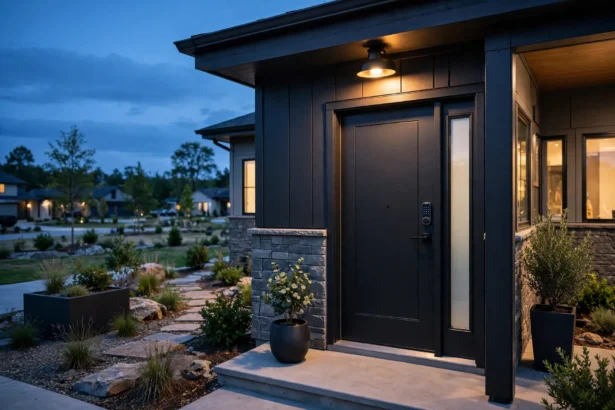
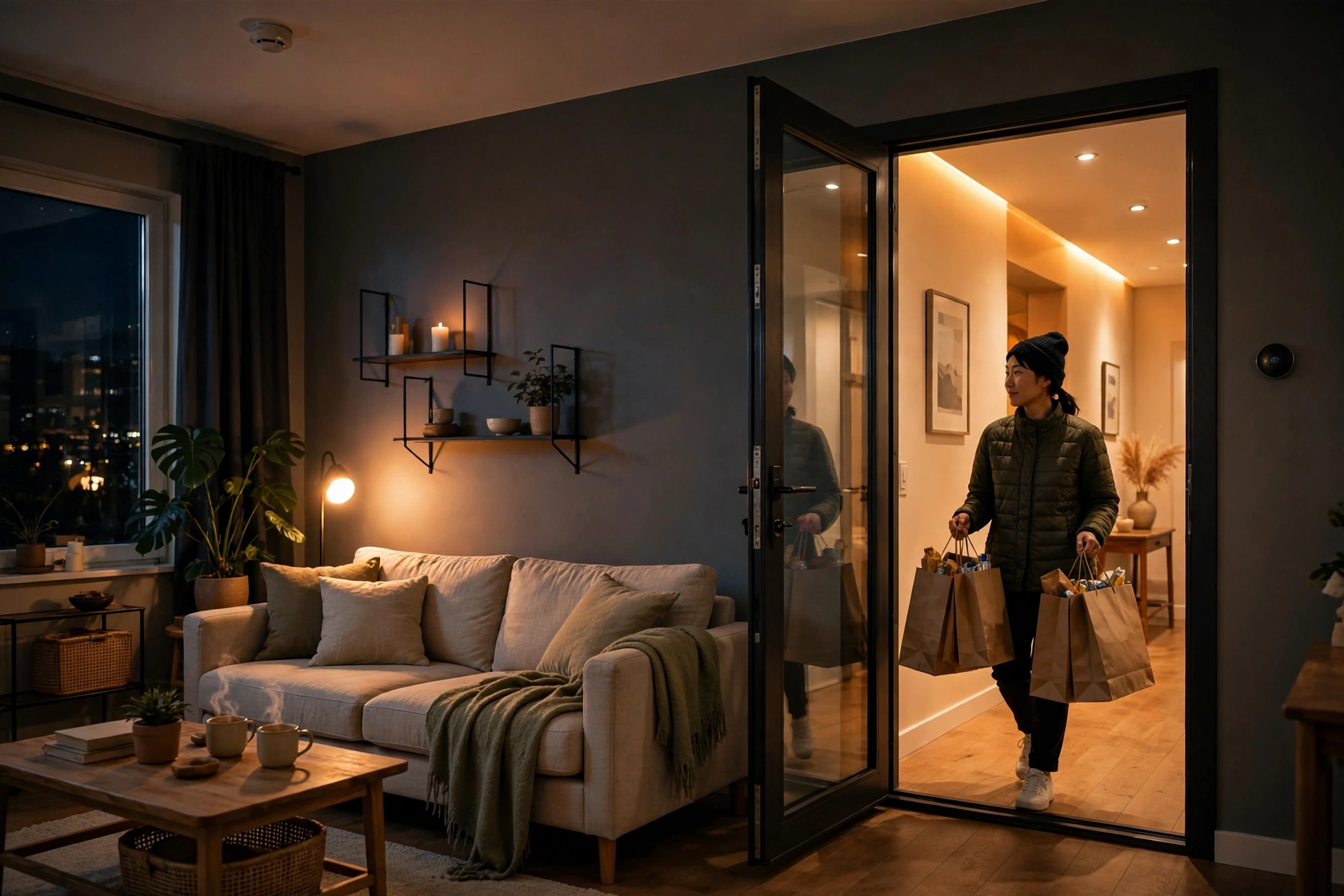
Start with the hallway light. When the front door opens after sunset, turn the hallway light on for five minutes, then turn it off again. It beats fumbling for a switch with shopping bags in your hands. It also costs nothing extra once the sensor is fitted.
Pair a contact sensor with a motion sensor for smarter rooms. A contact sensor knows the door opened, but a motion sensor knows someone is still in the room. Our guide to the best Zigbee motion sensor for smart lighting explains how the two sensor types split the job. As a result, using both beats relying on either one alone.
Keep the first automation simple. One sensor, one light, one rule. Once that runs cleanly for a week, add time conditions and extra rooms.
Home Assistant users can go further with time-based rules. A door left open for more than ten minutes can send one reminder, not ten. Our Home Assistant motion sensor lights guide shows the same pattern for lights.
Security automations are the second big win. Arm a simple night routine. Then, if any exterior door opens between midnight and 6 a.m., flash the bedroom lamp and send a loud phone alert. Keep the rule narrow, or daily alerts will train you to ignore them.
Energy saving is the quiet third win. When a window opens, pause the heating or cooling in that room until it closes again.
Troubleshooting: When Your Sensor Misbehaves
A sensor that shows “unavailable” in your hub app has lost its mesh route. Add a powered Zigbee device between the hub and the sensor. Then re-pair the sensor from its final spot, not from next to the hub.
A sensor that flips open and closed on its own usually sits too close to the magnet gap limit. Wind, a loose door, or a warped frame can nudge the gap past the limit for a second. Move the magnet 2 to 3 mm closer, or add a small packing piece behind it. Then the phantom alerts should stop.
A sensor that stops reporting but still shows a good battery may have a tired cell. Coin cells can read fine on a meter and still fail under load. Swap in a fresh cell before you blame the sensor or the hub.
If a door sensor is part of a wider alarm setup, keep the alarm logic separate from the fun automations. Our guide to alarm window and door contact sensors covers that split. So read it before you wire a sensor into a siren or a monitored alarm routine.
Contact Sensor vs Motion Sensor vs Wi-Fi Sensor
A contact sensor answers “is this door open or closed?” A motion sensor answers “is someone moving in this room?” A Wi-Fi sensor answers the same question as a Zigbee contact sensor, but with shorter battery life and a cloud detour. None of them replaces the others.
For a front door, a contact sensor wins. For a hallway light, motion wins. For a room you want lit only while someone is in it, use both. First the contact sensor starts the scene, and then the motion sensor keeps it alive.
FAQs
Do I need a hub for one?
Yes, you need a Zigbee hub or coordinator, because the sensor cannot connect to Wi-Fi or your phone directly. The hub translates Zigbee radio into network traffic your app can read. Pick one hub family and run all your Zigbee devices through it.
How long does the battery last?
Most Zigbee door sensors last one to five years on one coin cell, depending on battery size and how often the door opens. A SONOFF SNZB-04P with a CR2477 cell is rated for over five years. An Aqara sensor on a smaller CR1632 cell is rated for over two years. Cold weather and a weak mesh shorten life.
Can one work without internet?
Yes, as long as your hub runs locally. A Zigbee sensor talks to your hub over local radio, not over the internet. So automations between Zigbee devices keep working during a broadband outage. Phone alerts from outside your home still need internet, but lights, sirens, and local routines carry on without it.
Will it work on a metal door?
It can, but metal doors need a test first. Metal can block the Zigbee radio signal and interfere with the magnet. So tape the sensor in place for a day and check that every open and close registers cleanly. If the signal drops, move the sensor to a wooden frame section or add a Zigbee repeater nearby.
What is the maximum gap between the sensor and magnet?
The maximum gap depends on the model. It runs up to 20 mm for the SONOFF SNZB-04P, up to 22 mm for the Aqara classic sensor, and around 10 mm for many budget Tuya models. Stay well inside the limit, because a door near the edge of the range can trigger false open alerts.
Is it better than a Wi-Fi door sensor?
For most homes, yes. A Zigbee sensor lasts years on one coin cell and responds locally without a cloud round trip. It also keeps working during an internet outage with a local hub. A Wi-Fi sensor needs no hub, which suits a single-door setup, but it burns through batteries faster and usually depends on the cloud.
Final Word
A zigbee door sensor is one of the cheapest upgrades with the clearest payoff in a smart home. Fit one on your front door first. Pair it with a hub you plan to keep, and build one automation that saves you a daily annoyance. Once that first sensor proves itself, adding the rest of the house is a weekend job.