
The best office chair fits your body. It supports your lower back and lets you change position through a long day. No single model wins for everyone, so this guide skips the hype and shows you how to pick one. You will learn which adjustments matter, what to pay, and how to set it up.
- What Makes the Best Office Chair Different
- Best Office Chair for Back Pain: What Actually Helps
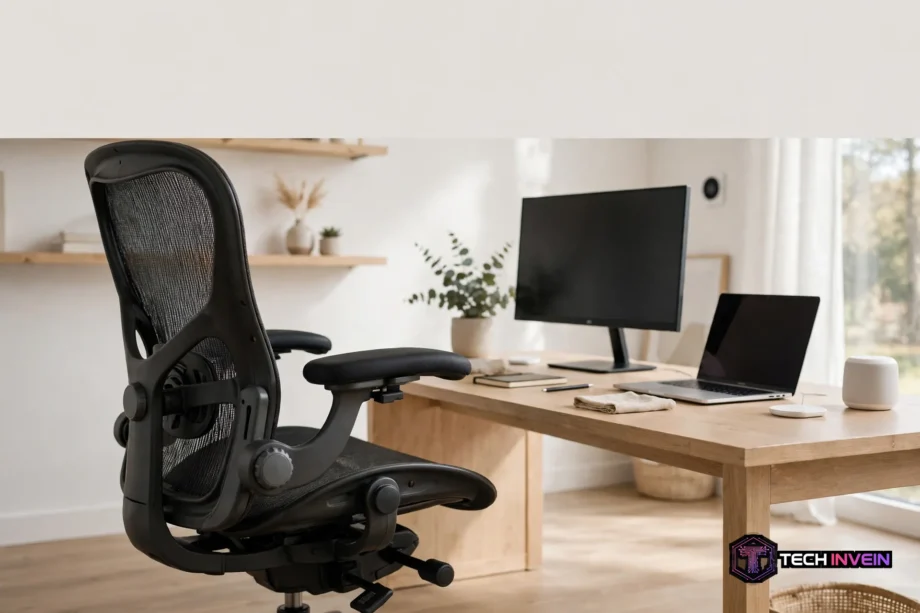
- Ergonomic Features That Matter Most
- Budget: Where to Spend and Where to Save
- Built for Long Hours
- Gaming Chairs vs Office Chairs
- Home Office Setup: The Chair in Context
- How to Set Up Your Chair in 10 Minutes
- Chair Types at a Glance
- Mistakes to Avoid When Buying
- FAQs
- Which chair helps most with back pain?
- How much should I spend on a chair for full-time work?
- Is a gaming chair good for office work?
- Do I need a headrest on my chair?
- How long should a good chair last?
- What is the fastest way to set up a new chair?
- Conclusion
What Makes the Best Office Chair Different
A good chair disappears while you work. Yet you notice a bad one within an hour. Your lower back aches, your shoulders creep up, and you keep shifting to find a spot that feels right. So the difference is not the brand name on the headrest. It is the fit, and fit comes from adjustments you can actually use.
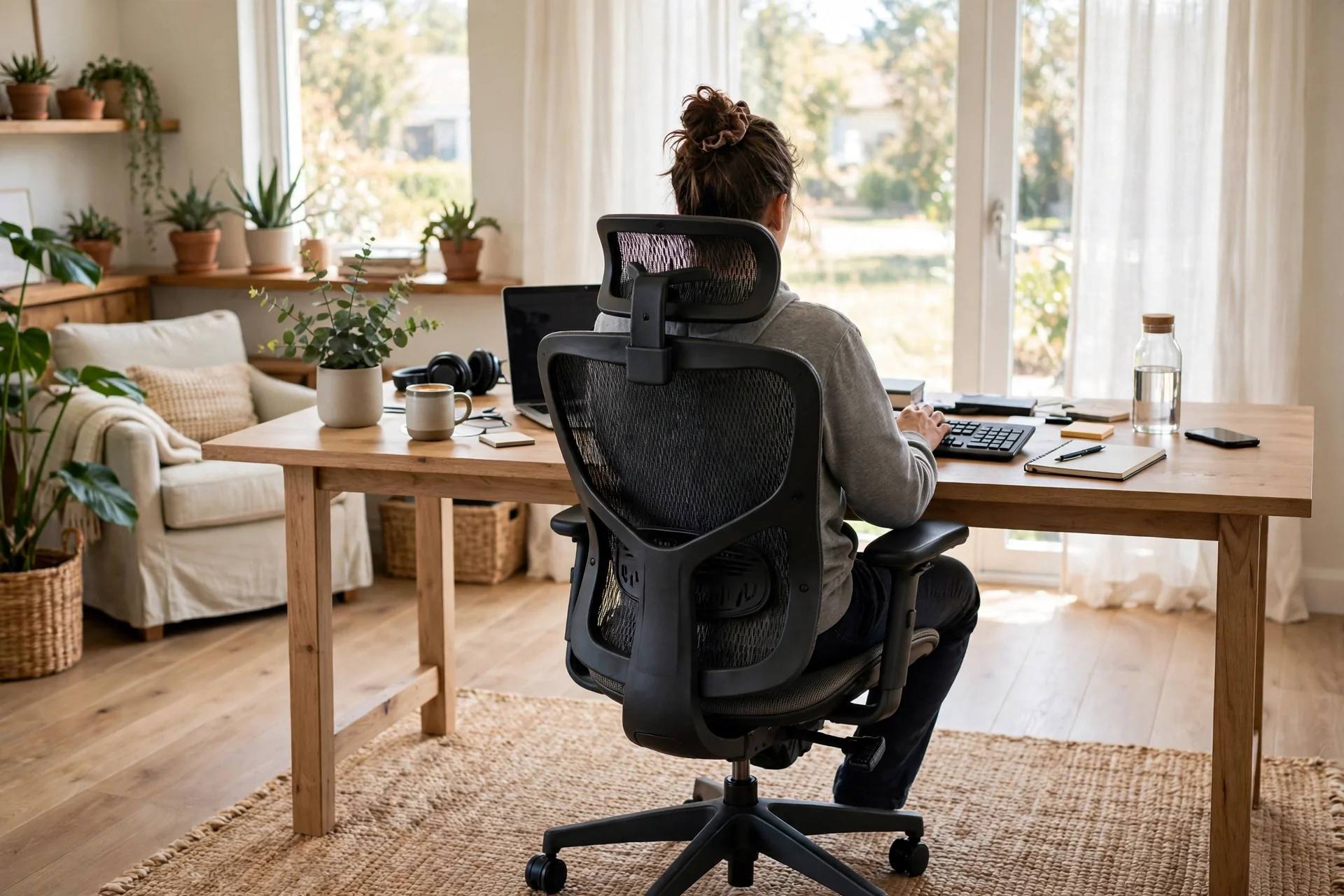
Most desk workers sit for six to eight hours a day. A chair built for full-time use needs more than soft padding. It needs a backrest that follows your spine, a seat that fits your leg length, and armrests that meet your elbows.
Cheap chairs often look fine in photos. Then you sit in one for a week and the problems show up. The foam flattens, the lumbar pad sits in the wrong place, and the armrests wobble. Judge a chair by its adjustments first and its looks second.
Best Office Chair for Back Pain: What Actually Helps
Back pain is the reason most people start shopping, so let us be honest about what a chair can do. A chair supports your posture. Yet it does not diagnose or cure a medical problem. If your pain is severe, persistent, or getting worse, see a doctor first.
Lumbar support is the feature that matters most here. Your lower spine curves gently inward, and a good lumbar pad fills that gap so the curve holds instead of collapsing into a slump. The key word is adjustable. A fixed pad set for an average body will sit too high or too low for most real people. Look for support you can move up and down, and ideally adjust for firmness too.
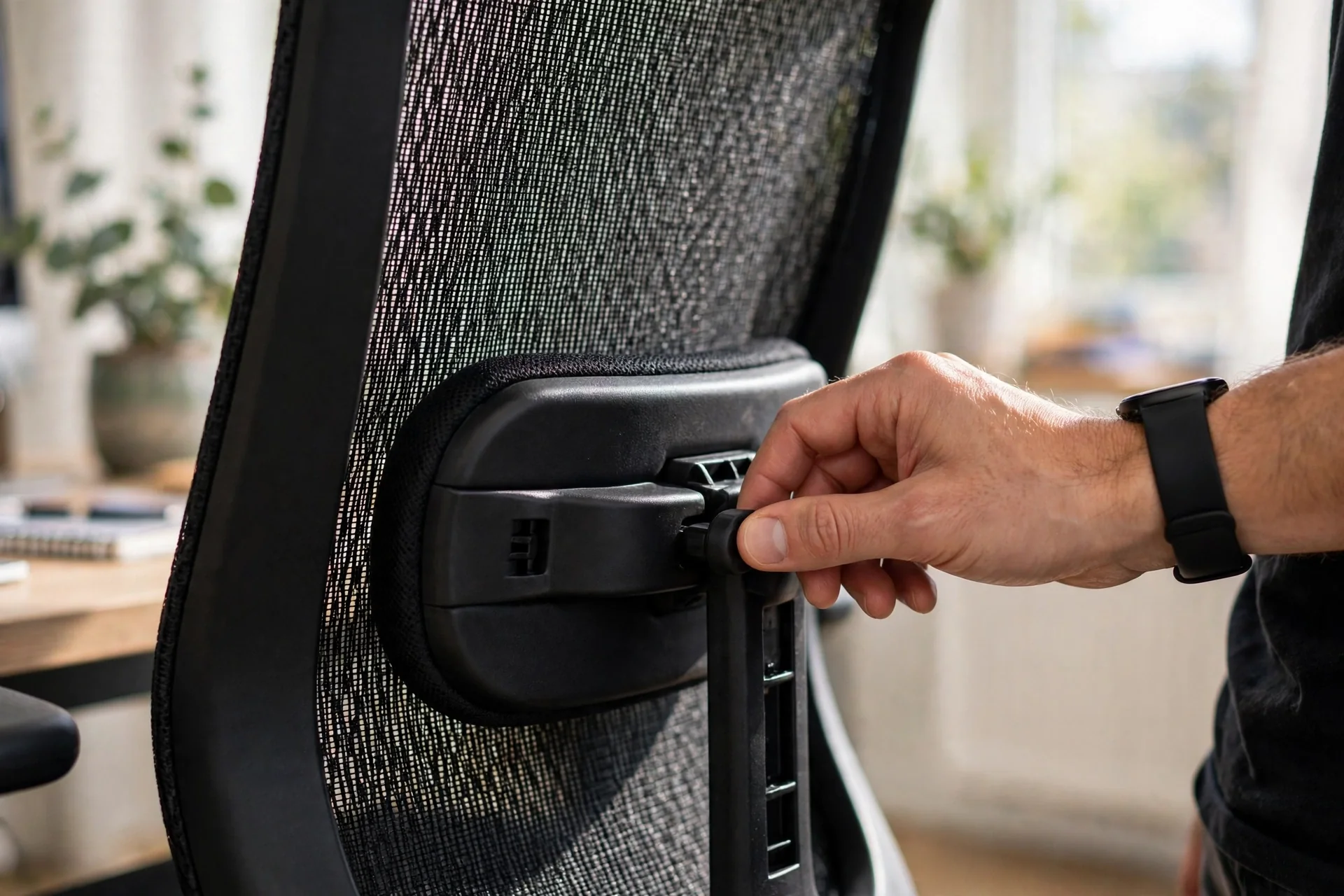
Next, seat depth runs a close second. Sit right back against the backrest. Leave a gap of about two to three fingers between the front edge of the seat and the back of your knees. Too deep, and the edge still presses into your legs and pulls you into a slump. Too shallow, and your thighs lose support. Because bodies vary so much, a sliding seat is one of the most useful features you can buy.
Recline matters more than most shoppers expect. Leaning back slightly shifts some of your upper-body weight off your spine and onto the backrest. Research on pressure inside spinal discs found that a reclined posture loads the lower spine less than rigid upright sitting. So a chair that lets you recline and lock the angle is not a luxury. It’s how you take load off your back.
Ergonomic Features That Matter Most
First, adjustable lumbar support with height and depth controls. This is the single most important feature for back comfort, so don’t compromise on it. A chair without any lumbar adjustment is a gamble, and most buyers lose that bet within a month.
Second, seat height and seat depth adjustment. Your feet should rest flat on the floor with your knees roughly level with your hips. If the seat is too high, your feet dangle and your thighs press into the edge. If it is too low, your knees rise above your hips. Then your lower back rounds.
Third, armrests that adjust in height, width, depth, and angle. These are called 4D armrests. They matter because your elbows should rest at about 90 degrees without lifting your shoulders. Fixed armrests often push your shoulders up or force your elbows wide. That causes the neck tension people blame on the chair back.
Fourth, recline tension control with a tilt lock. You want to lean back easily and then lock the angle when you find a good spot. A chair that only reclines freely will leave you fighting to stay upright. As a result, a chair that never reclines will leave you stiff.
Build quality is where cheap chairs give themselves away. Look for a Class 4 gas lift, a metal base rather than plastic, and a warranty of at least five years. Premium chairs often carry 12-year warranties.
Budget: Where to Spend and Where to Save
So how much should you spend? It depends on how many hours you sit. Use these tiers to match your budget to your real use, not to a brand you saw in a photo.
Under $150, you are shopping for part-time use. Chairs in this range still work fine for a couple of hours a day, but they rarely offer seat depth adjustment or 4D armrests. If you sit full-time on this budget, a good second-hand chair from a known brand will serve you better.
Between $150 and $400, you reach the sensible starting point for full-time work. Here you can find adjustable lumbar support, a sliding seat, and decent armrests. The Branch Ergonomic Chair lists around $499. It sits just above this band and is strong value under $500.
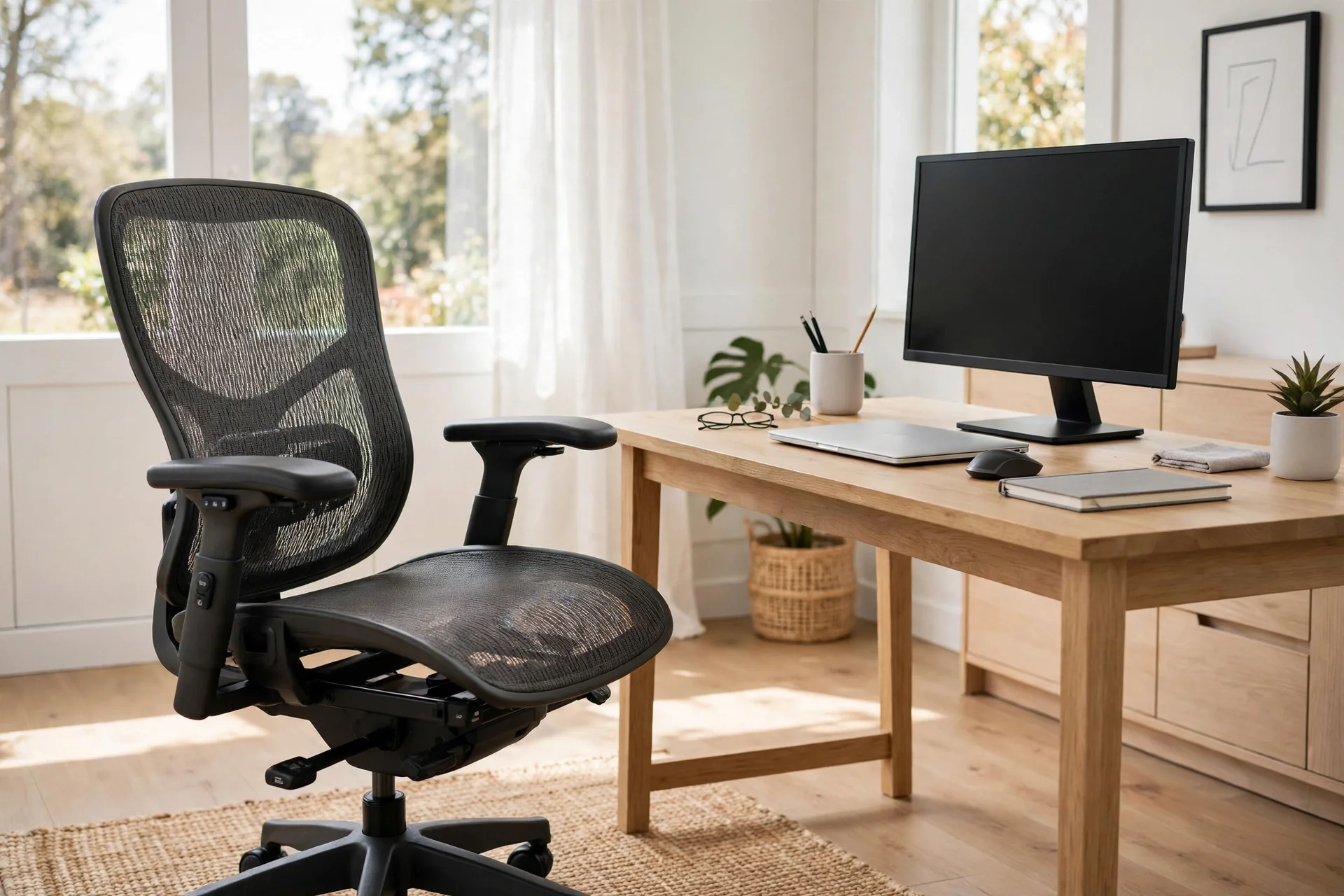
Between $400 and $800, you also get better materials, wider seats, longer warranties, and smoother recline. If you sit six or more hours a day, the higher end of this range usually pays off over the chair’s lifespan.
Above $1,000, you are paying for premium design, long warranties, and resale value. The Herman Miller Aeron, often listed around $1,400 or more, is still a benchmark after thirty years. The Steelcase Leap V2, also around $1,400 to $1,500 new, offers separate lumbar height and firmness controls plus a seat that slides about three inches.
In September 2026, Branch recalled about 16,000 Ergonomic Chairs made between September 2025 and April 2026 because the backrest can detach. Check for recalls before you buy, and register your chair once it arrives.
Built for Long Hours
A chair that feels fine for twenty minutes can still fail you by 4 p.m., so long hours demand a different test. First, the seat must spread your weight instead of pressing into one spot. Then the backrest must hold its support as you shift. The recline must invite you to move rather than locking you in one pose.
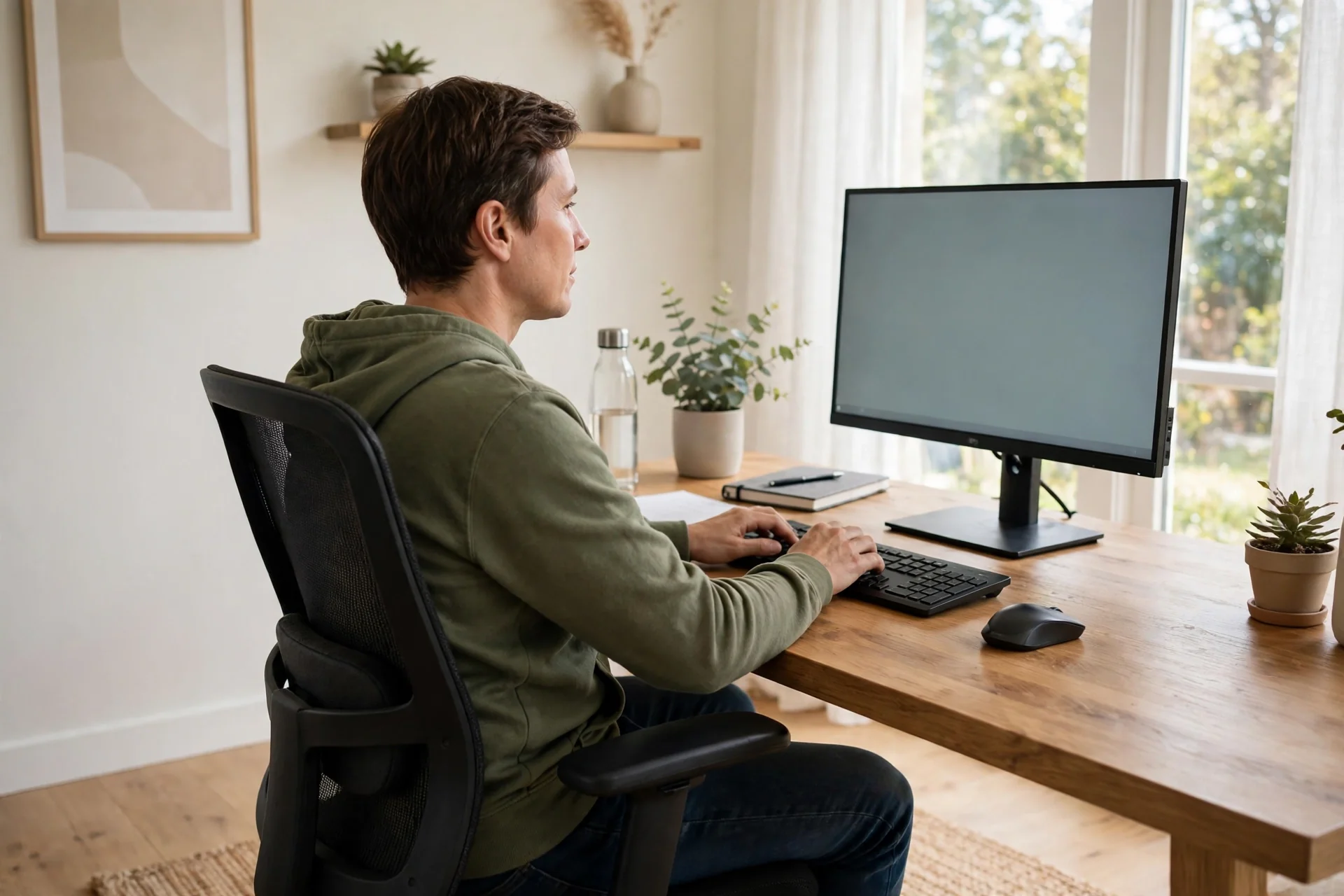
Your monitor height matters just as much as your chair. A screen set too low pulls your head forward and strains your neck no matter how good the seat is. Our dual-screen setup guide walks through screen height and placement. The same rules apply to a single monitor: the top of the screen should sit near eye level, about an arm’s length away.
Here is a simple test I use before keeping any chair. Sit in it for a full 20 minutes doing real work. Then check three things. Does the lumbar pad still touch your lower back? Can you feel the front edge of the seat pressing behind your knees? Are your shoulders relaxed with your elbows at 90 degrees? If any answer is no, adjust and test again. If it still fails, the chair does not fit you.
Gaming Chairs vs Office Chairs
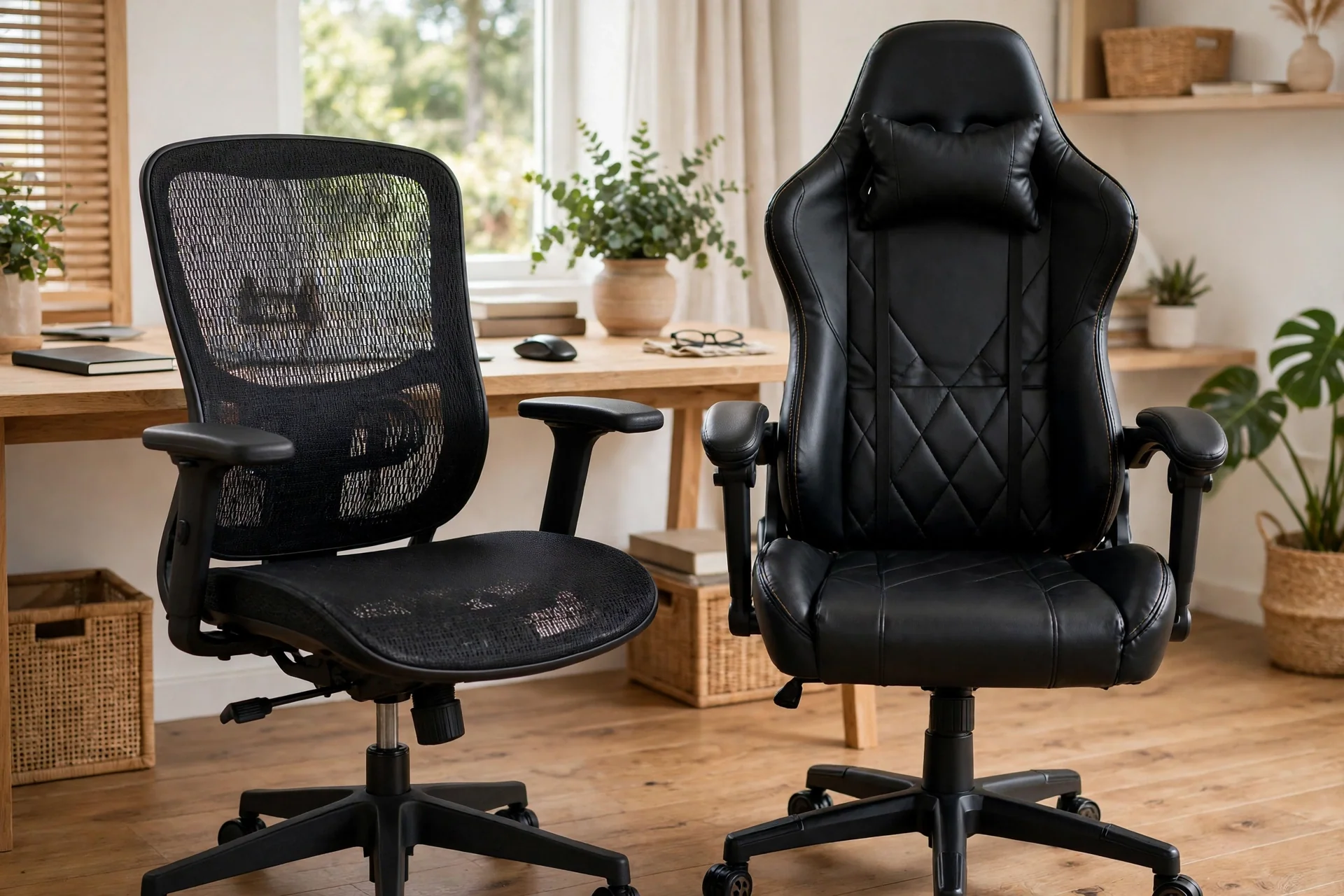
Gaming chairs and office chairs get compared a lot. Yet the label matters less than the features. A gaming chair is built around a tall backrest, deep recline, and a racing-seat look. It uses lumbar and neck pillows you strap on. An ergonomic office chair is built around adjustments. Its lumbar support sits in the backrest, and its armrests move in four directions.
For long workdays, the ergonomic office chair usually wins. It offers finer control because lumbar height, seat depth, and armrest position all matter. A gaming chair can still be a good pick, though, if you also game in the same seat and like the tall back and deep recline.
Budget changes the answer. At $250 to $500, a well-built gaming chair can beat a mesh office chair at the same price. Look for 4D armrests, adjustable lumbar support, and a steel frame. Above $600, the ergonomic office chair pulls ahead on build quality and warranty length.
Heat is another real difference. Most gaming chairs use faux leather, which traps heat and can crack after a year or two of daily use. Mesh office chairs still stay cool and tend to last five to eight years.
Home Office Setup: The Chair in Context
Yet a chair does not work alone. It’s one part of a home office, and the desk, monitor, and lighting around it decide how much of the chair’s support you actually feel.
Our home office setup guide also covers the full desk layout, from monitor placement to lighting. A chair fits into that plan, not the other way around.
Start with desk height. Your elbows should rest near 90 degrees when your hands sit on the keyboard, and your feet should stay flat on the floor.
Our guide to connecting a laptop to Wi-Fi is part of the same home office setup. A laptop-first desk still needs the same chair rules: lumbar support, seat depth, and armrests that meet your elbows.
If your work runs on a laptop, the chair matters even more. A laptop screen pulls your head down and your shoulders forward. A laptop stand lifts the screen to eye level. Paired with a separate keyboard, it will do more for your neck than any chair feature.
Cables deserve a thought too. A chair with wheels will roll over loose cables and chew them up. Our smart home wiring design guide shows how to plan cable routes cleanly, and the same ideas work under a desk.
How to Set Up Your Chair in 10 Minutes
Follow these steps in order. Each one builds on the last.
- Set the seat height first. Adjust until your feet rest flat on the floor and your thighs sit roughly level. If your feet dangle, lower the seat or add a footrest.
- Slide the seat depth until you have a two to three finger gap behind your knees. Sit fully back against the backrest while you check.
- Move the lumbar pad until it fills the inward curve of your lower back, just above your beltline. It should press gently, not push you forward.
- Set the armrests so your elbows rest at about 90 degrees with your shoulders relaxed. Move them until your forearms rest naturally on them while you type.
- Adjust the recline tension until you can lean back with light effort, then lock the angle where you feel supported.
- Set the headrest last, if your chair has one. It should touch the back of your head when you lean back.
- Check your screen height. The top of the monitor should sit near eye level, about an arm’s length away.
For more detail on safe sitting posture, the Canadian Centre for Occupational Health and Safety explains chair setup in plain terms. It covers seat height, lumbar position, and armrest height.
The US Occupational Safety and Health Administration also publishes workstation guidance that covers chair, keyboard, and monitor placement together.
Chair Types at a Glance
Table: Chair types compared by support, price range, and best use.
| Chair type | Best for | Key strength | Typical price |
|---|---|---|---|
| Mesh ergonomic | Long hours, warm rooms | Breathable back, adjustable lumbar | $250 to $800+ |
| Foam ergonomic | Soft sit, all-day work | Cushioned seat, wide adjustments | $200 to $800+ |
| Budget mesh | Part-time use, students | Low price, light weight | $50 to $150 |
| Gaming chair | Work plus gaming | Tall back, deep recline | $100 to $500+ |
| Premium ergonomic | Full-time, back pain | Fine adjustments, long warranty | $1,000+ |
Mistakes to Avoid When Buying
First, buying on looks alone. A chair can look great in a photo. It can still have fixed armrests, no seat depth adjustment, and a lumbar pad that sits in the wrong place. Check the adjustment list before you check the color options.
Second, skipping the sit test. If you buy online, use the return window as your test period. Sit in the chair for real workdays. Run the 20-minute test from the long-hours section, and send it back if it fails. A 30-day return policy is part of the product, so use it.
Fourth, forgetting the warranty and return policy. A chair with a one-year warranty tells you the maker does not expect it to last. A five or twelve-year warranty tells you the opposite. Keep the receipt and register the chair, so a recall notice can reach you.
FAQs
Which chair helps most with back pain?
Look for adjustable lumbar support you can move up and down and set for firmness, plus a sliding seat and recline you can lock. Those three features do more for back pain than any brand name. Set the lumbar pad to your lower back curve and move every half hour.
How much should I spend on a chair for full-time work?
Plan for $250 to $500 for a solid full-time chair with real adjustments, and $400 to $800 for better materials and a longer warranty. Premium models pass $1,000, but a certified refurbished one often costs $600 to $900. Sit six or more hours a day, and the higher end usually pays off.
Is a gaming chair good for office work?
It can be, if it has adjustable lumbar support, 4D armrests, a steel frame, and a sliding seat. At $250 to $500, a well-built gaming chair can beat an office chair at the same price. Above $600, an ergonomic office chair usually wins on finer adjustments and warranty length. Mesh also stays cooler than faux leather.
Do I need a headrest on my chair?
Not always. A headrest helps if you recline often, take calls leaning back, or have neck tension. It should touch the back of your head only when you lean back. If it pushes your head forward while you sit upright, it is set too high or it does not fit you. Treat it as a bonus feature.
How long should a good chair last?
A well-built chair should last five to ten years of daily use, and premium models often last longer with a 12-year warranty behind them. Mesh backs and metal bases tend to outlast foam seats and plastic bases. If parts fail within a year, the chair was not built for full-time use.
What is the fastest way to set up a new chair?
Set seat height first so your feet rest flat, then slide the seat depth for a two to three finger gap behind your knees. Next, move the lumbar pad to your lower back curve and set the armrests for relaxed shoulders. Finally, adjust recline tension and screen height.
Conclusion
The best office chair is the one that fits you. It is not the one with the highest price or the most famous name. Check the adjustments first, run the 20-minute sit test, and use the return window as your trial. Then set the chair up properly and move a little every hour.