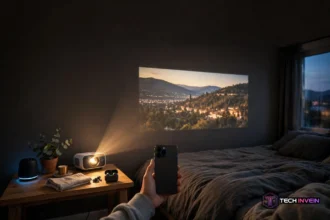

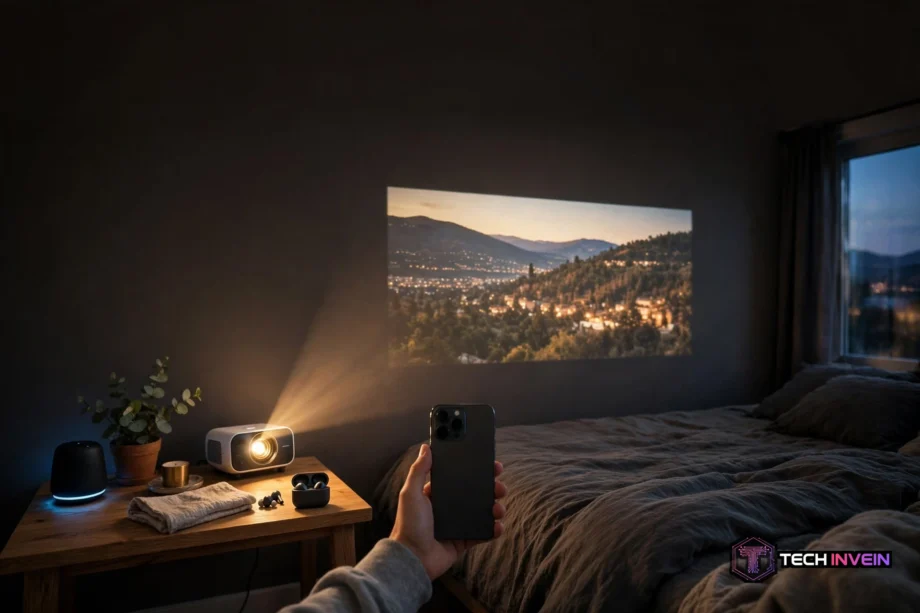
A projector for phone use turns your phone screen into a wall-sized picture. You connect the phone with a cable or wirelessly, point the projector at a wall or screen, and your videos, photos, and games play big. It works best in a dark room with a 1080p projector and a stable connection.
- What a projector for phone setup actually is
- How to connect an iPhone to a projector for phone viewing
- How to connect an Android phone
- What to check before you buy
- Ultra short throw projector 4K models and when they make sense
- Projector and video games: what actually matters
- Screens: a retractable projector screen beats a bare wall
- Projector or TV: which one should you buy?
- Best outdoor movie projector setups and battery power
- Why Netflix sometimes shows a black screen
- FAQs
- Can I connect my phone to any projector?
- Do I need Wi-Fi to use one?
- Why does Netflix show a black screen when I mirror my phone?
- Is a 1080p projector good enough for phone movies?
- How many lumens do I need for a phone projector?
- Can I use one for gaming?
- Conclusion
Most people buy one for movie nights or gaming. Yet the first setup can trip you up, so this guide walks through it step by step.
What a projector for phone setup actually is
Your phone has no lamp and no lens. So no app can turn it into a projector on its own. What you buy is a small projector, often called a mini or pico projector. Your phone sends the picture to it, and the projector throws that picture onto a wall.
There are three ways the picture gets there. First, wireless mirroring sends your screen over Wi-Fi. Second, a wired link uses a USB-C or HDMI adapter. Third, some projectors run apps built in, so the phone stays in your pocket. Wireless is tidy but can lag, while wired is steady yet ties you to a cable.
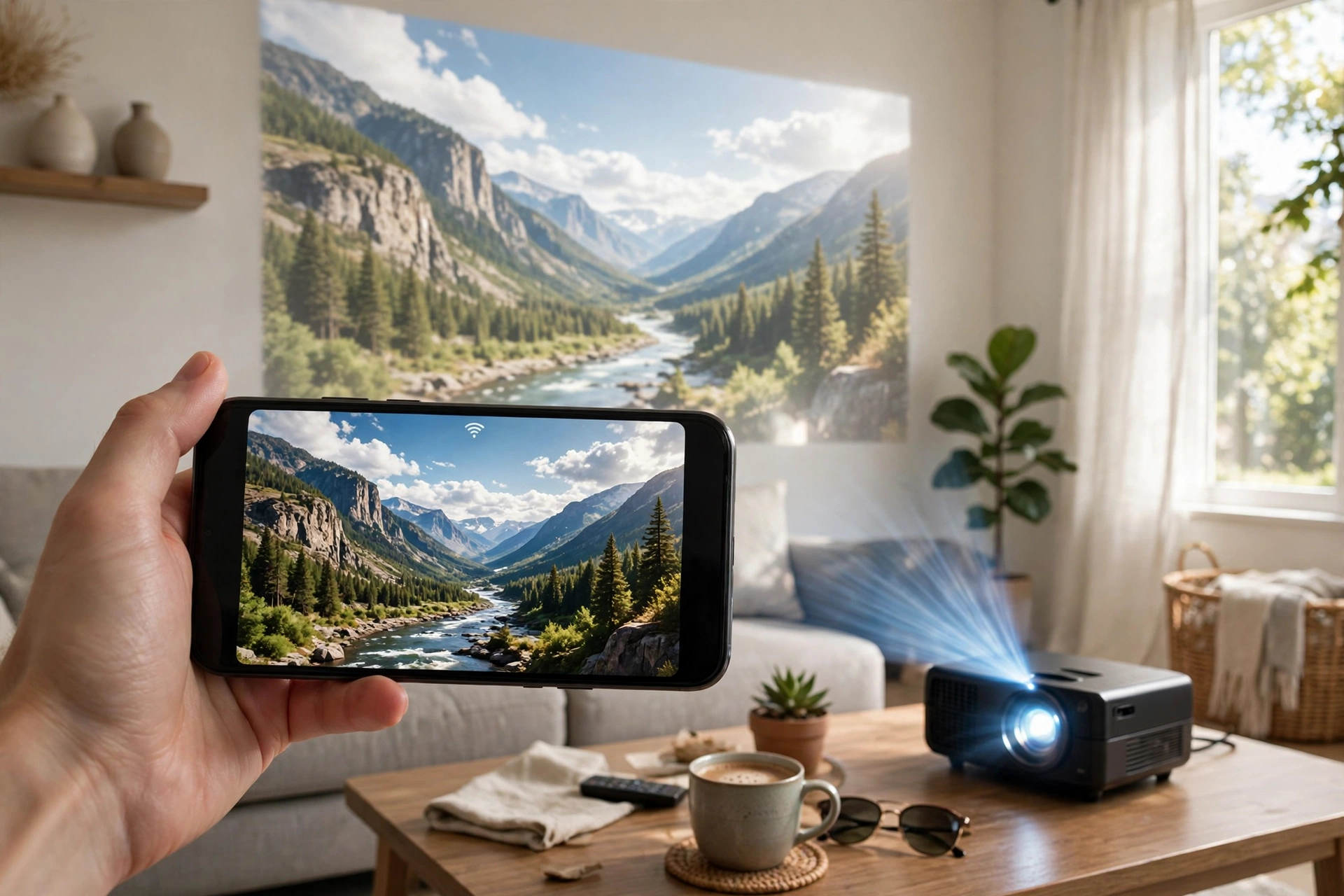
Mini projectors fit in a bag, and many weigh under a kilogram. Some run on a battery. Meanwhile, that makes them handy for a garden film night. But small size means a small lamp, so brightness is the first spec to check.
How to connect an iPhone to a projector for phone viewing
iPhone users have two solid routes: wireless for ease, or wired for zero lag.
For AirPlay, first put the iPhone and the projector on the same Wi-Fi network. Then open Control Center and tap Screen Mirroring. Next, pick the projector from the list. If a code shows on the wall, type it into your phone. Apple’s own AirPlay guide covers the same steps.
For a wired link, check your iPhone port first. iPhone 15 and later have USB-C. Older iPhones and every iPhone SE use Lightning. A USB-C model needs a USB-C to HDMI adapter or cable. A Lightning model needs Apple’s Lightning Digital AV Adapter plus an HDMI cable. Plain charging cables carry no video, so they will not work here. Plug the adapter into your phone, run an HDMI cable to the projector, and switch the input to HDMI. If no picture shows, unplug the adapter and plug it back in.
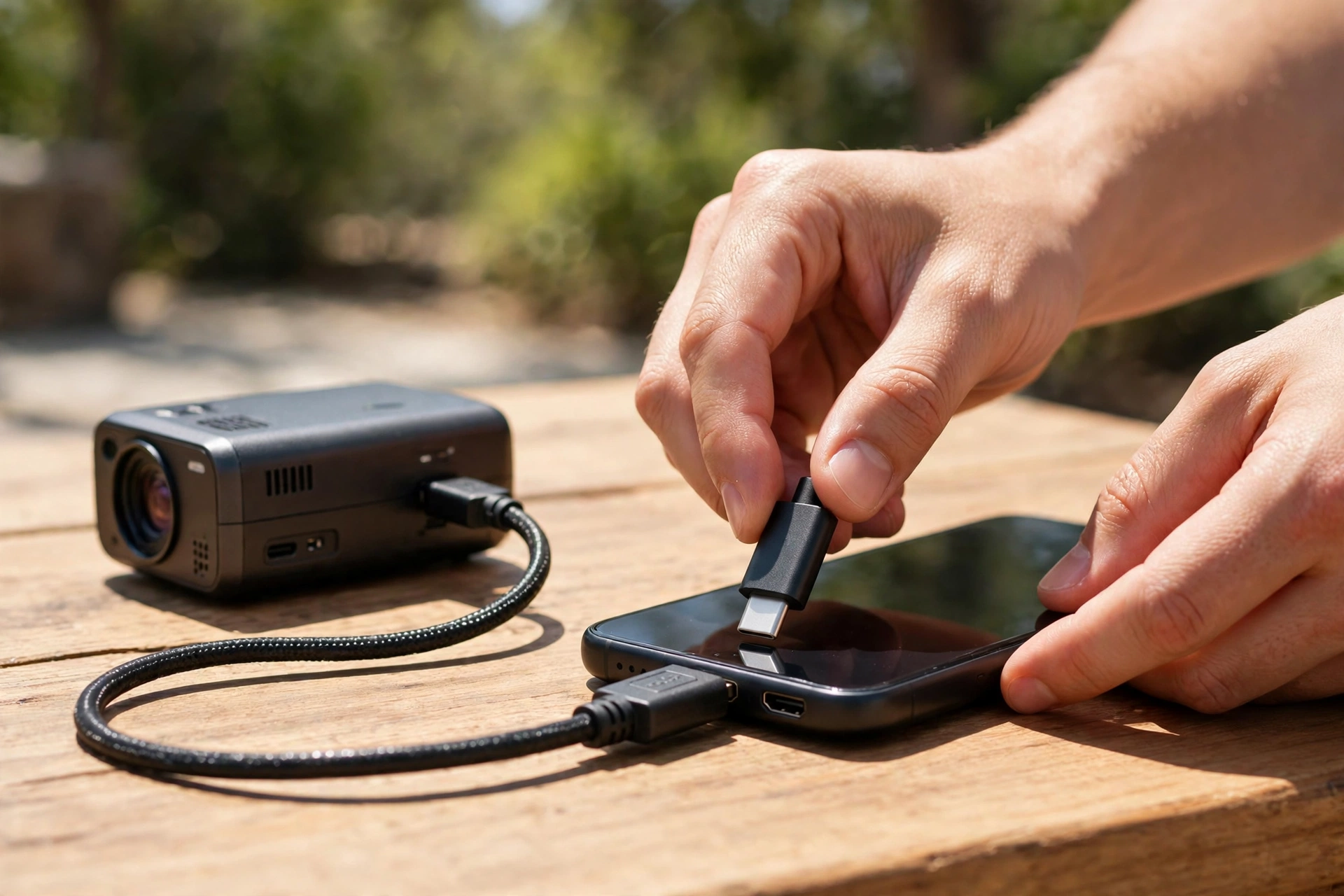
Turn your phone sideways before you start a video. That fills the wall instead of leaving a small upright picture in the middle. Also turn on Do Not Disturb, because a call can pop up on the big screen.
How to connect an Android phone
Android phones mirror with Chromecast, Miracast, or Samsung Smart View. The name changes with the brand, but the idea stays the same. First, both devices join the same Wi-Fi network. Then open Quick Settings and tap Cast, Smart View, or Screen Mirroring. Finally, pick the projector from the list.
Some projectors make their own Wi-Fi hotspot. That helps when there is no home network around, such as at a campsite. Join the hotspot from your phone settings, then start casting as normal.
A wired link needs a USB-C port that carries video. Specifically, it needs DisplayPort Alt Mode. Many Samsung Galaxy flagships and recent Pixel phones support it, yet some cheaper Android phones do not. So check your phone specs before you buy a cable. If your phone lacks it, wireless is your only route.
What to check before you buy
Four specs decide whether you will like your projector: brightness, resolution, throw distance, and battery life. Get these right and the rest is easy.
Brightness is measured in ANSI lumens. Ignore plain “lumens” on cheap listings, because that number is often puffed up. For a dark bedroom, 200 to 500 ANSI lumens can work. For a living room with lamps on, aim for 1,000 ANSI lumens or more. For daylight use, even 2,000 ANSI lumens will look washed out. I saw this first-hand with a 230 ANSI lumen mini projector: at 80 inches in a dark bedroom the picture looked clean, yet at 100 inches with a lamp on it washed out fast.
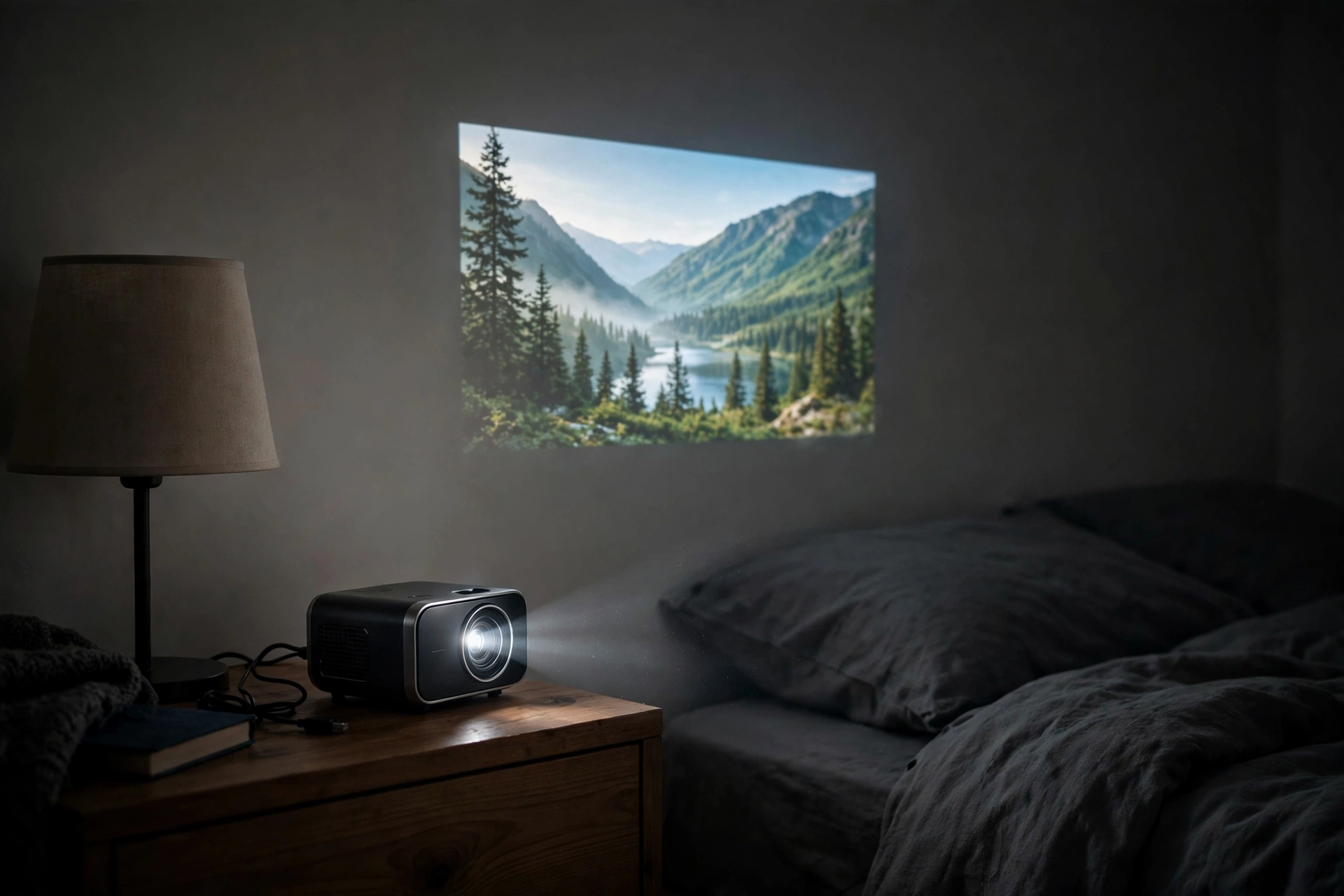
Throw distance is how far the projector sits from the wall. Standard mini projectors need 6 to 10 feet for a 100-inch picture, while short-throw models do the same from 3 to 5 feet. So measure your room before you order. Also check the ports: one HDMI input and one USB port cover wired links, streaming sticks, and charging. And plan for sound, since built-in speakers sound thin. A small Bluetooth speaker fixes that fast.
A 1080p projector is the sweet spot for most buyers
A 1080p projector shows 1920 by 1080 pixels. That is full HD. On an 80 to 100-inch image, it looks sharp from a sofa. Text stays readable. Most phone videos stream at 1080p anyway. As a result, the projector matches the source.
Cheaper projectors often list “1080p supported” on the box. That phrase is a trap. It means the projector accepts a 1080p signal, then shows it at a lower native resolution such as 720p or even 480p. So always check the native resolution in the spec sheet. Native 1080p is what you want. “Supported” is not the same thing.
4K projectors look better on very large screens. But they cost far more, and a phone rarely feeds them a true 4K stream over mirroring. For a first phone projector, native 1080p gives the best value. Spend the saving on a screen or a speaker instead. A 3D projector adds 3D films with shutter glasses, yet few apps stream in 3D, so treat it as a bonus.
Ultra short throw projector 4K models and when they make sense
An ultra short throw projector 4K model sits inches from the wall. It throws a huge 4K image upward at a steep angle. You get a 100 to 120-inch picture from a box that sits on a low cabinet, with no ceiling mount needed. No ceiling mount. No long throw distance. No one walks through the beam.
That sounds perfect for a living room, yet these models cost far more than a mini projector. Most start above $1,500 for a real 4K laser unit. They also need a flat wall or a special screen, because a bumpy wall shows every flaw at that steep angle. So buy one only as a fixed TV replacement.
Projector and video games: what actually matters
A projector and video games can be a great pair, since a 100-inch game world feels very different from a 55-inch TV. But gaming exposes weak specs fast. Lag is the first problem: if the projector takes too long to show your input, fast games feel mushy.
Input lag is measured in milliseconds. For casual play, under 40 ms feels fine. For fast shooters, aim for under 20 ms. Many mini projectors do not list input lag at all. That is a warning sign. Look for a game mode in the settings. Indeed, game mode cuts processing and drops lag. If a projector has no game mode, treat it as a movie-only device.
Refresh rate is the second spec. Most phone games run at 60 Hz, so a 60 Hz projector matches that fine. A 120 Hz mode helps on consoles and PCs, yet it is not a must for phone gaming. Sound also counts. Game audio through a tiny projector speaker sounds flat, so a Bluetooth speaker lifts the whole experience. Our guide on how to connect speakers to a TV covers the same wiring ideas, and the same steps work with a projector.
How to pick the best projector for gaming on a phone
Start with lag, not resolution. A sharp picture means little if your jumps land late. First, check the spec sheet for input lag or game mode. Then check brightness, since games have dark scenes and a dim projector hides detail in shadows. So aim for at least 500 ANSI lumens in a dark room. Next, check the connection. A wired USB-C link gives the lowest lag, while wireless mirroring adds a small delay. For fast games, use the cable.
Screens: a retractable projector screen beats a bare wall
You can project onto a plain white wall. It works. But a screen looks better. A wall has bumps, paint texture, and a slight color tint. In contrast, a screen is flat and white. A screen is flat, white, and made to bounce light back evenly. So the picture gains contrast and sharpness at once.
A retractable projector screen rolls down when you watch and rolls away when you finish. That suits a living room where a fixed screen would look odd. Pull-down models cost little and mount on a wall or ceiling. Motorized models cost more but roll down with a remote.
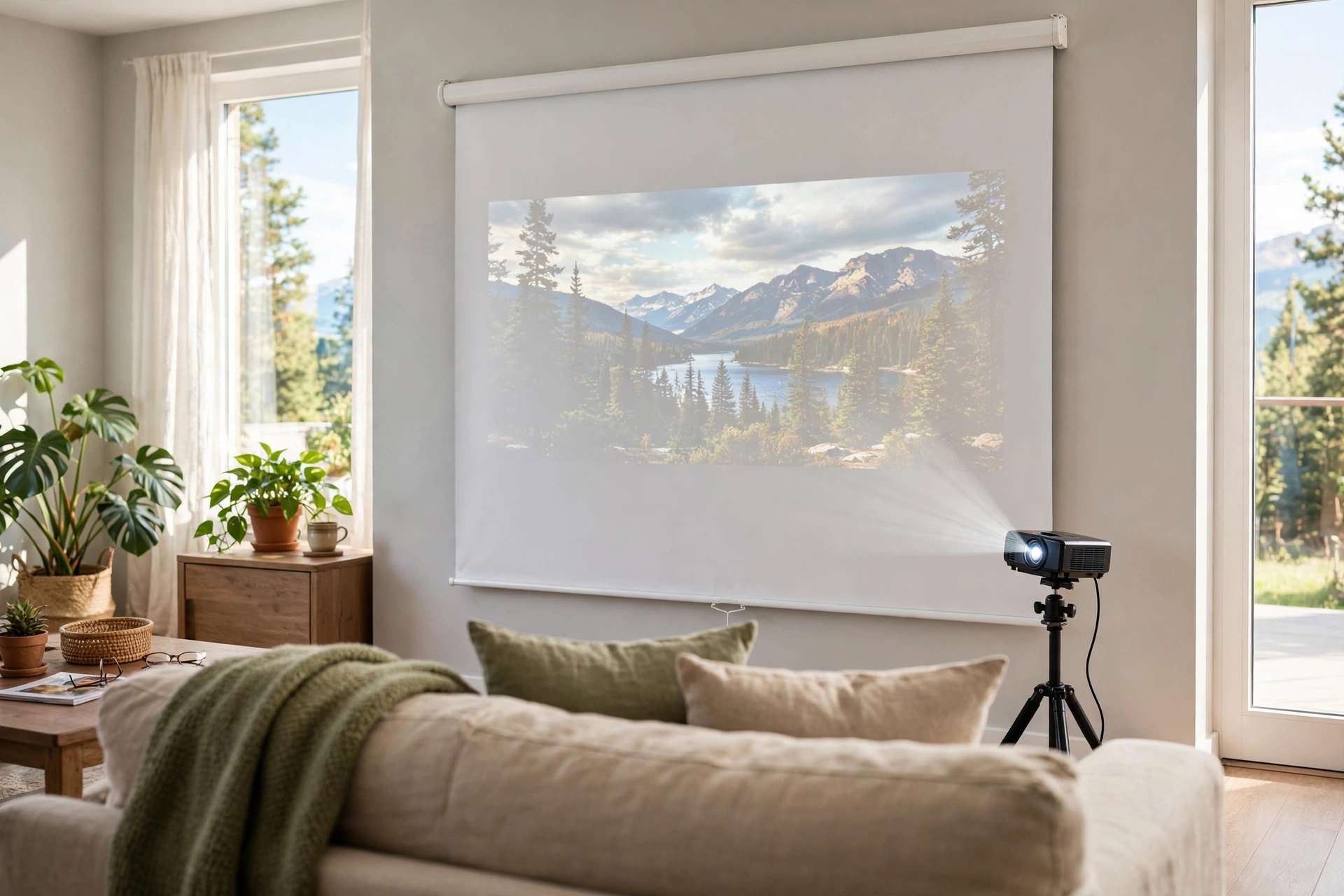
Screen size should match your throw distance. A 100-inch screen is the common pick for living rooms. First, measure your wall. Then leave space for speakers on the sides. And check the gain rating. A gain of 1.0 is neutral, while higher gain looks brighter but narrows the viewing angle. For a family spread across a sofa, gain 1.0 to 1.2 works best. Our DIY home theater guide walks through screen placement and seating distance, and the same layout rules apply here.
Projector or TV: which one should you buy?
A projector or TV choice comes down to how you watch. A TV wins on ease. You press a button and the picture is bright, sharp, and clear in any light. No setup, no dark room, no focus knob. For daily news and daytime viewing, a TV is hard to beat.
A projector wins on size and feel. A 100-inch picture costs far less per inch than a 100-inch TV. Movie nights feel like a cinema, and a mini projector travels, while a TV does not. If you must pick one, ask one question. Do you watch mostly in daylight? Pick the TV. Do you watch mostly at night? Pick the projector. Our guide on how smart TVs work explains what a modern TV does well, which makes the comparison easier.
Best outdoor movie projector setups and battery power
An outdoor film night is the best use of a phone projector. You need a dark sky, a screen, and power. A white sheet tied between two poles works as a screen. Otherwise, a portable screen with a stand works better in wind. Start after sunset, since even a bright projector loses to sunlight.
The best outdoor movie projector for most families is a bright, battery-powered mini model. Look for 500 ANSI lumens or more. Check the battery rating in real use, not the box claim. Makers often quote battery life at low brightness with sound off. In practice, expect about half the quoted time at watchable brightness. A USB-C power bank can extend the night.
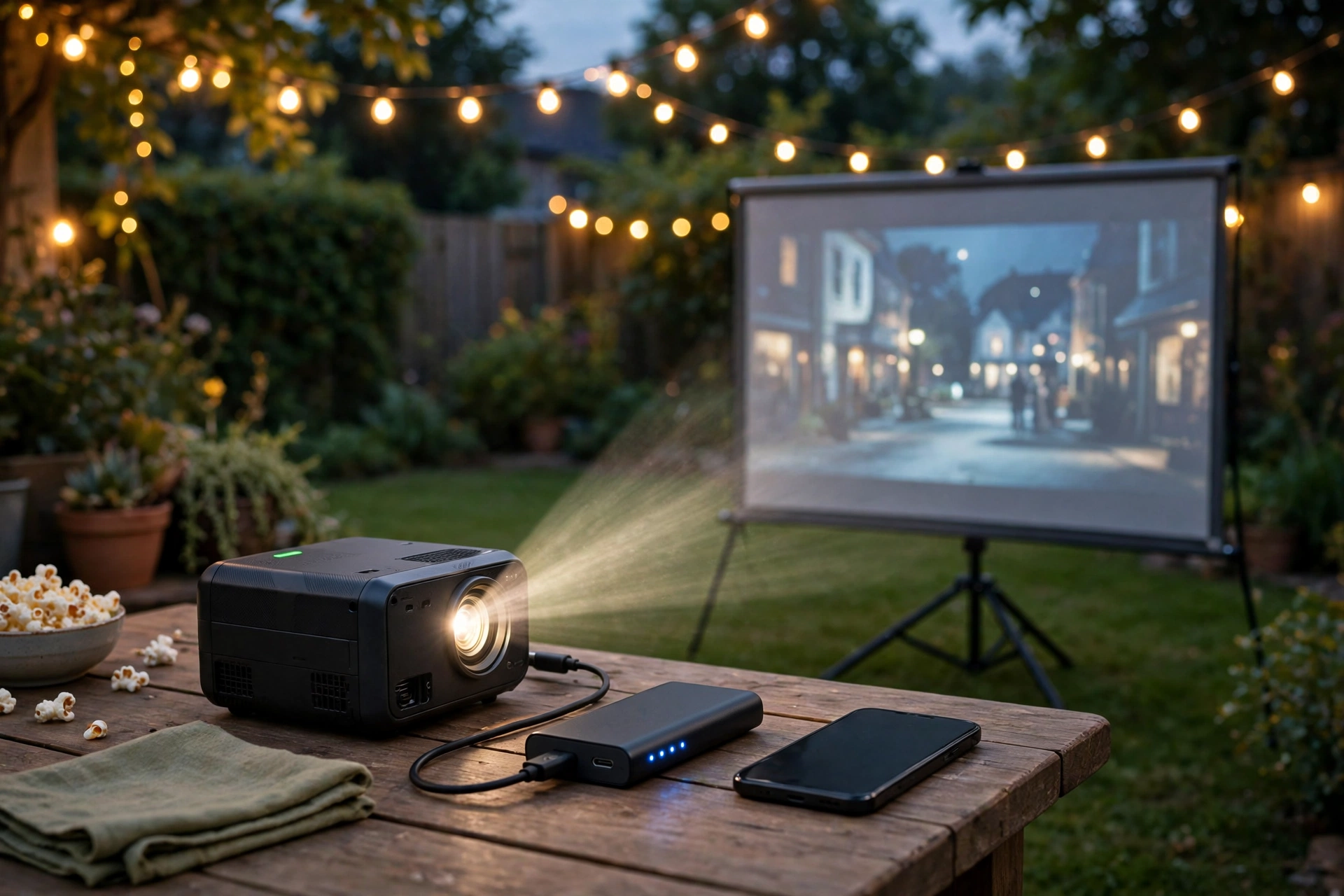
A battery powered projector frees you from extension leads. That matters in a garden or at a campsite. But the battery adds weight and cost. If your garden has an outdoor socket, a mains-powered model gives more brightness for less money. For more backyard cinema ideas, see our movie room ideas guide. Sound outdoors needs help as well, so bring a Bluetooth speaker and place it near the seats.
Why Netflix sometimes shows a black screen
This is the most common complaint with phone projectors. You mirror your phone, open Netflix, and the film plays sound but shows a black rectangle. The cause is copy protection. Netflix, Disney+, and Prime Video block screen mirroring in many cases. The apps do this to stop recording, not to annoy you.
The fix is simple. Do not mirror those apps. Use the projector’s built-in app instead. Most Android TV and Google TV projectors have Netflix and Disney+ ready to install. Sign in on the projector and play direct, since it streams at full quality instead of passing through your phone.
If your projector has no built-in apps, plug in a streaming stick. A Fire TV Stick or Chromecast costs little and solves the problem at once. It also gives you a proper remote. Our guide on how to set up a Fire TV Stick walks through the install, and the same steps work with a projector.
Table: Phone projector quick comparison
| Feature | Mini phone projector | Ultra short throw 4K |
|---|---|---|
| Image size | 40 to 120 inches | 80 to 150 inches |
| Brightness | 200 to 1,000 ANSI lumens | 2,000 to 3,500 ANSI lumens |
| Best room | Dark bedroom or garden | Fixed living room |
FAQs
Can I connect my phone to any projector?
Almost any projector with an HDMI input or wireless mirroring will work with a phone. iPhones use AirPlay or a Lightning or USB-C adapter. Android phones use Chromecast, Miracast, Smart View, or a USB-C to HDMI cable. Check video output support first, since some budget phones lack it.
Do I need Wi-Fi to use one?
Wireless mirroring needs Wi-Fi or a hotspot from the projector. A wired HDMI link needs no Wi-Fi at all, which makes it the best choice outdoors. Projectors with built-in apps still need Wi-Fi to stream shows, even when the phone is not involved.
Why does Netflix show a black screen when I mirror my phone?
Netflix and similar apps block screen mirroring with copy protection, so you hear sound but see a black box. The fix is to play Netflix through the projector’s built-in app or a streaming stick plugged into the projector. That streams direct at full quality and avoids the block entirely.
Is a 1080p projector good enough for phone movies?
Yes, for most people. Native 1080p looks sharp on an 80 to 100-inch image from a sofa, and most phone videos stream at 1080p anyway. Watch out for “1080p supported” on cheap boxes, which often means a lower native resolution. Check the spec sheet for native 1080p before you buy.
How many lumens do I need for a phone projector?
For a dark room, 200 to 500 ANSI lumens can work well at 80 inches. For a living room with lamps on, aim for 1,000 ANSI lumens or more. Daylight viewing needs far more and still looks washed out. Always check ANSI lumens, since plain “lumens” on cheap listings is inflated.
Can I use one for gaming?
Yes, and a big screen makes games feel huge. Pick a projector with a game mode and input lag under 40 ms for casual play or under 20 ms for fast shooters. Use a wired USB-C link for the lowest lag, since wireless mirroring adds delay.
Conclusion
A projector for phone use is a simple idea that works well once the connection and the room are right. Match the link to your phone, pick native 1080p and honest ANSI lumens, and test it in your real room. Start with a movie night. If the picture looks good, you have found your setup.