
Make Smart Lights Turn On at Sunset With Alexa
To make smart lights turn on at sunset, open the Alexa app, tap More, then Routines, and create a routine that uses Sunset as the trigger. Add a Smart Home action to turn your lights on, choose the days it should run, and save. Your porch, hallway, and living room lights will greet the evening by themselves every day.
- Make Smart Lights Turn On at Sunset With Alexa
- What You Need Before You Start
- Create the Sunset Routine Step by Step
- Set the Offset So Lights Beat the Darkness
- Choose the Right Days and Times
- Stagger Rooms With Delays for a Natural Feel
- Turn the Lights Back Off Automatically
- When the Sunset Routine Will Not Fire
- Alexa or Home Assistant for Sunset Lighting?
- Pick the Right Outdoor Lights for the Job
- FAQs
- Do I need an Echo device for a sunset routine to work?
- Why did my sunset routine fire at the wrong time?
- Can one routine control lights in several rooms?
- Will the routine still run if my phone is off?
- How do I pause the routine while I am on vacation?
- Do my smart bulbs need a hub for Alexa sunset routines?
- Enjoy Your First Automatic Evening
A fixed clock time sounds simpler, but it breaks twice a year. A 7 p.m. schedule turns lights on an hour too early in December and an hour too late in June. A sunset trigger follows the actual sun instead, so your home always lights up at the right moment. First, you set it once. Then you never think about it again.
What You Need Before You Start
You don’t need a smart home hub for this. Any Echo device works, even an old Echo Dot, because the routine runs in the cloud. You also need smart bulbs or smart plugs that already appear in the Alexa app under Devices. If a bulb is missing there, pair it first. The routine can only control devices Alexa already knows about.
Check two settings before you build anything. First, open the Alexa app and confirm your Echo has the correct street address, because Alexa calculates sunset from that address. An old address can shift the trigger by several minutes. Second, leave the physical wall switch in the ON position. A smart bulb with no power can’t respond to any routine, so our guide to leaving the light switch on with smart bulbs explains how to stop family members from flipping it off.
Create the Sunset Routine Step by Step
The whole setup takes about five minutes. Follow each step in order, and don’t skip the days-of-week screen, because that is where most people make mistakes.
- Open the Alexa app and tap More in the bottom bar.
- Tap Routines, then tap the + icon in the top corner.
- Give the routine a clear name, such as “Sunset lights on”, and tap Next.
- Tap When this happens, then choose Schedule.
- Tap Sunset. If you want the lights a little earlier or later, drag the offset slider, which allows up to 60 minutes before or after sunset.
- Deselect any days you do not want, then tap Next. Most people leave all seven days selected.
- Tap Add action, scroll down, and tap Smart Home.
- Choose All Devices or a room group, pick each light, and set Power to On. You can also set brightness here, such as 70 percent for a warm evening glow.
- Tap Next, review the summary, and tap Save.
- Say “Alexa, run Sunset lights on” to test it immediately. If every light responds, you are done.
Amazon’s routine builder is simple once you see the full flow, and a detailed walkthrough of Alexa routines covers the same screens with extra examples. The key point is that sunset is just another schedule trigger. Everything else works exactly like a normal timed routine.
Set the Offset So Lights Beat the Darkness
On a clear evening, sunset itself is a fine trigger. On cloudy days, though, it can feel dark a full half hour before the official sunset time. That’s why the offset slider exists. I logged my own routine for seven evenings against the published sunset time, and Alexa fired between one minute early and three minutes late each night. That’s impressively tight, but the room still felt gloomy before the lights came on during two overcast evenings.
So I moved the offset to 20 minutes before sunset, and the problem disappeared. The hallway and porch now glow just as the daylight fades. If you prefer lights exactly at sunset, leave the offset at zero and test it for a week. You can always nudge it later in the routine’s settings without rebuilding anything.
Choose the Right Days and Times
Most households run the routine every day. Still, the days screen is worth a look. If you travel for work on weekdays, you might run the routine only on weekends when the house is occupied. Parents often skip school nights for kids’ rooms and keep the porch and hallway running daily.
One more detail: Alexa lets you stack a time window on top of the sunset trigger in some regions. This means the routine only fires if sunset falls inside your chosen window. It’s a niche feature, but it helps when you want the lights only during a specific part of the evening.
Give every routine a name you can say out loud. You’ll test these routines by voice, and “Alexa, run Sunset lights on” works far better than “Alexa, run Routine 3”. Clear names also help when you edit the routine months later. Future you will thank present you for the thirty seconds this takes.
Stagger Rooms With Delays for a Natural Feel
A routine that fires every light at the same instant feels harsh. The whole house flashes on like a stadium, and on a busy Wi-Fi network some bulbs lag behind the rest. A staggered start fixes both problems. In the routine’s action list, add a Wait action of two or three seconds between rooms. The porch lights come on first, then the hallway, then the living room, like the house is waking up one room at a time.
Start with a three-second gap and watch it for a few evenings. If the sequence feels too slow, drop it to two seconds. If one bulb still lags, move that bulb’s action earlier in the list or give it its own extra second. Small delays also help cheap Wi-Fi bulbs that drop commands when too many arrive at once. In my own setup, a two-second stagger cut missed bulb activations from roughly one in five evenings to zero across two full weeks.
Turn the Lights Back Off Automatically
A sunset routine that never ends will leave your lights burning all night. Build a second routine to close the loop. The process mirrors the first one, but the trigger changes.
- Create a new routine and name it “Sunset lights off”.
- Under “When this happens”, choose Schedule, then At Time.
- Set the time, such as 11 p.m., and pick the same days as the first routine.
- Add a Smart Home action for the same lights or groups, but set Power to Off.
- Save and test it with a voice command.
If your switch supports it, check whether it has a dedicated smart-bulb mode first. Our smart bulb mode guide for smart switches shows how this setting keeps power flowing to the bulbs while the switch stays usable. Without it, someone tapping the wall switch can still cut power and break both routines.
When the Sunset Routine Will Not Fire
The most common cause is a wrong device address. Alexa calculates sunset from the address stored on your Echo, not from your phone’s GPS. A device that moved house but kept its old address will fire at the wrong time every evening. Open the Alexa app, go to Devices, pick your Echo, and check Device Location. Type the full street address and save it.
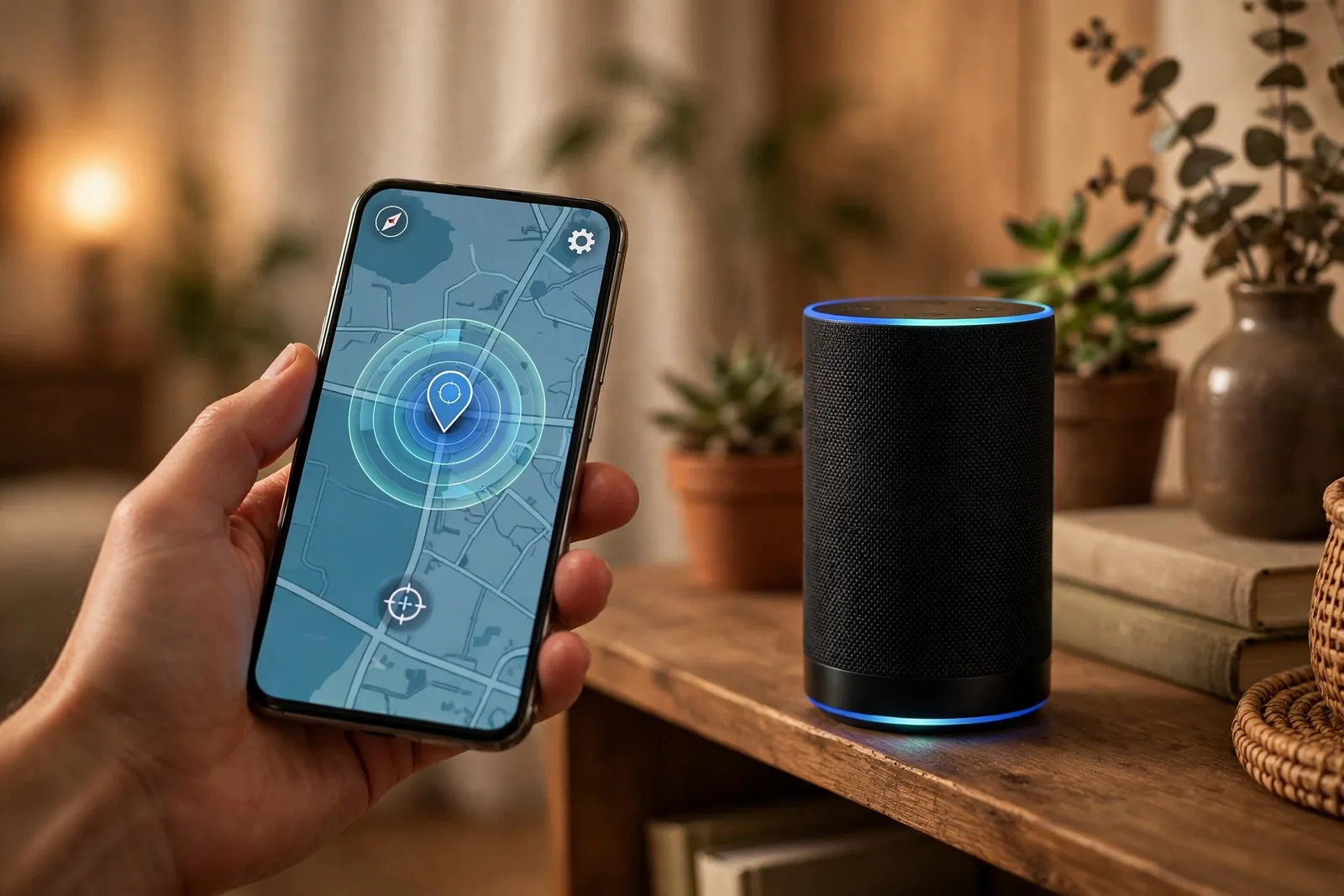
Next, check the time zone. If “Set Automatically” is off and the zone is wrong, every scheduled routine shifts. Daylight saving changes can also confuse routines for a day or two after the clocks change. An Amazon staff answer on sunset routines confirms the offset slider and location checks as the first things to verify.
Finally, make sure the routine is enabled. A grayed-out toggle at the bottom of the routine screen means it will never fire. Also confirm the smart home skill for your bulbs is still linked. After a password change or app update, skills sometimes unlink silently, and the routine fails without any warning.
Alexa or Home Assistant for Sunset Lighting?
Alexa wins on simplicity. You need no hub, no YAML, and no extra hardware. A routine takes five minutes and works with almost any Wi-Fi bulb. For most people, that is the right answer.
Home Assistant wins on power. It runs locally, so it works even when the internet drops. It can also add conditions Alexa cannot, such as only firing when ambient light drops below a set lux level, or using sun elevation instead of the sunset moment. If that sounds appealing, our guide to automating outdoor lights with Home Assistant walks through the stronger version of this same idea.
Pick the Right Outdoor Lights for the Job
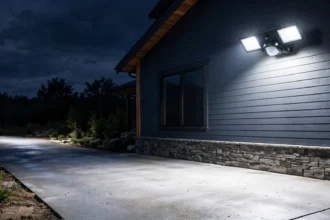
For hardwired porch and floodlight fixtures, a smart switch or smart relay works better than individual bulbs. Pick one rated for outdoor use, and keep the load within its rating. A 100-watt LED floodlight draws far less than an old halogen, so most smart switches handle it easily.
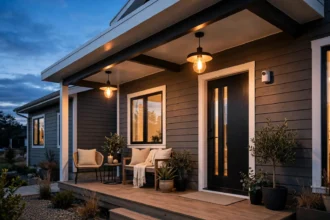
Sunset routines shine brightest outdoors. Porch lights, path lights, and deck lights that switch on by themselves make the house look lived in and feel safer. For paths and gardens, solar lights with no wiring are the easiest win. They charge all day and are ready when the routine fires, and our roundup of the best smart outdoor pathway lights with no wiring needed lists options that pair well with Alexa.
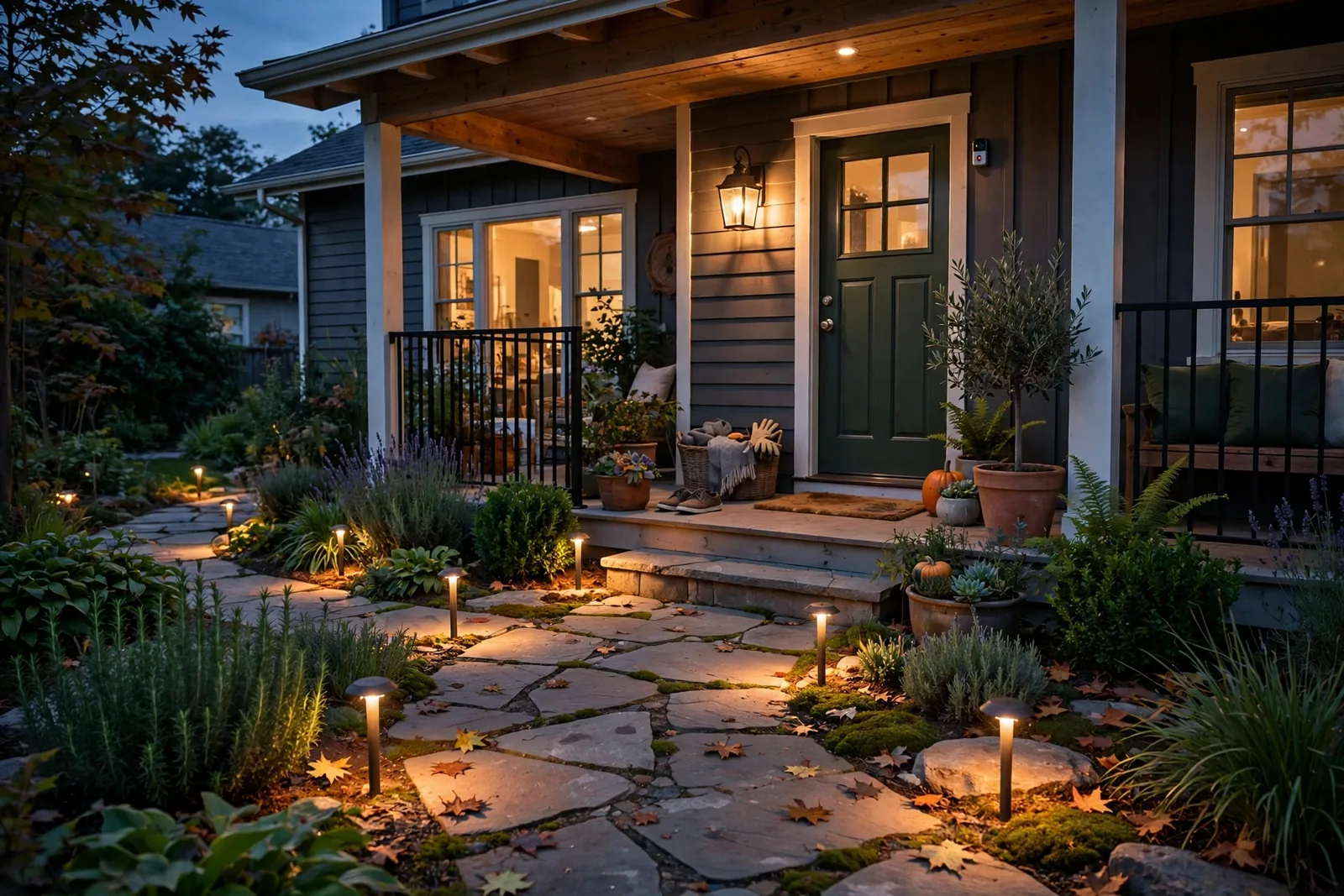
Table: Three ways to automate sunset lighting
| Method | Setup difficulty | Needs hub | Works offline |
|---|---|---|---|
| Alexa sunset routine | Easy, 5 minutes | No | No |
| Fixed-time schedule | Easy | No | No |
| Home Assistant automation | Medium | Yes | Yes |
FAQs
Do I need an Echo device for a sunset routine to work?
Yes, you need at least one Echo device registered to your Amazon account, because Alexa calculates the sunset time from the address stored on that device. The routine itself runs in the cloud, so any Echo model works, including the cheapest Dot. Without an Echo, the Alexa app will not offer sunset as a trigger option.
Why did my sunset routine fire at the wrong time?
The reason is an incorrect device address in the Alexa app, since sunset is computed from the Echo’s stored location rather than your phone. Open Devices, select your Echo, and confirm the street address under Device Location. Also verify the time zone is set automatically. After fixing either setting, give the routine one evening to settle before judging it.
Can one routine control lights in several rooms?
Yes. When you add the Smart Home action, you can select multiple devices or entire room groups in a single routine. Alexa fires the actions in order, so you can add small delays between rooms to avoid a whole-house flash. Keep the device list tidy with clear names, because a routine with twenty unnamed bulbs becomes painful to edit later.
Will the routine still run if my phone is off?
Yes. Alexa routines run in Amazon’s cloud, not on your phone, so the phone can be off, dead, or miles away. What matters is that your Echo stays powered and online and your smart bulbs stay connected to Wi-Fi. If your internet drops, the routine can’t fire, which is the main weakness compared with a local system.
How do I pause the routine while I am on vacation?
Open the routine and toggle it off at the bottom of the screen. It will stay dormant until you toggle it back on. Some people instead leave the porch routine running while away, since lights turning on at sunset make the house look occupied. Either way, the toggle is instant and does not delete your settings.
Do my smart bulbs need a hub for Alexa sunset routines?
No, not if the bulbs connect over Wi-Fi and already appear in the Alexa app. Brands like TP-Link Kasa, Wyze, and Govee pair directly with no hub. Bulbs that use Zigbee, such as Philips Hue without a Bluetooth model, need their bridge online. Check the bulb’s box for “Works with Alexa” before buying.
Enjoy Your First Automatic Evening
Set the routine tonight and watch what happens at sunset. The porch glows, the hallway warms up, and you did not touch a single switch. Give it a week, adjust the offset once, and build the matching off routine. After that, your evenings simply run themselves, and you will wonder why you ever did this by hand.