

Philips Hue wins for the most reliable whole-home system, and WiZ wins on price. Both brands come from Signify, but they are not the same system. Philips Hue vs WiZ is one trade: a Zigbee hub system that costs more and rarely misses, or cheap Wi-Fi bulbs that cost about a sixth as much with no hub at all.
- Philips Hue vs WiZ at a Glance
- How They Connect: Zigbee Hub vs Wi-Fi
- Price: What 10 Bulbs Really Cost
- Brightness and Colour Quality
- Apps, Voice Control and Smart Home Support
- Can WiZ Bulbs Work With Philips Hue?
- TV Sync: Hue Sync Box vs WiZ Sync Box
- Which One Should You Buy?
- Common Mistakes to Avoid
- FAQs
- Do WiZ bulbs work with Philips Hue?
- Is WiZ made by Philips?
- Do I need a hub for WiZ?
- Which is brighter, Hue or WiZ?
- Does WiZ work with Alexa and Google Home?
- Can I mix Hue and WiZ in one house?
- Is Philips Hue worth the extra money?
- Conclusion
Here is the part most buyers still miss. The two systems do not work together. A WiZ bulb will not join a Hue Bridge, and a Hue bulb will also not join the WiZ app. Matter can link both to the same voice assistant, but it does not merge the two systems into one. So this guide compares them side by side on connection, price, brightness, colour, apps, and TV sync, then helps you pick one.
Philips Hue vs WiZ at a Glance
Table: Philips Hue vs WiZ key specs side by side.
| Feature | Philips Hue | WiZ |
|---|---|---|
| Connection | Zigbee through Hue Bridge, plus Bluetooth | Wi-Fi 2.4 GHz, no hub |
| Colour bulb price | About $50 per bulb (US A19) | About $8 per bulb (US A19) |
| Brightness | 800 lumens (A19), up to 1,100 lumens (A60) | 800 lumens (A19), 806 lumens (A60) |
| Colour range | 16 million colours, 2,000K to 6,500K | 16 million colours, 2,700K to 6,500K |
| Colour rendering | CRI around 90 | CRI around 80 |
| Apple HomeKit | Yes, native support | Through Matter on Matter models |
| Outdoor range | Yes, full outdoor line | No outdoor products |
| TV sync box | Hue Play Sync Box, about $250 | WiZ Sync Box, about half the price |
So read the table once and the split is clear. Hue is also the premium system with a hub, a bigger range, and stronger colour quality. WiZ is the budget system with no hub, a smaller range, and a price that makes whole rooms cheap to fill. Both give you 16 million colours and voice control, so the choice is about how far you plan to go.
How They Connect: Zigbee Hub vs Wi-Fi
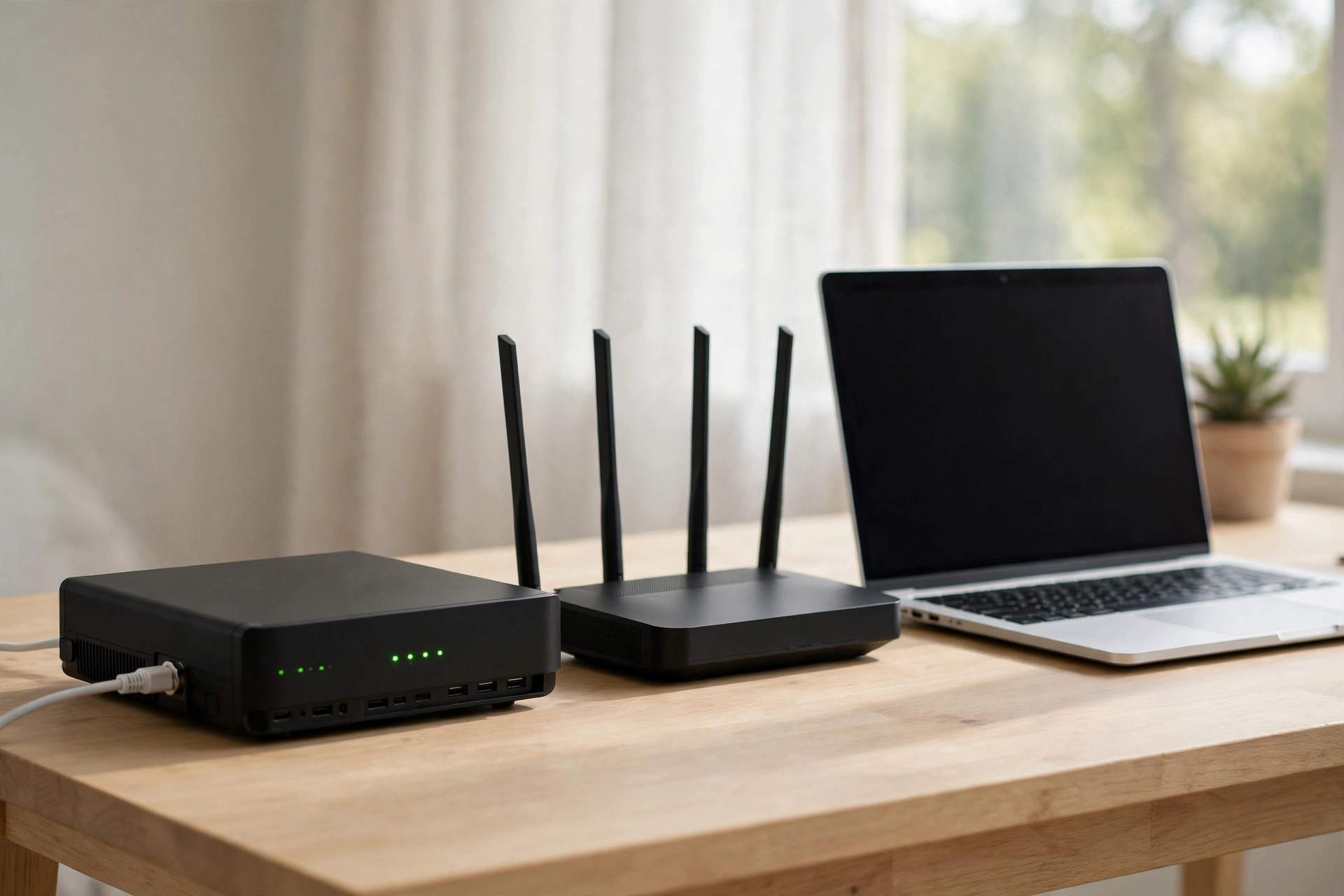
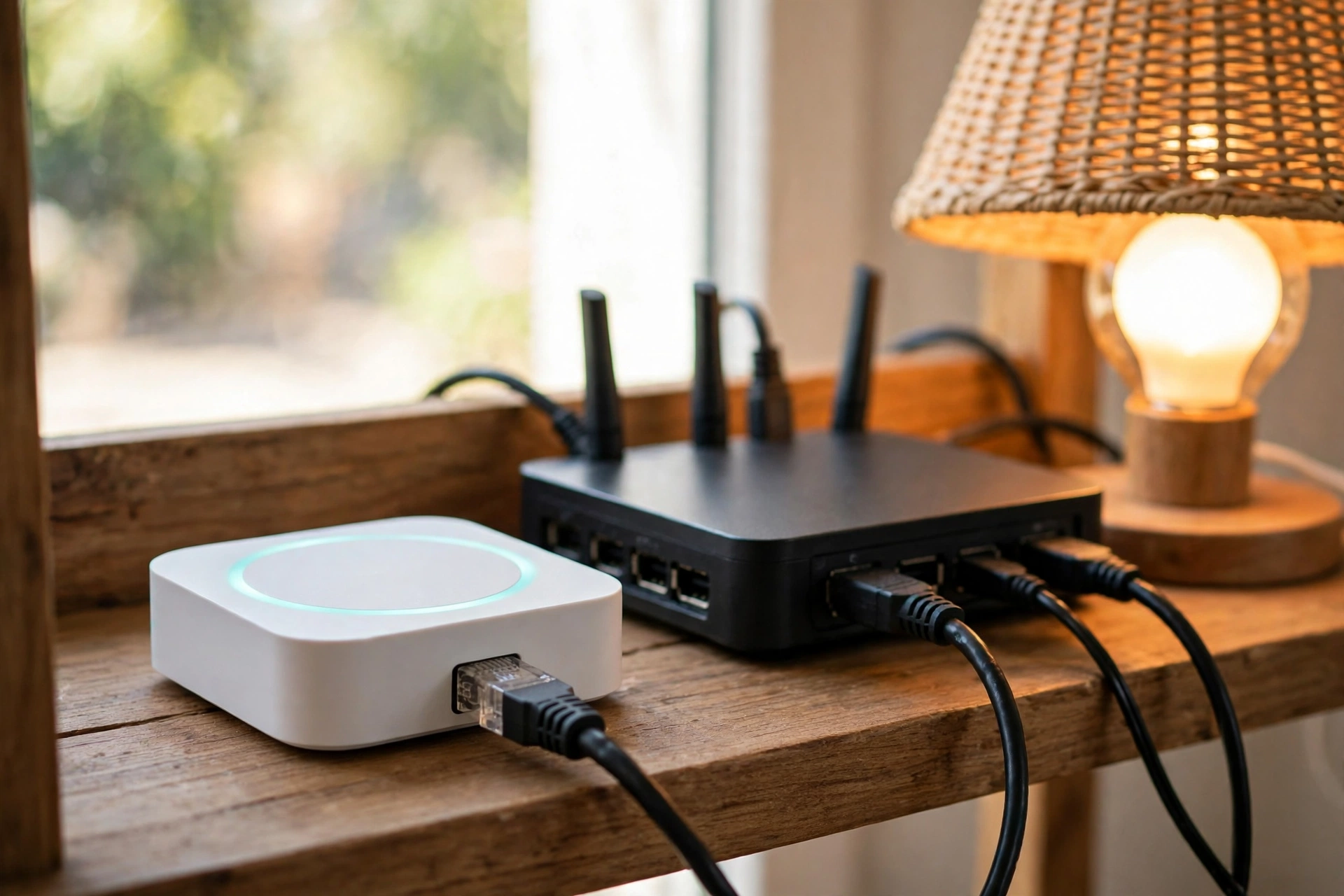
Hue bulbs talk to a Hue Bridge over Zigbee, a low-power mesh protocol that runs apart from your Wi-Fi. The Bridge plugs into your router with an Ethernet cable, and each bulb repeats the signal for the next one. That mesh is the main reason Hue feels so solid. Add more bulbs and then the network gets stronger, not weaker. The Bridge also keeps your bulbs off your Wi-Fi, so a house full of lights will not crowd your router. The standard Bridge costs around $60, and the newer Bridge Pro also supports up to 150 lights and works as a Matter and Thread border router.
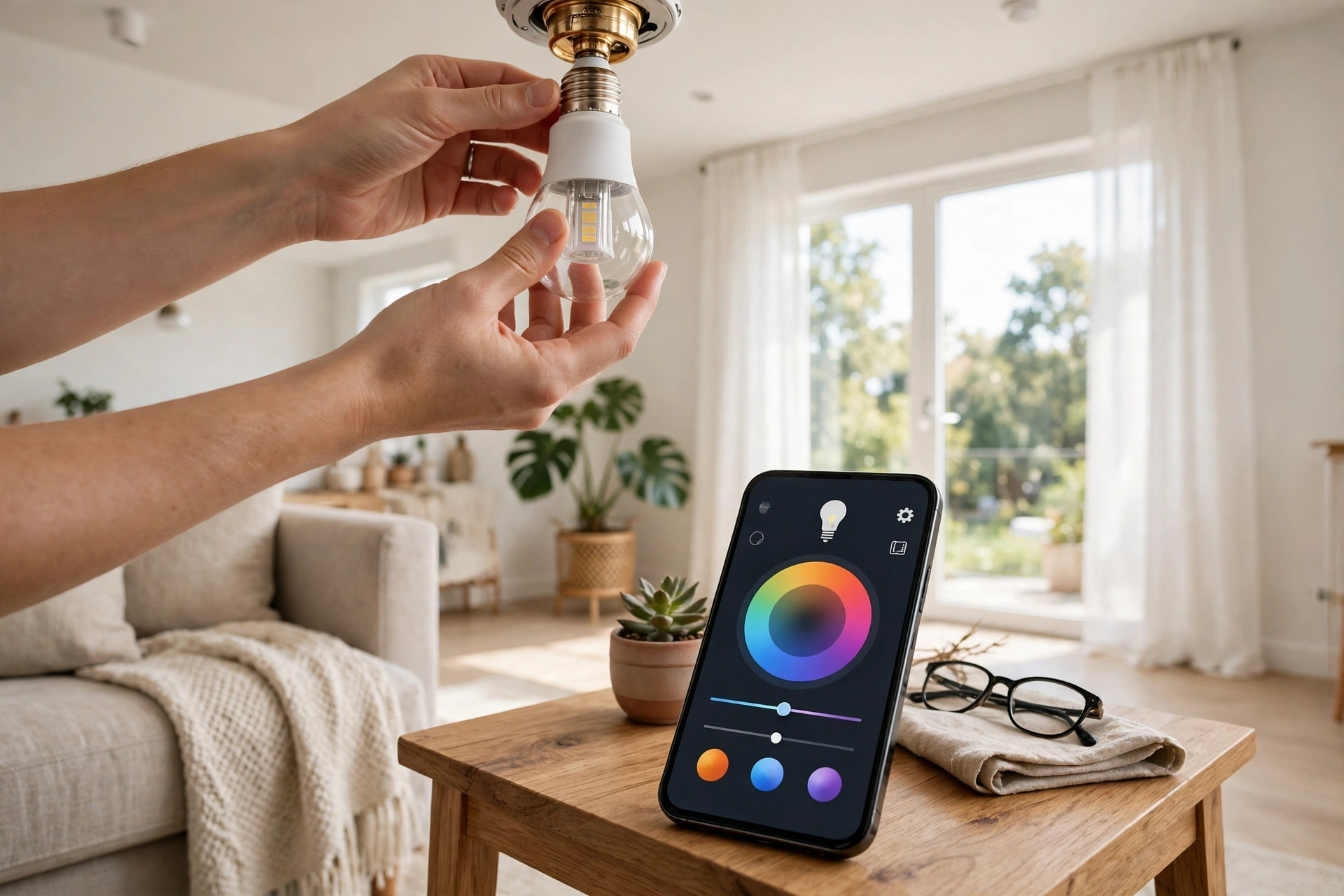
WiZ bulbs skip the hub and then join your home Wi-Fi straight away. You screw the bulb in, open the WiZ app, and join it to your 2.4 GHz network. Setup takes under two minutes, and there is also no extra box to buy or plug in. That is still the whole appeal. But each bulb takes an IP address and talks over Wi-Fi, so a home with dozens of bulbs can strain a basic router. Most owners never hit that limit in a flat or a small house, yet it is a real ceiling if you plan to fill every room.
One more thing catches new buyers out. WiZ only uses the 2.4 GHz band, so it will not join a 5 GHz-only network. If your router merges both bands under one name, setup is often fine. If it splits them, join the 2.4 GHz network first. Hue has its own quirk too. The Bridge needs a free Ethernet port on your router, so check the back of your router before you buy. If you want to understand the protocols behind both systems, read our guide on Thread vs Zigbee.
Price: What 10 Bulbs Really Cost
Table: Cost of 10 colour bulbs, Hue vs WiZ, in US dollars.
| Item | Philips Hue | WiZ |
|---|---|---|
| 10 colour bulbs | About $500 (10 x $50) | About $80 (10 x $8) |
| Hub or Bridge | About $60 (Hue Bridge) | $0 (no hub) |
| Total to start | About $560 | About $80 |
| Extra bulb later | About $50 | About $8 |
The gap is huge, and it grows with every room. Ten bulbs cost about $560 with Hue and about $80 with WiZ, and that is before any sale or multi-pack discount. Prices change often, so treat these as rough figures checked on 8 November 2026, and check the current price on the maker’s page before you buy. You can check the current Bridge price on the Philips Hue site.
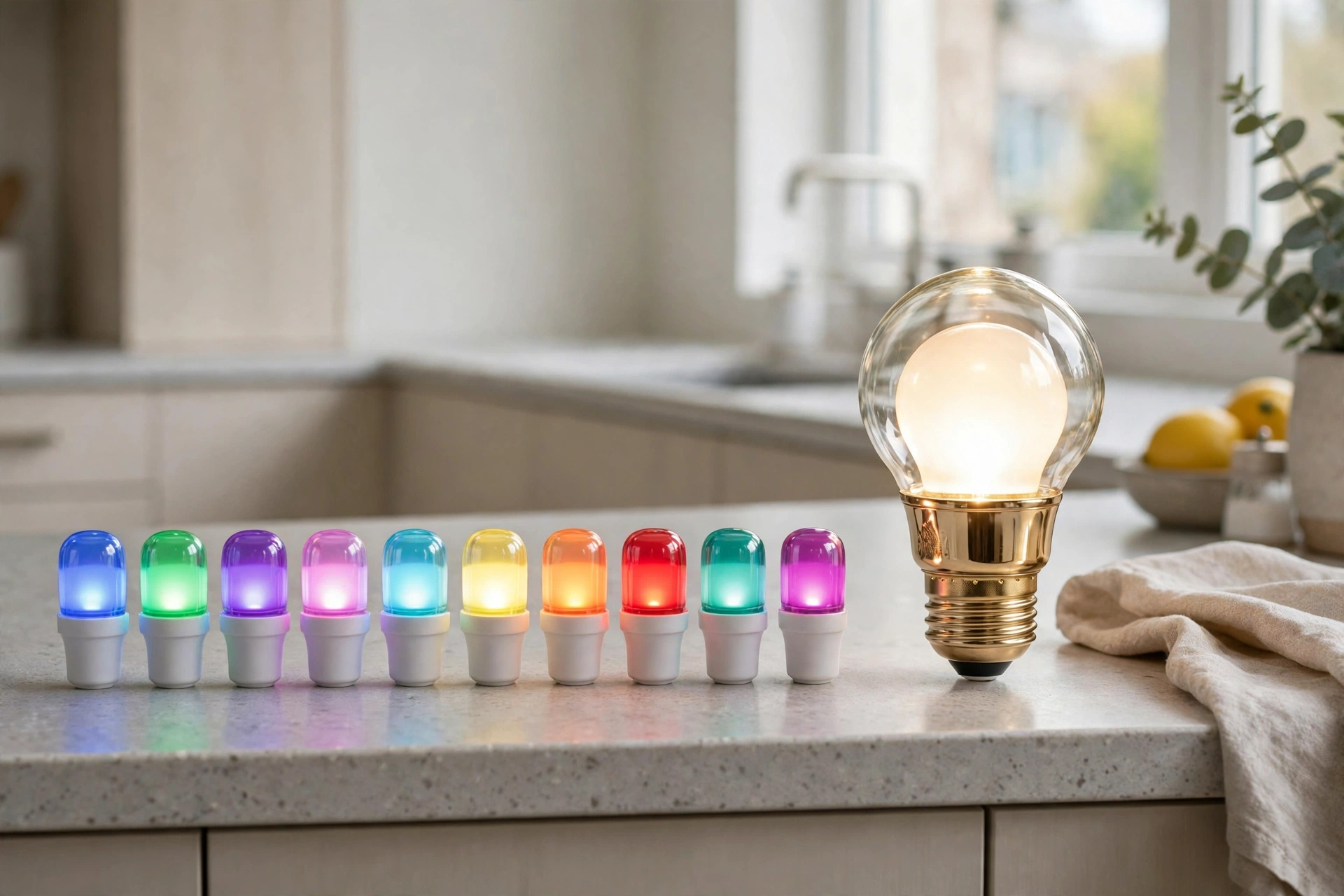
So why would anyone pay seven times more? The answer is what the price buys. Hue bulbs are brighter at the top end, show colours more truly, and run on a mesh that stays fast when the house fills up. WiZ gives you most of the fun for a sixth of the money, and for a bedroom or a rented flat, that is often enough. The mistake is to compare one bulb. Compare the whole home, because the gap between $80 and $560 is the real decision.
Brightness and Colour Quality
On paper, the two look close. A standard colour A19 from either brand is rated at 800 lumens, which matches an old 60-watt bulb. The gap opens at the top. Hue’s colour A60 reaches 1,100 lumens, while the WiZ colour A60 stops at 806 lumens. Hue also sells brighter models that reach 1,600 lumens, so a big living room stays bright with fewer bulbs. WiZ has no match for that top end.
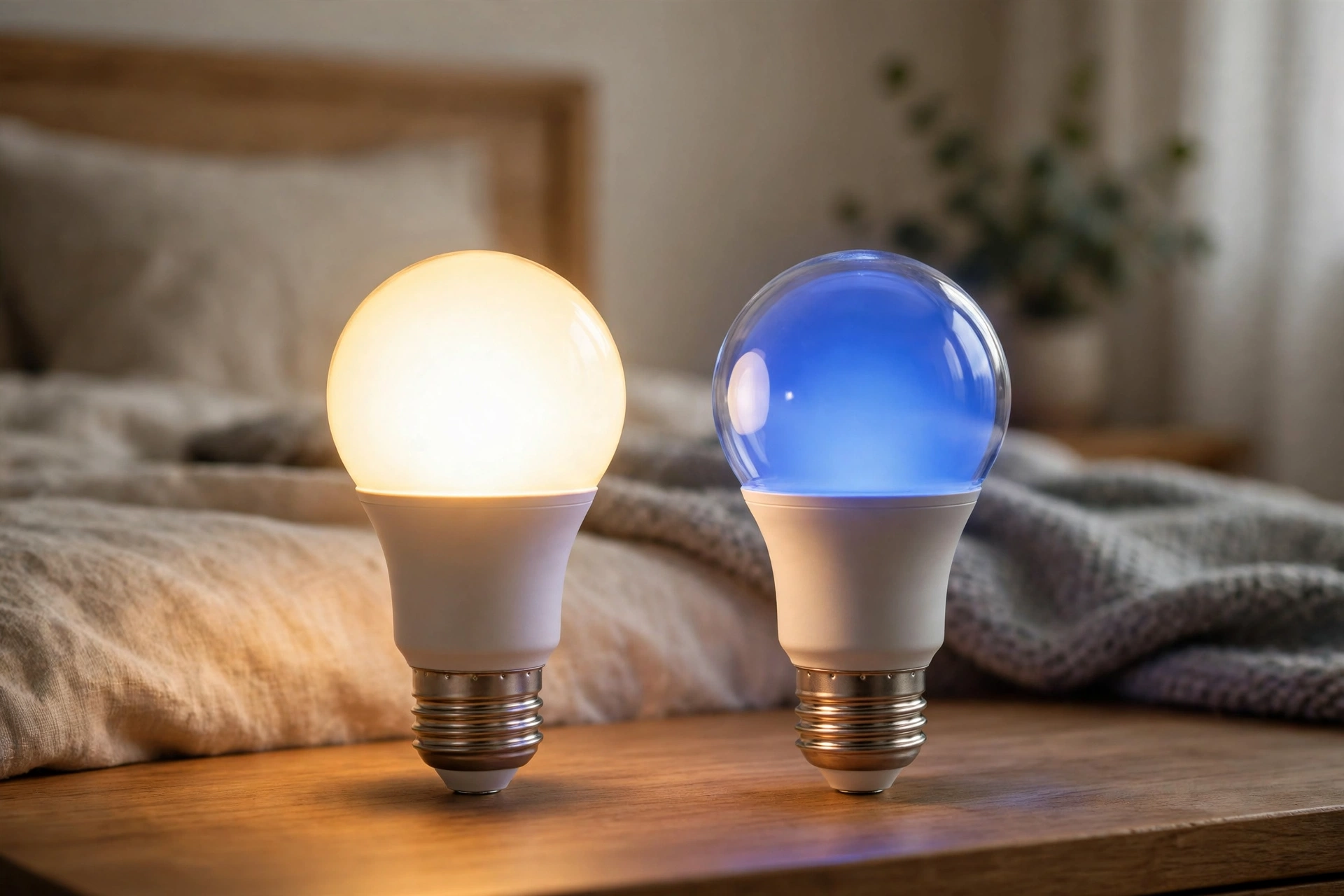
Colour quality is where Hue earns its price. Hue bulbs rate around CRI 90, which means colours look true and skin tones look natural. WiZ bulbs rate around CRI 80, which is fine for most rooms but can look a touch flat next to Hue. Both cover 16 million colours and tunable white, yet Hue starts warmer at 2,000K while WiZ starts at 2,700K. That warm end matters at night, because a 2,000K glow feels like candlelight and a 2,700K glow still feels like a lamp. If sleep-friendly light matters to you, compare tunable white and dimmable bulbs first.
Apps, Voice Control and Smart Home Support
Both apps do the basics well: on and off, dimming, colour, schedules, and scenes. The Hue app goes further, with richer scenes, routines, and support for accessories like dimmer switches and motion sensors. It also powers Hue’s entertainment zones for TV sync. The WiZ app is simpler, and most owners call it good enough. It covers scenes, schedules, and a feature called SpaceSense, which turns lights on when it senses motion through Wi-Fi. Power users may miss the depth, but casual users rarely do.
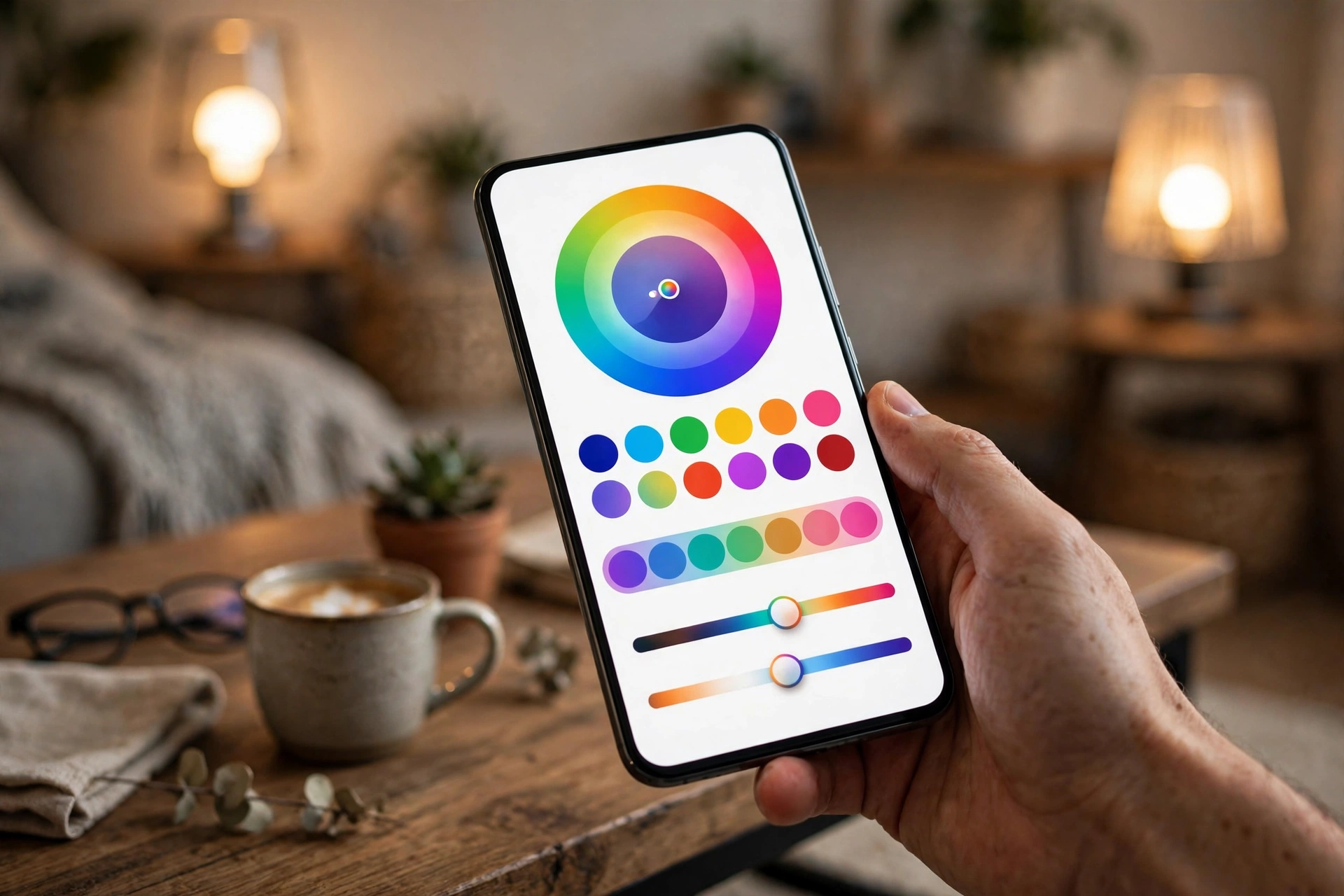
Voice control is a tie. Both work with Alexa and Google Assistant out of the box, so you can say “turn the kitchen blue” either way. Apple users should look closer. Hue works with Apple HomeKit natively, while WiZ reaches Apple Home only through Matter, and only on Matter-enabled models. So check the box before you buy if you live in the Apple world. WiZ lists Matter support per model on its own site.
Home Assistant fans get the most choice. Hue has a deep official integration through the Bridge, with fast local control and full access to scenes. WiZ works through its own integration and through Matter, and both routes are local once set up. If your automations turn lights on with motion or tie them to circadian rhythm, read our circadian lighting setup in Home Assistant before you buy.
Can WiZ Bulbs Work With Philips Hue?
No, and this is the most common misunderstanding in this comparison. WiZ bulbs will not pair with a Hue Bridge, and they will not show up in the Hue app. Hue bulbs will not join the WiZ app either. Both brands come from Signify, yet they run on different radios, different apps, and different clouds. A retailer listing that claims a WiZ bulb is “Philips Hue Bridge compatible” is wrong, and buyers who trust it end up returning the bulb.
So what does Matter change? Matter lets both brands answer to the same voice assistant or hub, like Google Home or Apple Home. That is useful, but it does not merge the systems. Hue scenes, Hue accessories, and Hue automations stay inside Hue, and WiZ features stay inside the WiZ app. Think of Matter as a shared remote, not a shared home. If you already own one system, adding the other means running two apps side by side.
TV Sync: Hue Sync Box vs WiZ Sync Box
Both brands sell a box that reads your TV picture and paints matching light on the wall behind it. The Hue Play Sync Box costs about $250, has four HDMI inputs, and supports 8K video with HDMI 2.1, plus 4K at 120Hz for console gaming. The light strips cost extra, and the full setup can pass $400. The WiZ Sync Box costs about half as much, has one HDMI input, and tops out at 4K 60Hz with HDR10 Plus and Dolby Vision. For films, the two look close. For fast gaming, Hue pulls ahead.
There is one more gap. Hue sells a wide outdoor range, from path lights to spotlights, and it has light strips, lamps, and wall washers in many shapes. WiZ has no outdoor products at all, so a garden plan needs Hue or another brand. If you want to light the outside of your home with Hue, look at Hue Lily alternatives before you spend.
Which One Should You Buy?
Buy WiZ if you light one or two rooms, rent your home, or want colour on a tight budget. A bedroom with two WiZ bulbs costs less than a takeaway, and you can move them when you move out. Buy Hue if you plan to light the whole home, want the most reliable automations, or already own a Bridge. The upfront cost stings, yet the system grows without the Wi-Fi strain and the colour quality stays a step ahead.
Still torn? Count your bulbs first. One to five bulbs points to WiZ, because the hub cost makes Hue hard to justify. Ten or more bulbs points to Hue, because the mesh and the app depth start to pay off. And if sleep matters most, start with the bedroom. Our pick of the best circadian rhythm bulbs for the bedroom will help you choose the right white tones for the night.
One last test helps. Buy a single bulb from your chosen brand and live with it for a week. Check the app, test the voice control, and watch how it behaves at 2 a.m. when the Wi-Fi is busy. A single bulb costs little, and it tells you more than any review can.
Common Mistakes to Avoid
A few small mistakes cause most of the complaints in this comparison. Skip them and either system feels far better.
- Do not mix Hue and WiZ and expect one app to rule them both.
- Do not buy WiZ for the garden, because it has no outdoor products.
- Do not put the Hue Bridge where no Ethernet port is near.
- Do not leave the wall switch off, because a smart bulb with no power is just a bulb.
- Do not judge brightness by watts. Check lumens and CRI on the box instead.
FAQs
Do WiZ bulbs work with Philips Hue?
No. WiZ bulbs use Wi-Fi and the WiZ app, while Hue bulbs use Zigbee and the Hue Bridge, so they cannot pair with each other. A WiZ bulb will not show up in the Hue app. Matter can link both to the same voice assistant, but it does not merge the systems or share scenes between them.
Is WiZ made by Philips?
Both brands are owned by Signify, the company behind Philips lighting. WiZ is Signify’s budget Wi-Fi line, launched in 2020, while Hue is its premium Zigbee line. They share a parent company but run as separate systems with different apps, radios, and product ranges, so buying one does not give you the other.
Do I need a hub for WiZ?
No. WiZ bulbs connect straight to your 2.4 GHz Wi-Fi, so there is no hub or Bridge to buy. You screw the bulb in, open the WiZ app, and join it to your network in under two minutes. That keeps the starting cost low, though a home with dozens of Wi-Fi bulbs can strain a basic router.
Which is brighter, Hue or WiZ?
It depends on the model. A colour A19 from either brand is rated at 800 lumens, so one room looks the same. Hue pulls ahead at the top, with a colour A60 at 1,100 lumens and brighter models up to 1,600 lumens, while WiZ tops out at 806 lumens. Hue also rates around CRI 90 against WiZ at CRI 80.
Does WiZ work with Alexa and Google Home?
Yes. WiZ works with Alexa and Google Assistant out of the box, just like Hue, so voice control is a tie. Apple users should check more closely. Hue works with Apple HomeKit natively, while WiZ reaches Apple Home only through Matter on Matter-enabled models. Check the box for Matter support before you buy if you use Apple Home.
Can I mix Hue and WiZ in one house?
Yes, you can run both side by side, and many homes do. The catch is that you will run two apps, two sets of scenes, and two automations that never talk to each other. Matter lets one voice assistant control both, but it does not share scenes or accessories. If you like one app for everything, pick one system.
Is Philips Hue worth the extra money?
Yes, if you light the home and want the most reliable system. The Zigbee mesh stays fast as you add bulbs, the app is deeper, and the colour quality is a step up. No, if you only need one or two rooms, because WiZ gives you most of the fun for a sixth of the price. Count your bulbs first.
Conclusion
Hue is the better system and WiZ is the better bargain, and both claims can be true at once. Pick WiZ for a room or two on a budget, and pick Hue when the whole home matters. Either way, choose one system and grow it, because the only real mistake here is buying both and running two apps forever. Count your bulbs, check the price of a starter kit, and order one bulb first if you are still unsure.