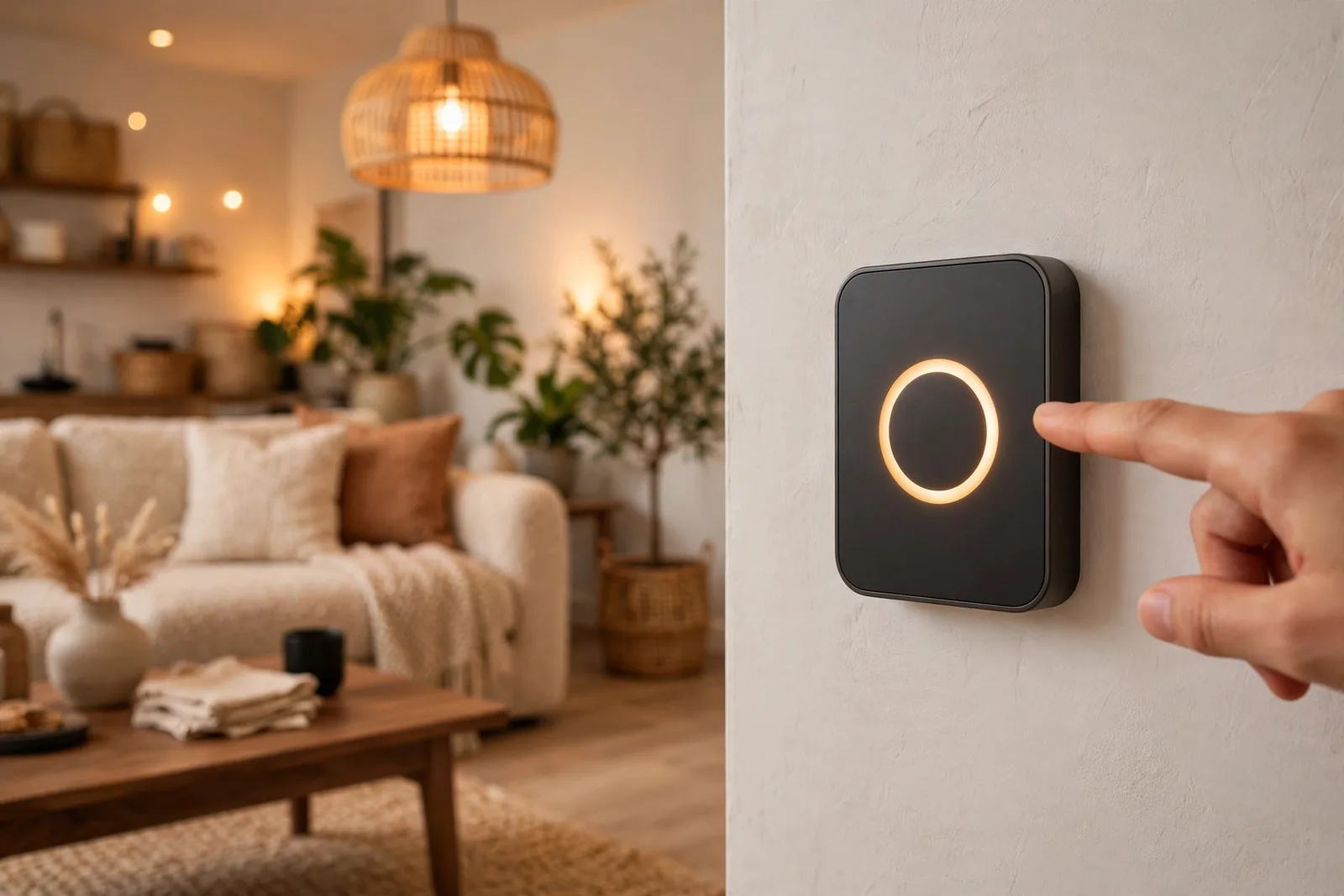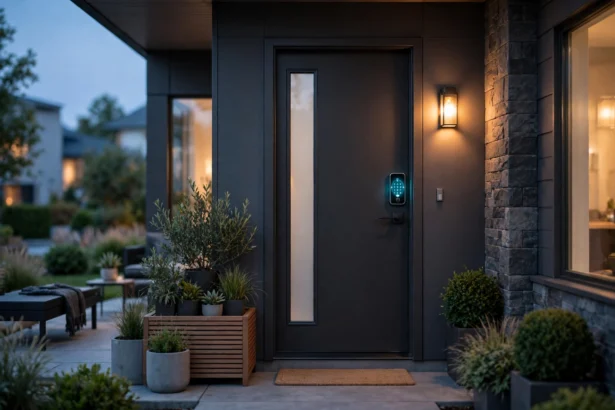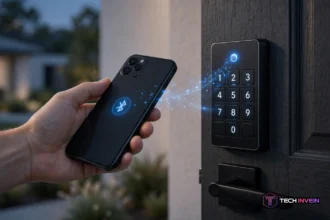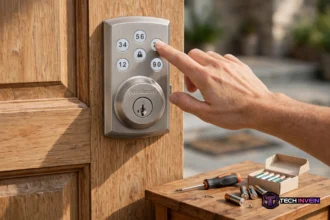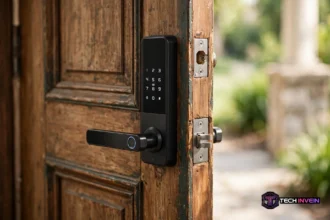


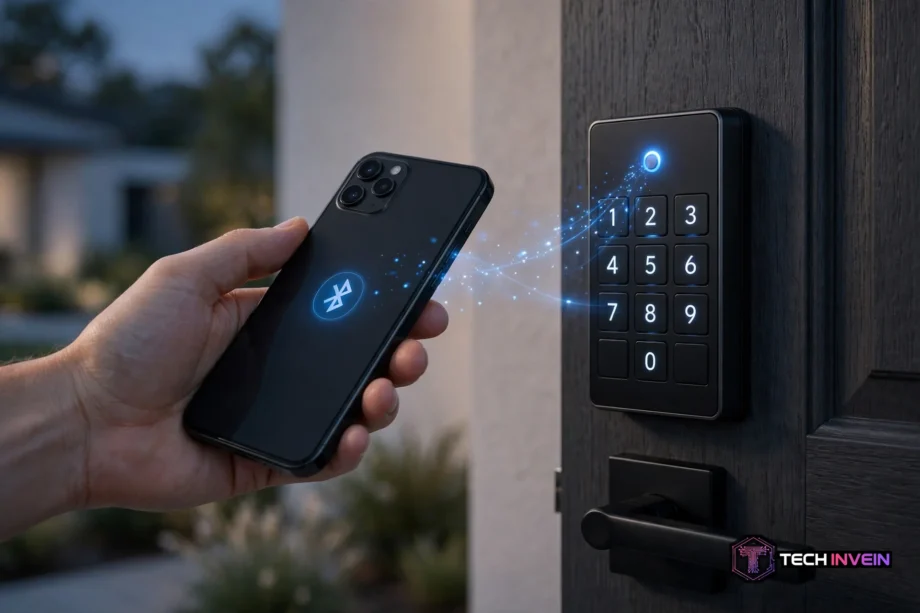
A bluetooth smart lock opens your door with your phone instead of a key. It talks to your phone over Bluetooth, so you can lock and unlock the door when you stand close to it. It does not need Wi-Fi to work at the door, and that simple fact shapes its strengths and its limits.
- What Is a Bluetooth Lock?
- How a Bluetooth Smart Lock Works
- Bluetooth Smart Lock Range: What to Expect
- Bluetooth vs Wi-Fi Smart Locks
- Pros and Cons
- Is a Bluetooth Lock Safe?
- Battery Life and Power
- How to Set Up a Bluetooth Lock
- Common Mistakes to Avoid
- Who Should Choose One?
- FAQs
- Can it work without Wi-Fi?
- How far away can I unlock it?
- Can someone hack it?
- What happens if my phone battery dies?
- Does it drain my phone battery?
- Should I choose Bluetooth or Wi-Fi for a smart lock?
- Conclusion
What Is a Bluetooth Lock?
A bluetooth smart lock is a motorised deadbolt. Your phone controls it over a short-range Bluetooth link. You pair the lock with an app once. Then the app sends a lock or unlock command when you are near the door. The bolt itself works like a normal deadbolt, so the physical part of the lock stays familiar.
Most models still give you a backup way in. That backup may be a keypad code, a fingerprint, or a physical key. Check which one your model offers before you buy it. A lock with no backup leaves you stuck when your phone dies, so a second way in is worth having.
You can also share access without cutting a new key. You send a guest an app invite or a temporary code, and you can take that access back later from the app. This helps with cleaners, dog walkers, and family visits, because you never hand over a physical key that can be copied.
How a Bluetooth Smart Lock Works
Inside the lock sits a small motor, a Bluetooth radio, and a set of batteries. When the app sends an approved command, the motor turns the bolt. When the command is not approved, nothing moves. The whole job takes a second or two, and you will hear the motor hum as the bolt slides.
First, you install the lock on your door and fit the batteries. Next, you download the maker app and create an account. Then you switch on Bluetooth on your phone and follow the pairing steps in the app. The app looks for the lock, and you confirm the match when it appears on screen.
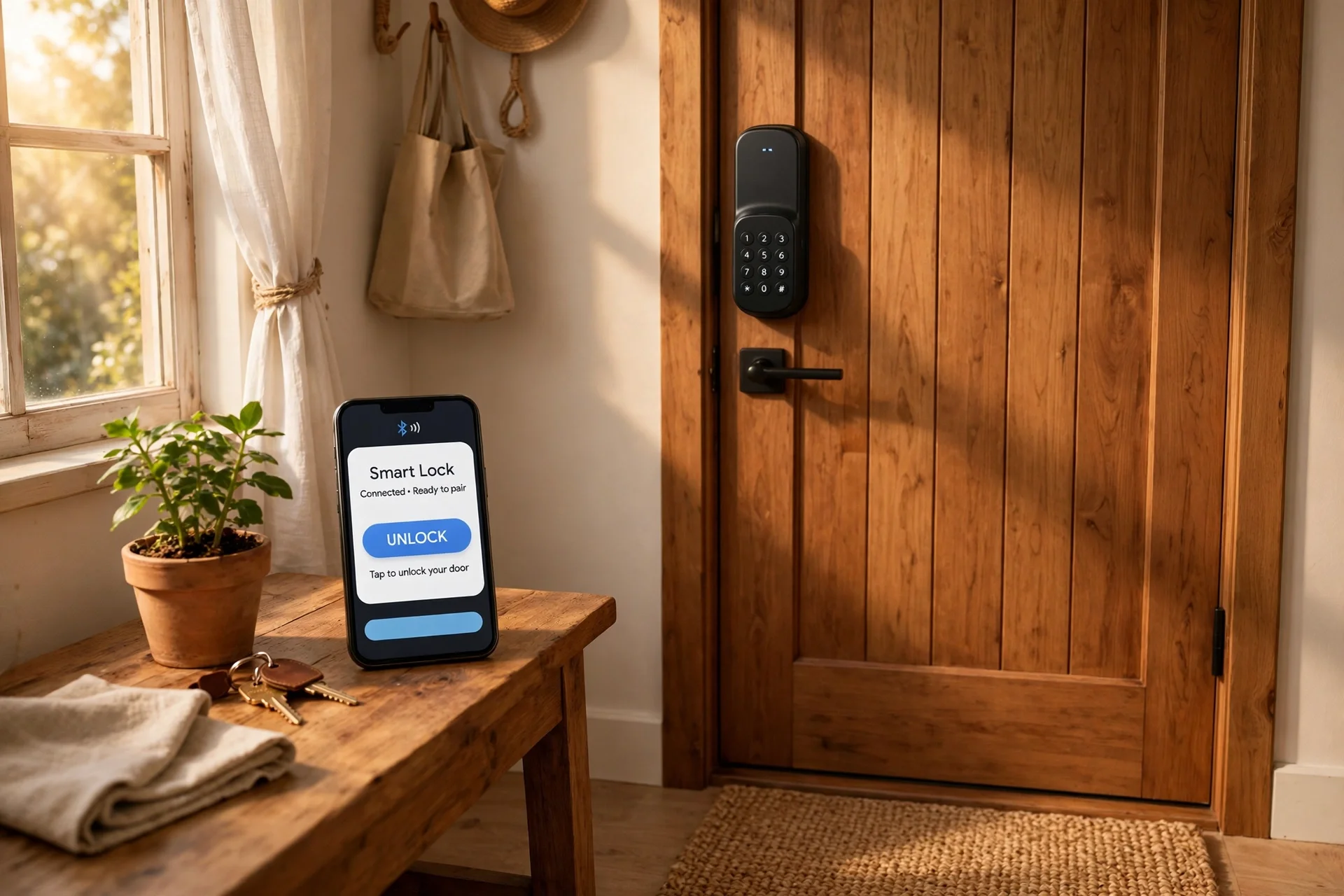
Pairing works best when your phone sits within a few feet of the lock. Yale setup guidance says to keep your phone within 10 feet of the lock during pairing. A weak signal can cause the setup to fail.
Once paired, the lock checks each command before it acts. It uses an encrypted link, so the phone and the lock prove who they are to each other first. This check stops a random phone nearby from sending an unlock command to your door. Only a paired phone with the right credentials can open it.
Auto-unlock is one feature many owners love. The app watches your location. When you leave home and then return, it looks for your phone over Bluetooth as you reach the door. It then unlocks the door on its own, so your hands stay free for shopping bags.
Bluetooth Smart Lock Range: What to Expect
How far does a bluetooth smart lock reach? Most models work within about 20 to 40 feet in open air. Some makers quote around 30 feet as a typical range. That number sounds generous, yet walls, doors, and metal can cut it down fast. A lock that works from the driveway may still fail from the back bedroom.
Your phone matters too. An older phone with a weak Bluetooth radio will drop the link sooner than a newer one. A phone in a thick case or buried in a bag may also struggle. The signal has to pass through more material. So test the lock with the phone you actually carry, not with a spare phone on a desk.
Here is a simple range check you can run on day one. Stand at the door and unlock the lock from the app. Then walk back a few steps at a time and try again at each stop. Note the spot where it stops responding. Then test again from inside the house with the door closed.
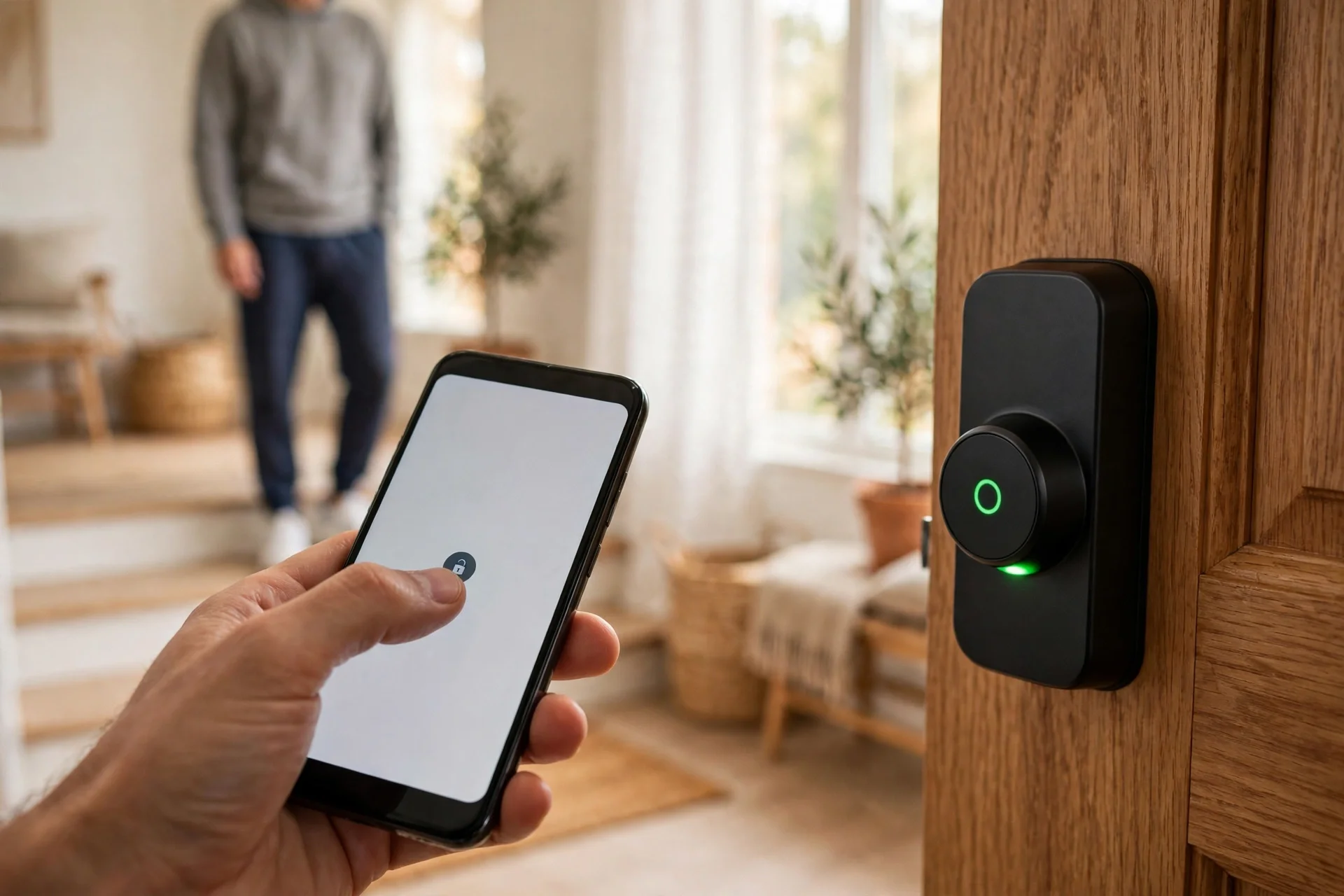
Range also decides where a bridge can sit. A Wi-Fi bridge must stay within Bluetooth range of the lock. So it needs a power socket near the door. August guidance says to plug its Connect bridge within 15 feet of the lock. That gives the best result.
Bluetooth vs Wi-Fi Smart Locks
The core difference is simple. A Bluetooth lock talks straight to your phone. A Wi-Fi lock talks to your router and then to the internet. That one change affects range, battery life, and remote access. Compare the two side by side before you choose.
Table: Bluetooth vs Wi-Fi smart locks at a glance
| Feature | Bluetooth smart lock | Wi-Fi smart lock |
|---|---|---|
| Range | About 20 to 40 feet from the lock | Anywhere with internet access |
| Remote control | No, unless you add a bridge | Yes, from the app |
| Battery life | Longer, because the radio sleeps | Shorter, because Wi-Fi draws more power |
| Internet needed | No, at the door | Yes, for remote use |
| Smart home links | Limited without a hub | Broader voice and app support |
Bluetooth wins on battery life and simplicity. The radio stays in a low-power state. It wakes only when your phone comes near, so the batteries last longer.
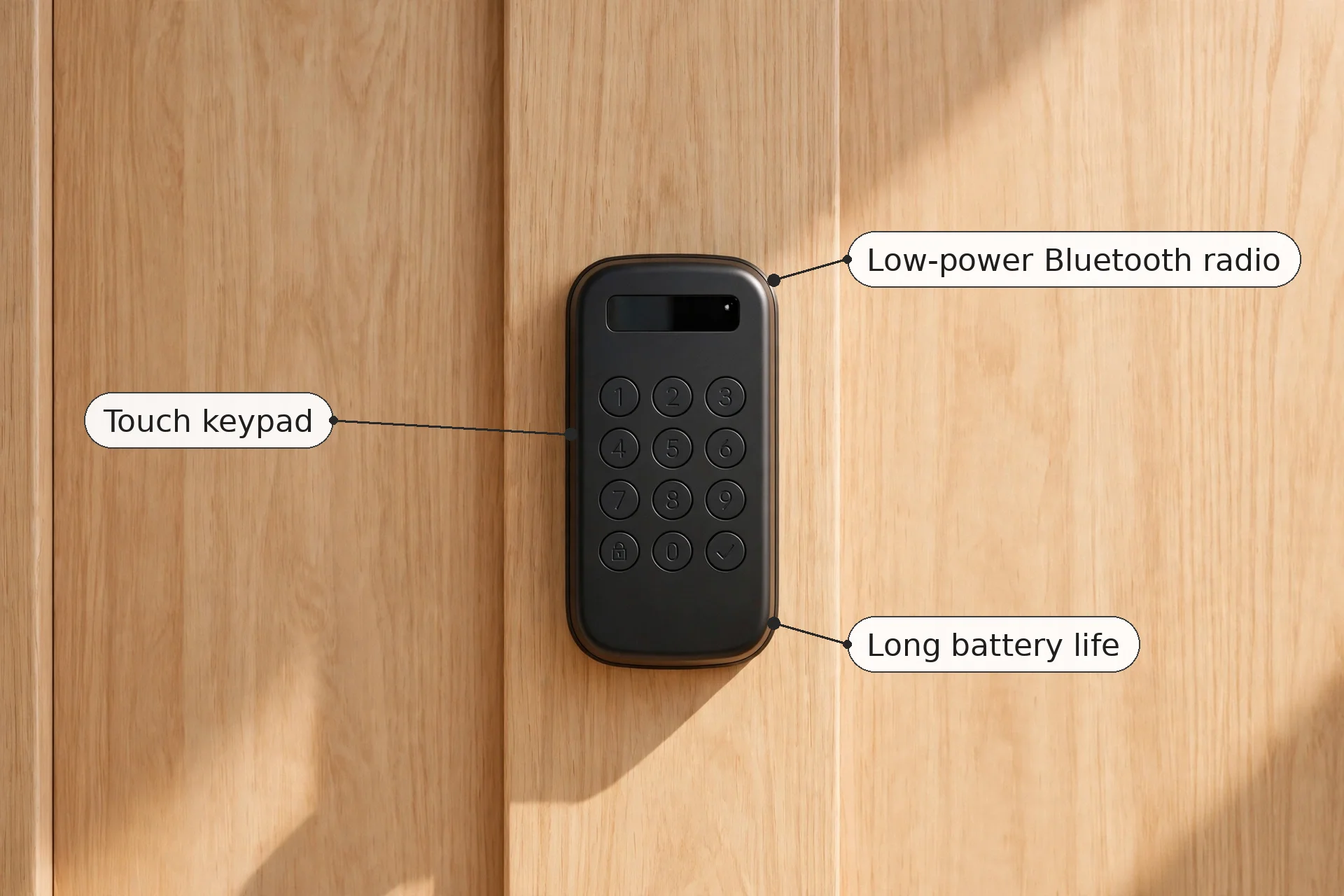
Many locks now offer both radios in one body. They use Bluetooth at the door for fast, low-power unlocking. They use Wi-Fi or a bridge for remote control. This hybrid setup suits most homes. Yet it costs more, and it still needs a stable Wi-Fi signal near the door.
Pros and Cons
Bluetooth locks suit people who want keyless entry without extra network gear. They are quick to set up, they keep working when the internet drops, and they sip battery power. You also get a smaller attack surface, because the lock is not sitting on the open internet all day.
The main drawback is the lack of remote access. You cannot let a guest in from the office with a Bluetooth-only lock, because your phone must be near the door.
Is a Bluetooth Lock Safe?
Yes, a bluetooth smart lock from a known maker is safe when you set it up well. The Bluetooth link is encrypted, and the lock checks each command against its list of paired phones and codes. An attacker would need to be close to your door and beat that encryption. That is a much harder job than picking a weak code.
Your codes are the weak point in most cases. A code like 1234 or your birth year is easy to guess. Pick a code that has no link to your life. Change guest codes after a visit ends, and delete old app users when they no longer need access.
Battery Life and Power
Bluetooth Low Energy is the reason these locks last so long on a set of batteries. The radio sleeps most of the time and wakes only for a short burst when your phone connects. Many owners get many months from one set of batteries. How long yours lasts depends on how often the door opens.
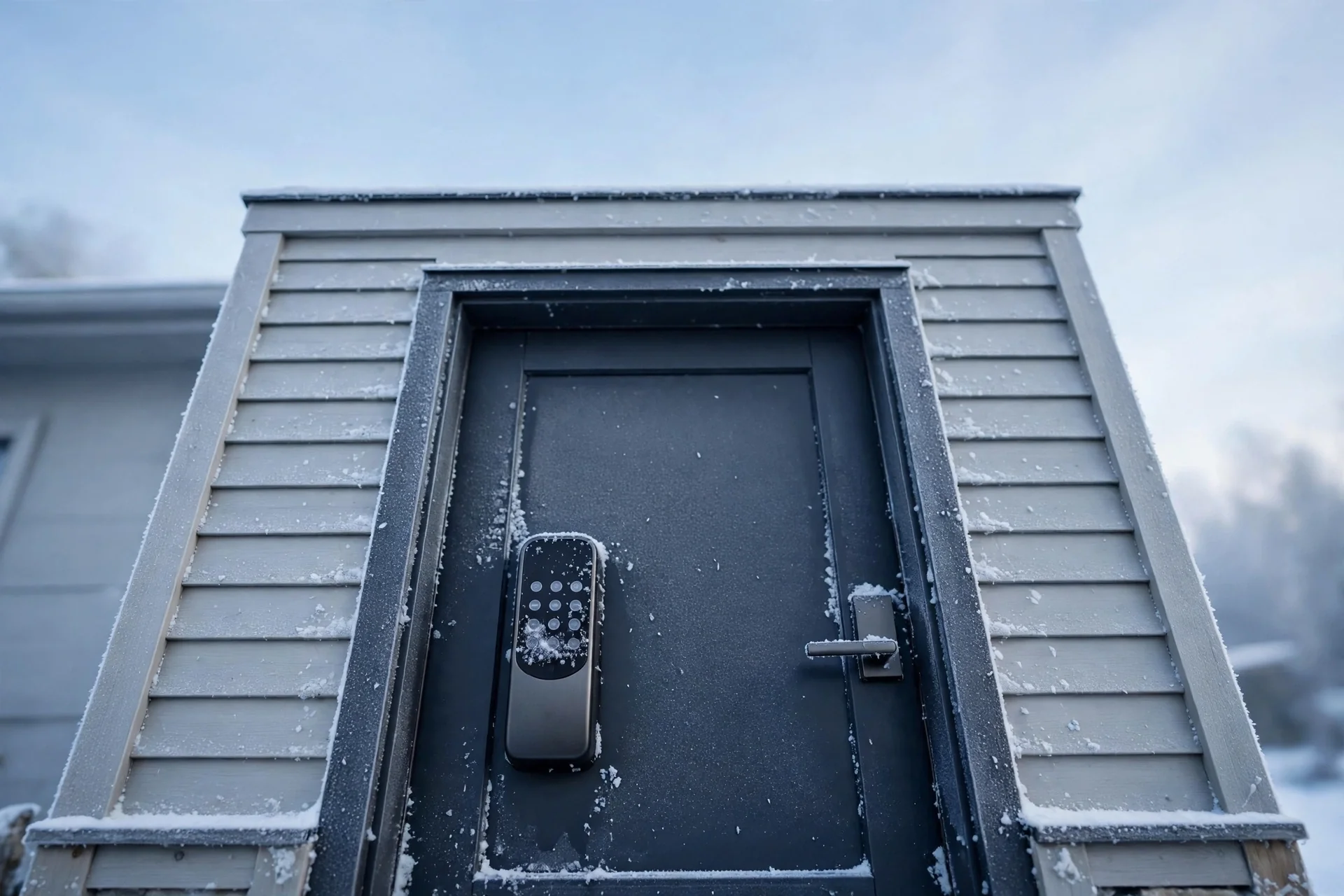
How often do you use the door? A family of five will drain batteries faster than a single person, because each unlock spins the motor. Cold weather can also shorten battery life. A lock on a cold north-facing door may warn you sooner in winter.
Most locks warn you well before the batteries die. You will see a low-battery notice in the app, and some locks beep or flash a light at the door. Swap the batteries as soon as you see that warning. A dead lock can still open with a key or a code, yet the phone unlock will stop working.
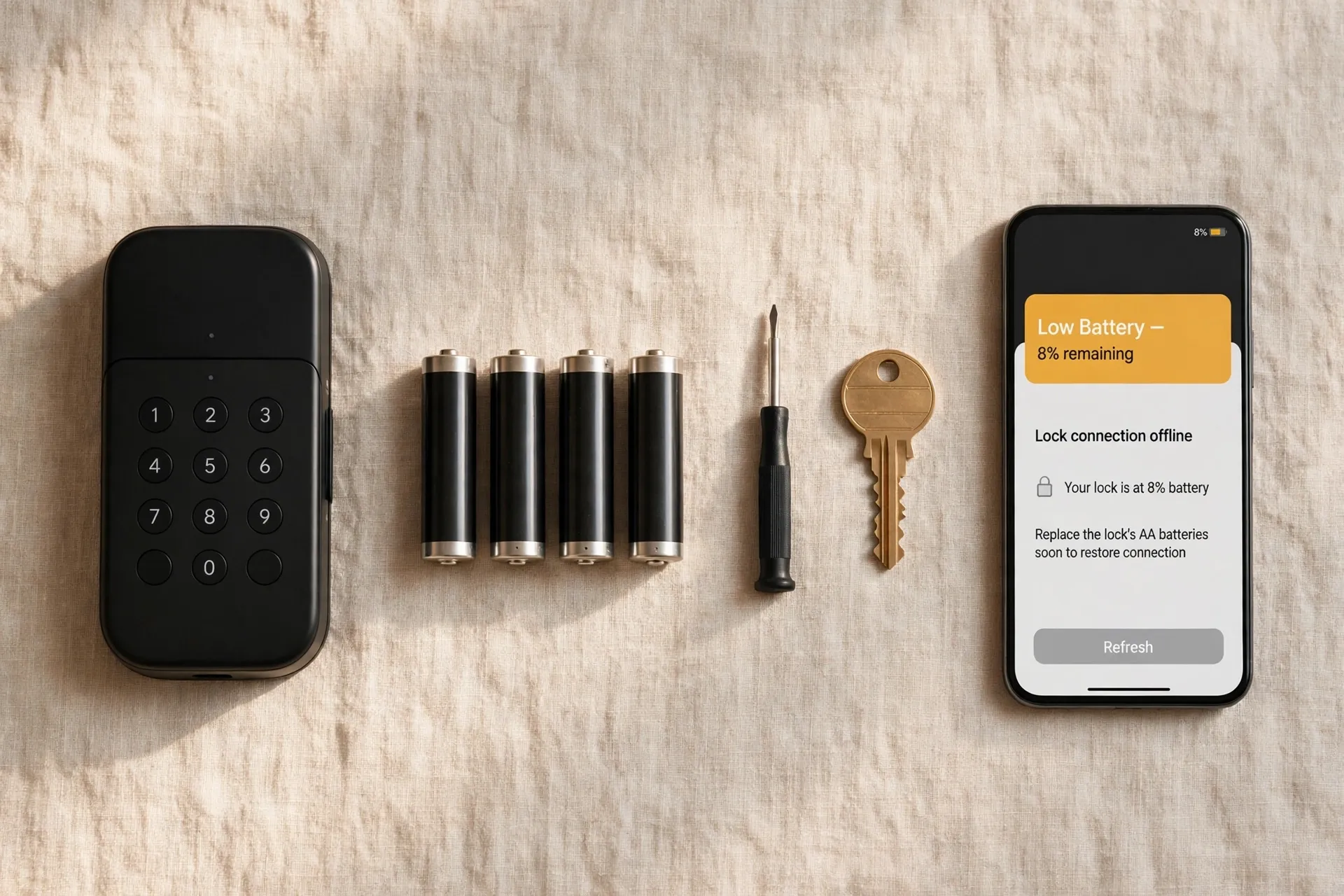
What happens when the batteries die completely? The lock keeps the bolt where it is, so a locked door stays locked. You can still get in with a physical key or a keypad code on most models. Those do not need the radio. If your lock has no key and no keypad, keep a fresh set of batteries handy at home. Learn the backup entry steps in the manual now, not during a lockout.
How to Set Up a Bluetooth Lock
Setup takes about half an hour for most retrofit models, and you need only a screwdriver and your phone. Read the manual for your exact model first. The steps below cover the common flow, and small details can differ.
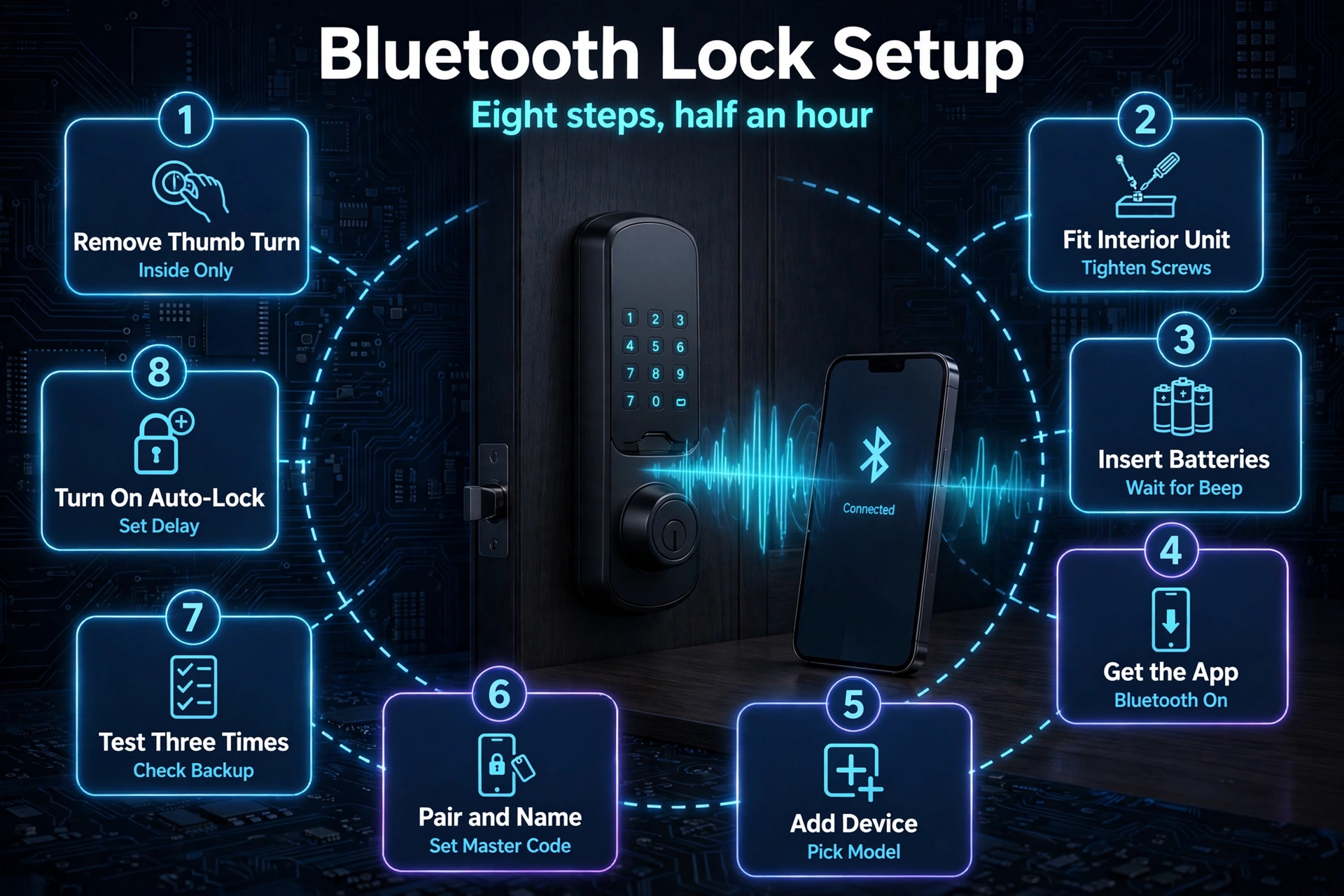
- Remove the old thumb turn on the inside of the door, and leave the outside cylinder in place.
- Fit the new interior unit over the tailpiece, and tighten the screws until it sits firm.
- Insert the batteries, and wait for the lock to wake with a beep or a light.
- Download the maker app, create an account, and switch on Bluetooth on your phone.
- Stand at the door, tap Add Device in the app, and pick your lock model.
- Follow the prompts to pair, name the lock, and set a master code.
- Test lock and unlock three times from the app, and then test the backup code or key.
- Turn on auto-lock, and set a delay that gives you time to step inside.
The step people skip most is the last test. They pair the lock, smile, and walk away without trying the backup code. Then the phone dies one evening and they find out too late that they never set the code. So test every way in on day one, while you still have time to fix it.
Calibration matters on some models as well. The app may ask you to turn the bolt to the locked and unlocked ends. This teaches it the travel of your door. If the lock reports a calibration failure, check the door alignment first. A sticky bolt is the usual cause.
Common Mistakes to Avoid
The biggest mistake is buying a Bluetooth-only lock and then expecting remote access. If you need to let people in while you are away, buy a model with built-in Wi-Fi. Or add a bridge at the same time as the lock.
A second mistake is pairing the lock from too far away. The app may find the lock. Yet the pairing can still fail halfway through and leave the lock in a half-set state. Stand within a few feet of the door and keep the phone awake. Wait for the app to confirm the pairing before you walk off.
A third mistake is leaving auto-unlock on without thinking it through. Auto-unlock is handy, yet it can open the door when you walk past the house on the way to a neighbour. Check how your app sets the home zone, and turn the feature off if the zone feels too wide.
Who Should Choose One?
Choose a bluetooth smart lock if you want simple keyless entry and you are usually home. It fits flats, family homes, and side doors where remote access is a nice extra rather than a must.
Pick a different type if you run a rental or you travel a lot. A host who needs to send codes to guests from another city will want Wi-Fi or a bridge. A Bluetooth-only lock cannot do that job.
FAQs
Can it work without Wi-Fi?
Yes, it can work fine without Wi-Fi at the door. The lock talks straight to your phone over Bluetooth, so you can lock and unlock it when you stand close by. You only need Wi-Fi or a bridge for remote control, alerts while away, and voice assistant links.
How far away can I unlock it?
Most models work within about 20 to 40 feet in open air, and some makers quote around 30 feet. Walls, metal doors, and a phone in a bag can cut that range down a lot. Test the lock at your own door, since the real range in your home matters more than the number on the box.
Can someone hack it?
A known maker lock uses an encrypted link and checks each command, so a casual attack from the street is very unlikely. The real risks are weak codes, shared master codes, and old firmware. Use a strong code, limit who holds the master code, and keep the lock updated.
What happens if my phone battery dies?
Your phone unlock stops working, yet the lock itself still has power. You can get in with a keypad code, a fingerprint, or a physical key, based on what your model offers. Set up that backup way in on day one, and test it, so a dead phone never turns into a lockout.
Does it drain my phone battery?
No, the drain is tiny in normal use. The lock uses Bluetooth Low Energy, and your phone only talks to it for a few seconds at the door. You may see a small rise in use if auto-unlock stays on, since the app watches your location, yet most owners never notice it.
Should I choose Bluetooth or Wi-Fi for a smart lock?
Pick Bluetooth if you want long battery life, simple setup, and no internet at the door. Pick Wi-Fi if you need remote access, guest codes from afar, and alerts while travelling. A hybrid lock with both radios suits homes that want daily Bluetooth use plus occasional remote control.
Conclusion
A bluetooth smart lock trades remote reach for long battery life and simple setup. It opens fast at the door, it works when the internet drops, and it shares access without spare keys.
Your next step is simple. Decide if you need remote access, and then shortlist a lock with the backup entry you trust. Test its range on day one, set a strong code, and turn on auto-lock.