

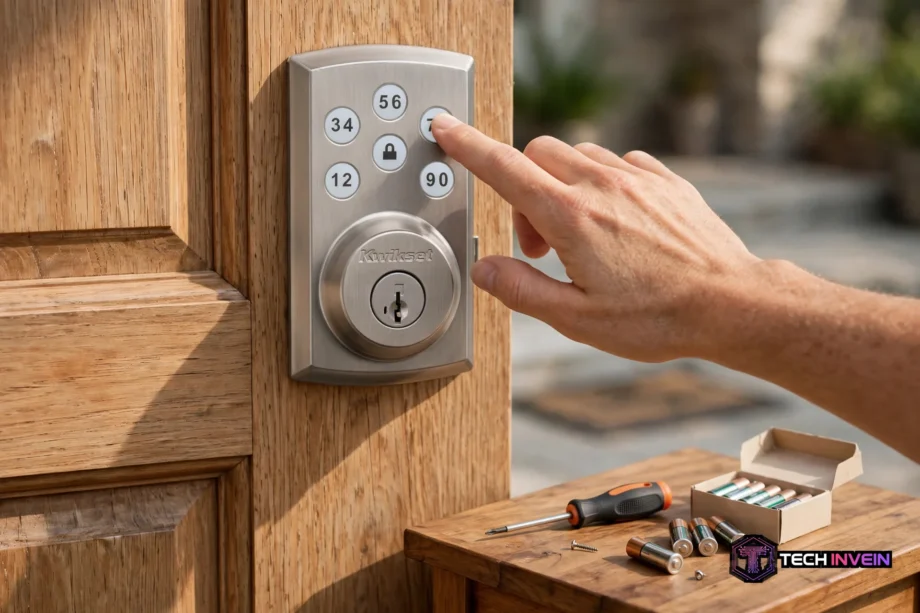
Your Kwikset smart lock not working is stressful, and it usually happens at the worst time. Most cases come down to dead batteries, a locked-out keypad, a wrong code, or a bolt that cannot move freely. Work through the fixes below in order, and you will solve most problems in under ten minutes.
- Start Here: The Two-Minute Check That Fixes Most Kwikset Locks
- Why Your Kwikset Smart Lock Is Not Working
- Fix 1: Replace the Batteries the Right Way
- Fix 2: Wake Up an Unresponsive Keypad
- Fix 3: When Your Code Does Not Work
- Fix 4: Motor Runs but the Bolt Will Not Move
- Fix 5: Kwikset Smart Lock Not Working With the App or Wi-Fi
- Fix 6: Factory Reset as a Last Resort
- When to Call Kwikset Support or a Locksmith
- FAQs
- Why is my Kwikset smart lock not working after I changed the batteries?
- How do I reset my Kwikset smart lock?
- Why does my Kwikset keypad not light up?
- Why does my Kwikset lock beep three times and flash red?
- Can I unlock my Kwikset smart lock with a dead battery?
- Why does my Kwikset lock work with the door open but not closed?
- Conclusion
Start Here: The Two-Minute Check That Fixes Most Kwikset Locks
Before you take anything apart, try the key. Does the physical key turn and move the bolt? If it does, the lock body is fine. The fault sits with power, the keypad, or the code. That one test saves a lot of guesswork.
Next, look at the lights. A red flash with three beeps often points to low power or a rejected code. No light and no sound at all points to dead batteries. So note what you see, since the pattern tells you where to start.
Then test the bolt with the door open. Turn the thumbturn on the inside. If the bolt slides smoothly with the door open but jams when it is closed, the door or strike plate is out of line. So the motor is not the problem, and no reset will fix it.
Why Your Kwikset Smart Lock Is Not Working
Table: Match your symptom to the likely cause and first fix
| Symptom | Likely cause | Fix to try first |
|---|---|---|
| No lights, no sound | Dead batteries | Replace all four AA batteries |
| Red flash and three beeps | Low battery or rejected code | Fresh batteries, then re-enter the code |
| Keypad dark, buttons dead | Keypad lockout or dead battery | Wait 60 seconds, then replace batteries |
| Motor runs but bolt will not move | Door misalignment or jammed latch | Open-door test, then fix the strike plate |
| App cannot find the lock | Wi-Fi or Bluetooth fault | Restart phone and lock, move closer |
| Code worked yesterday, fails today | Expired or changed code | Check the app, use a different code |
Fix 1: Replace the Batteries the Right Way
Dead or weak batteries cause more Kwikset faults than anything else. The lock needs full power to drive the motor, light the keypad, and run the radio. A battery that still lights the keypad may still be too weak to turn the bolt.
Use four new AA alkaline batteries from a known brand. Kwikset’s guides say to use new non-rechargeable alkaline batteries only. Rechargeable batteries run at a lower voltage. That small gap is enough to make the motor stall or the keypad act up.
That is the mistake most owners make. They swap in rechargeables from a drawer, the lock wakes up for a day, and then it fails again. Fresh alkaline batteries cost little and remove the most common cause in one step.
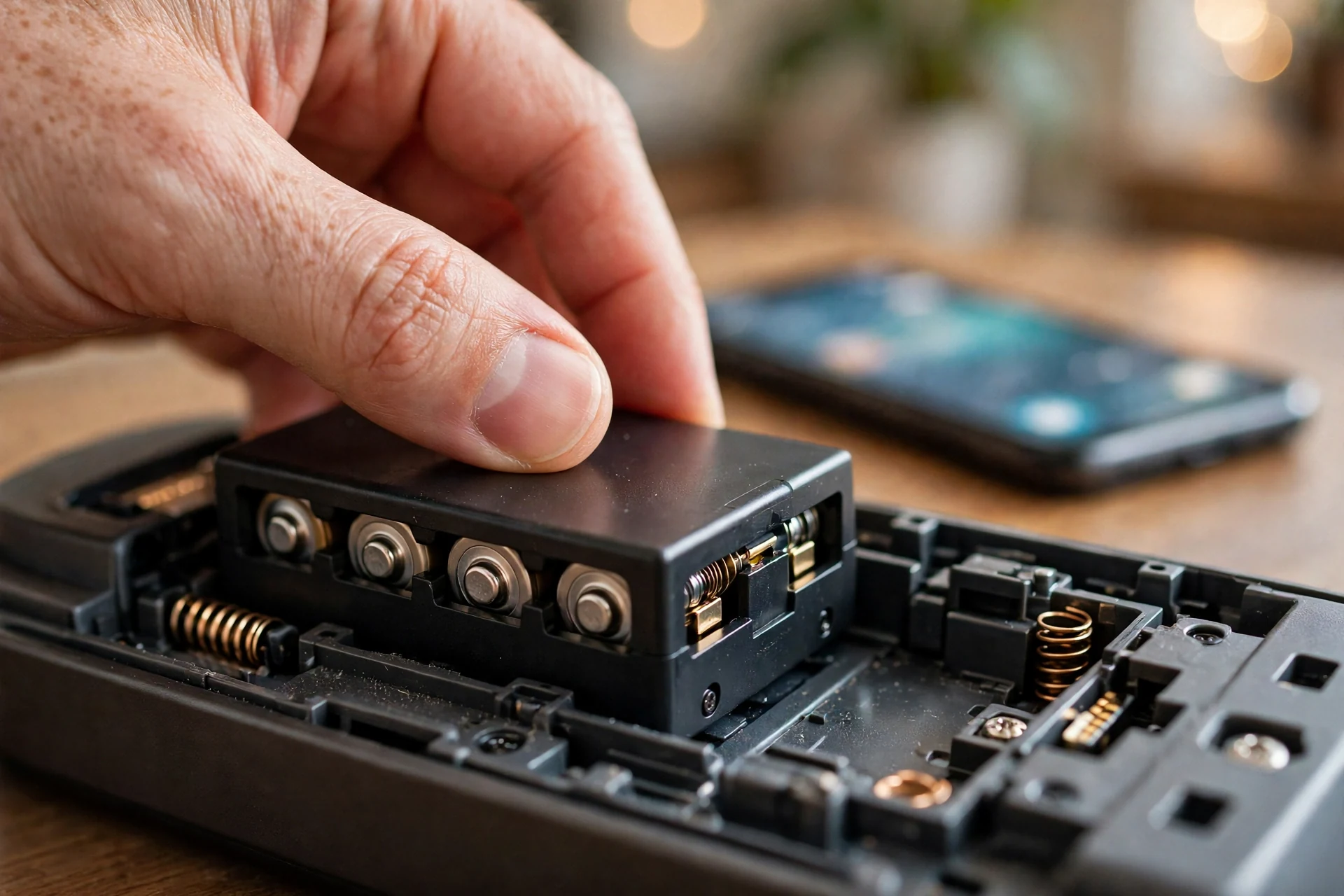
To replace them, slide the interior cover up and off. Some models have small side screws, so remove those first. Pull the battery pack up, take out the old batteries, and fit four new ones in the marked direction. Then push the pack back in firmly until it sits flat.
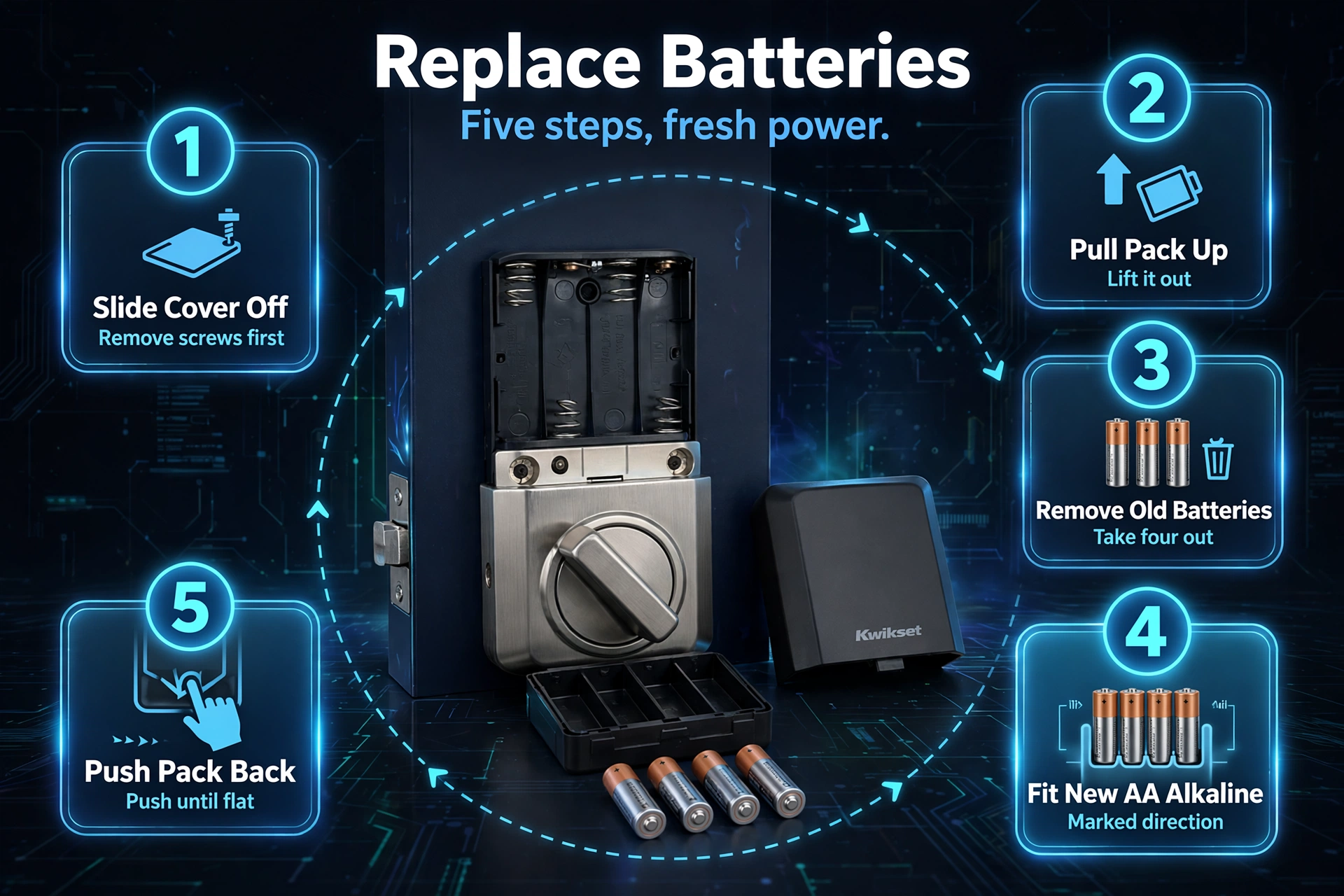
Watch for a short flash of red, then green, and a single beep. That tells you the lock has power again. If nothing happens, check that each battery faces the right way and push the pack back in firmly, since a loose pack is a common cause of a lock that stays dead after a battery change.
Locked out with a dead battery? Most Kwikset smart locks have a small emergency power port under the keypad. Touch a 9V battery to the two contacts and enter your code while you hold it there. The lock will have just enough power for one unlock. Then go inside and fit the new AA batteries.
If fresh batteries still drain fast, the lock may be fighting a jammed bolt and working too hard on every cycle. Our guide on why a smart lock battery drains fast explains the other causes.
Fix 2: Wake Up an Unresponsive Keypad
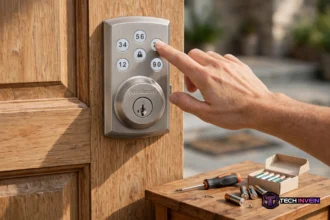
A dark keypad does not always mean a dead lock. On touchscreen models, the screen stays dark until you wake it. Touch the pad with your palm or the back of your hand until the digits show. On some models, touching the lower left of the screen wakes it instead.
What if the keypad lights up but ignores every press? You may be in a lockout. After three wrong codes within one minute, Kwikset locks the keypad for 60 seconds. On Powerbolt 2 models it lasts 45 seconds. During that time no code will work, even the right one.
Just wait it out. Stand still for a full minute, then enter the code once, slowly, and press the Kwikset or Lock button at the end. Still, rushing through the same wrong code again only starts a fresh lockout. That loop fools a lot of owners into thinking the keypad is broken.
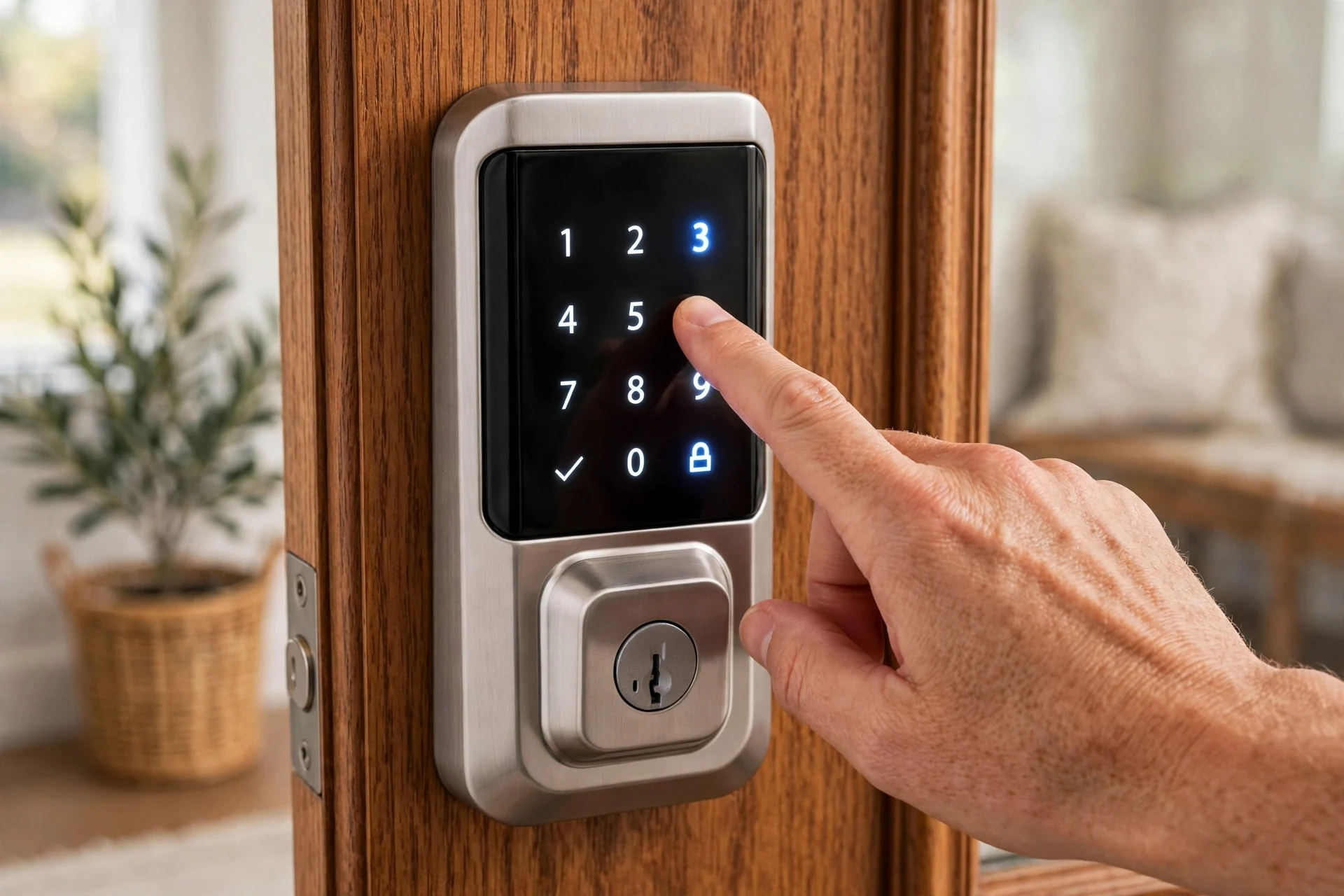
Cold weather can also make a keypad sluggish, since batteries lose power in the cold. Warm your hands, dry the screen, and try again. Our guide to smart lock cold weather problems covers this in more depth.
Fix 3: When Your Code Does Not Work
First, press the Kwikset button after the code. On many models the code alone does nothing until you press the Kwikset or Lock button to send it. This is the most missed step in Kwikset troubleshooting, and it costs nothing to check.
Second, check whether the code has expired. Kwikset lets you make temporary or one-time codes for guests and cleaners. If it worked last week and fails today, open the Kwikset app and check whether that code is still active.
Third, check for a Mastercode. Once one is set, the program button on the inside is disabled. Codes can then only be added or changed through the keypad with that Mastercode. If someone else set up the lock, ask them whether one exists.
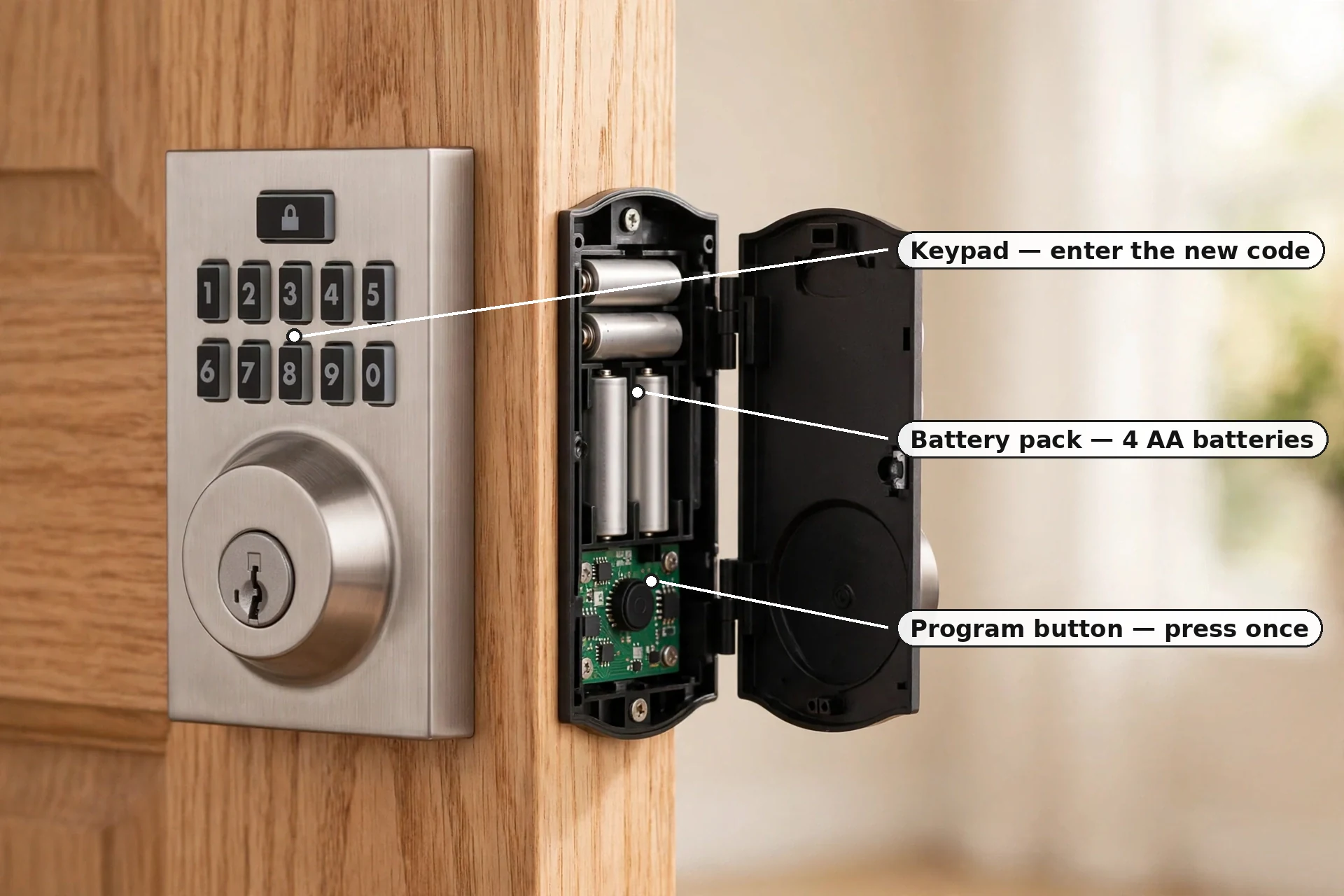
To add a fresh code on a SmartCode model, open the door, press the Program button once, enter a new four to eight digit code, and press the Lock button. One green flash and one beep means it worked, while three red flashes and three beeps means the lock rejected it. Our guide on how to reset a smart lock keypad code walks through the same process model by model.
Fix 4: Motor Runs but the Bolt Will Not Move
You hear the motor hum, yet the bolt stays put. This is almost always a door problem, not a lock problem.
Do the open-door test again. With the door open, turn the thumbturn. If the bolt extends and retracts smoothly, the motor and latch are fine. Close the door and try again. If it jams only when closed, the bolt is hitting the strike plate at the wrong angle.
Start with the hinge screws. Tighten every screw on the top hinge first, since that hinge carries most of the weight. If a screw spins without biting, take it out and drive in a longer screw that reaches the wall stud behind the frame. That fix straightens more doors than any other.
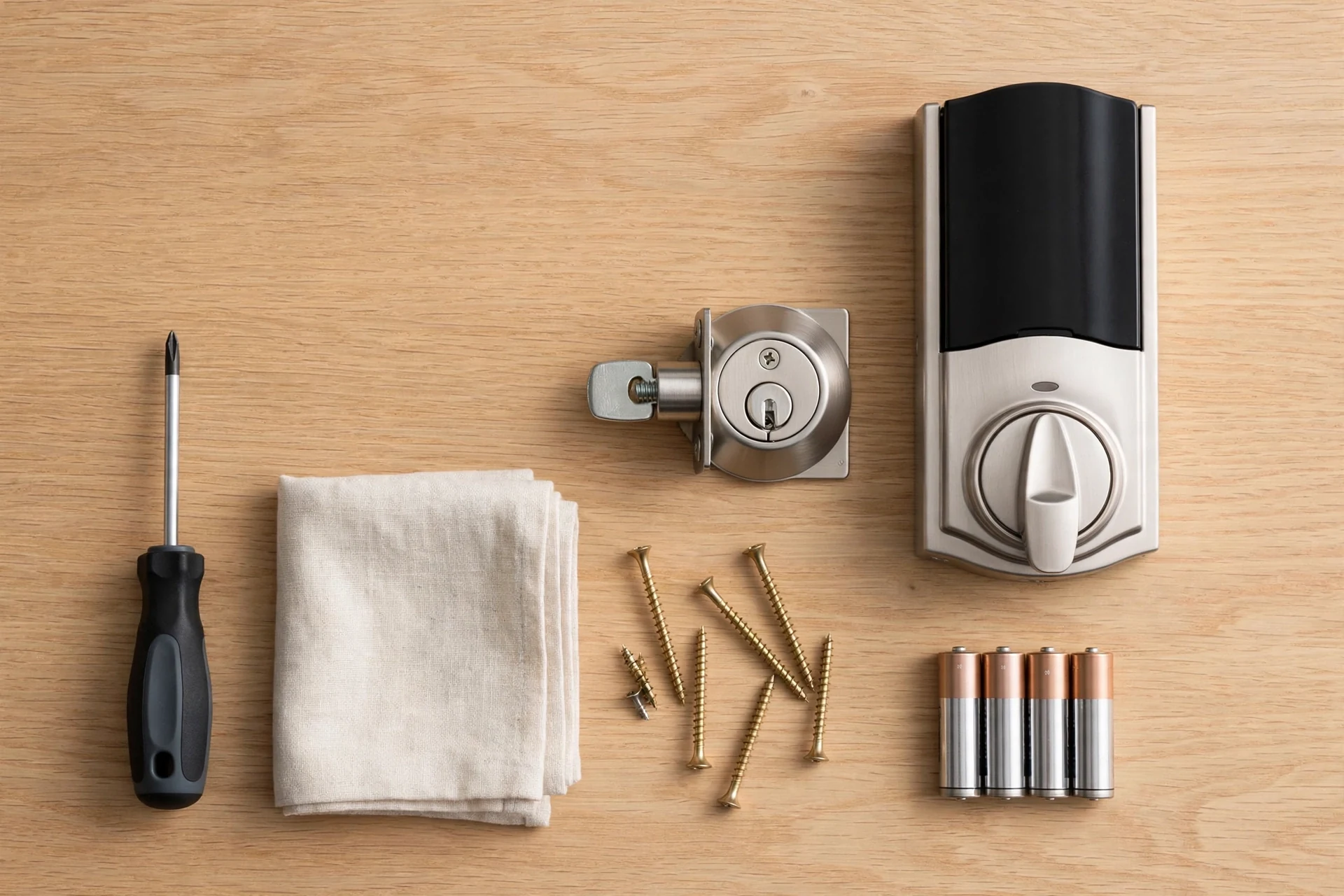
Next, check the strike plate. Look for shiny wear marks where the bolt rubs, since a small rub mark tells you exactly which way to move the plate. Loosen its screws, shift it a fraction toward the mark, and tighten it again. Then test after each small move.
If the bolt still will not move with the door open, the handing may be wrong. Handing is how the lock learns which way your door swings. To redo it, remove the battery pack, hold the Program button while you put the pack back in, release it after three seconds, then press Program once more. The latch should extend and retract on its own. Our guide to smart lock calibration failed explains this process step by step.
Fix 5: Kwikset Smart Lock Not Working With the App or Wi-Fi
Your lock works by code but the app cannot reach it. That is a connection fault, not a lock fault.
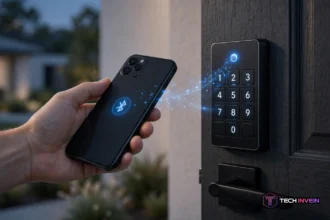
Start close to the lock. Bluetooth only works within a short range, and a wall or two can cut it off. Stand next to the door, turn your phone Bluetooth off and on again, and open the Kwikset app. If the lock appears now, range was the issue.
For Wi-Fi models such as Halo, check the network itself. Halo locks need a 2.4 GHz Wi-Fi network, yet many routers merge 2.4 and 5 GHz under one name. If your phone is on 5 GHz while the lock sits on 2.4 GHz, the app can struggle to find it. Split the bands in your router settings.
Restart both ends. Pull the lock battery pack out for 30 seconds, push it back in, and restart your phone. Then force close the Kwikset app and open it fresh. This clears more connection faults than any setting change, so also update the app and check the lock firmware inside it.
If the lock still will not join Wi-Fi after a router change, try a network reset. On Halo models, hold the A button inside for ten seconds until you hear a second beep and see an amber light. Then press the Program button within ten seconds to confirm. The lock forgets the old network but keeps your codes.
For more router and signal checks, Kwikset’s own troubleshooting page for the Kwikset app lists the current steps for app faults.
The Halo Wi-Fi troubleshooting guide covers Wi-Fi setup and signal checks in detail.
Fix 6: Factory Reset as a Last Resort
A factory reset wipes every code, every setting, and every connection, and returns the lock to how it left the factory. Use it only after the fixes above have failed, since you will need to set the lock up again from scratch.
For most SmartCode models, open the door and extend the bolt with the thumbturn so the lock cannot lock itself mid-reset. Slide the interior cover up and off, then pull the battery pack out. Press and hold the Program button while you push the pack back in. Keep holding for about 30 seconds until the lock beeps and the light turns red. Let go, then press the Program button once more to confirm.
For Halo and Aura models, reset from the app instead: open the Kwikset app, pick your lock, and go to Settings, then Lock Settings, then Factory Reset. If the app cannot reach the lock at all, use the button method above, since it works without any connection.
After the reset, the lock will run its handing process again, and the latch will extend and retract on its own. Do not close the door until that finishes. Then add one code, test it three times, and only then add the rest of your codes and reconnect the app. One warning: a factory reset will not fix a worn motor or a bent latch. If the bolt still jams with the door open after a reset, the fault is mechanical.
When to Call Kwikset Support or a Locksmith
Some faults are beyond a home fix. Call for help if the motor grinds, the thumbturn will not move by hand, the interior is corroded, or the lock fails again within days of fresh batteries and a reset. Those signs point to a dead motor or a failed circuit board.
Kwikset covers the mechanical parts for life and the electronics for one year on most models, so check your warranty before you buy a replacement. Have your model name and purchase date ready when you call.
Call a locksmith instead if you are locked out and the 9V trick does not work, or if the key will not turn in the cylinder. Forcing a key can snap it off inside the lock. If you are weighing a repair against a new lock, our Kwikset vs Schlage comparison lays out how the two brands differ on reliability, features, and build.
FAQs
Why is my Kwikset smart lock not working after I changed the batteries?
The most common cause is the wrong battery type or a loose pack. Use four new AA alkaline batteries, never rechargeable ones, and push the pack in firmly. If the lock stays dead, pull the pack out for 30 seconds, press the Program button for five seconds, then refit the pack.
How do I reset my Kwikset smart lock?
Remove the battery pack, then press and hold the Program button while you put the pack back in. Hold it for about 30 seconds until the lock beeps and the light turns red, then press Program once more to confirm. This erases all codes and settings. For Halo and Aura models, reset from the Kwikset app under Lock Settings instead.
Why does my Kwikset keypad not light up?
A dark keypad usually means dead batteries or a lockout after three wrong codes. First wait a full 60 seconds in case the keypad is locked out. Then fit four fresh AA alkaline batteries. On touchscreen models, wake the screen with your palm or three fingers. If it stays dark, check the ribbon cable inside the cover.
Why does my Kwikset lock beep three times and flash red?
Three beeps with three red flashes means the lock rejected what you tried. It can mean a wrong or unprogrammed code, low batteries, or a failed programming step. Check the batteries first, then re-enter the code slowly and press the Kwikset button at the end. If it still fails, add a fresh code and test that one.
Can I unlock my Kwikset smart lock with a dead battery?
Yes. Use the physical key if you have it, since that works with no power at all. If you do not have the key, touch a 9V battery to the emergency power contacts under the keypad and enter your code while holding it there. That gives the lock enough power for one unlock, so replace the AA batteries right away.
Why does my Kwikset lock work with the door open but not closed?
The bolt is hitting the strike plate at the wrong angle, so the door is out of line. Tighten the hinge screws, starting with the top hinge, and check for wear marks on the strike plate. Shift the plate a fraction toward the rub mark and test again. The motor is fine, since it moves freely with the door open.
Conclusion
Most Kwikset faults are small. The fix is usually batteries, a waited-out lockout, or a strike plate moved a fraction of an inch. Start with the open-door test, work through the fixes in order, and keep the factory reset for last.
If your lock is working again, set a yearly reminder to change the batteries, even if the lock still seems fine. That one habit prevents most late-night lockouts. And if the fault keeps coming back, write down the symptom and the steps you tried. That note will save time when you call support.