
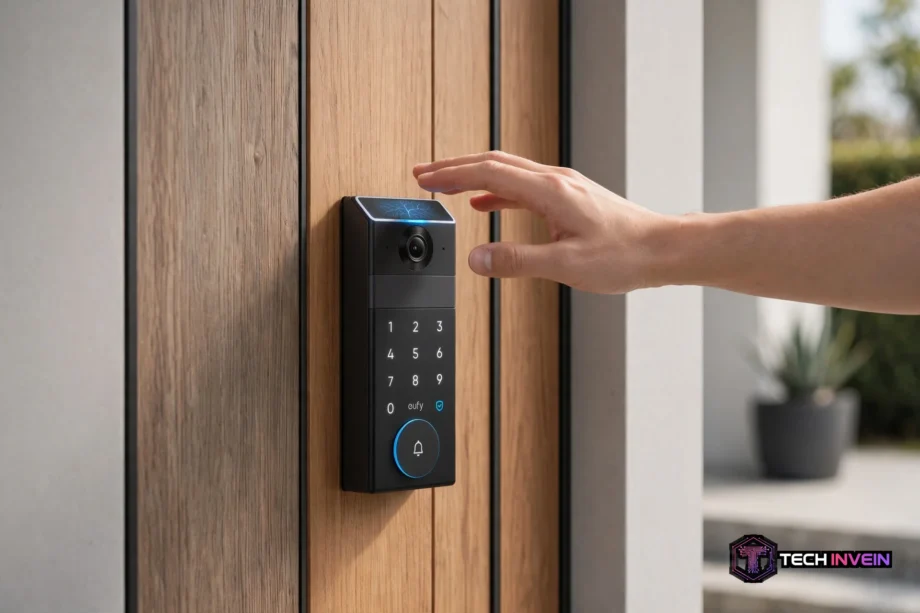
The eufy familock s3 max is a smart lock, a video doorbell, and a camera in one device. It unlocks with a wave of your palm, a PIN code, or a physical key. You get a 2K camera, local video storage, and Matter support. This guide explains what it does well, where it falls short, and who should buy it.
- What Is the Eufy FamiLock S3 Max?
- How Palm Vein Unlock Works
- Other Ways to Unlock the Door
- Eufy FamiLock S3 Max Camera and Doorbell
- Battery Life and PowerDuo Backup
- Smart Home Support: Matter, Apple Home, Alexa, and Google
- Installation: What to Check Before You Buy
- How It Compares With Other Smart Locks
- Who Should Buy It, and Who Should Skip It
- Common Problems to Watch For
- FAQs
- Does this lock need a subscription?
- Does it work with Apple HomeKit?
- How long does the battery last?
- Can kids and older adults use palm vein unlock?
- Does it work without Wi-Fi?
- Is it hard to install?
- Conclusion
What Is the Eufy FamiLock S3 Max?
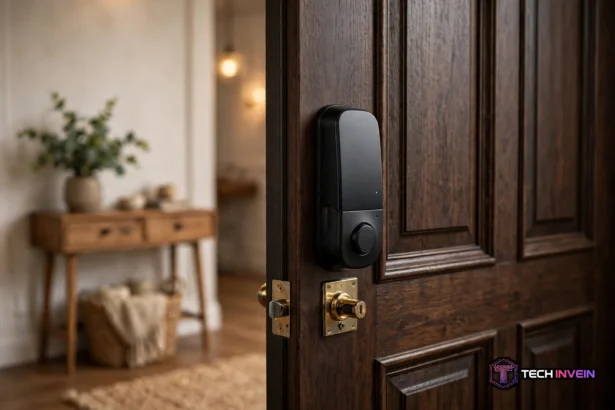
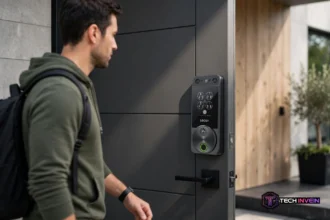
The eufy familock s3 max replaces your deadbolt and your doorbell at the same time. It sits on your front door like a normal lock. Yet it also holds a camera, a doorbell button, and a palm scanner on the outside. So you can see who is at the door and unlock it from the same device.
It is a big lock. That size comes from all the parts packed inside it. The camera, the scanner, the keypad, and the large battery all need room. First check your door if you have a narrow frame or a storm door that sits close to the lock.
If you want to see how it stacks up against other locks first, read our guide to the best smart locks of 2026 before you decide.
Also, the lock works with Apple Home, Google Home, Alexa, and SmartThings through Matter over Wi-Fi. Also, it works with the eufy app on its own. You do not need a hub to use the basic features. A HomeBase 3 hub adds extra AI features, but it is sold on its own.
Also, it is ANSI and BHMA Grade 1 certified. That is the highest grade for a home door lock. You can check the full feature list on the official eufy FamiLock S3 Max page before you buy. Eufy also says it is tested for 250,000 lock and unlock cycles.
How Palm Vein Unlock Works
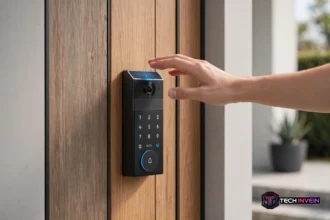
Palm vein unlock is the headline feature here. You hold your palm a short distance from the scanner. Infrared light reads the vein pattern under your skin. The lock then checks that pattern against the one you saved. If it matches, the door unlocks in under 0.1 seconds, based on eufy lab data.
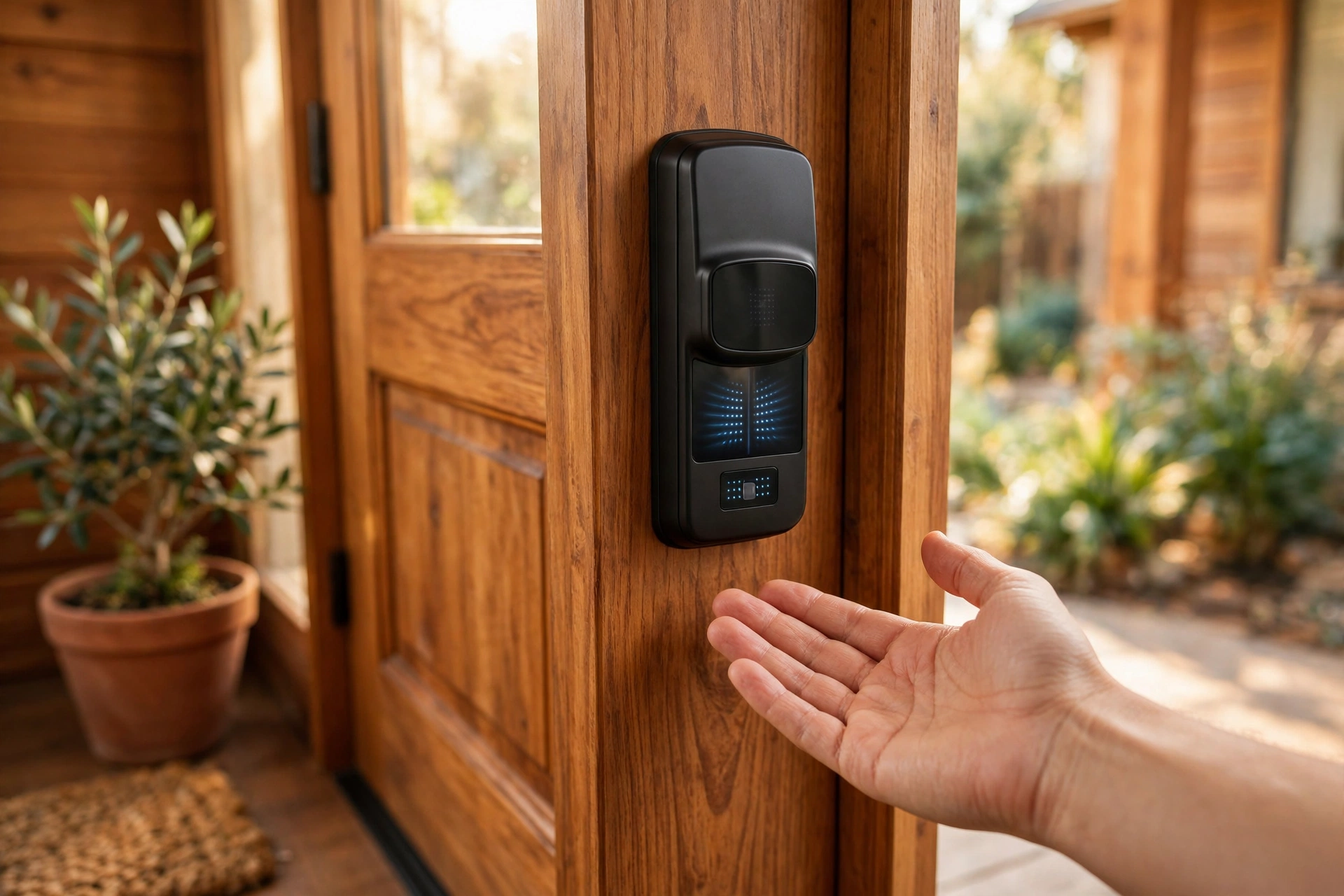
Why does that matter? A vein pattern sits under the skin. So it is hard to copy from a photo or a print. It also stays the same when your skin is wet, dirty, or peeling. That is a real win for people who work with their hands or spend time in the garden.
Eufy claims 99.99999 percent accuracy for palm vein recognition, based on its lab data. You should treat that number as a lab claim, not a promise for every home. Still, the idea is sound. Veins give the lock far more data points than a fingerprint does.
Also, you can store up to 50 palm profiles on the lock. That covers a whole family with room to spare. Each person waves a hand over the sensor to enroll. Also, kids and older adults often find this easier than a fingerprint scan. The scanner works in bright light too, and it reads hands from 6 cm to 30 cm in size.
Does it beat a fingerprint lock? For some homes, yes. Fingerprint readers can fail when a finger is wet or worn. Palm vein does not touch the skin at all. If your current lock often fails to read a finger, our guide to fixing a fingerprint door lock that does not recognize a finger may help you compare the two options.
Other Ways to Unlock the Door
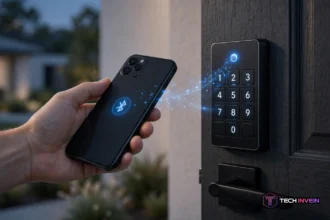
Palm vein is only one way in. The lock also has a touchscreen keypad for PIN codes. Also, you can set a code for each family member. Also, you can set a one-time code for a guest or a delivery person. That code stops working after one use.
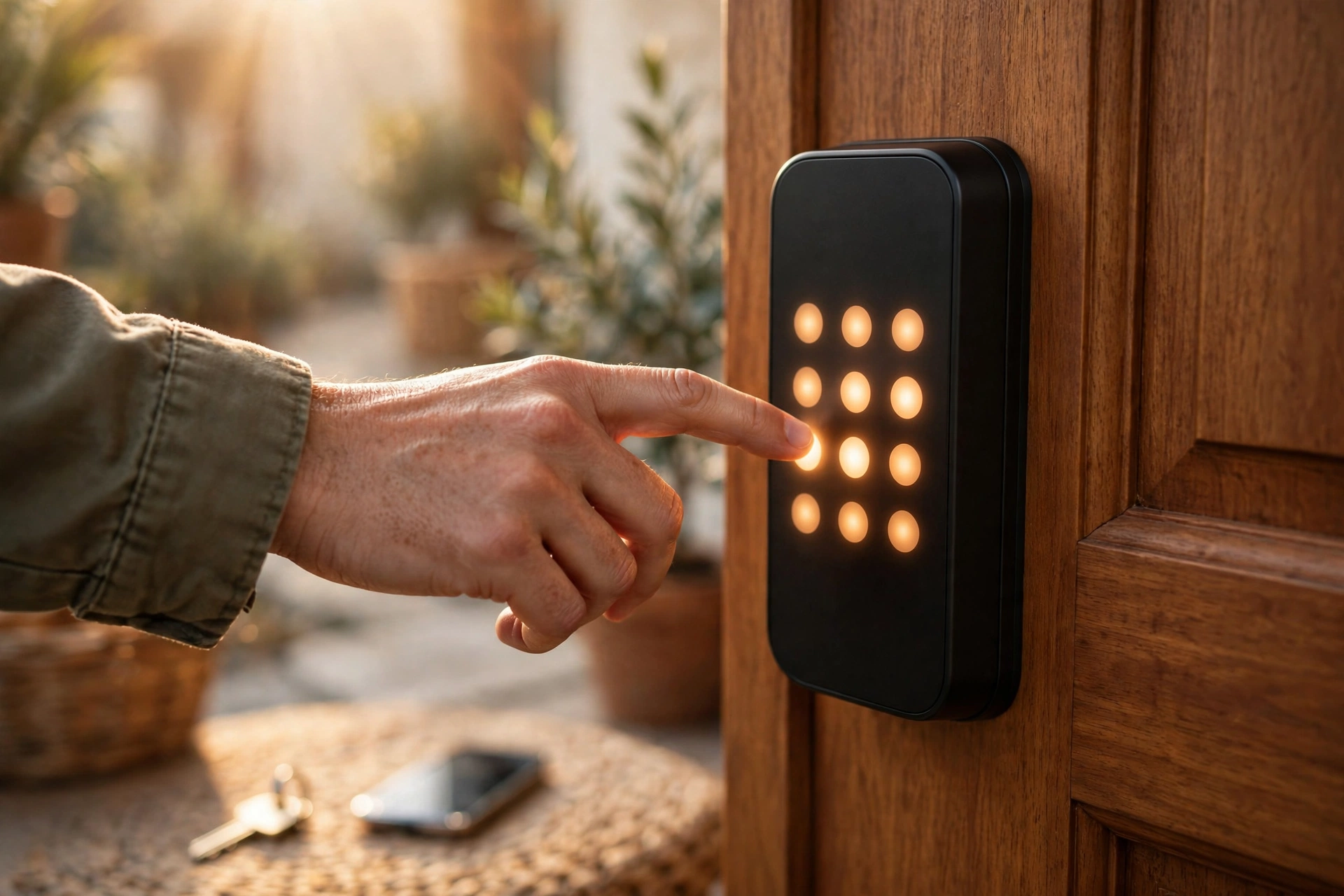
Do you host guests or run a rental? Temporary codes save you from handing out a spare key. Our guide on how to add a guest code to a smart lock walks through the setup steps in plain terms.
Eufy FamiLock S3 Max Camera and Doorbell
Also, the built-in camera records in 2K resolution with HDR. It gives you a 150 degree vertical view and a 180 degree diagonal view. That wide angle shows the full doorstep, from head to toe. So you can see packages on the ground without a blind spot at your feet.
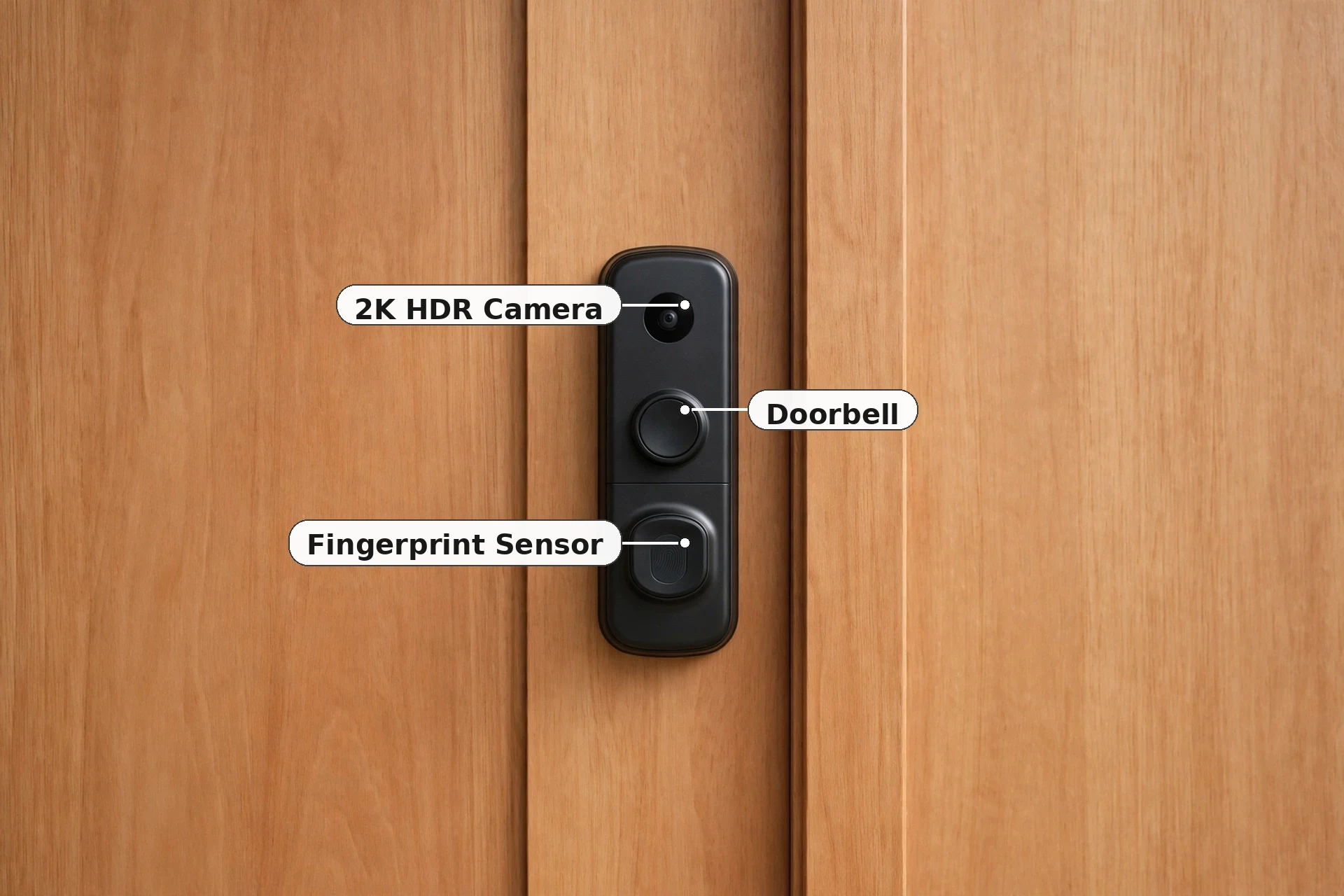
Also, when a guest presses the doorbell, the app sends you a video call. You can see and talk to them in real time. Two-way audio means you can tell a courier where to leave a parcel. Also, you can warn off a stranger without opening the door.
Also, dual motion sensors watch the area up to 6 meters away. Eufy says they cut false alarms by 95 percent. That matters on a busy street. You do not want a phone buzz each time a car drives past your home.
Also, video is stored locally on the lock, so you do not need a paid plan to watch past clips. That is a big plus next to brands that lock video behind a monthly fee. If you pair the lock with a HomeBase 3, you get extra AI detection for people and vehicles.
Battery Life and PowerDuo Backup
The eufy familock s3 max runs on a 15,000mAh rechargeable battery. Eufy says it lasts up to 5 months on one charge, based on lab data with 10 unlocks a day. Your real battery life will depend on how often the camera wakes up. A busy front door with lots of motion will drain it faster.
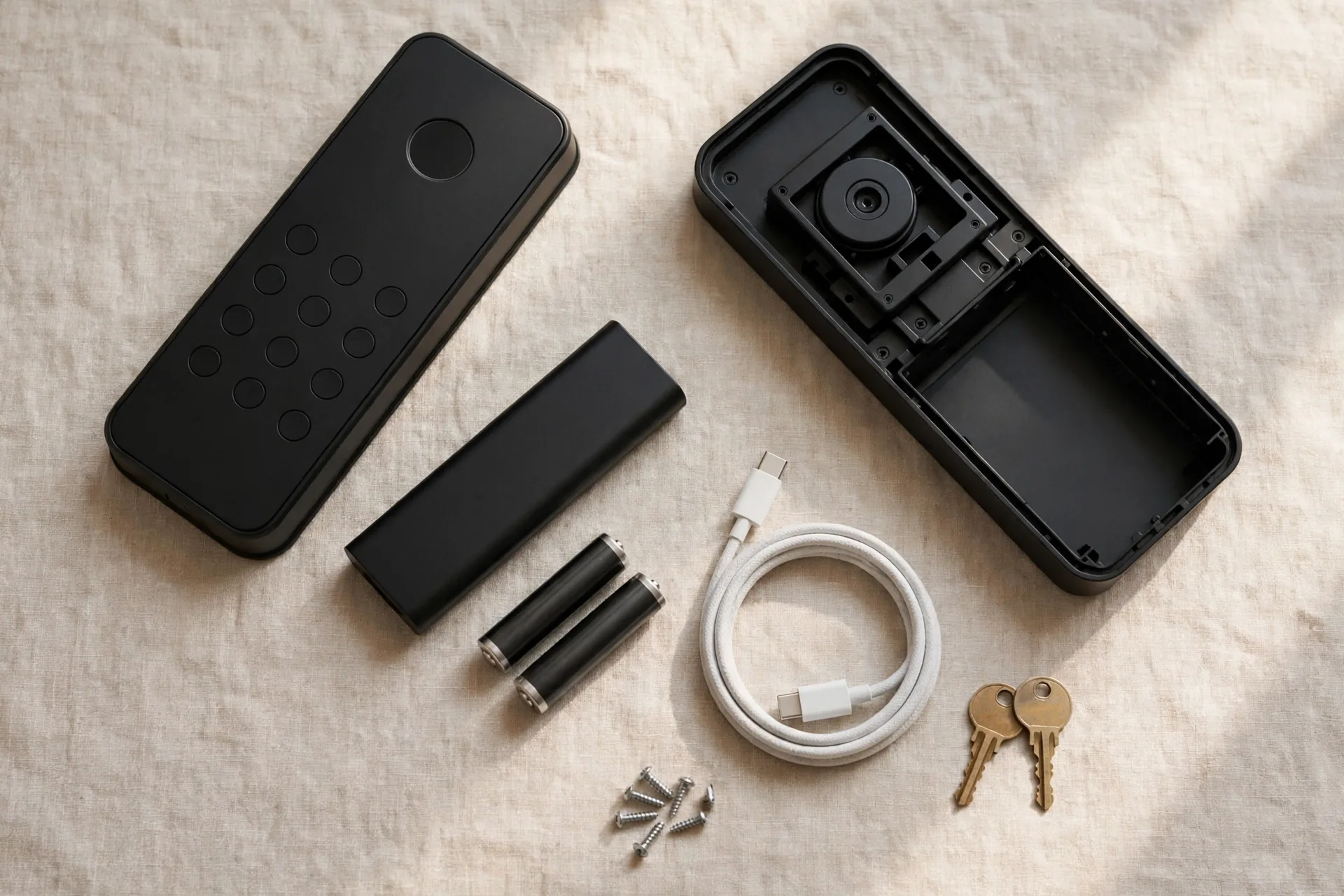
That is where the PowerDuo system comes in. The lock also takes 4 AAA batteries as a backup. When the main battery runs low, the AAA batteries keep the lock working. You can still unlock with a PIN code in that mode. The palm scanner and camera switch off to save power, so plan a recharge soon.
How do you recharge it? Then you remove the battery pack and charge it over USB-C. The lock stays on the door while you charge, thanks to the AAA backup. So you never have to leave the door unlocked while the battery charges.
What if the battery dies while you are out? You still have the physical key, and the AAA backup gives you extra time. Read our guide on what happens when a smart lock battery dies so you know your options before it happens.
Smart Home Support: Matter, Apple Home, Alexa, and Google
The eufy familock s3 max is one of the first smart locks to support Matter over Wi-Fi. Matter lets the lock work across Apple Home, Google Home, Alexa, and SmartThings. So you are not locked into the eufy app alone.
That sounds great on paper. In real use, Matter support is limited. You can lock and unlock the door through Matter. Yet the camera feed and palm vein settings stay in the eufy app. You cannot see video through Apple Home. That is a limit of Matter itself, not just this lock.
Here is a mistake to avoid: do not pair the lock to both Wi-Fi and a HomeBase 3 at once and expect both to work the same way. Pick one path. Direct Wi-Fi is simpler for most homes. HomeBase 3 is worth it only if you already own eufy cameras and want the extra AI features in one place.
Installation: What to Check Before You Buy
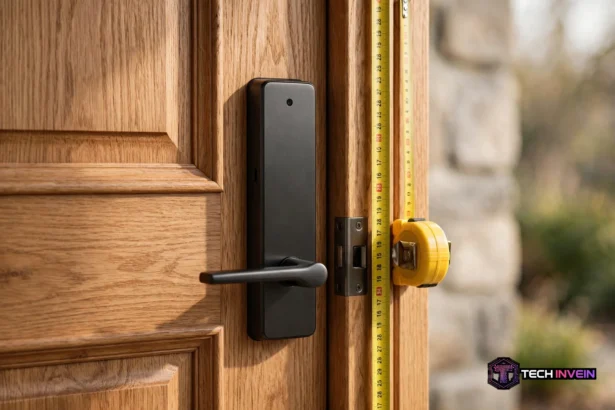
First, most people can install this lock with basic tools. You will need a screwdriver and about 30 to 45 minutes. The lock fits a standard deadbolt door. Yet you should measure your door before you order. A quick check now saves a return later.
First, check the door thickness. The lock fits most standard doors, but a very thin or very thick door can cause trouble. Next, check the backset. That is the distance from the edge of the door to the center of the lock hole. Most US doors use 2-3/8 inch or 2-3/4 inch.
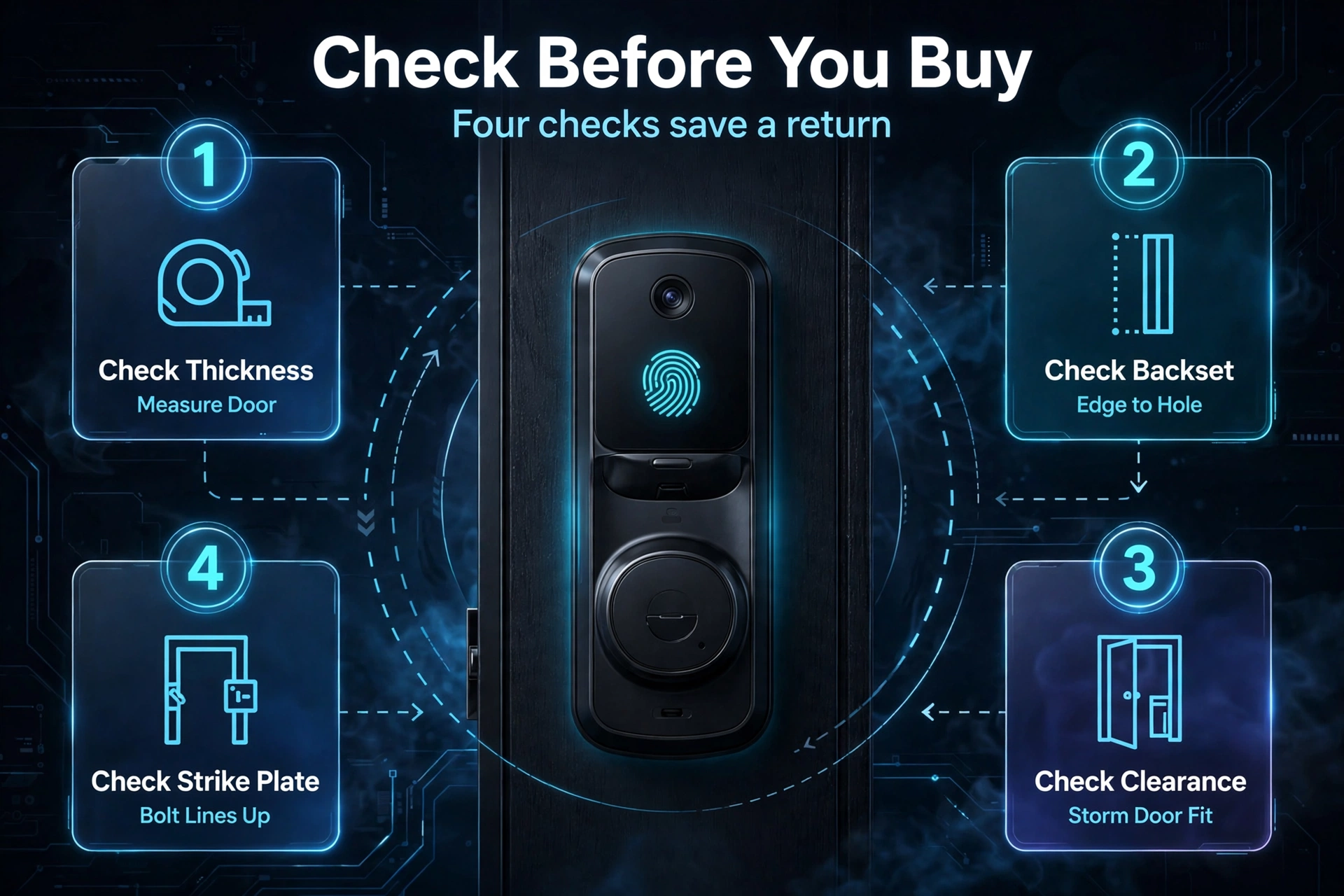
Then check the space around the lock. The outside unit is tall because it holds the camera and the scanner. A storm door handle or a decorative trim piece can block it. Open and close the storm door with the lock in mind. If the handle hits the lock body, you have a problem.
Also check the strike plate on the door frame. The bolt must line up with the hole in the frame. If your door sags or sticks, fix that first. A smart lock cannot fix a door that does not close well. It will only jam and drain the battery as the motor fights the frame.
How It Compares With Other Smart Locks
So, how does this lock compare with a normal smart lock? The short answer is that it does more in one box. A normal smart lock only locks and unlocks. This one also acts as a doorbell and a camera. So you save the cost and the install of a second device.
Yet that all-in-one design has a trade-off. If the camera fails, you lose the doorbell too. A separate doorbell keeps working if the lock has a fault. Think about that trade-off before you buy. Some homes prefer two devices for that reason.
The table below sums up the key differences in plain terms.
Table: Lock feature comparison
| Feature | Eufy FamiLock S3 Max | Basic smart lock |
|---|---|---|
| Unlock methods | Palm vein, PIN, app, key | PIN, app, key |
| Camera | 2K HDR video doorbell built in | None, needs a separate camera |
| Video storage | Local storage, no plan needed | Varies by brand |
| Smart home | Matter, Apple Home, Alexa, Google | Varies by brand |
| Battery | 15,000mAh plus AAA backup | AA batteries in most models |
| Security grade | ANSI and BHMA Grade 1 | Grade 1 or Grade 2 |
Who Should Buy It, and Who Should Skip It
Also, this lock suits a busy family home. Kids lose keys. Older adults forget PIN codes. Guests need access for a weekend. Palm vein solves all three at once. No key to lose, no code to recall, just a wave of the hand.
Who should skip it? Skip it if your door is thin, narrow, or has a tight storm door. Skip it if your Wi-Fi at the front door is weak and you cannot move the router closer. A lock that drops offline is worse than a dumb lock that just works.
Skip it too if you only want a simple lock. This device is large, and it needs charging every few months. A small keypad lock with AA batteries may fit a rental flat or a back door better. Buy the big all-in-one only for the front door where you will use the camera daily.
Common Problems to Watch For
Still, no lock is perfect, and this one has known weak spots. The most common complaint is Wi-Fi dropouts. Some owners say the lock goes offline while other eufy devices stay online. Still, a restart in the app often fixes it. If it keeps happening, check your router. A 2.4 GHz network is often more stable at the door than 5 GHz.
Finally, watch the keypad in bright sun. Touchscreens can be hard to read in direct light. Palm vein is the better option on a sunny door. So enroll every family member with palm vein, and no one has to squint at the keypad.
FAQs
Does this lock need a subscription?
No, it does not need a subscription for local video storage. You can watch past clips in the eufy app without a monthly plan. A HomeBase 3 adds extra AI features, but it is optional. Cloud backup may cost extra if you want it, so check the current options in the app.
Does it work with Apple HomeKit?
Yes, it works with Apple Home through Matter over Wi-Fi. You can lock and unlock the door from the Home app. The camera feed does not show in Apple Home, though. You need the eufy app or Alexa and Google for live video. Palm vein setup also stays in the eufy app.
How long does the battery last?
Eufy says the 15,000mAh battery lasts up to 5 months, based on lab data with 10 unlocks a day. Real homes often see less, since the camera wakes up for motion and visitors. Four AAA batteries act as a backup when the main pack runs low. Charge the pack over USB-C when the app shows a low level.
Can kids and older adults use palm vein unlock?
Yes, palm vein is made for all ages. The scanner reads hands from 6 cm to 30 cm in size. Kids and seniors often find it easier than a fingerprint scan or a PIN code. Each person enrolls by waving a hand over the sensor. The lock stores up to 50 palm profiles for a whole family.
Does it work without Wi-Fi?
Yes, the lock still works without Wi-Fi for local unlock. Palm vein, PIN codes, and the physical key all work offline. You will lose remote unlock, video calls, and alerts until Wi-Fi returns. The camera cannot send clips to your phone without a link, so check your router if alerts stop.
Is it hard to install?
No, most owners install it in 30 to 45 minutes with a screwdriver. It fits a standard deadbolt door, but you should measure door thickness and backset first. Check that a storm door handle does not block the tall outside unit. Test the palm scan, PIN, app, and key before you pack the tools away.
Conclusion
The eufy familock s3 max is a strong pick if you want one device that locks, films, and rings at your front door. Palm vein unlock is fast and easy for the whole family. Local storage means no monthly fee for basic video. Matter support keeps it open to Apple, Google, and Alexa.
It is not the right lock for every home. First check your door size, your Wi-Fi strength at the door, and your need for a camera. If those three check out, buy it and enroll every family member on day one. Then test all four unlock methods, and enjoy a front door that opens with a wave.