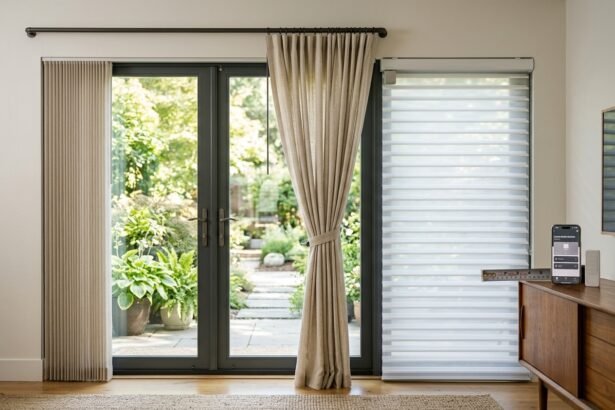


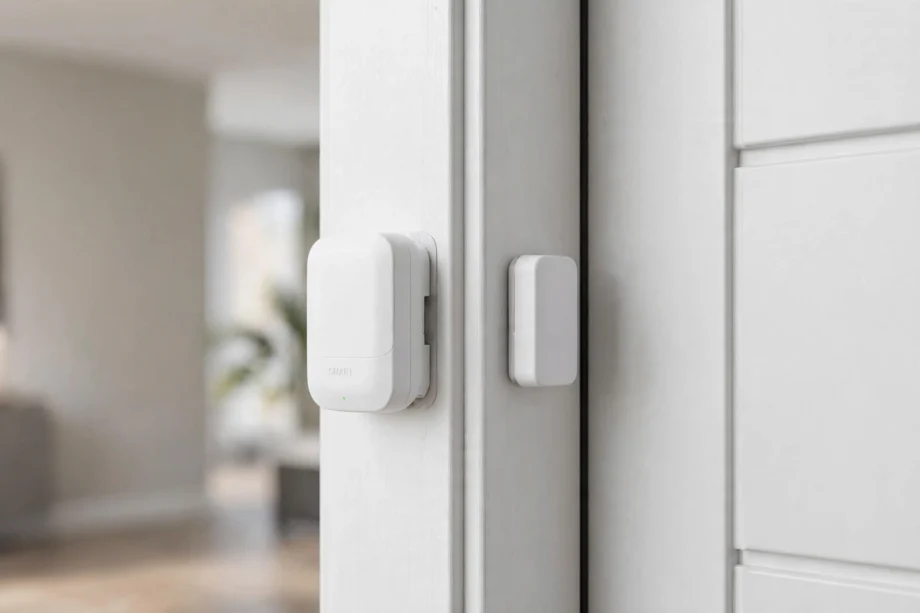
A door window sensor tells your smart home when a door or window opens or closes. This tiny device powers security alerts, energy-saving automations, and peace of mind. In this guide, we explain how they work, compare the best models for 2026, and show you smart ways to use them.
- How a Door Window Sensor Works
- Best Sensors for 2026
- Aqara Door and Window Sensor P2: Best Overall
- Eve Door & Window: Best for Apple Home
- Ring Alarm Contact Sensor: Best for Ring Users
- YoLink Door Sensor: Best for Long Range
- TP-Link Tapo T110: Best Budget
- Choosing the Right Wireless Protocol
- Installation Tips That Actually Matter
- Smart Automations Worth Setting Up
- Troubleshooting Common Sensor Problems
- FAQs
- How does the magnetic detection work?
- Do I need a hub for these sensors?
- How long do sensor batteries last?
- Can I use a sensor outdoors?
- Will a sensor work on sliding doors?
- Can sensors trigger my thermostat?
- Final Thoughts
How a Door Window Sensor Works
Every door window sensor has two parts: a sensor body and a small magnet. You mount one part on the frame and the other on the moving door or window. When closed, the magnet sits close to the sensor. When the door opens, however, the magnet moves away, and the sensor detects the change.
That open or closed signal travels wirelessly to your smart home hub or app. From there, it can trigger an alarm, send a phone notification, turn on a light, or adjust your thermostat. The whole chain takes a second or two. In fact, most sensors use a reed switch inside, which is a simple, reliable component with no moving parts to wear out.
Power comes from a small coin or AAA battery that typically lasts one to two years. The sensor sleeps most of the time and wakes only to report a state change, which is why batteries last so long. As a result, you will get a low-battery warning in your app well before it dies.
Best Sensors for 2026
The best sensor depends on your smart home platform. A sensor that speaks the wrong protocol is useless, so match the sensor to your hub first, then compare features. Meanwhile, these five cover the main ecosystems.
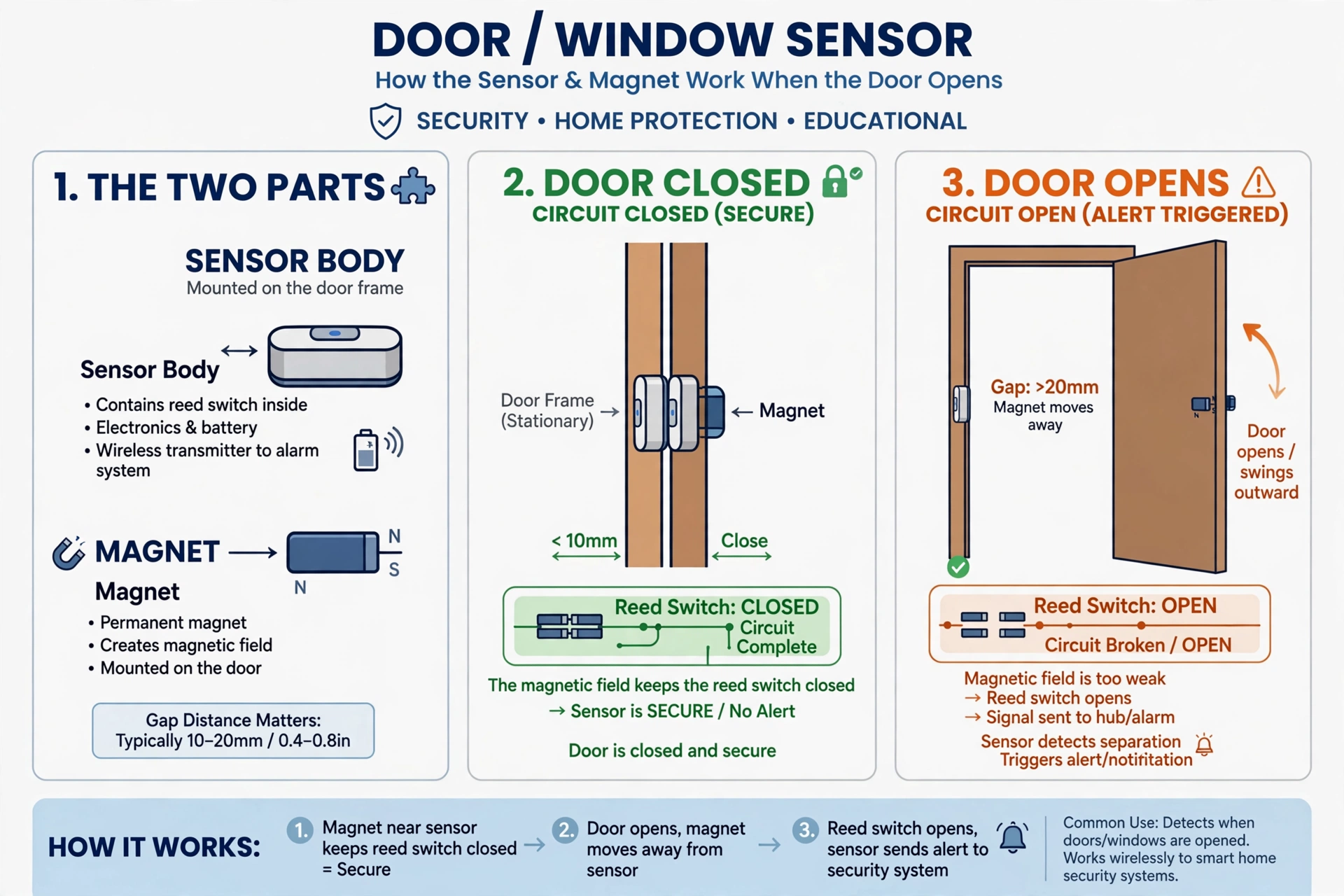
Table: Best door window sensors compared
| Sensor | Protocol | Best For | Battery | Price Tier |
|---|---|---|---|---|
| Aqara P2 | Matter over Thread | Multi-platform homes | ~1 year | $ |
| Eve Door & Window | Matter over Thread | Apple Home, privacy | ~1 year | $$ |
| Ring Alarm Contact Sensor | Z-Wave | Ring Alarm users | ~2 years | $ |
| YoLink Door Sensor | LoRa | Long range, garages | ~2 years | $ |
| Tapo T110 | Sub-1GHz | Tapo ecosystem, budget | ~1 year | $ |
Aqara Door and Window Sensor P2: Best Overall
The Aqara P2 uses Matter over Thread, which means it works with Apple Home, Google Home, Alexa, and SmartThings through a Thread border router. No single-vendor lock-in. In addition, it is small, affordable, and reliable, making it the default recommendation for most smart homes.
For a deeper look at Aqara’s sensor lineup, see our Aqara door and window sensor guide. The P2’s local automation support means basic routines keep working even if your internet goes down. That is a real advantage over cloud-dependent sensors.
Eve Door & Window: Best for Apple Home
Eve’s sensor also uses Matter over Thread but targets Apple Home users specifically. Its standout trait is privacy: no cloud account, no vendor servers, all data stays local and encrypted. So if you distrust cloud-dependent gadgets, Eve is the answer.
Setup is smooth with an iPhone and a HomePod mini or Apple TV as Thread border router. The build quality feels premium, and the replaceable battery lasts about a year. To understand the platform it lives in, read what Apple Home is and how it works.
Ring Alarm Contact Sensor: Best for Ring Users
If you already run Ring Alarm, this Z-Wave sensor is the obvious pick. It pairs directly with the Ring base station, shows up in the Ring app, and triggers your alarm system natively. In addition, battery life stretches to around two years.
You are not locked to Ring Alarm either. The sensor works as a generic Z-Wave device with hubs like SmartThings or Home Assistant. For whole-home security context, see how these fit into alarm window and door contact sensor setups.
YoLink Door Sensor: Best for Long Range
YoLink uses LoRa wireless, which reaches far beyond Zigbee or Z-Wave. We are talking hundreds of meters in open air. As a result, it is ideal for detached garages, sheds, gates, and large properties where normal sensors drop off.
The trade-off is cloud dependence. YoLink automations run through their cloud, so they stop working during internet outages. Still, battery life is excellent at around two years. If range is your main problem, nothing else in this price range competes.
TP-Link Tapo T110: Best Budget
The Tapo T110 is the cheapest way to add door sensing to a Tapo smart home. It triggers alerts and automations like turning on lights when a door opens. However, you need a Tapo hub, so it only makes sense if you are already in that ecosystem.
Don’t buy it as a standalone sensor for another platform. It’s a team player, not a free agent. Within a Tapo home, though, it is hard to beat for the price.
Choosing the Right Wireless Protocol
The protocol decides which hub you need and how reliable the connection is. Getting this wrong is the most common buying mistake. So take a minute here.
Matter over Thread is the future-facing choice. One sensor works across Apple, Google, Amazon, and Samsung platforms. You need a Thread border router, which many newer smart speakers and hubs include. Therefore, if you are starting fresh in 2026, this is the safest bet.
Zigbee remains hugely popular with an enormous device selection. It needs a Zigbee hub or coordinator, and it forms a mesh where powered devices relay signals. In fact, most Aqara and third-party sensors use Zigbee. It is mature, cheap, and reliable.
Z-Wave suits security-focused setups like Ring Alarm. It operates on a less crowded frequency than Zigbee, which can mean fewer interference issues. The device selection is smaller and prices run higher. Still, reliability is excellent.
LoRa, used by YoLink, trades speed for extreme range. It is overkill for apartments but perfect for sprawling properties. Wi-Fi sensors exist too, but they drain batteries fast and add traffic to your network. For that reason, most people avoid them for contact sensing.
Installation Tips That Actually Matter
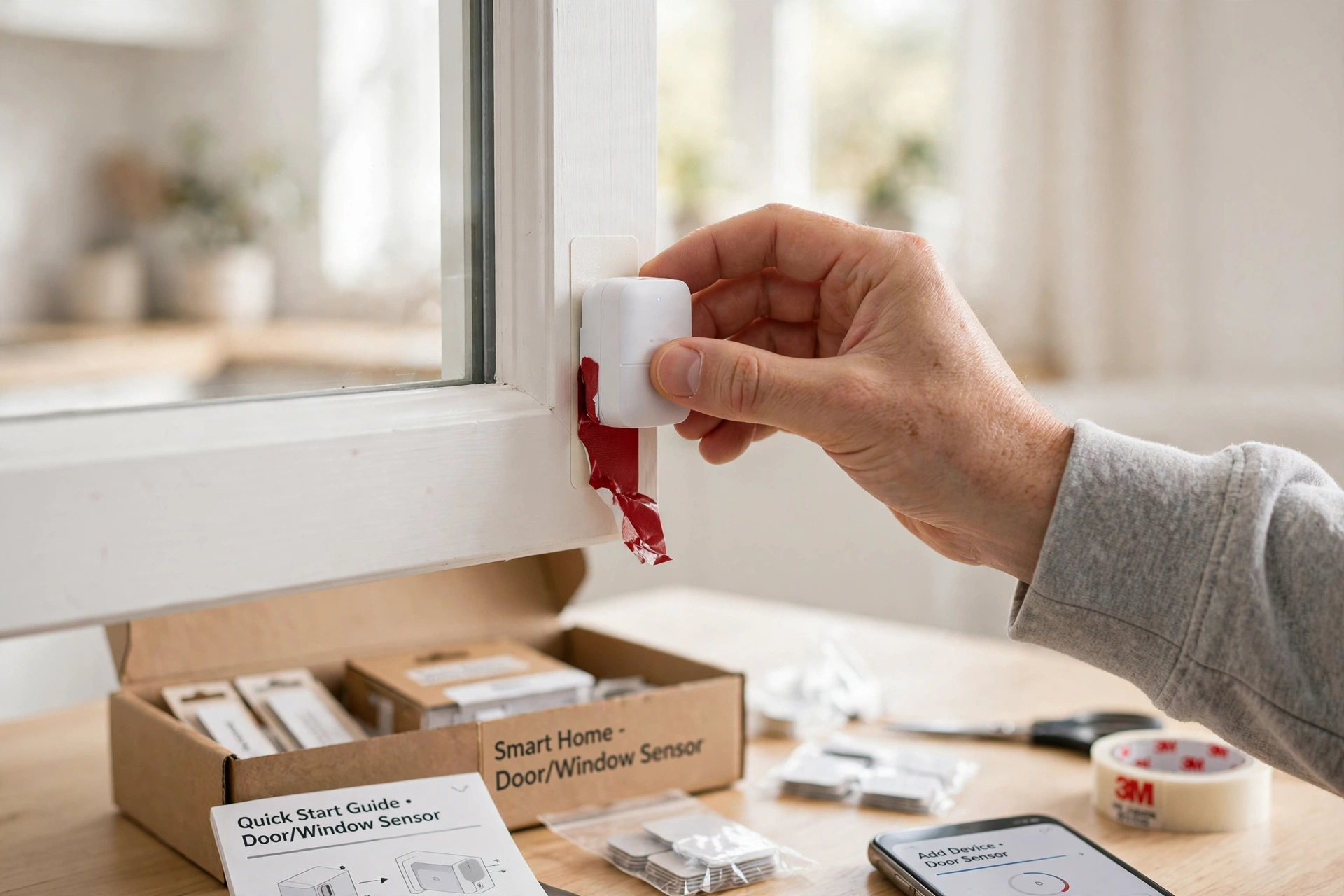
Mounting a door window sensor takes five minutes, but small details decide whether it works reliably. First, keep the gap between sensor and magnet small when closed. Most models want under 20mm, and tighter is better. SONOFF’s official sensor guide confirms this 20mm maximum for reliable detection. Test by opening and closing slowly while watching the app.
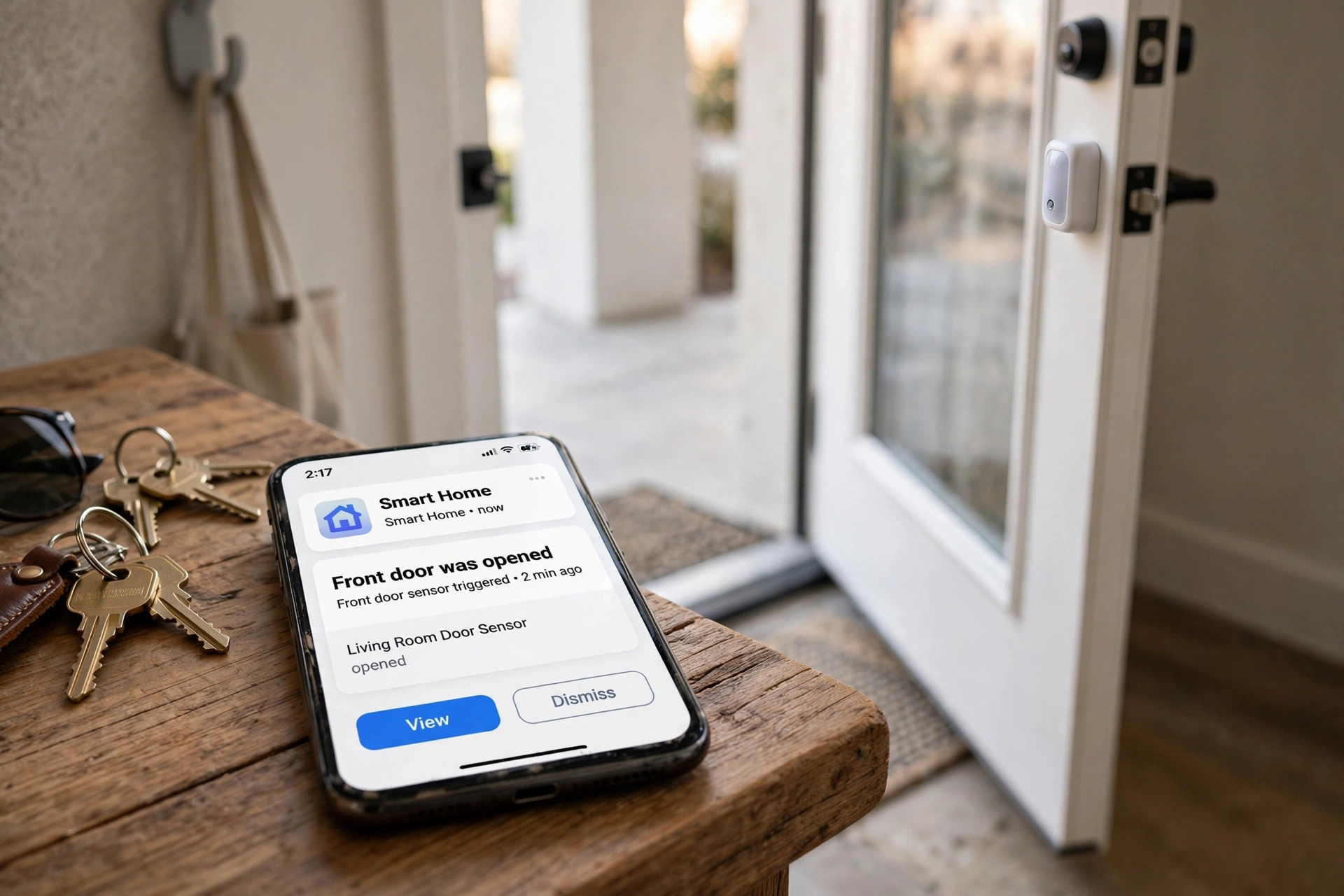
Align the two parts carefully. The sensor usually has a marked line showing where the magnet should sit. Misalignment by even a centimeter can cause missed events or false alarms. So take thirty extra seconds to line them up properly.
Metal doors and frames can interfere with the magnetic field. If your sensor behaves erratically on a metal door, try a small plastic spacer behind the sensor to create distance from the metal. In fact, some manufacturers sell spacers specifically for this.
For windows, think about which openings matter. Ground-floor windows are the security priority. Upper windows matter less for break-ins but still help with energy automations. Meanwhile, do not waste sensors on windows you never open; focus on the ones that change your automations.
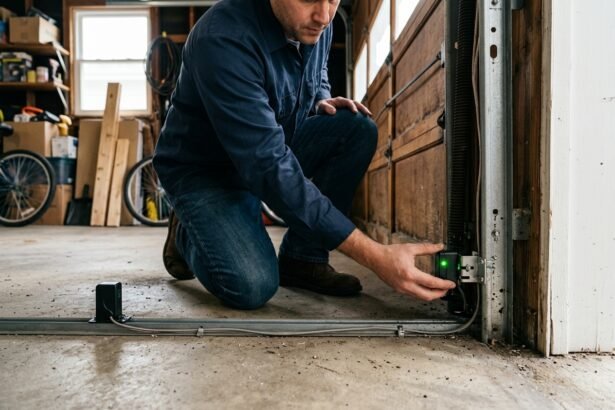
Use the included adhesive for most installs. It holds well and removes cleanly. Screws suit outdoor or high-vibration spots like garage doors. For renters, adhesive-only mounting keeps the security deposit safe. As a result, you can take them down without a trace.
Smart Automations Worth Setting Up
A sensor alone just reports open and closed. The magic happens when you connect it to other devices. For example, here are automations that actually improve daily life.
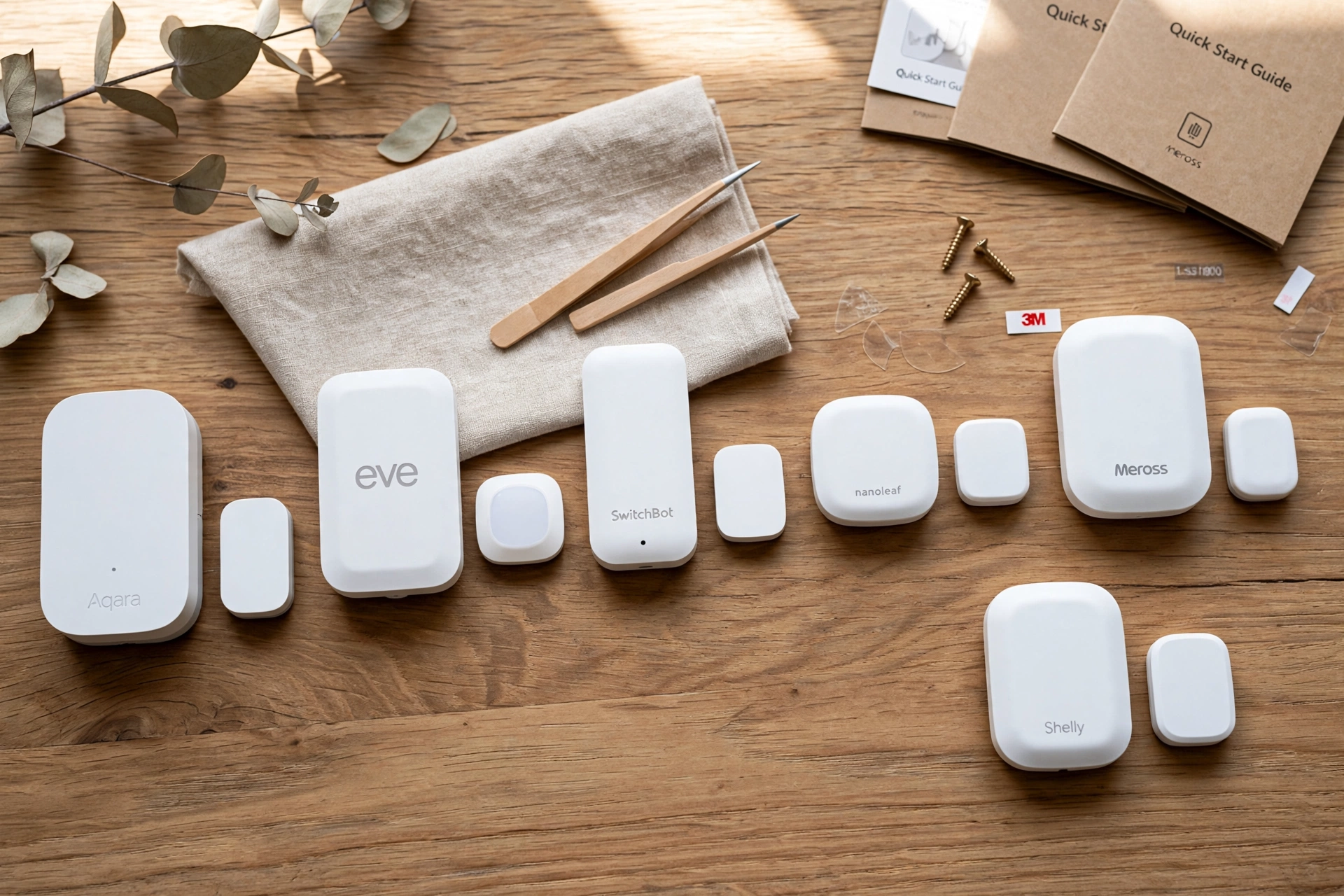
Security alerts are the obvious one. Get a phone notification when the front door opens while you are away, or when a ground-floor window opens at night. Pair sensors with a smart door lock with camera and you can see who just came in.
Energy saving is the sleeper hit. Set your thermostat to pause heating or cooling when a window stays open for five minutes. As a result, this single automation can cut real money from energy bills, especially in extreme climates. It also stops you from air-conditioning the neighborhood.
Lighting automations add convenience. Turn on the porch light when the front door opens after dark. Light up a closet when its door opens. In other words, these small touches make a home feel alive and save you fumbling for switches.
Child and pet awareness matters too. Get an alert when the back door opens during nap time, or when a curious toddler opens a window. Since sensors are cheap enough, put them on interior doors for this kind of awareness.
Finally, use sensors for presence simulation when traveling. Program lights to follow realistic patterns triggered by door sensors, making the house look occupied. It is a simple trick that adds real security.
Troubleshooting Common Sensor Problems
Even good sensors act up sometimes. Fortunately, most problems have simple fixes you can try in minutes.
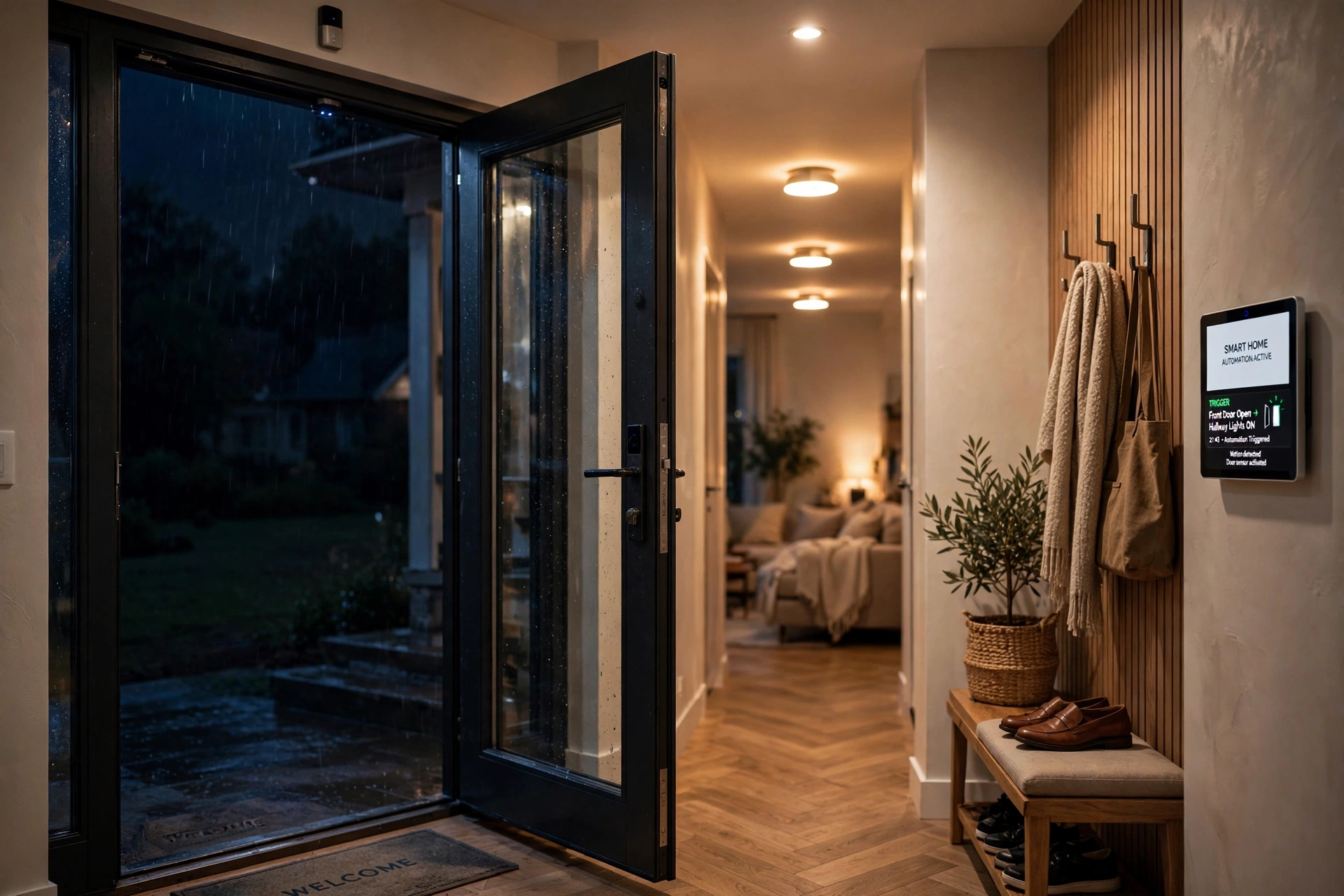
False open alerts usually mean the magnet drifted too far from the sensor. First, check the gap when the door is closed. If it grew beyond the rated distance, reposition the magnet closer. Temperature changes can shift adhesive mounts slightly over time, so recheck alignment seasonally.
Missed events often point to a dying battery. The sensor may still report its battery as fine while struggling to transmit. As a result, if events go missing, replace the battery first before assuming the sensor is broken. Fresh batteries solve a surprising number of mystery issues.
Connectivity drops suggest range or interference problems. Zigbee and Thread sensors rely on mesh strength, so add a powered device like a smart plug halfway between the sensor and hub. Meanwhile, keep sensors away from microwaves and USB 3.0 hubs, which can interfere with 2.4GHz signals.
Slow notifications usually trace to cloud delays rather than the sensor itself. Local automations through Matter or Home Assistant respond in under a second. Cloud-based alerts, on the other hand, can take several seconds depending on your internet. If speed matters, prefer local execution.
FAQs
How does the magnetic detection work?
It uses a magnetic reed switch. One part holds the sensor, the other holds a magnet. When the door or window is closed, the magnet sits near the sensor and keeps the switch in one state. Opening moves the magnet away, flipping the switch. Then the sensor sends an open signal wirelessly to your hub or app.
Do I need a hub for these sensors?
Most sensors need a hub or a device that acts as one. Zigbee sensors need a Zigbee hub, Z-Wave sensors need a Z-Wave hub, and Thread sensors need a Thread border router. Some Wi-Fi sensors work without a hub but drain batteries quickly. Therefore, always check the protocol and hub requirement before buying any sensor.
How long do sensor batteries last?
Typically one to two years, depending on the protocol and how often the door opens. Zigbee and Z-Wave sensors sip power and last longest. Your app will warn you when the battery runs low, usually weeks before it dies. Still, replacement takes a minute and uses cheap coin or AAA batteries.
Can I use a sensor outdoors?
Standard indoor sensors are not weatherproof, so keep them inside. For gates, sheds, and garages, look for outdoor-rated models or long-range options like YoLink. Mount them where rain cannot reach directly. In addition, check the operating temperature range if your winters get harsh.
Will a sensor work on sliding doors?
Yes, with careful placement. Mount the sensor on the frame and the magnet on the sliding panel, keeping the gap small when closed. Sliding doors move sideways, so align the parts along the direction of travel. Still, test thoroughly, since the wider movement can cause alignment issues that hinged doors avoid.
Can sensors trigger my thermostat?
Yes, through smart home automations. Set a rule that pauses heating or cooling when a window stays open for a few minutes, then resumes when it closes. This works with most platforms including Apple Home, Google Home, Alexa, and Home Assistant. In fact, it is one of the highest-value automations a sensor can drive.
Final Thoughts
A door window sensor is the cheapest, most useful smart home device you can buy. Start with your main entry points, match the protocol to your hub, and build automations gradually. First security alerts today, then energy savings tomorrow. For under the cost of a pizza per sensor, you get awareness of every opening in your home.