
Presence sensors compared reveal a simple truth: no single sensor wins every room. Some detect still bodies on a couch, while others only notice movement. This guide lines up twelve sensors from Aqara, Philips Hue, IKEA, Eve, SONOFF, Third Reality, MOES, and Everything Presence. Every number comes from the maker’s spec page, checked on 7 November 2026.
- How Presence Detection Actually Works
- Presence Sensors Compared: The Full Table
- The mmWave Sensors: Real Presence, Real Trade-Offs
- The PIR Sensors: Cheap, Simple, and Good Enough for Most Rooms
- What the Spec Sheets Do Not Tell You
- How to Pick the Right Sensor
- FAQs
- Do I need a mmWave sensor, or is PIR enough?
- Why do some sensors need a hub?
- How accurate are the battery life claims in this table?
- Can I use these sensors with Home Assistant?
- Is this dataset based on real testing?
- Which sensor should I buy first?
- The Bottom Line
This is a compiled dataset, not a lab test. We did not buy these sensors or run them through a test rig. Instead, we gathered the official specs from each maker, lined them up in one table, and flagged every gap where the maker stays silent. That way you can compare like with like, and you know which claims come from a spec sheet.
How Presence Detection Actually Works
A PIR sensor watches for changes in infrared heat. When a warm body moves across its view, it fires. Then it goes quiet again. So a PIR sensor is great at spotting someone who walks into a room, but it can miss a person who sits still to read a book. That flaw turns lights off on a person who never left the room.
A mmWave sensor works in a different way. It sends out tiny radio waves and reads the reflections back. Even small moves, like breathing, change the reflection. So it can tell that a still person is still there. That is why mmWave sensors are called presence sensors, while PIR sensors are really motion sensors. The two terms get mixed up a lot, so check the tech before you buy.
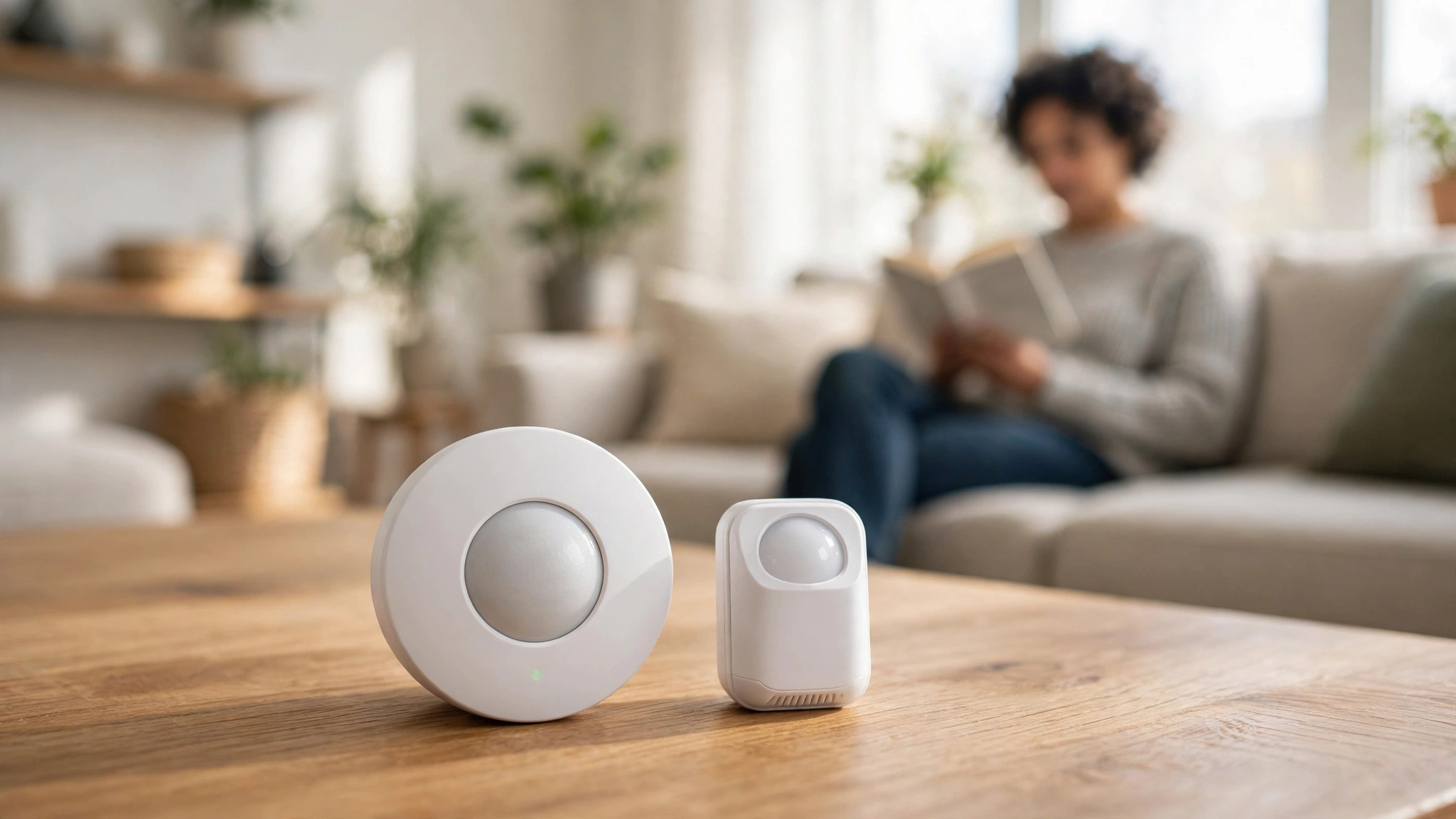
Dual sensors mix both types in one box. The PIR part wakes the device fast, and the mmWave part confirms that someone is still in the room. In theory, you get fast response plus fewer false offs. In practice, the mix only helps if the firmware handles the handoff well. The spec sheet will not tell you that part, so treat dual tech as a good sign, not a promise.
Protocol matters just as much as the sensor type. Zigbee sensors need a Zigbee hub or coordinator, while Thread sensors need a Thread border router. Wi-Fi sensors skip the hub but add traffic to your network. If you already run Home Assistant, check the integration column in our table first. A sensor that cannot join your system is a paperweight, no matter how good its range looks.
Presence Sensors Compared: The Full Table
The table below holds all twelve sensors. Prices are in US dollars and were checked on 7 November 2026. Two sensors sell in British pounds only, and we note that in the price column. Where a maker does not publish a spec, the table says “not stated” instead of guessing. Use the table to shortlist two or three sensors, then read on for the context numbers alone cannot give.
Table: Twelve presence sensors compared on range, field of view, protocol, power, battery life, and price.
| Sensor | Type | Range | View | Protocol | Power | Battery | Price |
|---|---|---|---|---|---|---|---|
| Aqara Presence Sensor FP2 | mmWave | 8 m wall; 2 m ceiling | 120 degrees wall; 360 degrees ceiling | Wi-Fi + Bluetooth | USB-C mains | N/A (mains) | $82.99 |
| Aqara Presence Sensor FP1E | mmWave | 6 m wall; 4 m radius ceiling | 120 degrees | Zigbee 3.0 | USB-A mains | N/A (mains) | $49.99 |
| Aqara Motion and Light Sensor P2 | PIR | 7 m | 120 degrees | Thread (Matter) | 2x CR2450 | Up to 2 years | $33.99 |
| Philips Hue indoor motion sensor | PIR | 5 m | 100 degrees | Zigbee + Bluetooth | 2x AAA | Not stated | $48.99 |
| IKEA VALLHORN | PIR | 5 m | 120 degrees | Zigbee | 2x AAA rechargeable | Not stated | $11.99 |
| Everything Presence One | Dual mmWave + PIR | 25 m mmWave; 12 m PIR | 100 x 40 degrees mmWave | Wi-Fi + Bluetooth | USB-C mains | N/A (mains) | £47 GBP |
| Everything Presence Lite | mmWave | 5-6 m | Not stated | Wi-Fi + Bluetooth | USB-C mains | N/A (mains) | £28 GBP |
| Third Reality Motion Sensor | PIR | 6 m | Not stated | Zigbee 3.0 | 2x AAA | Up to 2 years | $19.99 |
| Third Reality Smart Presence Sensor R2 | mmWave | 1-5 m | Not stated | Zigbee 3.0 | 3x AA | Up to 3 years | $39.99 |
| SONOFF SNZB-03P | PIR | 6 m | 110 degrees | Zigbee 3.0 | CR2477 | Up to 3 years | $16.50 |
| Eve Motion | PIR | 9 m | 120 degrees | Matter over Thread | 2x AAA | Not stated | $54.95 |
| MOES Zigbee Smart PIR Sensor | PIR | Up to 6 m | 128 degrees | Zigbee | 2x AAA | Not stated | $19.99 |
Three patterns jump out from the table. First, mmWave costs more, and the best mmWave sensors need mains power. Second, the cheapest PIR sensors still cover 5 to 6 metres, which is enough for most rooms. Third, battery life claims are all over the place, and four makers do not publish a figure at all.
The mmWave Sensors: Real Presence, Real Trade-Offs
The Aqara FP2 sits at the top of this list on price, and it earns that spot on paper. It tracks up to five people at once, splits a room into zones, and covers 8 metres from a wall. It needs no hub, since it talks over Wi-Fi. For a large open-plan space, it leads this list. The catch is the power cable. You need a USB-C outlet nearby, and that limits where you can place it. Check the current price and full specs on the official Aqara FP2 page.
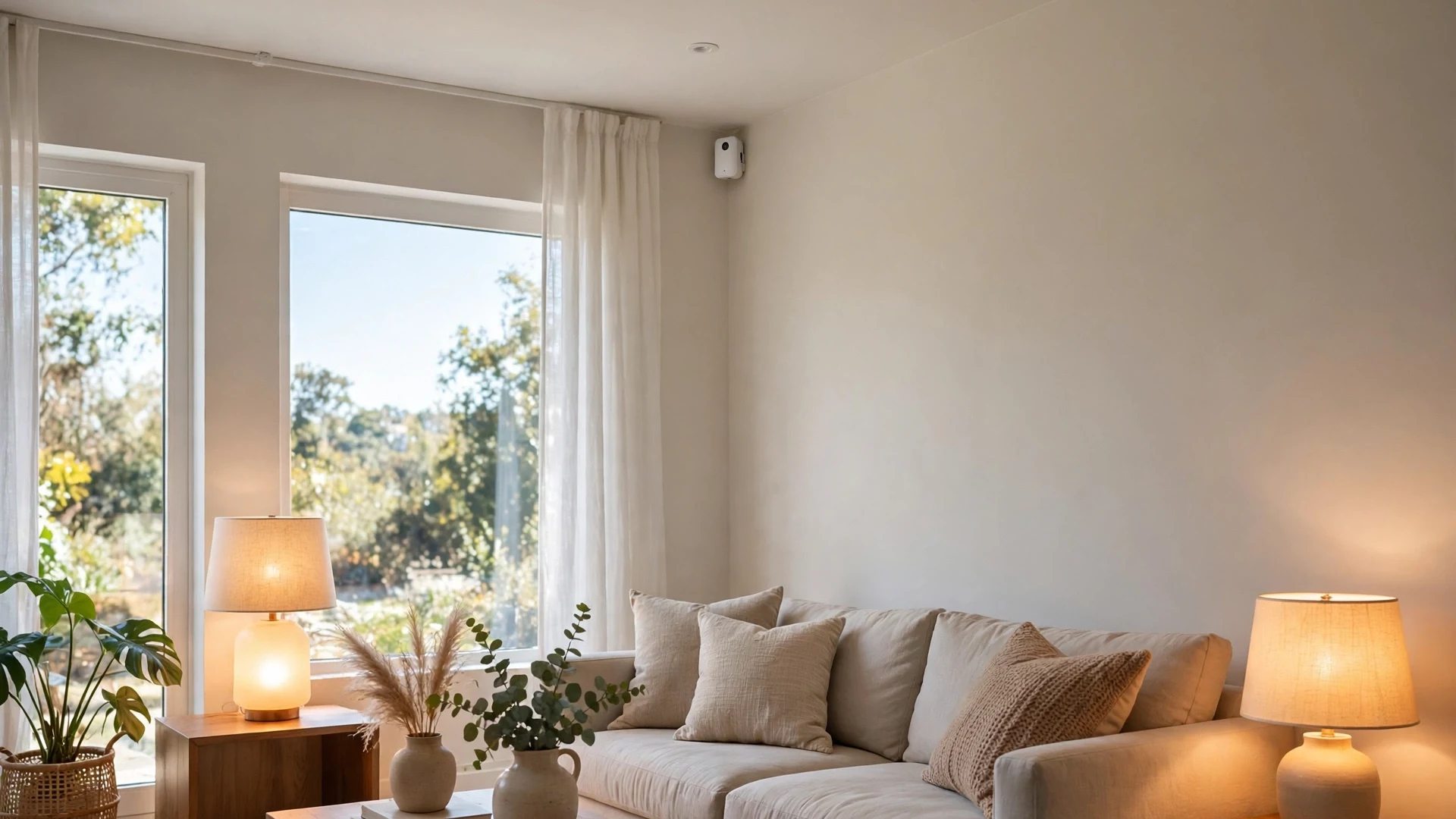
If you want a full walkthrough of how this kind of sensor drives real automations, our presence detection lighting guide shows the setup step by step. It covers zones, fall detection, and the automations that work best with true presence data.
The Aqara FP1E is the FP2’s smaller sibling, and it trades Wi-Fi for Zigbee. It still detects presence, not just motion, for about thirty dollars less. The trade is that you need an Aqara Zigbee 3.0 hub, and its range drops to 6 metres on a wall mount. For a bedroom or office, that is plenty. For a large living room, you may need two, so the saving can vanish fast.
For a deeper look at the tech itself, our mmWave sensor guide explains how radar presence detection differs from PIR motion detection. It also covers the common setup mistakes, like mounting a sensor facing a window or a ceiling fan.
The Third Reality R2 is the odd one out here. It is the only mmWave sensor in this list that runs on batteries, with three AA cells rated for up to three years. Its range is short, just 1 to 5 metres, and you tune it with five sensitivity levels. That suits a hallway, bathroom, or cabinet, where wired power is a hassle. It is not the pick for a big room, since its range tops out fast.
The Everything Presence One and Lite come from a small maker, and they run ESPHome out of the box. That means they join Home Assistant with almost no setup, and they add temperature and light readings. The One pairs a 24 GHz mmWave radar with a PIR sensor, and claims a 25 metre radar range. The Lite drops the PIR sensor and tops out at 5 to 6 metres. Both need USB-C power, and both sell in pounds, so check the exchange rate before you order. You can read the full spec and setup docs on the maker’s documentation page for the Presence One.
The PIR Sensors: Cheap, Simple, and Good Enough for Most Rooms
PIR sensors do one job, and they do it well. They spot movement, and they cost very little. The IKEA VALLHORN is the cheapest sensor in this list at $11.99, and it covers 5 metres at 120 degrees. It runs on two rechargeable AAA cells, and pairs with the DIRIGERA hub or any Zigbee coordinator. For a hallway or a closet, it is hard to beat. IKEA does not publish a battery life figure, so you will learn that number from use.
The SONOFF SNZB-03P is the next step up in value. It costs $16.50, covers 6 metres, and claims up to three years on a single CR2477 cell. It also has a light sensor, so it can skip daytime triggers. The older SNZB-03 is no longer the current model on the maker’s store, so buy the P version for the current specs and price.
Third Reality’s PIR motion sensor and the MOES Zigbee PIR sensor sit in the same price band, at $19.99 each. Both run on two AAA cells and talk Zigbee. Third Reality claims up to two years, while MOES publishes no figure. The MOES unit claims a wider 128 degree view, but that number comes from its manual, not the web store page. If you need a plain Zigbee motion sensor for Home Assistant, either one works.
For the best placement ideas, our best motion sensor guide for smart lighting lines up Zigbee PIR sensors by room. It shows where to mount each one and which rooms benefit most from a wider field of view.
The Aqara P2 and the Eve Motion sit at the premium end of the PIR list. The P2 runs Matter over Thread, so it joins any Matter system, and it claims up to two years on two CR2450 cells. Eve Motion also runs Matter over Thread, with the longest PIR range here at 9 metres. Both add a light sensor, and both cost more than twice the budget picks. So the premium buys ecosystem fit and range, not better detection.
The Philips Hue indoor motion sensor is the hardest one to justify on specs alone. It costs $48.99, covers 5 metres, and its battery life is not stated. Yet it is the obvious pick if you already run Hue lights, since it joins the Hue Bridge in seconds. The best sensor is often the one that fits the system you already own.
When you are ready to wire these sensors into automations, our Home Assistant motion sensor guide walks through the light-on and light-off logic. It covers the timers and conditions that stop lights from turning off on a still person.

What the Spec Sheets Do Not Tell You
Spec sheets are marketing documents, not lab reports. A maker tests range in an empty room, at the ideal height, with nothing in the way. Your room has furniture, walls, and a ceiling fan. So treat every range figure as a best case, then knock off a metre or two. The same goes for field of view.
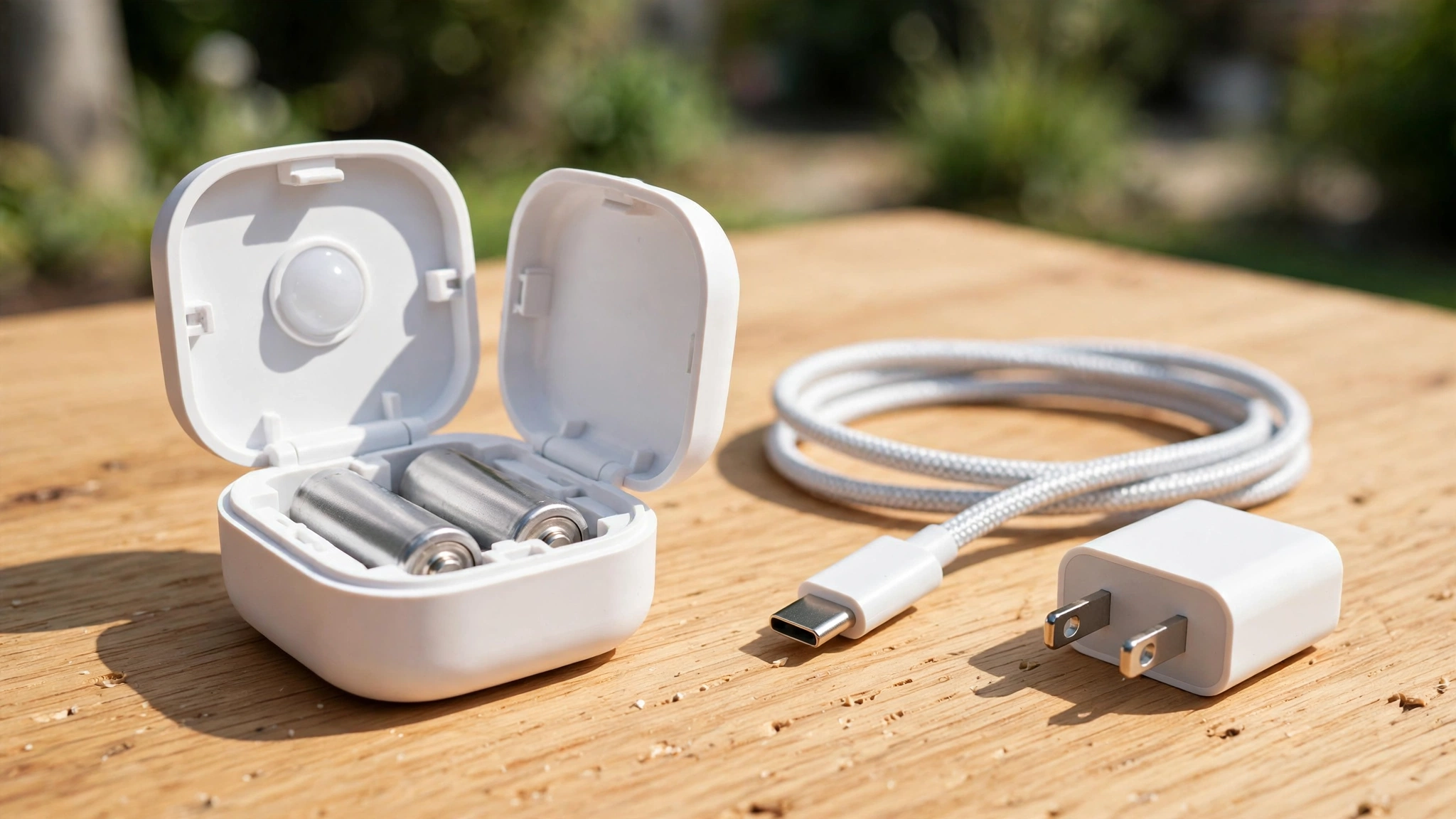
Battery life claims deserve the same doubt. Up to two years usually means a quiet room with a few triggers a day. A busy hallway can cut that figure in half. Four makers in this list publish no battery figure, and that silence is worth noting. When a maker hides a number, it often means the number is poor. So prefer sensors with a stated figure when the price is close.
Prices move too. We checked every price on 7 November 2026, but sales can change them within weeks. The two Everything Presence sensors sell in pounds, so their dollar cost moves with the exchange rate. Check the price again on the day you buy. The dataset file lists the source page for every sensor.
How to Pick the Right Sensor
Start with the system you already run. A Zigbee home should buy Zigbee sensors, and a Thread home should buy Thread sensors. Mixing protocols means buying extra hubs. Next, sort by room. A hallway needs cheap PIR, while a living room needs true presence. Then check power. Mains mmWave beats battery mmWave on range, but only if an outlet sits nearby. Finally, budget per room, not per sensor, since a big room may need two cheap sensors instead of one pricey one.
If you are still choosing between the two big mesh protocols, our Zigbee vs Z-Wave guide explains how each one works in a real home. It covers range, device choice, and the hub each protocol needs.
One last tip: buy one sensor first. Test it in the room where it matters most for a week. If it keeps the lights on while you sit still, buy more of the same. If it misses you, move it to a hallway and try another model. A single test beats a cart full of guesses.
FAQs
Do I need a mmWave sensor, or is PIR enough?
It depends on the room. PIR is enough for hallways, closets, and bathrooms, where people keep moving. A mmWave sensor is worth the extra cost in a living room, office, or bedroom, where people sit still. If your lights keep turning off on you, switch to mmWave.
Why do some sensors need a hub?
Zigbee and Thread are low-power radios, and they need a hub or coordinator to reach your network. Wi-Fi sensors skip the hub, but they use more power and add traffic to your router. A hub also lets you mix brands in one system. So a hub is a small cost that buys flexibility later.
How accurate are the battery life claims in this table?
Treat them as best-case numbers. Makers test in calm conditions, with few triggers per day. A sensor in a busy hallway fires far more often, so its battery drains faster. Four makers do not publish a figure. When two sensors cost the same, pick the one with a stated figure, since silence is not a good sign.
Can I use these sensors with Home Assistant?
Yes, all twelve work with Home Assistant in some way. Zigbee sensors join through ZHA or Zigbee2MQTT, Thread sensors through Matter, and Wi-Fi sensors through their own integration or ESPHome. Check the integration column in the table before you buy. A sensor that cannot join your setup is money wasted.
Is this dataset based on real testing?
No, and we say so plainly. Every number in this guide comes from the maker’s official spec page or manual, checked on 7 November 2026. We did not buy or test these sensors. That means the range and battery figures are the makers’ claims, not measured results. Use this guide to shortlist sensors, then read user reviews first.
Which sensor should I buy first?
Start with your system, not the sensor. If you run Zigbee, buy the Third Reality R2 for a small room or the SONOFF SNZB-03P for a hallway. If you run Hue, buy the Hue sensor. If you run Home Assistant with ESPHome, buy the Everything Presence Lite. Pick one room, test it for a week, and only then buy more.
The Bottom Line
Twelve sensors, one clear pattern. PIR sensors are cheap and fine for movement, while mmWave sensors cost more and catch still people. Match the sensor to your system first, then to the room. Start with one sensor in one room, and let a week of real use decide the rest. The dataset sits with this article for rechecking.