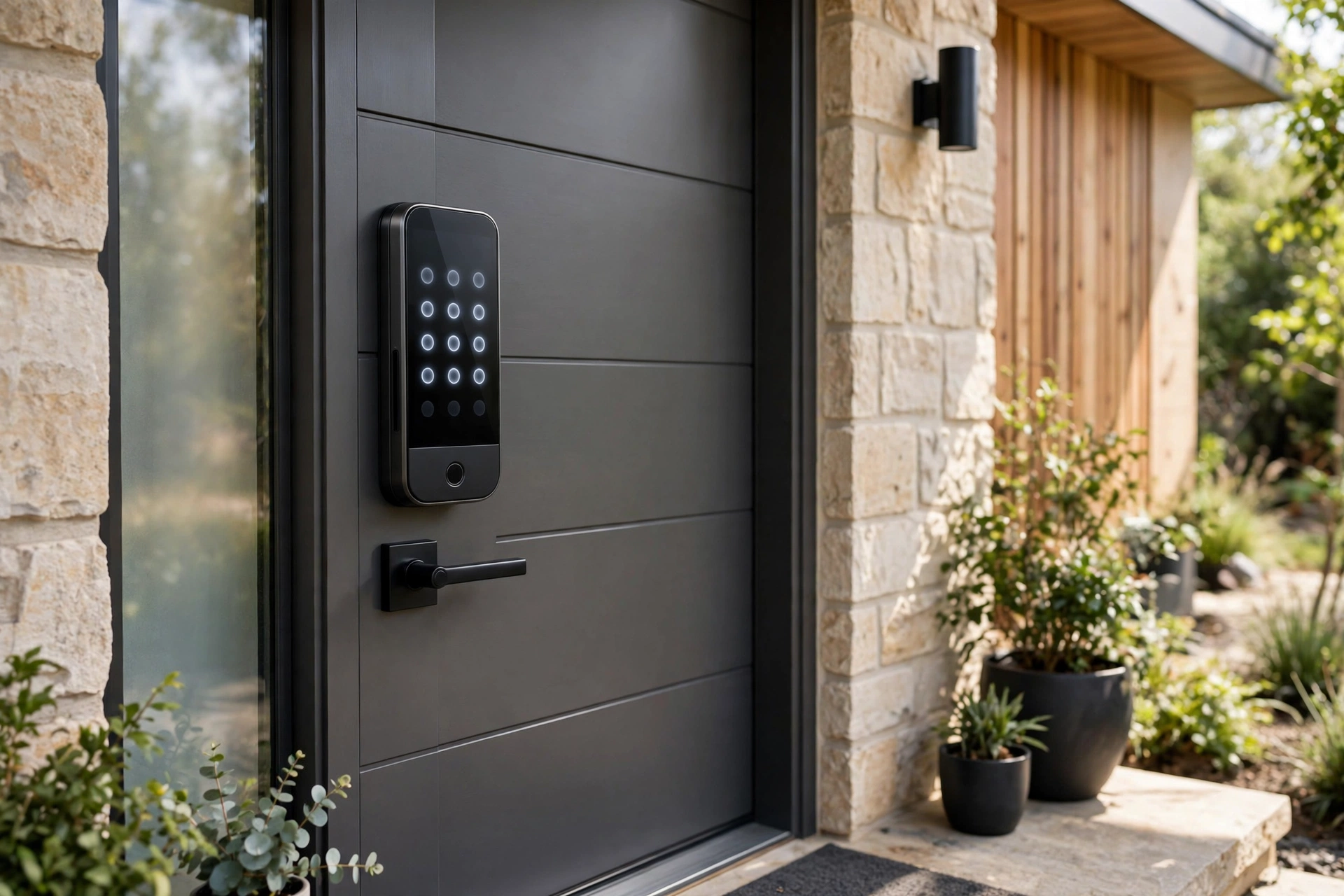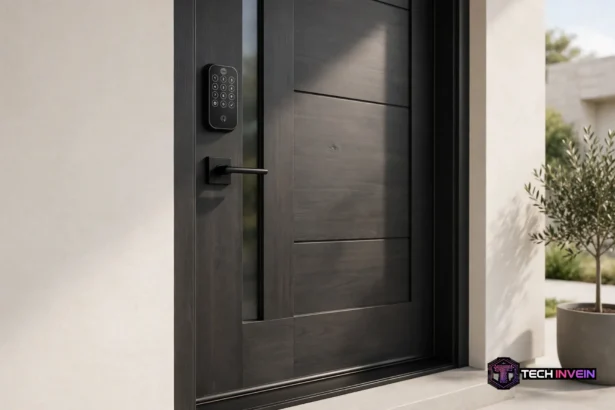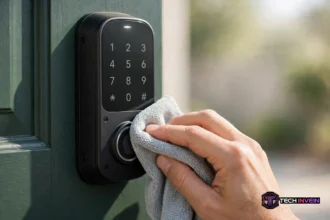



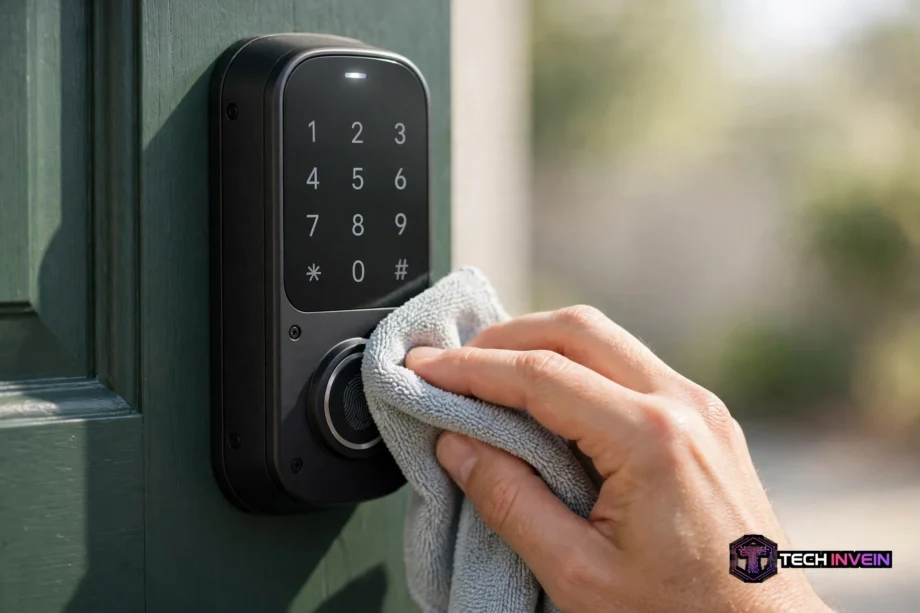
Learning how to clean smart lock hardware the right way takes about six minutes. It can save you from missed fingerprints, sticky buttons, and a worn finish. You need a soft cloth, warm water, and a drop of mild dish soap. Never spray cleaner straight onto the lock, because liquid can seep into the electronics and cause real damage.
- Why a Dirty Lock Starts to Misbehave
- What You Need Before You Start
- How to Clean Smart Lock Keypads and Touchscreens
- How to Clean the Fingerprint Sensor
- How to Clean the Keyhole and the Bolt
- How to Clean Smart Lock Bodies by Finish
- What Never to Use on a Smart Lock
- How Often Should You Clean It
- When Cleaning Does Not Fix the Problem
- FAQs
- Can I use disinfectant wipes on my smart lock?
- How do I clean a smart lock keypad without damaging it?
- What is the best way to clean a fingerprint sensor?
- Can I use WD-40 on my smart lock?
- How often should I clean my smart lock?
- Why does my smart lock still not work after cleaning?
- A Quick Clean That Pays Off
Why a Dirty Lock Starts to Misbehave
Your front door lock gets touched more than almost anything else in your home. Hands carry skin oil, dust, sunscreen, and food grease, and each touch leaves a thin film behind. That film builds up slowly, so you may not notice it until the keypad stops responding well.
Have you ever pressed a code twice before the lock woke up? A dirty keypad is often the cause. The touch sensor reads your finger through the grime, and the signal gets weak. A quick wipe can bring back the fast response you had when the lock was new.
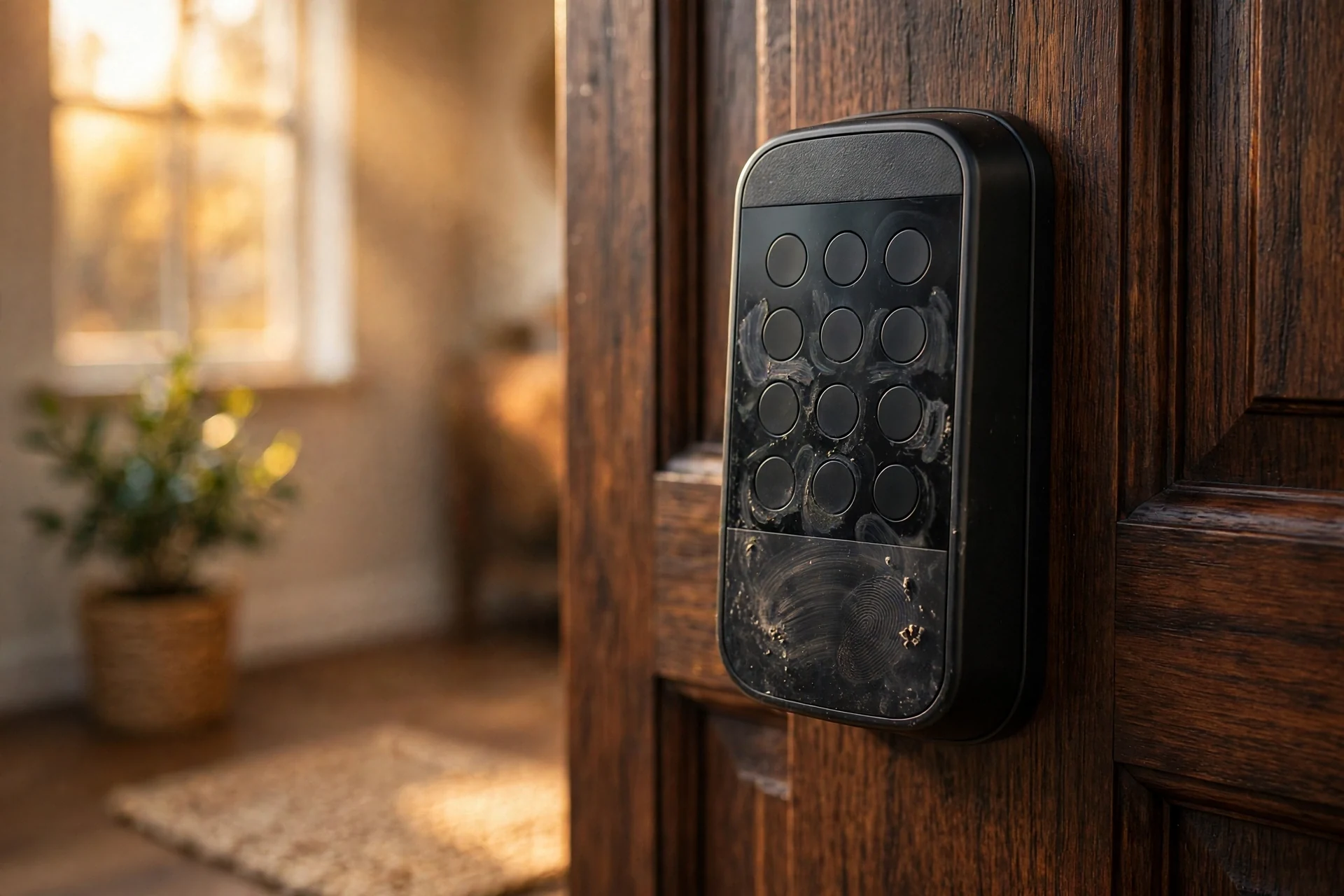
Fingerprint sensors suffer even more. A sensor needs a clear picture of your print, and a smudge can blur that picture. Then the lock rejects a finger it knows well. Many owners blame the lock or the battery first, so they miss the simple fix.
Dirt also hides a security risk. On a touchscreen keypad, worn and oily numbers can show which digits you press most. A stranger could guess part of your code from those marks. Regular cleaning wipes that clue away, and it keeps your code private.
What You Need Before You Start
Gather everything first. You do not want to leave a damp lock half cleaned while you hunt for a cloth. The list is short, and most of these items are already in your kitchen.
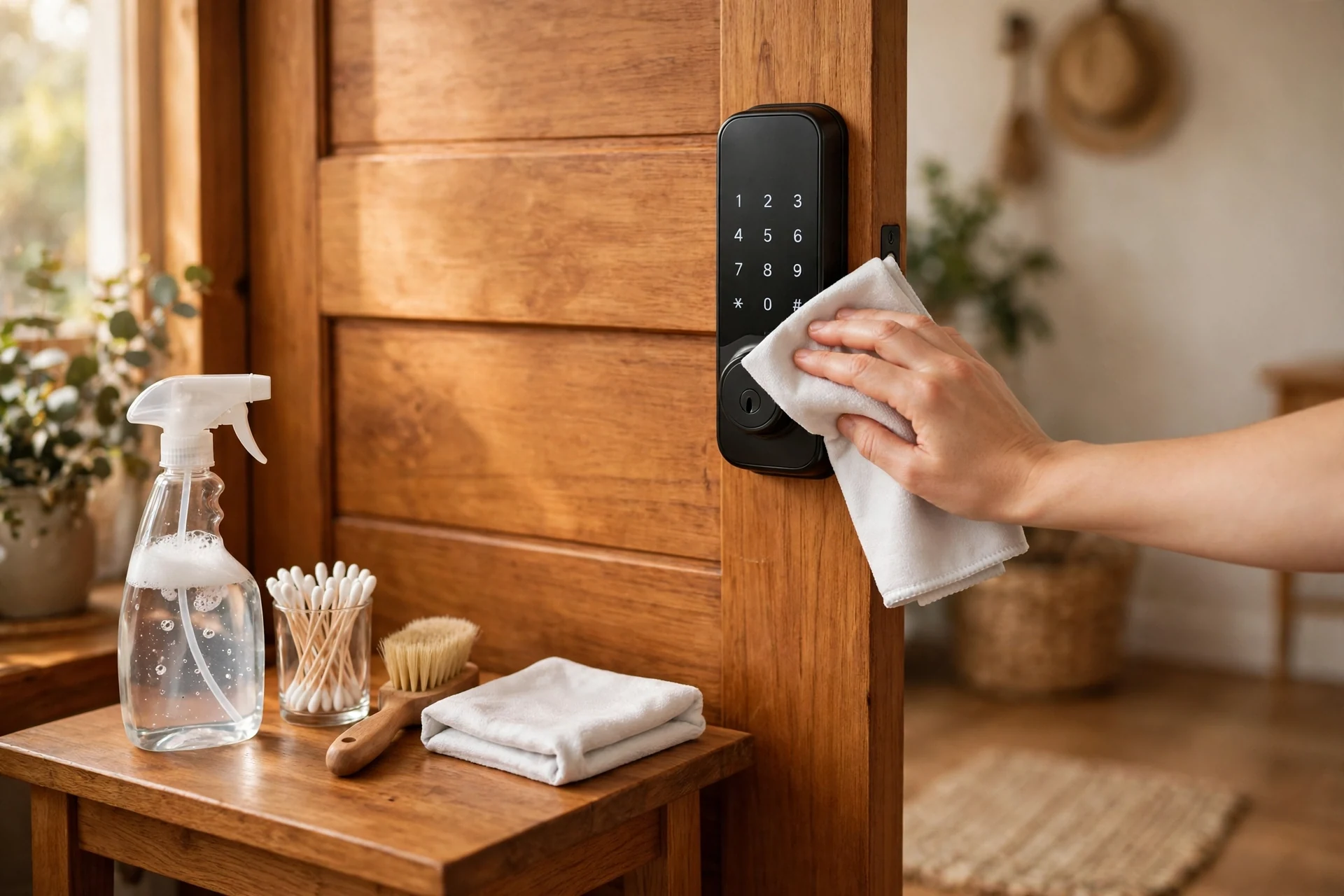
- Two soft microfiber cloths, one for washing and one for drying.
- A small bowl of warm water with one drop of mild dish soap.
- A bowl of plain warm water for rinsing the cloth.
- Cotton swabs for the edges around buttons and the thumbturn.
- A soft toothbrush for dried dirt around the bolt and strike plate.
- Dry graphite or dry PTFE lock lubricant, only if your key is sticky.
Skip paper towels here. They feel soft, but their wood fibers can scratch a glossy touchscreen over time. A microfiber cloth traps dust instead of dragging it across the surface. That makes it the safer pick for every part of the lock.
How to Clean Smart Lock Keypads and Touchscreens
Start with the keypad, since it is the part you touch every day. First, dampen your cloth in the soapy water and wring it out well. The cloth should feel damp, not wet, because no drips should run down the lock face.
Next, wipe the keypad in slow circles. Work from the top down, and let the damp cloth lift the oil away. Then rinse the cloth in plain water, wring it out, and wipe the keypad again to remove any soap film. Dry it at once with your second cloth, so no water spots form on the screen.
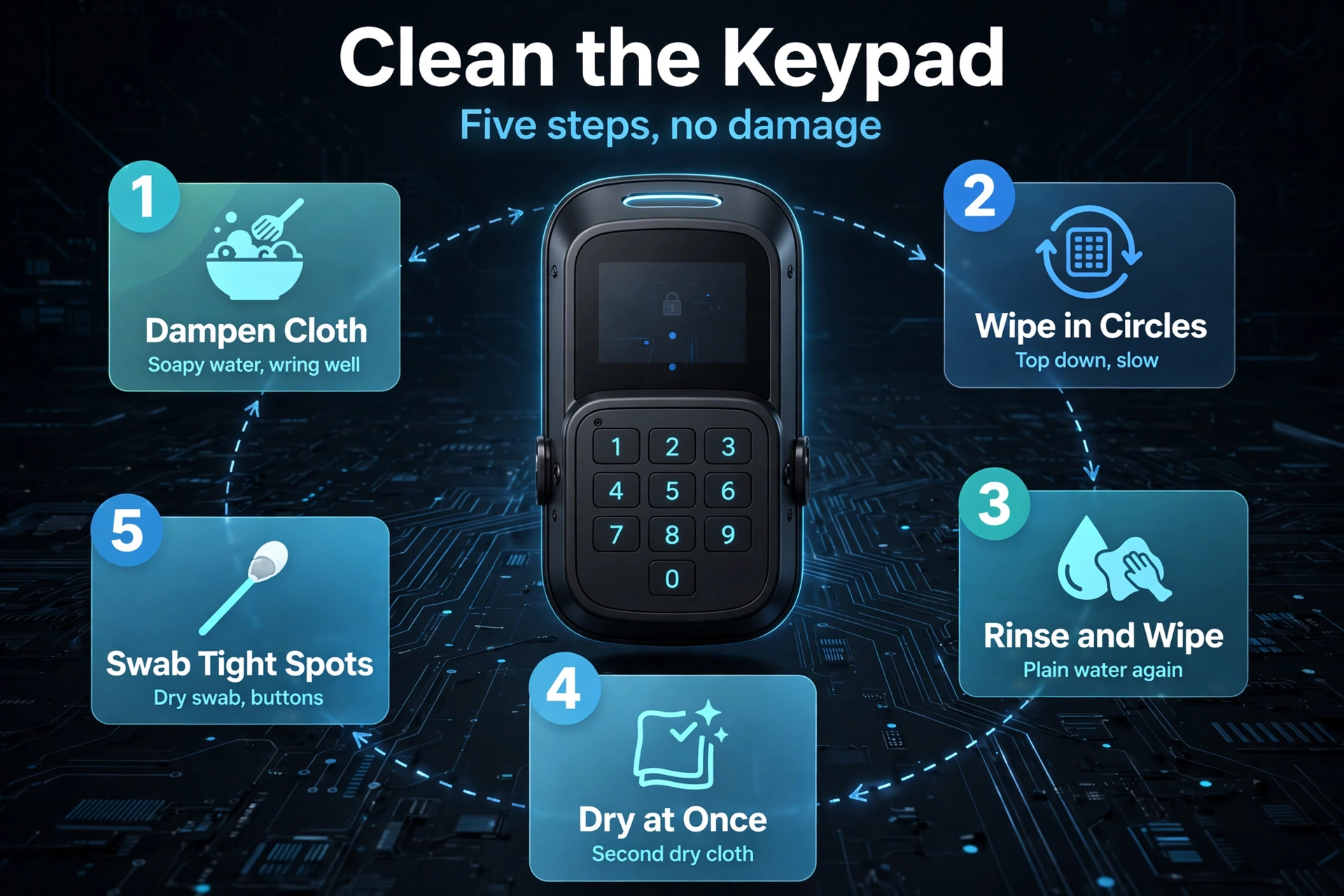
Next, use a cotton swab for the tight spots. The gaps around physical buttons collect grit that a flat cloth cannot reach. A gentle pass with a dry swab clears that grit out. Then buttons stop feeling stiff or crunchy when you press them.
Touchscreens need one extra rule. On a Schlage touchscreen, use water only, with no detergent or cleaner at all. Other brands allow a drop of mild soap on the body. Check your own manual before you use soap on the screen.
If your code still feels slow after cleaning, the keypad may need a reset rather than another wipe. Our guide to resetting a smart lock keypad code walks through the steps for most brands. It can clear a glitch that dirt did not cause. Try cleaning first, though, because a reset wipes your codes and you will need to set them up again.
How to Clean the Fingerprint Sensor
The fingerprint sensor is the most delicate part of the lock, so treat it with a lighter touch than the keypad. First, wipe it with a clean, dry microfiber cloth. For most daily grime, a dry wipe is enough, and it carries no risk of moisture getting inside.
If the sensor still looks smudged, dampen a corner of the cloth with plain water only. Wipe the sensor once, gently, and then dry it at once. Never press hard, because the sensor window can scratch, and a scratched window reads prints poorly for good.
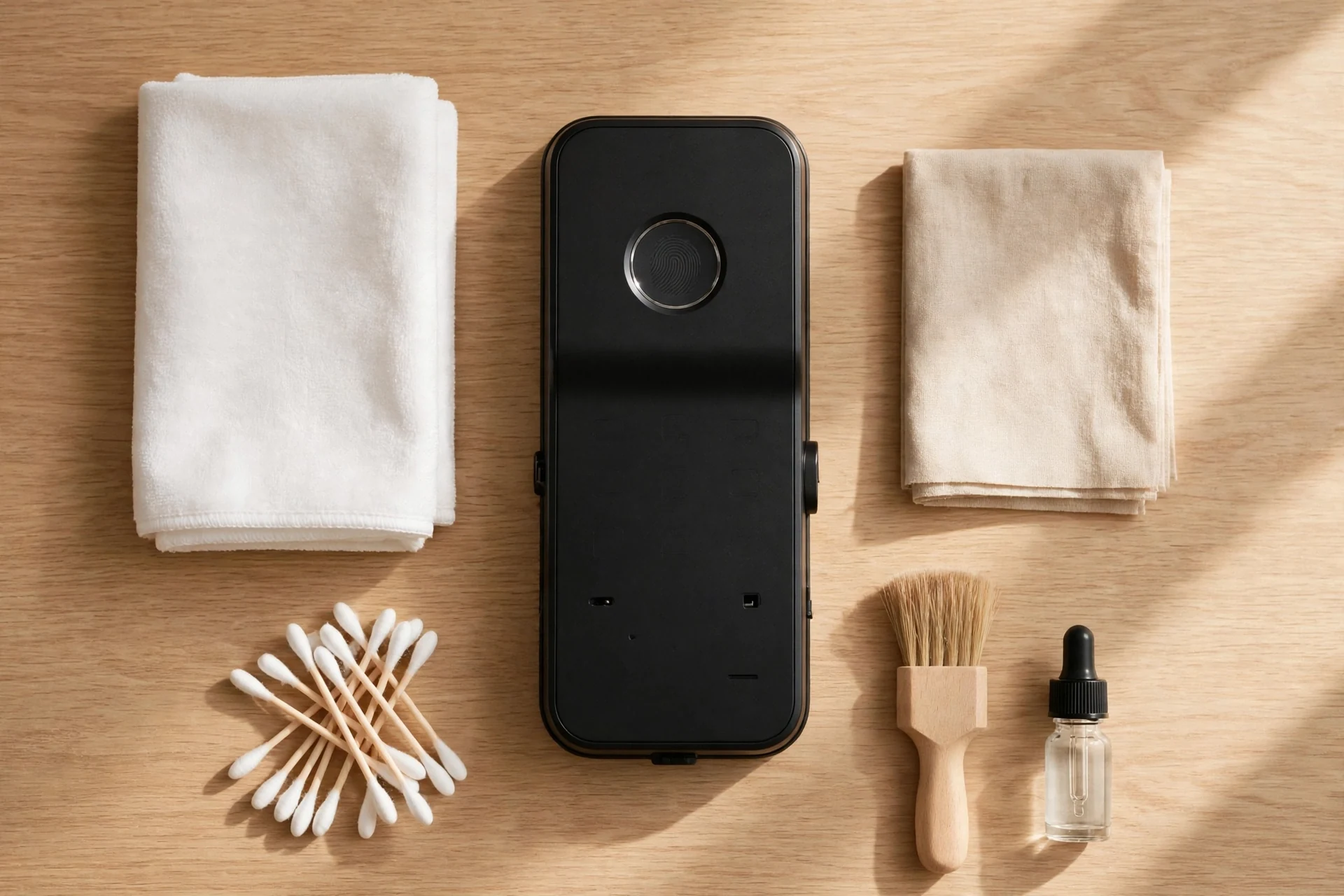
Your own finger matters too. Wash and dry your hands before you test the sensor after cleaning. A damp or greasy finger will fail even on a spotless sensor. A bad test can trick you into thinking the cleaning did not work.
Still getting rejected prints after a clean sensor and clean hands? The problem may sit deeper than dirt. Our fix for a fingerprint door lock that does not recognize a finger covers re-enrollment and other causes. It can save you from replacing a lock that only needs a fresh scan.
If the lock still keeps failing, re-enroll the print. Delete the old print first, then add the same finger again with slow, flat presses from different angles. A fresh scan on a clean sensor often reads far better than the one you made on a dusty day during setup.
How to Clean the Keyhole and the Bolt
Most smart deadbolts still hide a key cylinder behind a cover, and that keyhole needs care of its own. Start by blowing loose dust out of the keyway with a short puff of air. You can use a can of compressed air, held upright, from a few inches away.
Next, look at the bolt with the door open. Extend the bolt with the thumbturn or the app, then wipe it with a dry cloth. Dust and grit on the bolt can drag inside the lock body each time it moves. A clean bolt moves more freely.
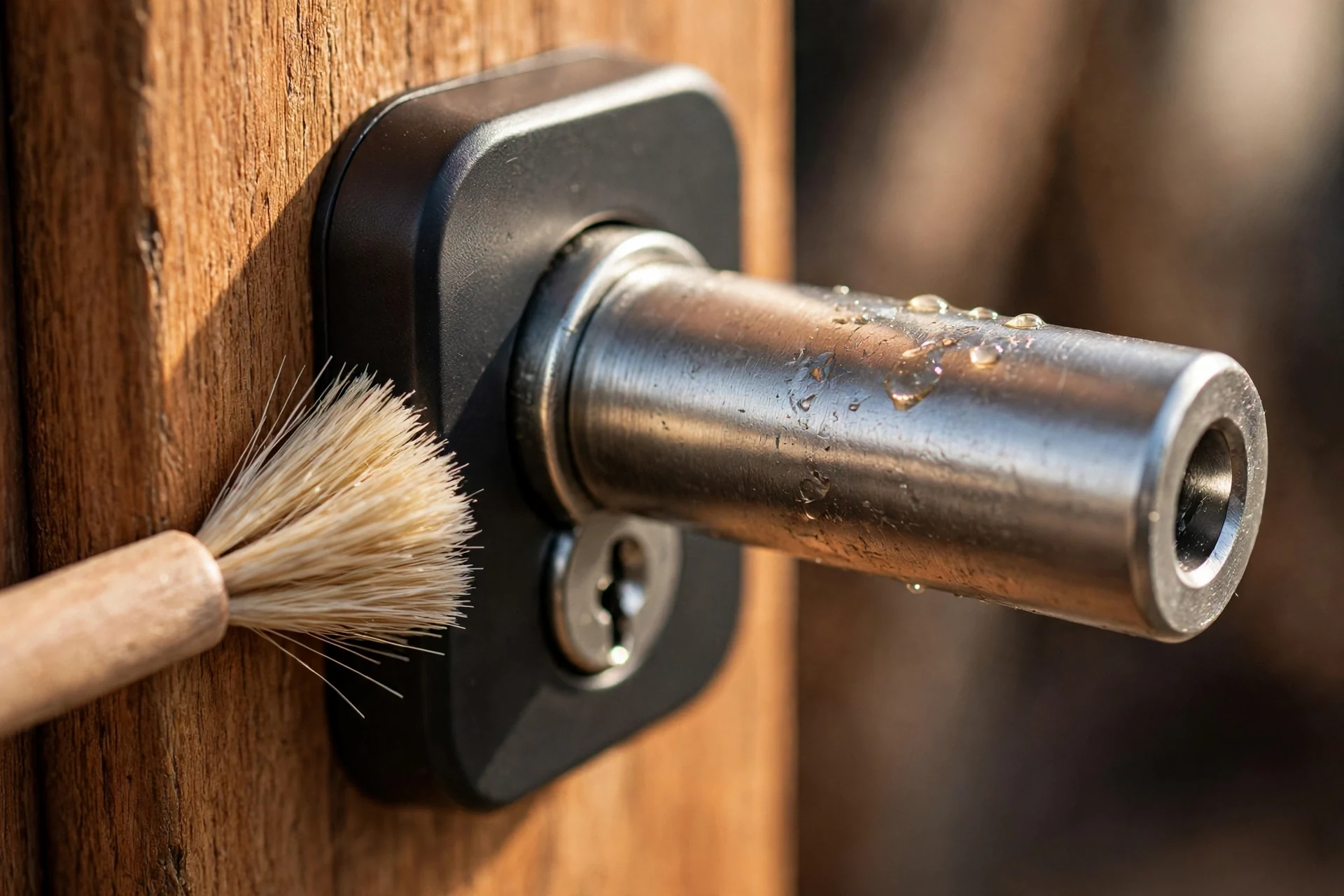
Then use the soft toothbrush around the strike plate on the door frame. Dried dirt builds up in that slot, and it can stop the bolt from seating fully. Brush the slot out, then wipe the loose dust away with a dry cloth.
Next, test the key. It should slide in smooth and turn without a fight. If it feels gritty or stiff, the keyway needs dry lubricant, not soap or water. A small puff of dry graphite or dry PTFE spray into the keyway is the fix. Work the key in and out a few times to spread it.
Never use standard WD-40 as a lock lubricant. It is a cleaner and water displacer, not a long-term lube, and it leaves a film that attracts grit inside the keyway. The lock may feel smooth for a day, then grow stiffer than before as dust sticks to that film.
How to Clean Smart Lock Bodies by Finish
The lock body needs a different touch based on its finish. A chrome lock can take a damp wipe and a dry polish. A living finish like oil-rubbed bronze changes over time and needs a gentler hand. Check your finish first, then pick the method below.
Table: Cleaning method by smart lock finish.
| Finish | Cleaning method | What to avoid |
|---|---|---|
| Chrome or nickel | Damp cloth, then dry polish | Abrasive pads and harsh chemicals |
| Matte black | Damp cloth with mild soap, then rinse wipe | Scrubbers that leave shiny marks |
| Oil-rubbed bronze | Damp cloth only, very light oil wipe if dull | Polish and strong cleaners |
| Brass | Damp cloth with mild soap, then dry at once | Acidic cleaners and scouring pads |
Also, coastal homes need a faster schedule. Salt in the air settles on the finish and can pit it if left for months. Wipe the body every month if you live near the sea. Rinse the cloth often so you are not rubbing salt back across the surface.
Cold weather brings its own grime. Road salt and slush splash onto the lock, and that mix can stiffen the bolt and dull the finish. Our guide to smart lock cold weather problems covers frozen bolts and weak winter batteries. Read it before the first hard freeze if your lock faces the street.
What Never to Use on a Smart Lock
Some cleaners feel like a good idea, but they can strip coatings, cloud glass, or kill the electronics. The table below lists the worst offenders, so you can spot them before they touch your lock.
Table: Cleaners and tools to keep away from a smart lock.
| Item | Why it harms the lock | Use instead |
|---|---|---|
| Bleach or ammonia cleaner | Strips coatings and attacks metal | Mild dish soap and water |
| Glass cleaner with ammonia | Clouds touchscreens and sensor glass | Plain water on a microfiber cloth |
| Abrasive pads or scouring powder | Scratches finish and screen | Soft microfiber cloth |
| Solvents, acetone, or gasoline | Melts plastic and lifts paint | Warm water only |
| Pressure washer or hose spray | Forces water into electronics | Damp cloth, wrung out well |
Alcohol is the one case where brands disagree, so check your own manual first. Yale allows alcohol-based sanitizing wipes on its products, while Schlage says not to use alcohol on its smart locks. The Schlage cleaning and maintenance guide spells out its own rules. It is worth a read before you use anything stronger than water.
How Often Should You Clean It
A smart lock does not need a deep clean every week, but it does need a steady rhythm. A light wipe once a week keeps oil from building up. A deeper clean once a month handles the bolt, the keyhole, and the finish. The table below gives a simple schedule you can follow.
Table: Smart lock cleaning schedule.
| Task | How often | Time needed |
|---|---|---|
| Wipe keypad and sensor | Once a week | About 1 minute |
| Full body wash and dry | Once a month | About 5 minutes |
| Clean bolt and strike plate | Every 3 months | About 3 minutes |
| Check keyway and dry lube | Every 6 months | About 2 minutes |
I timed the full routine on my own front door, and it took just over six minutes from start to finish. That included the keypad, the sensor, the body, and the bolt. Six minutes a month is a small trade for a lock that responds on the first try every time.
When Cleaning Does Not Fix the Problem
Cleaning solves most slow responses, but not every fault is dirt. If the keypad stays dead after a wipe, the batteries may be low. Swap in a fresh set of the same brand, all at once, and test the lock again before you try anything else.
Fast battery drain points to a different fault. A lock that eats batteries may have a binding bolt or a motor that works too hard on every cycle. Our guide to a smart lock battery draining fast walks through the common causes. It can help you tell a worn battery from a real hardware fault.
A bolt that sticks after cleaning may also be misaligned. Look at the strike plate screws and check if the door has sagged or swollen with damp weather. A small shift in the door can make the bolt drag, and no amount of wiping will fix that alignment gap.
Also know when to stop and call a locksmith. A key that will not turn after dry lube needs hands-on help. The same goes for a bolt that will not retract or a lock that beeps errors after cleaning. Forcing the key or the thumbturn can snap a part inside, and that repair costs far more than a service visit.
FAQs
Can I use disinfectant wipes on my smart lock?
It depends on your brand, so check the manual first. Yale allows alcohol-based sanitizing wipes on its locks, while Schlage says not to use alcohol on its smart locks. When in doubt, use a cloth dampened with warm water only. Wipe gently, dry the surface at once, and never leave any cleaner sitting on the keypad or sensor.
How do I clean a smart lock keypad without damaging it?
Dampen a soft microfiber cloth with warm water and a drop of mild dish soap, then wring it out well. Wipe the keypad in slow circles, rinse the cloth in plain water, and wipe again to remove soap. Dry it at once with a second cloth. Never spray liquid straight onto the lock, and never use abrasive pads.
What is the best way to clean a fingerprint sensor?
Wipe the sensor with a clean, dry microfiber cloth first, since that removes most daily grime with no moisture risk. If a smudge stays, dampen a cloth corner with plain water only, wipe once gently, and dry it at once. Wash and dry your hands before testing, then re-enroll the print if the lock still rejects it.
Can I use WD-40 on my smart lock?
Do not use WD-40 inside the keyway as a lubricant. It is a cleaner and water displacer, not a lock lube, and it leaves a film that attracts grit. Use a small puff of dry graphite or dry PTFE spray instead. Keep all sprays off the keypad, the sensor, and the battery area, and wipe the key clean after.
How often should I clean my smart lock?
Wipe the keypad and fingerprint sensor once a week, and give the whole lock a full wash once a month. Clean the bolt and strike plate every three months, and check the keyway every six months. Homes with kids or rental guests should wipe the keypad every few days. Heavy use builds up oil and grime much faster.
Why does my smart lock still not work after cleaning?
Low batteries are the most common cause, so swap in a fresh set and test again. A binding bolt, a sagging door, or a misaligned strike plate can also stop the lock from working. If the keypad stays dead after dry lube, call the maker or a locksmith. Do not force any part.
A Quick Clean That Pays Off
A clean smart lock reads faster, lasts longer, and keeps your code private. The whole routine takes about six minutes a month, plus a one-minute wipe each week. That is a small habit with a clear payoff every time you walk up to your door.
So start today with the keypad and the sensor. Wipe them now, test your code, and see if the response feels sharper. Then set a monthly reminder for the full clean, and your lock will stay ready for the next person who comes home.
Thinking about a new lock instead? Our roundup of the best smart locks for 2026 compares six picks for every home. You can see which models hold up best to daily use before you buy.