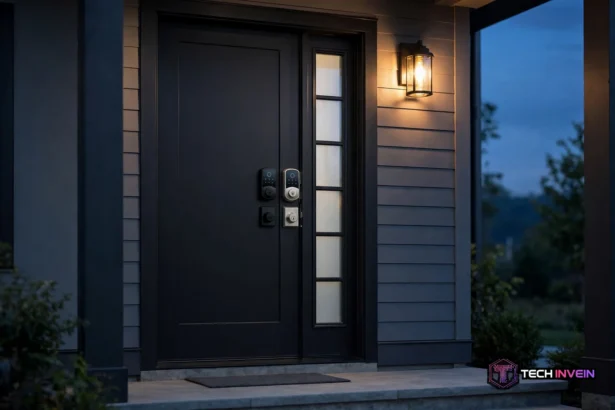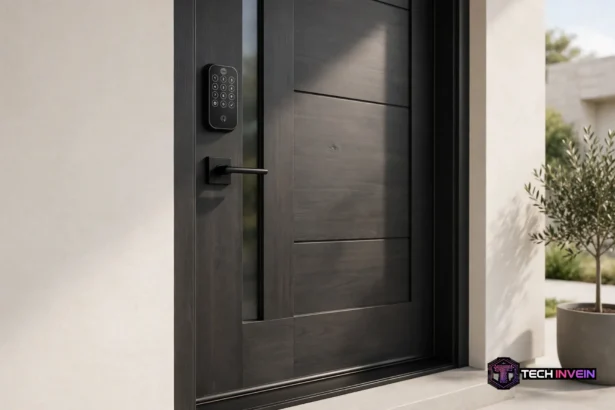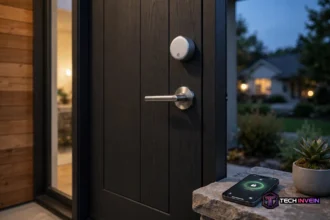

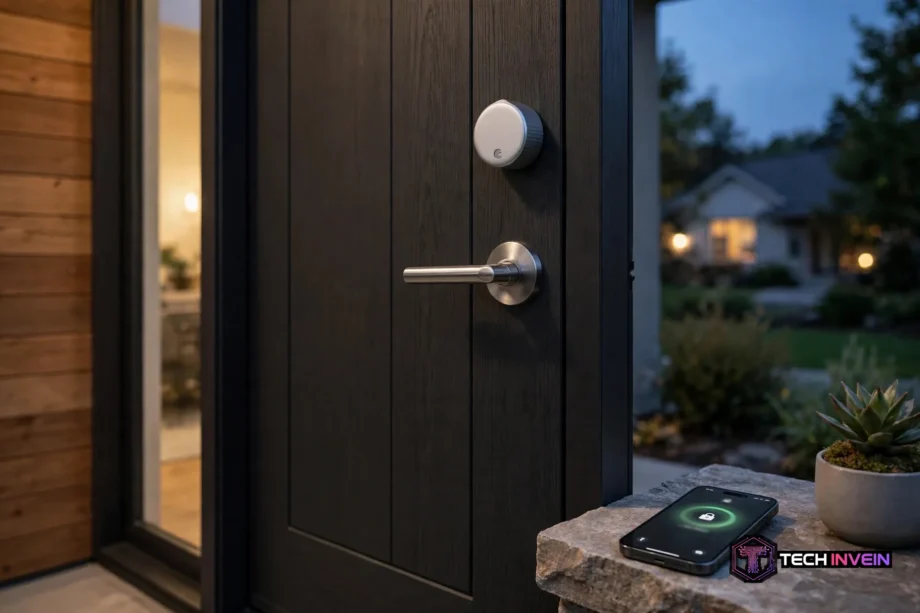
The August Wi-Fi Smart Lock is a small retrofit lock that turns your current deadbolt into a smart lock. It adds built-in Wi-Fi, remote control, and guest keys, and you still keep your old keys. So it suits renters and owners who want smart access without changing the outside of the door.
- What Is This Lock?
- How the Lock Works
- Key Features Worth Knowing
- Auto-Lock and Auto-Unlock
- Guest Keys and the Activity Feed
- Remote Access and Voice Control
- Security Basics
- August Wi-Fi Smart Lock Setup
- August Wi-Fi Smart Lock vs August Smart Lock Pro
- Battery Life and Wi-Fi Reliability
- Who Should Buy It, and Who Should Skip It
- FAQs
- Does it need a bridge for Wi-Fi?
- Does it work with my existing keys?
- Can renters install it?
- Does it work with Alexa, Google, and Apple HomeKit?
- What batteries does it use, and how long do they last?
- What happens if the Wi-Fi goes down?
- Conclusion
What Is This Lock?
The August Wi-Fi Smart Lock is the fourth-generation August lock. It fits on the inside of your door, over your current single-cylinder deadbolt. Then it turns the thumbturn for you when you lock or unlock from your phone.
Because it is a retrofit lock, the outside of your door stays the same. Your old key still works in the same keyhole. Also, no one outside can tell you have a smart lock just by looking at the door.
The big change from older August locks is the Wi-Fi chip inside the lock. Older models needed a separate August Connect bridge plugged into a wall outlet. This model does not need one, so setup is simpler and you have one less device to place.
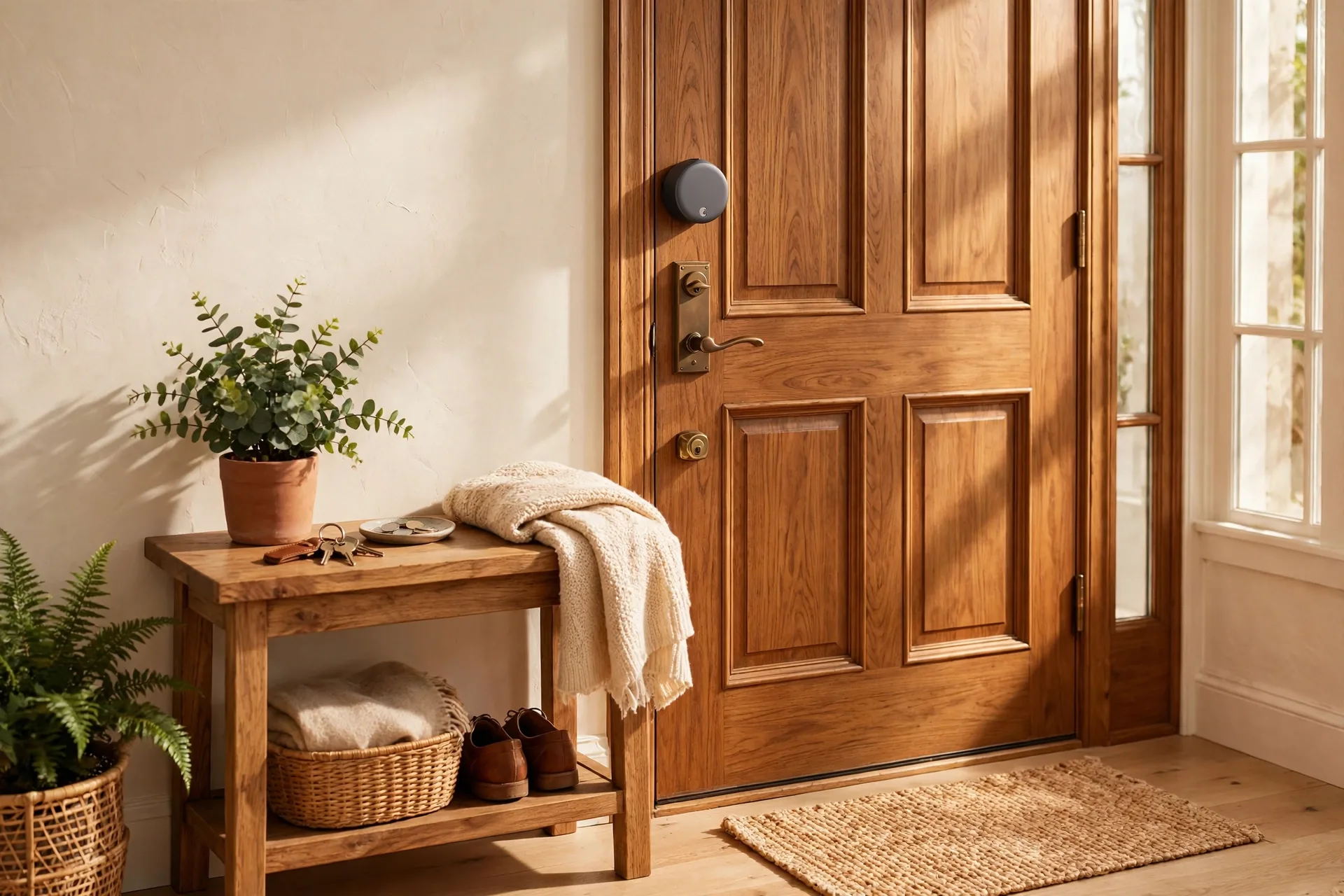
It is also much smaller than the third-generation August Smart Lock Pro. August says it is about 45 percent smaller, and that shows when you hold it. The lock is round and compact, and it does not stick out as far from the door.
You control it with the August app on iOS or Android, or with an Apple Watch. Then you can lock or unlock from home or from anywhere with an internet connection. Voice control works with Alexa, Google Assistant, and Siri through Apple HomeKit.
How the Lock Works
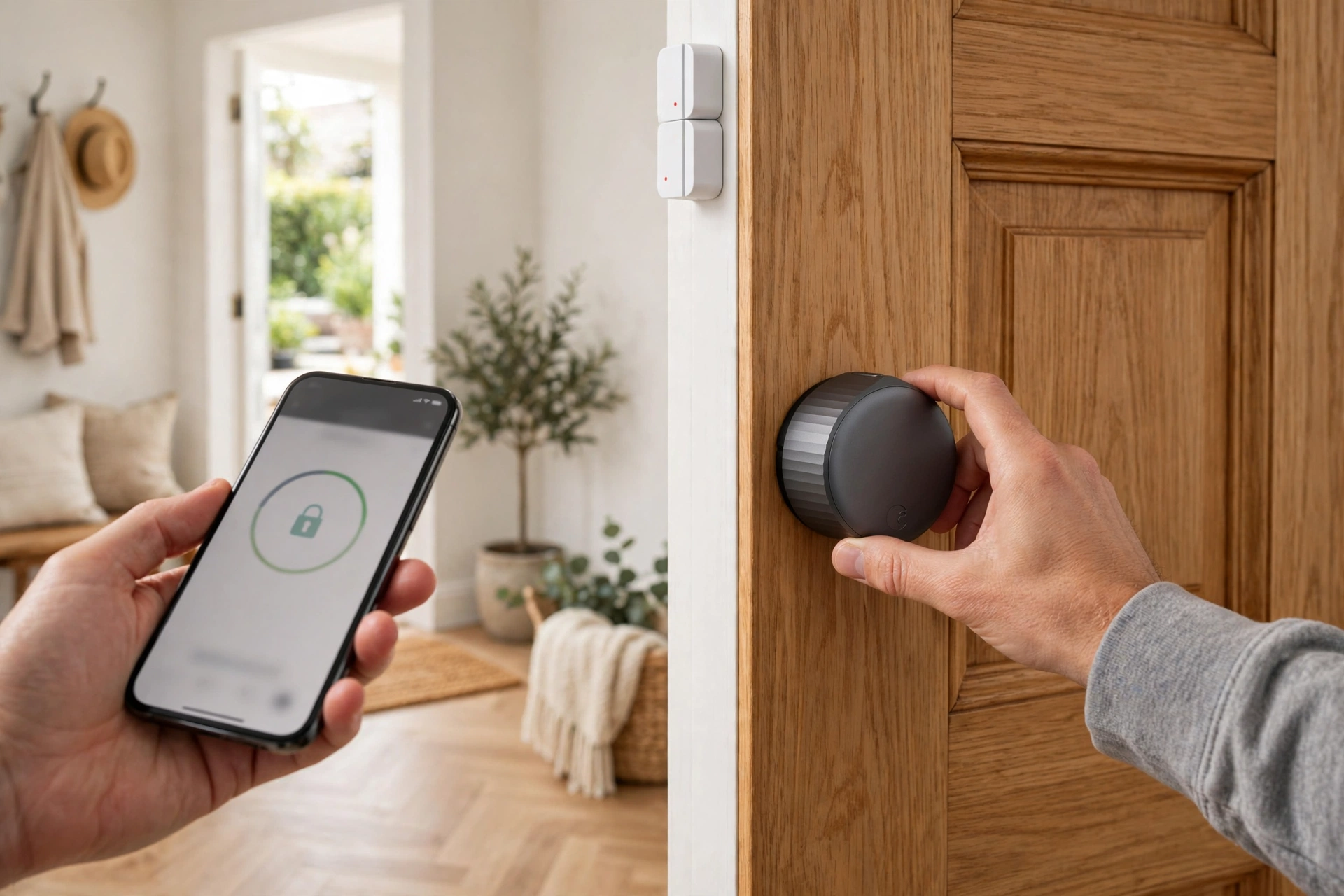
The lock replaces the thumbturn on the inside of your door. It grips the tailpiece of your deadbolt and turns it, just like your hand would. So the deadbolt itself does the real locking work, and the smart part only moves it.
When you send a lock command from the app, the motor turns the deadbolt into the locked position. When you unlock, it turns the other way. Then the app shows the new status, so you can check it from the couch or from work.
Bluetooth handles close-range control when your phone is near the door. Wi-Fi takes over when you are away, and that is why remote access works without a bridge. First your phone talks to August servers, then the lock gets the command over your home Wi-Fi.
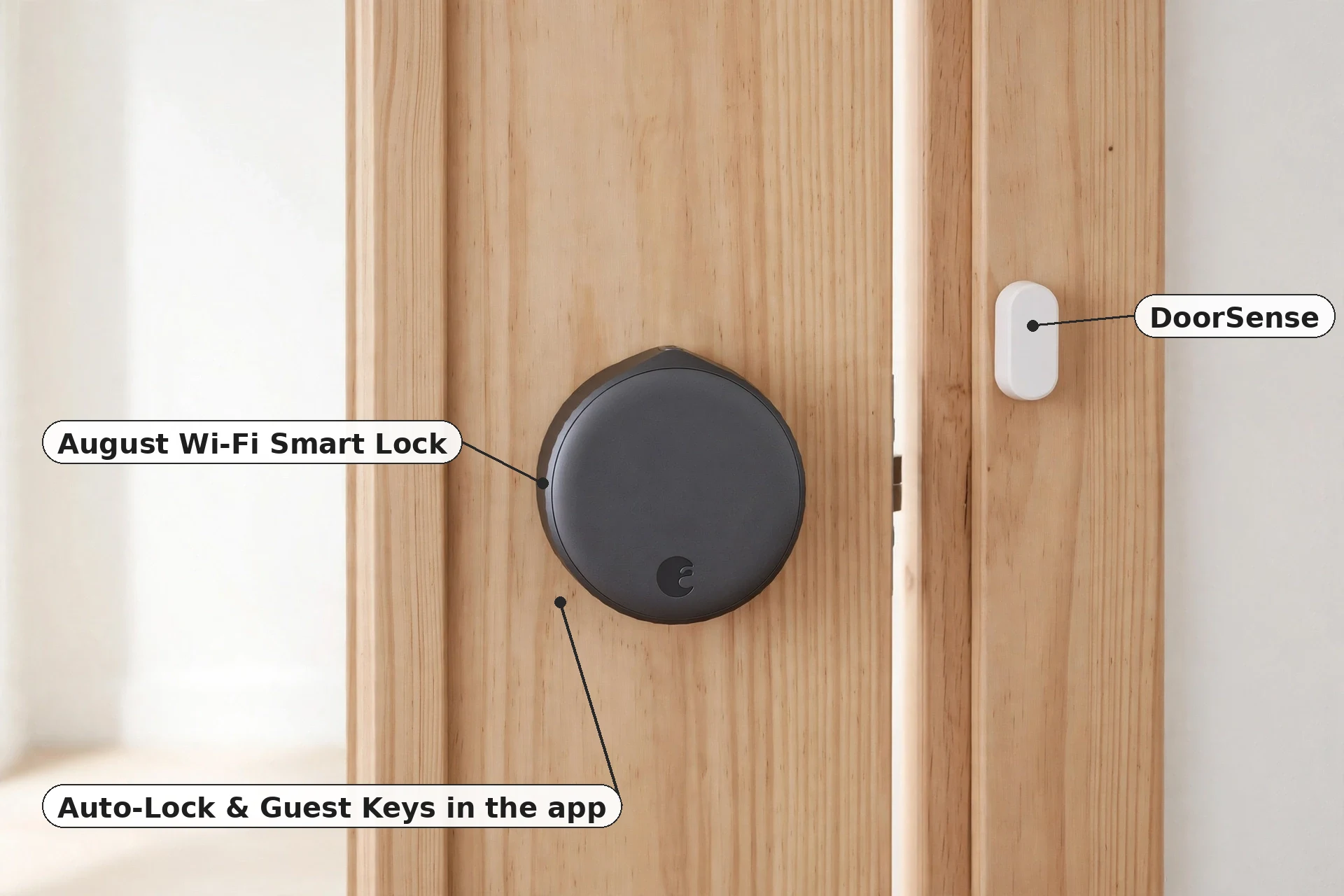
DoorSense is a small sensor that comes with the lock. You stick it on the door frame, and it tells the lock whether the door is open or closed. So the app can warn you if the door is locked but still ajar, which is a real risk with a plain deadbolt.
Key Features Worth Knowing
The feature list looks long on paper. Still, a few features matter more than the rest in daily use, so start with those.
Auto-Lock and Auto-Unlock
Auto-Lock locks the door by itself after it closes, or after a time you choose. You can set the delay up to 30 minutes, so pick a short delay if you often forget to lock up. Then you stop worrying about whether you locked the door on your way out.
Auto-Unlock uses your phone location to spot when you come home. When you arrive, the lock opens as you reach the door. So your hands stay free for bags, kids, or groceries, and you never fumble for keys at the step.
One warning here: Auto-Unlock needs location permission set to always allow. If your phone blocks location in the background, the feature may fail or run late. So check that setting first if Auto-Unlock ever stops working.
Guest Keys and the Activity Feed
Guest Keys let you share access without cutting a spare key. You send a key from the app to a family member, a cleaner, or a dog walker. Then they use their own phone to unlock the door, and you can set limits on when the key works.
You can give permanent access to people who live with you, and time-limited access to visitors. For a cleaner who comes on Tuesdays, for example, you can limit the key to that day and time. Then the key stops working outside those hours.
The Activity Feed logs each lock and unlock event with a time stamp. So you can see when the kids got home, or when the cleaner left. Also, you get smart alerts when someone comes or goes, if you turn those alerts on.
If you need a code instead of a phone key, add a Yale keypad. The basic Smart Keypad takes custom entry codes, while the Keypad Touch adds fingerprint access. See the official August Wi-Fi Smart Lock with Keypad bundle for the current options. Then guests can enter a code or a finger, and you can change codes without rekeying the lock.
Remote Access and Voice Control
Remote access is the main reason to pick this lock over a Bluetooth-only model. You can lock the door from the office, let a guest in while you are out, and check the status at night. Then you never need to drive home just to check a lock.
Voice control works with the three big assistants. You can ask Alexa or Google Assistant to lock the door, and you can use Siri through Apple HomeKit. So pick the assistant you already use, and test it once after setup so you know the exact phrase that works.
One limit to know: the lock connects to 2.4 GHz Wi-Fi only. It does not use the 5 GHz band. So if your router uses one network name for both bands, the lock may try the wrong band during setup, and the fix is to split the bands or use a 2.4 GHz network name for setup.
Security Basics
August says the lock uses Bluetooth Low Energy encryption and TLS in its mobile apps. It also asks users to verify identity with a second form, such as an email or phone number. So turn on two-factor verification in the app and keep your August password strong.
Your physical key still works if the batteries die or the Wi-Fi drops. Because the outside hardware never changes, a dead battery never locks you out of your own home. Then you just replace the batteries and the lock works again. And if the battery ever dies while you are out, read what to do in our guide on what happens when a smart lock battery dies and you are locked out.
August Wi-Fi Smart Lock Setup
Setup takes about 15 to 30 minutes for most doors. First gather a screwdriver, your phone, and the parts in the box. Then check that your deadbolt is a single-cylinder model with a thumbturn inside, because this lock only fits that type.
Start by removing the thumbturn plate from the inside of your door. Keep the screws safe, since you will need the mounting plate and adapter that match your deadbolt brand. Then pick the right adapter from the box and test it on the tailpiece before you tighten anything.
Next, mount the back plate on the door and attach the lock body. The lock should sit flat and turn smoothly by hand. If it feels stiff, stop and re-check the adapter, because forcing a stiff lock can wear out the motor and drain the batteries fast.
Then open the August app and follow the setup flow. The app will ask you to create a home, add the lock, and connect it to Wi-Fi. Also, it will run a calibration step, where it learns the locked and unlocked positions of your deadbolt.
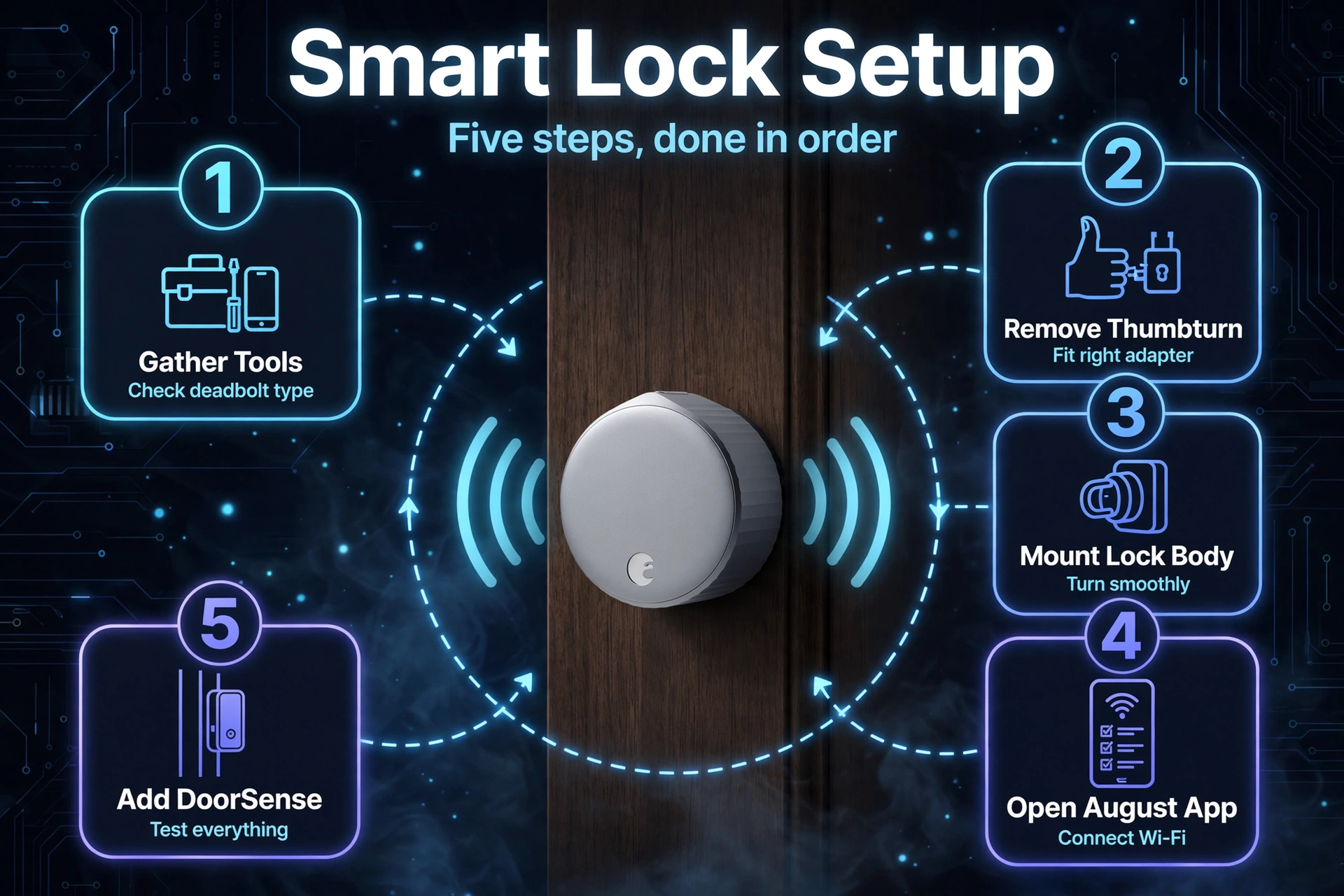
After calibration, add DoorSense to the door frame and set your Auto-Lock delay. Then test everything once: lock from the app, unlock from the app, test Auto-Unlock on a short walk, and check the Activity Feed. If one feature fails now, you will catch it while the tools are still out.
August Wi-Fi Smart Lock vs August Smart Lock Pro
Many buyers compare this lock with the older August Smart Lock Pro. The two locks do almost the same job, but they get there in different ways. So the right pick depends on your home, not on which box looks newer.
The Wi-Fi Smart Lock has Wi-Fi built in and needs no bridge. The Smart Lock Pro needs an August Connect bridge for remote access, and that bridge plugs into a wall outlet near the door. Then the Pro talks to the bridge over Z-Wave, and the bridge talks to your Wi-Fi.
The Wi-Fi model is about 45 percent smaller, so it looks neater on the door. The Pro is larger and heavier, but it runs on four AA batteries, while the Wi-Fi model runs on two CR123 batteries. So the Pro often lasts longer between battery changes, while the Wi-Fi model needs CR123 cells that cost more per change.
One more difference is Z-Wave. The Pro supports Z-Wave, so it can join a Z-Wave hub and keep working locally if the internet drops. The Wi-Fi model has no Z-Wave, so it leans on Wi-Fi and Bluetooth. Then a home with a Z-Wave hub may still prefer the Pro, even though it is older and bulkier.
Table: August Wi-Fi Smart Lock vs August Smart Lock Pro at a glance
| Feature | Wi-Fi Smart Lock (4th gen) | Smart Lock Pro (3rd gen) |
|---|---|---|
| Wi-Fi | Built in, 2.4 GHz | Needs Connect bridge |
| Size | Compact, about 45% smaller | Larger body |
| Batteries | Two CR123 cells | Four AA cells |
| Z-Wave | No | Yes |
| Keypad | Optional Yale keypad | Optional keypad |
| Best for | Simple Wi-Fi setup | Z-Wave homes |
Battery Life and Wi-Fi Reliability
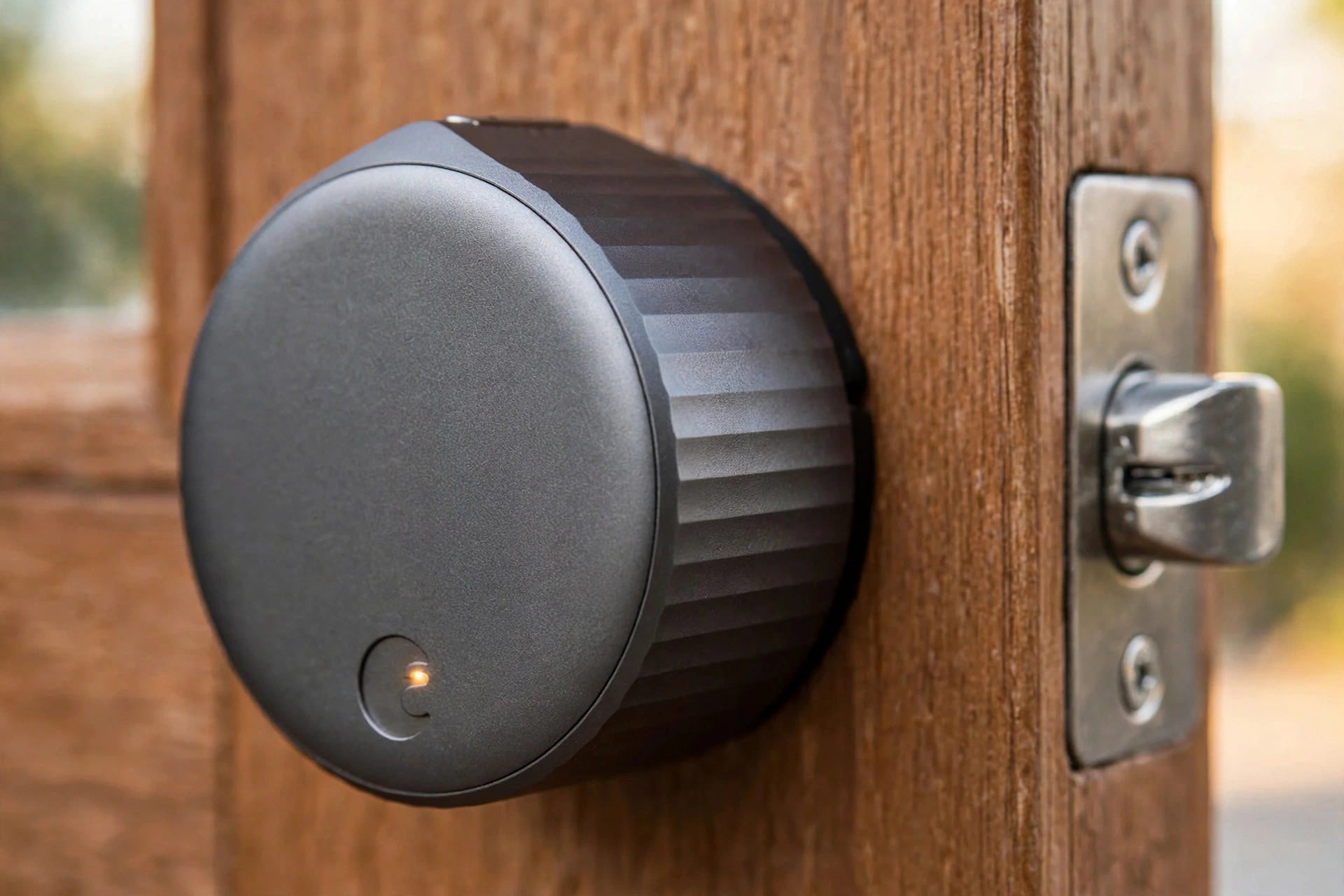
The lock runs on two CR123 batteries. Battery life varies with use, Wi-Fi strength, and how often Auto-Lock runs. So a busy front door with weak Wi-Fi will drain batteries faster than a quiet side door with a strong signal.
Wi-Fi is the biggest battery drain here. Because the lock stays connected to Wi-Fi, it uses more power than a Bluetooth-only lock. Then a weak signal makes it worse, since the radio works harder to stay connected and retries failed commands.
For more on battery drain, see our guide to why a smart lock battery drains fast.
If the bolt feels stiff, fix the door before you blame the lock. A misaligned strike plate or a swollen door frame can fight the motor on every cycle. Then the lock wears out early, even with fresh batteries and a strong signal.
Who Should Buy It, and Who Should Skip It
This lock suits renters best, because it leaves the outside hardware untouched. You can take it off when you move out and put the old thumbturn back. So landlords rarely object, but still check your lease before you install it. If you want to compare it with other models first, see our best smart locks for 2026.
It also suits families who share access. Guest Keys, the Activity Feed, and optional keypad codes cover kids, cleaners, and guests without spare keys floating around. Then you can change a code or revoke a key in seconds, instead of rekeying the whole door.
Skip it if your door has a double-cylinder deadbolt, which needs a key on both sides. This lock only replaces an inside thumbturn, so it cannot fit that type. Then look for a full replacement lock instead, and measure your door first. For a wider view of retrofit locks, read our retrofit smart lock guide.
Skip it too if your front door has almost no Wi-Fi signal and you cannot fix that. A lock that cannot reach Wi-Fi loses remote access, alerts, and guest key updates. So test the signal at the door first, and fix the network before you buy the lock.
FAQs
Does it need a bridge for Wi-Fi?
No, it does not need a bridge. Wi-Fi is built into the lock itself, so it connects straight to your home network for remote access. Older August models needed a separate August Connect bridge for the same job. So you save an outlet, a device, and one more setup step with this model.
Does it work with my existing keys?
Yes, your existing keys keep working. The lock fits on the inside of the door and leaves the outside cylinder untouched. So you can still unlock with a key if the batteries die, the Wi-Fi drops, or your phone runs out of charge. Keep a spare key somewhere safe, just in case.
Can renters install it?
Yes, renters can install it in most homes. It mounts on the inside over the current deadbolt, so the outside hardware stays the same. You can remove it when you move out and restore the old thumbturn. Still, check your lease first, since some landlords set their own rules about lock changes.
Does it work with Alexa, Google, and Apple HomeKit?
Yes, it works with Alexa, Google Assistant, and Apple HomeKit with Siri. You can lock by voice, check status in the app, and add the lock to routines or scenes. Pick the platform you already use as your main one. Then test the voice command once after setup to confirm it responds as expected.
What batteries does it use, and how long do they last?
It runs on two CR123 batteries. How long they last depends on door use, Wi-Fi strength, and Auto-Lock frequency. A busy door with weak Wi-Fi drains them faster than a quiet door with a strong signal. Keep a spare pair at home, since CR123 cells are less common than AA batteries.
What happens if the Wi-Fi goes down?
Bluetooth still works when Wi-Fi drops, so you can lock and unlock from nearby with your phone. Your physical key also works as normal, since the outside hardware never changes. Remote access, alerts, and guest key updates pause until Wi-Fi returns. So treat Wi-Fi as a bonus, not the only way in.
Conclusion
The August Wi-Fi Smart Lock is a simple way to add smart access to a door you already own. It keeps your keys, adds remote control, and skips the extra bridge that older models needed. So it fits renters, families, and anyone who wants guest keys without a full lock swap.
Before you buy, check three things: your deadbolt type, your Wi-Fi signal at the door, and your smart home platform. Then install it, calibrate it carefully, and test Auto-Lock, Auto-Unlock, and guest keys on day one. For a front-door shortlist, see our best front door smart lock picks.
Matter support is a question buyers ask a lot. At the time of writing, August lists Alexa, Google Assistant, and HomeKit support for this lock, so treat Matter as a future check, not a given. Then confirm the current list on the official August Wi-Fi Smart Lock product page before you buy, since smart home support can change with updates.