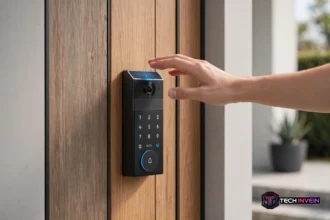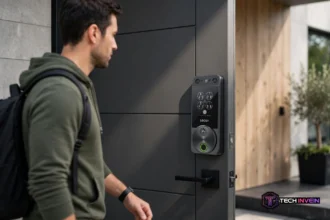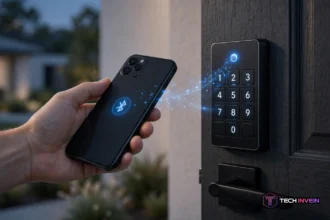


A smart mortise lock is a good pick when your door already has a mortise pocket. It opens with a code, a fingerprint, a card, or your phone, so you can stop carrying keys. This guide covers the fit checks, the features that matter, and the install choices, so you buy once and buy right.
- What It Is, in Brief
- Start With Your Door, Not the Lock
- Measure Door Thickness, Backset, and the Mortise Pocket
- Check Handing, Handle Clearance, and Door Material
- Smart Mortise Lock Types Compared
- Features That Matter When You Buy
- Unlock Methods
- Connectivity and Smart Home Fit
- Battery Life and Backup Access
- Security Grades and Build Quality
- How to Choose a Smart Mortise Lock
- Installation: DIY or a Locksmith?
- Mistakes to Avoid Before You Order
- FAQs
- Will it fit my existing door?
- Do I need Wi-Fi for it to work?
- What happens if the battery dies?
- Is a mortise smart lock more secure than a deadbolt smart lock?
- Can I install it myself?
- Does it work with Alexa, Google Home, or Apple Home?
- Conclusion
What It Is, in Brief
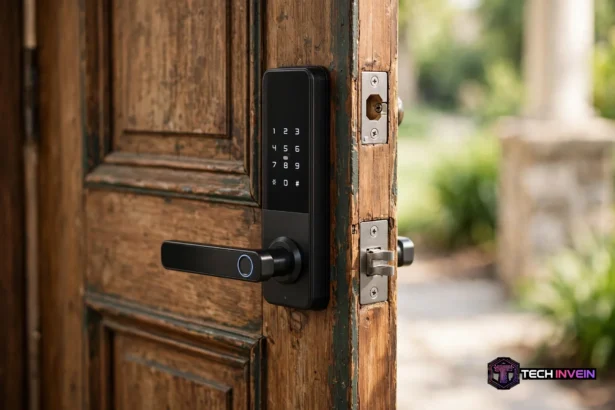
A mortise lock sits in a pocket cut into the edge of your door. The lock body, latch, and deadbolt live inside that pocket. Only the handles and the faceplate show. A smart version adds a motor, a keypad or fingerprint reader, and a wireless link to the same strong body. You still get the solid feel of a mortise lock, but you also get codes and app control.
Start With Your Door, Not the Lock
Measure Door Thickness, Backset, and the Mortise Pocket
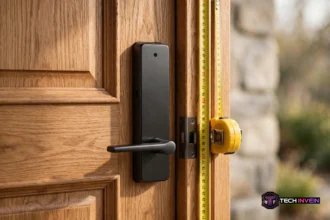
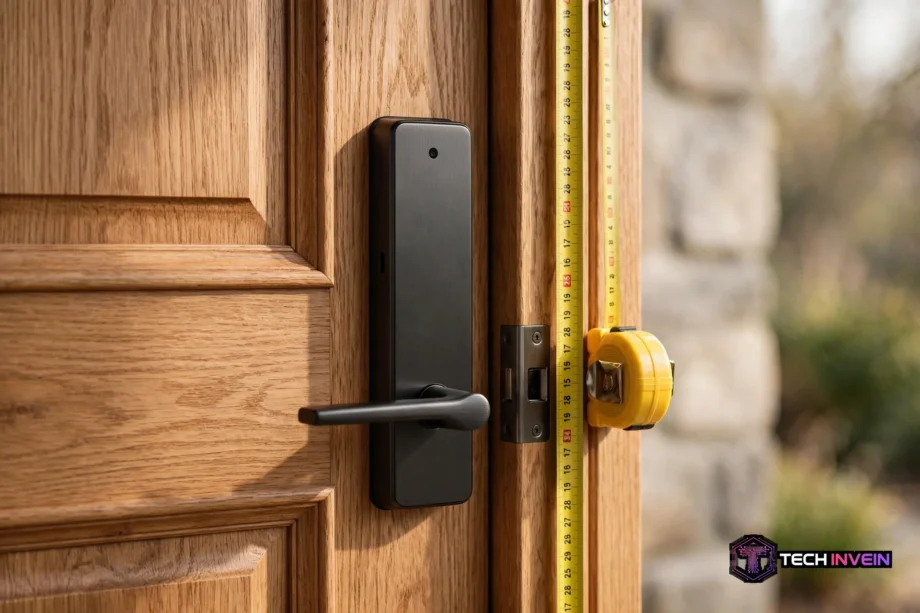
First, measure the door thickness at three points: top, middle, and bottom. Use the thinnest reading. A lock that fits the thickest point may still bind at a thinner spot. Most home mortise locks suit doors from 35 mm to 55 mm thick. Some heavy steel doors need a wider model up to 70 mm. Check the lock spec sheet for its range before you buy.
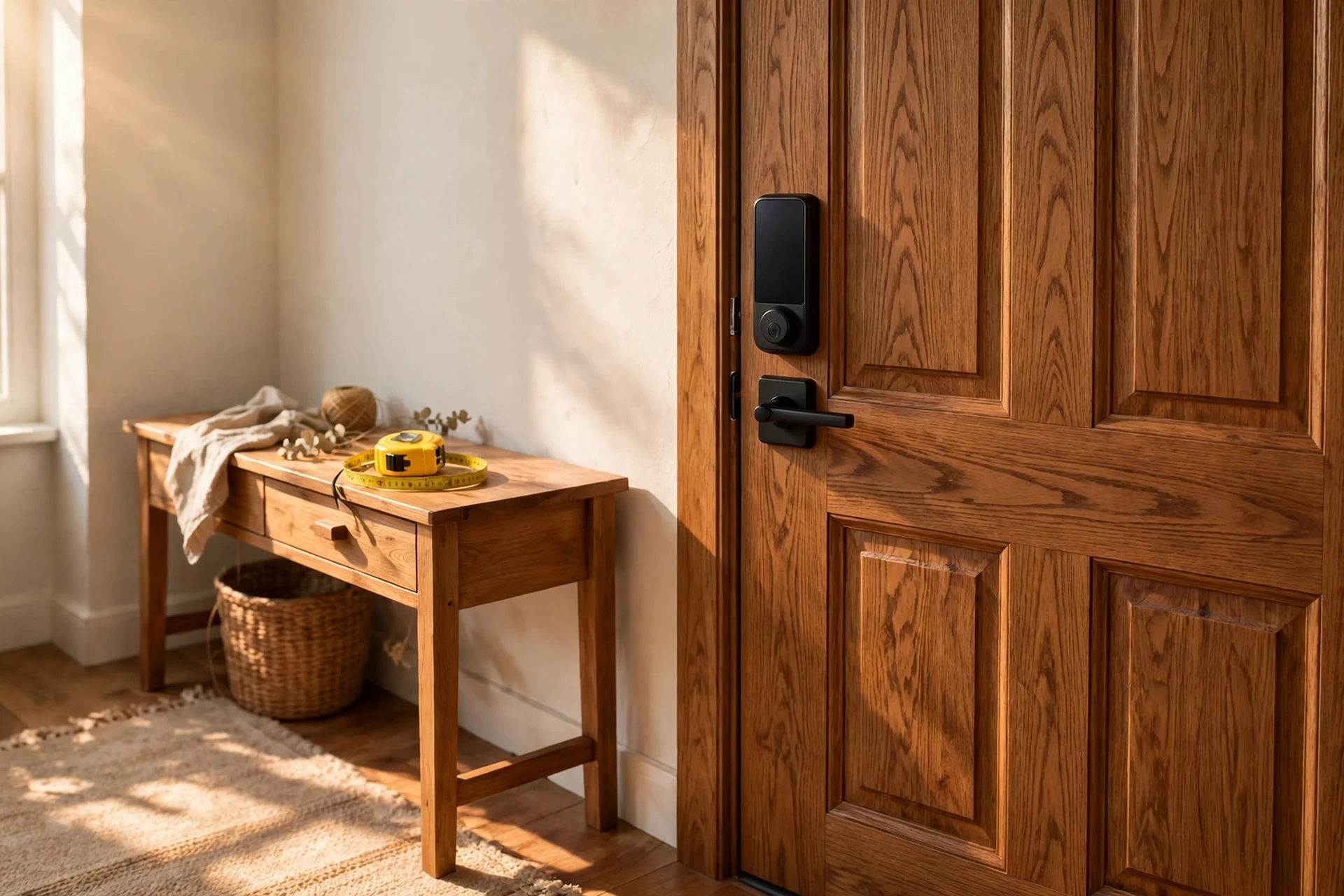
Next, measure the backset. That is the distance from the door edge to the centre of the cylinder hole. In the US the two common backsets are 2-3/8 inches (60 mm) and 2-3/4 inches (70 mm). In Europe and Asia, 60 mm and 70 mm are also the common sizes. Smaller backsets of 30 mm or 35 mm turn up on narrow aluminium and glass doors. They need a narrow-profile lock.
Then measure the mortise pocket itself, if your door already has one. Note the height and depth of the lock body and the width of the faceplate. A typical faceplate is 20 to 24 mm wide, while narrow versions run 15 to 16 mm. Also note the centre distance. That is the gap between the spindle hole and the cylinder hole. Common values are 85 mm and 92 mm, and this must match your handle set.
Write all five numbers down on one card: thickness, backset, pocket height, pocket depth, and centre distance. Also take a photo of the door edge and the old lock body too. A seller can then confirm the fit in one message instead of guessing from a model name.
Check Handing, Handle Clearance, and Door Material
Handing tells the lock which way your door swings. Stand outside the door and look at the hinges. If the hinges sit on your left, it is a left-hand door. If they sit on your right, it is a right-hand door.
Also check the space around the handle. A wide keypad or fingerprint reader needs clear space on the door face. Compare that space with the lock trim width in the manual.
Door material matters too. Timber doors are the easiest fit. Steel doors may need a different fixing kit, while aluminium and glass doors often need a narrow backset. Ask the seller for the exact model for your material.
Smart Mortise Lock Types Compared
Table: Smart mortise lock types at a glance
| Type | How it fits | Best for | Watch out for |
|---|---|---|---|
| Full replacement mortise lock | New lock body goes into the door edge pocket | Doors with an old mortise lock | Pocket size must match the new body |
| Euro cylinder smart lock | Smart cylinder swaps into the existing mortise body | Doors with a euro profile cylinder | Cylinder length and cam type must match |
| Multipoint smart lock | Motor drives latch, deadbolt, and extra bolts | uPVC, composite, and aluminium doors | Needs lift-to-lock handle action on some models |
A full replacement is the most common choice for a timber front door. You remove the old lock body and slide the new one into the same pocket, so the door keeps its solid feel. This type also gives you the widest choice of handles and finishes.
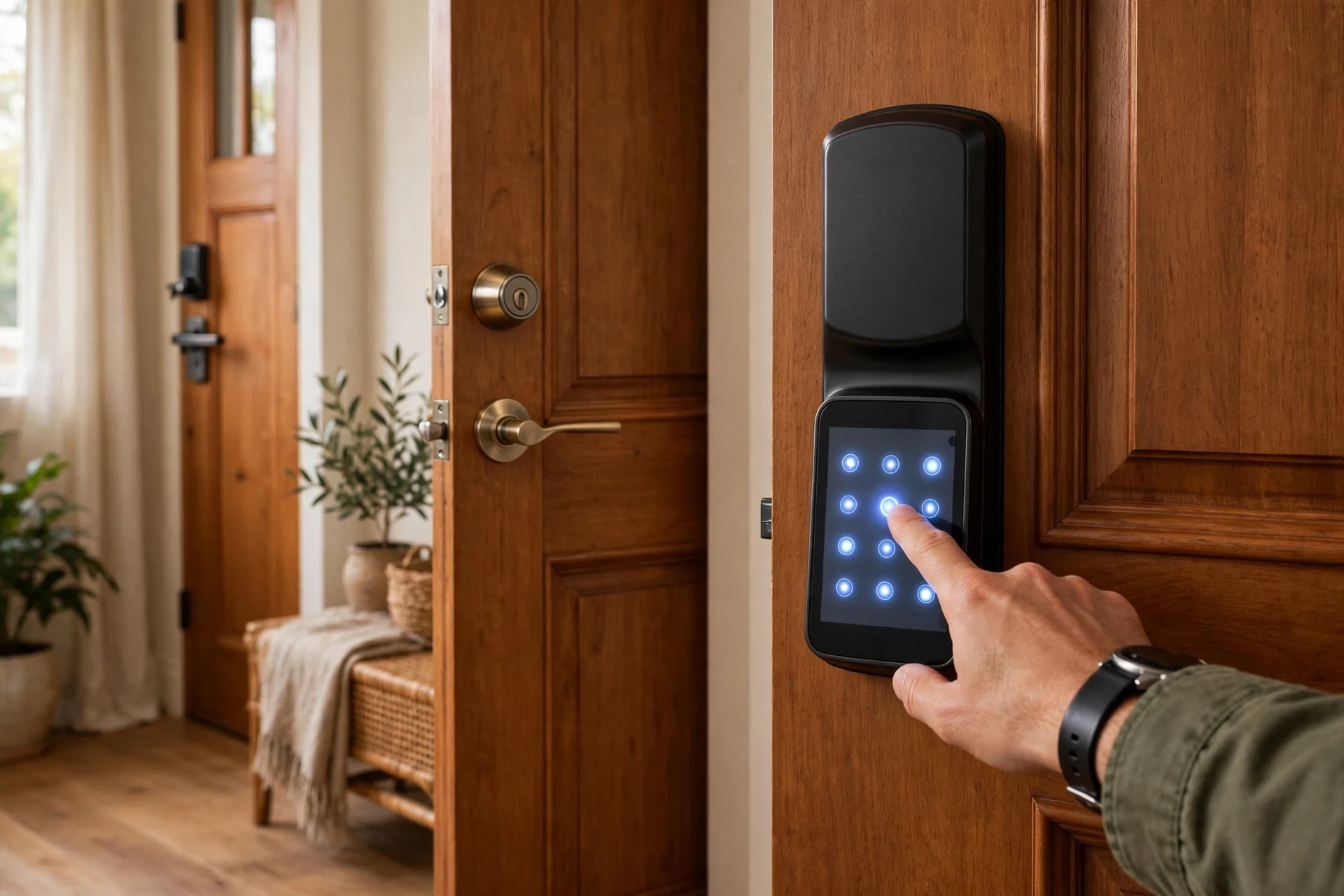
A euro cylinder smart lock is a smaller job. You keep the old mortise body and only swap the cylinder for a smart one, so the install is fast. It only fits doors that already use a euro profile cylinder.
A multipoint smart lock suits modern uPVC and composite doors. One lift of the handle throws the latch, the deadbolt, and the top and bottom bolts at once. If your door already lifts to lock, this type is often the natural upgrade.
Which type should you shortlist? Start with the door you have, not the lock you like. A retrofit smart lock that clamps onto a deadbolt will not help here. A mortise door has no deadbolt thumbturn to grab, so that path is a dead end for most mortise doors.
Features That Matter When You Buy
Unlock Methods
Most smart mortise locks open in more than one way. A PIN code suits family and regular guests. A fingerprint is fast when your hands are full. A card or fob suits a cleaner or a child who has no phone. An app also adds remote unlock and a log of who came in and when.
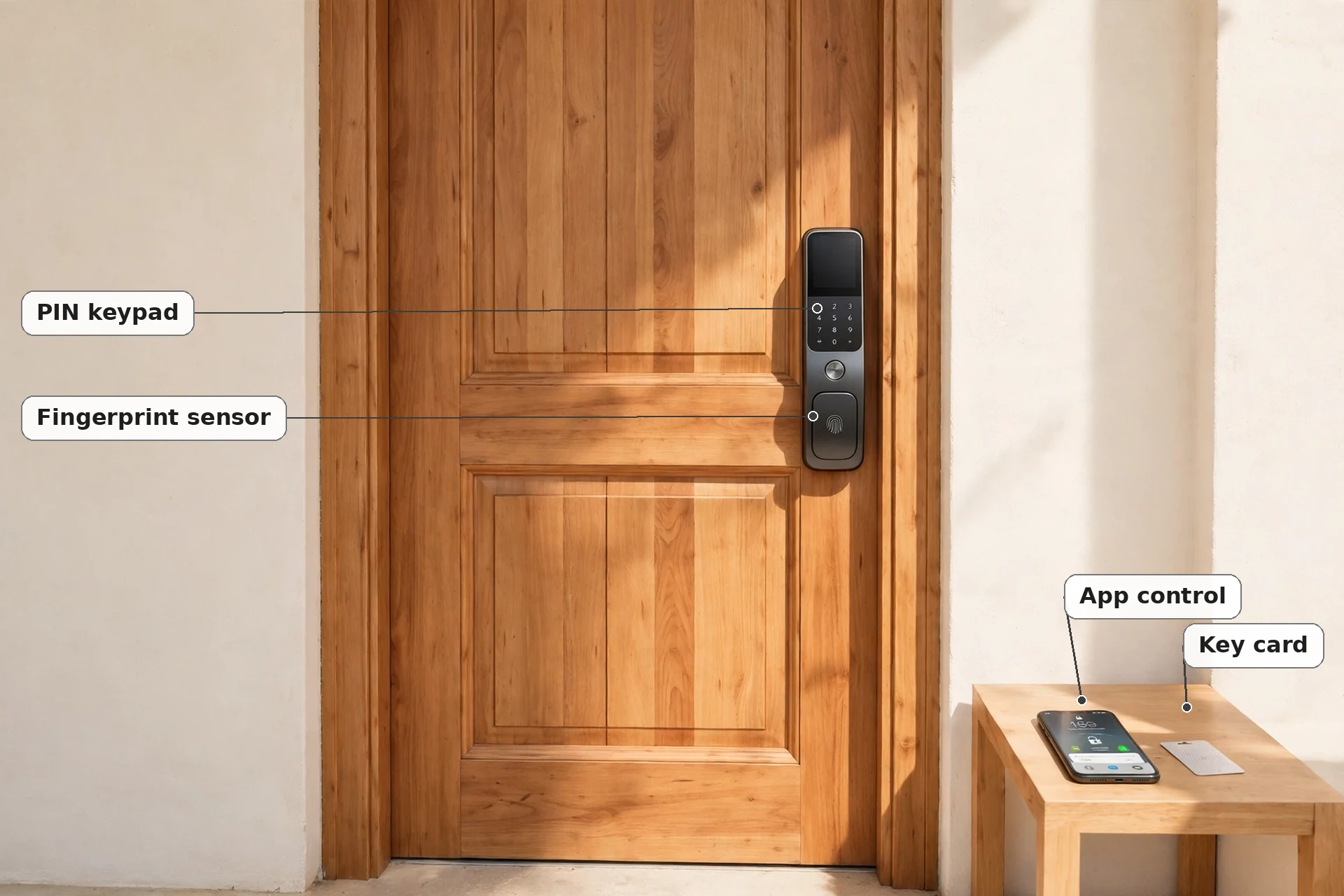
First, ask yourself which methods you will really use. For example, a fingerprint reader is handy at the front door, but it is less useful on a side door you open twice a week. Also check how many codes and fingerprints the lock stores.
Connectivity and Smart Home Fit
Bluetooth alone works when you stand near the door. It is fine if you only need codes and fingerprints. Wi-Fi adds remote control, alerts, and guest codes from anywhere, but it also uses more battery. Some locks need a separate hub or bridge for Wi-Fi. So check what is in the box before you compare two models.
Also check your smart home platform. If you use Alexa, Google Home, Apple Home, or Samsung SmartThings, confirm the exact model works with that platform, not just the brand. Matter over Thread is now common on newer locks. It can help a lock work across platforms, but it still needs a compatible hub or border router in your home.
Our guide to the best smart locks for 2026 shows how different models handle Wi-Fi, Bluetooth, and hubs. You can see which setup fits your home before you commit.
Battery Life and Backup Access
Almost every home smart mortise lock runs on batteries, not mains power. Most use AA cells or a rechargeable pack. Many makers quote six to twelve months between changes. Real life depends on how often the door opens, how cold it gets, and whether Wi-Fi stays on. So treat the quoted number as a guide, not a promise.
Low-battery alerts matter more than the quoted life. A good lock warns you weeks ahead, through the app and with a sound or light on the lock. Then set a reminder to check the battery level once a month. Keep spare cells near the door, so a warning never turns into a lockout.
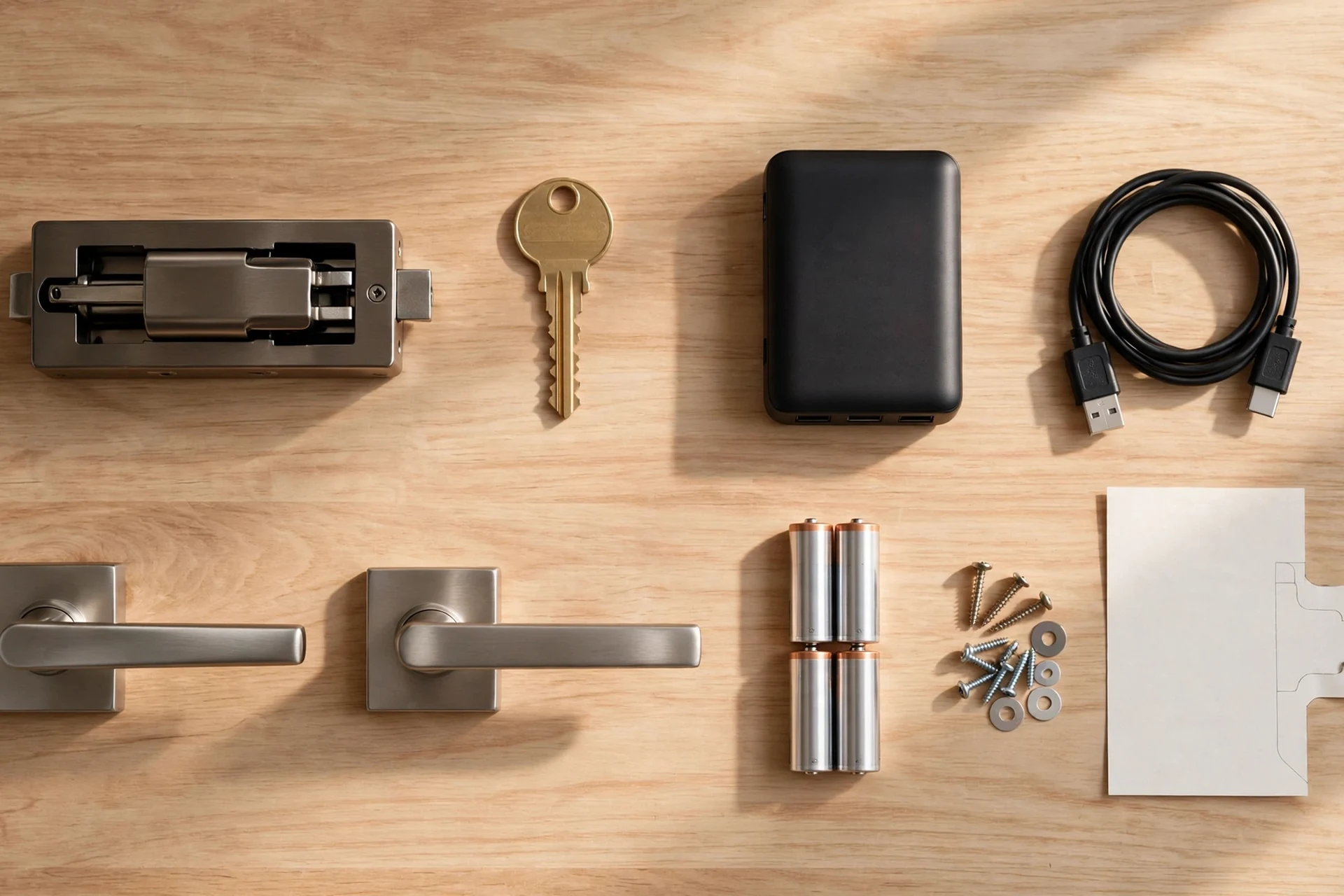
Backup access is the feature you hope you never need. A mechanical key is the simplest backup, so start there. An emergency USB port lets you power the lock from a power bank if the cells die. Some key-free models have no key at all. So plan a second way in before you buy one, such as a back door or a trusted neighbour with a code.
Security Grades and Build Quality
Look for a published ANSI/BHMA grade on the spec sheet. Grade 1 is the toughest tier. Grade 2 is the mid tier, and Grade 3 is the lightest. For a deadbolt, a Grade 1 rating means it survived 250,000 open and close cycles and 10 hammer blows in lab tests. Grade 2 means 150,000 cycles and 5 blows. A lock that states no grade at all has not given you that proof, so ask the seller before you buy.
Keep in mind what the grade does and does not cover. It tests the mechanical lock, the bolt, and the case, not the app or the fingerprint sensor. So check both sides: a solid grade for the hardware, and regular firmware updates plus two-factor sign-in for the app.
The PCWorld guide to ANSI and BHMA lock standards explains the grading system in plain terms. It is a useful read before you compare spec sheets.
How to Choose a Smart Mortise Lock
With the fit and the features clear, you can now compare two or three models side by side. A short checklist beats a long spec sheet, because it forces each model to answer the same questions.
Table: Buyer checklist for a smart mortise lock
| Check | What to confirm | Why it matters |
|---|---|---|
| Door fit | Thickness, backset, pocket size, centre distance | A wrong fit means a return |
| Lock type | Full replacement, euro cylinder, or multipoint | Each type suits a different door |
| Unlock methods | Code, fingerprint, card, app, key | Match the methods to your household |
| Connectivity | Bluetooth, Wi-Fi, hub, Matter | Remote access needs the right link |
| Backup entry | Key or emergency power port | Stops a dead battery locking you out |
| Security grade | Published ANSI/BHMA grade | Proves the mechanical strength |
| Warranty and support | Length, spare parts, local service | A failed motor needs a real fix |
Run each shortlisted model through this table. The model with the most clear answers is usually the right one. A lock that fits well and has a backup key beats a flashy lock that needs a new pocket cut into your door.
Also think about who else uses the door. If you host guests or run a rental, guest codes and an entry log matter more than a fingerprint reader. Our guide on what happens when a smart lock battery dies shows why a backup key matters. It is worth reading before you pick a model for a rental.
Installation: DIY or a Locksmith?
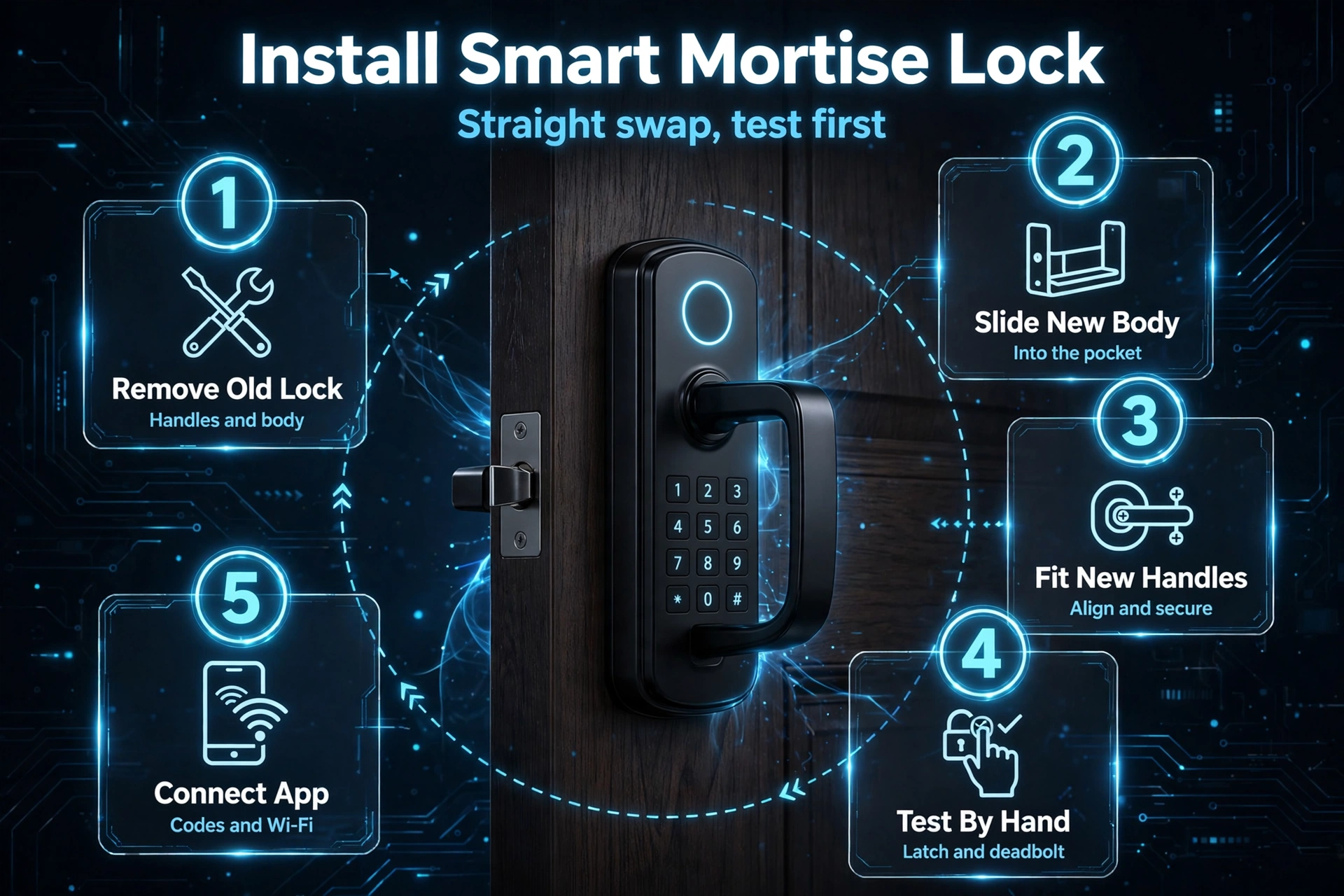
A swap into an existing mortise pocket is a fair DIY job for many homeowners. You remove the handles and the old lock body, slide the new body into the pocket, fit the new handles, and test the latch and deadbolt before you connect the app. Most makers quote 45 to 90 minutes for a straight swap. The box should hold a paper template for the holes.
So when should you call a locksmith instead? Call one when the pocket needs cutting, the door is steel or glass, or the strike plate does not line up with the new bolt. A misaligned strike is the most common install fault. It makes the motor work hard on every lock. A locksmith can also check that the door hangs true, because a sagging door will fight any smart lock.
Test the lock by hand before you set up the app. Turn the key, lift the handle, and throw the deadbolt with the door open. Then do it again with the door closed. If it feels stiff by hand, it will feel worse to the motor, so fix the alignment first. Only then add codes, fingerprints, and Wi-Fi. A smooth mechanical fit is the base that everything else stands on.
If you want the full picture of how a front door lock works before install day, read our guide on how a smart front door lock works and what to buy. It covers the parts you will meet during install, so fewer steps surprise you.
Mistakes to Avoid Before You Order
The most costly mistake is ordering by looks alone. A slim lock that suits a narrow aluminium door may not fit a thick timber door. A wide keypad may not clear a storm door frame. Measure first, then fall in love with a design.
Another common mistake is skipping the centre distance. Buyers measure thickness and backset, then forget the gap between the spindle and the cylinder. When that gap is wrong, the handle and the keyhole do not line up, and the lock will not fit at all. It is a two-second measure that saves a return.
FAQs
Will it fit my existing door?
It will fit if the thickness, backset, pocket size, and centre distance all match the lock spec sheet. Measure those five numbers with a tape, then compare them with the maker specs before you order. If your door already has a mortise pocket, a full replacement is often a straight swap, but a new pocket cut needs a locksmith.
Do I need Wi-Fi for it to work?
No, the lock still opens with a code, fingerprint, card, or key without Wi-Fi. Bluetooth covers setup and nearby control, while Wi-Fi adds remote unlock, alerts, and guest codes from anywhere. Some models need a separate hub for Wi-Fi, so check the box contents first, and pick Bluetooth only if remote access does not matter to you.
What happens if the battery dies?
Most locks warn you weeks ahead through the app and with a sound or light, so a dead battery is rare if you act on the warning. If the cells do run out, a mechanical key opens the door, and many models also have an emergency USB port for a power bank.
Is a mortise smart lock more secure than a deadbolt smart lock?
A mortise body is often stronger because the lock case sits deep inside the door edge, and the latch and deadbolt work as one unit. Still, security depends on the grade, the install, and the door frame as much as the lock type. A Grade 1 mortise lock in a solid frame beats a cheap deadbolt.
Can I install it myself?
Yes, a straight swap into an existing pocket is a fair DIY job and often takes 45 to 90 minutes with basic tools. Call a locksmith if the pocket needs cutting, the door is steel or glass, or the strike plate does not line up with the new bolt.
Does it work with Alexa, Google Home, or Apple Home?
Many models work with one or more of those platforms, but support varies by exact model, not just by brand. Check the spec sheet for your platform, and confirm whether a hub or border router is needed. Matter over Thread is common on newer locks, yet it still needs a compatible hub in your home to work.
Conclusion
A smart mortise lock is a strong upgrade when it fits your door and matches how your household uses the door. Measure first, pick the type that suits your door, and check the backup entry before you pay. Then shortlist two models, run them through the checklist above, and order the one with the clearest answers. Once it arrives, test the mechanical fit by hand before you set up the app. If you want a wider shortlist first, compare the top picks in our retrofit smart lock guide, then come back to this checklist to make the final call.