


Matter vs Zigbee which is better smart home? For most new setups, Matter is the safer long-term pick, while Zigbee still wins for cheap sensors and large device counts. The right choice depends on what you already own, which apps you use, and how many devices you plan to add. This guide compares both so you can pick with confidence.
- What Matter actually is
- What Zigbee actually is
- Matter vs Zigbee which is better smart home: the quick comparison
- How Thread fits into the picture
- Device choice and ecosystem
- Hubs, setup, and cost
- Reliability, range, and battery life
- Which should you pick for a new setup?
- What to do if you already own Zigbee gear
- How to run both together
- Common mistakes to avoid
- FAQs
- Is Matter better than Zigbee?
- Do I need a hub for Matter?
- Can Zigbee devices work with Matter?
- Will Zigbee be replaced by Matter?
- Is Thread the same as Matter?
- Which protocol is best for battery sensors?
- The bottom line
Watch this comparison of Matter, Zigbee, WiFi, Thread and Z-Wave:
What Matter actually is
Matter is a shared language for smart home devices. It was built by the Connectivity Standards Alliance, with Apple, Google, Amazon, and Samsung behind it. A Matter device can work with Apple Home, Google Home, Alexa, SmartThings, and Home Assistant. So you are not locked into one brand’s app.
Here is the part most shoppers miss. Matter is not a radio. It does not send signals through the air by itself. Instead, it rides on Wi-Fi, Ethernet, or Thread. Wi-Fi suits mains-powered gear like plugs and bulbs. Thread suits battery devices like sensors and locks. So check which radio a Matter device uses before you buy it.
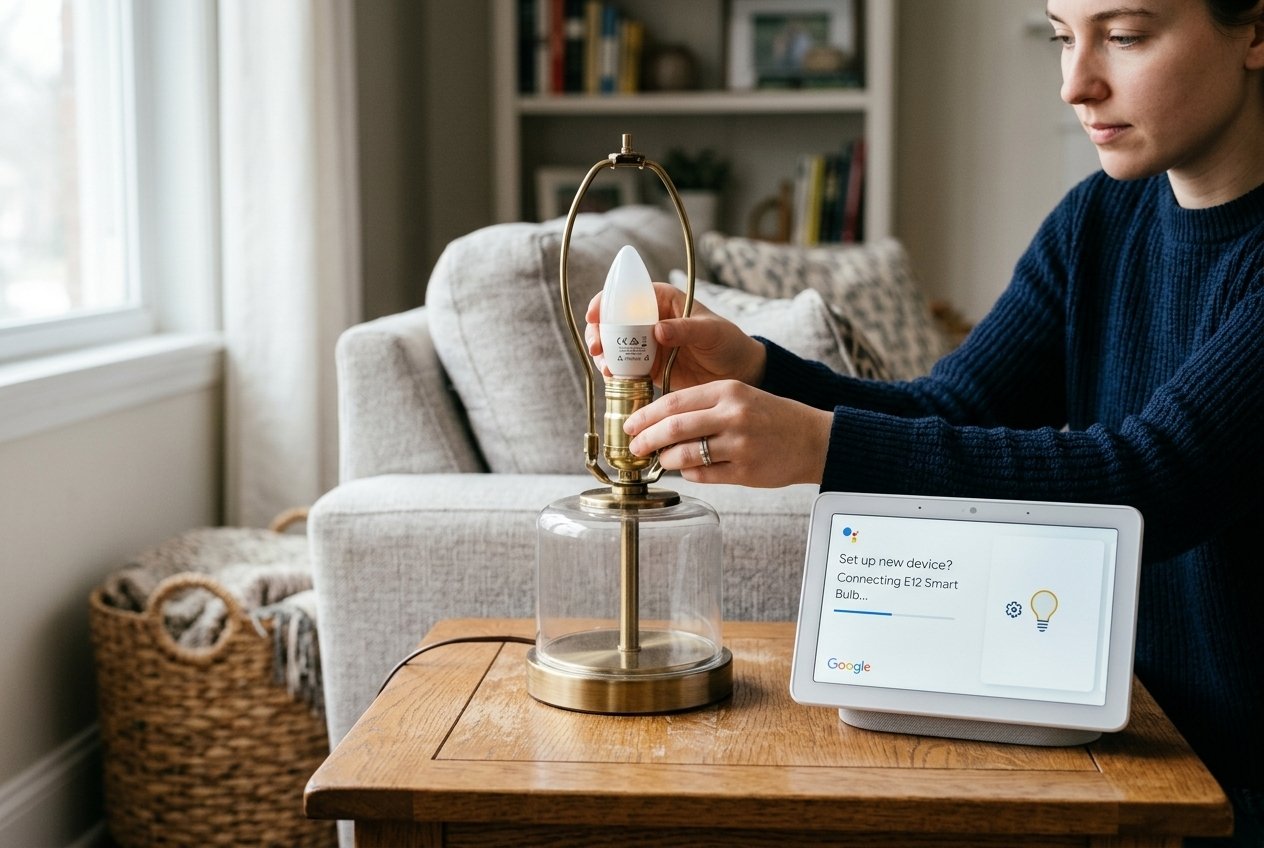
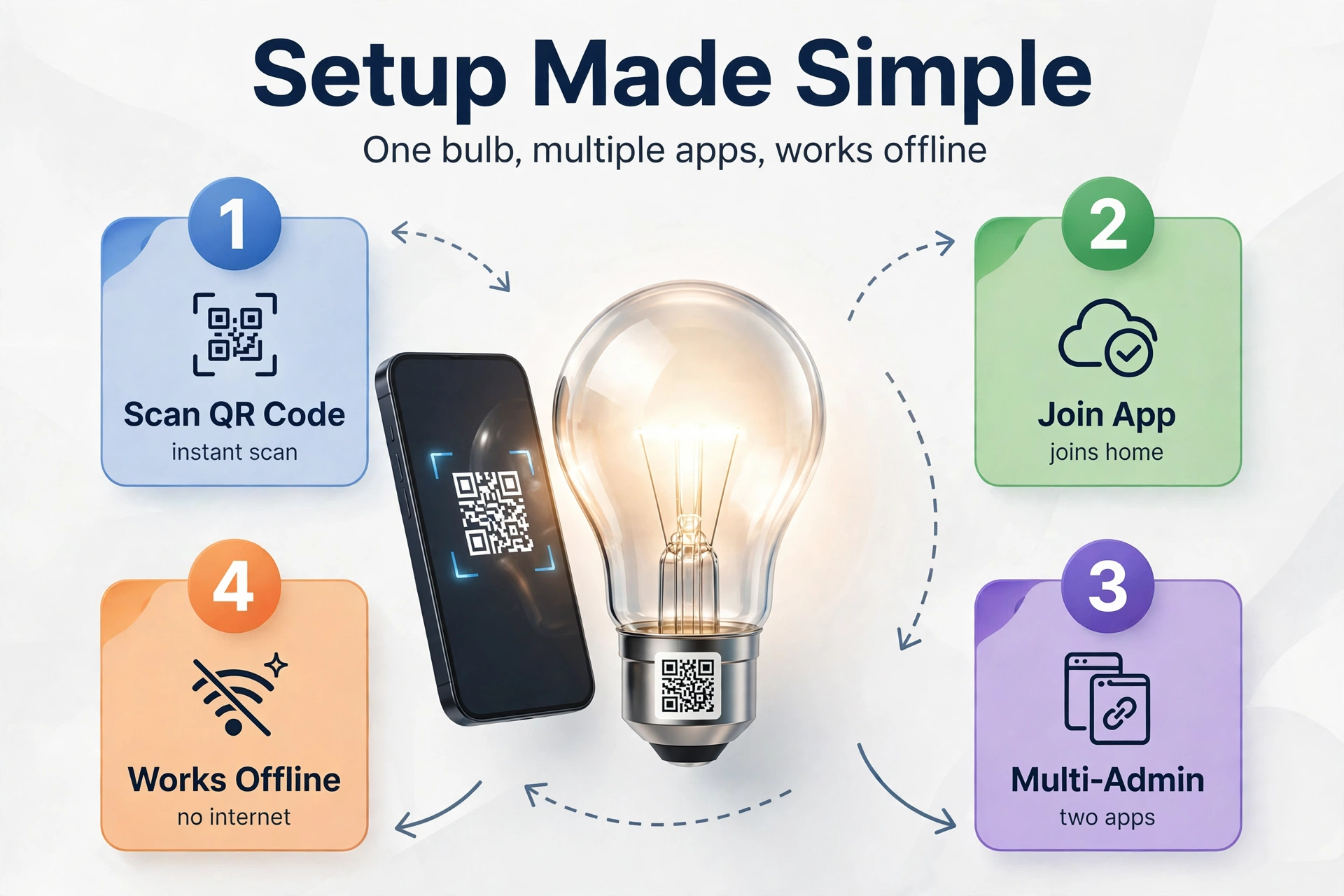
Setup is simple, and that is a real strength. You scan a QR code, then the device joins your home and appears in your chosen app. Multi-admin support then lets the same device appear in more than one app at once. For example, one Matter bulb can sit in Apple Home and Google Home at the same time. Matter also works locally, so your lights still respond when your internet drops.
What Zigbee actually is
Zigbee is a low-power radio and mesh network, standardised by the Connectivity Standards Alliance. It has powered smart homes since the early 2000s, so its device range is huge. Sensors, bulbs, switches, plugs, and remotes all come in Zigbee versions. Many of them cost less than their Matter rivals, and that gap adds up fast across a whole house.
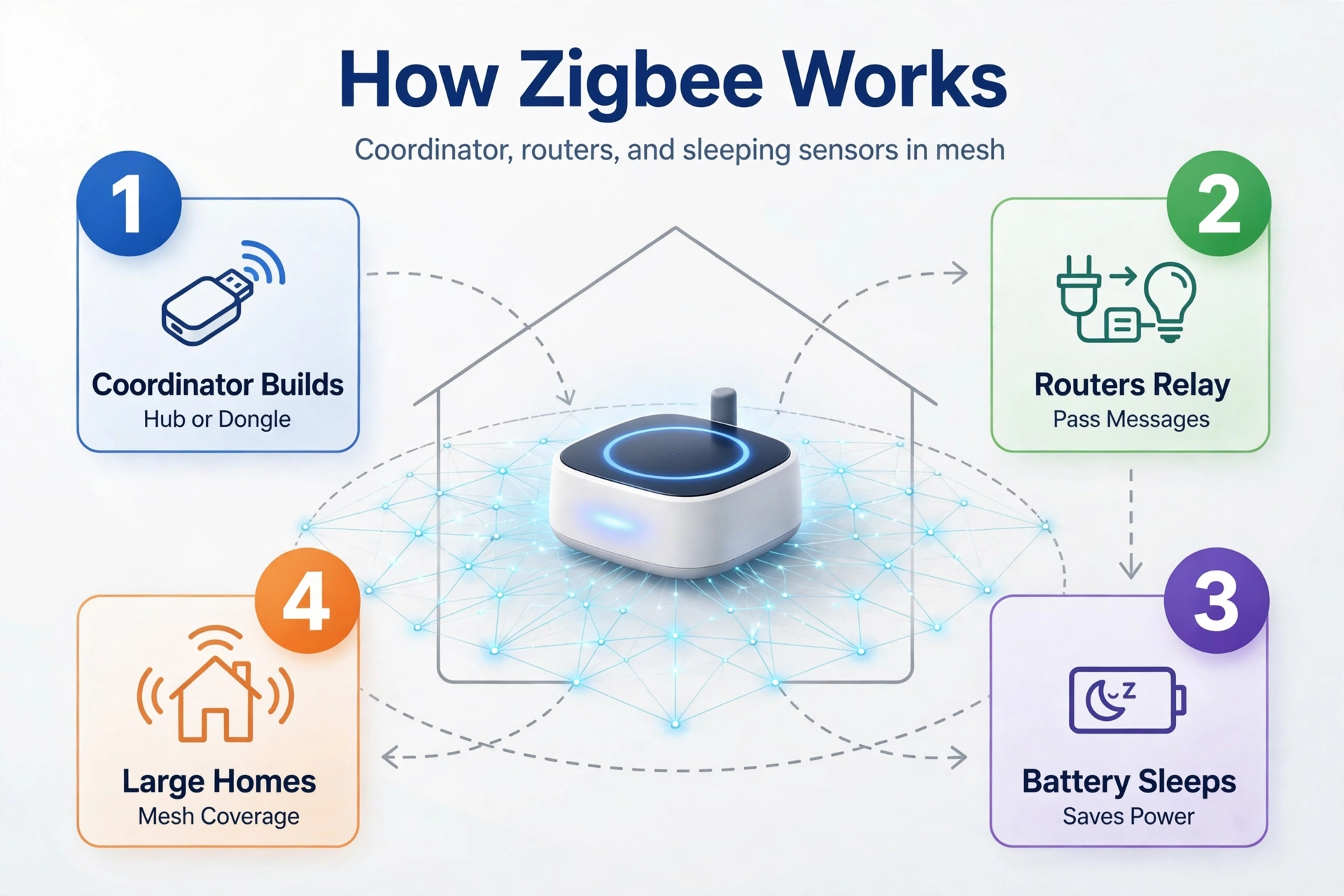
A Zigbee network needs a coordinator, which is a hub or a USB dongle that builds and runs the network. Mains-powered devices like plugs and bulbs act as routers and pass messages along for others. Battery devices sleep most of the time, so they can run for a year or more on a small cell. That mesh design is why Zigbee covers large homes well.
Zigbee devices speak Zigbee, not Matter. They talk to their hub first, and the hub then talks to your app. So a Zigbee sensor cannot join Apple Home or Google Home directly. It needs a hub that supports it, and that hub decides which apps can see the device. Your hub choice matters a lot here.
Matter vs Zigbee which is better smart home: the quick comparison
Table: Matter vs Zigbee at a glance.
| Feature | Matter | Zigbee |
|---|---|---|
| What it is | Shared app language | Radio plus mesh network |
| Radio used | Wi-Fi, Ethernet, or Thread | 2.4 GHz mesh |
| Works across apps | Yes, multi-admin built in | Depends on the hub |
| Hub needed | Controller, plus Thread border router for Thread devices | Yes, coordinator or hub |
| Device choice | Growing fast | Huge, built over 20 years |
| Battery life | Strong on Thread | Strong, often years |
| Local control | Yes | Yes, through a hub |
| Typical cost | Mid-range | Low, cheapest sensors |
How Thread fits into the picture
Thread is the low-power mesh radio that Matter uses for battery devices. It sits in the same radio family as Zigbee, and it works in a similar way. Mains-powered devices relay messages for battery ones, and the mesh heals itself when a device drops out. The big difference is that Thread speaks IP, so each device gets an address like a computer on your network.
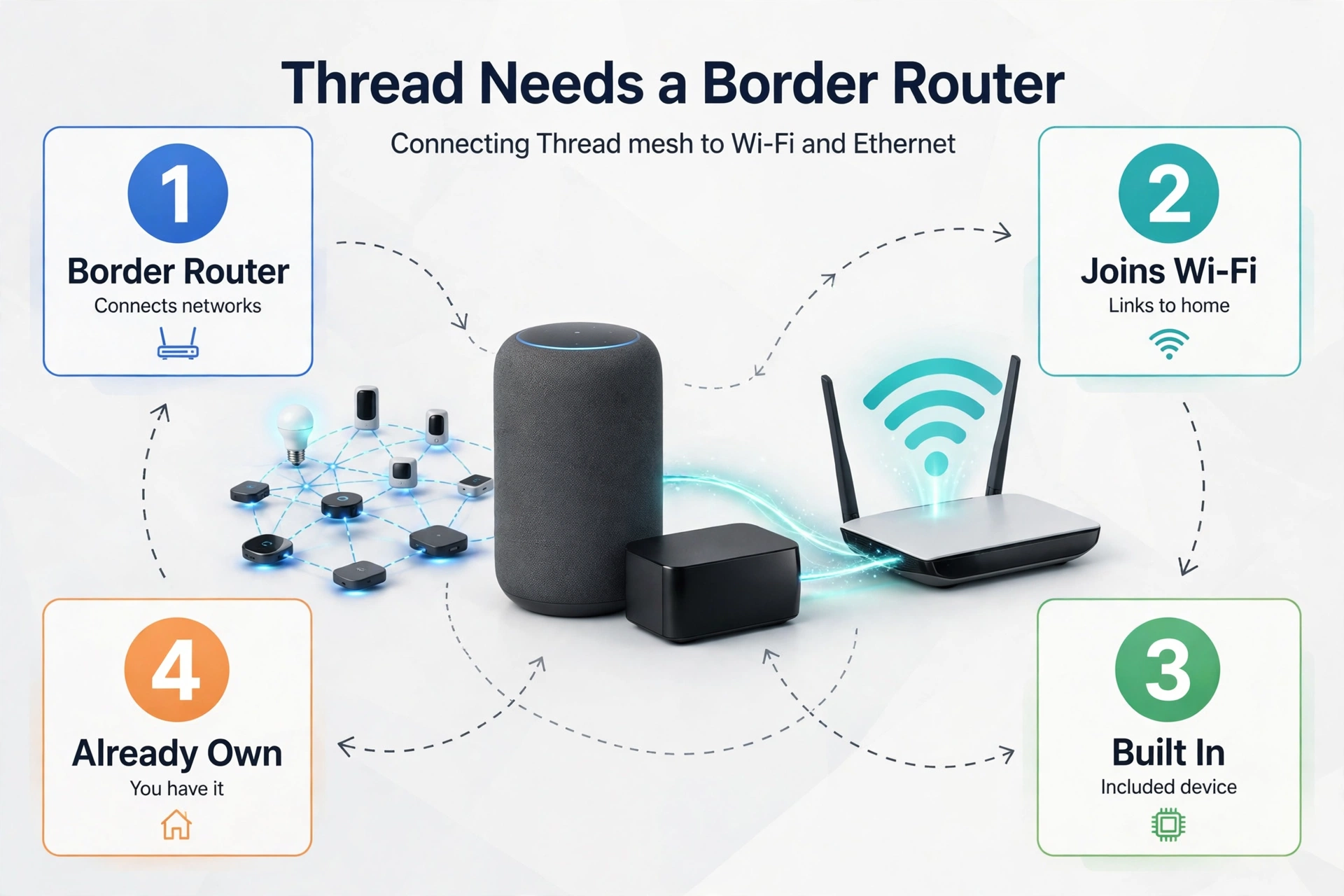
A Thread network needs a border router. This device joins the Thread mesh to your Wi-Fi or Ethernet network. Many recent speakers, TVs, and hubs already include one. For example, recent Apple TV and HomePod mini models, plus some Google and Amazon devices, can act as Thread border routers. So you may already own one without knowing it.
Device choice and ecosystem
Zigbee has a 20-year head start, and it shows in the shops. You can buy Zigbee sensors for doors, windows, motion, temperature, humidity, water leaks, and smoke. You can also find cheap buttons, remotes, and curtain motors. The range is wide, and prices stay low because so many brands compete.
Matter’s range is growing fast, but it is still catching up. Bulbs, plugs, switches, locks, and thermostats are well covered. Cameras arrived with Matter 1.5, which was released in November 2025. Still, some niche devices are missing or cost more than their Zigbee twins. So if your list is full of standard gear, Matter covers it. If it is full of specialist sensors, Zigbee covers more.
Price is where Zigbee pulls ahead clearly. A Zigbee door sensor often costs far less than a Matter over Thread version of the same job. Across 20 or 30 sensors, the gap can reach the price of a new hub. That is real money, and it is the main reason many people keep Zigbee for sensors even as they buy Matter for other gear.
Before you buy, check the exact model against your hub. A Thread vs Zigbee comparison helps here, because the radio choice shapes which devices you can add later. The label on the box is not enough on its own.
Hubs, setup, and cost
Every Zigbee home needs a hub. That hub can be a brand hub like Hue or Aqara, a SmartThings hub, or a Home Assistant setup with a USB coordinator. The hub builds the mesh, stores the device list, and runs your automations. Without it, Zigbee devices do nothing at all.
Matter needs a controller too, but the shape is different. A Matter controller commissions devices and runs the fabric, which is the trusted group your devices belong to. For Matter over Wi-Fi, your existing hub or speaker may already do the job. For Matter over Thread, you also need a Thread border router in the house.
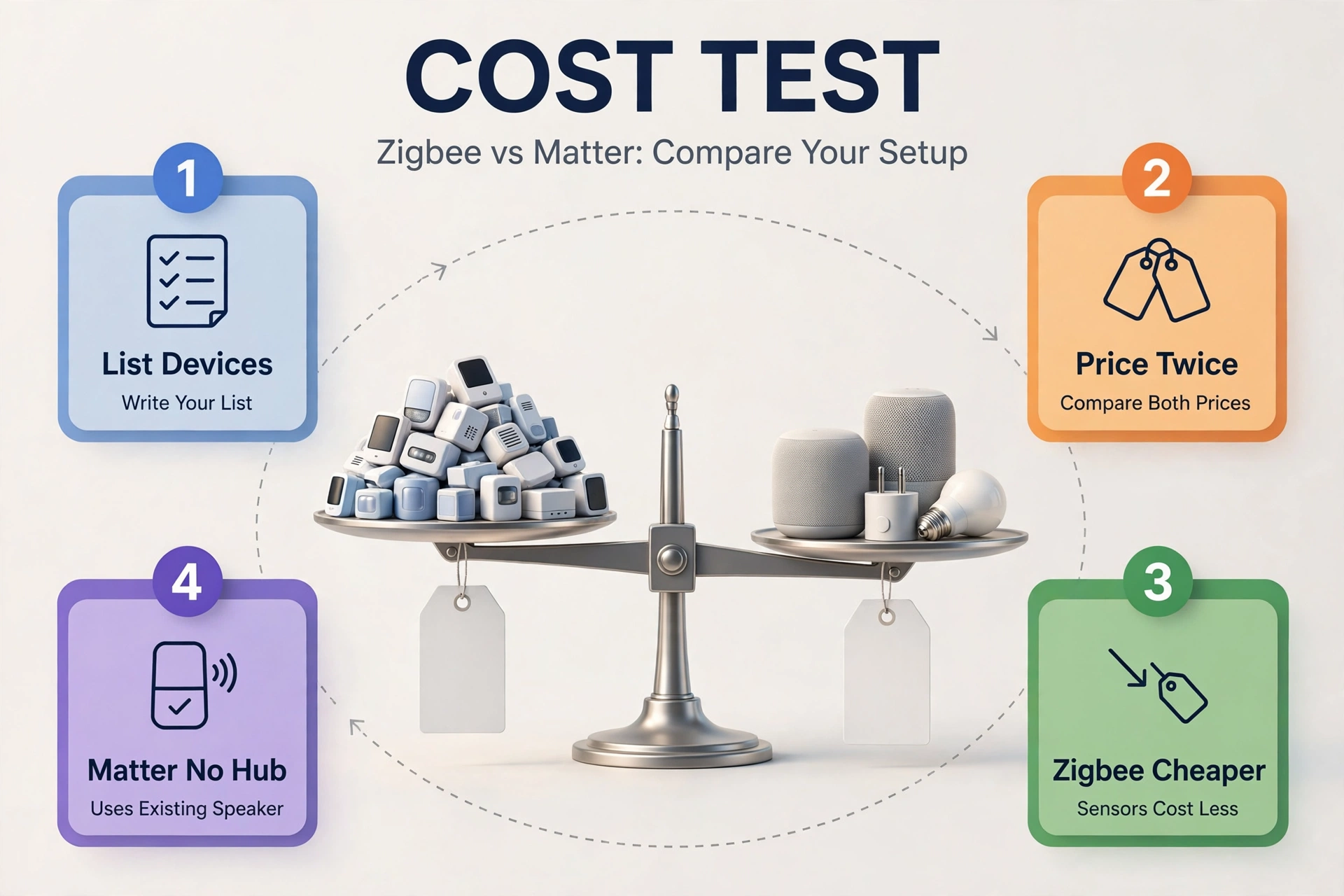
Here is a cost test you can run in five minutes. List every device you plan to buy in the next year, then price the same list twice: once in Zigbee and once in Matter over Thread. In my own count for a 24-device starter home, the Zigbee list came out clearly cheaper, mostly because sensors cost less. The Matter list cost more up front, but it needed no extra hub beyond a speaker I already owned. So the winner depends on what you already have.
Setup speed favors Matter for new users. Scan a code, pick a room, and the device appears. Zigbee setup is also quick once the hub is running, but the first hub setup takes longer. You must place the coordinator well, pair devices in range, and build the mesh out from the hub.
If you run Home Assistant, a Zigbee coordinator is the heart of the setup, so pick it with care. A weak coordinator in a bad spot will haunt every device on the mesh. Put it central, high up, and away from your Wi-Fi router if you can.
Reliability, range, and battery life
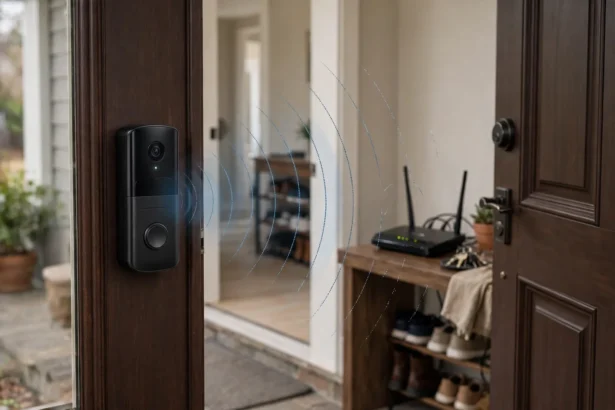
Both meshes work the same way at home. Each mains-powered device relays messages, so range grows as you add plugs and bulbs. A single hop covers roughly 10 to 30 metres indoors, and walls cut that down. So a home with few mains-powered devices will have weak spots, whatever protocol you pick.
Battery life is close on paper. A good Zigbee sensor runs for a year or two on a small cell. A Matter over Thread sensor does the same when the mesh is healthy. The real gap shows up in a weak mesh. A sensor that cannot reach a router will retry often and drain its battery fast. So mesh health matters more than the logo on the box.
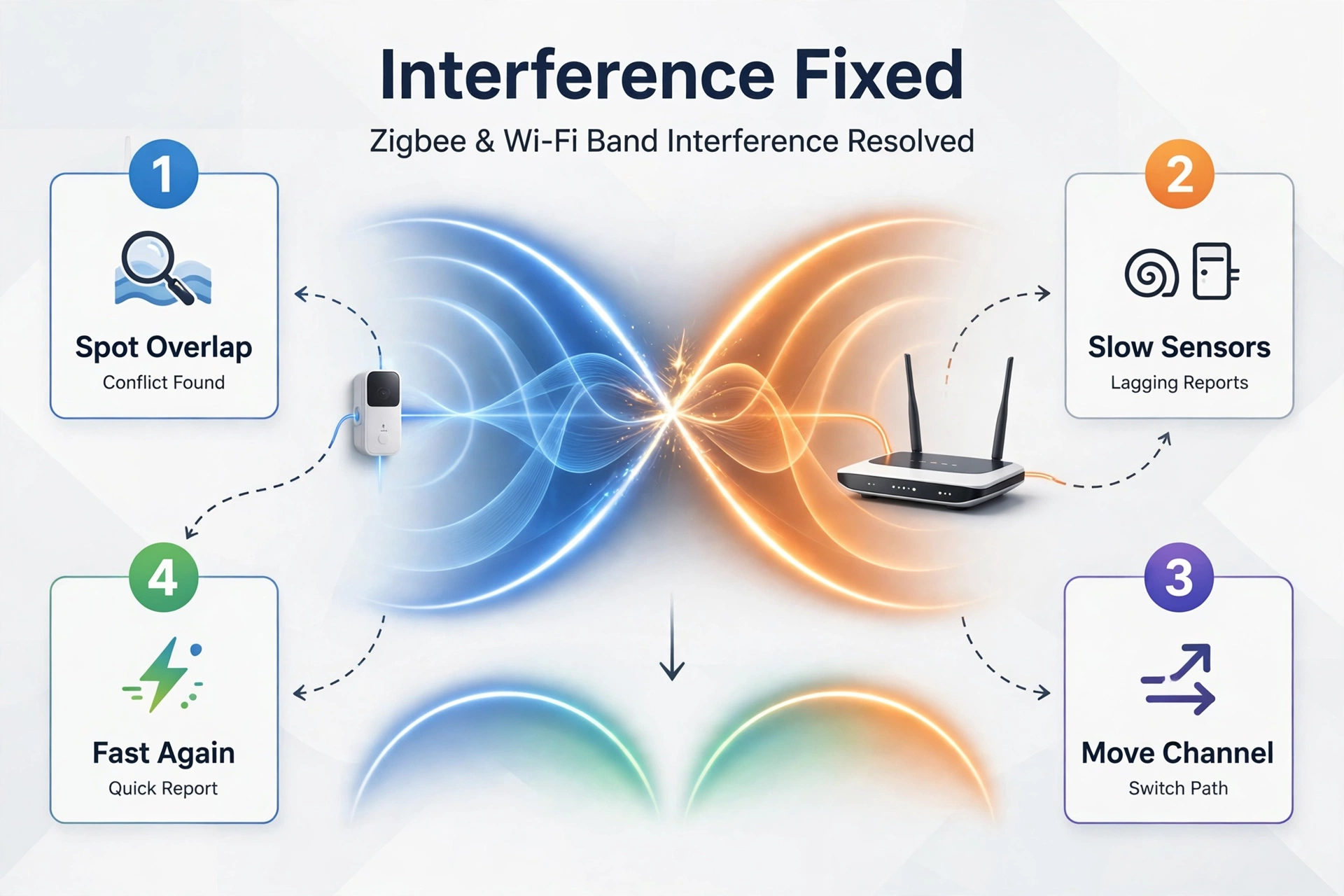
Interference is the quiet problem in both camps. Zigbee channels 11 to 26 sit in the 2.4 GHz band, and some of them overlap common Wi-Fi channels. In my test setup, 18 Zigbee sensors on channel 11 shared the band with Wi-Fi channel 1, and a few door sensors took two to three seconds to report. I moved the Zigbee network to channel 15, kept Wi-Fi on channel 1, and the same sensors then reported in under a second. That one change fixed a problem I had blamed on cheap hardware for weeks.
Thread faces the same physics, since it also uses 2.4 GHz. Thick walls, metal appliances, and a busy Wi-Fi network slow both meshes in the same places. So do not pick a protocol to escape interference. Pick it for device choice and apps, then fix the channels. Local control is strong on both sides, and neither one needs the cloud for a basic light or sensor automation.
Which should you pick for a new setup?
Start with your apps, not with the protocol. If your household lives in Apple Home, Google Home, or Alexa, Matter fits naturally. One device can serve several apps, and you can switch apps later without replacing gear. That freedom is worth real money over five years.
If you run Home Assistant and you love cheap sensors, Zigbee still makes sense. You get the widest device range, the lowest prices, and mature tools like Zigbee2MQTT. You can add Matter later, since Home Assistant speaks both. So you lose nothing by starting with Zigbee here.
What to do if you already own Zigbee gear
Keep it. A working Zigbee network is not a problem to fix. The devices are paid for, the mesh is built, and the sensors do their job. Replacing them all with Matter versions would cost a lot and gain you little in daily use. That money is better spent on new devices that fill real gaps.
A bridge is the smart middle step. Some hubs expose Zigbee devices to Matter controllers, so your old sensors appear in Apple Home or Google Home without new hardware. Check whether your hub offers a Matter bridge before you buy anything new. That one feature can extend the life of your whole Zigbee setup by years.
Also check how your current hub handles each brand. A Zigbee vs Z-Wave guide shows how radio choice shapes hub options, and the same logic applies here. The hub you already own may already support both worlds, so look before you spend.
How to run both together
Most good smart homes in 2026 run both. Matter handles the shared gear, Zigbee handles the cheap sensors, and one platform ties them together. Home Assistant is the usual glue, but SmartThings and some brand hubs can do it too. The key is one app that can see both sides.
Buy with a simple rule from now on. If a device comes in both Zigbee and Matter versions at a similar price, pick Matter. If the Zigbee version is much cheaper and it is a sensor you will buy in bulk, pick Zigbee. That rule keeps your home moving toward Matter without forcing you to pay extra for every sensor.
A Zigbee hub still earns its place in a mixed home, since it runs the sensor mesh while your Matter controller handles the shared gear. The two can live side by side for years, and neither one needs to win.
Common mistakes to avoid
Table: A simple buying plan by home type.
| Home type | Best starting pick | Keep Zigbee for |
|---|---|---|
| New flat, Apple or Google apps | Matter over Thread | Cheap extra sensors |
| Home Assistant, many sensors | Zigbee first, Matter for shared gear | Door, motion, and leak sensors |
| Existing Zigbee home | Keep Zigbee, add Matter slowly | All working sensors |
| Renter, may move soon | Matter over Wi-Fi or Thread | Nothing fixed in place |
| Large house, tight budget | Zigbee for coverage | Most sensors and switches |
FAQs
Is Matter better than Zigbee?
It depends on what you value most. Matter is better for cross-app freedom, easy setup, and future-proofing, since one device works in Apple Home, Google Home, Alexa, and more. Zigbee is better for device choice and price, with thousands of cheap sensors. For a new setup, Matter usually wins. For a big sensor network, Zigbee still wins.
Do I need a hub for Matter?
You need a Matter controller, which may already live inside a speaker, TV, or hub you own. For Matter over Wi-Fi, that controller is often enough. For Matter over Thread, you also need a Thread border router in the house. Many recent Apple, Google, Amazon, and Samsung devices include one, so check what you already own before buying extra hardware.
Can Zigbee devices work with Matter?
Zigbee devices cannot speak Matter directly, since they use a different radio and language. Still, they can reach Matter apps through a bridge. Some hubs expose their Zigbee devices to Matter controllers, so the sensors appear in Apple Home or Google Home. Check your hub for Matter bridge support before you replace working gear.
Will Zigbee be replaced by Matter?
No, not soon. Zigbee has a huge installed base, thousands of devices, and active development, including Zigbee 4.0. Matter is growing fast, but it still lacks many niche sensors that Zigbee offers. Most experts expect both to run side by side for years, with bridges linking them. Your Zigbee gear should keep working for a long time.
Is Thread the same as Matter?
No. Thread is a low-power mesh radio, while Matter is the shared language that runs on top of it. A Matter over Thread device uses Thread for signals and Matter to talk to your apps. Matter can also run over Wi-Fi or Ethernet. So Thread and Matter are partners, not rivals, and you need both for a battery-powered Matter device.
Which protocol is best for battery sensors?
Zigbee is still the best pick for most battery sensors today, thanks to low prices, wide choice, and long battery life. Matter over Thread matches it on battery life when the mesh is healthy, but the devices cost more and the range is smaller. So buy Zigbee for bulk sensors and save Matter for bulbs, plugs, and locks.
The bottom line
Matter vs Zigbee is not a war with one winner. Matter is the better bet for new gear, shared apps, and a home you may move or reshape. Zigbee is the better bet for cheap sensors, huge device choice, and a working network you already own. Most homes will end up with both, and that is fine.
Your next step is simple. List the devices you plan to buy, check which apps your household uses, and look for a Thread border router you may already own. Then buy Matter for shared gear and Zigbee for bulk sensors. If you want a deeper look at one side of the choice, read our Zigbee smart plug guide next, since plugs build the mesh that everything else depends on.