
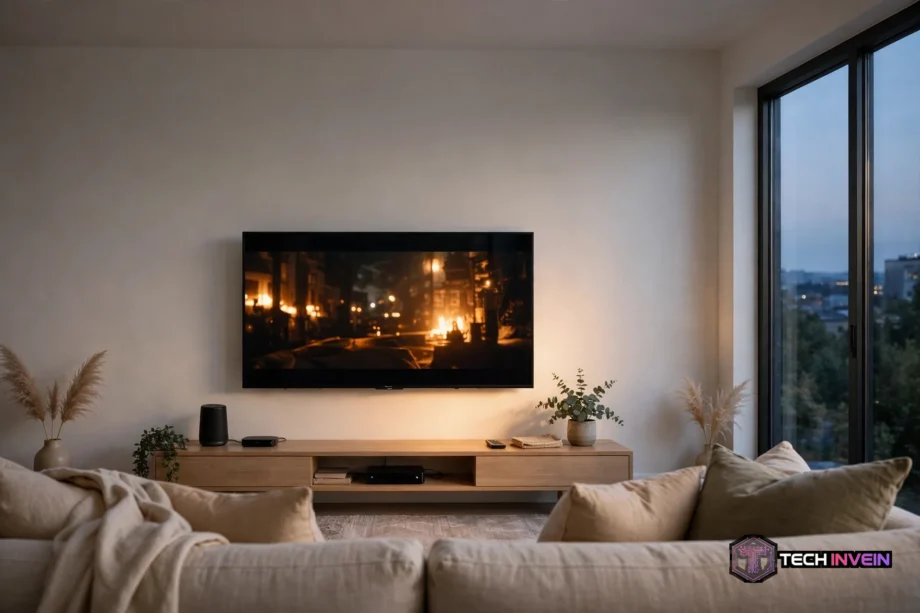
The best 55 inch smart tv is a 4K set with a bright panel, a fast smart platform, and at least one HDMI 2.1 port for gaming. A 55-inch screen fits a small living room or a bedroom without taking over the wall. This guide covers panels, gaming specs, sizes, sound, and brands so you can choose with confidence.
- What Makes the Best 55 Inch Smart TV
- OLED vs Mini-LED vs QLED: Which Panel Fits Your Room
- Best 55 Inch Smart TV for Gaming
- What Size TV Do You Need?
- Best TV Under 300 and Other Budget Picks
- TV With the Best Sound: Do You Need a Soundbar?
- Good TV Brands Worth Your Money
- My 7-Step Buying Checklist
- FAQs
- What size TV is best for a living room?
- Is OLED or Mini-LED better for a 55-inch TV?
- Do I need HDMI 2.1 for gaming on a PS5?
- Is a 55-inch TV big enough for gaming?
- How much should I spend on a 55-inch smart TV?
- Do smart TVs need a soundbar?
- Which TV brand is most reliable?
- Conclusion
What Makes the Best 55 Inch Smart TV
A great 55-inch TV starts with the panel. OLED gives you perfect blacks because each pixel makes its own light. Mini-LED stays brighter in a sunny room because it uses hundreds of tiny backlight zones. A basic QLED set costs less and still looks good for everyday streaming. So your room decides the winner more than any spec sheet does.
Brightness matters most in a bright room. If your windows face the screen, look for high peak brightness and an anti-glare coating. In a dark room, contrast matters more, and that’s where OLED pulls ahead. Also check the viewing angle, because some panels wash out when you sit off to the side, and that hurts a wide living room setup.
Before you compare models, it helps to know how smart TVs work behind the menus. The processor, the panel, and the software all shape picture quality together. A cheap processor can make a good panel look slow. So judge the whole package, not just the panel type.
OLED vs Mini-LED vs QLED: Which Panel Fits Your Room
OLED is the pick for movie nights in a dark room. Each pixel switches off on its own, so black stays truly black and colors hold up from the side seats. The trade-off is brightness. OLED can struggle against strong sunlight, and static images left on screen for hours carry a small burn-in risk. So if you watch news channels all day, think twice.
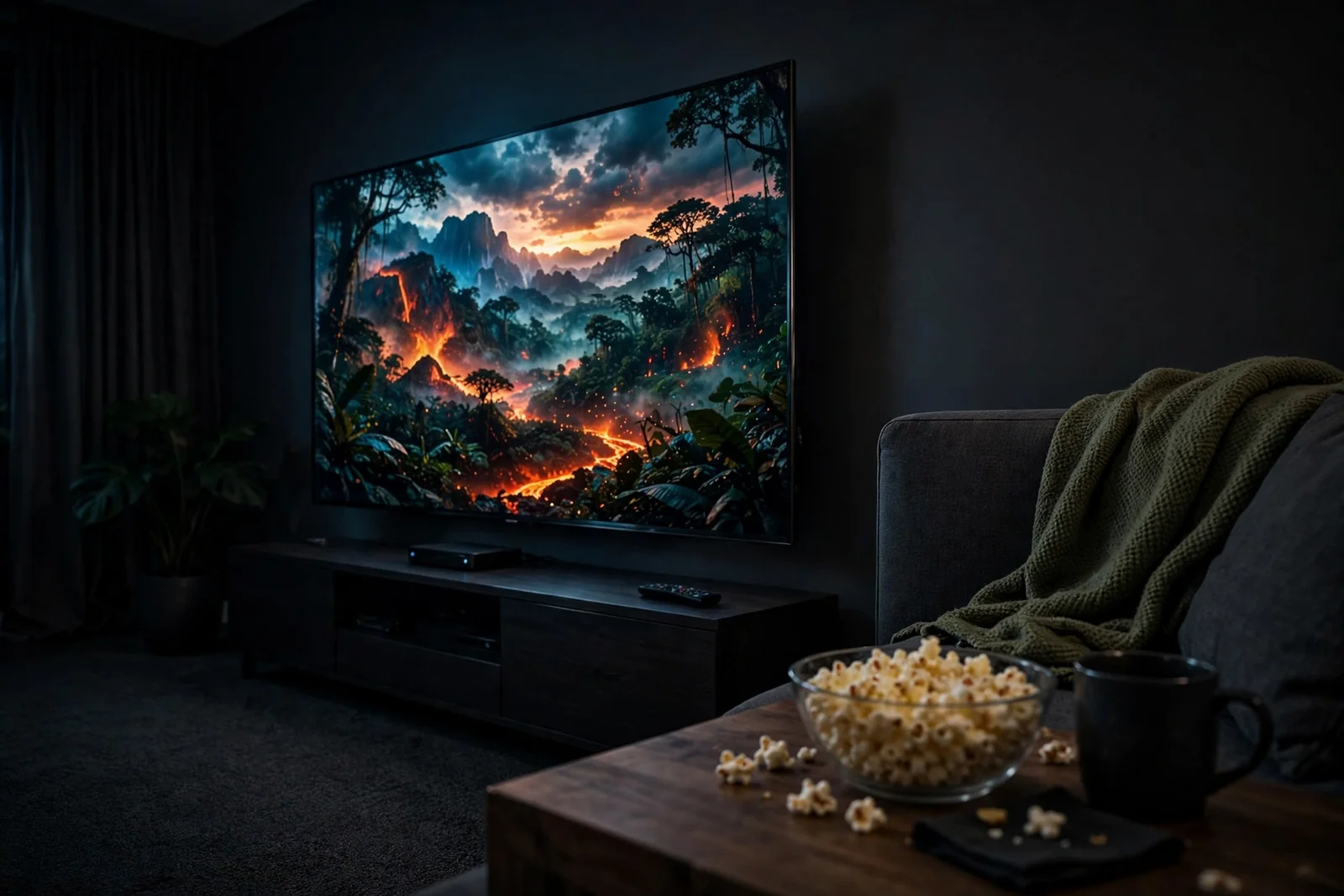
Mini-LED is the bright-room champion. It pairs an LCD panel with a backlight split into many zones, so bright scenes pop and dark scenes stay controlled. You may see a faint glow around bright objects on black backgrounds. That effect is called blooming, and it bothers some viewers more than others. Still, for a sunny living room, Mini-LED is hard to beat.
QLED is an LCD TV with a quantum-dot layer for richer color. It costs less than OLED or Mini-LED, and it handles everyday viewing well. The catch is contrast. Blacks look dark gray next to an OLED, and the picture can fade at wide angles. Yet for a bedroom or a second room, a QLED set often gives you the best value.
Table: Panel types at a glance
| Feature | OLED | Mini-LED | QLED |
|---|---|---|---|
| Black levels | Perfect black | Very good | Average |
| Bright room | Fair | Excellent | Good |
| Viewing angle | Wide | Good | Narrow |
| Burn-in risk | Low but real | None | None |
| Typical price | Highest | Mid to high | Lowest |
Test labs back up this split. Tom’s Guide rates an LG OLED as the top 55-inch pick for most people, while a Hisense Mini-LED wins on value. See their full best 55-inch TV test results for current models and prices. Use those results as a cross-check, not as a shopping list, because prices shift fast. Also note that panel quality can change between sizes in the same model line, so confirm specs on the 55-inch model number.
Best 55 Inch Smart TV for Gaming
Gaming is where a 55-inch TV earns its price. The best tv for gaming pairs a true 120Hz panel with HDMI 2.1, variable refresh rate, and low input lag. The PS5 and Xbox Series X both support 4K at 120Hz in some games, and a TV that cannot keep up will waste that power. So check the gaming specs first if you play often.
Start with the refresh rate. A native 120Hz panel shows twice as many frames per second as a 60Hz set, so motion looks smoother and fast games feel more responsive. Watch out for marketing terms like Motion Rate 240 or Game Accelerator 120. Those labels often describe processing tricks, not a true 120Hz panel. The spec sheet should say 120Hz native.
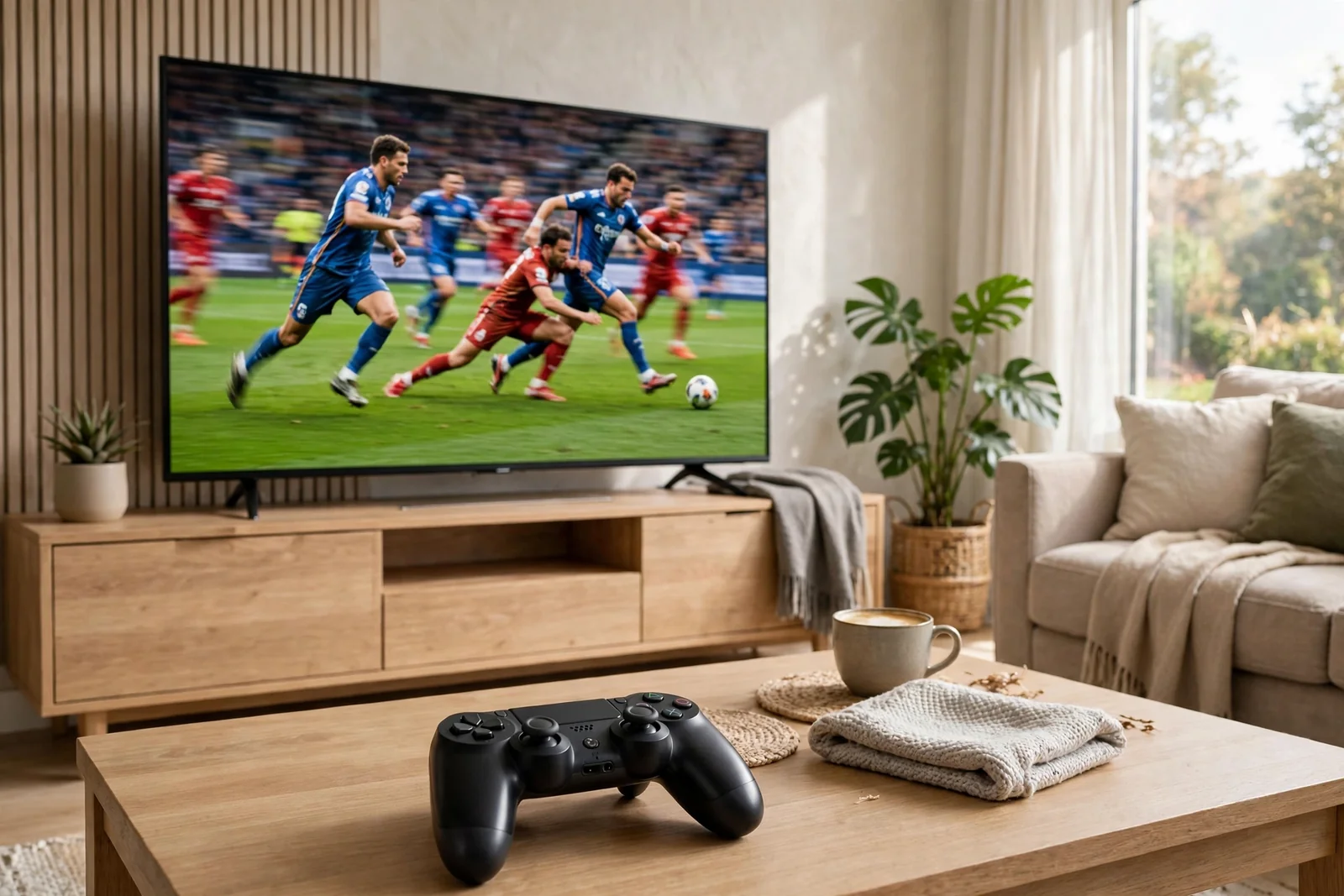
Next, count the HDMI 2.1 ports. One port fills fast, because a PS5, an Xbox, and a soundbar can need three between them. Some TVs also share the HDMI 2.1 port with eARC, the audio return channel for a soundbar. Two ports are a safer minimum, and four give you real flexibility. Also confirm the port accepts 4K at 120Hz, not just 120Hz at a lower resolution.
Variable refresh rate, or VRR, stops screen tearing by matching the TV refresh rate to the console output frame by frame. Auto low latency mode, or ALLM, switches the TV into Game Mode the moment it senses a game signal. Input lag should sit near 10 milliseconds or less in Game Mode. TechRadar measured 9.2ms on its top gaming pick, and that is the bar to beat. Their best gaming TV guide lists current models with measured lag figures.
What Size TV Do You Need?
A 55-inch TV suits a viewing distance of 5 to 7 feet for 4K content. Sit closer and the screen edges creep into your peripheral vision. Sit much farther and the extra detail of 4K fades. Measure your couch-to-wall distance with a tape before you shop. This one measurement prevents the most common regret in TV buying, which is picking a size by guesswork.
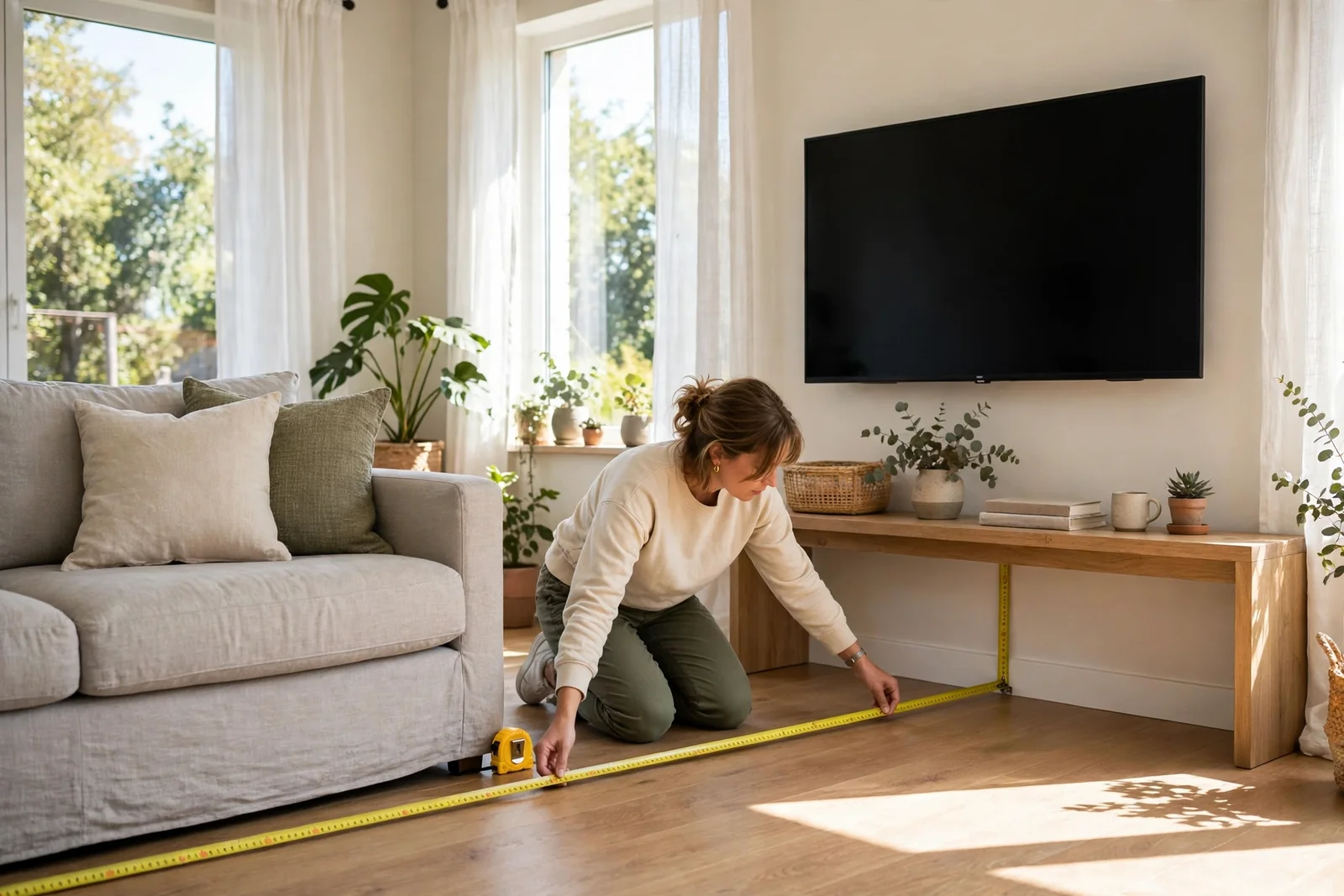
Table: Viewing distance by screen size
| Screen size | Best distance | Room fit |
|---|---|---|
| 55 inch | 5 to 7 feet | Bedroom, small living room |
| 65 inch | 6 to 8 feet | Average living room |
| 75 inch | 8 to 10 feet | Large living room |
| 85 inch | 9 to 12 feet | Big open space |
The best 75 inch tv under 1000 is a tempting step up, and prices have fallen far enough to make it real. Yet a cheap 75-inch set often beats a good 55-inch set only on size. Its panel may be dimmer, its contrast weaker, and its smart platform slower. So ask yourself what you value more: a bigger picture or a better picture. Most viewers enjoy the better picture longer.
The best 65 inch tv under 500 sits in the same trade-off. At that price you get a solid 65-inch QLED with decent brightness and a 60Hz panel. It works well for films and streaming, yet it won’t match a premium 55-inch OLED for contrast or gaming. If your room fits a 65-inch screen and you watch mostly shows and sport, the bigger set wins. If you game or watch films in the dark, the smaller premium set wins.
Don’t forget the stand. Many 55-inch TVs rest on feet near the outer edges, so your console must be nearly as wide as the TV itself. Measure the foot spacing on the spec sheet, not just the screen width. A wall mount solves this, yet it adds cost and a drill job. So check the stand width before the delivery van arrives, not after.
Best TV Under 300 and Other Budget Picks
The best tv under 300 in 2026 is a 55-inch QLED or a smaller 4K set from a value brand. You get 4K resolution, HDR support, and a full smart platform. You give up the 120Hz panel, the bright Mini-LED backlight, and the premium sound. For a bedroom or a guest room, that trade is fair. For a main living room, stretch the budget if you can.
Budget shopping has its own rules. First, ignore the launch price and check the street price. TVs drop sharply within months, and last year’s model often sells for half its launch price while the new model adds little. Second, check the exact model number. Retailers sell look-alike variants with one letter changed, and the cheaper twin may cut the refresh rate or the dimming zones.
Third, look at the warranty and the return window. A 30-day return policy matters more on a budget TV because panel lottery is real. Two sets of the same model can differ in uniformity, and a quick return beats months of regret. Also keep the box for a week, because a dead pixel or a buzzing backlight may show up late.
When your current TV feels slow or lacks the apps you want, a streaming stick can extend its life for little money. Our guide to setting up a Fire TV Stick walks through the install step by step. It is a cheap fix, and it lets you delay a full TV upgrade until prices drop again.
TV With the Best Sound: Do You Need a Soundbar?
A tv with best sound built in is rare, because thin TVs leave no room for good speakers. A few premium sets use the screen itself as a speaker or add rear woofers, and they sound clearly better than average. Most sets, though, push sound down or backward, and dialogue gets lost under music and effects. So plan for sound as a second step, not an afterthought.
If dialogue still hides, a soundbar is the simplest upgrade. A basic 2.1 soundbar with a wireless subwoofer transforms films and sport for little money. A Dolby Atmos bar adds height effects, yet it needs ceiling reflections to work well. So a low flat ceiling helps an Atmos bar, while a vaulted ceiling wastes it. Check the eARC port first, because eARC sends full-quality audio to the bar over one HDMI cable.
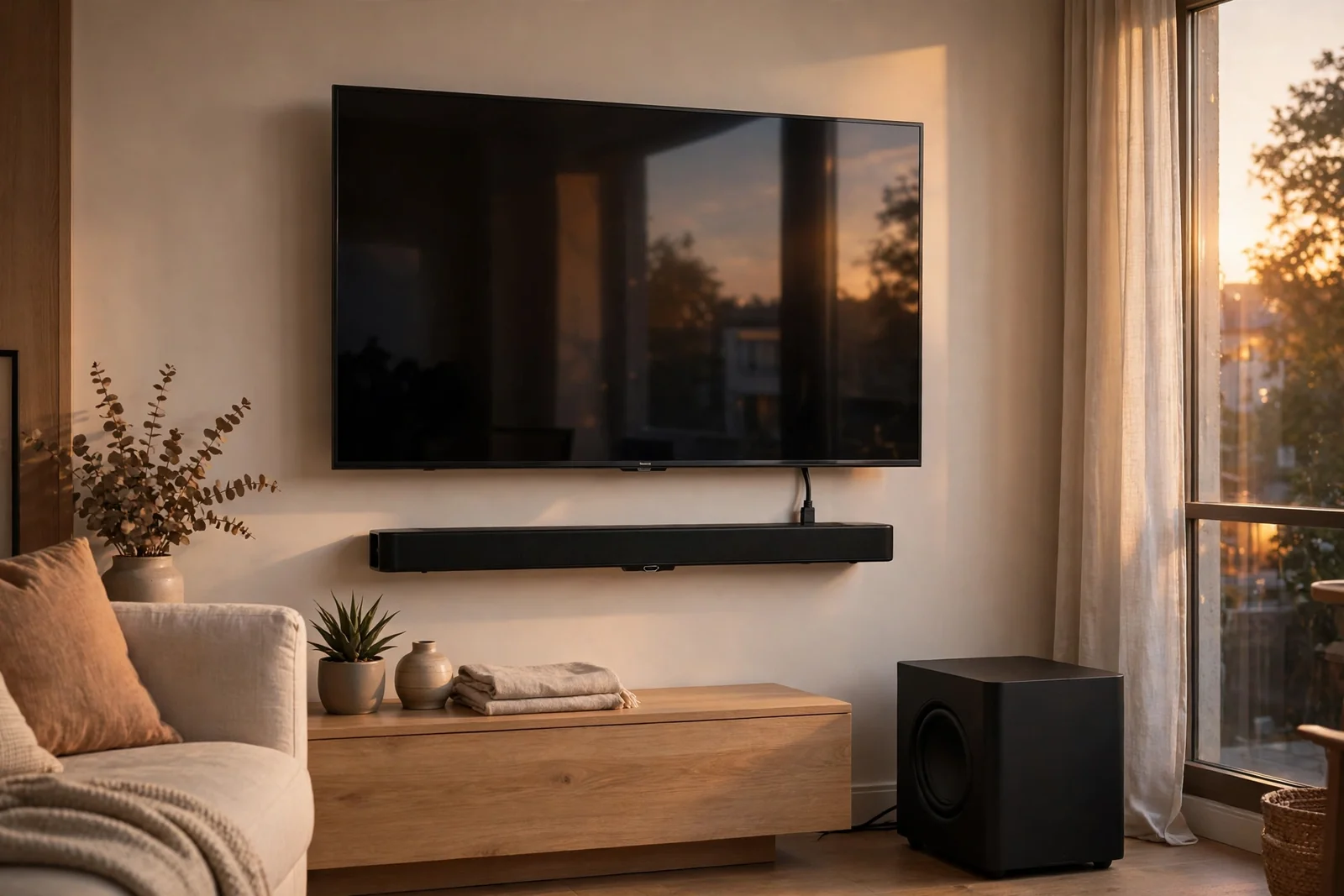
For a fuller setup, wiring speakers to the TV takes a little planning. Our guide on how to connect speakers to a TV covers HDMI ARC, optical, and Bluetooth options with the right settings for each. Read it before you buy cables, because the wrong cable is the most common cause of silent speakers.
Good TV Brands Worth Your Money
Good tv brands earn trust through panel quality, software support, and service, not through ads. LG leads on OLED and gaming features, with four HDMI 2.1 ports on its C-series sets. Samsung leads on bright-room OLED and its Gaming Hub, though it skips Dolby Vision. Sony leads on picture processing and sound, and its sets pair neatly with a PS5. Hisense and TCL lead on value, with Mini-LED sets that punch above their price.
Brand matters less than the exact model. Every big brand sells great TVs and weak ones side by side. A budget LG can lose to a midrange Hisense, and a premium TCL can beat a midrange Samsung. So compare models, not logos. Check the panel type, the refresh rate, the port count, and the software update promise for the exact set you plan to buy.
My 7-Step Buying Checklist
This checklist is the original substance of this guide. It comes from the mistakes I see most often in TV buying, and it takes ten minutes before you order. Run through it in order, and you’ll avoid the regrets that fill return queues.
- Measure your viewing distance with a tape, then match it to the size table above.
- Measure the stand width and the console width, then check the foot spacing on the spec sheet.
- Note the brightest light source in the room and whether it faces the screen.
- List your devices and count the HDMI ports you need, then add one spare.
- Confirm the exact model number, the native refresh rate, and the VRR support.
- Check the software update promise and the return window in writing.
- Keep the box for a week and test dark scenes, dialogue, and gaming on day one.
If you plan a dedicated movie space, room design matters as much as the TV. Our DIY home theater guide covers seating distance, light control, and speaker layout for a small room. A good room makes a midrange TV look premium, while a bad room makes a premium TV look ordinary.
FAQs
What size TV is best for a living room?
A 55-inch TV suits a viewing distance of 5 to 7 feet, while a 65-inch set suits 6 to 8 feet. Measure your couch-to-wall distance first, then match it to the size table. A bigger screen only helps if you sit far enough back to take it in, so a better 55-inch panel often beats a cheap 65-inch set.
Is OLED or Mini-LED better for a 55-inch TV?
OLED wins in a dark room because each pixel makes its own light, so blacks stay perfect and colors hold up from wide angles. Mini-LED wins in a bright room because its backlight pushes far more brightness and resists glare. Pick OLED for movie nights with the lights off, and Mini-LED for a sunny living room.
Do I need HDMI 2.1 for gaming on a PS5?
Yes, if you want 4K at 120Hz, variable refresh rate, and auto low latency mode on a PS5. HDMI 2.1 carries the bandwidth those features need, and older ports cap you at 4K and 60Hz. Look for at least two full HDMI 2.1 ports, a native 120Hz panel, and VRR support before you buy.
Is a 55-inch TV big enough for gaming?
Yes, a 55-inch TV is a sweet spot for gaming in a small living room of 5 to 7 feet. It fills your view without forcing head turns, and most premium gaming sets come in this size. Sit closer than 5 feet and a 48-inch set may feel better, while farther than 8 feet calls for 65 inches.
How much should I spend on a 55-inch smart TV?
A good budget 55-inch TV costs under 300 dollars, a strong midrange Mini-LED set costs roughly 500 to 800 dollars, and a premium OLED costs 1,000 dollars or more. Street prices fall fast after launch, so last year models often sell for half price. Spend on panel quality first, size second, and smart extras last.
Do smart TVs need a soundbar?
Most smart TVs benefit from a soundbar because thin cabinets leave little room for speakers, and dialogue often sounds thin at low volume. A basic 2.1 soundbar with a subwoofer is the simplest fix, and it transforms films and sport. First try the free fixes, like the clear voice setting and Movie sound mode, before you spend money.
Which TV brand is most reliable?
LG, Samsung, Sony, Hisense, and TCL all make reliable sets, yet reliability varies more by model than by brand. Compare the exact model for panel type, refresh rate, ports, and software updates rather than trusting a logo. Also check local service coverage and the return window, because a TV is a big box to ship back if it fails.
Conclusion
Pick the panel for your room, the size for your distance, and the ports for your devices. That order keeps you from paying for features you cannot see. If you want a simple next step, measure your viewing distance today, then shortlist two sets from this guide and compare their exact 55-inch specs side by side. For movie-night inspiration, our movie room ideas show how a 55-inch set can anchor a cozy setup without a huge budget.