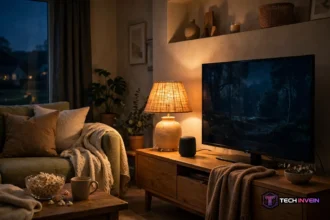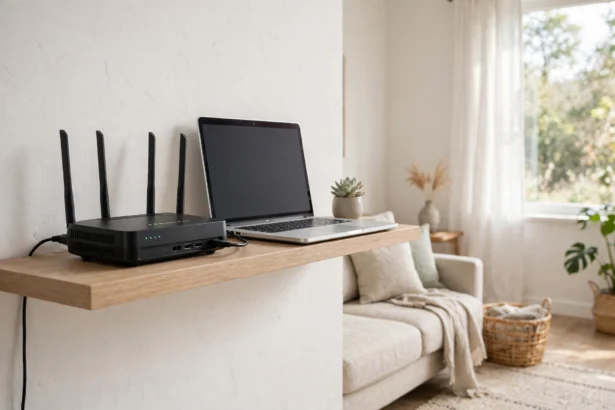

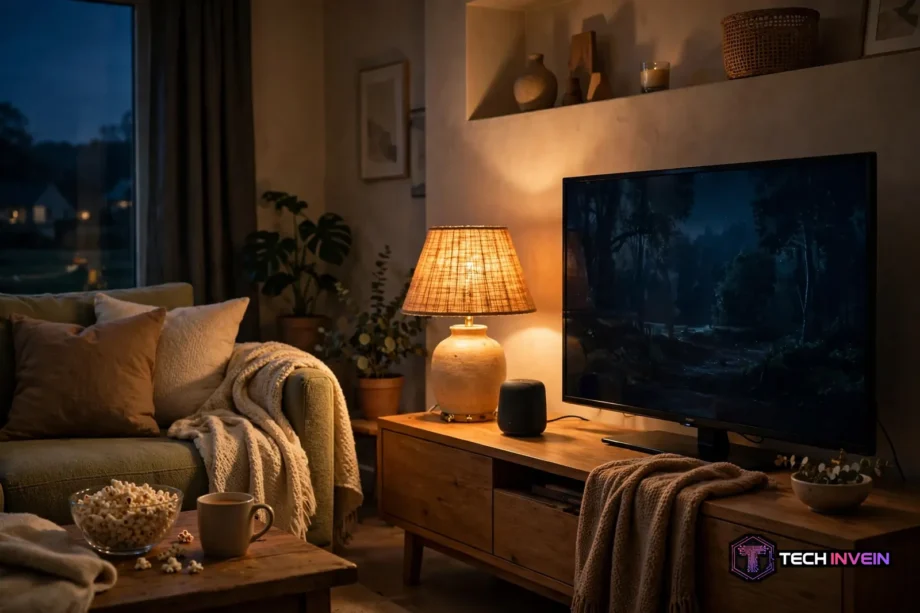
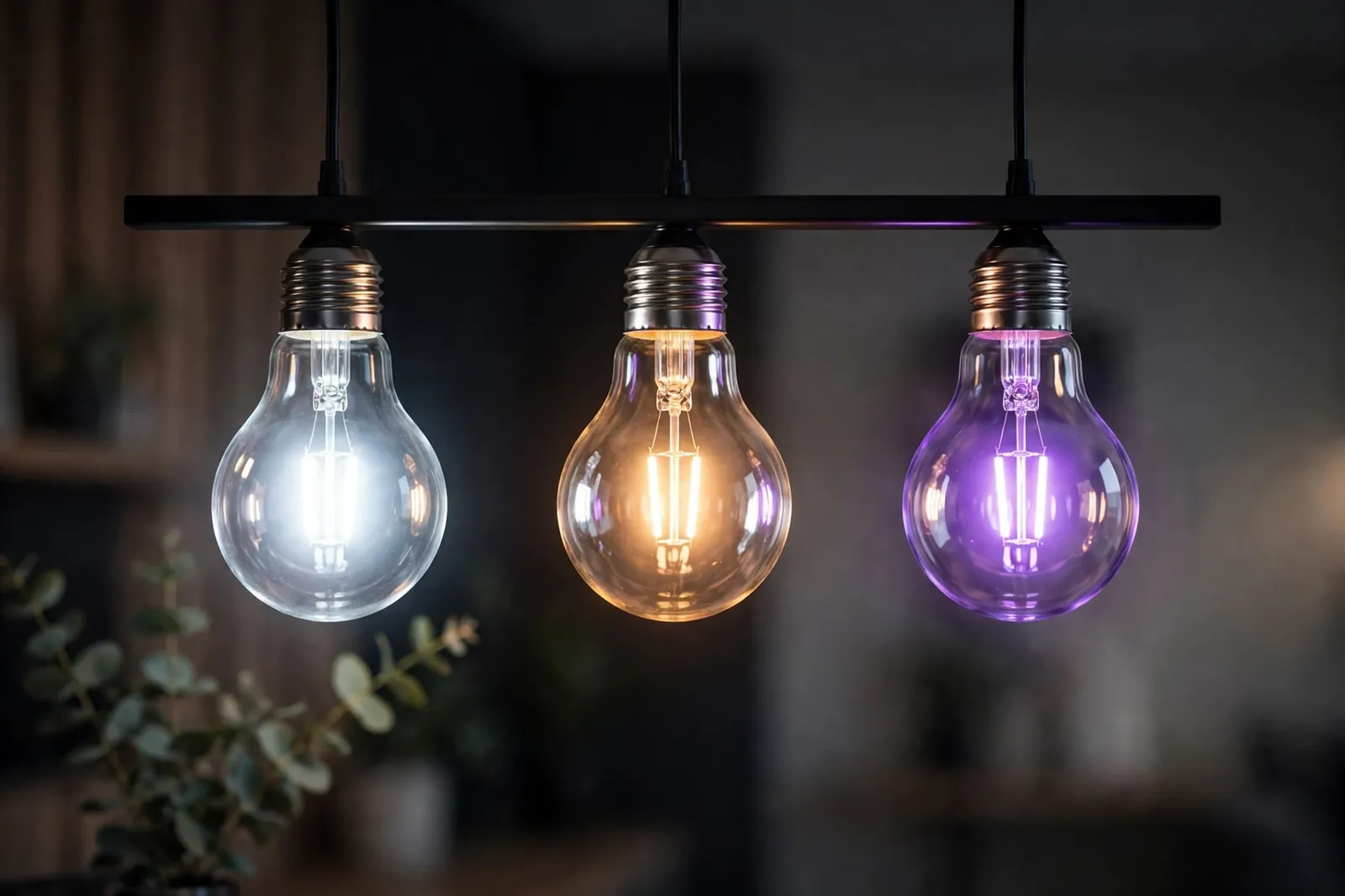
A color changing light bulb glows warm white for dinner. It glows deep blue for a movie. And it glows soft green for a quiet evening. All from your phone or voice. It mixes red, green, and blue LEDs at different strengths inside the bulb. This guide covers how it works and what to check.
- How a Color Changing Light Bulb Works
- RGB, RGBW, and RGBCW: What the Labels Mean
- What to Check Before You Buy
- Room-by-Room Ideas That Work
- Scenes That Actually Get Used
- Setup Mistakes to Avoid
- Color, Brightness, and Your Eyes
- FAQs
- Do color bulbs work with a normal wall switch?
- Can I use one in an enclosed fixture?
- Will it work without Wi-Fi?
- Why does my white light look blue?
- How many do I need per room?
- Do they use more power than plain LEDs?
- Final Thoughts
How a Color Changing Light Bulb Works
Inside the bulb sit tiny red, green, and blue LEDs. Then the bulb’s chip turns each one up or down, and your eye blends the mix into a single shade. Red plus green at full strength looks yellow, while red plus blue looks magenta. The “millions of colors” claim on the box is just math. Small steps across three channels add up to a huge range.

Most smart bulbs add a white channel too. A plain RGB bulb makes white by mixing all three colors, and that white often looks cold or slightly blue. An RGBW bulb, in contrast, adds a dedicated white LED, so whites look cleaner and brighter. An RGBCW bulb goes one step further. It adds warm white and cool white LEDs, so you get good colors and good whites.
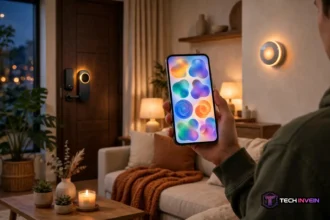
Control usually comes through an app, a voice assistant, or a small remote. The app shows a color wheel, saved scenes, and a brightness slider. For example, you can save a dim amber for evenings and a bright white for mornings. Voice control works through Alexa, Google Assistant, or Siri once the bulb is linked to that system. A remote is simpler, but it only works in the room. It can also get lost in a drawer.
One thing surprises most first-time buyers. The wall switch still matters a lot. A smart bulb needs power to stay connected. If someone flips the switch off, the bulb goes dark and the app can’t reach it. That’s normal, not a fault, and it shapes how you should set up switches around the house.
RGB, RGBW, and RGBCW: What the Labels Mean
Box labels sound like jargon, but they tell you exactly what the bulb can do. RGB means color only, with white mixed from the three color LEDs. RGBW means color plus one white LED. RGBCW means color plus warm white and cool white LEDs. Check the label before you buy. In fact, a bulb that only says “tunable white” can’t turn red or blue at all.
Tunable white is a different product, and the mix-up is common. A tunable white bulb shifts between warm white and cool white, which is useful for reading or waking up. It can’t make a party purple or a movie-night amber, though. If you want real color, look for RGB, RGBW, or RGBCW on the box, not just a Kelvin range.
Brightness matters as much as color. Color bulbs often quote a lumen figure for white light, and the output drops when you pick a deep color. That’s physics, not a defect. A saturated blue uses only the blue channel, so it throws less light than full white.
Strips and bulbs play different roles here. A bulb lights a room from a lamp or ceiling fitting. A strip, by contrast, washes a wall, shelf, or TV back panel with glow. Want to compare the two before spending? Read our guide to COB vs RGB strips for ambient lighting. It shows which fits your room.
What to Check Before You Buy
First, check the fitting. Most living-room lamps take a standard screw base, but small lamps, chandeliers, and ceiling fans often use a smaller base. First, read the printing on your old bulb or the lamp label, then match it. A bulb with the wrong base is a return trip you can avoid in thirty seconds.
Next, check how the bulb connects. Many Wi-Fi bulbs only use the 2.4 gigahertz band, so a router that merges both bands under one name can confuse setup. Zigbee and Thread bulbs need a hub or a border router instead.
Also check the app before you buy. Also open the app store page, read recent reviews, and look for complaints about logins or dropped connections. In fact, a bulb is only as good as its app, because you will open that app every day. If the brand also works with your voice assistant, that is a bonus worth having.
Then think about white light quality. If the bulb will be your main reading light, pick RGBCW. It gives clean warm and cool whites plus color. If the bulb is only for mood glow behind a TV, a plain RGB bulb can be enough. Spend the extra money where you actually read and work.
Table: Color bulb types at a glance
| Type | What it does | Best for |
|---|---|---|
| RGB | Red, green, and blue mix | Mood glow and parties |
| RGBW | Color plus one white LED | Rooms that need decent white too |
| RGBCW | Color plus warm and cool white | Main room lights and reading |
| Tunable white | Warm white to cool white only | Reading and focus, no color |
Finally, check the price of the whole room, not one bulb. For instance, one color bulb in a lamp is cheap fun. Four of them in a ceiling fitting plus a hub, however, is a real purchase. Start with one room, learn what you like, and then expand.
Room-by-Room Ideas That Work
Color works best when it has a job. A random rainbow in every room gets old fast. Guests, meanwhile, tend to find it distracting. A few planned scenes, on the other hand, get used every week. The rooms below show where color earns its place and where plain white still wins.
Living Room
The living room is where color bulbs shine. A warm amber at low brightness suits a quiet evening. A soft blue behind the TV cuts glare during a film. For a dedicated setup, our movie room ideas show how glow and seating work together. Instead, keep the main ceiling light white, and let lamps carry the color, so the room never feels like a nightclub.
Bedroom
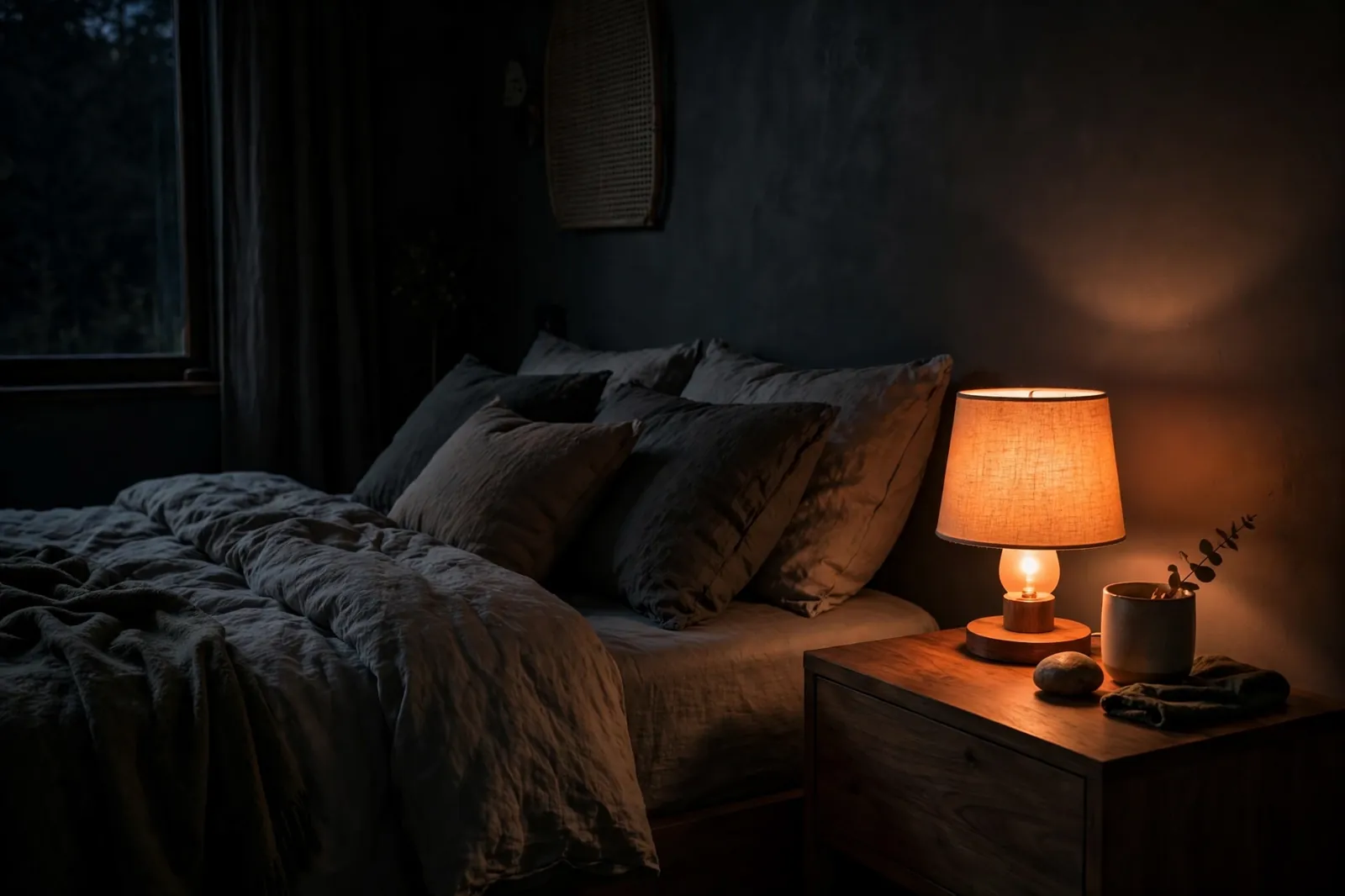
In a bedroom, use color for wind-down time, not for sleep science. For example, a dim warm orange in a bedside lamp feels calm in the evening. A soft pink or lavender can suit reading before bed. This article is about color and mood. Sleep schedules and body-clock routines are a separate topic with their own setup.
Keep bedroom scenes simple. Two scenes are plenty. Keep one dim and warm for the evening, and one brighter white for getting dressed. Also set a rule for the bedside lamp. Keep it on color duty only, so you are not hunting through the app at midnight.
Kitchen and Dining
Kitchens, in particular, need good white light for cooking, so color should stay in the background. A strip or a lamp in the dining corner can glow warm amber during dinner. The worktops, meanwhile, stay bright white.
Dinner parties are the payoff here. A deep warm tone over the table makes food look inviting, and it hides the harsh feel of overhead lights. Then switch back to white when you clear up. Nobody wants to hunt for a lost fork in purple light.
Kids Rooms and Play Spaces
Kids love color. In particular, a color bulb in a play space is an easy win. Let kids pick a color for homework time and another for play, and the room feels like theirs. Still, keep a plain white scene saved as the default. Then homework and reading never suffer from a dim blue glow.
One caution applies here. Very bright flashing effects can overstimulate younger kids. They can, in fact, trigger headaches in sensitive children too. Stick to steady colors, keep brightness moderate, and skip strobe-style effects entirely in a kids room.
Home Office
An office benefits from color in small doses. A cool blue or green glow behind your monitor can ease eye strain in a dark room. A warm lamp in the corner softens video calls. The desk itself should stay lit with clean white light, though. Color on paperwork, after all, is hard to read.
Scenes That Actually Get Used
A scene saves colors and brightness across several bulbs. Then one tap sets the whole room. Most people only use three or four scenes in the long run, even if the app offers dozens. The useful ones tend to be simple. Think movie, dinner, reading, and an “all off” scene for bedtime.
Second, build scenes around moments, not colors. “Movie night” tells you when to use it, while “blue and purple” doesn’t. Then name each scene for the moment, keep the list short, and delete scenes you never tap.
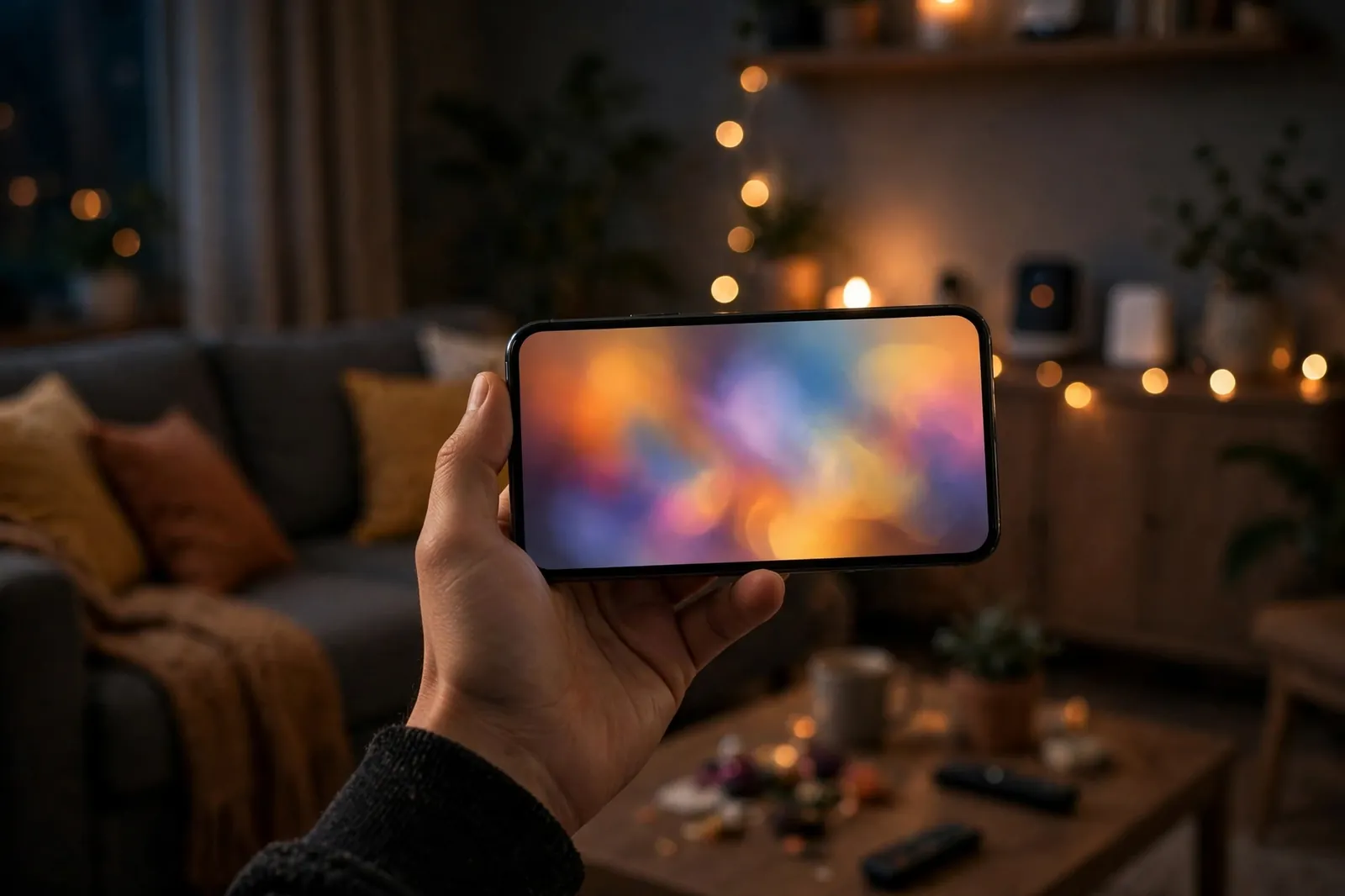
If you use Google Home, scenes become even easier, since one voice command can fire a whole room at once. Our guide to creating lighting scenes in the Google Home app walks through the setup step by step. After that, a phrase like “movie night” can dim the lamps and set the glow without touching your phone.
Keep the list short and the names obvious.
Setup Mistakes to Avoid
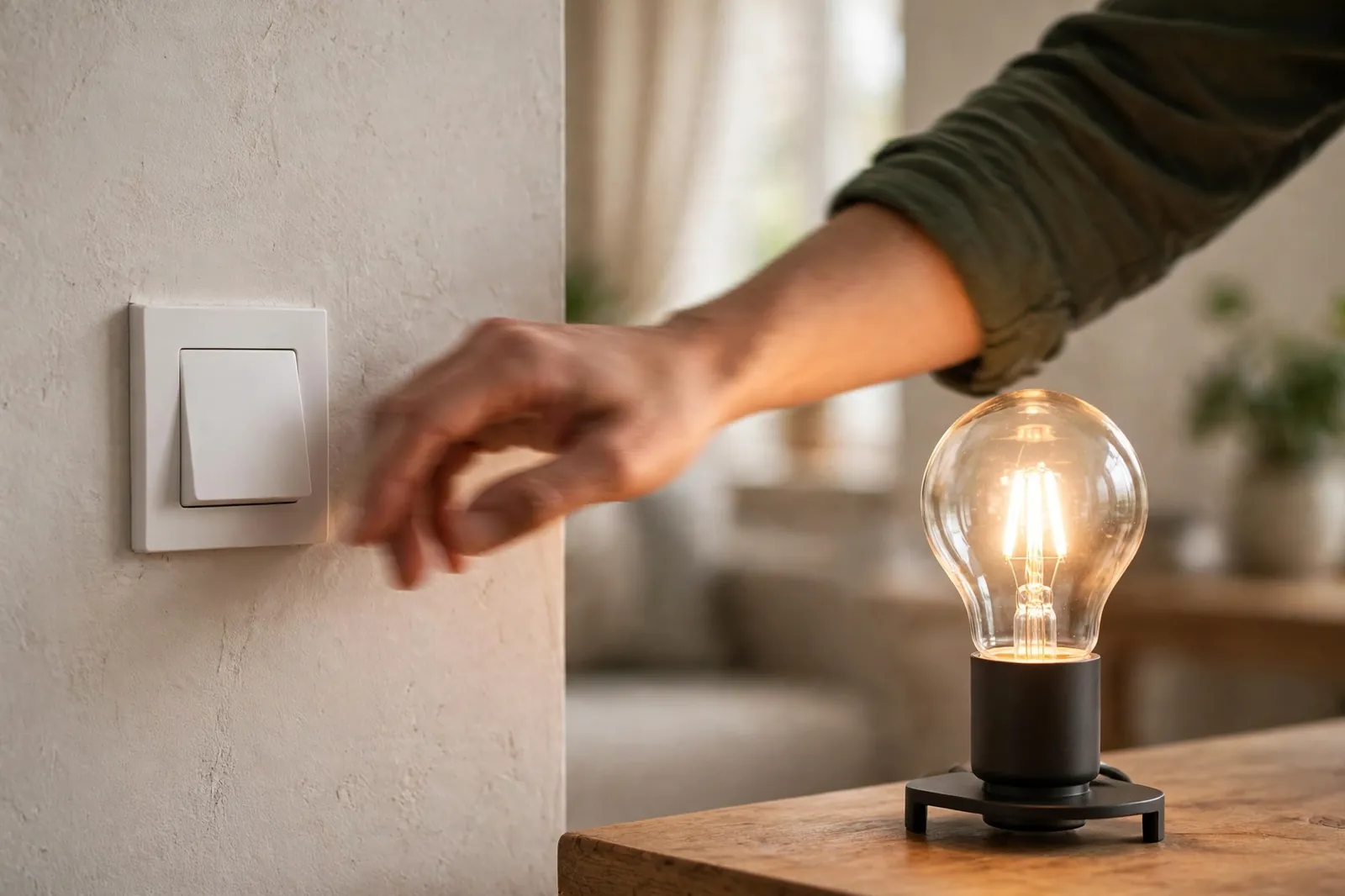
The biggest mistake is also the simplest. Someone turns the wall switch off, and the bulb drops off the network. Then the app shows it as unreachable, and the fix looks like a tech problem when it’s just a switch. A smart switch with a smart-bulb mode solves this, because it keeps power flowing while the buttons send commands instead. Our guide to smart bulb mode on a smart switch explains how that setup works.
A second mistake, meanwhile, is mixing brands without a plan. Two apps, two logins, and two voice setups turn a fun purchase into a chore. Pick one brand or one platform for each room. Keep the rest of the house on the same system where you can.
A third mistake is buying an RGB-only bulb for a reading lamp. Then you wonder why the white looks grey-blue. That’s the mixed-white problem from earlier, and the fix is to buy RGBCW for lamps you read under. Check the label, check the white quality, and save RGB-only bulbs for accent spots.
A fourth mistake is putting color bulbs on an old dimmer switch. Old dimmers chop the power to dim a bulb. Smart bulbs hate that. They can flicker, buzz, or drop off the network. Instead, leave the dimmer at full, control brightness in the app, or replace the dimmer with a smart switch. Want the full story on this trap? Read our guide to leaving the light switch on with a smart bulb before you wire anything.
Here is a quick test worth doing before you commit to a whole room. First, put one new bulb in the lamp you use most. Then set it to pure white, and read under it for one evening. Next, set it to your favorite color at the same brightness and sit in the room for ten minutes. As a result, if the white feels clean and the color feels pleasant, that bulb is a keeper. If the white looks tinted or the color feels harsh, return that model and try another before buying four more.
Color, Brightness, and Your Eyes
Deep colors look dimmer than white at the same setting. So don’t judge a bulb by its red output alone. Turn the brightness up for color scenes. Expect to use 70 to 100 percent for a saturated shade to read well across a room. Pastel shades, by contrast, stay visible at lower levels because they mix in more white.
Lampshades change color more than people expect. A cream shade warms every color slightly. A dark or patterned shade, by contrast, can swallow a deep blue entirely. Test your favorite scene with the shade on, not with a bare bulb in your hand.
For brand-specific help, the manufacturer’s own pages are the safest source. The Philips Hue site lists which bulbs support color, which need a hub, and how scenes work in its app. Check the same kind of page for any brand you buy, rather than trusting a random listing.
FAQs
Do color bulbs work with a normal wall switch?
Yes, but the switch must stay on for the app and voice control to work. If someone flips it off, the bulb loses power and drops off the network until the switch goes back on. A smart switch with a smart-bulb mode fixes this. Its buttons send commands while power keeps flowing to the bulb.
Can I use one in an enclosed fixture?
Check the bulb maker instructions first, because heat builds up in enclosed fittings and can shorten a bulb’s life. Many smart bulbs are rated for open fixtures only. A closed globe or sealed recessed can may be a poor fit. If the maker allows enclosed use, keep brightness moderate and watch for early dimming.
Will it work without Wi-Fi?
A Bluetooth bulb or a remote-controlled bulb works without Wi-Fi, but only in the same room and with fewer features. Wi-Fi, Zigbee, and Thread bulbs need their network for app control, voice commands, and schedules. If your internet drops, local control may still work, yet remote access from outside the house will not.
Why does my white light look blue?
That usually means you bought an RGB-only bulb, which mixes white from red, green, and blue LEDs. Mixed white often leans cool or blue, and it can look grey in a warm room. An RGBW or RGBCW bulb has a dedicated white LED. It gives a cleaner white, so pick that type for lamps you read under.
How many do I need per room?
One color bulb in a lamp is enough to set a mood. A full room makeover may need one per lamp or fitting. Start with a single lamp. Test your favorite scenes for a week. Then add bulbs only where color actually gets used.
Do they use more power than plain LEDs?
No, color bulbs are still LEDs, so they use far less power than old incandescent bulbs. A color scene may draw slightly less than full white, since only some LED channels run at full strength. The real power cost is standby draw. It stays tiny for one bulb, but it adds up across a whole house.
Final Thoughts
A color bulb is at its best when it serves a moment. Think film, dinner, a quiet evening, or a kids play session. Pick RGBCW for lamps you read under. Keep the wall switch on. Build three or four scenes you will actually use. Then start with one room, test it for a week, and expand only where color earns its place.